SuperAnnotate is the best image annotation tool for production teams, rated 4.8 out of 5 on G2 from 381 reviews. Pick Roboflow for transparent pricing from $39 a month, or Label Studio for a free open-source tool you host yourself.
How we make this list: we compare pricing pages, product documentation and public user reviews, then re-check every price before each update. No product paid for a place. Disclosure.
SuperAnnotate leads on G2 at 4.8 out of 5 from 381 reviews, the largest review count in this list.
Roboflow is the only tool here with a public paid price under $40 a month: Core is $39 a month with 20 credits.
CVAT Solo costs $23 a month billed yearly, the cheapest paid plan in this list, and the code is free to self-host.
Five of the nine tools have a free plan, but SuperAnnotate, Encord, Dataloop and Kili are quote-only with no free tier.
Four of the nine tools publish no price at all, so budget for a sales conversation before you commit.
What an image annotation tool should do
Image annotation is the work of drawing boxes, polygons and masks on images so a model can learn what is in them. The tools below cover that job, from simple bounding boxes to video tracking, 3D cuboids and medical scans.
Most tools in this niche sell to AI teams, not to casual users. That shows in the pricing: four of the nine publish no price at all, and the rest range from $23 to $99 a month for their cheapest paid plan.
Check three things before you pay: whether the free plan covers enough images, what AI-assisted labeling costs, and whether you can export your labels in a format your training pipeline reads. Our guide on generating images with AI in WordPress shows where annotated images fit into an AI workflow.
Open-source tools trade polish for control. CVAT and Label Studio cost nothing to self-host, but your team runs the server, the upgrades and the backups.
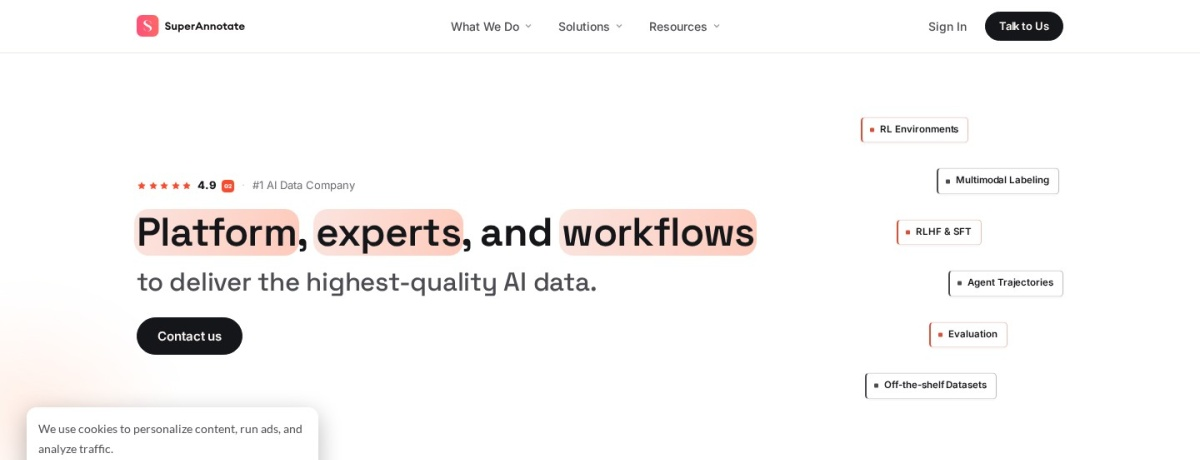
SuperAnnotate is a data platform for labeling images, video, text and audio at production scale, with a customizable editor, data curation and quality workflows. Its Starter plan includes 1,000 Orchestrate compute hours a month, and higher plans add SSO, a dedicated Slack channel and a customer success manager.
The trade off is price. SuperAnnotate publishes no prices, so every plan is quoted by sales, and the managed labeling workforce is scoped and priced per project. It suits teams labeling high volumes with strict quality control that can budget for a sales conversation.
What we like
Highest G2 rating in this list, from the most reviews
Customizable editor for images, video, text and audio
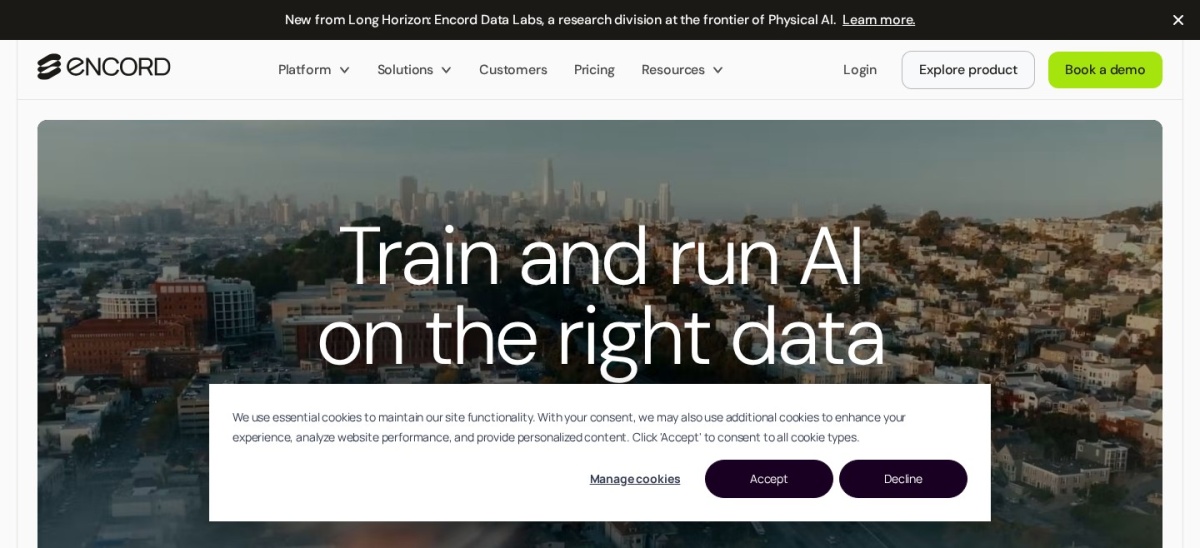
Encord is a multimodal data platform for annotating images, video, DICOM medical scans and LiDAR alongside text and audio. Its Starter plan covers image and video annotation with customizable workflows, and the platform caps Starter at 500,000 indexed data units.
The trade off is price. Encord lists Starter, Team and Enterprise plans but publishes no dollar prices, so buyers need a sales quote before they can budget. It suits teams working with video, medical imaging or complex data types that other editors handle poorly.
What we like
Strong video tracking and DICOM support
Automated consensus scoring for quality checks
Covers LiDAR, geospatial and medical data
Model evaluation built into Team and above
Watch out for
No public prices on any plan
No free plan listed on its pricing page
LiDAR and 3D are add-ons below Enterprise
Quote only; Team adds data agents and model evaluationVisit encord.com
03
Roboflow
4.7/5on G2 (161 reviews, checked Nov 2026)
Paid from$39/mo
Best value for computer vision teams
Free planYes, 10 credits a month
Cheapest paid planCore, $39/mo
AI-assisted labelingSmart Polygon, Auto Label
Model trainingIncluded
roboflow.com
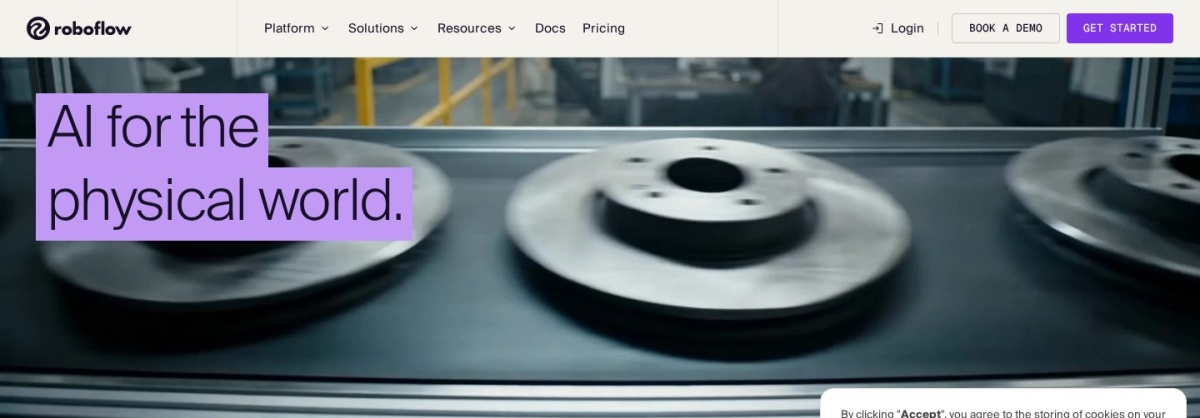
Roboflow homepage, captured Nov 2026.
Roboflow is an end-to-end computer vision platform that covers annotation, dataset management, model training and deployment in one workspace. The free tier includes 10 credits a month, and its annotation tools include Smart Polygon, Label Assist and Auto Label.
The trade off is the credit meter. Core costs $39 a month for 20 credits, and heavy training or inference burns credits fast, so costs rise with use. It suits computer vision teams that want annotation, training and deployment without stitching tools together.
What we like
Only tool here with public pricing under $40 a month
Free tier with private projects and 10 credits a month
Annotation, training and deployment in one workspace
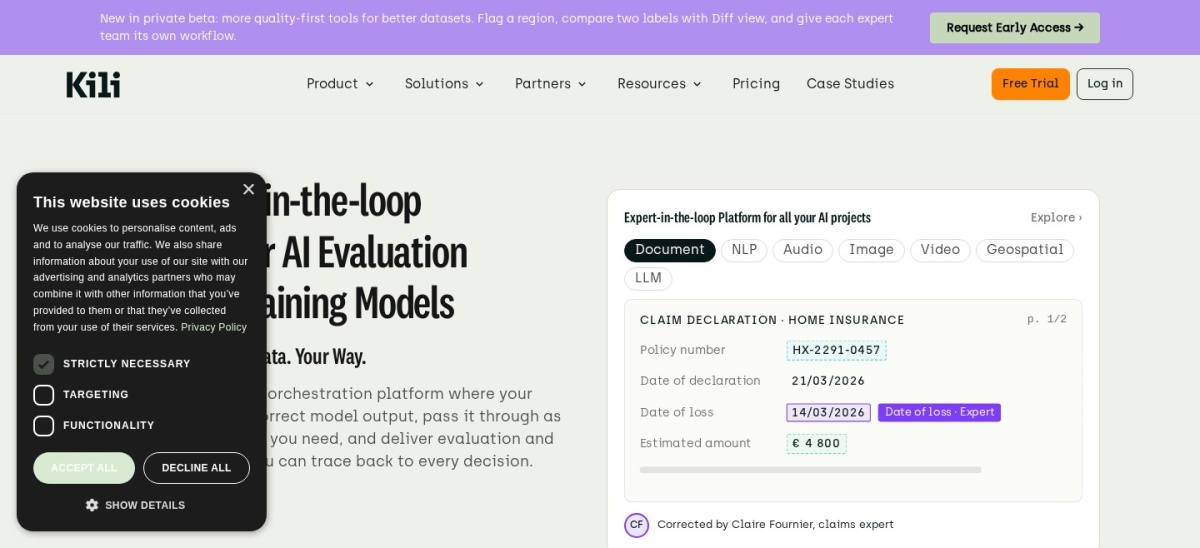
Kili is a data labeling platform for images, video, text, PDFs and geospatial data, with consensus labeling and quality workflows built in. Its free trial covers 200 assets and 2 seats, while the Grow plan expands to 50,000 assets with full API access.
The trade off is price. Kili publishes no prices, so Grow and Enterprise are quoted by sales, and reviewers call it expensive next to simpler tools. It suits mid-market and enterprise teams that need strong quality control and on-premise hosting.
What we like
Consensus labeling and anomaly detection built in
Full API and Python SDK on Grow
On-premise hosting on Enterprise
Rated 4.7 out of 5 on G2
Watch out for
No public prices on any plan
No permanent free plan, trial only
Reviewers flag a learning curve for complex setups
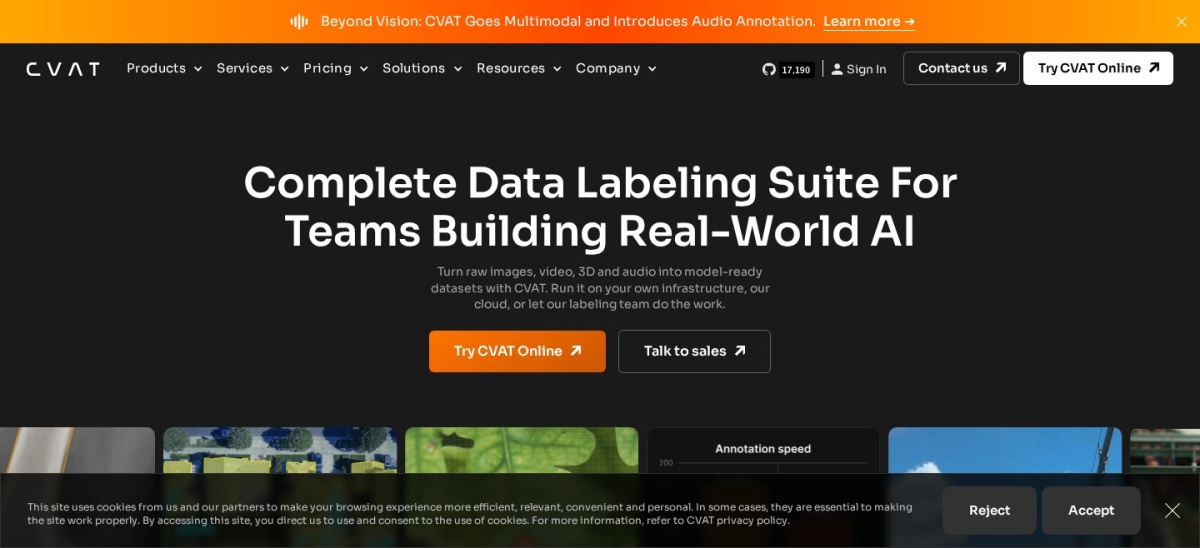
CVAT is an open-source annotation tool for images, video, 3D point clouds and audio, originally built by Intel and now backed by the OpenCV Foundation. The free cloud plan covers 1 project, 3 tasks and 1 GB of storage, and the code is free to self-host.
The trade off is the paid tier. Solo costs $33 a month, or $23 a month billed yearly, and adds full dataset export, analytics and batch auto-annotation. It suits computer vision teams on a budget that want open-source control without an enterprise contract.
What we like
Cheapest paid plan in this list at $23 a month yearly
Free to self-host with full functionality
Covers images, video, 3D and audio
SAM 2 and SAM 3 segmentation built in
Watch out for
Free cloud exports are annotations only
Interface takes time to learn
Performance can dip on very large projects
Solo adds full export and analytics; Team adds SSOVisit cvat.ai
06
Labelbox
4.5/5on G2 (48 reviews, checked Nov 2026)
PricingCustom/yr
Best for mixed image, video and LLM data
Free planYes, 500 LBU a month
Cheapest paid planStarter, $0.10 per LBU
Free plan limits30 users, 50 projects
Data typesImage, video, text, audio
labelbox.com
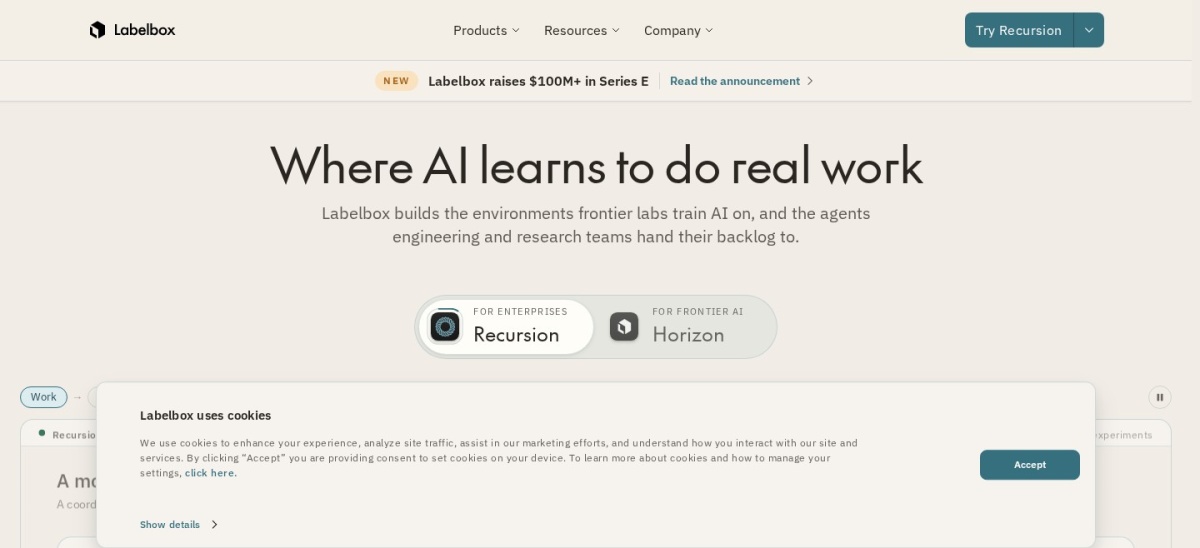
Labelbox homepage, captured Nov 2026.
Labelbox is a data platform that combines dataset cataloging, annotation and model evaluation in one workspace. The free plan includes 500 Labelbox Units a month for up to 30 users, 50 projects and 25 ontologies, with model-assisted labeling included.
The trade off is usage billing. Starter charges a fixed $0.10 per Labelbox Unit, and storage and model runs also burn units, so the bill grows with data volume. It suits teams labeling mixed image, video, text and LLM data in one place.
What we like
Free plan covers 500 units a month for 30 users
Catalog, annotation and model evaluation in one workspace
Dataloop is an end-to-end data platform for managing and annotating images, video, audio, text and LiDAR, with automation and active learning built in. It covers the full pipeline from data management to model feedback, and its annotation tools include bounding boxes, polygons and segmentation.
The trade off is price. Dataloop publishes no prices and offers no permanent free plan, so buyers start with a trial and then a sales quote. It suits teams that want data management, annotation and automation in one cloud platform.
What we like
Data management and annotation in one platform
Active learning routes the hardest items to people
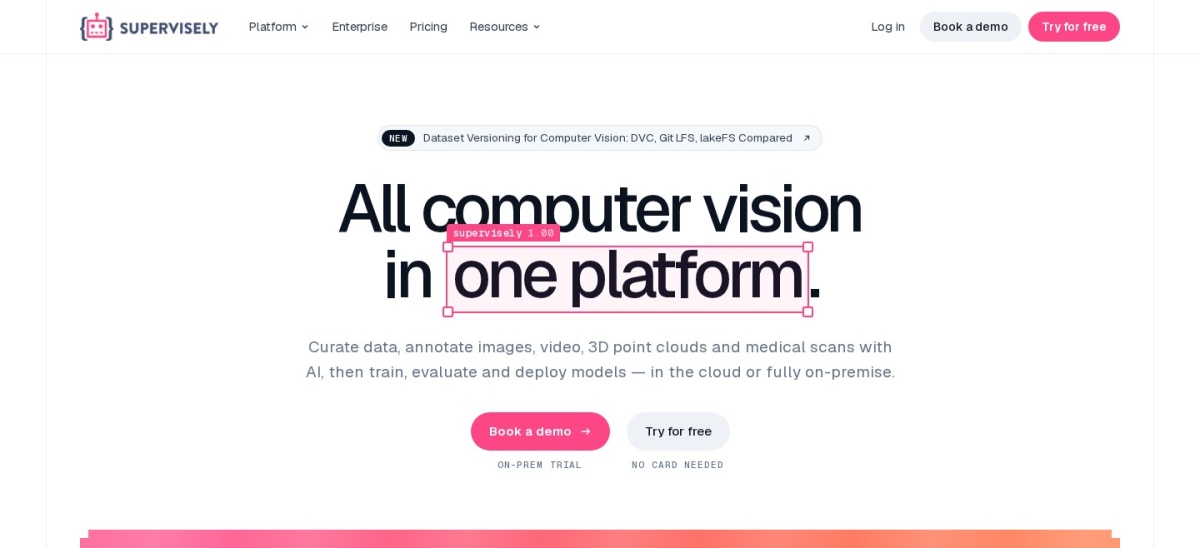
Supervisely is a computer vision platform for curating data and annotating images, video, LiDAR and medical scans, with model training built in. Its free Community plan covers 2 members, 5 GB of storage and 10,000 files, and includes AI models such as SAM2 for auto-labeling.
The trade off is price and complexity. Pro is listed at €199 a month for 3 members, and reviewers say the interface can overwhelm newcomers. It suits researchers and small teams working with medical imaging, LiDAR or 3D data.
Label Studio is an open-source labeling platform for images, video, audio, text and time series, with configurable interfaces for each task. Its Community edition is free to self-host under Apache 2.0, and teams can connect their own ML backend for pre-annotations.
The trade off is setup. Starter Cloud costs $99 a month for the first user plus $49 for each extra user, and self-hosting means your team runs upgrades and infrastructure. It suits technical teams that want full control and data that never leaves their servers.
What we like
Free and open source with no seat or label limits
Widest data-type coverage in this list
Configurable labeling interfaces per task
Hosted Starter Cloud for teams that skip self-hosting
Free plans cover small projects well. Roboflow gives 10 credits a month, CVAT gives 1 project and 1 GB, and Label Studio Community has no limits at all if you self-host.
Paid plans mostly buy scale and review. You get more storage, more seats, full dataset exports, SSO and a customer success manager.
Watch for usage meters. Labelbox charges per unit, Roboflow charges per credit, and storage counts against both, so a low monthly price can still grow with your dataset.
How we chose
We started from the annotation platforms with public G2 ratings and a live product, then kept the nine that cover image annotation as a core feature rather than a side feature.
Prices come from each vendor's pricing page or public limits page, checked on 25 November 2026. Ratings and review counts come from G2 on the same day. Where a vendor shows no price, the list shows Custom instead of an estimate.
We left out managed labeling services that sell labor rather than software, and tools with no public rating. No vendor paid for a place, and we do not claim hands-on testing for this list.
How to choose an image annotation tool
Start with your data, not the feature list.
Count your images and annotators. A solo labeler on a small dataset fits a free plan, while a team labeling thousands of images a week needs review workflows and a paid tier.
Check the free plan limits first. Free plans cap projects, storage or exports, so confirm your dataset fits before you invest time in setup.
Confirm AI-assisted labeling is included. Smart polygons and model pre-labels save the most time, but some tools charge extra credits or reserve them for paid plans.
Test the export format. Labels are only useful if your training pipeline can read them, so export a sample in COCO or YOLO format before you commit.
FAQ
What is the best image annotation tool?
SuperAnnotate is the best pick for production teams. It is rated 4.8 out of 5 on G2 from 381 reviews, the highest score and largest review count in this list, and it covers images, video, text and audio with strong quality workflows.
Is there a free image annotation tool?
Yes. CVAT and Label Studio are free to self-host as open-source tools, and Roboflow, Labelbox and Supervisely all have free cloud plans with limits on projects, storage or credits. Start free and pay only when your dataset outgrows the free limits.
How much does image annotation software cost?
Published prices run from $23 a month for CVAT Solo billed yearly to $99 a month for Label Studio Starter Cloud. Four tools in this list publish no price at all, so expect a sales quote for SuperAnnotate, Encord, Kili and Dataloop.
What is the difference between CVAT and Label Studio?
Both are free and open source, but CVAT focuses on computer vision with images, video and 3D data, while Label Studio covers more data types including text, audio and time series. CVAT is the simpler pick for vision-only work; Label Studio fits teams labeling mixed data.
Do these tools label images automatically?
Most offer AI-assisted labeling, such as smart polygons, SAM segmentation or model pre-labels that a person then checks and corrects. Fully automatic labels still need human review, so budget annotator time even on the most automated tool.
Can I export my labels to train a model?
Yes, all nine tools export annotations, usually in COCO, YOLO, Pascal VOC or CSV formats. Check the export options on the free plan first, because CVAT limits free exports to annotations only and some tools reserve full export for paid plans.
SaaS SEO and WordPress specialist with about 8 years of experience. Rakib compares WordPress plugins, themes, hosting and software using public pricing, documentation and user reviews. See how we rank.