HubSpot Marketing Hub is the best HubSpot marketing automation for most teams, because its workflows run on the same CRM records as sales, starting at $20 a month. Pick ActiveCampaign for deeper automation at $15 a month, or Klaviyo for ecommerce flows.
How we make this list: we compare pricing pages, product documentation and public user reviews, then re-check every price before each update. No product paid for a place. Disclosure.
HubSpot Marketing Hub is the only option here where automation runs on the same CRM records as sales, starting at $20 a month.
ActiveCampaign gives the deepest visual automation for the money, with Starter at $15 a month for 1,000 contacts.
Klaviyo is the strongest pick for stores, with ecommerce flows and a 4.6 out of 5 G2 rating from 1,360 reviews.
Brevo is the cheapest way to email a large list, at $9 a month, but automation needs the $18 Business plan.
Zapier and Make connect HubSpot to tools with no native integration; Zapier covers 9,000+ apps, Make starts at $12 a month.
What HubSpot marketing automation should cover
HubSpot marketing automation means workflows that react to what contacts do: open an email, fill in a form, visit a pricing page, or move to a new lifecycle stage. The workflow then sends the next email, updates the contact, or alerts sales.
The native option keeps everything on one contact record, so sales sees the same history marketing acted on. Third-party tools can match the automation depth, but they sync data back to HubSpot instead of living in it.
Price is the main trap. Most tools in this list bill by contacts, profiles, emails sent, or tasks run, so the starting price is rarely the price at 10,000 contacts. Check the billing unit before you compare two monthly figures.
Our guide on WordPress vs HubSpot CMS explains where HubSpot fits beside WordPress, if your site is the other half of the decision.
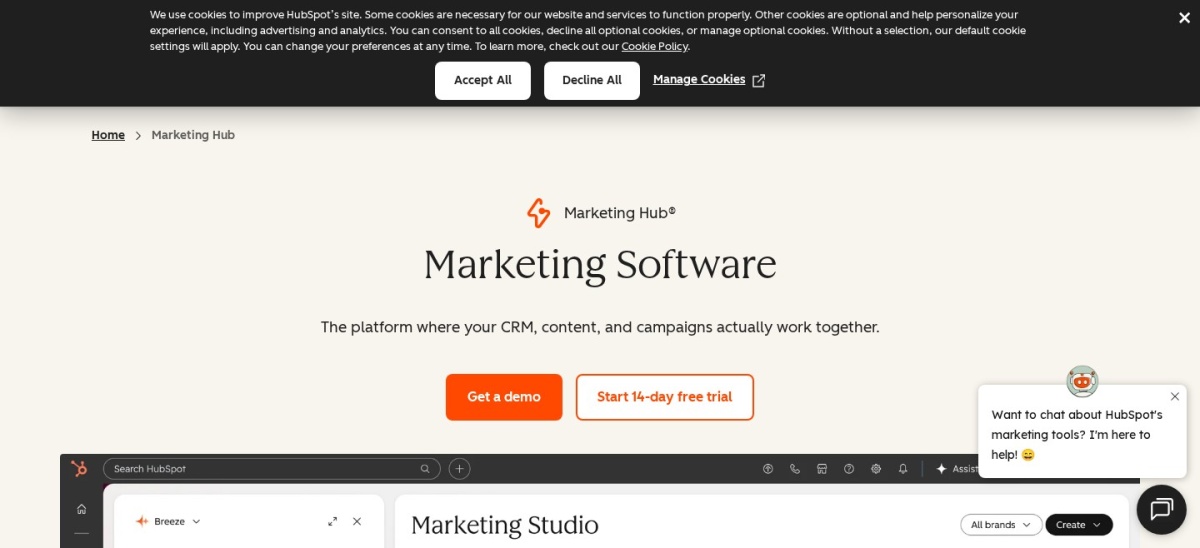
HubSpot Marketing Hub homepage, captured Nov 2026.
HubSpot Marketing Hub is the native way to automate marketing inside HubSpot, so workflows, email, forms and landing pages all read from the same contact records as sales. The free plan covers forms, basic email marketing and contact management, and Starter at $20 a month adds landing pages, live chat and more sends.
The trade off is that full visual workflows, lead scoring and A/B testing need the Professional tier, so the price jumps well above Starter once you want real automation. It suits teams already running HubSpot CRM who want marketing and sales working from one record.
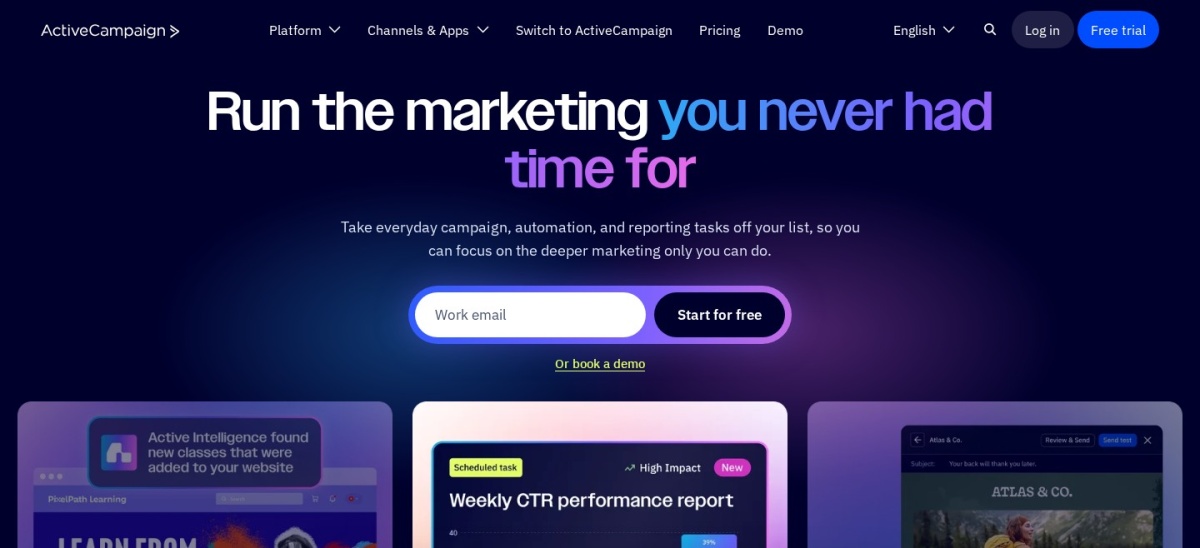
ActiveCampaign is a marketing automation platform built around visual, multi-step workflows with branching, tagging and site tracking. Starter costs $15 a month for 1,000 contacts on yearly billing, includes multi-step automation and 10 times your contact limit in email sends, and syncs with HubSpot through its integration.
The trade off is that there is no free plan, only a 14-day trial, and the price climbs with every contact tier. It suits small teams that want deeper automation than HubSpot Starter offers without paying for HubSpot Professional.
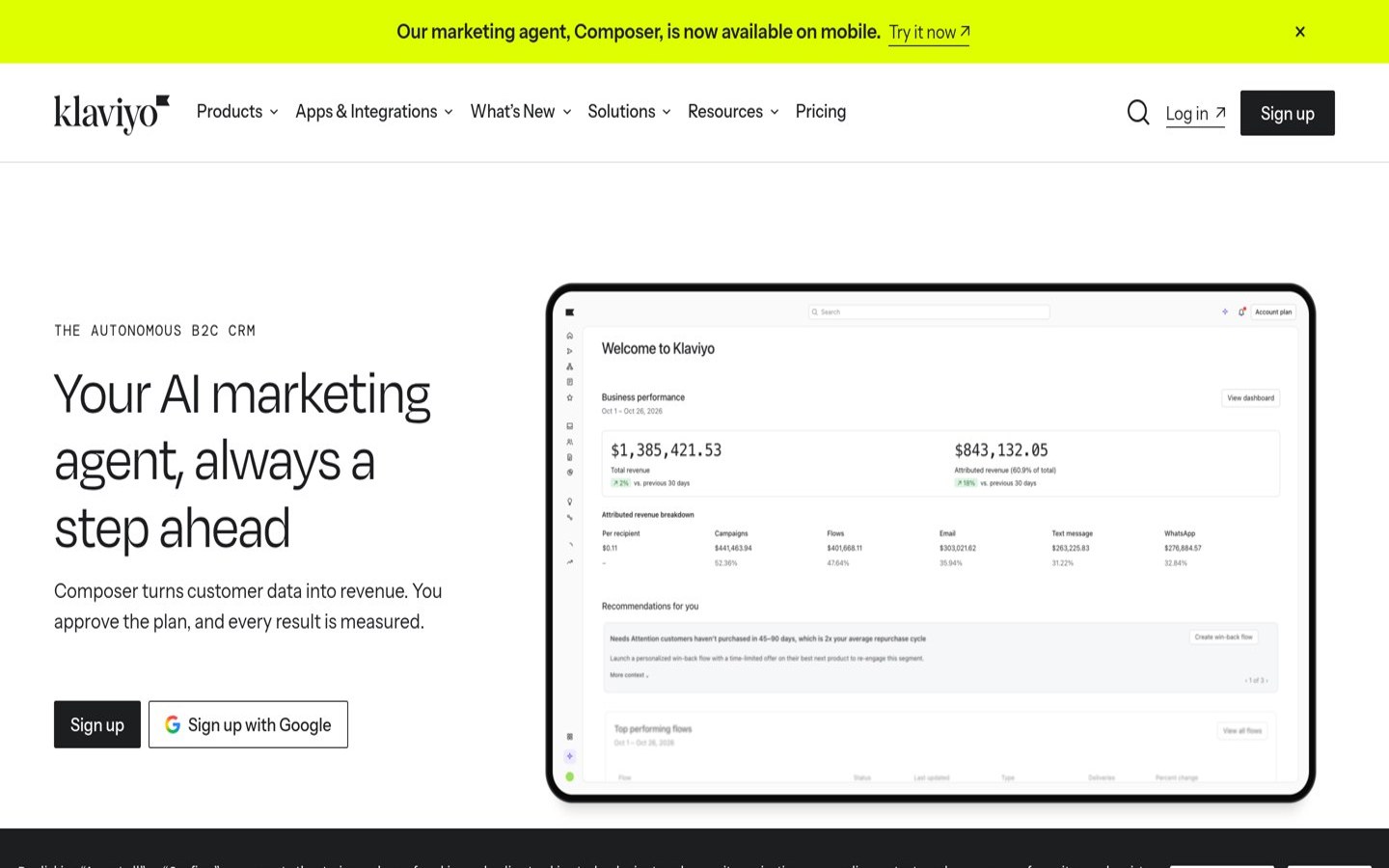
Klaviyo is an ecommerce marketing platform for automated email, SMS and push flows such as welcome series, abandoned carts and post-purchase follow-ups. The free plan covers up to 250 active profiles and 500 sends a month, and the Email plan starts at $20 a month for 251 to 500 profiles with 5,000 sends.
The trade off is billing. Klaviyo charges for every active profile you store, whether you email them or not, so the bill climbs fast as the list grows. It suits stores on Shopify or WooCommerce that want revenue tracking on every flow.
Mailchimp is the best-known email platform in this list, with a drag-and-drop builder and customer journeys that send welcome emails, reminders and follow-ups. The free plan covers up to 250 contacts and 500 sends a month, and Essentials starts at $13 a month for 500 contacts, with a lower promo rate for the first 12 months.
The trade off is that the price rises steeply with contacts: Standard costs $45 a month once you pass 500 contacts, and Essentials caps journeys at 4 steps. It suits beginners and small lists that want simple automations without a learning curve.
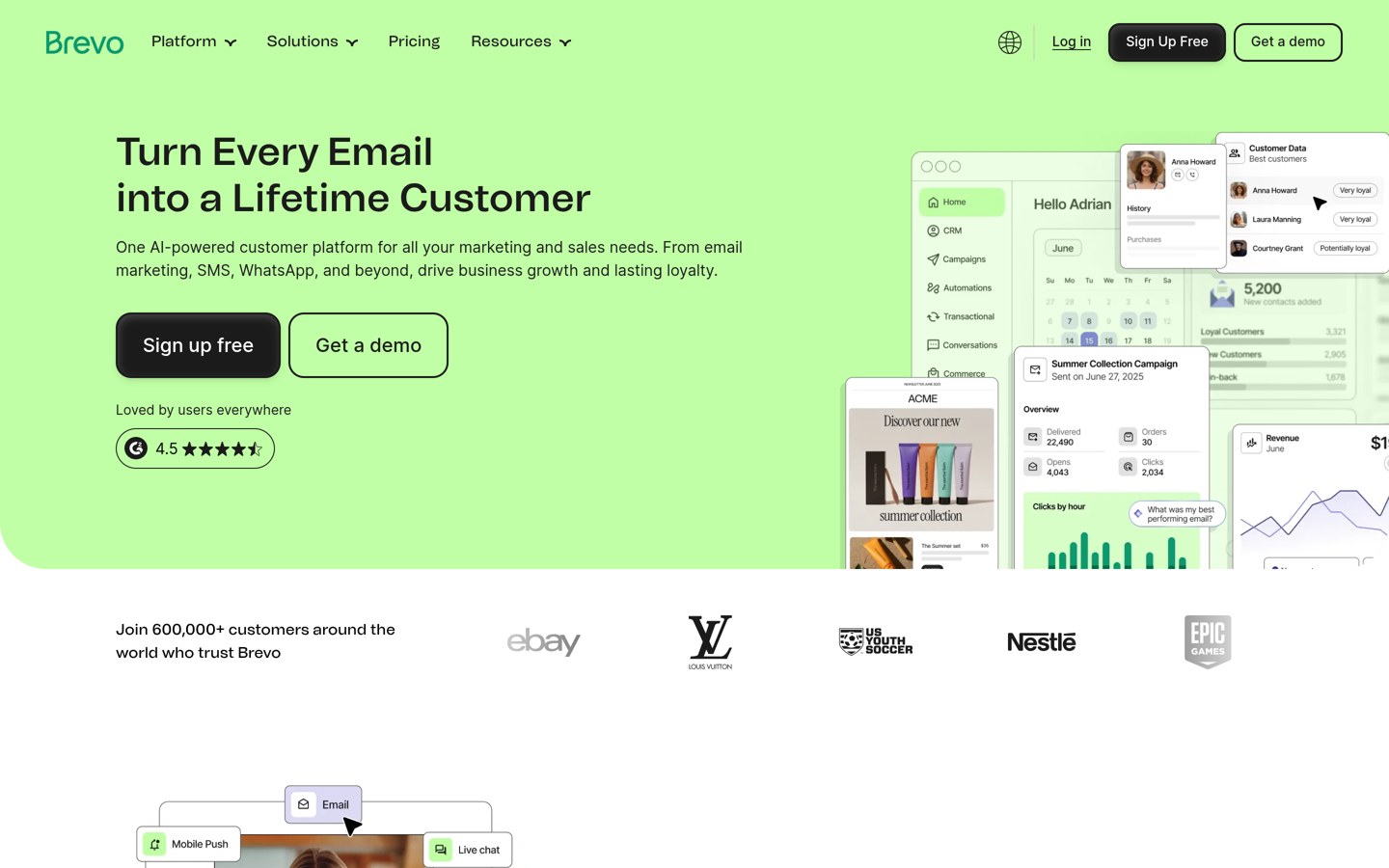
Brevo is an email platform that charges by emails sent instead of contacts stored, so a large list you email rarely costs far less than on per-contact tools. The free plan sends 300 emails a day with a built-in CRM, and Starter costs $9 a month for 5,000 emails a month.
The trade off is automation. Starter has no marketing automation at all, so you need the Business plan at $18 a month to build workflows. It suits senders with big, rarely emailed lists who want one bill for email, SMS and WhatsApp.
What we like
Volume pricing suits large, quiet lists
Generous free plan with a built-in CRM
Email, SMS and WhatsApp in one place
Watch out for
No automation on the $9 Starter plan
Trustpilot reviews report account suspensions
Support quality is mixed in reviews
Business adds automation, A/B testing and landing pagesVisit brevo.com
06
Zapier
4.5/5on G2 (1,818 reviews, checked Nov 2026)
Paid from$19.99/mo
Best for connecting HubSpot to any app
Free plan100 tasks/mo
Connected apps9,000+
Multi-step ZapsProfessional
Paid planProfessional, $19.99/mo
zapier.com
Zapier homepage, captured Nov 2026.
Zapier is a workflow platform that connects HubSpot to more than 9,000 apps with trigger-and-action workflows that need no code, so a new HubSpot contact can start a Slack message, a spreadsheet row or a task. The free plan covers 100 tasks a month on two-step Zaps, and Professional starts at $19.99 a month on yearly billing for 750 tasks.
The trade off is metering. Every action counts as a task, so a busy set of workflows burns through 750 tasks fast and the bill climbs with volume. It suits teams bridging HubSpot to tools that have no native integration.
Make is a visual automation platform where you build scenarios with branching routers and filters, and connect HubSpot to more than 3,500 apps. The free plan gives 1,000 credits a month, and Core costs $12 a month on yearly billing for 10,000 credits, with unlimited scenarios and scheduling down to every minute.
The trade off is the credit model. Every module run costs a credit, so a long scenario with many steps uses credits faster than the headline count suggests. It suits technical users who want real branching logic at a lower price than Zapier.
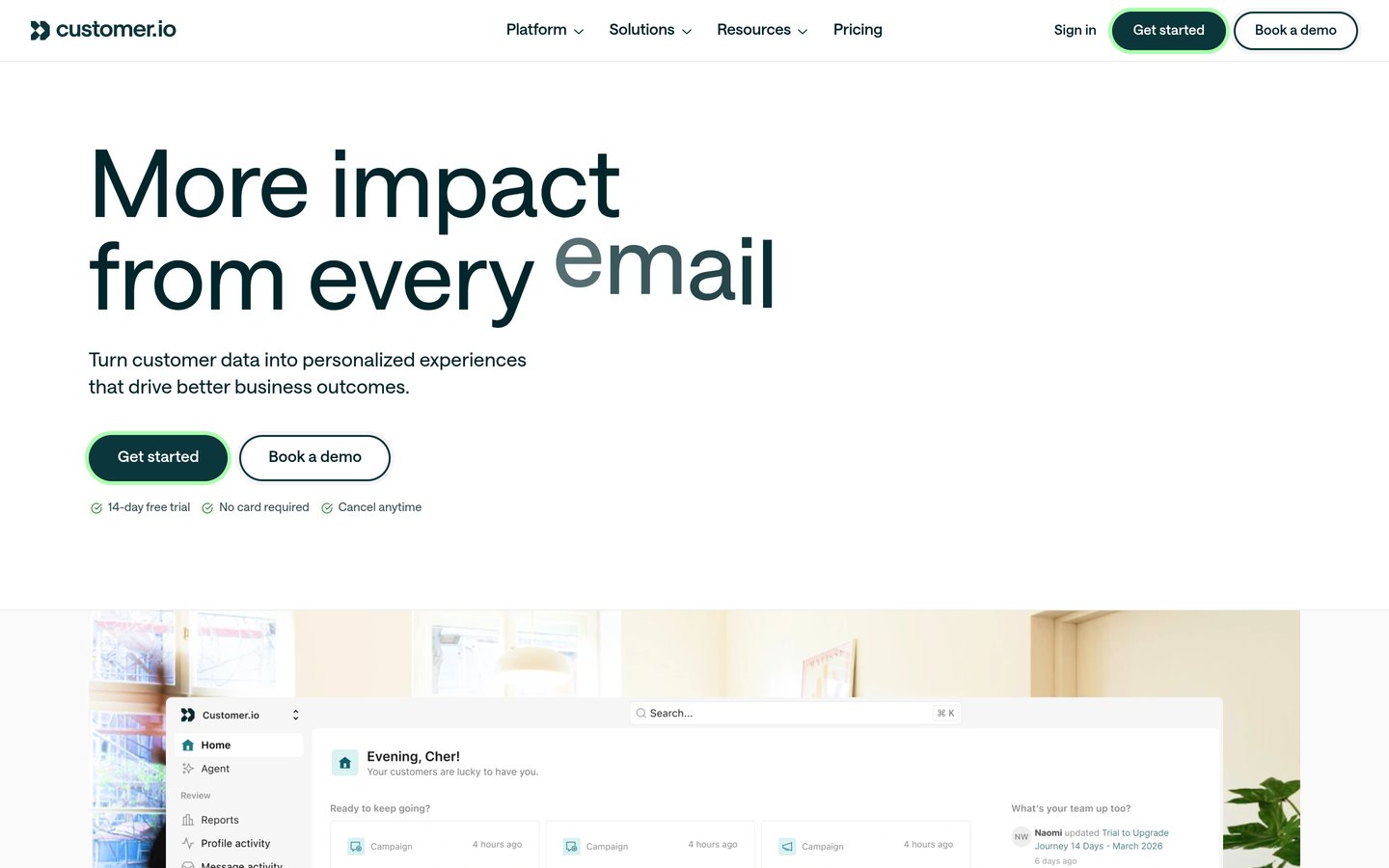
Customer.io is a messaging platform that sends email, push, SMS and in-app messages triggered by what users do in your product, such as signing up, hitting a limit or going quiet. Essentials costs $100 a month for 5,000 profiles and 1 million emails a month, with a visual workflow builder and data integrations that can sync with HubSpot.
The trade off is price and setup. The $100 entry is steep for small teams, and G2 reviewers flag a steep learning curve. It suits SaaS and product teams that want lifecycle messaging driven by product events.
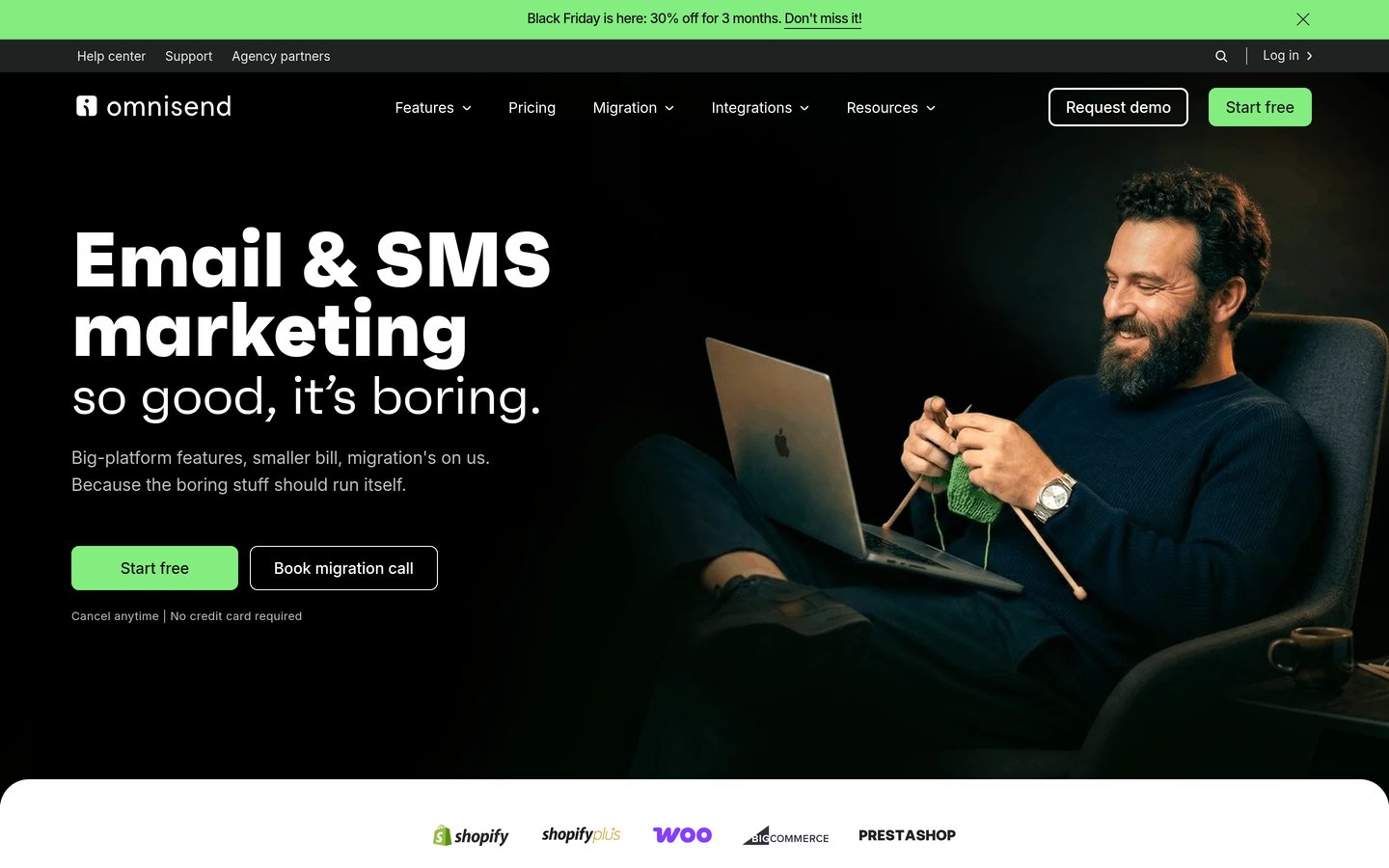
Omnisend is an email and SMS platform for online stores that combines email, SMS and push, with ready-made workflows for welcome series, abandoned carts and win-back campaigns. The free plan covers 500 emails a month to 250 contacts, and Standard starts at $16 a month with 6,000 emails a month.
The trade off is focus. Omnisend is built for ecommerce, so B2B and SaaS teams will miss the CRM depth of HubSpot or ActiveCampaign. It suits small stores that want ready-made flows without building each one from scratch.
Native HubSpot workflows win when your team already lives in HubSpot CRM. The trigger data, the contact record and the sales handoff are the same object, so nothing needs syncing and nothing drifts out of date.
Third-party tools win on depth and price. ActiveCampaign and Klaviyo both offer automation features that HubSpot reserves for Professional, at a lower monthly figure, and Zapier and Make fill gaps where HubSpot has no native connector.
A common setup is to keep HubSpot as the record and run one specialist beside it: Klaviyo for store flows, ActiveCampaign for nurture, or Zapier for one-off links. That only works if the sync is two-way, so check that contacts and events flow back into HubSpot.
Whatever you pick, start with one workflow that earns its keep, such as a welcome series or an abandoned-cart flow, and measure it for a month before adding more.
How we chose
We started from the marketing automation tools that either run inside HubSpot or integrate with it, then kept the nine with the strongest public ratings and the clearest pricing.
Prices come from each vendor's pricing page, checked on 25 November 2026, and show the regular price, not a sale price. Ratings and review counts come from G2 on the same day. Where a vendor shows a sale, the list shows the regular price.
We left out tools with no public rating or no published starting price. No vendor paid for a place, and we do not claim to have used these tools ourselves.
How to choose a HubSpot marketing automation
Start with where your contacts already live, then match the tool to the workflows you will run first.
Check whether you already pay for HubSpot. If Marketing Hub is already in your stack, native workflows may cost nothing extra. If not, a third-party tool is usually cheaper.
List the three workflows you need first. Welcome, abandoned cart and lead nurture cover most teams. Pick the tool that does those three well, not the one with the longest feature list.
Work out the price at your real list size. Most tools bill by contacts, profiles, sends or tasks. Price the tool at 5,000 and 10,000 contacts before you commit.
Confirm the HubSpot sync is two-way. Events and contact updates should flow back into HubSpot, or sales will work from stale records.
FAQ
What is the best HubSpot marketing automation?
HubSpot Marketing Hub is the best pick for most teams, because its workflows run on the same CRM records as sales, starting at $20 a month. ActiveCampaign is the best alternative for deeper automation at $15 a month.
Does HubSpot Marketing Hub have a free plan?
Yes. The free plan covers forms, basic email marketing and contact management on the free CRM. Paid Starter at $20 a month adds landing pages, live chat and more sends, but full workflows need Professional.
Which tool is best for ecommerce automation with HubSpot?
Klaviyo is the strongest ecommerce pick, with revenue-tracked flows for welcome, abandoned cart and post-purchase messages, rated 4.6 out of 5 on G2. Omnisend is the cheaper alternative, with ready-made flows from $16 a month.
Can I automate HubSpot without paying for Professional?
Yes. HubSpot Starter at $20 a month covers simple automation, and third-party tools such as ActiveCampaign, Klaviyo and Brevo connect to HubSpot and run full workflows. Zapier and Make can also trigger actions in HubSpot from other apps.
What is the cheapest HubSpot marketing automation?
Brevo is the cheapest paid option here, with Starter at $9 a month, but it has no automation until the $18 Business plan. Make is the cheapest real automation, with Core at $12 a month for visual workflows.
Is ActiveCampaign better than HubSpot for automation?
ActiveCampaign offers deeper visual automation at a lower starting price, with Starter at $15 a month against HubSpot Starter at $20. HubSpot wins when your team already runs its CRM, because automation and sales share one contact record.
SaaS SEO and WordPress specialist with about 8 years of experience. Rakib compares WordPress plugins, themes, hosting and software using public pricing, documentation and user reviews. See how we rank.