Gusto is the best HR software with payroll features for most small teams, running full-service payroll with tax filing from $49 a month plus $6 per person, rated 4.6 out of 5 on G2. Pick Rippling for larger teams that want HR, IT and payroll in one system, or OnPay for the simplest flat pricing.
How we make this list: we compare pricing pages, product documentation and public user reviews, then re-check every price before each update. No product paid for a place. Disclosure.
Gusto is the top pick for most small teams: full-service payroll, tax filing and HR from $49 a month plus $6 per person, rated 4.6/5 on G2.
Rippling has the highest rating for an all-in-one at 4.7/5, but its $8 headline buys Core HR only, and payroll is a paid module.
OnPay is the simplest bill here: one plan at $49 a month plus $6 per person, rated 4.8/5 on G2, though its price rose from $40 in 2026.
BambooHR and Namely look cheapest per head at $10 and $9 a month, but BambooHR charges payroll as an add-on and Namely quotes its higher plans.
Square Payroll has the thinnest evidence in the list: 4.2/5 on G2 from only 31 reviews.
What to check before you pick HR software with payroll
Payroll is the part of HR software where a wrong pick costs real money. A missed filing or a late run brings penalties, so the payroll engine matters more than the dashboard.
Look first at what is actually included in the headline price. Some tools in this list run full-service payroll in the base plan, while others sell HR first and charge payroll as an add-on or a separate module.
Tax filing is the other gap to check. Our guide on setting up taxes in WooCommerce shows how tax rules vary by setup, and the same applies to payroll: confirm which federal and state filings each plan covers before you buy.
Finally, price these tools at your headcount, not the headline. A $49 base fee plus $6 per person costs $109 a month for 10 people and $649 for 100, so per-person maths beats the sticker price.
Gusto is a payroll-first HR platform for small businesses, with full-service payroll, benefits, onboarding and time tracking in one login. Simple costs $49 a month plus $6 per person and covers unlimited payroll runs, direct deposit, automatic tax filing and W-2s and 1099s.
The trade off is the per-person maths. A 10-person team pays $109 a month on Simple, and multi-state payroll needs Plus at $80 plus $12 per person. It suits small US teams that want payroll and basic HR handled together without a separate system.
What we like
Clear published pricing with no quote needed
Full-service payroll with tax filing included
Unlimited payroll runs on every plan
Benefits brokerage with no separate admin fee
Watch out for
Per-person fees add up as headcount grows
Multi-state payroll needs the Plus plan
No free plan
Plus adds multi-state payroll and custom earning typesVisit gusto.com
02
Rippling
4.7/5on G2 (15,313 reviews, checked Nov 2026)
Starts at$8/mo
Best all-in-one HR, IT and payroll platform
Starting price$8/user/mo
Payroll moduleAdd-on, quoted
Integrations650+ apps
Free trialYes
rippling.com
Rippling homepage, captured Nov 2026.
Rippling is an all-in-one platform that combines HR, payroll, IT device management and benefits in one system. Core HR starts at $8 per user per month, and payroll, time tracking and benefits are added as modules on top.
The trade off is that the headline price buys Core HR only. Payroll is a separate module with its own price, so the real bill depends on how many modules you switch on. It suits growing teams that want one system for HR, payroll and company devices.
OnPay is a payroll and HR service for small US businesses that charges one flat rate instead of tiers. The single plan costs $49 a month plus $6 per person and includes unlimited runs, multi-state payroll, tax filing in all 50 states, benefits administration and HR document templates.
The trade off is depth. OnPay covers payroll and HR basics well but has fewer performance, recruiting and reporting tools than Rippling or BambooHR. It suits small teams that want one predictable payroll bill with no upsell ladder.
What we like
Single transparent plan with no tiers
Highest G2 rating here at 4.8/5
Multi-state payroll included in the price
Watch out for
Thinner HR feature set than all-in-one rivals
Small G2 review base of 326 reviews
No tiered plans to scale into
One plan covers payroll, taxes, benefits and HR basicsVisit onpay.com
04
BambooHR
4.4/5on G2 (6,042 reviews, checked Nov 2026)
Starts at$10/mo
Best HR records with payroll as an add-on
Starting price$10/employee/mo
Small-team floor$250/mo, 25 or fewer
PayrollPaid add-on
Job openings5 on Core
bamboohr.com
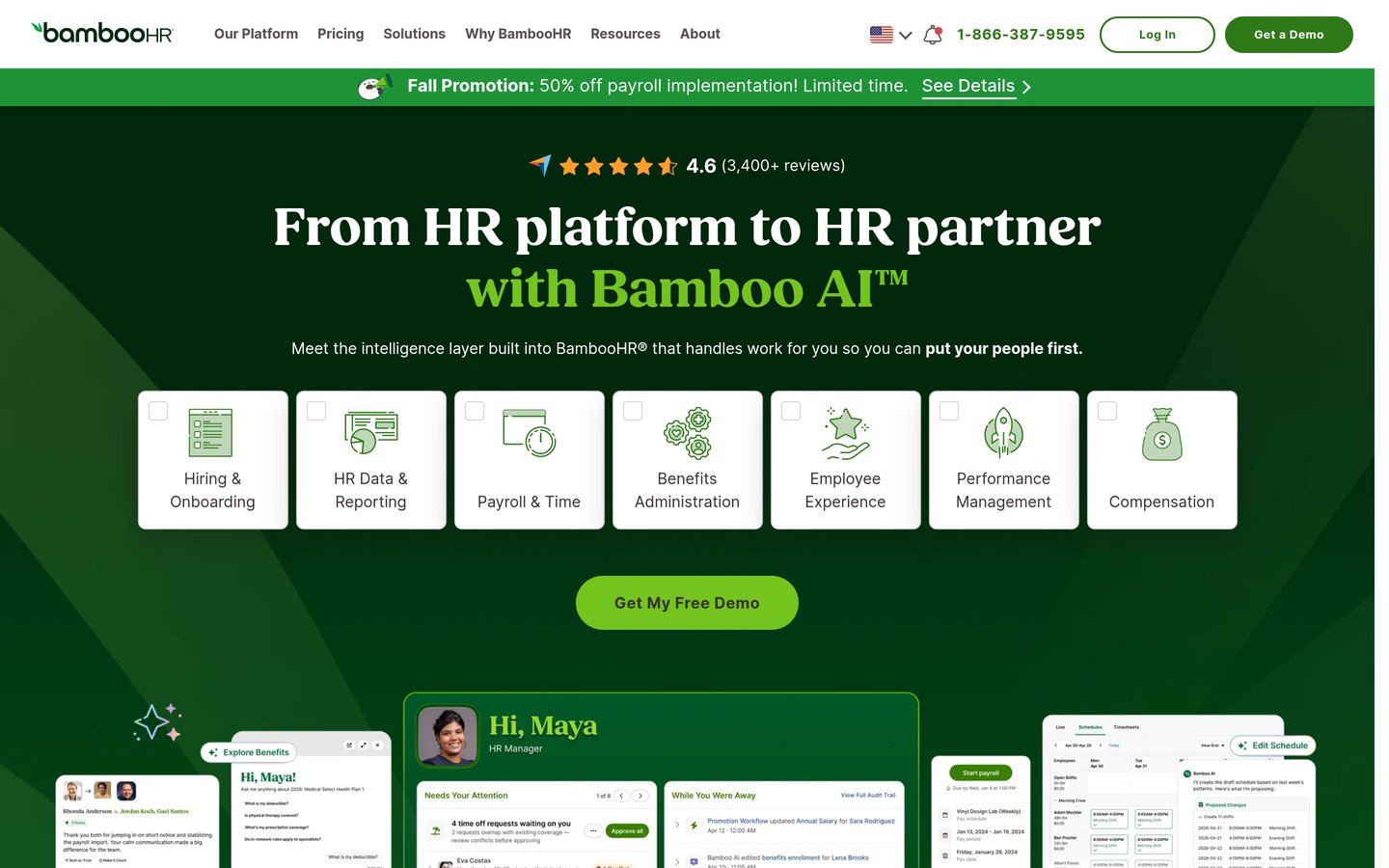
BambooHR homepage, captured Nov 2026.
BambooHR is a cloud HR system for small and mid-size teams, covering employee records, onboarding, time off, performance and reporting. Core costs $10 per employee per month, with a $250 monthly floor for teams of 25 or fewer.
The trade off is that payroll is not in the price. US payroll is a paid add-on with its own quote, so the $10 headline covers HR only. It suits teams that want the cleanest HR records system and are happy to bolt payroll on.
Justworks is a payroll and HR platform built on a PEO model, so small teams get payroll, compliance and access to large-group benefits in one subscription. Its Payroll plan costs $50 a month plus $8 per employee, and PEO plans start at $59 per employee per month.
The trade off is the PEO model itself. Justworks co-employs your staff, which brings strong benefits but less direct control and a per-person bill that climbs fast. It suits small teams that want large-group health plans without running them.
QuickBooks Workforce is Intuit's payroll add-on for QuickBooks Online, so pay, taxes and books share one login. The entry plan costs $50 a month plus $6.50 per employee and covers full-service payroll, automatic tax filing and next-day direct deposit.
The trade off is that it is an add-on, not a standalone system. You also pay for a QuickBooks Online subscription, and multi-state payroll costs extra per state. It suits businesses already running QuickBooks for accounting.
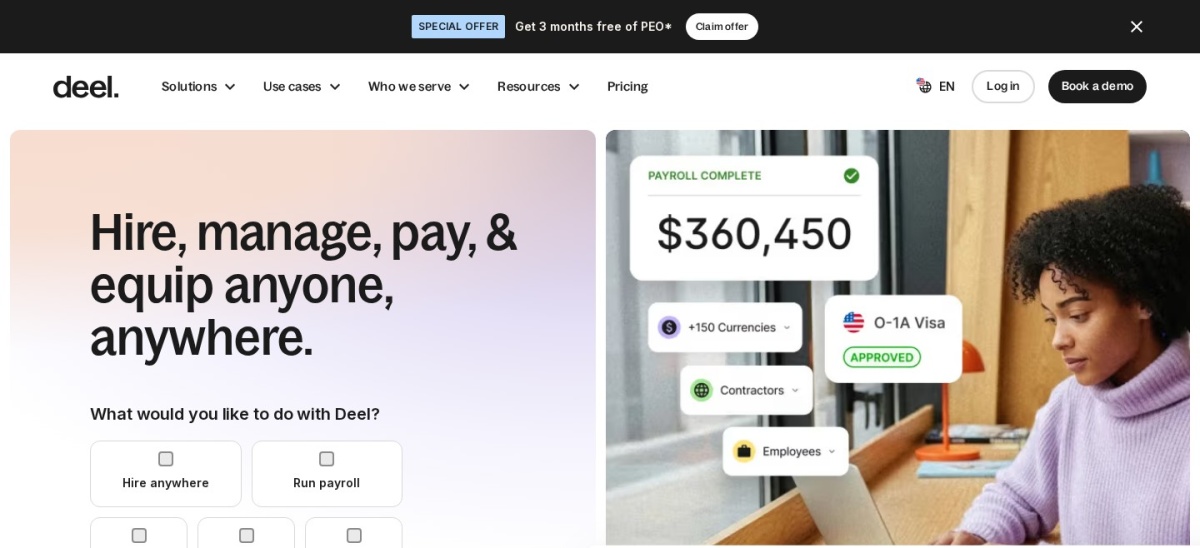
Deel is a global payroll and hiring platform for remote teams, covering contractors, employer-of-record hiring and multi-currency pay. Contractor management starts at $49 per contractor per month.
The trade off is price for full employees. Hiring through Deel's employer-of-record service starts at $599 per employee per month, and US payroll runs through its PEO at $125. It suits teams hiring across borders rather than in one country.
What we like
Strongest global coverage here
Contractor onboarding and compliance built in
Multi-currency payments
Watch out for
EOR pricing is steep
US payroll is via PEO, not native
Per-seat billing scales fast
EOR and PEO plans cost far more than contractor billingVisit deel.com
08
Square Payroll
4.2/5on G2 (31 reviews, checked Nov 2026)
Starts at$35/mo
Best payroll for Square point-of-sale teams
Starting price$35/mo + $6/person
Contractor-only$6/contractor/mo
Tax filingFederal and state
Free planNo
squareup.com
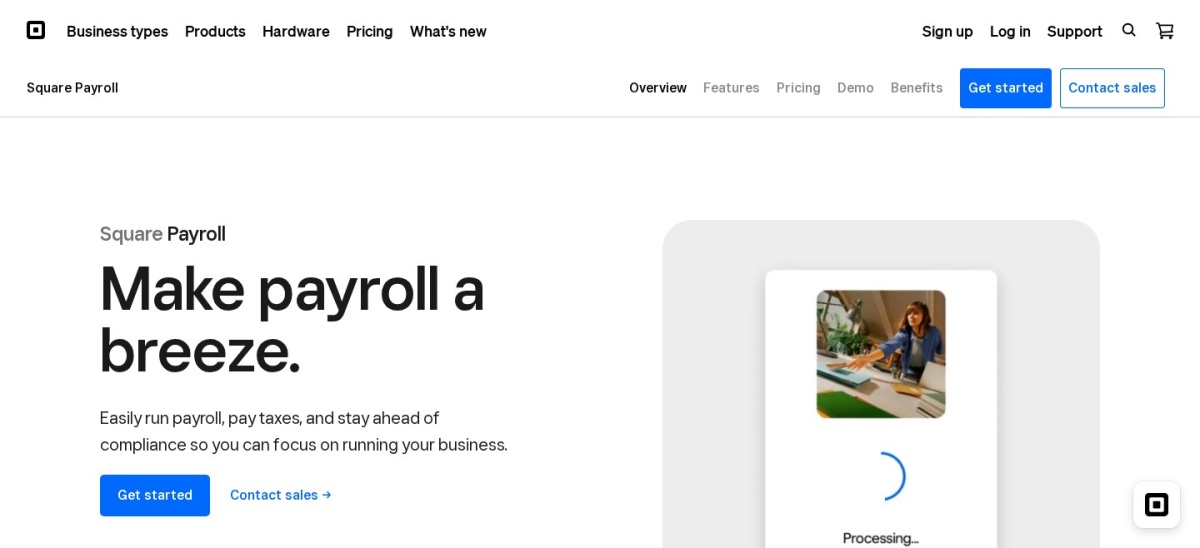
Square Payroll homepage, captured Nov 2026.
Square Payroll is the payroll add-on for businesses that already take payments through Square. It costs $35 a month plus $6 per person paid, imports hours and tips from Square POS, and files federal and state taxes automatically.
The trade off is the thin review record. Only 31 G2 reviews back its 4.2 rating, the smallest base in this list, and HR features are light. It suits cafes, shops and restaurants already running Square at the till.
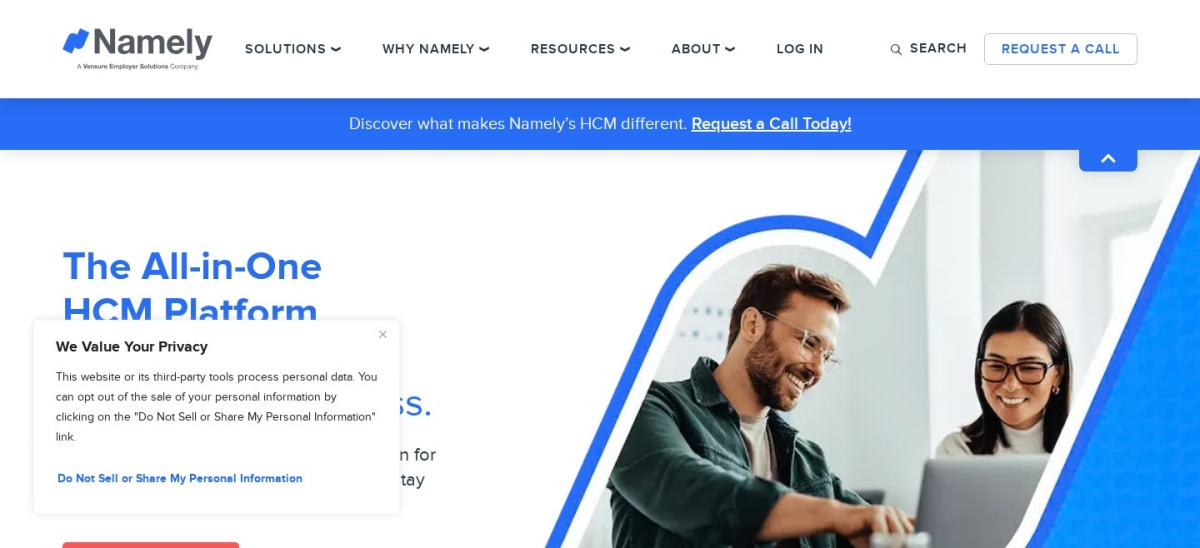
Namely is a US HR and payroll platform built for mid-size employers, with payroll, benefits, time tracking and onboarding in one system. Namely Now, the entry plan, costs $9 per employee per month and includes core HR and payroll processing.
The trade off is the low rating and the quote wall. Namely scores 3.9 out of 5 on G2, the lowest here, and only the entry plan publishes a price. It suits mid-size teams that want managed payroll services and a friendly interface.
Gusto, OnPay, Square Payroll, Justworks, QuickBooks Workforce, Deel and Namely include payroll in their entry plans, though Deel's cheapest plan covers contractors only.
Rippling sells payroll as a separate module on top of Core HR, and BambooHR sells US payroll as a quoted add-on, so both need a second price before you can compare them fairly.
Ask each vendor for a quote at your exact headcount, including multi-state filings, before you sign. The cheapest headline in this list is rarely the cheapest bill at 20 or 50 people.
How we chose
We started from the HR and payroll tools with published prices and public G2 ratings, then kept the nine that run payroll as part of the product or as a named add-on.
Prices come from each vendor's pricing page and G2 listings, checked on 26 November 2026. Ratings are G2 scores from the same day. Where a vendor shows a sale, the list shows the regular price.
We left out quote-only payroll tools such as Paychex Flex and ADP Workforce Now, and HR tools with no payroll at all, such as Zoho People and Sage HR. No vendor paid for a place, and we do not claim to have used these tools ourselves.
How to choose HR software with payroll features
Count your people and your states first, then shortlist two or three tools and price each at that headcount.
Check what payroll is included. Confirm whether the entry price covers full-service payroll and tax filing, or whether payroll is a module or add-on with its own price.
Price it at your headcount. A base fee plus a per-person charge grows fast. Work out the monthly total for your team size on each shortlisted tool.
Confirm multi-state and contractor cover. If you pay people in more than one state or pay contractors, check that the plan covers both without a jump to a higher tier.
Ask for the full first-year bill. Implementation fees, add-ons and benefits admin can sit outside the headline price. Get the total in writing before you sign.
FAQ
What is the best HR software with payroll features?
Gusto is the best pick for most small teams. It combines full-service payroll, automatic tax filing, benefits and basic HR from $49 a month plus $6 per person, and it is rated 4.6 out of 5 on G2 from more than 13,000 reviews.
Is Rippling payroll included in the $8 price?
No. Rippling's $8 per user per month buys Core HR. Payroll, time tracking, benefits and device management are separate modules with their own prices, so ask Rippling for a quote that includes payroll before you compare it with Gusto or OnPay.
Which HR software with payroll is cheapest?
Namely Now is cheapest per head at $9 per employee per month, and Rippling Core HR starts at $8 per user per month before payroll. For full-service payroll in one price, Square Payroll starts at $35 a month plus $6 per person paid.
Does BambooHR include payroll?
No, not in the headline price. BambooHR Core covers HR records, onboarding and time off from $10 per employee per month, and US payroll is a paid add-on with a quoted price. Budget for the add-on before you compare BambooHR with payroll-first tools.
Can I run payroll for contractors with these tools?
Yes. Deel is built for contractors and global teams, starting at $49 per contractor per month. Gusto, OnPay and Square Payroll also pay contractors, and Square Payroll offers a contractor-only plan at $6 per person with no base fee.
Do I still need an accountant if I use HR payroll software?
These tools file payroll taxes and produce W-2s and 1099s, but they do not replace tax advice. Most small teams still use an accountant for year-end planning, deductions and anything unusual, while the software handles the monthly runs.
SaaS SEO and WordPress specialist with about 8 years of experience. Rakib compares WordPress plugins, themes, hosting and software using public pricing, documentation and user reviews. See how we rank.