Rippling is the best HR document management software for most teams, pairing central employee records with document storage, e-signatures and workflows at 4.7 out of 5 from 15,313 G2 reviews. Pick BambooHR for the simplest document setup, or Deel HR for global teams at $5 per employee a month.
How we make this list: we compare pricing pages, product documentation and public user reviews, then re-check every price before each update. No product paid for a place. Disclosure.
Rippling leads the list at 4.7 out of 5 from 15,313 G2 reviews, with document storage, e-signatures and workflows in one system.
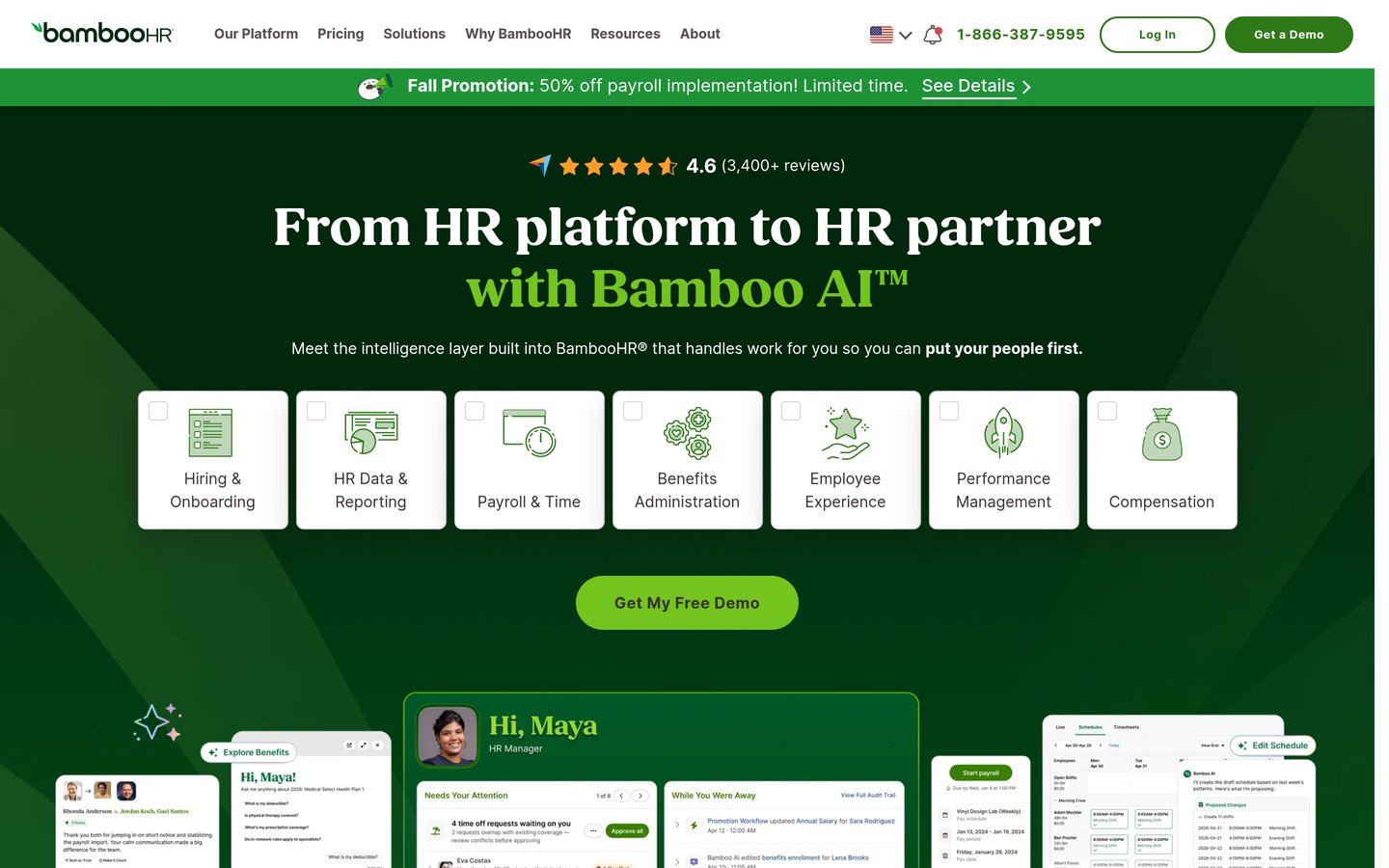
BambooHR puts document storage, e-signatures and new-hire packets on its Core plan at $10 per employee a month.
Deel HR is the cheapest entry point at $5 per employee a month, built for teams spread across countries.
Connecteam is the only tool here with a free plan, covering up to 10 users with all three hubs.
Entry prices run from $5 to $49 a month, and every tool except Connecteam needs a paid plan to start.
What HR document management software should cover
HR document management is the paperwork behind every hire: contracts, tax forms, handbooks, policies and proof of training. When those files live in email inboxes and shared drives, finding the right version takes time and mistakes creep in.
A good tool keeps every document in the employee record, with e-signatures so new hires can sign without printing anything. It should also control who can see sensitive files, and keep a history of who signed what and when.
Most of the tools in this list are full HR platforms, not document-only apps. That is the point: documents are most useful when they sit next to the employee record, time off and payroll. Our guide on adding a document to WordPress covers the simpler case of publishing a document on a site.
Prices below are per employee or per user a month unless stated, and most vendors charge extra for payroll, benefits or advanced workflows. Check the entry plan first: the cheapest tier usually covers storage and signatures, while automation sits higher up.
Rippling is an all-in-one HR, payroll and IT platform that keeps employee records, documents and workflows in one system. Its Core plan covers document storage, e-signatures, onboarding checklists and custom approval workflows, with payroll, benefits and device management sold as add-ons.
The trade off is price. Core starts at $8 per user a month, but every extra module adds to the bill, and reviewers note that pricing is hard to pin down before a sales call. It suits mid-sized teams that want HR, payroll and IT in one place and will use enough modules to justify the cost.
What we like
Highest G2 rating in this list: 4.7 out of 5 from 15,313 reviews
HR, payroll, IT and finance in one system
Document storage, e-signatures and approval workflows built in
Strong automation that cuts manual HR work
Watch out for
No free plan, only a free trial
Nearly every extra feature is a paid add-on module
Reviewers say pricing is hard to pin down before a sales call
BambooHR is an HR platform for small and mid-sized teams that keeps employee records, time off, hiring and onboarding in one database. Its Core plan includes document storage, e-signatures, offer letter templates and new-hire packets, plus standard reports and approval workflows.
The trade off is the floor price. Teams with 25 or fewer employees pay a flat rate from $250 a month, and payroll, benefits administration and time tracking are paid add-ons. It suits teams of 25 to 500 people that want simple, proven document handling without a long setup.
What we like
Document storage, e-signatures and new-hire packets on Core
Gusto is a payroll and HR platform for small businesses that bundles payroll, benefits and basic HR tools in one account. Its Simple plan covers full-service payroll, automatic tax filing, employee self-service and single-state payroll, with hiring and onboarding tools added on the Plus plan.
The trade off is that the per-person fees add up. Simple costs $49 a month plus $6 per person, so a 20-person team pays $169 a month, and multi-state payroll needs Plus at $80 a month. It suits small single-state teams that want payroll first and HR documents alongside it.
What we like
Transparent published pricing with no quote needed
Payroll, benefits and HR in one account
Rated 4.6 out of 5 from 14,000+ G2 reviews
Watch out for
No free plan
Per-person fees grow with every hire
Multi-state payroll needs the $80 Plus plan
Plus adds multi-state payroll at $80 a month plus $12 per personVisit gusto.com
04
Deel HR
4.7/5on G2 (1,939 reviews, checked Nov 2026)
Starts at$5/mo
Best for global teams on a budget
E-signaturesYes
Document storageEmployee records
Time offBuilt in
Paid planHRIS, $5/employee/mo
deel.com
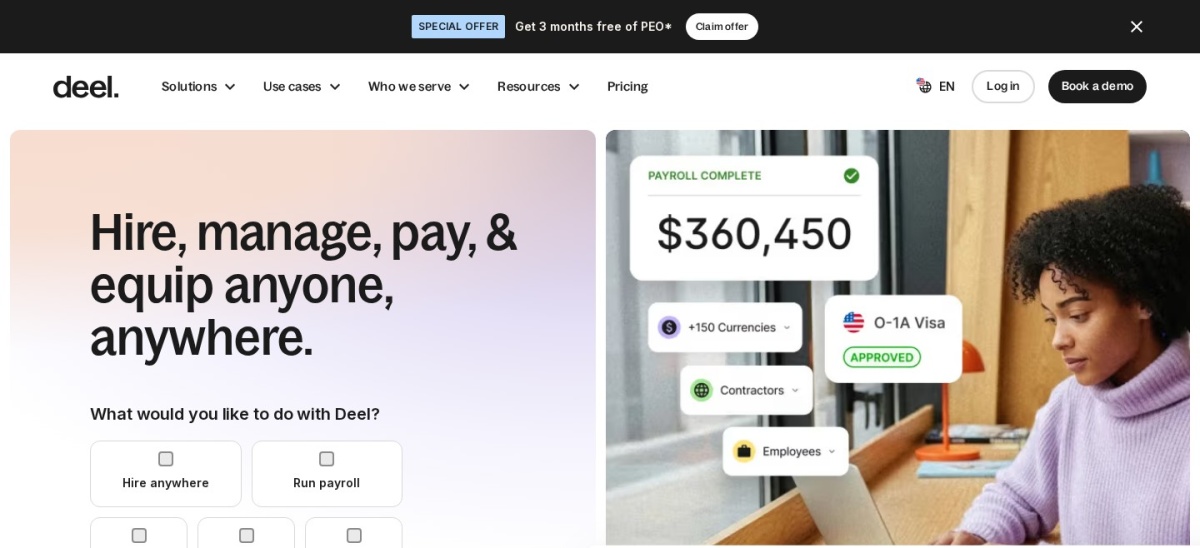
Deel HR homepage, captured Nov 2026.
Deel HR is a global HR platform that holds employee records, documents, time off and reporting for teams spread across countries. Its HRIS plan covers onboarding and offboarding workflows, time-off tracking, people directories and global reporting, with recruiting and performance tools on higher tiers.
The trade off is depth. The entry tier covers the basics well, but reviewers note that some HR features feel underdeveloped and the higher tiers need a quote. It suits companies hiring across borders that want one record system for every worker, wherever they sit.
What we like
Cheapest entry price in this list at $5 per employee a month
Built for teams spread across countries
Rated 4.7 out of 5 on G2
Watch out for
No free plan or free trial
Higher tiers are quote only
Some base-tier HR features feel thin, per G2 reviewers
Engage adds performance reviews at $20 per employee a monthVisit deel.com
05
Connecteam
4.6/5on G2 (3,506 reviews, checked Nov 2026)
Paid from$29/mo
Best free plan for small deskless teams
Free planUp to 10 users
Document storageHR hub
Mobile appiOS and Android
Paid planBasic, $29/mo per hub
connecteam.com
Connecteam homepage, captured Nov 2026.
Connecteam is a mobile-first app for deskless teams that bundles scheduling, time tracking, communication and HR tools. Its HR & Skills hub covers employee documents, training, forms and checklists, and the free Small Business plan covers up to 10 users with all three hubs.
The trade off is the hub model. Operations, Communications and HR are sold separately at $29 a month each for the first 30 users, so the bill grows fast if you need all three. It suits field teams of up to 30 people that work mostly on phones and want documents beside schedules.
What we like
Free plan for up to 10 users with all three hubs
Flat $29 a month for the first 30 users per hub
Mobile-first design suits deskless teams
Watch out for
Hubs are sold separately, so full coverage costs $87 a month
Free plan caps at 10 users
Document tools live in the HR hub, not the Operations hub
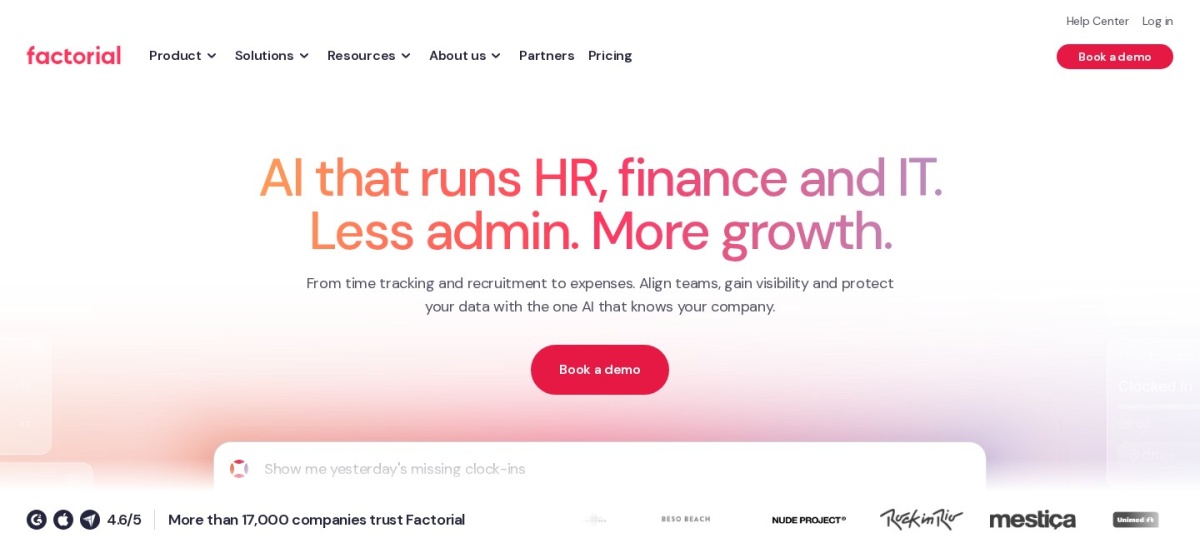
Factorial is an HR platform for small and mid-sized teams that covers the employee directory, onboarding, payslips, documents and e-signatures. Its Core plan includes all of those at $8 per user a month, with time, talent, finance and IT modules sold as quoted add-ons.
The trade off is scale. Factorial has only 110 G2 reviews, the smallest base in this list, and its payroll is deepest in Spain, so US payroll needs a closer look. It suits European and Latin American teams that want documents, time off and e-signatures at a low entry price.
What we like
Documents and e-signature included in Core at $8 per user a month
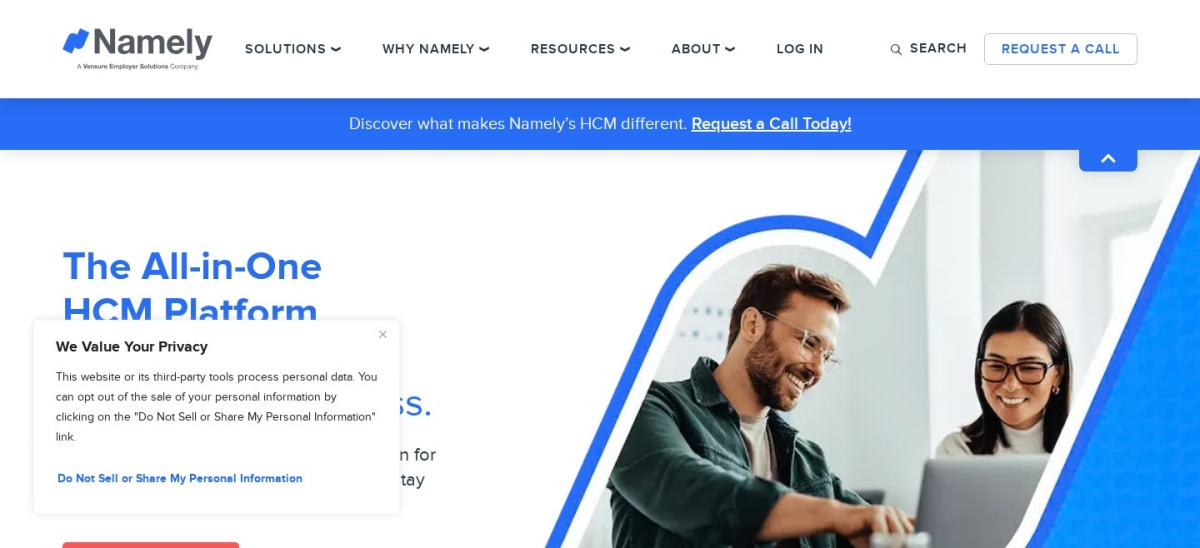
Namely is a cloud HR and payroll platform for mid-sized employers that keeps HR, payroll, benefits and talent in one system. Its Now plan covers self-managed payroll and HR basics from $9 per employee a month, with onboarding, talent and managed services on the quoted higher plans.
The trade off is the rating. Namely scores 3.9 out of 5 on G2, the lowest in this list, and three of its four plans carry no published price. It suits mid-sized teams that want a friendly all-in-one system and are happy to get a quote for the fuller plans.
What we like
Published entry price of $9 per employee a month
HR, payroll and benefits in one friendly interface
Managed payroll and benefits services available
Watch out for
Lowest G2 rating in this list at 3.9 out of 5
Three of four plans are quote only
Implementation takes 6 to 8 weeks, per buyer reports
Only Connecteam has a free plan here, for up to 10 users. Every other tool starts paid, though BambooHR and Rippling both offer a free trial.
Paid plans mostly add automation and payroll. Document storage and e-signatures usually sit on the entry plan, while approval workflows, advanced reporting and payroll cost more.
If your team is small, start with the free plan or the cheapest entry tier and check the per-person maths first. A $49 monthly base fee plus $6 per person, as Gusto charges, stays cheap at five people and grows with every hire.
How we chose
We started from the HR platforms buyers compare most for document storage, e-signatures and employee records, then kept the seven with a public G2 rating and a published entry price in US dollars.
Prices come from each vendor's pricing page or vendor-supplied G2 pricing data, checked on 25 November 2026. Ratings and review counts come from G2 on the same day. Where a vendor shows a sale, the list shows the regular price.
We left out tools with no public rating and tools that only publish prices in euros. No vendor paid for a place, and we do not claim hands-on testing for this list.
How to choose HR document management software
Start with how many people you need to cover, then check what the entry plan includes.
Count the people, not the documents. Most tools charge per employee or per user a month. A low per-person rate beats a low base fee once your team passes 20 people.
Check e-signatures are on the entry plan. Some tools keep signatures for a higher tier. If new hires sign contracts and policies, that feature has to be in the plan you buy.
Ask who can see each file. HR files hold pay, medical and performance details. Look for role-based access and a log of who opened or signed a document.
Test the move from your current files. Ask how contracts and old records import, and whether the trial covers a real folder of documents before you pay.
FAQ
What is the best HR document management software?
Rippling is the best pick for most teams. It keeps employee records, document storage, e-signatures and approval workflows in one system, and it is rated 4.7 out of 5 from 15,313 G2 reviews.
Do I need a full HR platform for document management?
Not always. If you only need to store and sign files, a document tool may be enough. A full HR platform pays off when documents sit beside time off, payroll and performance records for the same people.
Which HR document tool has a free plan?
Connecteam is the only tool in this list with a free plan, covering up to 10 users across its Operations, Communications and HR hubs. BambooHR and Rippling offer free trials, but both need a paid plan after the trial ends.
How much does HR document management software cost?
Entry prices in this list run from $5 per employee a month for Deel HR to a $49 monthly base fee plus $6 per person for Gusto. Most tools charge per employee, so the bill grows with headcount, and payroll and benefits usually cost extra.
What should I check before switching tools?
Check three things before you switch: whether the entry plan includes e-signatures, whether your old files import in bulk, and what the per-person price becomes at your headcount. Ask for the full quote in writing, since payroll, benefits and extra modules are often priced separately.
Is my HR data safe in these tools?
These tools store sensitive employee data, so check for role-based access, encryption and a clear data policy before you sign up. Ask where data is hosted and how exports work, so you can leave with your files if you switch tools later.
Can I move old HR files into a new tool?
Most tools in this list let you upload existing files into employee records, and some offer a guided import during setup. Ask the vendor whether bulk upload and folder structure are included, or whether they need a higher plan.
SaaS SEO and WordPress specialist with about 8 years of experience. Rakib compares WordPress plugins, themes, hosting and software using public pricing, documentation and user reviews. See how we rank.