Proxmox VE is the best homelab platform for most people. It runs KVM virtual machines and LXC containers free, is rated 4.6 out of 5 on G2, and pairs well with TrueNAS for storage, while Synology DSM suits buyers who want a finished box.
How we make this list: we compare pricing pages, product documentation and public user reviews, then re-check every price before each update. No product paid for a place. Disclosure.
Proxmox VE is free and runs KVM virtual machines and LXC containers in one web interface, rated 4.6 out of 5 on G2 from 39 reviews.
TrueNAS has the highest storage rating here at 4.8 out of 5 on G2 from 167 reviews, with OpenZFS checksums and self-healing.
Seven of the nine platforms cost nothing for the software itself; only Portainer lists a paid plan, at $1,045 a year, and vSphere is quote-only.
Synology DSM and QNAP QTS come only with their maker's hardware, so budget for the box as well as the drives.
Unraid is missing from this list because it has no published G2, Capterra or Trustpilot rating we could verify; its Starter licence costs $49 one-time.
Umbrel is the easiest start for beginners, with a one-click app store of 300 apps and a 4.5 Trustpilot score from 72 reviews.
What a homelab platform should cover
A homelab platform is the software that turns a spare PC or a NAS box into your own private cloud. It stores files and photos, runs media, home automation and backups, and keeps those services off rented cloud servers.
Start with the main job. If storage comes first, pick a NAS-first system such as TrueNAS or Synology DSM. If virtual machines come first, pick a hypervisor such as Proxmox VE. If apps come first, pick a dashboard such as Umbrel or add Portainer to a Docker host.
Check three things before you install: whether your hardware fits, how backups work, and what the software costs over time. Most platforms here are free, but hardware, drives and paid support still cost money. Our guide on the 3-2-1 backup rule for websites shows the backup habit that matters most.
A NAS is not a backup on its own. Keep a second copy of irreplaceable files somewhere else, whether on another box or an external drive stored away from the server.
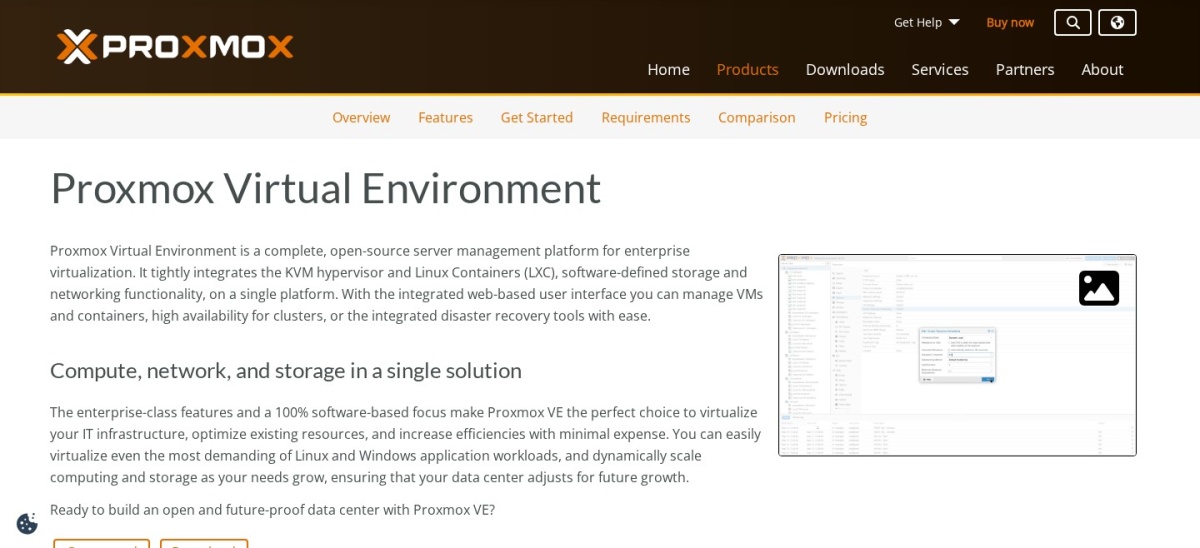
Proxmox VE is a free, open-source platform that runs KVM virtual machines and LXC containers from one web interface. It covers clustering, live migration, backups and software-defined storage with ZFS and Ceph, and every feature is included free, with no licence key needed.
The trade off is the learning curve. Proxmox VE expects you to plan storage, networks and backups yourself, and formal support costs extra per CPU socket. It suits home lab owners who want full control and are happy to learn the interface.
What we like
Every virtualization feature is free
KVM VMs and LXC containers in one interface
Clustering, live migration and backups included
Large community and deep documentation
Watch out for
Steeper learning curve than Umbrel
No built-in NAS file sharing; pair it with a NAS
Formal support costs extra
Paid plans add ticket support with guaranteed response timesVisit proxmox.com
02
TrueNAS
4.8/5on G2 (167 reviews, checked Nov 2026)
PriceFree
Best for storage-first homelabs
File systemOpenZFS with checksums
AppsDocker app catalog
Virtual machinesYes, built in
Paid optionEnterprise, quote-based
truenas.com
TrueNAS homepage, captured Nov 2026.
TrueNAS is a free, open-source storage platform built on OpenZFS, which checksums every block and repairs silent corruption on its own. The Community Edition adds Docker apps and virtual machines, plus snapshots, replication and file, block and object sharing in one web interface.
The trade off is hardware appetite. ZFS likes plenty of RAM and matched drives, and the interface assumes you understand pools and datasets. It suits owners whose main job is protecting photos, media and backups.
What we like
Strongest data protection in this list
Snapshots and replication included free
Large Docker app catalog
Rated 4.8 out of 5 on G2 from 167 reviews
Watch out for
Needs more RAM than lighter NAS systems
ZFS pools prefer matched drives
Storage setup takes learning
TrueNAS Enterprise adds supported hardware and around-the-clock supportVisit truenas.com
03
Synology DSM
4.6/5on G2 (94 reviews, checked Nov 2026)
PriceFree
Best finished NAS box
InterfaceDesktop-style web UI
AppsPhotos, Drive, backup, media
SnapshotsBtrfs snapshots
Virtual machinesBuilt-in manager
synology.com
Synology DSM homepage, captured Nov 2026.
Synology DSM is the operating system that runs on Synology NAS boxes, with a desktop-style interface and apps for photos, files, backups, media and surveillance. It includes Btrfs snapshots, Hyper Backup and a virtual machine manager, and updates itself with little effort.
The trade off is cost and lock-in. DSM only runs on Synology hardware, and the boxes cost more than a DIY build with similar specs. It suits buyers who want a finished box that just works.
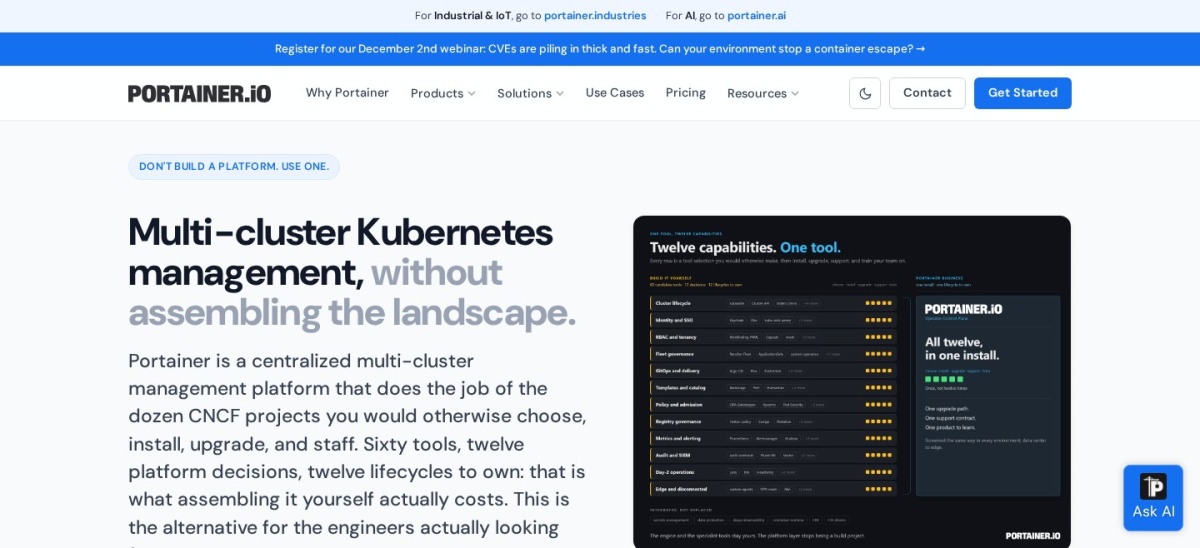
Portainer is a web console that manages Docker, Swarm, Podman and Kubernetes from one place, with stacks, templates, role-based access and audit logs. It runs on top of a host you already have, and the free tier covers up to 3 nodes, which fits most home labs.
The trade off is scope. Portainer manages containers but does not provide storage, virtual machines or an operating system, so you still need a host underneath. It suits owners who already run Docker and want a visual layer over it.
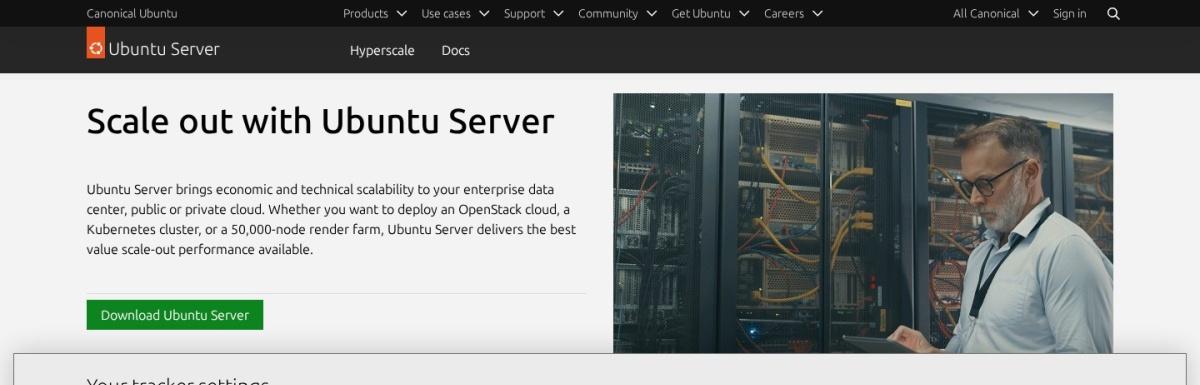
Ubuntu Server is a free Linux base for a home lab, with LTS releases that get five years of standard security updates. It runs Docker, LXD containers and Kubernetes, and it is the base under many of the other tools in this list.
The trade off is that there is no web interface. You set up storage, sharing and apps from the command line, and you add your own dashboard if you want one. It suits owners who are comfortable with the terminal and want full control.
What we like
Free with five years of LTS updates
Runs anything: Docker, VMs, Kubernetes
Huge community and hardware support
Ubuntu Pro is free for personal use on up to 5 machines
Watch out for
No web interface out of the box
You build storage and sharing yourself
Command line needed for most setup
Ubuntu Pro adds ten years of security updates and compliance toolsVisit ubuntu.com
06
OpenMediaVault
4.8/5on SourceForge (169 reviews, checked Nov 2026)
PriceFree
Best light NAS for old hardware
BaseDebian Linux
InterfaceWeb administration
File sharingSMB, NFS and FTP
ExtrasPlugins and Docker
openmediavault.org
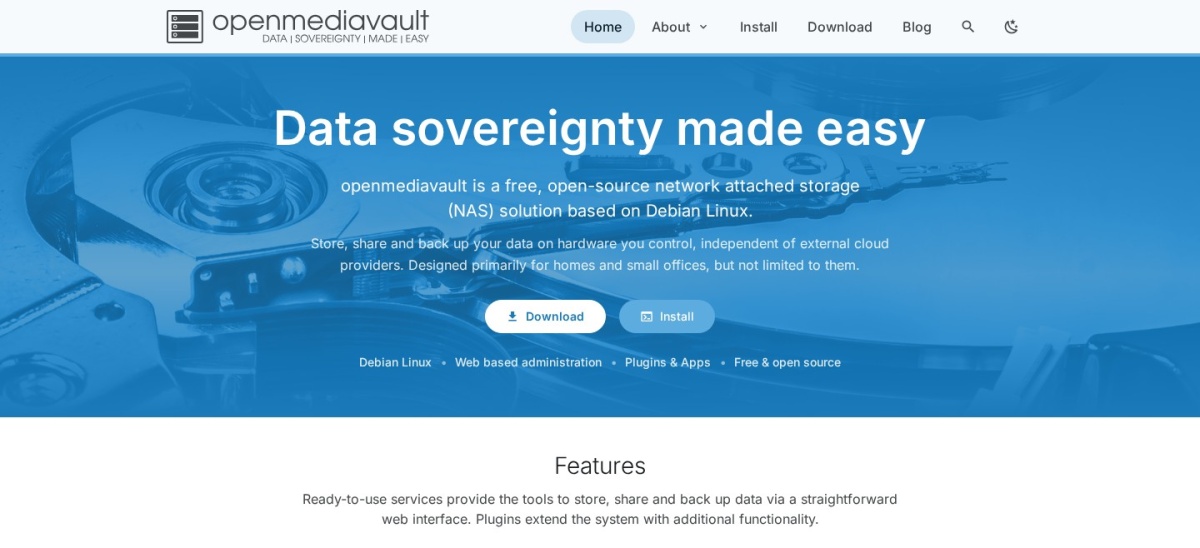
OpenMediaVault homepage, captured Nov 2026.
OpenMediaVault is a free NAS system based on Debian Linux, with a web interface for shares, users, volumes and services. It runs well on old or low-power hardware, including a Raspberry Pi, and plugins add Docker, media serving and backups.
The trade off is polish. Plugin quality varies, Docker setup needs an extra plugin, and the interface looks dated next to Synology DSM. It suits owners with spare hardware who want a simple, free file server.
What we like
Free and light on resources
Runs on a Raspberry Pi and old PCs
Debian base with standard packages
Rated 4.8 out of 5 on SourceForge from 169 ratings
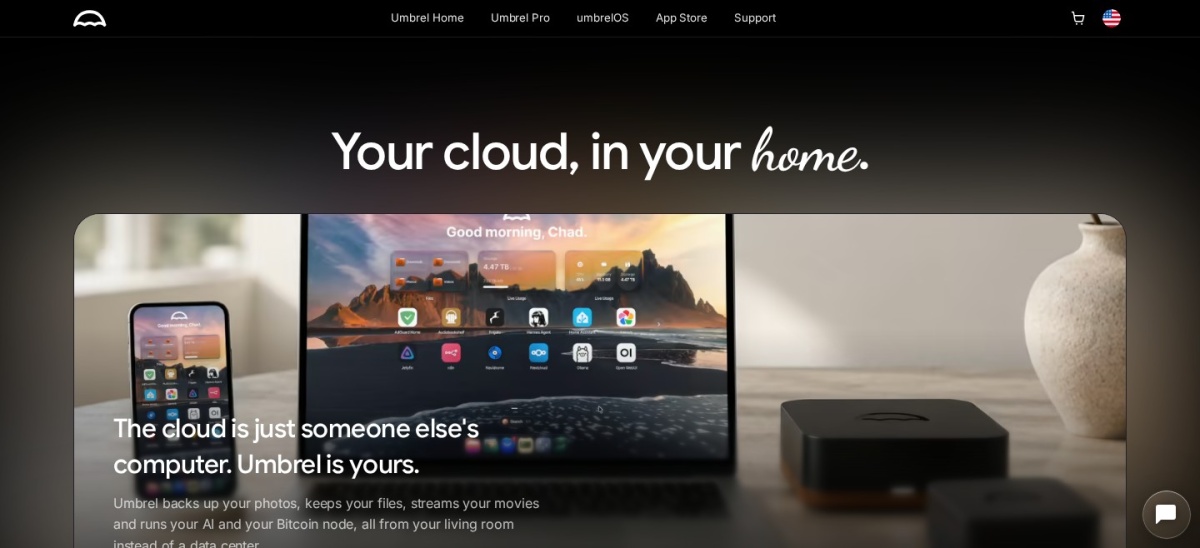
Umbrel is a personal cloud system built on umbrelOS, with an app store of 300 apps for photos, files, media, home automation and AI. You open it in a browser, install apps in one click, and run it on your own hardware or an Umbrel Home box.
The trade off is depth. Umbrel keeps things simple, so advanced storage, networking and backup options are thinner than TrueNAS or Proxmox VE. It suits beginners who want a personal cloud running the same day.
VMware vSphere is the enterprise virtualization platform, pairing the ESXi hypervisor with vCenter for central management. It covers live migration, high availability and resource scheduling, and it is rated 4.5 out of 5 on G2 from 790 reviews.
The trade off is price. Broadcom sells vSphere by subscription per core, with a 16-core minimum per CPU and a 72-core minimum order, and there is no free ESXi 9. It suits owners who already know VMware and need its ecosystem.
What we like
Most proven virtualization platform here
Largest review base at 790 G2 reviews
vMotion, HA and DRS included
Central management through vCenter
Watch out for
Subscription pricing per core, no public rate card
QNAP QTS is the operating system on QNAP NAS boxes, with an app center, virtualization and containers, and a hardware range from small 2-bay boxes to rack units. Some models add HDMI output, so the NAS can also play media on a TV.
The trade off is the interface and the rating. QTS feels busier than Synology DSM, and it has the lowest G2 rating in this list at 3.9 out of 5 from 18 reviews. It suits buyers who want strong hardware specs in a finished box.
What we like
Wide hardware range, 2-bay to rack
Virtualization and containers built in
HDMI output on some models
Watch out for
Interface is busier than Synology DSM
Lowest G2 rating in this list, 3.9 from 18 reviews
Hardware costs more than a DIY build
You pay for the QNAP box and drives, not the softwareVisit qnap.com
Free vs paid: what you actually pay for
Seven of the nine platforms cost nothing for the software. Proxmox VE, TrueNAS, Ubuntu Server, OpenMediaVault and Umbrel are free, Synology DSM and QNAP QTS come with the hardware, and only Portainer and VMware vSphere charge for the software itself.
Hardware is the real cost. Drives, a spare PC or a NAS box, and power add up faster than any licence here, so budget for the box first and the software second.
Paid plans mostly buy support and scale. Portainer Starter costs $1,045 a year for 5, 10 or 15 nodes, Proxmox VE sells support per CPU socket, and vSphere is sold by quote per core.
Watch for licence minimums. vSphere has a 16-core minimum per CPU and a 72-core minimum order, so a small home lab can face a business-sized bill before it runs a single VM.
How we chose
We started from the platforms homelab owners actually run: hypervisors, NAS systems, app dashboards and container managers. We kept only tools that are still maintained and that a home user can install or buy today.
Prices come from each vendor pricing page, checked on 25 November 2026. Ratings come from G2, except OpenMediaVault, which comes from SourceForge, and Umbrel, which comes from Trustpilot. Where a vendor publishes no price, the list says so instead of guessing.
We left out Unraid, CasaOS, YunoHost and XCP-ng because no public G2, Capterra or Trustpilot rating could be verified for them. No vendor paid for a place, and we do not claim to have used these tools ourselves.
How to choose a homelab platform
Start with the main job of the machine, then match the platform to it.
Decide the main job first. Storage, virtual machines or apps each point to a different platform, so name the job before comparing features.
Check your hardware against the platform. TrueNAS wants matched drives and plenty of RAM, Proxmox VE wants a standard x86 PC, and OpenMediaVault and Umbrel run on small or old boxes.
Plan backups before you migrate data. Set up snapshots and a second copy of irreplaceable files first, and test a restore before you trust the setup.
Start free and pay only for a real need. Most platforms here cost nothing, so run one for a month before paying for support, extra nodes or a bigger box.
FAQ
What is the best homelab platform?
Proxmox VE is the best pick for most people. It runs KVM virtual machines and LXC containers free from one web interface, with clustering and backups included, and it is rated 4.6 out of 5 on G2 from 39 reviews.
Is Proxmox VE really free?
Yes. Every feature, including clustering, live migration and backups, is included free with no licence key. Paid support is sold separately per CPU socket, and community help comes from the public forum.
Why is Unraid not in this list?
Unraid is the best-known homelab name, but it has no published G2, Capterra or Trustpilot rating we could verify, and this list needs a rating for every tool. Its Starter licence costs $49 one-time for up to 6 storage devices, with a 30-day trial.
Can I run a homelab on a Raspberry Pi?
Yes, with the right platform. OpenMediaVault and Umbrel both run on a Raspberry Pi and other small boxes. Proxmox VE and TrueNAS need a standard PC or server, so check the hardware notes before you install.
What is the cheapest homelab platform?
Seven of the nine platforms cost nothing for the software, so the cheapest setup is a free system on hardware you already own. The real costs are drives, power and your time, plus paid support if you want it.
Is VMware vSphere worth it for a homelab?
Not for most home labs. Broadcom sells vSphere by subscription per core with a 72-core minimum order and publishes no list price, so the bill is business-sized. Proxmox VE covers the same virtualization jobs free.
Do Synology and QNAP charge a subscription?
No licence fee for the software itself. DSM and QTS come with the hardware you buy, so you pay for the box and the drives. Optional cloud services from each maker may charge separately.
SaaS SEO and WordPress specialist with about 8 years of experience. Rakib compares WordPress plugins, themes, hosting and software using public pricing, documentation and user reviews. See how we rank.