TrueNAS is the best home server software for most homes: it is free, runs on OpenZFS with checksums and snapshots, and holds a 4.8 out of 5 rating on G2 from 167 reviews, while Unraid suits mixed drives and Synology DSM suits buyers who want a polished box.
How we make this list: we compare pricing pages, product documentation and public user reviews, then re-check every price before each update. No product paid for a place. Disclosure.
TrueNAS is the strongest free pick: OpenZFS checksums, snapshots and replication, rated 4.8 out of 5 on G2 from 167 reviews.
Unraid is the only paid tool here at $49 one-time for Starter, and the easiest way to mix drive sizes in one array.
Synology DSM ships free with Synology hardware and is the most polished option, but it cannot run on a PC you own.
Proxmox VE is free and runs VMs and containers, but it is not a NAS first, so file sharing needs a VM of its own.
OpenMediaVault, Nextcloud, Umbrel and Rockstor are all free to install, so 7 of the 8 tools cost nothing in software.
What home server software should do
A home server is one box that stores files, backs up phones and laptops, and runs apps such as media streaming or a private cloud.
Storage protection matters most. A good system should spot silent corruption, keep snapshots of shared folders, and let you add disks without rebuilding everything.
Apps come next. Most of these tools run Docker apps or virtual machines, so one box can host files, photos, media and backups at once.
Backups still need a plan of their own. Our 3-2-1 backup rule guide explains why one copy on the server is not enough.
Seven of the eight tools here are free to install. The real cost is usually the hardware, the drives and your time.
TrueNAS is a free, open source home server platform built on OpenZFS, which checksums every block and heals silent corruption on its own. It covers file sharing, snapshots, replication and media apps, and runs on hardware you already own, from an old PC to a dedicated box.
The trade off is the learning curve. OpenZFS rewards some reading before you build a pool, and the web interface packs in more options than a beginner needs. It suits homes that want the strongest data protection for free and plan to keep the server for years.
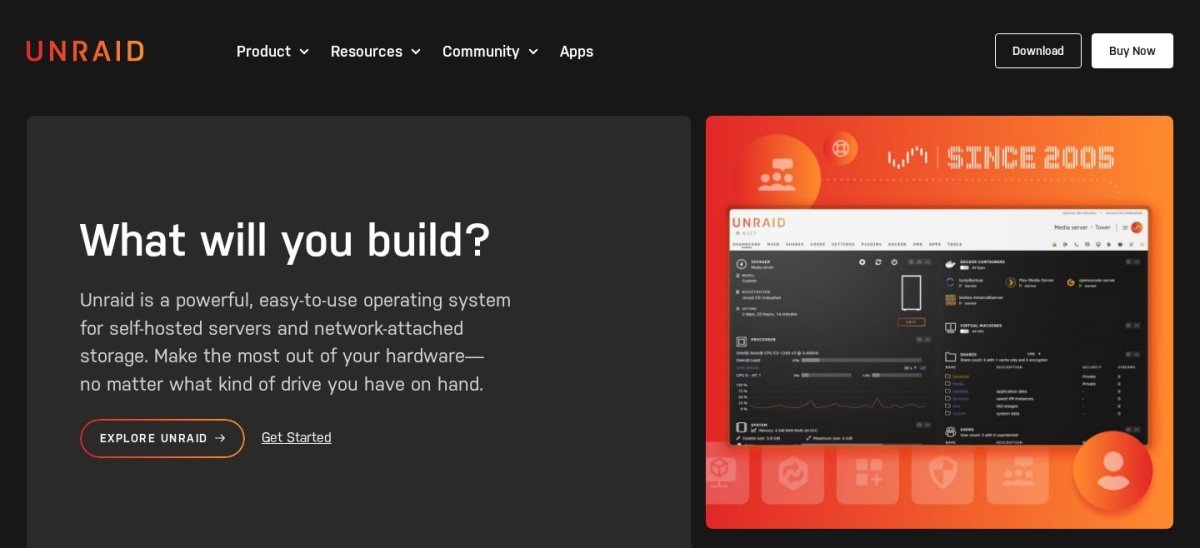
Unraid is a paid home server OS that lets you mix drive sizes in one parity-protected array and add disks one at a time. Every licence includes Docker containers, virtual machines and the Community Apps store, and a 30-day free trial needs no credit card.
The trade off is price and write speed. Starter costs $49 one-time for up to 6 storage devices, and parity writes run slower than striped RAID. It suits media collectors with mismatched drives who want setup to stay simple.
Synology DiskStation is the software that ships on Synology NAS boxes, turning a small box into a private cloud for files, photos, backups and media. Its apps cover photo management, file sync, surveillance and office documents through one calm interface.
The trade off is hardware lock-in and cost. DSM only runs on Synology hardware, so you pay for the box first and cannot move the software to a PC you own. It suits households that want a quiet appliance the whole family can use.
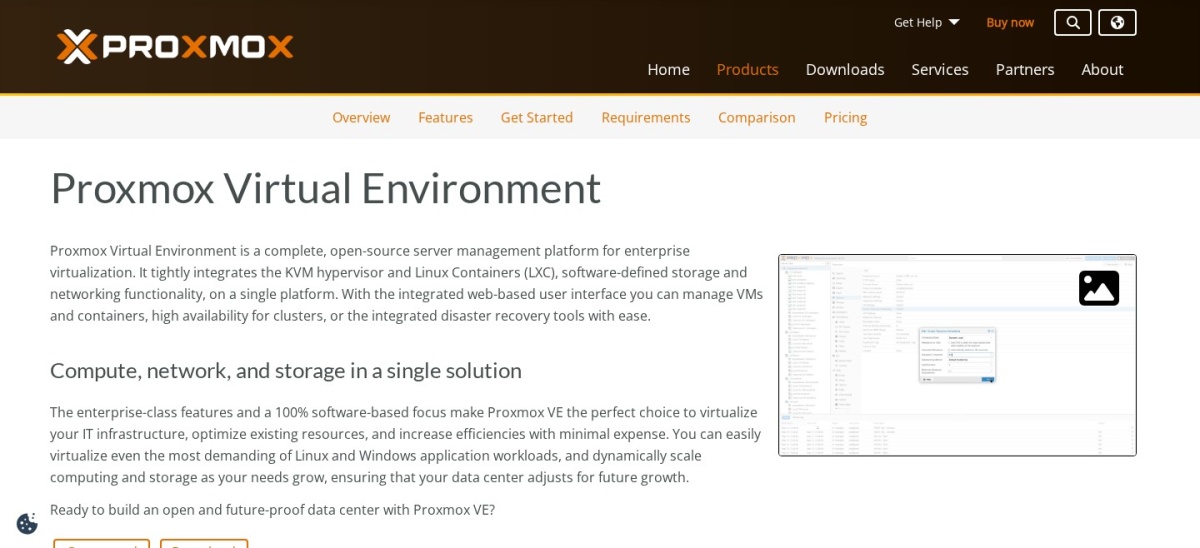
Proxmox VE is a free, open source virtualisation platform that runs virtual machines and containers on one home server. It includes clustering, live migration, backups and ZFS storage, with every feature open to free users.
The trade off is that it is not a NAS first. File sharing and media apps need a VM or container of their own, and paid support starts at €370 per CPU socket a year. It suits homelab owners who want to run many services on one box.
4.8/5on SourceForge (169 reviews, checked Nov 2026)
PriceFree
Best free NAS for old hardware
BaseDebian Linux
File sharingSMB, NFS, FTP, SFTP
SnapshotsYes, shared folders
PluginsYes, incl. Docker apps
openmediavault.org
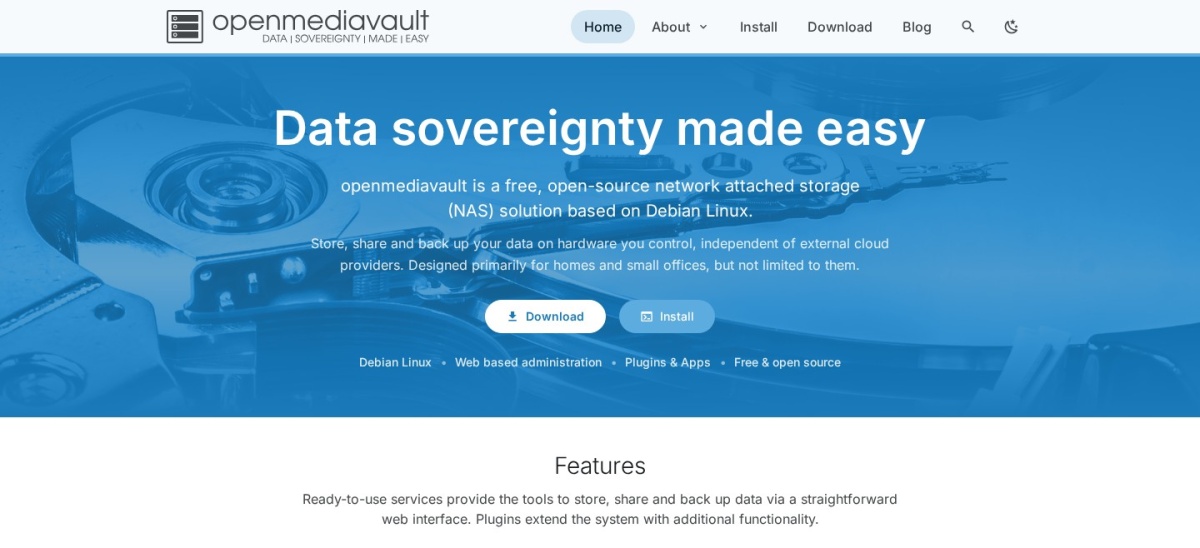
OpenMediaVault homepage, captured Nov 2026.
OpenMediaVault is a free, open source NAS system based on Debian Linux, built for small and older hardware such as a Raspberry Pi or an old PC. It manages volumes, shares, users and updates through a web interface, and plugins add Docker apps and more.
The trade off is polish. Setup takes more manual steps than Synology or Unraid, and some features live in plugins you must find and add. It suits budget builds and Pi-based servers where free software matters most.
What we like
Free, and light enough for old hardware
Runs well on a Raspberry Pi
Rated 4.8 out of 5 on SourceForge from 169 reviews
Nextcloud is a free, open source private cloud that replaces file sync, photo backup, calendars, contacts and office editing on your own server. It runs as an app on TrueNAS, Unraid or Proxmox, or on its own box, with free mobile and desktop clients.
The trade off is upkeep. You run the updates, backups and security yourself, and paid support starts at €42 per user a year with a 100-user minimum. It suits homes that want their files off public clouds without giving up sync and sharing.
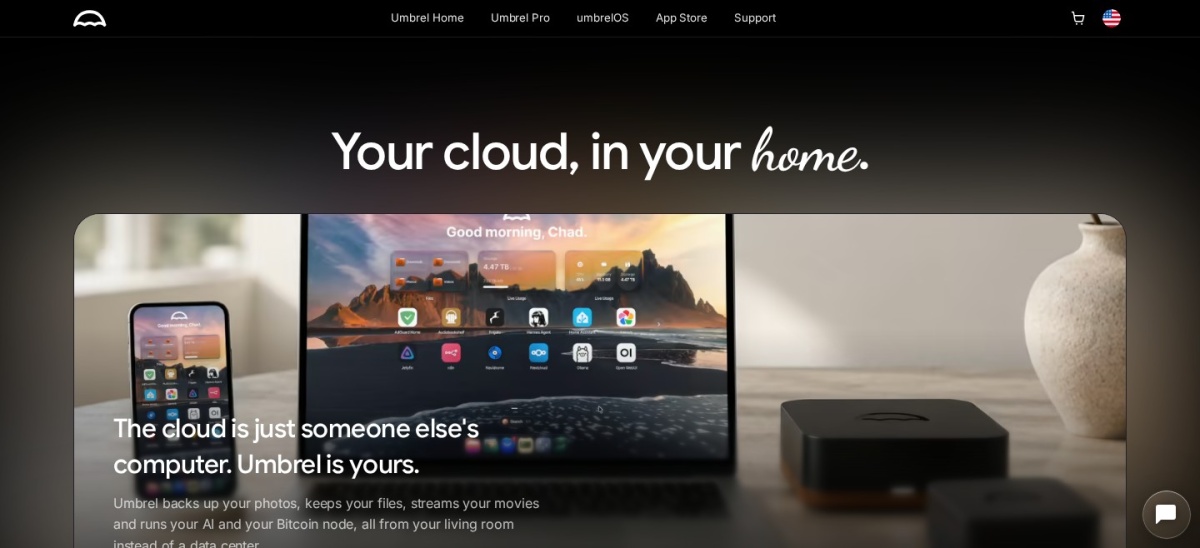
Umbrel is a free home cloud OS that turns a small computer into a private cloud with a one-click app store. It backs up photos, stores files, streams media and runs AI apps and a Bitcoin node, all from a browser at umbrel.local.
The trade off is depth. Umbrel hides the storage layer, so it gives less control over pools and parity than TrueNAS or Unraid. It suits beginners who want apps running in an evening with no Linux commands.
4.8/5on SourceForge (21 reviews, checked Nov 2026)
PriceFree
Best Btrfs NAS for tinkerers
FilesystemBtrfs, snapshots
File sharingNFS, Samba, SFTP
AppsRock-ons, Docker based
SupportCommunity forum
rockstor.com
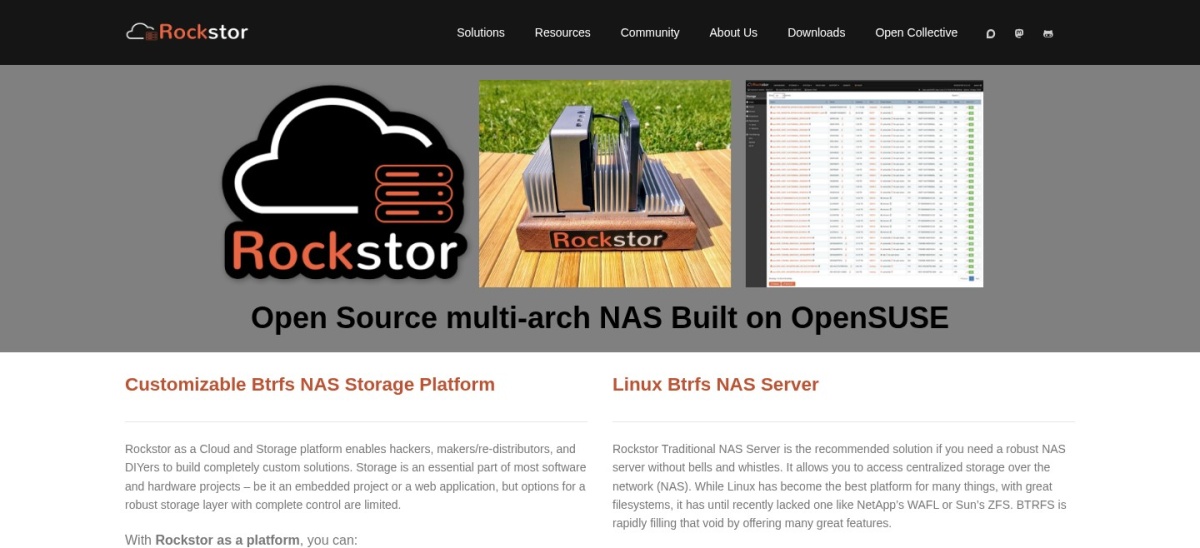
Rockstor homepage, captured Nov 2026.
Rockstor is a free, open source NAS built on Btrfs and openSUSE, with snapshots, replication and bit-rot protection from the filesystem itself. Its Rock-ons run Docker apps such as Syncthing and Plex beside file shares.
The trade off is scale and polish. Its review base is small, with 21 SourceForge reviews, and the interface feels more technical than Unraid or DSM. It suits Linux users who like Btrfs and want a free NAS they can shape.
Free tools here cover storage, snapshots and apps well. TrueNAS, OpenMediaVault and Rockstor charge nothing for the software itself.
Paid options mostly add ease and support. Unraid charges $49 once for its simple setup, and Proxmox and Nextcloud sell support in euros.
If your data matters, spend the money on drives and a second backup, not on a licence. Our 3-2-1 backup rule guide shows the shape a home backup plan should take.
For a first server, a free tool on hardware you own is the cheapest way to learn what you actually use.
How we chose
We started from the home server tools people actually run at home, then kept those with a public rating and review count on G2, Capterra, Trustpilot, Slashdot or SourceForge.
Prices come from each vendor's pricing page, checked on 25 November 2026. Ratings and review counts come from the review sites named on the same day. Where a vendor prices in euros, the list shows the euro price.
We left out tools with no public rating, including CasaOS, Jellyfin and YunoHost. No vendor paid for a place, and we do not claim to have used these tools ourselves.
How to choose home server software
Start with the hardware you have, then match the software to how much setup you want to do.
Count your drives and their sizes. Mixed sizes point to Unraid. Matched drives suit TrueNAS, OpenMediaVault or Rockstor.
Decide how much setup you want. Synology DSM or Umbrel suit a quiet appliance. TrueNAS and Proxmox reward more reading.
List the apps you need. Media, photos and file sync run on most of these tools, so check the app store before you commit.
Plan a backup before you fill it. A server is not a backup on its own. See our 3-2-1 backup rule guide and keep a copy off the box.
FAQ
What is the best home server software?
TrueNAS is the best pick for most homes. It is free, runs on OpenZFS with checksums and snapshots, and holds a 4.8 out of 5 rating on G2 from 167 reviews.
Is there free home server software?
Yes. TrueNAS, Proxmox VE, OpenMediaVault, Nextcloud, Umbrel and Rockstor are all free to install. Only Unraid in this list charges, with Starter at $49 one-time.
Is Unraid or TrueNAS better for a home server?
TrueNAS wins on data protection and price, since it is free and built on OpenZFS. Unraid wins on ease, letting you mix drive sizes and add disks one at a time.
Can I run a home server on an old PC?
Yes. TrueNAS, OpenMediaVault, Proxmox VE and Rockstor all run on ordinary 64-bit hardware, and OpenMediaVault also runs on a Raspberry Pi. Check RAM needs before you build a large pool.
Do I need a NAS box, or can I build my own?
You can build your own with any of the free tools here and save money. A Synology box costs more but gives the most polished setup for a household that wants an appliance.
What is the cheapest home server software?
Seven of the eight tools here cost nothing in software: TrueNAS, Proxmox VE, OpenMediaVault, Nextcloud, Umbrel, Rockstor and Synology DSM, which ships free with its hardware.
SaaS SEO and WordPress specialist with about 8 years of experience. Rakib compares WordPress plugins, themes, hosting and software using public pricing, documentation and user reviews. See how we rank.