JobTread is the best home building software for most builders. It ties estimates, budgets, change orders and invoices to one job budget, and it is rated 4.9 out of 5 on Capterra from 143 reviews. Pick Buildertrend for full project control across many homes, or Contractor Foreman for the lowest priced all-in-one at $49 a month.
How we make this list: we compare pricing pages, product documentation and public user reviews, then re-check every price before each update. No product paid for a place. Disclosure.
JobTread leads on ratings and budget control: 4.9 out of 5 on Capterra from 143 reviews, with one budget driving estimates, change orders and invoices.
Buildertrend is the residential standard, covering estimates, schedules, selections and warranty, but pricing is by quote only.
Buildern is the highest rated on G2 at 4.9 out of 5, but that score rests on only 23 reviews.
Contractor Foreman is the cheapest all-in-one at $49 a month, and Clear Estimates is the cheapest estimating specialist at $79 a month.
Procore is the most reviewed at 4.6 out of 5 from 4,249 reviews, but its custom pricing fits large builders, not small home builders.
What home building software should cover
Home building software has two jobs: win the work at the right price, then build it without losing the margin. The tools in this list split along that line, with some leading on estimating and others on running the job.
Estimating-first tools such as Buildxact and Clear Estimates start with takeoffs and local cost data, then hand the job to a schedule. Full platforms such as JobTread, Buildertrend and Buildern keep the estimate, budget, schedule and client messages in one place.
Price is the hardest part to compare. Some vendors publish a monthly price, while Buildertrend and Procore quote by volume, so a quote-only tool can look free until the sales call. Our guide on how to quote in WordPress covers the same habit of pricing a job before promising it.
Check the free plan or trial before you commit. Fieldwire has a free Basic plan, most others offer a 14-day or 30-day trial, and Houzz Pro plans usually run on annual contracts that cannot be cancelled early.
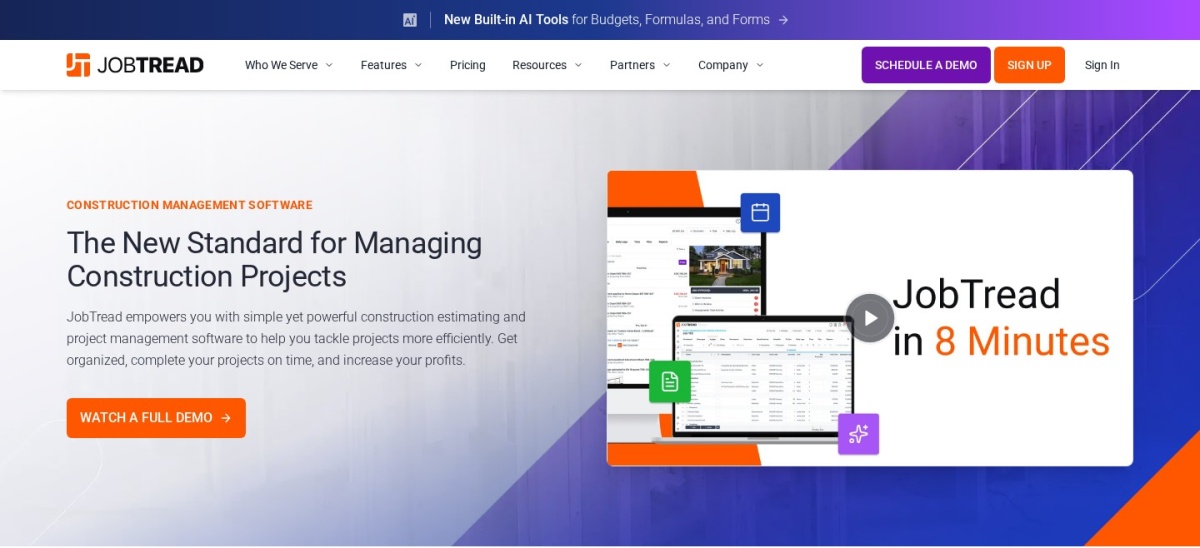
JobTread is budget-first construction software for custom home builders and remodelers. One budget drives the estimate, proposal, purchase orders, change orders and invoices, so job costing stays tied to the sale from start to finish. It also includes Gantt scheduling, daily logs and free portals for clients, vendors and subcontractors.
The trade off is setup and price for a one-person shop. Reviewers praise the support but call the first setup slow, and $199 a month is a fixed cost before the first job is won. It suits builders running several custom homes who want tight control of every budget line.
Buildertrend is the most established residential construction platform in this list, built for home builders and remodelers running several projects a year. It covers estimates and bids, Gantt schedules, budgets and job costing, change orders, daily logs and a client portal where homeowners track progress and make selections. It absorbed CoConstruct in 2021.
The trade off is price transparency. Buildertrend no longer publishes prices and quotes by construction volume; its last published plans started at $499 a month, and onboarding averages about two months. It suits production and custom builders who want schedules, selections, change orders and warranty in one system.
What we like
Full job arc from lead to warranty in one system
Unlimited users and projects on every tier
Strong client portal with selections and payments
Most established name in residential building
Watch out for
No published price; every quote needs a sales call
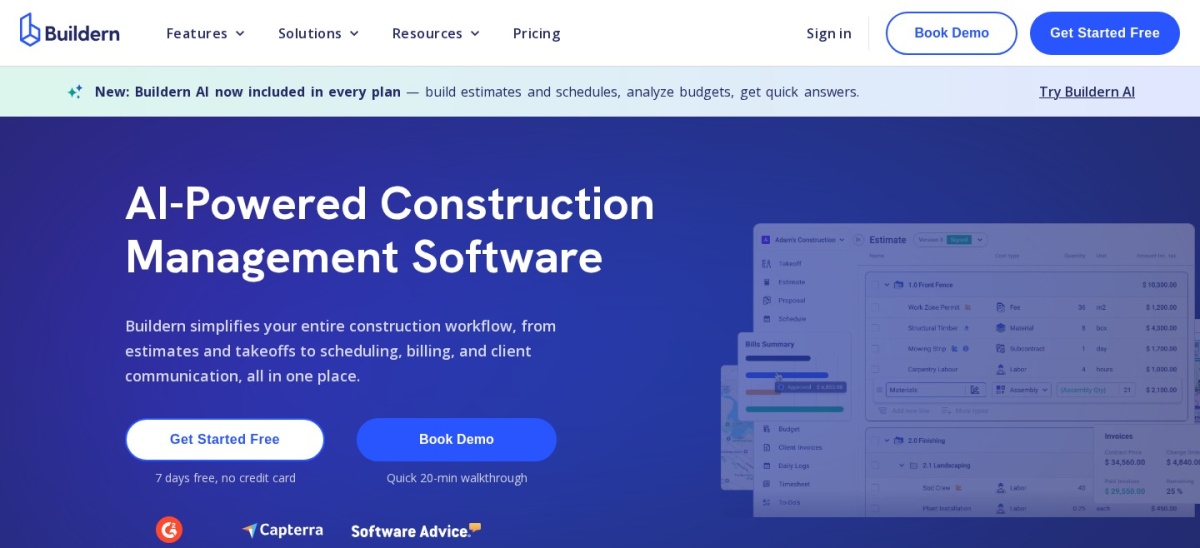
Buildern is a modern all-in-one construction platform for residential and commercial builders. It combines estimating, takeoffs, scheduling, budgeting, billing and client communication, with AI tools included in every plan for estimates, schedules and budget checks. Field workers, clients, subcontractors and vendors get free access.
The trade off is the small review base. Its 4.9 out of 5 G2 rating rests on only 23 reviews, so it is less proven than older rivals, and accounting stays outside the tool through QuickBooks or Xero. It suits builders who want a clean, current interface and are comfortable keeping the books elsewhere.
Houzz Pro is business software for remodelers, design-build firms and interior designers, sold beside the Houzz marketplace. It combines a CRM for leads and clients with estimates, proposals, invoices and online payments, plus 3D floor plans, mood boards and a client dashboard where homeowners follow progress and approve documents.
The trade off is the contract. Most plans run on annual 12-month contracts that cannot be cancelled early, and reviewers flag price rises and add-on fees over time. It suits design-led firms that win work with visual portfolios and will use the design tools on every job.
What we like
Design tools and business tools in one system
3D floor plans and mood boards impress clients
Rated 4.3 out of 5 on Capterra from 1,000+ reviews
Cheapest published plan in the design-led group
Watch out for
Annual contracts that cannot be cancelled early
Reviewers flag price rises and add-on fees
Advertising is priced separately from $499 a month
Buildxact is estimating-first software for residential builders and remodelers. It starts with digital takeoffs, supplier price lists and quotes, then connects the winning estimate to scheduling, purchase orders, job costing and invoicing. Its homepage says it is trusted by over 7,000 construction companies.
The trade off is depth outside estimating. Scheduling, the client portal and invoicing need the Pro plan at $399 a month, and reviewers call the scheduling tool weaker than the estimating side. It suits builders whose main pain is slow, inaccurate quotes rather than field coordination.
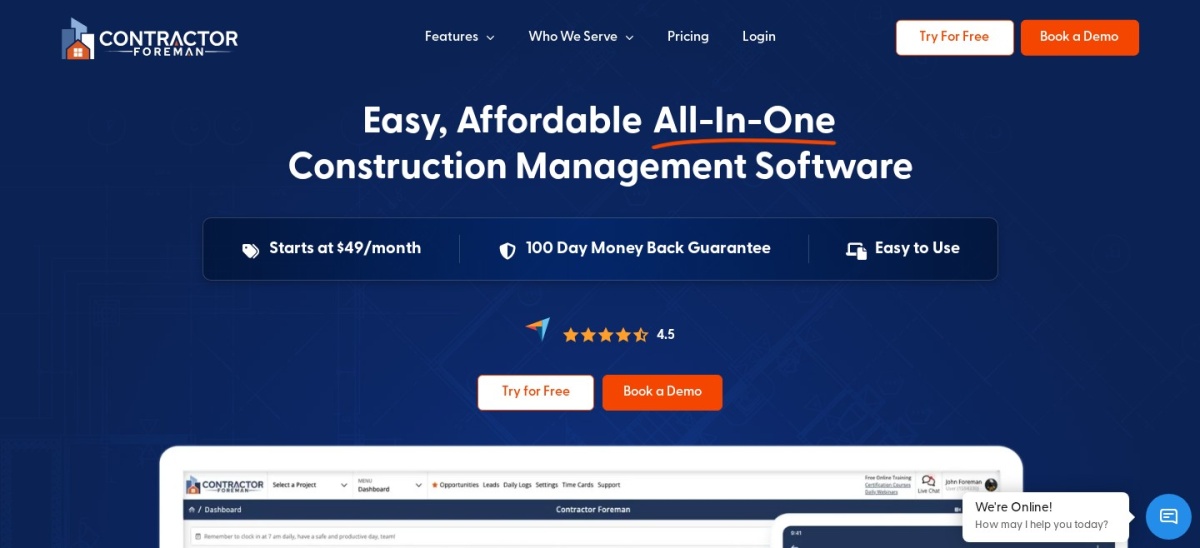
Contractor Foreman is construction management software for small and mid-sized contractors, priced in flat company tiers instead of per user. It covers estimating, scheduling, time cards, daily logs, change orders and financial tracking, and it syncs with QuickBooks Online. Its homepage lists a starting price of $49 a month.
The trade off is that the cheapest tier is thin. Basic covers one user and leaves out local material prices, so a growing team moves to Standard at $105 a month or higher. It suits budget-conscious builders who want broad project tools without paying per seat.
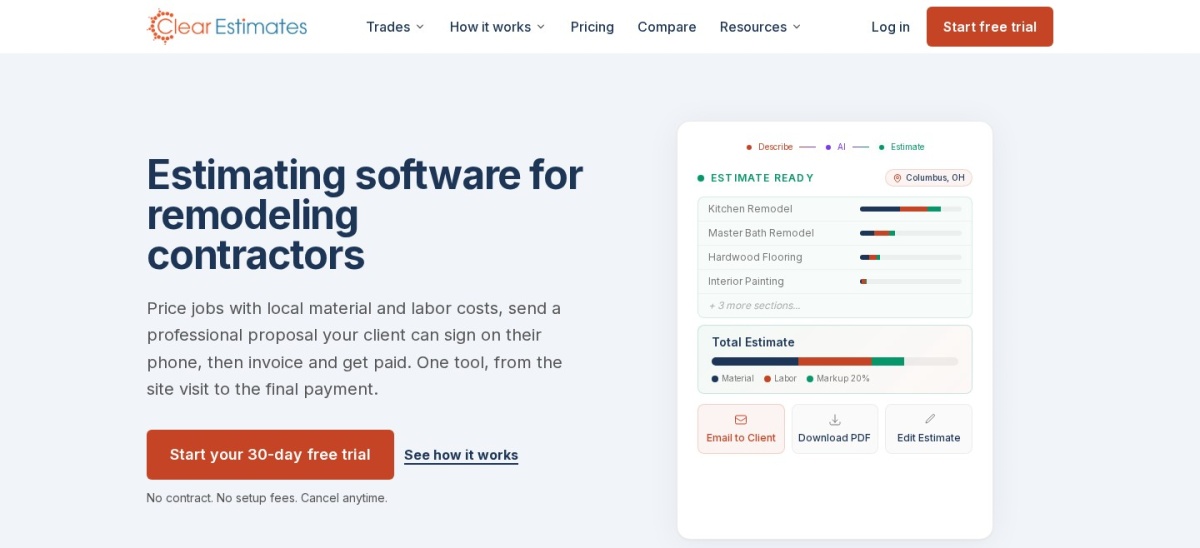
Clear Estimates is estimating software for remodelers and residential contractors. Every estimate draws on more than 12,000 cost items with labor and material pricing for over 400 areas, plus over 500 project templates. Homeowners can review and sign proposals from a phone.
The trade off is scope. It is an estimating tool, not a full project platform, so scheduling, job costing and field coordination need another system beside it. It suits small residential builders who want fast, professional bids and already run projects elsewhere.
What we like
Local labor and material costs built in
Over 500 project templates
Clients can sign proposals from a phone
30-day free trial with no setup fees
Watch out for
No scheduling or job costing built in
Some reviewers want deeper customization
Cost database needs regular updates, reviewers say
Fieldwire by Hilti is jobsite management software built around drawings. Field teams view the latest plans, add markups, track tasks, share photos and checklists, and message the office from the same app. Its homepage says it powers over 4,000,000 jobsites worldwide.
The trade off is that it is field software, not a builder's office system. Estimating, budgeting and invoicing are not its job, and paid plans charge per user, so a large crew adds up fast. It suits builders who need reliable plan access and task tracking on site.
Procore is a cloud construction platform that connects project management, field work, quality and safety, bidding and financials for general contractors, specialty contractors and owners. It is rated 4.6 out of 5 on G2 from more than 4,200 reviews, the largest review base in this list.
The trade off is fit and cost. Pricing is a custom annual quote based on annual construction volume, with reported figures from about $15,000 a year upward, and setup can take months. It suits large builders running many large projects, not a small home builder with a few jobs a year.
Estimating tools vs full platforms: which do you need?
Choose an estimating tool if bids are the bottleneck. Clear Estimates and Buildxact produce a priced proposal fast, and you can keep running projects in spreadsheets or another system.
Choose a full platform if jobs slip after the sale. JobTread, Buildertrend and Buildern tie the budget to change orders, schedules and client updates, so a change in one place shows up everywhere else.
Many builders end up with both: an estimating specialist for bids and a platform for delivery. That costs more each month, so count both subscriptions before you sign.
How we chose
We started from the home building and residential construction tools with public ratings on G2 or Capterra, then kept the nine with the strongest fit for builders running custom or production homes.
Prices come from each vendor's pricing page or, where the vendor publishes no price, from the vendor's own statement that pricing is by quote, checked on 25 November 2026. Ratings and review counts come from G2 or Capterra on the same day.
We left out CoConstruct, which Buildertrend absorbed in 2021, and tools with no public rating. No vendor paid for a place, and we do not claim hands-on testing for this list.
How to choose home building software
Start with the job you lose money on today, then match the tool to that pain.
List where jobs go wrong. If bids are slow, start with estimating. If budgets drift after the sale, start with a full platform.
Count the real monthly cost. Add per-user fees, extra seats and annual contracts. A $49 plan for one user is not the same as a $49 plan for a crew.
Check the client side. Ask how homeowners approve selections and change orders, and whether clients, subs and vendors get free portal access.
Run one real job on a trial. Use a live estimate and schedule, not a demo project, and check the export to your accounting tool before you pay.
FAQ
What is the best home building software?
JobTread is the best pick for most builders. It ties estimates, budgets, change orders and invoices to one job budget, and it is rated 4.9 out of 5 on Capterra from 143 reviews.
How much does home building software cost?
Published prices in this list run from $49 a month for Contractor Foreman to $250 a month for Buildern. Buildertrend and Procore do not publish prices and quote by construction volume instead.
Is Buildertrend worth it for small builders?
It fits builders running several projects a year who want schedules, selections and warranty in one system. For a solo builder, its quote-only pricing and two-month onboarding are heavy, and JobTread or Contractor Foreman cost less.
Do I need estimating software and project software?
Not always. Full platforms such as JobTread and Buildertrend include estimating, so one tool can cover both. Add a specialist such as Clear Estimates only if bids are slow or local cost data matters most.
Can I use Fieldwire on its own?
Yes for field work, but not as a builder's office system. Its free Basic plan covers plan viewing, markups and tasks, while estimating, budgeting and invoicing need another tool.
What is the cheapest home building software?
Fieldwire has a free Basic plan for up to 5 users and 3 projects. Among paid all-in-one tools, Contractor Foreman starts at $49 a month, and Clear Estimates starts at $79 a month for estimating only.
SaaS SEO and WordPress specialist with about 8 years of experience. Rakib compares WordPress plugins, themes, hosting and software using public pricing, documentation and user reviews. See how we rank.