Buildertrend is the best home building software brand for most residential builders, covering scheduling, estimating, job costing and client communication in one place at 4.3 out of 5 on G2. Pick JobTread for transparent flat pricing and Houzz Pro if design and client presentations drive your sales.
How we make this list: we compare pricing pages, product documentation and public user reviews, then re-check every price before each update. No product paid for a place. Disclosure.
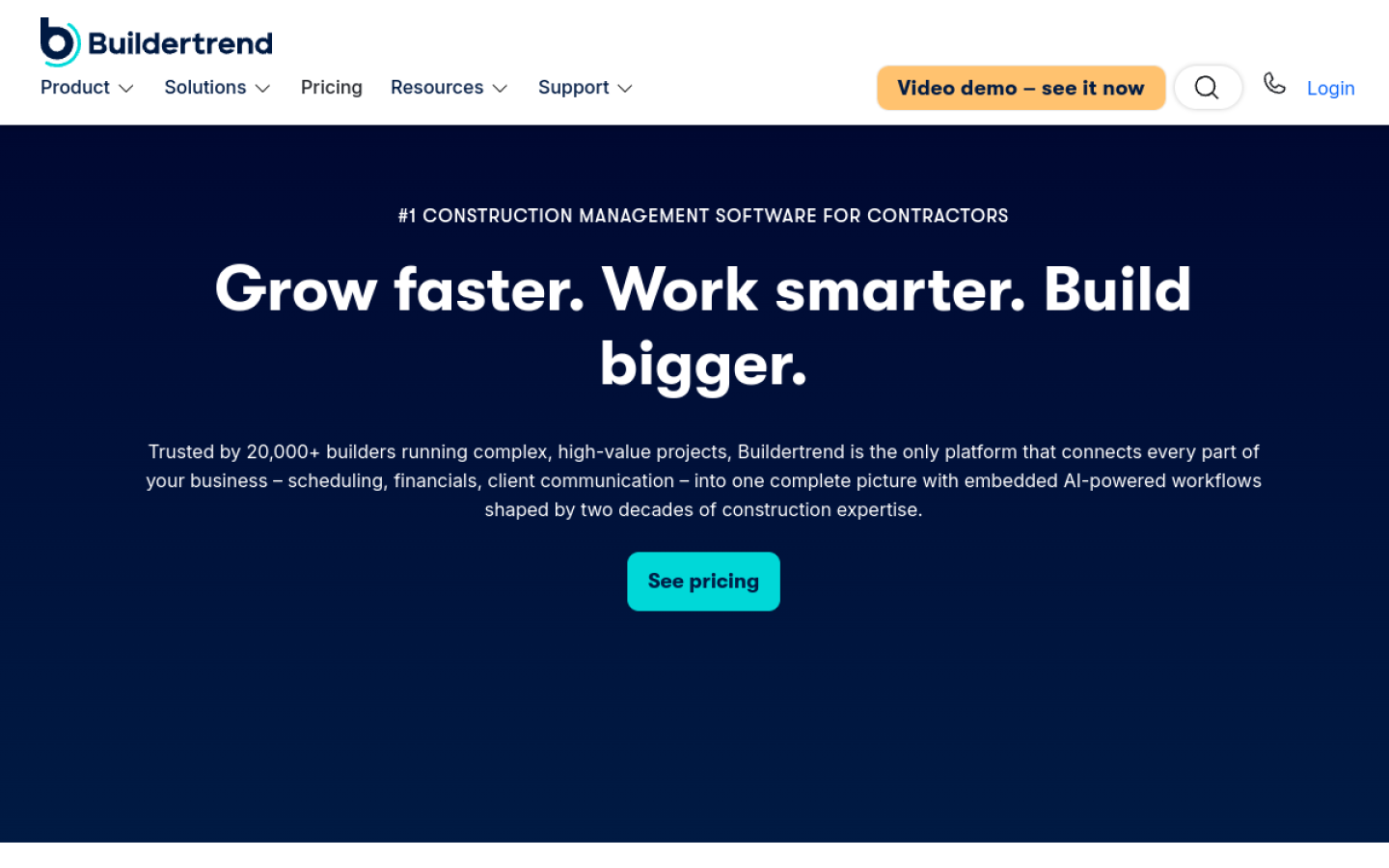
Buildertrend is the residential standard, covering scheduling, estimating, job costing and a client portal at $499 a month.
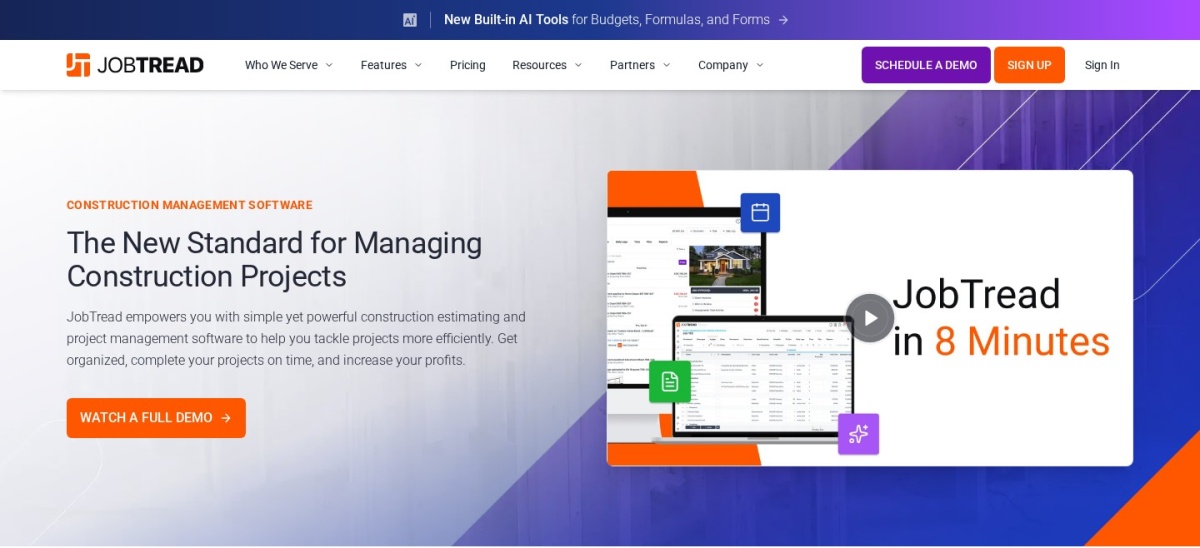
JobTread has the highest rating in this list at 4.9 out of 5 on G2, with one flat $199 a month price for every feature.
Houzz Pro, STACK and Fieldwire all offer a free plan, so a small builder can start without paying.
Procore is the highest-rated enterprise brand at 4.6 out of 5, but pricing is by custom quote only.
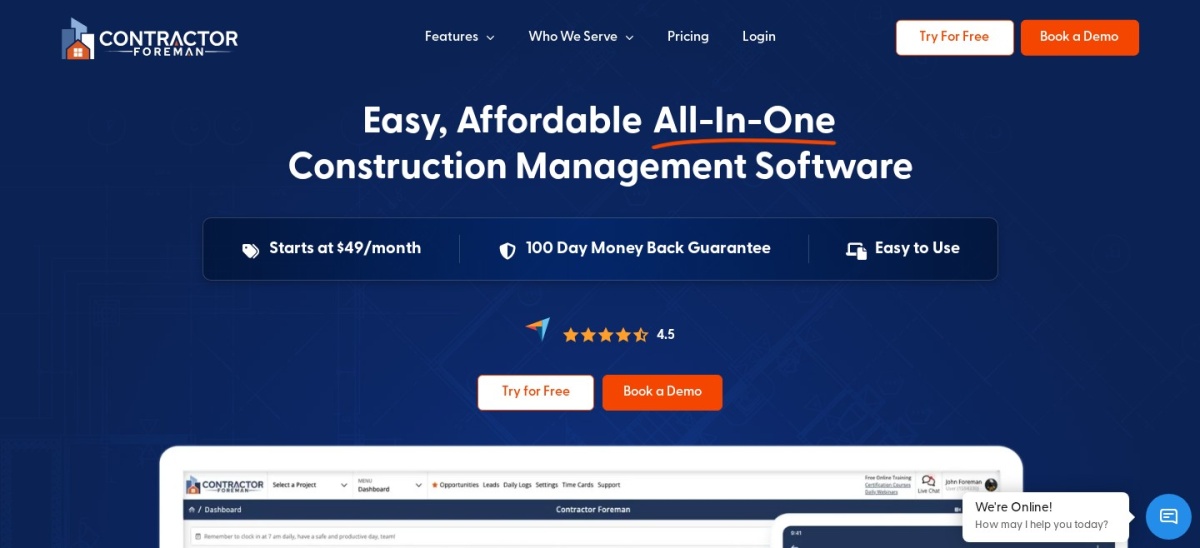
Contractor Foreman is the cheapest paid plan here at $49 a month, and Knowify starts at $99 a month for job costing.
What the big home building brands actually sell
Home building software is sold by brand as much as by feature. Builders pick a name they have heard on a job site, then live with that choice for years, so the brand's support, training and update record matter as much as the feature list.
Most of these brands cover the same core work: estimates, schedules, budgets, change orders and client updates. They differ in who they fit. Buildertrend and JobTread are built for residential builders, Procore and Autodesk Forma for larger firms, and Houzz Pro for design-led remodelers.
Pricing splits the list in two. Buildertrend, Procore and Autodesk Forma charge hundreds a month or quote by volume, while Contractor Foreman starts at $49 a month and Knowify at $99. Our guide on budgeting for a WordPress website uses the same habit this list follows: set the budget first, then compare what fits inside it.
Free plans are real in this market but narrow. Fieldwire's free plan covers 5 users and 3 projects, STACK's covers one active project a month, and Houzz Pro's covers the floor planner, estimates and invoicing.
Buildertrend is a cloud platform built for home builders and remodelers, covering scheduling, estimating, job costing, change orders and a client portal in one place. Every plan includes unlimited users, and it connects to QuickBooks and Xero for accounting.
The trade off is price. Essential costs $499 a month on month-to-month billing, or $449 a month when billed annually, and there is no free plan. It suits residential builders running several jobs at once who want one system for the office, the field and the homeowner.
What we like
Built for residential builders, not adapted from commercial tools
Client portal keeps homeowners informed without phone calls
Unlimited users on every plan
Strong scheduling, selections and change order tools
Watch out for
No free plan and no published trial terms
Entry price is high for a solo builder
Reviewers report a learning curve for subcontractors
JobTread is a construction management platform for home builders, remodelers and specialty contractors. Its single plan covers CRM, estimating, takeoffs, scheduling, budgets, job costing, change orders, invoicing and a client portal, with no feature tiers to climb.
The trade off is the per-user charge. The base price is $199 a month plus $20 a month per internal user, so a larger office team raises the bill. It suits small to midsize builders who want one price for every feature and a 30-day money-back guarantee.
What we like
Highest G2 rating in this list at 4.9 out of 5
One flat price with every feature included
No contract and no setup fees
Free implementation, training and support
Watch out for
No free plan, only a trial and a money-back guarantee
Houzz Pro is the business software arm of Houzz, aimed at remodelers, design-build firms and interior designers. Design at $99 a month includes 3D floor plans, selections, mood boards, a CRM, estimates, invoices and online payments, and a free plan covers the floor planner, estimates and invoicing.
The trade off is the seat math and the contract. Extra users cost $50 a month each on Design and Pro, most plans run on 12-month contracts, and the Pro plan at $199 is the one with takeoffs, contracts and schedules. It suits design-led firms that also win work through the Houzz marketplace.
What we like
Only brand here that pairs software with a homeowner marketplace
3D floor plans and mood boards impress clients early
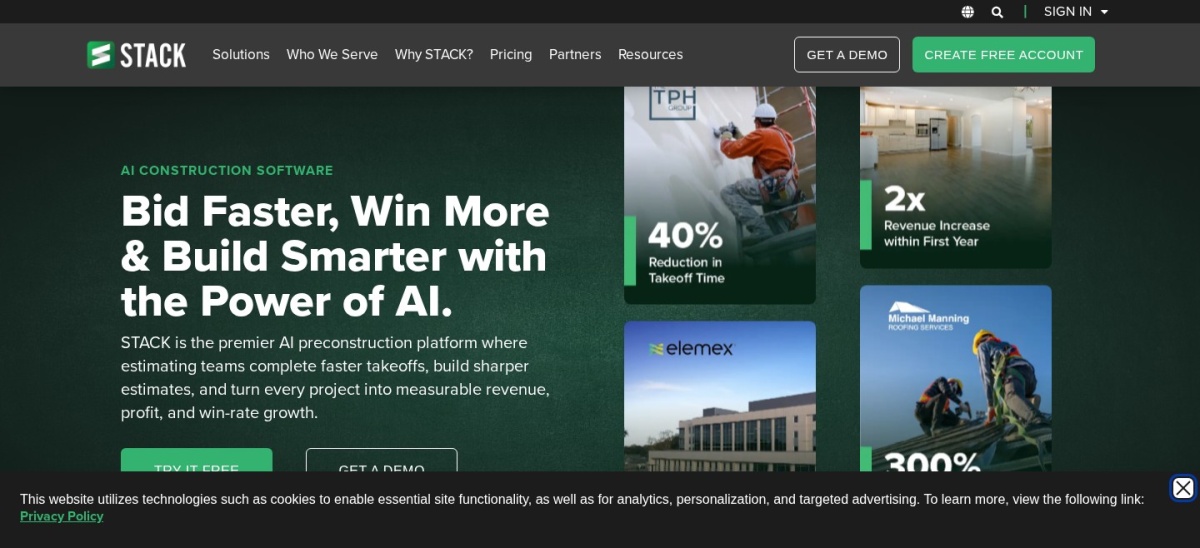
STACK is a cloud takeoff and estimating platform for general contractors and trade contractors. The free plan covers one active project a month, and the paid Takeoff & Estimate plans add unlimited projects, AI takeoff tools and integrated estimates and proposals.
The trade off is price. Takeoff & Estimate starts at $299 per user per month billed annually, so a team of estimators pays per seat, while a cheaper Build & Operate tier from $49 per user per month covers field work only. It suits builders whose bottleneck is bidding speed.
What we like
Fastest way to move from plans to a priced bid
Free plan with no credit card needed
Cloud-based, so the whole team works from the same plans
Published pricing, rare in this market
Watch out for
Per-user pricing adds up for a full estimating team
Free plan is limited to one active project a month
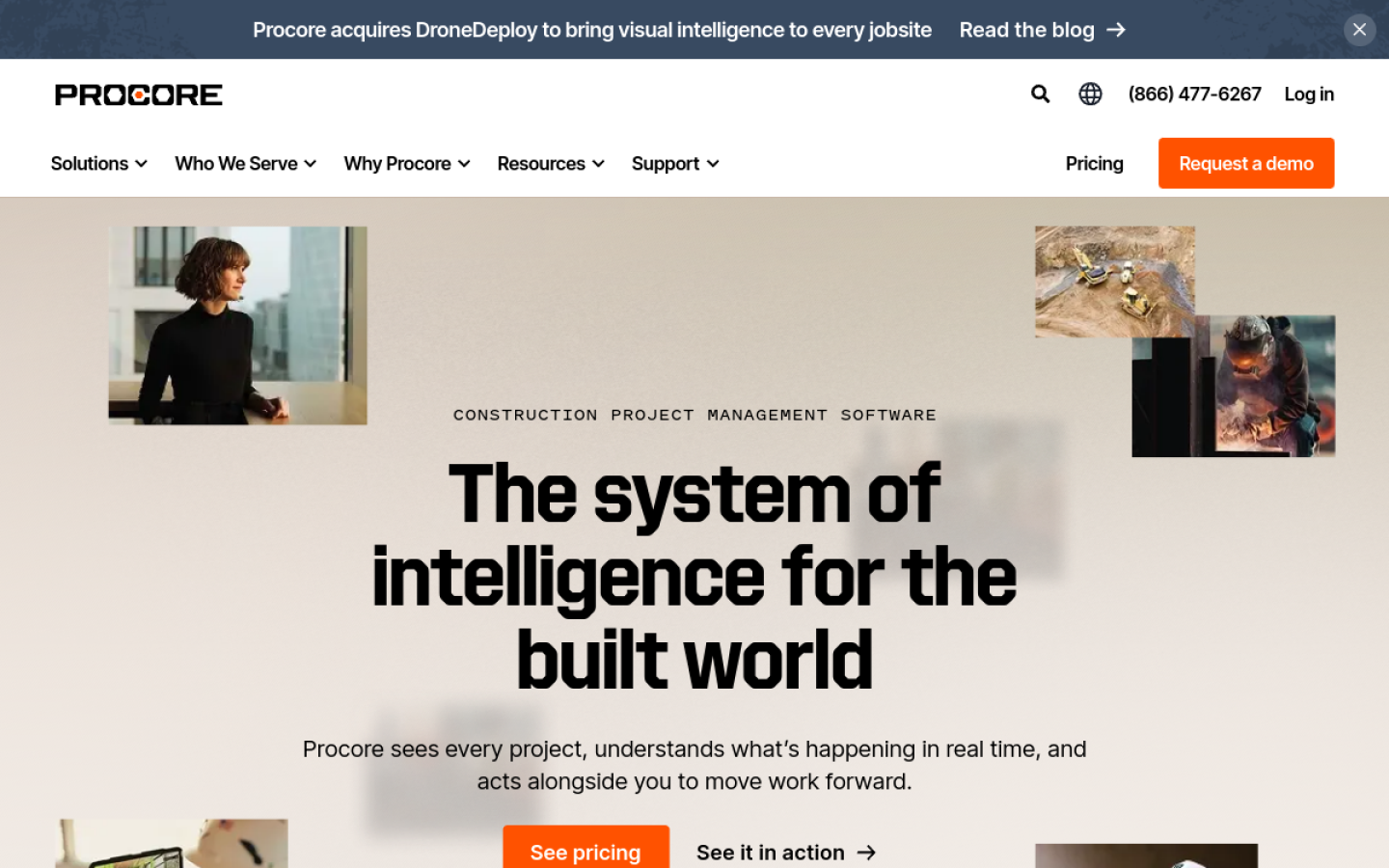
Procore is the largest construction management brand in this list, covering preconstruction through closeout with drawings, RFIs, submittals, daily logs, budgets and financials in one system. Every plan includes unlimited users, unlimited data and 24/7 support.
The trade off is price and fit. Pricing is by custom quote based on project volume, so a small home builder pays enterprise money for depth it may not use, and setup takes longer than the residential tools here. It suits larger builders running many jobs at once.
What we like
Deepest feature set in this list
Unlimited users, data and 24/7 support on every plan
Contractor Foreman is a low-cost all-in-one platform for small builders and contractors. The Basic plan at $49 a month on annual billing covers 1 user, and higher tiers add more users, scheduling, estimates, daily logs and payment processing.
The trade off is scale. Basic covers a single user and the monthly-billing prices run higher, with Basic not sold month to month, so a growing team moves to Standard at $105 a month on annual billing. It suits a solo builder or a small crew watching every dollar.
What we like
Cheapest paid plan in this list at $49 a month
Rated 4.5 out of 5 on Capterra from 842 reviews
30-day free trial and 100-day money-back guarantee
Covers estimating, scheduling and daily logs in one place
Knowify is a job costing platform for trade contractors and small builders. The Core plan at $99 a month on annual billing covers estimates, contracts, progress billing, AIA pay applications, scheduling, time tracking and a QuickBooks sync for 1 user.
The trade off is that job costing and the client portal sit on Advanced at $329 a month, and extra users cost $29 a month each. It suits builders who bill on progress or AIA forms and need tight cost tracking.
What we like
Strongest QuickBooks sync among the small-builder tools
Fieldwire by Hilti is a field management app for plans, tasks, punch lists and inspections. The free Basic plan covers 5 users, 3 projects and 100 sheets, with plan viewing, markups, tasks, checklists and mobile offline access.
The trade off is that reports, forms, RFIs and budgets sit on paid tiers, with Pro at $39 per user per month billed annually. It suits crews that live on drawings in the field rather than in the office.
What we like
Real free plan for a small crew
Best plan markup and punch list tools here
Works offline on mobile in the field
Backed by Hilti, so the brand is not going anywhere
Watch out for
No estimating or client portal on any plan
RFIs and budgets need Business Plus at $89 per user
Autodesk Forma is the new name for Autodesk Construction Cloud, from the company behind AutoCAD and Revit. Forma Build covers drawings, RFIs, submittals, cost management and field reports, and it connects directly to design models.
The trade off is cost and complexity. Forma Build Essentials starts at $800 per user per year, full Forma Build at $1,400, and reviewers cite a steep learning curve. It suits builders whose projects live in Revit models.
What we like
Direct link from Revit models to the field
Largest review base in this list at 5,668 G2 reviews
Quotes vs published prices: what to ask before you buy
Five brands here publish a price you can check in a minute: JobTread, Houzz Pro, STACK, Contractor Foreman and Knowify. Buildertrend publishes plan prices on its pricing page, Fieldwire publishes per-user rates, and Autodesk Forma publishes per-user list prices.
Procore is the only brand here with no published price at all. Its pricing page asks for a custom quote based on project volume, so get the quote in writing and ask what happens when volume changes.
Watch the billing term. Annual billing cuts Buildertrend Essential from $499 to $449 a month, Knowify Core from $149 to $99, and Fieldwire Pro from $54 to $39 per user. The monthly figure is the one to compare.
Ask about onboarding and extra users before signing. Buildertrend charges a one-time onboarding fee on top of the subscription, Houzz Pro charges $50 a month per extra user, and Knowify charges $29.
How we chose
We started from the best-known home building software brands, then kept the nine with a public rating on G2 or Capterra and a live product aimed at residential builders. CoConstruct was left out because Buildertrend acquired it and is winding the standalone product down.
Prices come from each vendor's pricing page or its published pricing article, checked on 25 November 2026. Ratings and review counts come from G2 or Capterra on the same day. Where a vendor shows a sale or an intro rate, the list shows the regular price.
We left out brands with no public rating and brands aimed only at commercial work. No vendor paid for a place, and we do not claim hands-on testing for this list.
How to choose a home building software brand
Start with the size of your jobs and the size of your team, then match the brand to that shape.
Count your active jobs and users. A solo builder on 3 jobs fits Fieldwire's free plan or Contractor Foreman Basic. A team running 10 jobs needs Buildertrend, JobTread or Procore.
Decide whether design sells your jobs. If clients pick you from 3D plans and mood boards, Houzz Pro earns its place. If bids win your work, STACK or JobTread matter more.
Check the price on the billing term you will use. Annual billing cuts most of these prices by 10 to 35 percent. Compare the monthly-billing figure if you will not commit to a year.
Trial it on one live job. Run a real project through estimating, scheduling and client updates before moving the whole business. A trial that only covers a demo project hides the rough edges.
FAQ
What is the best home building software brand?
Buildertrend is the best overall brand for most home builders. It covers scheduling, estimating, job costing and client communication in one place, and it is rated 4.3 out of 5 on G2 from 229 reviews.
Which home building software is cheapest?
Contractor Foreman is the cheapest paid plan in this list at $49 a month on annual billing for 1 user. Fieldwire's free Basic plan costs nothing for 5 users, 3 projects and 100 sheets, and Houzz Pro starts at $99 a month.
Is there free home building software?
Yes. Fieldwire, Houzz Pro and STACK all offer a free plan. Fieldwire's is the most generous for a small crew, while STACK's free plan is limited to one active project a month.
What happened to CoConstruct?
Buildertrend acquired CoConstruct and is winding the standalone product down. Its site now directs customers to migrate to Buildertrend, so new buyers should pick Buildertrend or JobTread instead.
Is Procore good for home builders?
Procore is a strong platform but it is built for large commercial work and priced by custom quote. Most home builders get more value from Buildertrend or JobTread, which are built for residential jobs and publish their prices.
Do I need BIM software to build homes?
No, most home builders do not. Autodesk Forma earns its place only when projects live in Revit models and need model coordination. For standard residential work, scheduling, estimating and client communication matter more.
Can I switch brands later?
Yes, but moving job history, budgets and client records takes work, so pick with a two-year view. Trial the new brand on one live job first and confirm it exports your data before you commit.
SaaS SEO and WordPress specialist with about 8 years of experience. Rakib compares WordPress plugins, themes, hosting and software using public pricing, documentation and user reviews. See how we rank.