Chief Architect is the best home architecture software for residential pros who need construction documents, rated 4.4/5 on Capterra. SketchUp is the easier pick for 3D concepts at $129 a year, and Planner 5D is the best budget pick at $59.99 a year for simple floor plans.
How we make this list: we compare pricing pages, product documentation and public user reviews, then re-check every price before each update. No product paid for a place. Disclosure.
Chief Architect is the only pick here built around full construction documents, at $1,995 a year.
SketchUp Go costs $129 a year, and Pro adds the desktop app and LayOut for $399 a year.
Cedreo is the fastest route to client-ready proposals, with Pro at $79 a month billed annually.
Planner 5D Premium at $59.99 a year undercuts most paid plans in this list.
Sweet Home 3D is completely free, but it has no construction documents or permit-ready output.
Free plans are real here: 8 of the 9 tools offer one, with Chief Architect the exception.
What home architecture software should do
Home architecture software turns a floor plan into a 3D house you can walk through on screen. The best tools keep the 2D plan and the 3D model in step, so moving a wall updates the elevations too.
The split in this list is between documents and pictures. Chief Architect and Cedreo aim at drawings a builder can work from, while Planner 5D, Floorplanner and RoomSketcher aim at fast plans and 3D views for clients and homeowners.
Price follows that split. A professional document tool costs $1,995 a year, while a good planning tool costs $19.99 to $300 a year. Free plans cover layout and furnishing well, but renders and exports are usually capped.
If the finished design needs to be shown to a client, presentation matters as much as drawing. Our guide on creating a portfolio site covers one way to present finished work online.
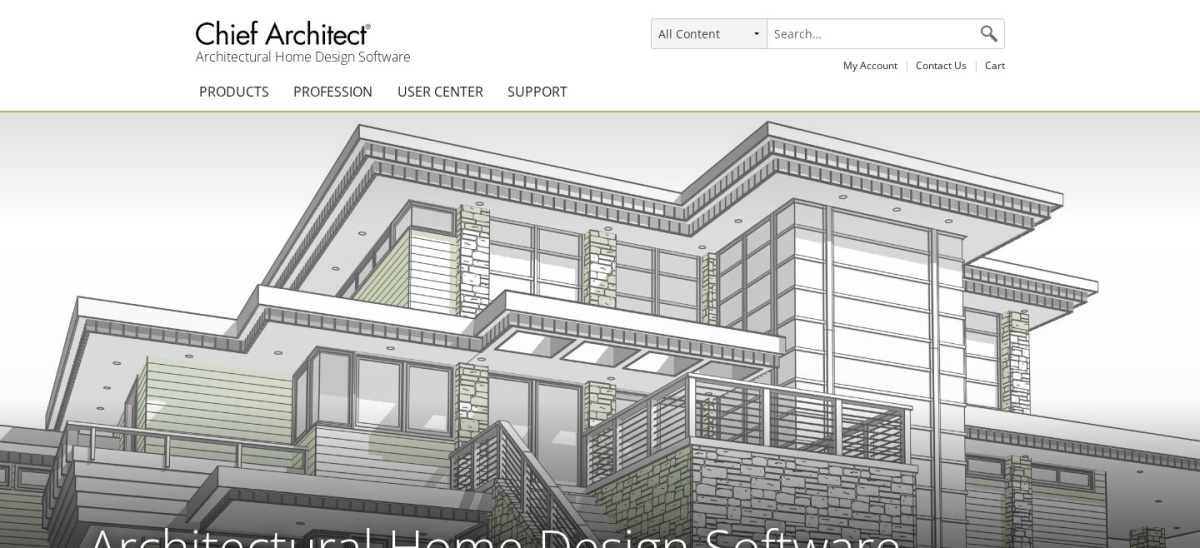
Chief Architect is professional residential design software that builds walls, roofs, framing and foundations from the floor plan. One model produces elevations, sections, a materials list and construction document sets, with ray-trace rendering for client views.
The trade off is price and learning time. Premier costs $1,995 a year billed annually, or $229 a month, and the tool is built for residential work only. It suits architects, builders and remodelers who produce permit-ready drawing sets every week.
SketchUp is a 3D modelling tool from Trimble, known for its push-pull modelling that turns a flat shape into a solid in one drag. The free web version covers personal-use modelling, Go adds web and iPad work at $129 a year, and Pro adds the desktop app and LayOut for 2D documents at $399 a year.
The trade off is documentation depth. SketchUp is a general modeller, not a residential CAD tool, so it has no automatic framing or materials lists. It suits designers who need quick 3D concepts and client views before drawings move elsewhere.
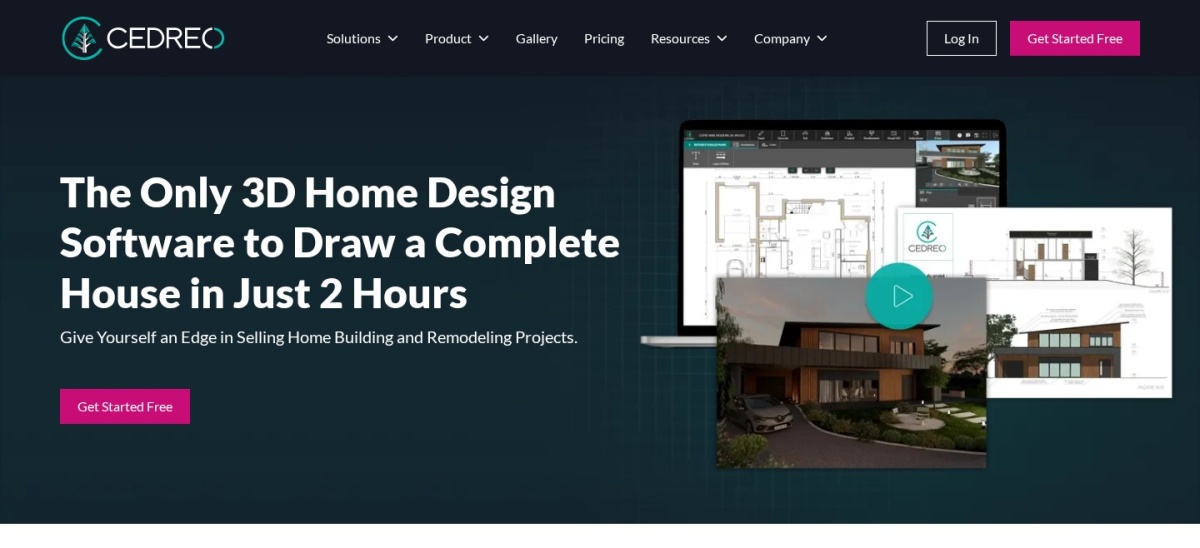
Cedreo is a browser-based 3D home design tool for builders, contractors and remodelers. It turns a floor plan into 2D and 3D plans, sections, elevations, roofs and site plans, with photorealistic renders the vendor says take about two hours from a blank plan.
The trade off is cost for occasional use. Pro costs $79 a month billed annually, or $129 month to month, and the free plan covers one project only. It suits builders who present designs to win jobs several times a month.
Planner 5D is a freemium 2D and 3D home design app for drawing floor plans and furnishing them. The free plan covers unlimited projects and half the furniture catalogue, and Premium adds the full catalogue of 10,000-plus items, standard renders and AI floor plan recognition for $59.99 a year.
The trade off is output quality. Premium renders are standard quality, and unlimited 4K renders need Professional at $399.99 a year. It suits homeowners and small teams who want a quick, good-looking plan without learning CAD.
Coohom is a browser-based 3D home design platform that combines a 2D floor planner with a large catalogue of branded furniture and cloud rendering. The free Basic plan covers 3 projects, and Pro adds unlimited projects, more than 1 million branded 3D assets and 10 8K image renders a month for $25 a month billed annually.
The trade off is that it is built for interiors, not structure. Coohom has no framing or construction documents, and team work needs Elite at $58 per seat a month billed annually. It suits interior designers who present furnished rooms to clients.
RoomSketcher is a cloud floor plan and home design app that draws scaled 2D plans and turns them into 3D floor plans, photos and 360 views. The free plan starts with 2 credits, and Pro costs $144 a year billed annually, with 5 credits a month, the full furniture library, branding and print to scale.
The trade off is the credit system. 3D photos, 360 views and AI renders spend credits, and unused credits do not carry over, so a busy month costs extra. It suits agents and designers who need clean, scaled plans for clients.
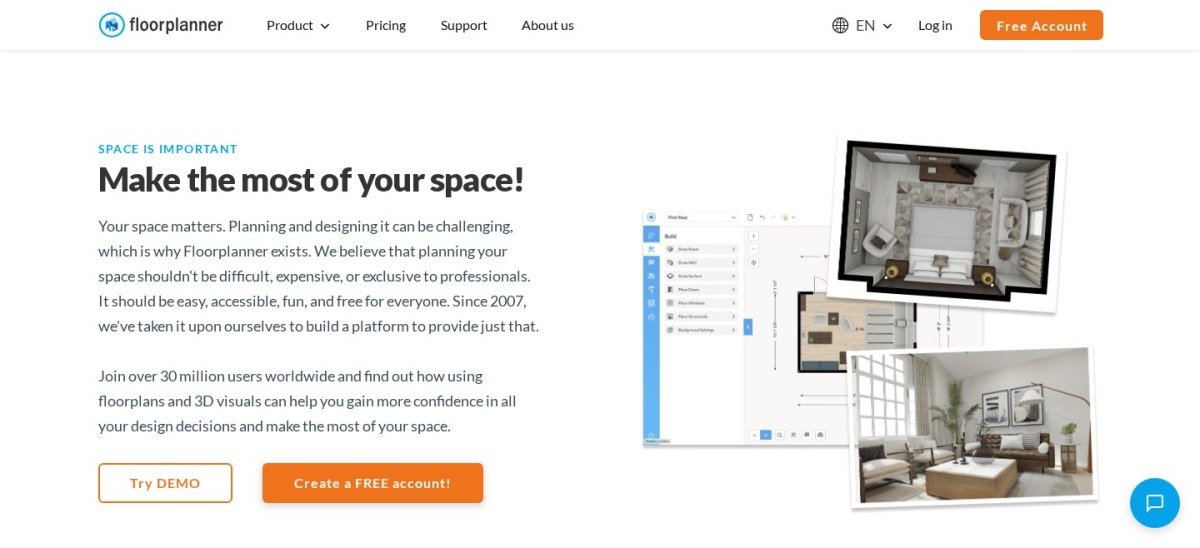
Floorplanner is a browser tool for drawing dimensioned 2D floor plans and viewing them in 3D. The free Basic plan covers 5 projects with watermarked exports, and Plus costs $5 a month, or $4.08 a month billed annually, with 4 credits a month and no export cooldown.
The trade off is the credit meter. One HD project upgrade costs 5 credits, more than the 4 credits Plus includes each month, so heavy exporters buy extra credits. It suits homeowners who need an accurate plan to measure materials or brief a contractor.
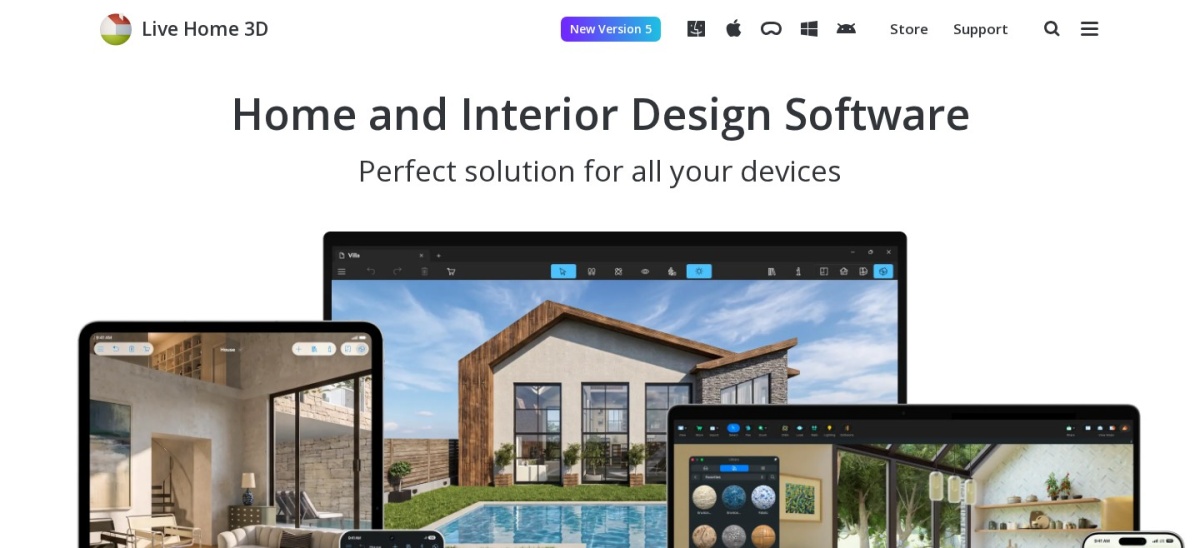
Live Home 3D is a multi-platform home and interior design app from BeLight Software that runs on Mac, Windows, iOS and Android. It draws floor plans, furnishes rooms and renders photorealistic images on the device, and the free version allows 2 floors with watermarked exports.
The trade off is a mixed price list. Standard costs $19.99 a year on Windows, iOS and Android, while Mac buyers get lifetime licences from $59.99 for Standard and $129.99 for Pro. It suits homeowners who want one app across phone, tablet and computer.
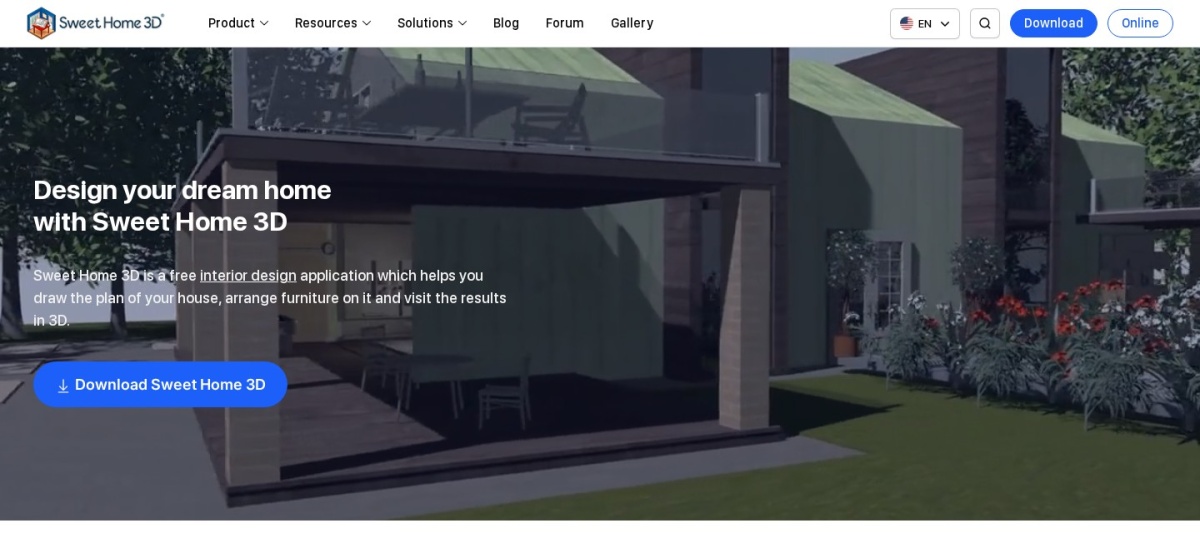
Sweet Home 3D is a free interior design application that draws the plan of a house, arranges furniture on it and shows the result in 3D. It runs on Windows, Mac and Linux, computes door and window holes in walls, and can create photorealistic images and videos with sunlight set by time of day.
The trade off is age and scope. The interface looks dated next to browser tools, and there are no construction documents, framing or permit-ready drawings. It suits homeowners who want a capable free tool and do not mind a plain interface.
Free plans cover layout and furnishing well. Most include unlimited or several projects, a 2D plan and a 3D view.
Paid plans mostly add renders and exports. You get more credits, higher resolution, no watermark and, on some tools, print to scale.
Only Chief Architect and Cedreo add drawing sets a builder can work from. If you need a permit set, a free planner will not replace them.
Start free, then pay for the month you need renders. A single month of Planner 5D Premium or Floorplanner Plus costs less than one hour of a designer's time.
How we chose
We started from the home design tools most often shortlisted for residential work, then kept those with a live website, a published price or free plan, and a public rating.
Prices come from each vendor's pricing page or vendor-supplied pricing, checked on 25 November 2026. Ratings and review counts come from G2, Capterra, SourceForge or SpotSaaS on the same day. Where a vendor shows a sale, the list shows the regular price.
We left out tools with no public rating and tools that publish no price. No vendor paid for a place, and we do not claim hands-on testing for this list.
How to choose home architecture software
Start with what the finished drawing has to do, then match the tool to that job.
Decide if you need drawings or pictures. Permit sets and builder handover need Chief Architect or Cedreo. A visual plan for a remodel needs only Planner 5D, Floorplanner or RoomSketcher.
Try the free plan first. Draw one real room, not a demo. Check whether the plan, the 3D view and the export limits fit before paying.
Count the render and export costs. Credits do not carry over on RoomSketcher or Floorplanner, so a month with many 3D photos costs more than the subscription alone.
Check the platform you will use. Browser tools run anywhere, while Chief Architect, SketchUp Pro and Live Home 3D need a desktop or mobile install.
FAQ
What is the best home architecture software?
Chief Architect is the best pick for residential pros who need construction documents, rated 4.4 out of 5 on Capterra. SketchUp is the better pick for fast 3D concepts, and Planner 5D is the best budget pick at $59.99 a year.
Is there free home architecture software?
Yes. Sweet Home 3D is completely free, and Planner 5D, Floorplanner, RoomSketcher, Coohom, Cedreo, SketchUp and Live Home 3D all offer free plans. Chief Architect is the only tool here with no free plan, only a trial.
Can I use home architecture software for permit drawings?
Only the professional tools in this list come close. Chief Architect produces full construction document sets, and Cedreo produces construction drawings on Pro. The free planners make visual plans, not permit-ready drawings.
How much does home architecture software cost?
Paid plans in this list run from $19.99 a year for Live Home 3D Standard to $1,995 a year for Chief Architect Premier. Most planning tools cost $59.99 to $300 a year, and several have useful free plans.
Is SketchUp good for home architecture?
Yes, for concepts and client views. SketchUp Go costs $129 a year and Pro costs $399 a year with the desktop app and LayOut for 2D documents. It has no automatic framing or materials lists, so drawings for a builder need another tool.
What is the easiest home architecture software for beginners?
Planner 5D and Floorplanner are the easiest here, with browser tools, drag-and-drop furniture and no CAD training needed. Planner 5D has the higher rating at 4.7 out of 5 on G2, and Floorplanner has the cheaper paid plan at $5 a month.
SaaS SEO and WordPress specialist with about 8 years of experience. Rakib compares WordPress plugins, themes, hosting and software using public pricing, documentation and user reviews. See how we rank.