Chief Architect is the best home architect software for professional residential work, with automatic roofs, framing and construction drawings, rated 4.4/5 on Capterra. Pick SketchUp for flexible 3D modelling at $129 a year, or Planner 5D for a budget home project at $59.99 a year.
How we make this list: we compare pricing pages, product documentation and public user reviews, then re-check every price before each update. No product paid for a place. Disclosure.
Chief Architect is the best pick for professionals: it turns a house model into construction drawings, elevations and a materials list.
SketchUp is the most flexible modeller, rated 4.5/5 on G2 from 1,328 reviews, with Go at $129 a year.
Planner 5D is the cheapest useful paid plan at $59.99 a year, with a free plan for unlimited projects.
Coohom has the highest rating here, 4.8/5 on Capterra, and Pro at $300 a year includes unlimited 4K renders.
RoomSketcher's regular Pro price is $24 a month; the $144-a-year figure on its site is a 50% sale price.
What home architect software should do
A home architect tool should do more than draw a pretty room. Look for measured 2D plans, a 3D view that updates as you draw, and exports you can share with a builder or client.
Construction output is the dividing line. Professional tools generate elevations, sections, framing and materials lists, while budget planners stop at floor plans and renders. Decide which side of that line your project sits on before you pay.
Prices in this list are the regular prices from each vendor's pricing page, checked on 25 November 2026. Several pages show a sale price beside the regular price, and the list uses the regular price.
Free plans are useful for one room or one project, but check the limits. Some cap projects, watermark renders or charge credits for each export, so a free plan can turn expensive once you share work with clients.
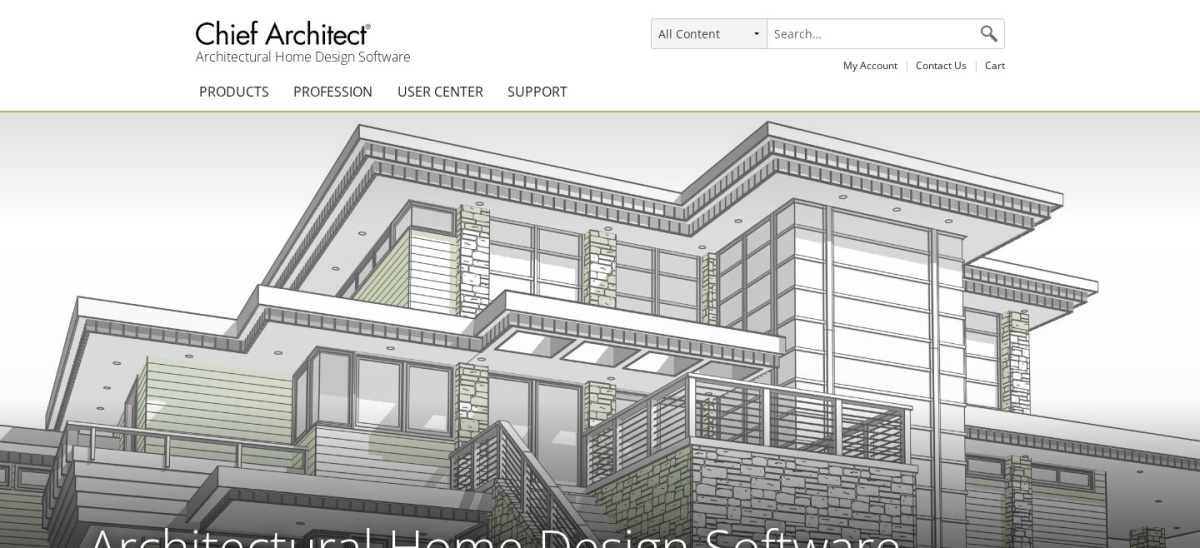
Chief Architect is professional home design software built for houses, not general 3D modelling. It draws walls, roofs, stairs, cabinets and foundations with building logic, then generates elevations, cross sections, construction drawings and a materials list from the same model.
The trade off is price. Premier costs $1,995 a year billed annually, or $229 a month, and there is no free plan, only a trial that blocks saving and exporting. It suits builders, remodelers and kitchen and bath designers who need permit-ready drawings.
What we like
Built for houses, with automatic roofs and framing
Generates construction drawings and materials lists
Fast real-time rendering, including artistic styles
SketchUp is a 3D modelling tool used to shape houses, rooms and sites quickly from simple lines and faces. The free web version covers basic modelling, while Go at $129 a year adds web and iPad tools with unlimited cloud storage, and Pro at $399 a year adds the desktop app and LayOut for 2D documents.
The trade off is that SketchUp is a modeller, not a home design specialist. It does not auto-generate roofs, framing or materials lists, so house-specific work needs extensions or manual modelling. It suits designers who want fast concept models and clean 3D views.
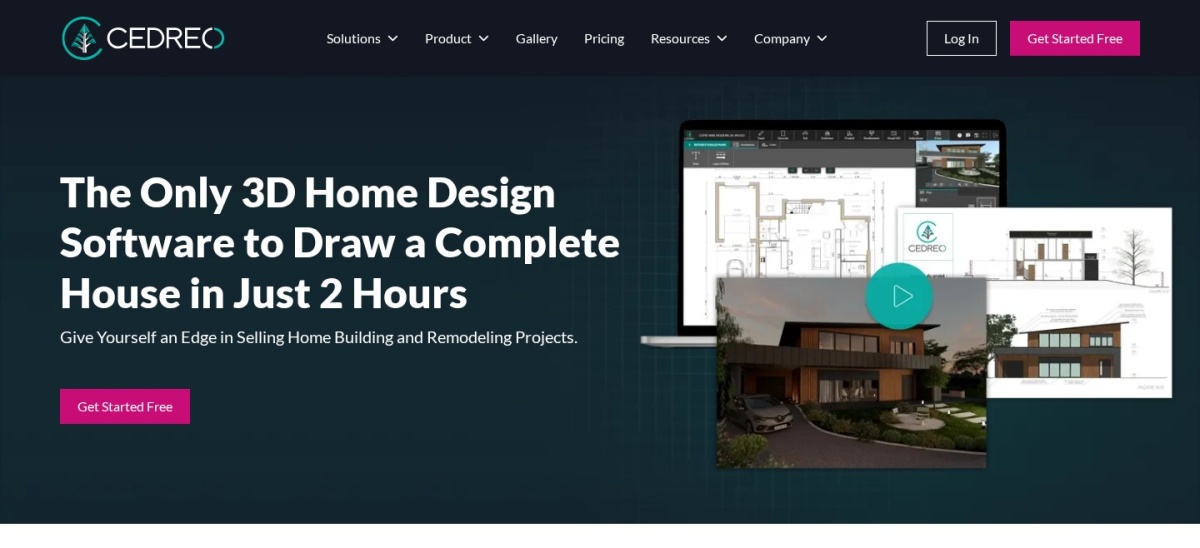
Cedreo is a web-based home design tool for drawing 2D floor plans and turning them into furnished 3D plans and photorealistic renders. The free plan covers one project with basic drawing tools, and its library holds more than 7,000 materials for decorating rooms.
The trade off is price and lock-in. Pro costs $119 a month, with two months free on annual billing, and you cannot downgrade from Pro to Personal once subscribed. It suits home builders and remodelers who present finished designs to clients.
What we like
Runs fully in the browser, nothing to install
Fast path from floor plan to finished render
Free plan needs no credit card
Watch out for
Pro is pricey for occasional use
No downgrade from Pro to a lower plan
Fewer reviews than the bigger tools here
Pro adds unlimited projects and monthly render creditsVisit cedreo.com
04
Planner 5D
4.7/5on G2 (142 reviews, checked Nov 2026)
Paid from$59.99/yr
Best budget pick for homeowners
Free planYes, unlimited projects
Furniture catalog10,000+ items, Premium
AI floor plan recognitionPremium plan
Paid planPremium, $59.99/yr
planner5d.com
Planner 5D homepage, captured Nov 2026.
Planner 5D is a browser and mobile home design app for drawing floor plans and viewing them in 2D and 3D. The free plan includes unlimited projects with about half the furniture catalog, while Premium at $59.99 a year unlocks the full catalog of more than 10,000 items, AI floor plan recognition and standard renders.
The trade off is that the cheapest paid plan is an annual-billing price. Monthly billing for Premium is $19.99, and 4K renders, CAD export and a branded profile need Professional at $399.99 a year. It suits homeowners planning a remodel on a small budget.
Coohom is a cloud 3D design platform for drawing floor plans and rendering them in photorealistic quality. The free Basic plan covers up to 3 projects with 1K watermarked renders, while Pro at $25 a month billed yearly adds unlimited projects, unlimited 4K renders and a 100,000-plus model catalog.
The trade off is that the best construction features sit higher up. Downloadable construction drawings and CAD export need Elite at $58 a seat a month billed yearly, and some reviewers report billing surprises on renewal. It suits designers who need fast, polished renders for clients.
What we like
Highest rating in this list, 4.8/5 on Capterra
Unlimited 4K renders on the Pro plan
Renders finish in seconds on a modest laptop
Watch out for
Construction drawings need the Elite plan
Some reviewers report renewal billing surprises
Harder to learn than Planner 5D or Floorplanner
Elite adds construction drawings, CAD export and team toolsVisit coohom.com
06
RoomSketcher
4.4/5on Capterra (198 reviews, checked Nov 2026)
Paid from$24/mo
Best for clean scaled floor plans
Free planYes, 2 credits to start
Print to scalePro plan
3D photos and 360 viewsPro plan, credits
Paid planPro, $24/mo
roomsketcher.com
RoomSketcher homepage, captured Nov 2026.
RoomSketcher is a cloud floor plan and home design app for drawing scaled layouts and sharing them as 2D plans, 3D floor plans and walkthroughs. The free plan includes 2 credits to start, and Pro adds the full furniture library, print-to-scale, measurements and your own branding.
The trade off is the credit system and the sale price. Pro lists at $24 a month, though the site currently shows 50% off at $12 a month billed as $144 a year, and many outputs still cost credits. It suits real estate and design pros who need clean, scaled plans fast.
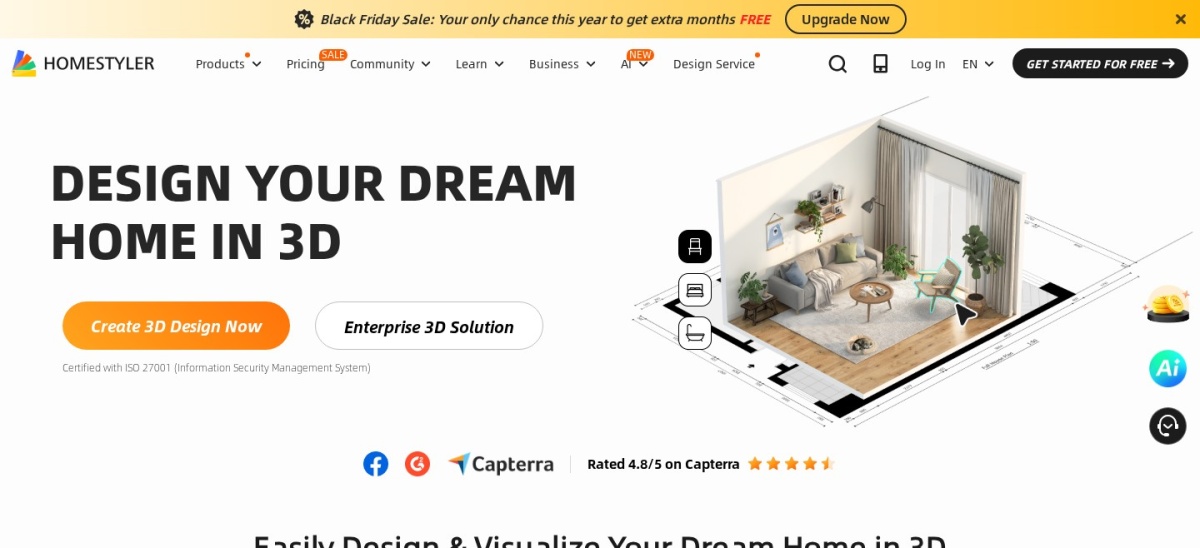
Homestyler is a browser-based 3D home and interior design tool with floor planning, a large furniture library and AI rendering. The free Basic plan includes unlimited projects and unlimited 1K renders, while Pro starts at $4.90 a month and removes watermarks, adds custom uploads and more storage.
The trade off is depth. It is stronger on interiors and renders than on whole-house structure, roofs or construction documents, and higher-resolution renders and AI credits cost more. It suits homeowners and students who want a quick, good-looking 3D view of a room.
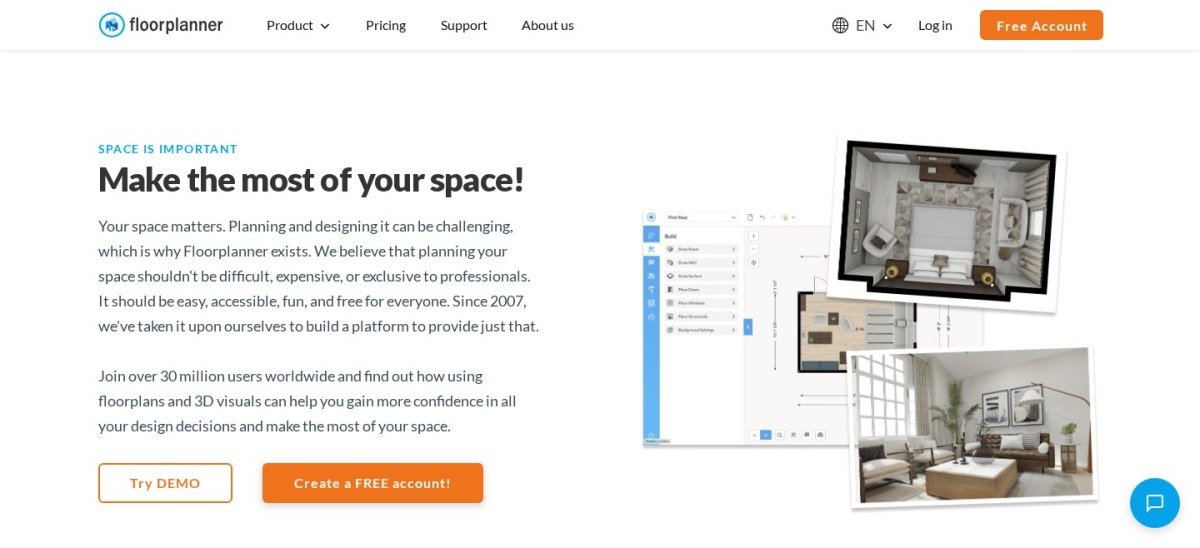
Floorplanner is a simple web tool for drawing 2D floor plans and viewing them in 3D, with a library of more than 150,000 items. The free Basic plan covers up to 5 projects with watermarked SD exports, while Plus at $5 a month removes export cooldowns and adds custom templates.
The trade off is that exports run on credits. Pro at $29 a month includes 25 credits a month, but heavy use of HD, 4K or 8K exports needs extra credit packs. It suits anyone who wants a quick, easy floor plan without learning CAD.
RoomSketcher shows Pro at $12 a month, but that is a 50% sale price. The regular rate is $24 a month, so budget for $288 a year if the sale ends.
Planner 5D shows Premium at $4.99 a month, but that is the annual-billing rate. Monthly billing is $19.99, which totals about $240 a year.
Coohom shows Pro at $25 a month on yearly billing, against a $29 monthly rate. SketchUp's site currently shows a seasonal sale banner, so check the regular Go and Pro rates before you buy.
How we chose
We started from the home design tools most often shortlisted for house projects, then kept those with a public rating on G2 or Capterra and a published pricing page.
Prices come from each vendor's pricing page, checked on 25 November 2026, and ratings come from G2 or Capterra on the same day. Where a vendor shows a sale, the list shows the regular price.
We left out tools with no public rating on G2 or Capterra, and tools that only restyle photos instead of drawing plans. No vendor paid for a place, and we do not claim hands-on testing for this list.
How to choose home architect software
Start with the output you need, then match the tool to it.
Decide if you need construction drawings. If a builder will work from your plans, pick Chief Architect, or Coohom Elite for drawings. If you only need a layout and a render, a budget planner is enough.
Check the free plan limits first. Count projects, watermarked renders and credit costs. A free plan that charges credits for every export can cost more than a cheap paid plan.
Compare the regular price, not the sale price. Annual billing is much cheaper than monthly billing for Planner 5D and RoomSketcher, and sale prices expire. Work out the yearly total before you commit.
Try the trial on a real room. Draw one room to scale, furnish it and export it. If the export looks good and the measurements hold, the tool fits your project.
FAQ
What is the best home architect software?
Chief Architect is the best pick for professional residential work. It builds roofs, framing and cabinets automatically and turns the model into construction drawings, elevations and a materials list, rated 4.4/5 on Capterra.
Is there a free home architect software?
Yes. Planner 5D, Homestyler, Floorplanner, RoomSketcher, Cedreo and Coohom all have free plans. Planner 5D is the most generous for homeowners, with unlimited projects, while Homestyler adds unlimited 1K renders.
Can I use SketchUp for house plans?
Yes, for modelling and concept work. SketchUp is fast and flexible, and Pro adds LayOut for 2D documents. It does not auto-generate roofs, framing or materials lists, so permit drawings need another tool or extensions.
What is the cheapest home architect software?
Homestyler Pro starts at $4.90 a month, about $58.80 a year, and Planner 5D Premium costs $59.99 a year. Both are far cheaper than Chief Architect at $1,995 a year, but neither produces construction drawings.
Do I need construction drawings from my software?
Only if a builder or permit office will use your plans. For a remodel idea or a client pitch, a scaled floor plan and a 3D render are enough. For a build, use Chief Architect or Coohom Elite.
Which home architect software is best for beginners?
Planner 5D is the easiest start. It runs in the browser, the free plan allows unlimited projects, and the full catalog unlocks for $59.99 a year. Floorplanner is a close second for a single simple floor plan.
SaaS SEO and WordPress specialist with about 8 years of experience. Rakib compares WordPress plugins, themes, hosting and software using public pricing, documentation and user reviews. See how we rank.