ProProfs Knowledge Base is the best help authoring tool for most teams, with a free plan for one author and 25 pages and paid plans from $49 per author per month. Pick Document360 for a large enterprise knowledge base, or Helpjuice if you want a done-for-you help center.
How we make this list: we compare pricing pages, product documentation and public user reviews, then re-check every price before each update. No product paid for a place. Disclosure.
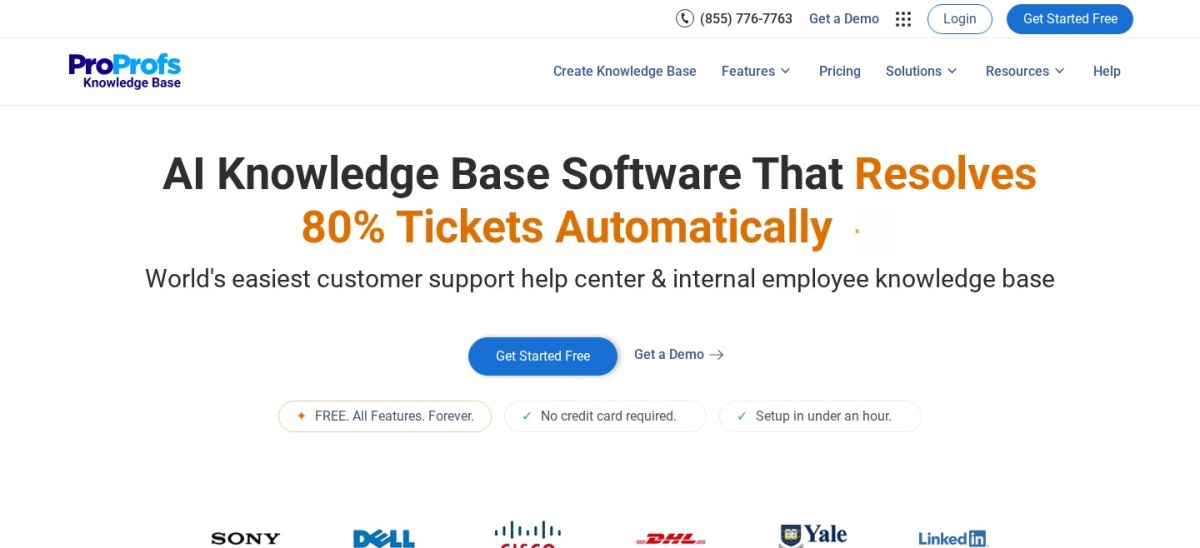
ProProfs Knowledge Base is the only tool here with a free plan that includes all premium features, for one author and 25 pages.
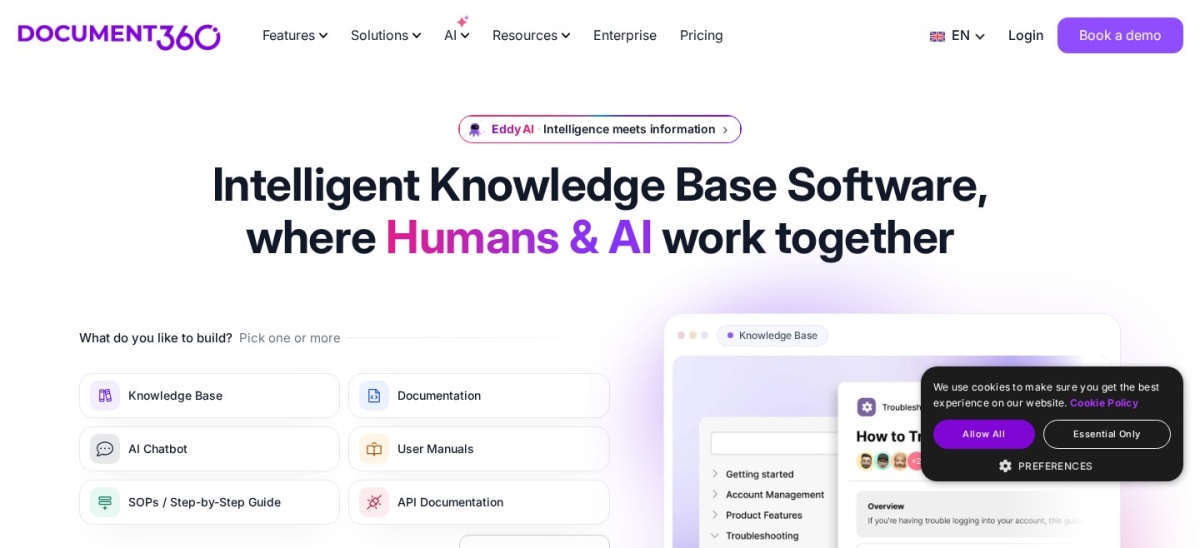
Document360 is the highest-rated enterprise option at 4.7/5 on G2, but it no longer publishes prices — every plan is a quote.
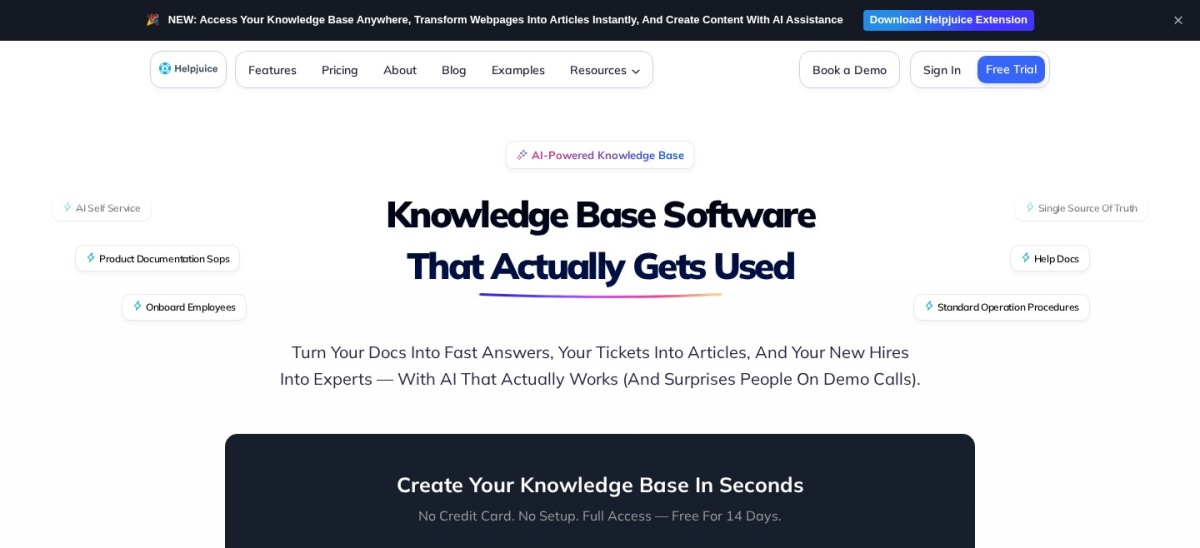
Helpjuice charges a flat $249 a month for 30 users and designs the help center for you.
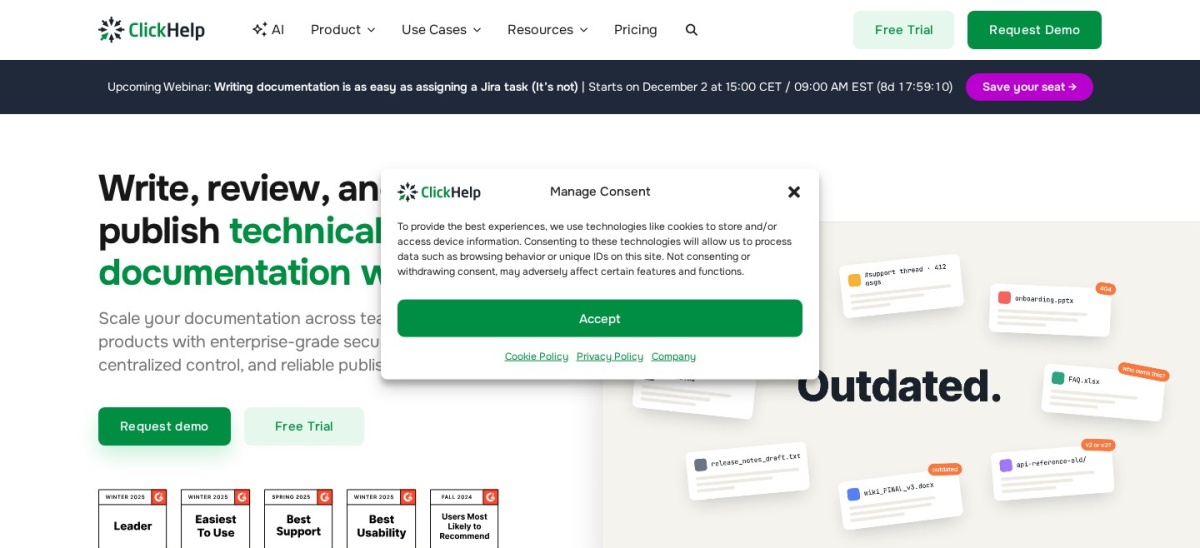
ClickHelp is the highest-rated tool in the list at 4.8/5 on G2, starting at $194 a month.
Confluence is the cheapest paid route at $5.78 per user a month, with a free plan for up to 10 users.
MadCap Flare is the most expensive at $3,150 per author a year, and it runs on Windows only.
What a help authoring tool should cover
A help authoring tool is where product help gets written. The job is single-source publishing: write a topic once, then ship it as web help, a PDF manual, a CHM file or an eBook without rewriting it for each format.
The tools split into two camps. Cloud tools such as ProProfs Knowledge Base and Document360 run in a browser and suit teams that publish a searchable help center. Desktop tools such as MadCap Flare and HelpSmith run on Windows and suit teams that also ship offline manuals.
Price models vary more than features. Some charge per author, some charge a flat monthly rate, and one in this list costs $199 once. A team of five authors can pay $245 a month on per-author pricing or $249 flat, so count your authors before you compare headline prices.
Ratings matter more than marketing pages here. Every tool in this list has a public rating on G2 or Capterra, and the review counts run from 16 for HelpSmith to 3,698 for Confluence. If you publish FAQs on a WordPress site as well, our guide on adding FAQ content in WordPress covers the basics.
ProProfs Knowledge Base homepage, captured Nov 2026.
ProProfs Knowledge Base is a cloud help authoring tool that needs no code. Its free plan covers one author and 25 pages with all premium features, and the browser editor works like Word, with 100+ ready-made templates for help centers, manuals and SOPs.
The trade off is the per-author price. At $49 per author a month on the Essentials plan, a team of five authors pays $245 a month, while flat-rate tools charge about the same for 30 users. It suits small teams and support teams that want to publish fast without training.
Document360 is a knowledge base platform built only for documentation, with public help centers, internal knowledge bases, product docs and API docs in one place. It adds versioning, category management, analytics and AI search, and it is rated 4.7 out of 5 on G2 from 541 reviews.
The trade off is price. Document360 publishes no prices in 2026, so every plan needs a sales quote, which makes it hard to budget without a call. It suits larger teams that need a governed knowledge base and can run a sales-led purchase.
Helpjuice is a knowledge base platform where the vendor designs your help center for you, so it matches your brand without code. The $249-a-month plan covers 30 users and 12GB of storage, with strong search, analytics and multilingual publishing.
The trade off is the price floor. There is no free plan and no cheap tier, so a small team pays $249 a month from day one, and AI features need the $449 plan. It suits non-technical teams that want a finished help center without hiring a designer.
ClickHelp is a cloud authoring tool for online documentation, user manuals and knowledge bases, with context-sensitive help that ties topics to screens in your app. The Starter plan at $194 a month covers 500 topics, unlimited projects and reader accounts, and it is rated 4.8 out of 5 on G2.
The trade off is the entry price. At $194 a month with 2 contributors included, it costs more than Archbee or Confluence before a team writes a word. It suits software teams that ship in-app help and want one portal for authors and readers.
Archbee is a cloud documentation platform for product docs and API references, with a block-based editor, Markdown support and custom domains. The Growing plan costs $80 a month on annual billing, readers are free on every plan, and it is rated 4.6 out of 5 on G2 from 118 reviews.
The trade off is depth. Versioning, localization and the review system start on the Scaling plan at $350 a month, so Growing suits simpler docs. It suits product teams that mix public docs with a private internal wiki.
4.5/5on Capterra (3,698 reviews, checked Nov 2026)
Paid from$5.78/user/mo
Best budget pick for Jira teams
Free planUp to 10 users
Entry paid planStandard, $5.78/user/mo
Jira integrationBuilt in
Storage on Standard250GB
atlassian.com
Confluence homepage, captured Nov 2026.
Confluence is Atlassian's collaborative wiki, and it works well as a help authoring tool for teams already using Jira. The free plan covers up to 10 users, Standard costs $5.78 per user a month, and pages, templates and permissions cover most internal docs and customer-facing guides.
The trade off is focus. Confluence is a general wiki, not a dedicated help authoring tool, so it lacks single-source publishing to PDF and CHM and built-in help center themes. It suits Jira teams that need shared docs more than polished public help centers.
MadCap Flare is the deepest desktop help authoring tool in this list, built for topic-based writing with snippets, variables and conditions. One source publishes to web help, PDF, mobile and AI assistants, and it is rated 4.4 out of 5 on G2 from 491 reviews.
The trade off is price and effort. At $3,150 per author a year, plus a steep learning curve and a Windows-only desktop, it is the priciest pick here. It suits technical writing teams that publish structured docs across many formats and audiences.
Adobe RoboHelp is a long-running help authoring tool for online help, policies and knowledge bases, with single-source publishing to HTML5, PDF and more. The individual plan costs $29.99 a month with an annual commitment, and it is rated 4.0 out of 5 on G2 from 38 reviews.
The trade off is momentum. RoboHelp has changed owners more than once, its review base is small, and RoboHelp Server for publishing and analytics costs extra. It suits teams already using Adobe products that need microcontent for chatbots and search.
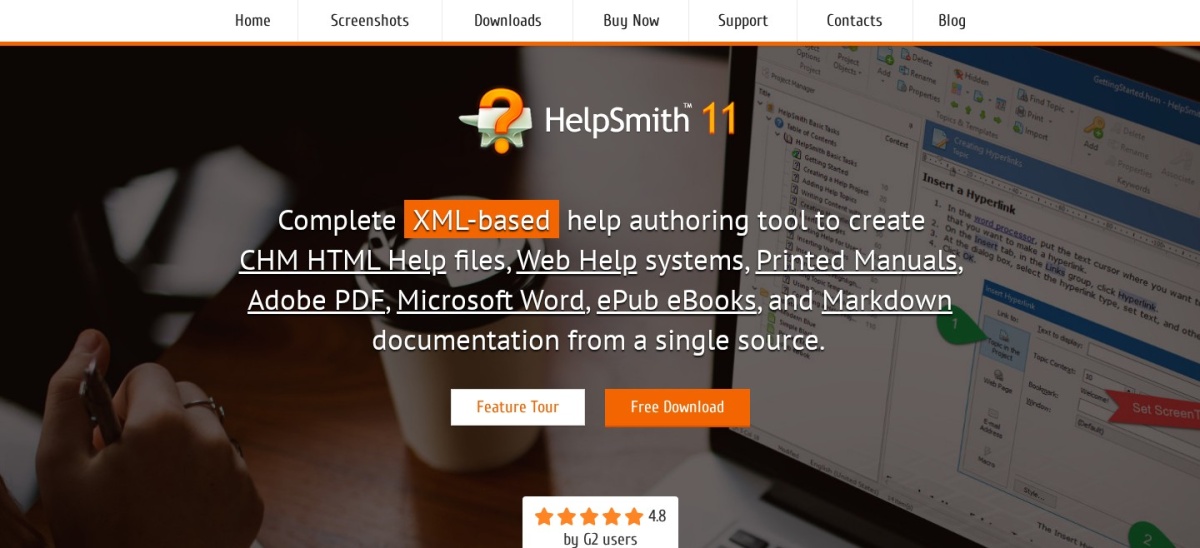
HelpSmith is a Windows help authoring tool that publishes CHM help files, Web Help, PDF manuals, Word documents and ePub books from one source. It adds a built-in screenshot tool with annotations, and the Standard license costs $199 once, with no subscription.
The trade off is scope. HelpSmith runs on Windows only, has no cloud collaboration, and its G2 rating of 4.8 rests on only 16 reviews. It suits solo writers and small Windows software teams that want a one-time purchase.
Cloud tools such as ProProfs Knowledge Base, Document360 and Helpjuice let the whole team write in a browser, with no installs and no version conflicts.
Desktop tools such as MadCap Flare, RoboHelp and HelpSmith keep the project on your machine, which suits offline work and one-time purchases, but collaboration needs extra setup.
If your writers work on Macs, check the platform first. Flare and HelpSmith are Windows-only, while RoboHelp also runs on Mac and the cloud tools run anywhere.
A cloud tool is the safer default for a distributed team. Pick desktop only when you need its output formats or want to avoid a subscription.
How we chose
We started from the established help authoring tools named in 2026 roundups, then kept nine with public ratings on G2 or Capterra and a current price or quote model.
Prices come from each vendor's pricing page, checked on 25 November 2026. Ratings and review counts come from G2 or Capterra on the same day. Where a vendor shows a sale, the list shows the regular price.
We left out tools with no public rating, such as HelpScribble, and tools whose pricing we could not verify. No vendor paid for a place, and we do not claim hands-on testing for this list.
How to choose a help authoring tool
Start with where your readers will find the docs, then match the tool to that job.
Decide web help or files first. If readers need a searchable help center, pick a cloud tool. If they need CHM or PDF manuals, pick a desktop tool such as Flare or HelpSmith.
Count your authors, not your readers. Per-author pricing such as ProProfs at $49 a month grows with the writing team, while flat-rate plans such as Helpjuice at $249 a month suit larger teams.
Check the outputs you actually ship. Some tools publish to web, PDF, CHM and ePub from one source, while others only publish a website. See how to add a document to WordPress if your docs live on your site.
Try the trial on real content. Import one of your own guides and publish it in every format you need before you pay.
FAQ
What is the best help authoring tool?
ProProfs Knowledge Base is the best pick for most teams. Its free plan covers one author and 25 pages with all premium features, paid plans start at $49 per author a month, and it is rated 4.6 out of 5 on G2.
What is a help authoring tool?
A help authoring tool is software for writing help documentation once and publishing it in several formats, such as web help, PDF, CHM files or ePub books. It keeps one source of content and outputs each format from it, instead of maintaining a separate copy for every format.
How much does a help authoring tool cost?
Prices in this list run from free plans at ProProfs and Confluence to $3,150 per author a year for MadCap Flare. Most cloud tools cost $80 to $249 a month, while HelpSmith costs $199 once and Document360 prices by quote.
Is there a free help authoring tool?
Yes. ProProfs Knowledge Base has a free plan for one author and 25 pages with all premium features, and Confluence is free for up to 10 users. The other tools here offer free trials of 7 to 30 days instead of a free plan.
Do I need MadCap Flare or is a cloud tool enough?
A cloud tool is enough for most help centers and product docs. Flare earns its price only when a team publishes structured content to many formats and audiences from one source, with reuse rules that simpler tools do not offer.
Can I use a help authoring tool with WordPress?
Yes, but none of these tools is a WordPress plugin. You publish docs on the tool's own site or export them, then link to them from WordPress. For docs inside WordPress itself, see our guide on adding FAQ content to WordPress.
SaaS SEO and WordPress specialist with about 8 years of experience. Rakib compares WordPress plugins, themes, hosting and software using public pricing, documentation and user reviews. See how we rank.