HWiNFO is the best hardware monitoring software for most Windows users, with the deepest sensor coverage and logging, rated 4.1 out of 5 on Trustpilot. Pick HWMonitor for a quick, simple readout, AIDA64 for diagnostics and stress testing, and PRTG or Zabbix when you need to watch a whole fleet of machines.
How we make this list: we compare pricing pages, product documentation and public user reviews, then re-check every price before each update. No product paid for a place. Disclosure.
HWiNFO gives the deepest sensor data of any desktop tool here, free for personal use, with Pro from $29 a year.
HWMonitor is the fastest way to check temperatures, voltages and fan speeds, rated 4.4 out of 5 on G2 from 4 reviews.
AIDA64 is the only paid-first desktop tool in this list at $65.95, but it adds benchmarks, stress tests and SensorPanel displays.
MSI Afterburner, NZXT CAM and Speccy are all free, but each covers a narrower job than HWiNFO.
PRTG, Zabbix and Datadog watch whole fleets, not one PC, and their cheapest paid plans start at $15 a host a month for Datadog, $50 a month for Zabbix Cloud and $200 a month for PRTG.
What hardware monitoring software should cover
Hardware monitoring software reads the sensors inside a PC or server and turns them into live numbers: CPU and GPU temperatures, fan speeds, voltages, clock speeds, power draw and drive health.
The main split in this list is between desktop tools and fleet tools. Desktop tools watch one Windows PC in depth, while fleet tools watch many machines from one dashboard and send alerts when a reading crosses a threshold.
Start with the workload, not the tool. If a CPU runs hot during a build or a game, that is expected; if it runs hot at idle, something is wrong. Our guide on fixing high CPU usage walks through the usual causes before you blame the hardware.
Prices in this list come from the vendors' own pricing pages, checked on 25 November 2026. Ratings come from G2, Capterra, Trustpilot and other public review pages, and several desktop tools have only a handful of reviews, so treat those scores as thin evidence.
List prices in each vendor's currency, checked Nov 2026
AfterburnerFree
NZXT CAMFree
HWMonitorFREE€20
SpeccyFREE$20
HWiNFOFREE$29
AIDA64$66
DatadogFREE$180
ZabbixFREE$600
PRTGFREE$2,400
The 9 best hardware monitoring software tools
01
HWiNFO
4.1/5on Trustpilot (6 reviews, checked Nov 2026)
Paid from$29/yr
Best hardware monitoring software overall
Free planYes, personal use
Sensor loggingYes, CSV and XML
Drive healthS.M.A.R.T. data
Paid planPro from $29/yr
hwinfo.com
HWiNFO homepage, captured Nov 2026.
HWiNFO is a Windows hardware information and monitoring tool that reads sensors across the CPU, GPU, motherboard, drives and peripherals. The free version covers personal, non-commercial use and shows live readings with minimum, maximum and average columns, plus graphs, tray icons and reports in XML, CSV and HTML.
The trade off is the learning curve. The sensor list can run to hundreds of rows, and shared-memory output for other apps switches off after 12 hours in the free version. Pro starts at $29 for the first year and adds commercial use and automation. It suits PC builders, overclockers and support technicians who want the fullest picture.
What we like
Widest sensor coverage in this list
Logging and reports in XML, CSV and HTML
Free for personal use, with frequent updates
Watch out for
Dense interface that can overwhelm beginners
Windows only, with no macOS or Linux build
Free shared-memory output stops after 12 hours
Pro adds commercial use, automation and unlimited shared memoryVisit hwinfo.com
02
HWMonitor
4.4/5on G2 (4 reviews, checked Nov 2026)
Paid from€19.95/yr
Best for a quick sensor check
Free planYes
Min and max valuesYes, per sensor
Drive healthS.M.A.R.T. data
Paid planPRO from €19.95
cpuid.com
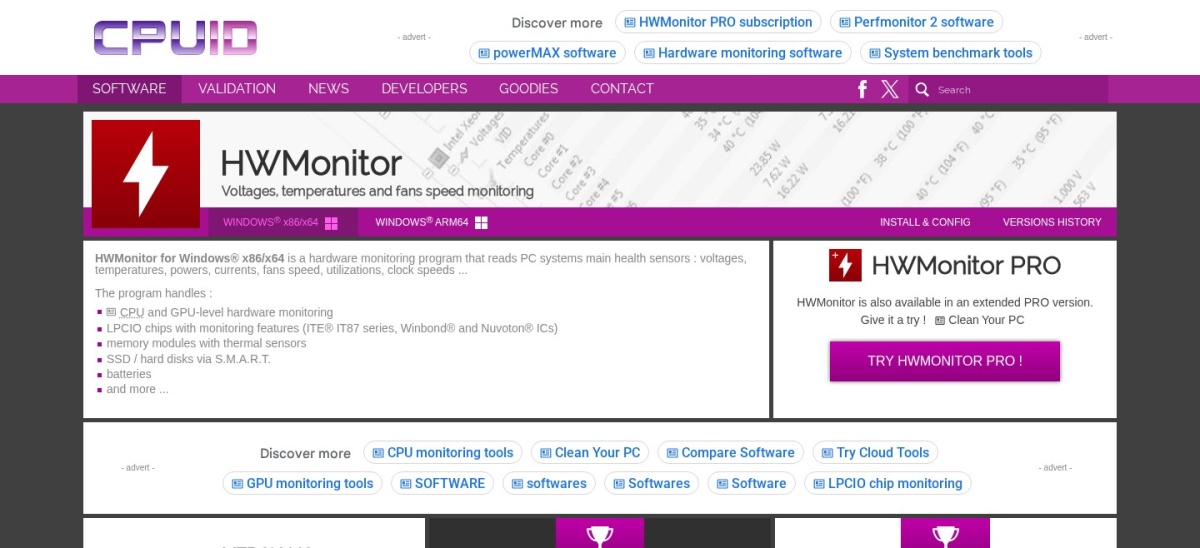
HWMonitor homepage, captured Nov 2026.
HWMonitor is a free utility from CPUID that lists temperatures, voltages, fan speeds, power draw, clock speeds and S.M.A.R.T. drive data in one plain tree view. Every sensor shows its current, minimum and maximum value, so a peak during a test is still visible after the test ends.
The trade off is depth. HWMonitor shows readings but has no graphs, alerts or logging in the free version, and it does not build hardware reports. PRO adds remote monitoring, graphs and tray sensors from €19.95 as a one-time Standard licence with one year of updates. It suits anyone who wants a fast answer to 'is anything overheating?'
What we like
Opens fast and needs almost no setup
Minimum and maximum values per sensor
Reads S.M.A.R.T. data and laptop batteries
Watch out for
No graphs or alerts in the free version
PRO is priced in euros, not dollars
Windows only
PRO adds remote monitoring, graphs and tray sensorsVisit cpuid.com
03
AIDA64
4.1/5on Techjockey (6 reviews, checked Nov 2026)
Starts at$65.95/yr
Best for diagnostics and stress testing
Free planNo, 30-day trial
Stress testYes, CPU, FPU and GPU
SensorPanelYes, custom displays
Paid planExtreme, $65.95
aida64.com
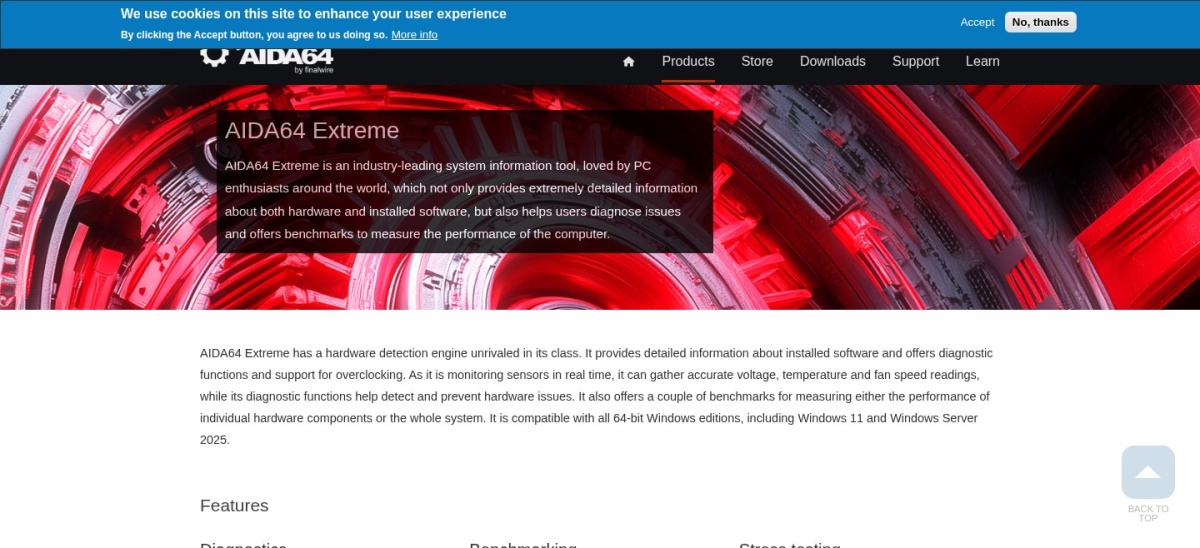
AIDA64 homepage, captured Nov 2026.
AIDA64 Extreme is a paid Windows tool that combines hardware detection, live sensor monitoring, benchmarks and stability tests in one package. It identifies parts down to chipset and memory timings, monitors temperatures and voltages in real time, and can show readings on a custom SensorPanel or an external LCD.
The trade off is price. There is no free edition, only a 30-day trial, and Extreme costs $65.95 for up to 3 home PCs with one year of updates; a 50% sale was running at the time of writing, so the list shows the regular price. It suits enthusiasts and technicians who also want benchmarks and stress tests in the same tool.
What we like
Deepest hardware detail of any paid tool here
Built-in stress tests and benchmarks
SensorPanel and external display support
Watch out for
No free edition, only a 30-day trial
Home licence only, so businesses need a dearer edition
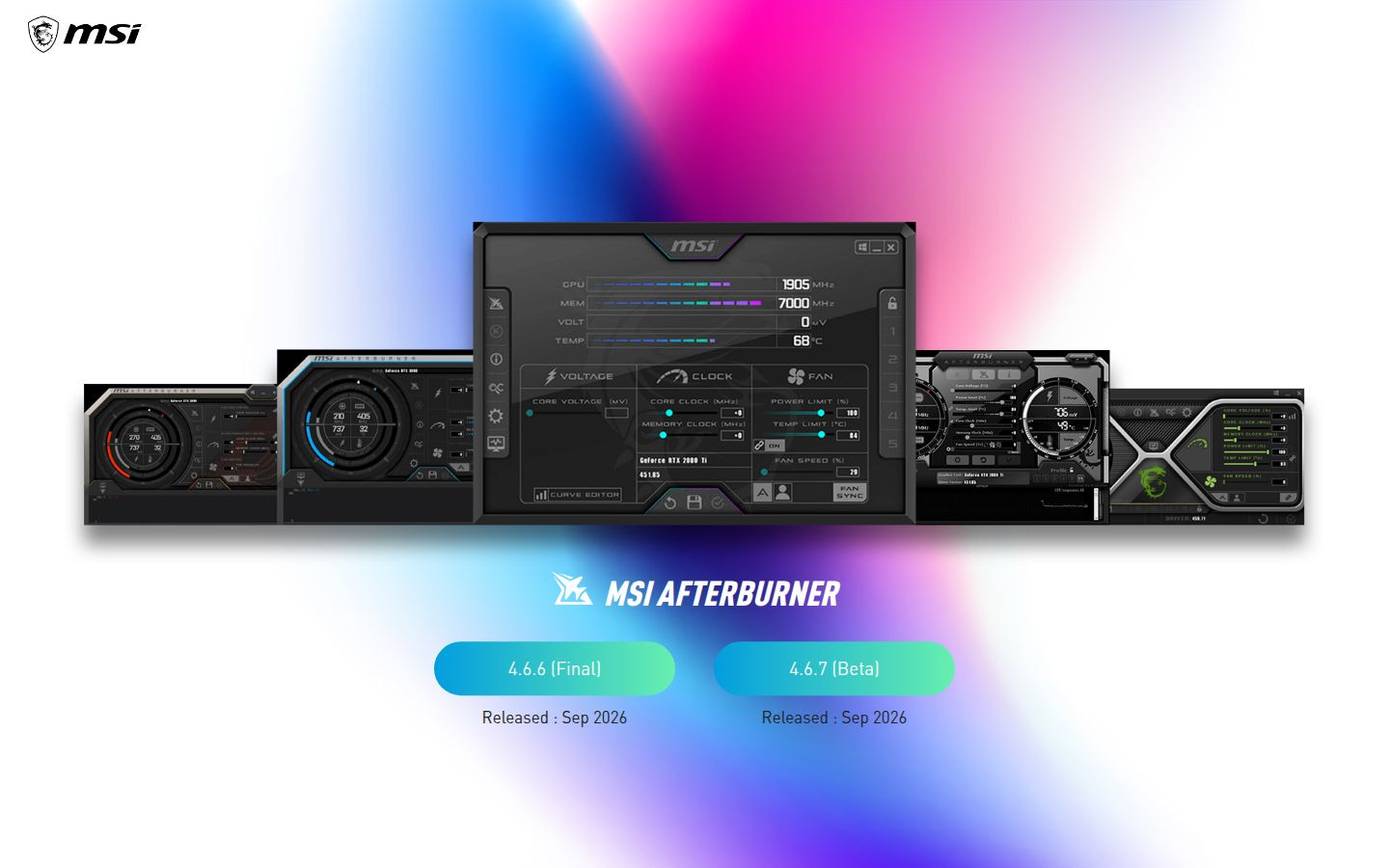
MSI Afterburner is a free GPU utility from MSI that monitors graphics card temperatures, clocks, power and fan speeds in real time. It works with cards from any brand, not just MSI, and its on-screen overlay shows live readings during games through the bundled RivaTuner Statistics Server.
The trade off is focus. Afterburner watches the graphics card closely but says little about the CPU, motherboard or drives, so it works best beside a wider monitor such as HWiNFO. It suits gamers and overclockers who want an overlay, custom fan curves and one-click OC Scanner tuning for free.
What we like
Free, with no ads or paywalled features
Works on NVIDIA and AMD cards of any brand
On-screen overlay and custom fan curves
Watch out for
GPU only, with little CPU or drive data
Interface looks dated and dense
Fake download sites exist, so use msi.com or Guru3D only
4.8/5on Download Zone (1,250 reviews, checked Nov 2026)
PriceFree
Best clean dashboard for gamers
Free planYes, fully free
Fan controlYes, with NZXT hubs
Historical dataYes, with an account
Works onAny Windows PC
nzxt.com
NZXT CAM homepage, captured Nov 2026.
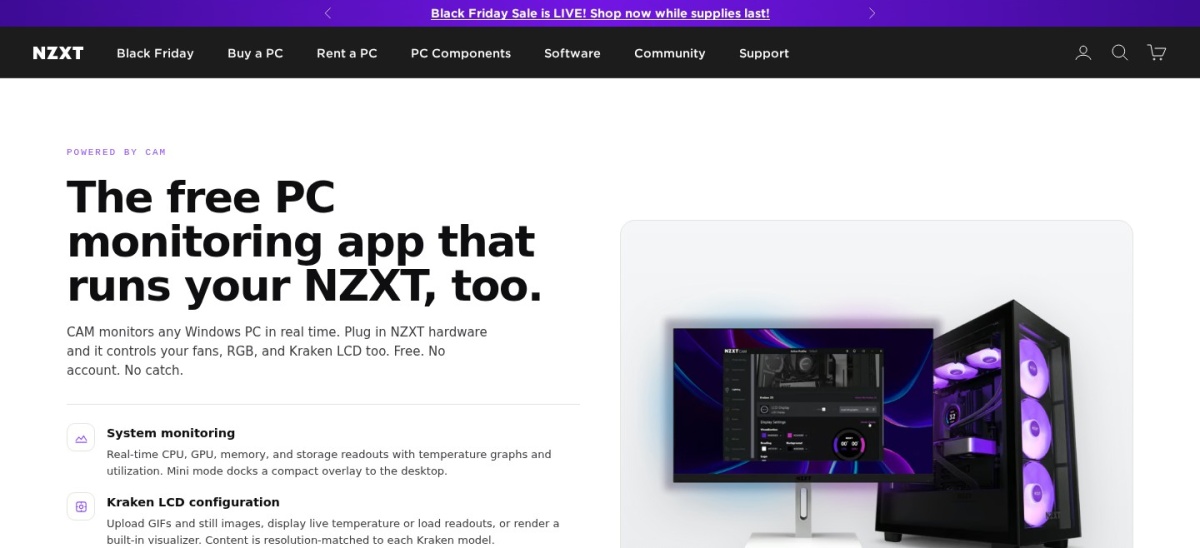
NZXT CAM is a free Windows app that shows CPU, GPU, memory and network load on one clean dashboard, with temperature graphs and a compact mini mode. It monitors any Windows PC, and when NZXT hardware is present it also controls fans, RGB lighting and Kraken cooler screens.
The trade off is that its best features need NZXT gear. Fan curves and lighting control only work with NZXT controllers and coolers, and the overlay and cloud history add some background load. It suits NZXT case and cooler owners, and anyone who wants a tidy monitoring dashboard.
4/5on FixThePhoto (1,230 reviews, checked Nov 2026)
Paid from$19.95/yr
Best simple hardware summary
Free planYes
Temperature readoutYes, CPU and GPU
SnapshotsYes, compare saved states
Paid planProfessional, $19.95/yr
ccleaner.com
Speccy homepage, captured Nov 2026.
Speccy is a free system information tool from Piriform, the team behind CCleaner, that lists every part in a PC on one clean summary page. It shows processor, memory, motherboard, graphics and storage details, plus live CPU and GPU temperatures in the system tray.
The trade off is that Speccy is a summary tool, not a live monitor. It has no graphs, alerts or logging, and its last stable release was version 1.34 in June 2026. Professional costs $19.95 a year and adds automatic updates, scheduled scans and priority support. It suits anyone who wants a quick, readable list of what is inside a PC.
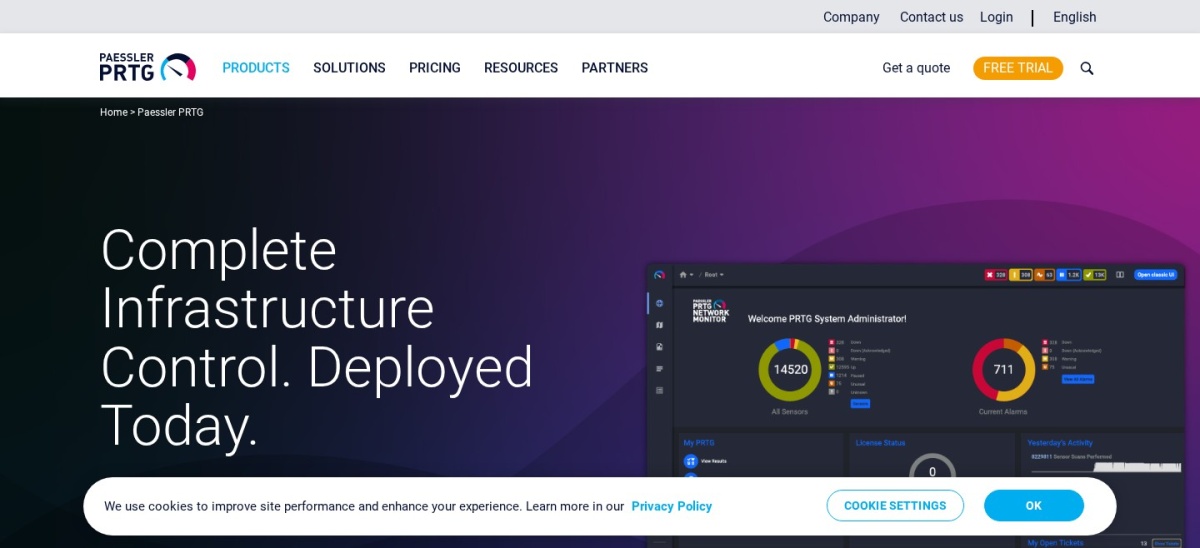
Paessler PRTG is a network and infrastructure monitor that watches servers, network gear, cloud services and applications from one dashboard. Its free edition covers 100 sensors, enough for about 10 devices, and every paid plan includes the same full feature set with a higher sensor count.
The trade off is cost. PRTG 500 starts at $200 a month paid annually, and sensor counts grow fast because each device often needs 5 to 10 sensors. It suits small and mid-size IT teams that want auto-discovery, maps and alerts without building their own monitoring stack.
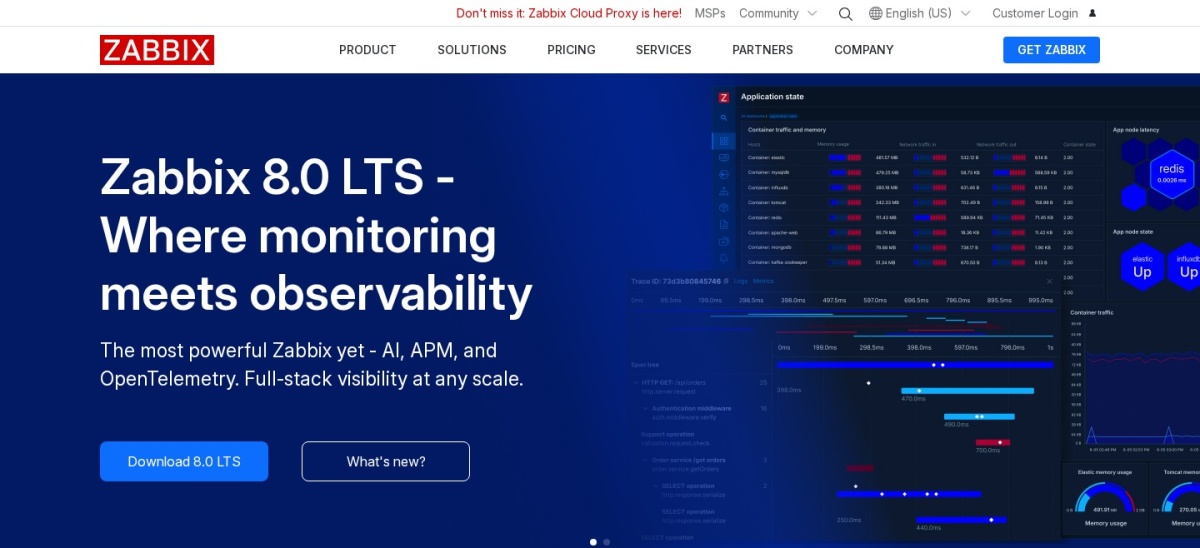
Zabbix is a free, open-source monitoring platform for servers, networks, cloud services and applications, with no licence fee and no per-device pricing. The self-hosted edition has no host limit and no features held back, and it collects metrics, then fires alerts when a reading crosses a threshold you set.
The trade off is setup effort. Zabbix is powerful but not plug-and-play, and reviewers flag a steep learning curve for advanced setups. Paid support starts separately, and hosted Zabbix Cloud starts at $50 a month for the Nano plan. It suits IT teams that want fleet monitoring at zero licence cost and can handle the setup.
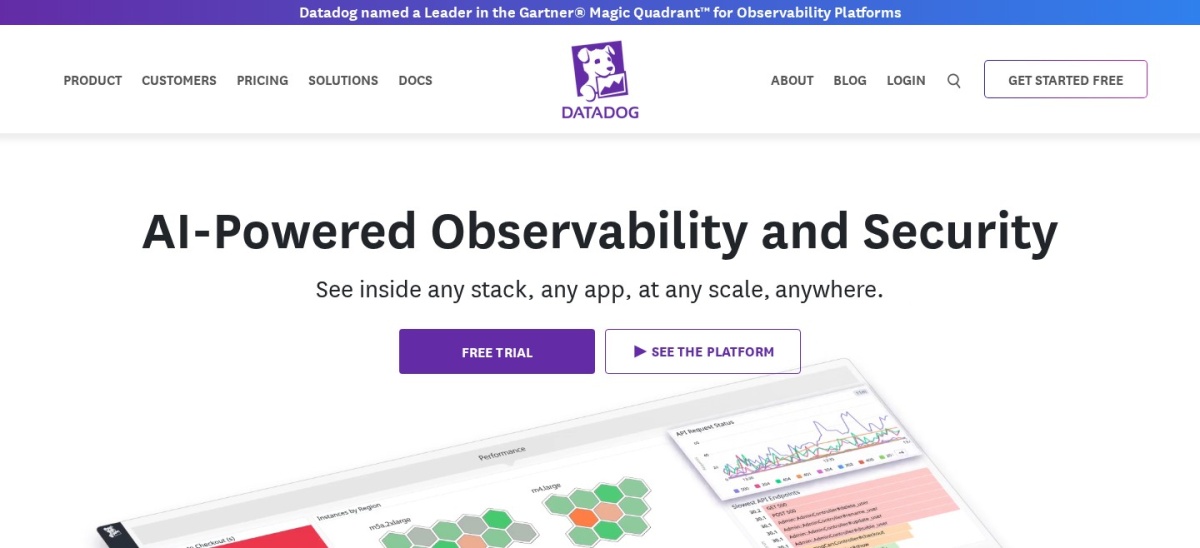
Datadog is a cloud monitoring platform that brings infrastructure metrics, logs, traces and alerts into one place, with more than 750 integrations. Its free tier covers 5 hosts, and Infrastructure Monitoring Pro starts at $15 per host a month billed annually.
The trade off is the bill. Every product has its own meter, so APM, logs and synthetics add to the host price, and reviewers often flag costs that are hard to forecast. It suits cloud teams that want one managed platform for infrastructure, applications and logs instead of running their own stack.
Desktop tools and fleet tools solve different problems. A desktop tool watches one PC in depth, while a fleet tool watches many machines and pages someone when one of them fails.
Pick a desktop tool when the question is about one machine: a hot CPU, a noisy fan, or a drive showing S.M.A.R.T. warnings. Pick a fleet tool when the question is about many machines at once.
The two can work together. A technician can use HWiNFO to dig into one faulty PC while PRTG or Zabbix watches the rest of the estate. Our guide on how to check your hosting uptime covers the same split for websites.
How we chose
We started from the desktop tools PC builders and technicians mention most often, then added the fleet monitors that IT teams use to watch servers and networks, keeping 9 tools with a public rating and a price we could verify.
Prices come from each vendor's pricing page, checked on 25 November 2026. Ratings and review counts come from G2, Capterra, Trustpilot and other public review pages on the same day. Where a vendor shows a sale, the list shows the regular price.
We left out tools with no public rating at all, including Libre Hardware Monitor and Open Hardware Monitor, because the rating field needs a verifiable number. No vendor paid for a place, and we do not claim hands-on testing for this list.
How to choose hardware monitoring software
Start with the machine you need to watch, then match the tool to the job.
Decide whether you watch one PC or many. A desktop tool is enough for one PC. A fleet tool such as PRTG, Zabbix or Datadog is the right call once you watch servers or a whole office.
List the sensors that matter. CPU and GPU temperatures cover most home checks. Add S.M.A.R.T. drive data, fan speeds and voltages when you diagnose faults or overclock.
Check the free plan before paying. Use the free plan for a week and check that it sees every sensor in your machine before you pay for a licence.
Watch the price basis, not just the number. Some tools charge per host, some per sensor and some once. Multiply the price by your machine count before you compare two tools.
FAQ
What is the best hardware monitoring software?
HWiNFO is the best pick for most Windows users. It reads the widest range of sensors, logs readings over time and exports reports, and it is free for personal use, with Pro from $29 a year.
Is there a free hardware monitoring tool?
Yes. HWiNFO, HWMonitor, MSI Afterburner, NZXT CAM and Speccy all have free versions, and Zabbix is free and open source. AIDA64 is the only desktop tool here with no free edition, only a 30-day trial.
What should I monitor on my PC?
Watch CPU and GPU temperatures, fan speeds, voltages, clock speeds and drive health. Rising temperatures under load are normal, but a hot CPU at idle, a fan at zero under load or a S.M.A.R.T. warning all deserve a closer look.
Do I need a paid hardware monitor?
Most home users do not. The free versions cover temperatures, fan speeds and drive health. Pay when you need commercial use, remote monitoring, fleet alerts or stress tests, as with AIDA64, PRTG or Zabbix Cloud.
Can hardware monitoring software slow down my PC?
It can use a little CPU while it polls sensors, especially at high polling rates. Keep the polling interval modest, close overlays you do not need, and use a light tool such as HWMonitor for always-on checks.
What is the difference between HWiNFO and HWMonitor?
HWiNFO reads more sensors, logs data and exports reports, while HWMonitor shows a simpler live list with minimum and maximum values. Pick HWiNFO for deep diagnostics and HWMonitor for a fast temperature check.
SaaS SEO and WordPress specialist with about 8 years of experience. Rakib compares WordPress plugins, themes, hosting and software using public pricing, documentation and user reviews. See how we rank.