SketchUp is the best hardscape design software for most firms. Go costs $129 a year and covers 3D modeling with a large model library, while Vectorworks Landmark suits firms that need planting plans and construction documents.
How we make this list: we compare pricing pages, product documentation and public user reviews, then re-check every price before each update. No product paid for a place. Disclosure.
SketchUp leads on value: Go costs $129 a year, Pro adds LayOut and the desktop app at $399 a year.
Vectorworks Landmark is the only tool here that covers grading, planting, irrigation and GIS in one model, at $1,530 a year.
PRO Landscape+ sells with photo imaging: proposed patios and walls drop onto a photo of the client's own yard.
Realtime Landscaping Architect is the only one-time purchase here at $599, with cheaper Pro and Plus editions at $279 and $149.
AutoCAD is the priciest subscription at $2,095 a year, and it has no planting or irrigation tools on its own.
What hardscape design software should do
Hardscape work is patios, retaining walls, steps, driveways, decks and outdoor kitchens. The software has to draw those elements to scale, show them in 3D, and produce a plan a contractor can build from.
The tools below fall into three groups: 3D modelers that sell the concept, CAD tools that produce construction documents, and contractor suites that combine design with proposals and takeoffs. Most firms need one from the first group and one from the second.
Check three things before you pay: whether the plan exports to DWG or PDF at scale, whether the price is a subscription or a one-time purchase, and whether planting and irrigation tools cost extra. A low headline price can hide a second license underneath.
SketchUp is a 3D modeling tool from Trimble that draws patios, walls and outdoor structures as flexible 3D geometry. Go costs $129 a year and covers web and iPad modeling with unlimited cloud storage and the 3D Warehouse library of models and materials. A free web version covers personal, non-commercial use.
The trade off is documentation. Go has no desktop app and no LayOut, the tool that turns models into 2D documents, so those need Pro at $399 a year. Photorealistic rendering needs an add-on or Studio at $859 a year. It suits firms that sell with 3D concepts and pair it with a CAD tool for drawings.
Best for planting plans and construction documents
Free planNo, free trial
Paid planAnnual, $1,530/yr
Monthly price$170/mo
Plant databaseYes, with schedules
vectorworks.net
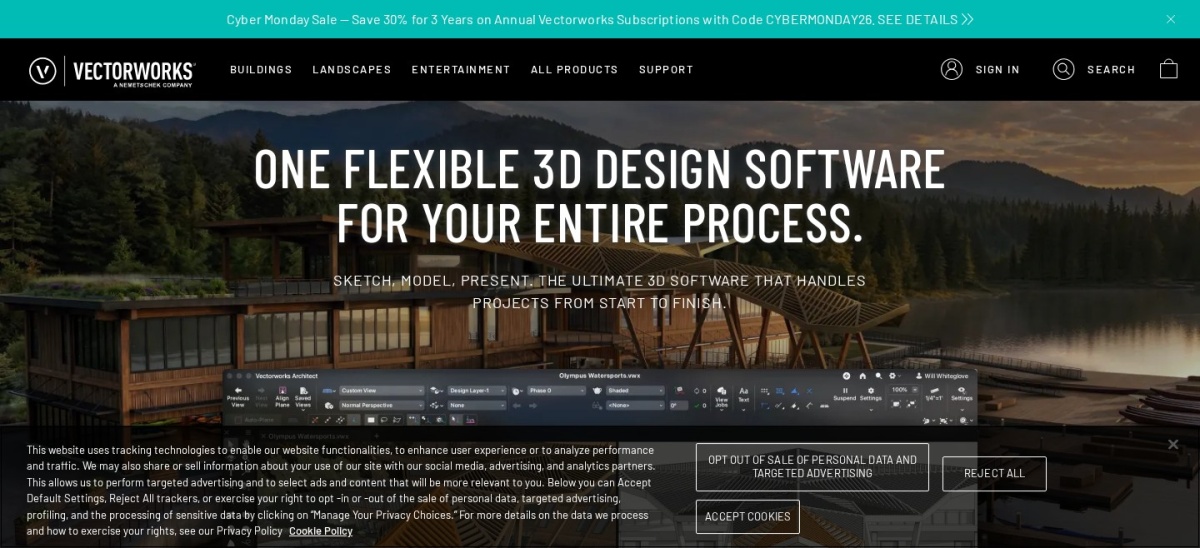
Vectorworks Landmark homepage, captured Nov 2026.
Vectorworks Landmark is a CAD and BIM tool built for landscape architects. It combines 2D drafting, 3D modeling and a plant database with scheduling tools, so a planting plan can generate its own plant list with quantities. Site modeling, grading, irrigation and GIS data live in the same model.
The trade off is price and learning time. A seat costs $1,530 a year, or $170 a month, and reviewers warn that new users need weeks to become fluent. There is no browser version for quick edits. It suits firms that produce construction documents as well as concept art.
What we like
Grading, planting, irrigation and GIS in one model
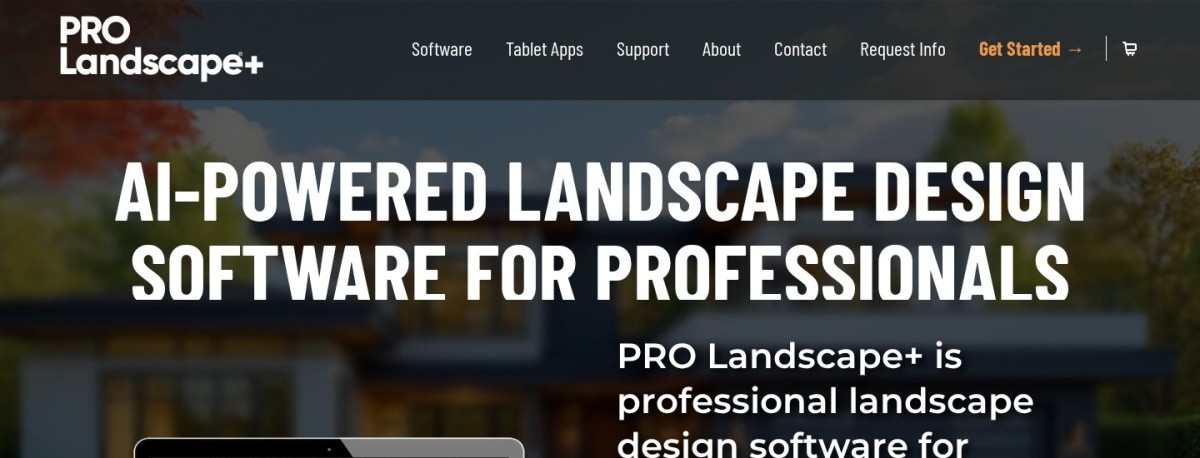
PRO Landscape+ from Drafix is a design suite for landscape contractors. Its photo imaging drops proposed patios, walls and planting onto a photo of the client's own yard, beside landscape CAD, 3D rendering, night lighting design and one-click customer proposals. Companion tablet apps let you design on site with the client.
The trade off is the billing model. Directories still list the old $1,495 one-time licence, but the current product is a subscription at $90 a month or $900 a year, so the cost never stops. It suits design-build firms that sell from photo-based designs and formal proposals.
What we like
Photo imaging shows the finished yard before work starts
Best for CAD planting plans with a hand-drawn look
Free planNo, free trial
Paid planCreator, $119/mo
Design plan$158/mo, $1,599/yr
Plant library10,000+ plants
dynascape.com
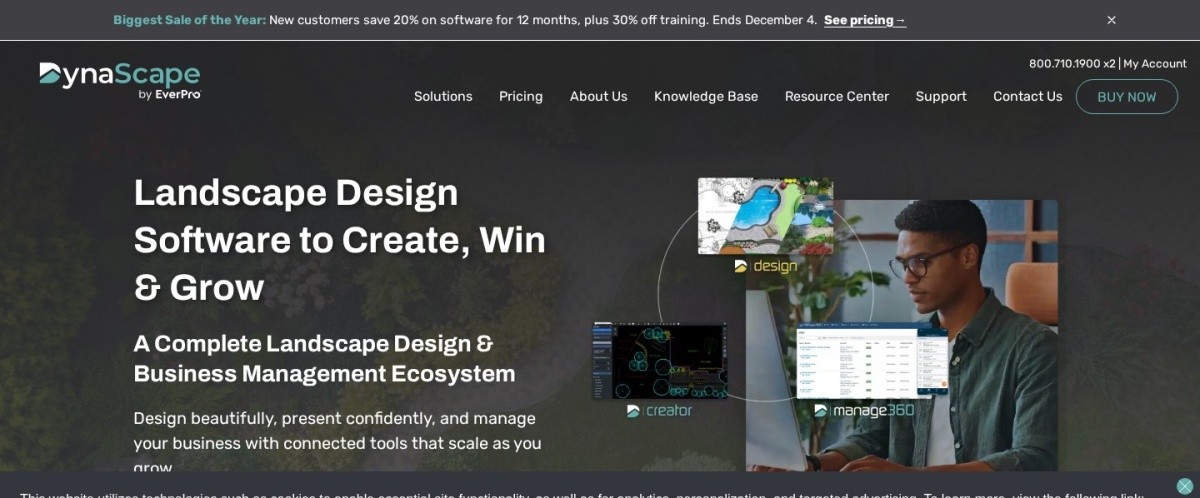
DynaScape Design homepage, captured Nov 2026.
DynaScape Design is CAD-based landscape design software with a hand-drawn look. The Design plan gives full CAD drafting with a plant database of more than 10,000 plants, automatic material counts and labels. Color adds realistic colouring and shading to presentation plans, and Manage360 carries the design into sales and estimating.
The trade off is how the tiers stack. Creator costs $119 a month, the full Design plan costs $158 a month or $1,599 a year, and Color and Sketch3D are extra. It suits professional firms that draft planting plans and want the design to flow into estimates.
Best value for realistic 3D without a subscription
Free planNo, free trial
Paid planArchitect, $599 once
Cheaper editionsPlus $149, Pro $279
Object library21,000+ objects
ideaspectrum.com
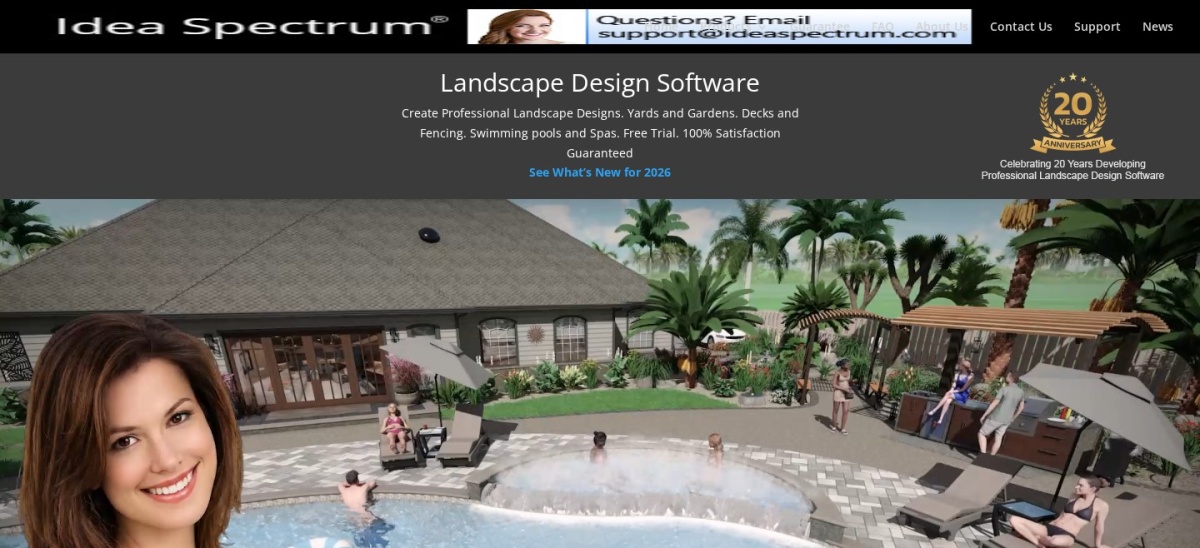
Realtime Landscaping Architect homepage, captured Nov 2026.
Realtime Landscaping Architect from Idea Spectrum is a Windows tool for detailed 3D yard design. It models terrain and elevation, retaining walls, decks, pools and irrigation, with a library of more than 21,000 objects including 6,300 plants. The 3D walkthroughs show the finished garden with running water and seasonal views.
The trade off is that it is a one-time purchase in a subscription world. Architect costs $599 once, with no monthly bill, but new versions are paid upgrades. It suits residential designers who want deep 3D tools and would rather pay once than every month.
AutoCAD from Autodesk is the default 2D drafting tool across architecture, engineering and construction. Its DWG files open cleanly for almost every firm on a project, and seven specialized toolsets add commands for architecture, electrical, mechanical and mapping work. Web and mobile access are included, so drawings open on site.
The trade off is that AutoCAD on its own is not landscape software. It has no planting database, no irrigation tools and no plant schedules, so those come from a plugin such as Land F/X at $695 a year. It suits firms that exchange DWG drawings and need the drafting standard.
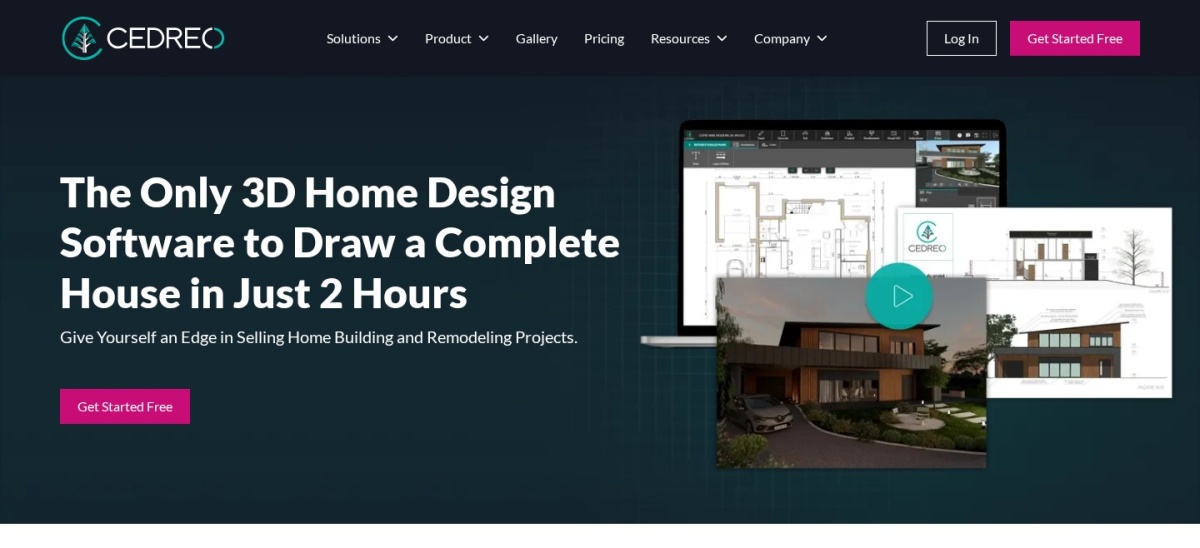
Cedreo is a browser tool for home builders and remodelers that turns a 2D plan into a 3D house with photorealistic renders. The free plan covers 1 project with no renderings, and Pro costs $39 a month billed annually, or $468 a year, with unlimited projects and 40 renderings a month. It imports plans as JPEG, PNG, PDF or DWG files.
The trade off is scope. Cedreo is a sales and concept tool for houses and yards, not a construction program for detailed hardscape documents. It suits builders who need fast client presentations with plans, renders and elevations, and it works for outdoor living concepts beside the house.
What we like
Draws a full house with roof and elevations
40 renderings a month on Pro
Rated 4.6 out of 5 on G2 from 8 reviews
Watch out for
Concept tool, not for construction documents
Free plan includes no renderings
Only 8 G2 reviews, so peer evidence is thin
Pro adds unlimited projects and 40 renderings a monthVisit cedreo.com
Subscription vs one-time: what the price really means
Most tools here are subscriptions: SketchUp, Vectorworks Landmark, PRO Landscape+, DynaScape, AutoCAD and Cedreo all charge every month or year. Stop paying and the software stops working.
Realtime Landscaping Architect is the exception at $599 once, with cheaper Plus and Pro editions at $149 and $279. You keep the software, but new versions are paid upgrades, so the one-time price is not the whole lifetime cost.
Count the stack before you compare prices. SketchUp Go at $129 a year needs a second tool for construction documents, and a plugin-based workflow needs a CAD program underneath.
How we chose
We started from the hardscape and landscape design tools that appear most often in contractor roundups and review sites, then kept 7 established tools with a published price and a public rating.
Prices come from each vendor pricing page, checked on 25 November 2026. Ratings come from G2 or Capterra on the same day. Where a vendor shows a sale, the list shows the regular price.
We left out tools with no published price and tools with no verifiable G2, Capterra or Trustpilot rating. No vendor paid for a place, and we do not claim hands-on testing for this list.
How to choose hardscape design software
Start with what you sell, then match the tool to that job.
Decide what you sell first. A concept sells with 3D views, so SketchUp or Cedreo fits. A buildable plan needs CAD output, so Vectorworks Landmark, AutoCAD or DynaScape fits.
Check the export formats. Ask whether the plan exports to DWG or PDF at scale. Contractors and engineers need those files, and not every 3D tool produces them.
Count the whole stack, not one price. A plugin such as Land F/X needs a CAD program underneath, and a modeler such as SketchUp may need a second tool for documents. Add both prices before you compare.
Try the free plan or trial on a real job. Draw one patio or retaining wall end to end, then export it. If the export is clean and the client understands the 3D view, the tool fits.
FAQ
What is the best hardscape design software?
SketchUp is the best pick for most firms. Go costs $129 a year, it is rated 4.5 out of 5 on G2 from 1,327 reviews, and its 3D models sell patio and wall projects well. Vectorworks Landmark is the better pick for construction documents.
Is there free hardscape design software?
SketchUp has a free web version for personal use, and Cedreo has a free plan for 1 project with no renderings. Most of the professional tools here have free trials instead of free plans, so expect to pay for client work.
How much does hardscape design software cost?
Prices run from $129 a year for SketchUp Go to $2,095 a year for AutoCAD, with Realtime Landscaping Architect at $599 as a one-time purchase. Most professional tools cost $468 to $1,530 a year per seat.
Do I need CAD for hardscape design?
No for concepts, yes for buildable plans. A 3D modeler such as SketchUp sells the idea, but contractors need scaled drawings, and those come from Vectorworks Landmark, AutoCAD or DynaScape Design.
What is the cheapest professional hardscape tool?
SketchUp Go at $129 a year is the cheapest paid plan here. Realtime Landscaping Pro at $279 once is the cheapest way to own a tool outright, while the full Architect edition costs $599 once.
Can hardscape software make a materials list?
Yes, in the CAD tools. Vectorworks Landmark generates plant lists with quantities from the drawing, DynaScape Design counts materials automatically, and PRO Landscape+ builds proposals with takeoffs from the design.
SaaS SEO and WordPress specialist with about 8 years of experience. Rakib compares WordPress plugins, themes, hosting and software using public pricing, documentation and user reviews. See how we rank.