BitLocker is the best hard drive encryption software for most people because it is free with Windows Pro and encrypts whole drives with AES-256. VeraCrypt is the best free cross-platform alternative, and FileVault is the pick for Mac users.
How we make this list: we compare pricing pages, product documentation and public user reviews, then re-check every price before each update. No product paid for a place. Disclosure.
BitLocker is free with Windows Pro and rated 4.6 out of 5 on G2 from 25 reviews.
VeraCrypt is the best free cross-platform pick, rated 4.5 out of 5 on G2 from 51 reviews.
FileVault is free on every Mac and rated 4.3 out of 5 on G2 from 35 reviews.
ESET, Trend Micro, Symantec and WinMagic publish no price. All four are quote-based.
NordLocker is the only file-level pick here. Its 500 GB plan renews at $59.88 a year.
What to look for in hard drive encryption software
A lost laptop is the most common way business data leaks. Full-disk encryption makes the whole drive unreadable without the password or key, so a stolen machine gives up nothing.
Start with what you already own. BitLocker comes with Windows Pro and FileVault comes with every Mac, so most small teams can encrypt every drive without buying anything.
The paid tools sell management, not stronger ciphers. Central consoles enforce encryption, escrow recovery keys and produce the compliance reports auditors ask for.
Back up first. Encrypting a drive does not protect you from losing it, and a forgotten password locks you out of your own data. Our 3-2-1 backup rule guide explains the backup habit to keep.
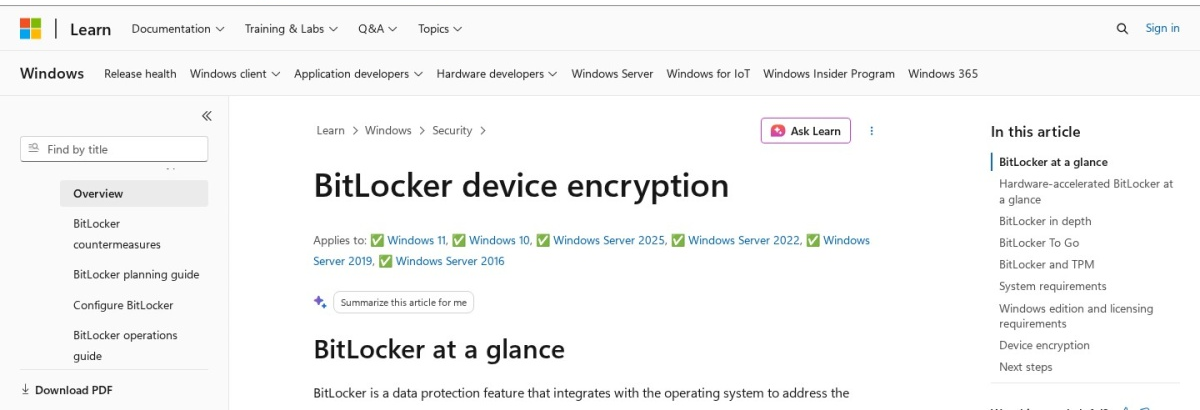
BitLocker is Microsoft's full-disk encryption, included with Windows Pro, Enterprise and Education. It encrypts whole volumes with AES-256, ties keys to the device TPM chip, and escrows recovery keys to Active Directory or Entra ID, so locked-out users can be recovered.
The trade off is the edition. Windows Home gets only the simpler Device Encryption, not full BitLocker management, and recovery planning is on you. It suits Windows shops that already license Pro or higher and want encryption with no new vendor.
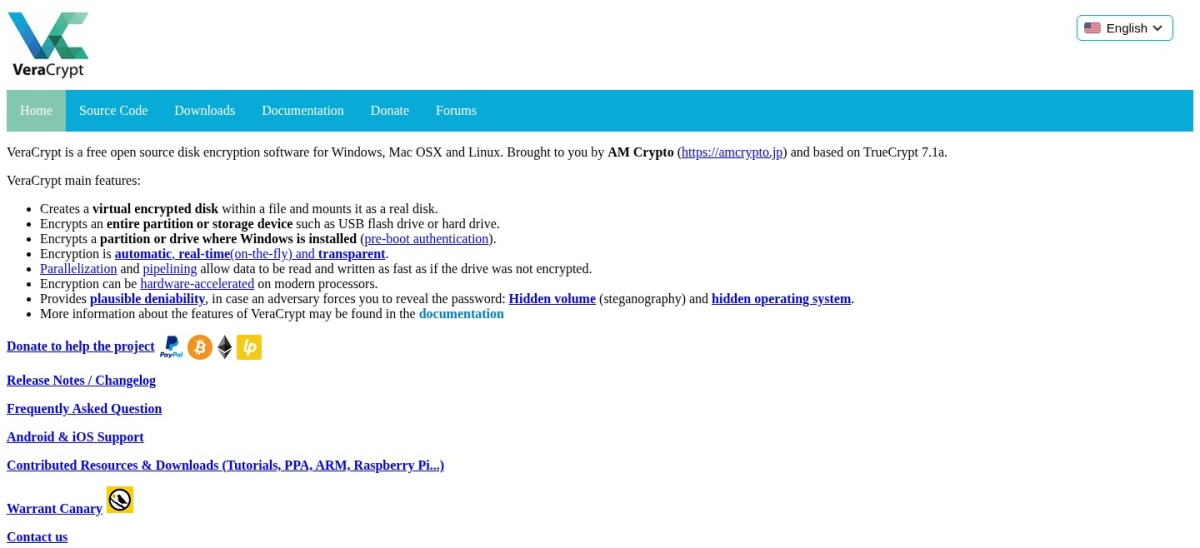
VeraCrypt is a free, open-source successor to TrueCrypt that runs on Windows, Mac and Linux. It encrypts whole partitions or creates encrypted file containers, supports hidden volumes, and offers cascaded ciphers such as AES-Twofish-Serpent for extra protection.
The trade off is management. There is no central console, no key escrow and no compliance dashboard, and the interface looks dated. It suits technical users and mixed-OS setups on a zero budget who do not need fleet controls.
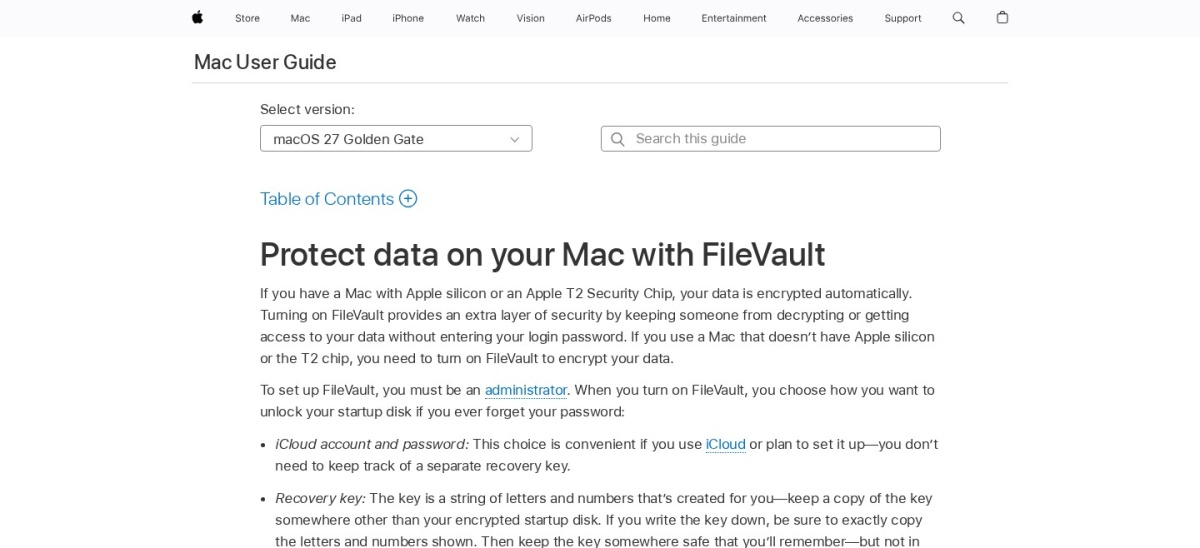
FileVault is Apple's built-in disk encryption, included with every Mac. One switch encrypts the whole startup disk, and on Apple silicon Macs the data is encrypted by the hardware by default. IT teams can enforce it through MDM and escrow recovery keys.
The trade off is scope. It is Mac only, encrypting an already-full drive takes time, and multi-user Macs behave differently once it is on. It suits Mac-only teams that want encryption with no new software to buy or learn.
4.4/5on SourceForge (10 reviews, checked Nov 2026)
PricingCustom/yr
Best managed encryption for SMBs
EncryptionFIPS 140-2 validated AES-256
PlatformsWindows, macOS via FileVault
ManagementESET PROTECT console
Free trialYes
eset.com
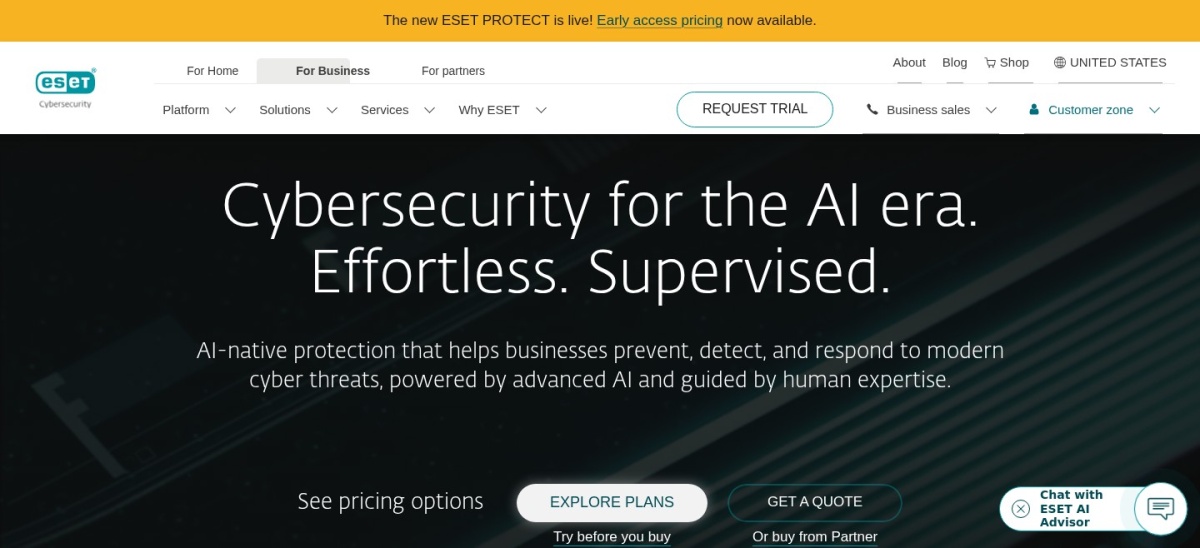
ESET Endpoint Encryption homepage, captured Nov 2026.
ESET Endpoint Encryption is an add-on to ESET's business security platform, and its strength is integration. The same ESET PROTECT console that manages antivirus also deploys and manages encryption, with FIPS 140-2 validated AES-256. On Macs it manages native FileVault.
The trade off is the starting point. You need an ESET business licence first, and pricing is quote-based through resellers. It suits small and mid-size companies already standardised on ESET that want managed encryption with compliance credentials.
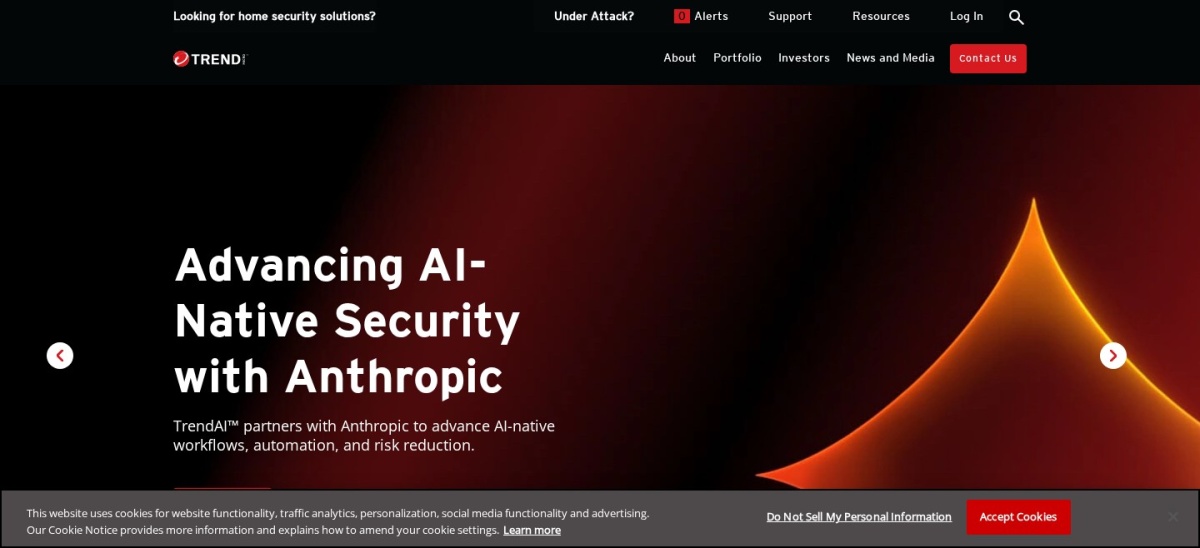
Trend Micro Endpoint Encryption homepage, captured Nov 2026.
Trend Micro Endpoint Encryption is centrally managed software that encrypts full disks plus files and folders, with pre-boot authentication and central key control. G2 reviewers praise its ease of use and central management across Windows and Mac devices.
The trade off is price. There is no public price, so every deal is a quote, and reviewers describe it as somewhat expensive. It suits mid-size teams that want one console for encryption and are willing to pay for it.
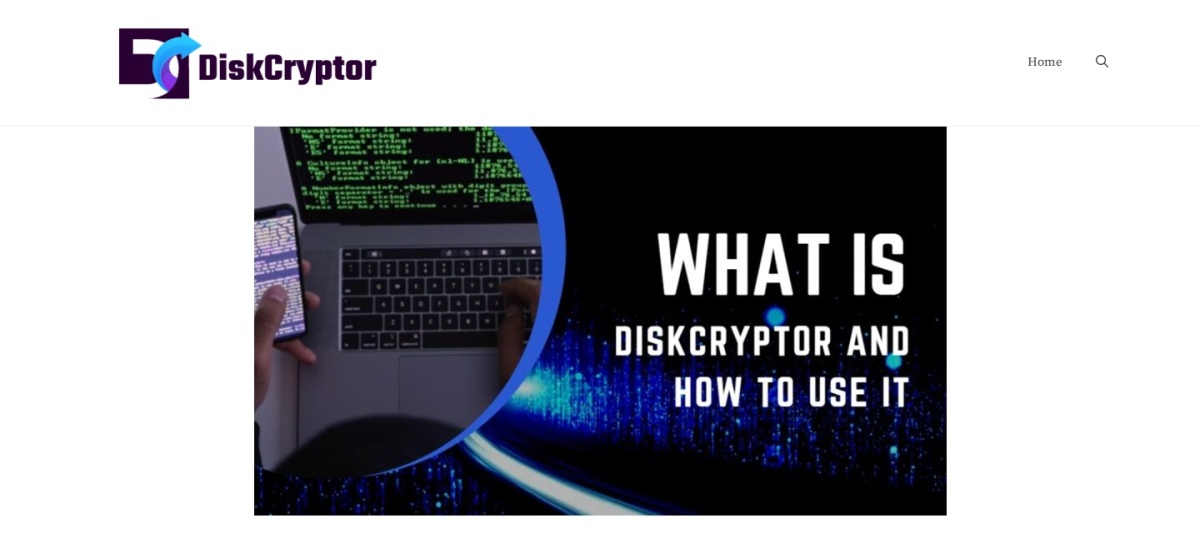
DiskCryptor is a free, open-source tool that encrypts whole disks and partitions on Windows, including the system partition and external drives. It supports AES, Twofish and Serpent, alone or chained, and runs light once encryption is done.
The trade off is reach. It is Windows only, with no central management, no key escrow and a dated interface. It suits a single Windows PC where BitLocker is not available and no fleet controls are needed.
Symantec Endpoint Encryption homepage, captured Nov 2026.
Symantec Endpoint Encryption is Broadcom's bundle of full-disk, file-level and removable-media encryption under one centrally managed policy, with encryption key management and compliance enforcement in a single console for large device fleets.
The trade off is the buying process. There is no public pricing and no trial, and the product assumes you are already invested in Broadcom's endpoint portfolio. It suits large organisations standardising on Broadcom rather than small teams.
What we like
Full-disk, file and removable-media in one product
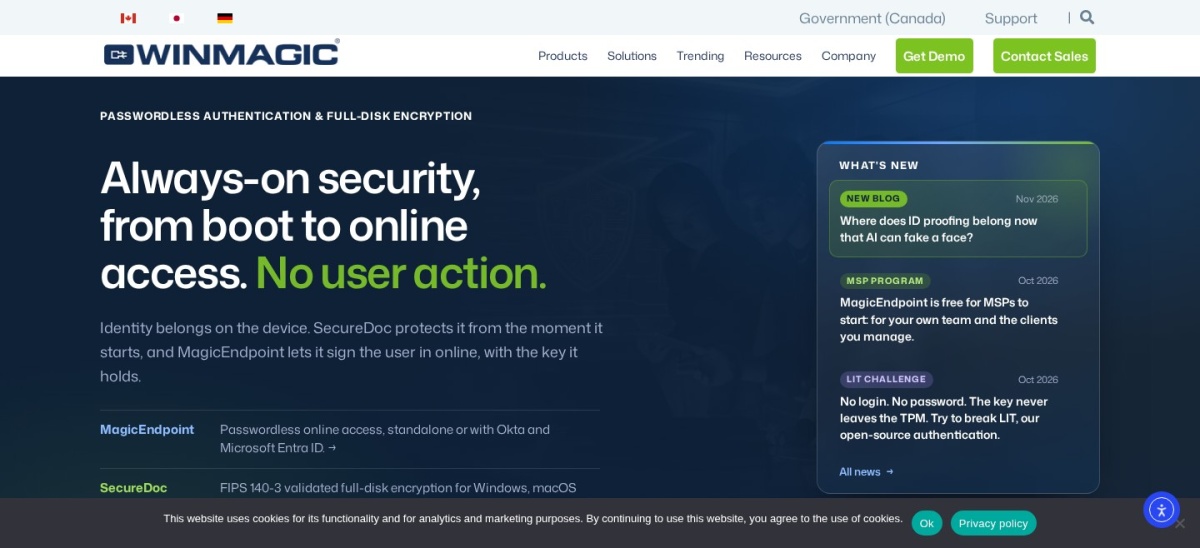
WinMagic SecureDoc is an enterprise encryption manager with FIPS 140-3 validated full-disk encryption for Windows and macOS. It adds pre-boot authentication with MFA and manages BitLocker, FileVault and Opal drives from one console, with remote unlock for locked devices.
The trade off is effort. Pricing is quote-only, the console is on-prem, and deployment takes training before it pays off. It suits regulated teams that need pre-boot control and central key management across mixed fleets.
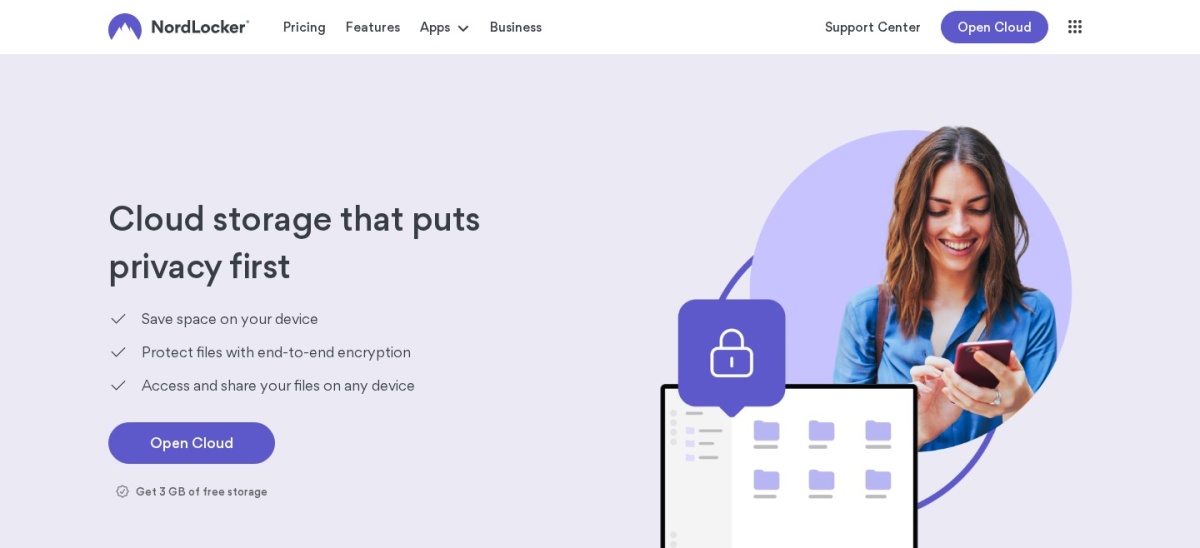
NordLocker is a file-level encryption service from the team behind NordVPN. It encrypts files end to end before they reach the cloud, with a free 3 GB plan. The 500 GB plan costs $35.88 for the first year and renews at $59.88 a year.
The trade off is scope. It encrypts files, not whole disks, and there is no Mac or Linux app after the July 2026 rebuild. It suits people who want encrypted file storage and sharing rather than full-disk encryption.
Full-disk vs file-level encryption: what you give up
Full-disk encryption protects everything on a drive, including the operating system and temporary files. If the laptop is stolen while switched off, nothing on it can be read.
File-level encryption protects only the files you choose, such as documents in a vault or in cloud storage. The rest of the drive stays readable, so it is weaker for a lost laptop but simpler to share.
NordLocker is the only file-level tool in this list. Pick it when the files matter more than the device, and pick BitLocker, FileVault or VeraCrypt when the whole drive must be locked.
How we chose
We started from the established hard drive encryption tools: the built-in Windows and Mac options, the main open-source tools, and the enterprise suites from ESET, Trend Micro, Symantec and WinMagic.
Prices come from each vendor's pricing page or homepage, checked on 25 November 2026. Ratings come from G2, or from SourceForge for ESET, on the same day. Where a vendor shows a sale or a first-year price, the list shows the regular price.
We left out tools with no public rating on G2, Capterra, Trustpilot or SourceForge, and file archivers that do not encrypt whole drives. No vendor paid for a place, and we do not claim hands-on testing for this list.
How to choose hard drive encryption software
Start with what you already own, then add management only when you need proof.
Check what your devices already include. Windows Pro has BitLocker and every Mac has FileVault. Turn those on first and escrow the recovery keys before buying anything.
Decide if you need central management. One or two machines need no console. A fleet needs enforced encryption, key escrow and compliance reports, which is what ESET, Trend Micro, Symantec and WinMagic sell.
Match the tool to your platforms. BitLocker is Windows only and FileVault is Mac only. VeraCrypt covers Windows, Mac and Linux, while the enterprise tools manage a mix from one console.
Plan recovery before rollout. Decide where recovery keys live and test recovery on a spare machine. An encrypted drive without an accessible key is unreadable, including to you.
FAQ
What is the best hard drive encryption software?
BitLocker is the best pick for most people. It is free with Windows Pro, encrypts whole drives with AES-256, and is rated 4.6 out of 5 on G2 from 25 reviews. VeraCrypt is the best free alternative for mixed Windows, Mac and Linux setups.
Is BitLocker enough for a small business?
Usually yes, if managed properly. BitLocker gives strong AES-256 encryption at no extra cost on Windows Pro and above. The missing piece is management, so use Intune or Active Directory to enforce encryption and escrow recovery keys.
Does full-disk encryption slow down my computer?
On modern hardware with AES hardware support, the impact on everyday work is small. Older machines without hardware acceleration may feel slower during disk-heavy work. SSDs and recent CPUs make it a non-issue for most business laptops.
What happens if I lose my recovery key or password?
The drive is effectively unreadable without it, which is why key escrow matters. BitLocker keys can live in Active Directory or Entra ID, and FileVault offers an iCloud account or a recovery key. Store keys somewhere separate from the device.
Is VeraCrypt safe for business use?
VeraCrypt is a legitimate open-source encryption tool with strong ciphers, and it is fine for individual or technical use. It lacks central management, key escrow and compliance reporting, which most businesses need for a defensible encryption policy.
Do I need third-party encryption if I already use BitLocker or FileVault?
Not necessarily. Intune can enforce BitLocker on Windows and FileVault on Macs and escrow recovery keys, which covers the core needs. Third-party tools add value when you need cross-platform control, pre-boot authentication or audit reports.
SaaS SEO and WordPress specialist with about 8 years of experience. Rakib compares WordPress plugins, themes, hosting and software using public pricing, documentation and user reviews. See how we rank.