EaseUS Partition Master is the best hard disk repair software for most users, with a 4.9 out of 5 G2 rating from 476 reviews and a free edition for basic partition work. Pick DiskGenius for deep recovery plus partitioning, or CrystalDiskInfo for free drive-health checks.
How we make this list: we compare pricing pages, product documentation and public user reviews, then re-check every price before each update. No product paid for a place. Disclosure.
EaseUS Partition Master leads with a 4.9 out of 5 G2 rating from 476 reviews and a free edition for basic partition work.
DiskGenius packs recovery, partitioning, cloning and backup in one Windows tool, from $69.90 for a one-month Pro licence.
CrystalDiskInfo and TestDisk cost nothing: free S.M.A.R.T. health checks and free partition recovery.
Stellar Data Recovery holds a 4.8 out of 5 Trustpilot rating from 5,610 reviews, the largest review base in this list.
Paragon Hard Disk Manager is the cheapest paid pick at $24.95 a year, with a free basic edition for home use.
What hard disk repair software actually does
Hard disk repair software covers three different jobs: checking drive health, fixing logical damage such as bad sectors and broken partition tables, and recovering files from a drive that still works. No download fixes a drive with physical damage, such as clicking heads or a dead motor.
Start with a health check. A S.M.A.R.T. tool shows whether the drive reports errors, high temperatures or reallocated sectors, and that reading decides whether a repair attempt is safe or a backup comes first.
Back up before you repair. A surface scan or partition fix writes to the drive, so copy important files first. Our guide to the 3-2-1 backup rule for websites explains the same habit of keeping three copies on two kinds of media, with one off-site.
Free tools cover the basics well. CrystalDiskInfo checks health for free, TestDisk repairs partitions for free, and several paid tools include a free edition for surface tests and simple partition work.
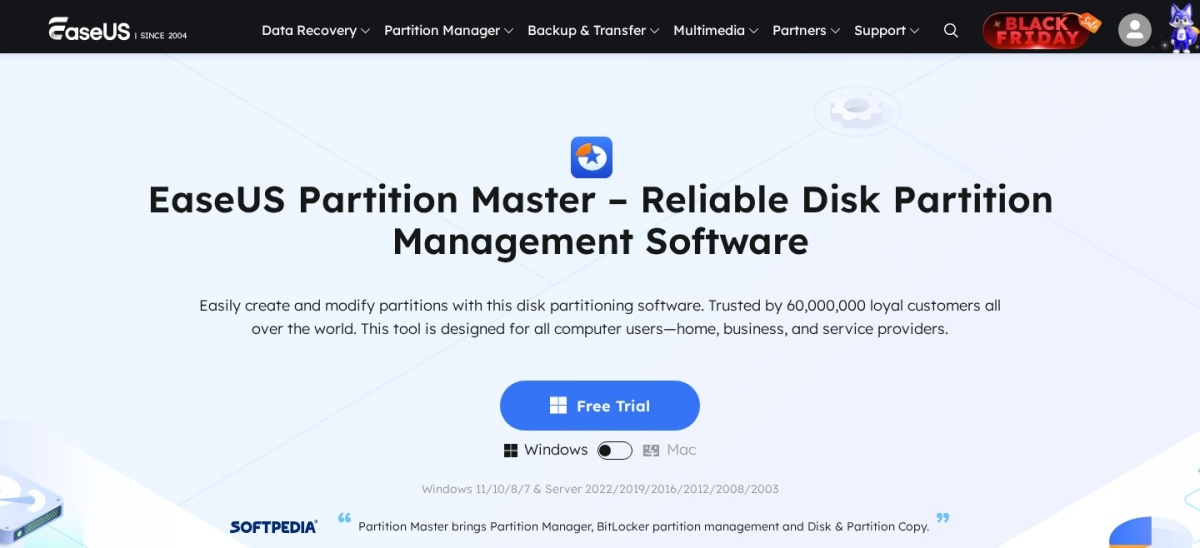
EaseUS Partition Master homepage, captured Nov 2026.
EaseUS Partition Master is a disk manager that covers partition resizing, moving, formatting, cloning and surface tests in its free edition. EaseUS says 65 million users have downloaded the tool, and it holds a 4.9 out of 5 rating on G2 from 476 reviews, the strongest review base in this list.
The trade off is that the advanced work sits behind Pro at $49.95 a year, including OS migration to a new drive and MBR to GPT conversion without data loss. The store often shows a lower sale price, so check the regular price before you buy. It suits home users who want one guided tool for partition jobs.
What we like
Highest G2 rating in this list, from 476 reviews
Free edition covers resizing, cloning and surface tests
Guided steps for OS migration and disk upgrades
Watch out for
OS migration and MBR to GPT conversion need Pro
Sale prices on the store can hide the regular price
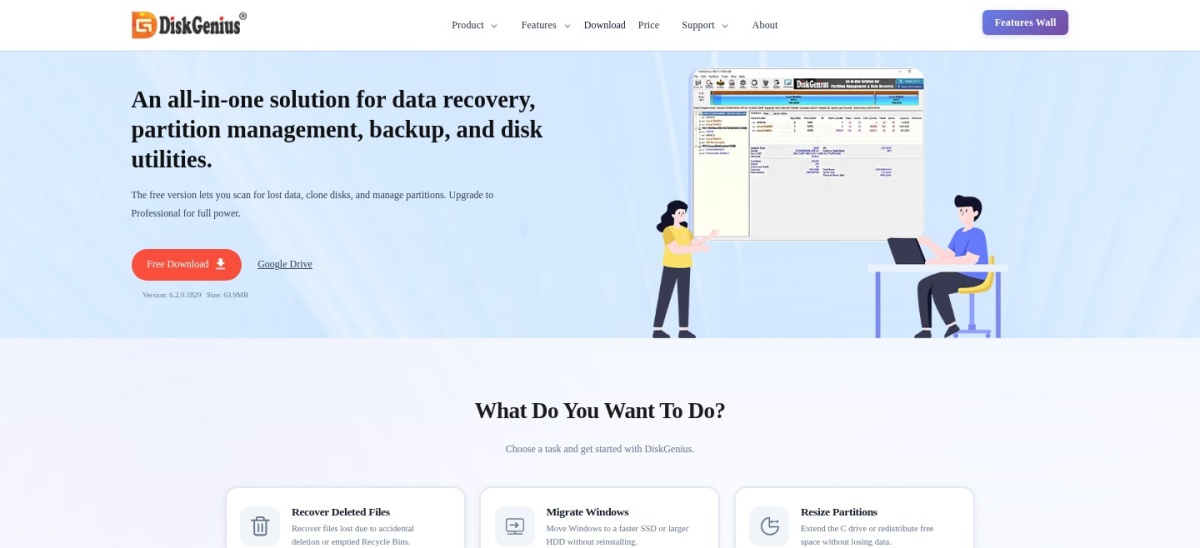
DiskGenius is a Windows utility that combines data recovery, partition management, disk cloning, backup and bad-sector checks in one download. The free edition scans for lost files and partitions, clones disks and manages partitions, while the current version is 6.2.0.1829.
The trade off is price and complexity. Professional starts at $69.90 for one month, or $99.90 for a year, and the crowded interface packs in many technical controls. It suits confident Windows users who want recovery and partitioning in a single tool.
What we like
Recovery, partitioning, cloning and backup in one tool
4.8/5on Trustpilot (5,610 reviews, checked Nov 2026)
Paid from$69.99/yr
Best for recovering files
Free recoveryUp to 1 GB
Lost partitionsYes
Encrypted drivesYes
Paid planStandard, $69.99/yr
stellarinfo.com
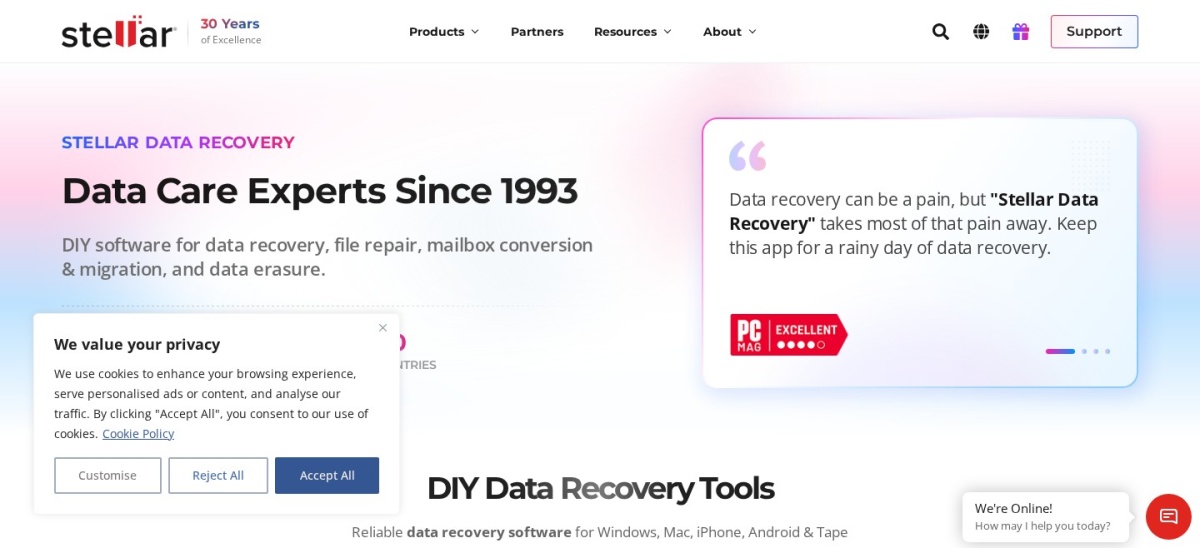
Stellar Data Recovery homepage, captured Nov 2026.
Stellar Data Recovery is a recovery tool for Windows and Mac that restores deleted files, lost partitions and data from formatted or encrypted drives. The free download recovers up to 1 GB, and it holds a 4.8 out of 5 Trustpilot rating from 5,610 reviews.
The trade off is that it recovers files rather than repairing the drive itself, so it cannot help a disk with physical damage. Standard costs $69.99 a year at list price, though the site often shows $59.99. It suits anyone who needs files back from a drive that still spins up.
What we like
Largest review base in this list, 5,610 Trustpilot reviews
Free download recovers up to 1 GB
Covers formatted, encrypted and lost-partition drives
Watch out for
Cannot repair bad sectors or physical damage
Unbootable PC recovery needs the Professional edition
4.8/5on SourceForge (20 reviews, checked Nov 2026)
PriceFree
Best free drive health check
S.M.A.R.T. healthYes
Temperature alertsYes
NVMe supportYes
Paid planNone, free
crystalmark.info
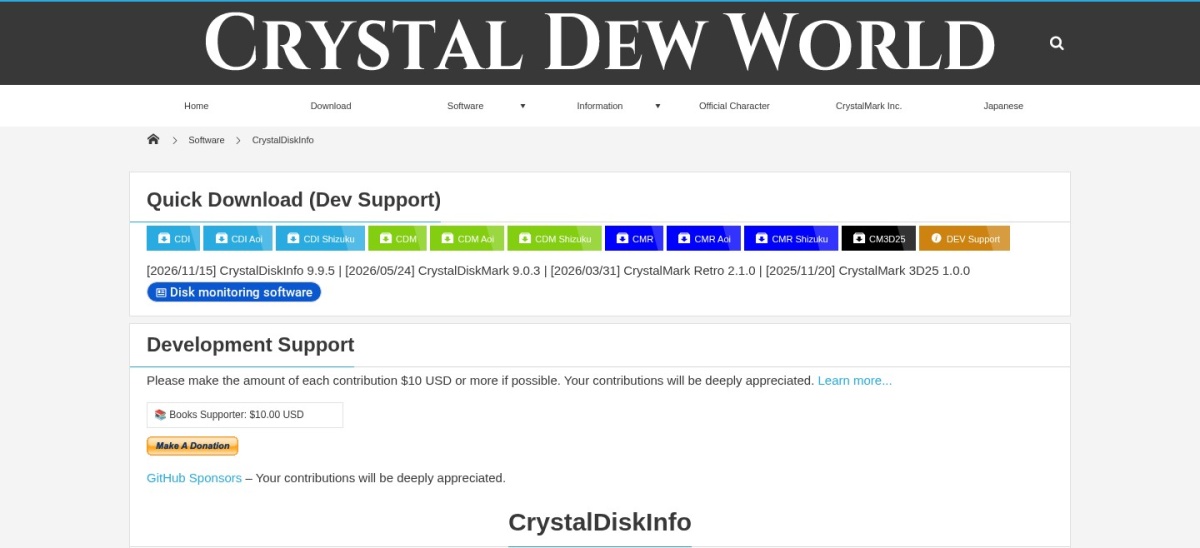
CrystalDiskInfo homepage, captured Nov 2026.
CrystalDiskInfo is a free, open-source Windows utility that reads a drive's S.M.A.R.T. data and shows health status, temperature and running hours at a glance. Version 9.9.5 arrived on 15 November 2026, and it holds a 4.8 out of 5 rating on SourceForge from 20 reviews.
The trade off is that it only reports problems; it cannot repair bad sectors or recover partitions. It also covers Windows only and its plain interface shows raw values beginners must interpret. It suits anyone who wants a free early warning before a drive fails.
What we like
Free and open source, with a portable version
Clear health status, temperature and running hours
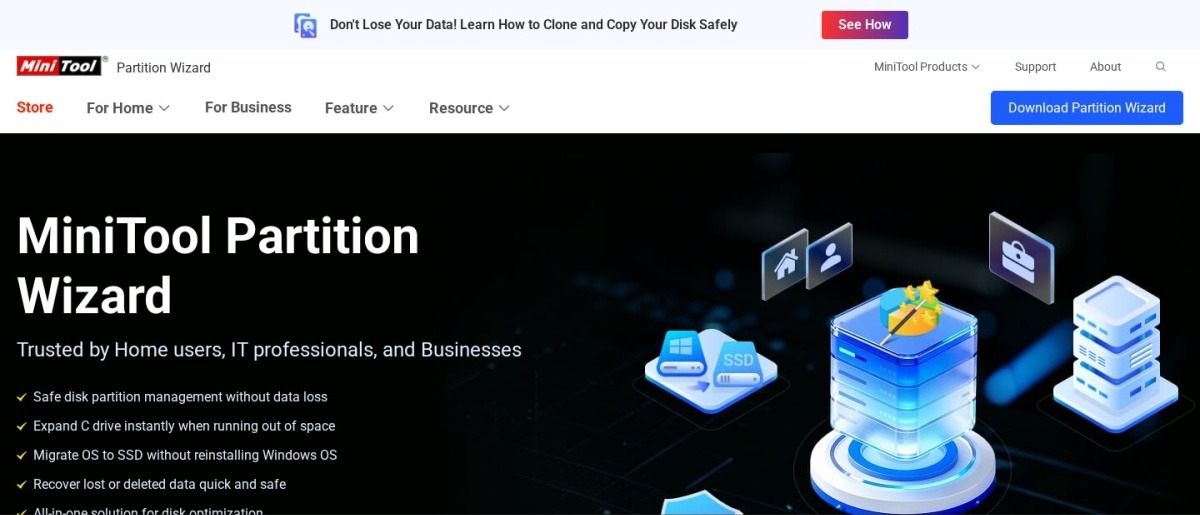
MiniTool Partition Wizard homepage, captured Nov 2026.
MiniTool Partition Wizard is a Windows partition manager with a free edition for creating, formatting, deleting and wiping partitions. It holds a 4.7 out of 5 rating on Capterra from 72 reviews, and its guided steps keep common jobs simple.
The trade off is that the useful upgrades cost extra. Pro is $59 a year for one PC and adds OS migration and MBR to GPT conversion, while partition and data recovery need Pro Platinum at $109 a year. It suits home users who mainly resize and move partitions.
What we like
Clear guided steps for common partition jobs
Free edition covers basic partition work
Highest Capterra rating in this list
Watch out for
Partition and data recovery need the $109 Platinum tier
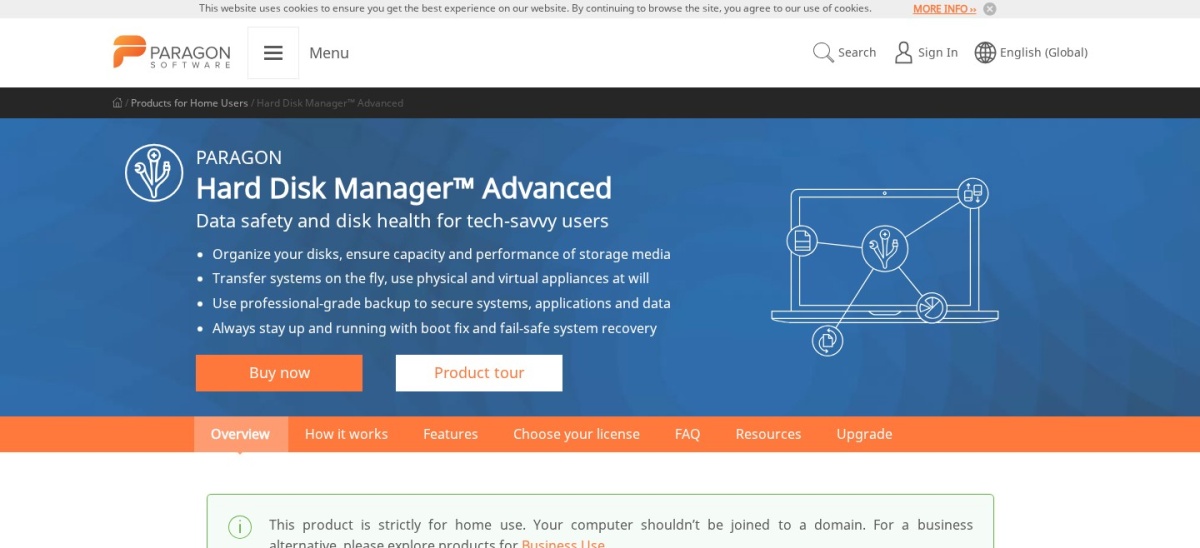
Paragon Hard Disk Manager homepage, captured Nov 2026.
Paragon Hard Disk Manager is an all-in-one Windows suite for backup, partitioning, disk wiping, system migration and boot repair. A free basic edition covers the essentials, and it holds a 4.6 out of 5 G2 rating from 11 reviews.
The trade off is scope and licensing. The Advanced edition is strictly for home use on PCs not joined to a domain, and the 1-year licence costs $24.95 a year at the regular price after a $19.95 first year. It suits home users who want backup and partitioning in one suite.
What we like
Cheapest paid plan in this list
Backup, partitioning, wipe and boot repair in one suite
Perpetual 3-PC licence available at $79.95
Watch out for
Advanced edition is home use only, not for domain PCs
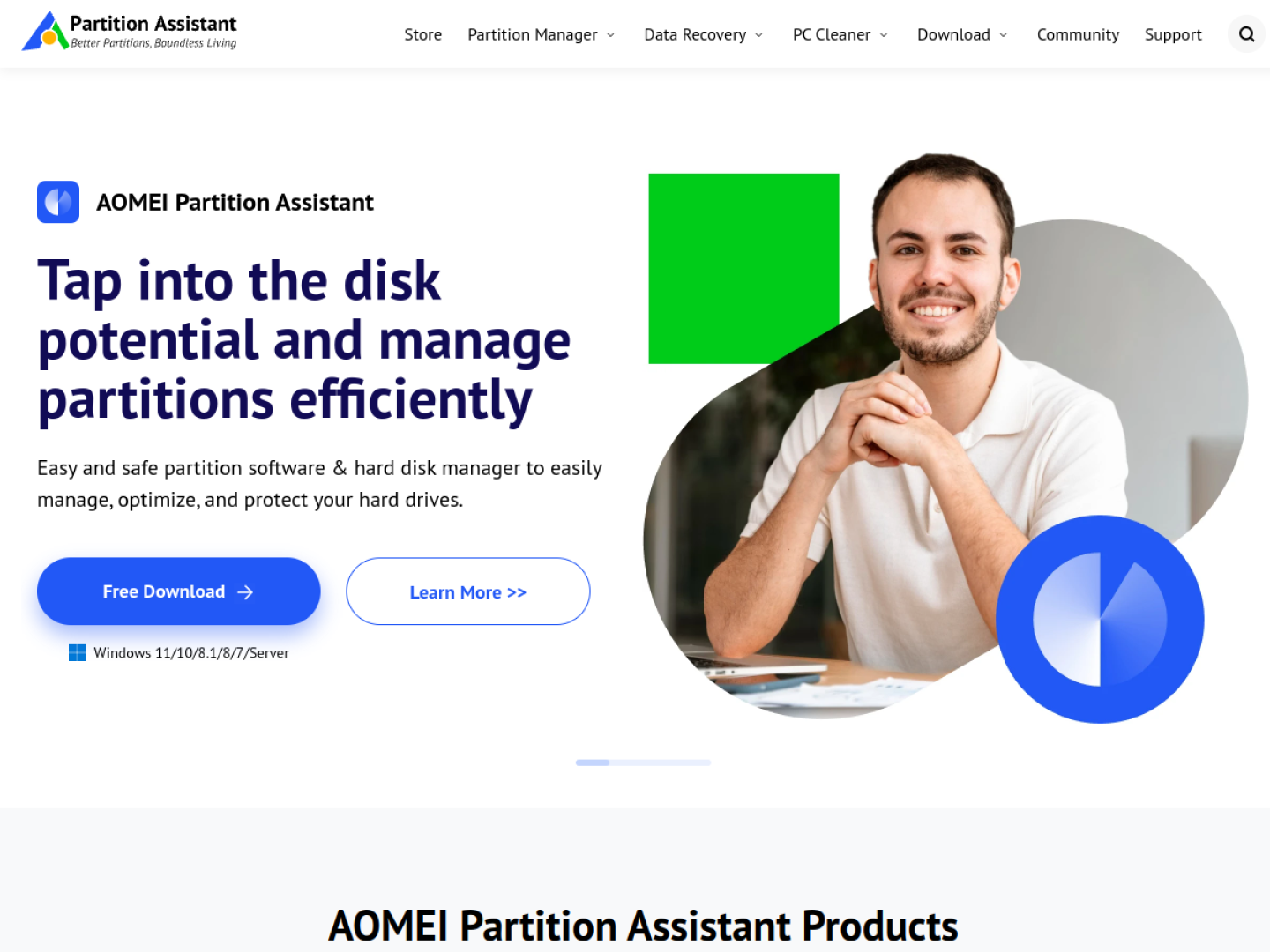
AOMEI Partition Assistant homepage, captured Nov 2026.
AOMEI Partition Assistant is a Windows partition manager whose free Standard edition resizes, moves, merges, splits and clones partitions. It holds a 4.4 out of 5 G2 rating from 21 reviews.
The trade off is that the deeper tools need Pro at $49.95 a year for two PCs, including OS migration, dynamic disk management and partition recovery. A lifetime licence is $59.95. It suits beginners who want guided wizards for partition jobs.
What we like
Free Standard edition covers common partition jobs
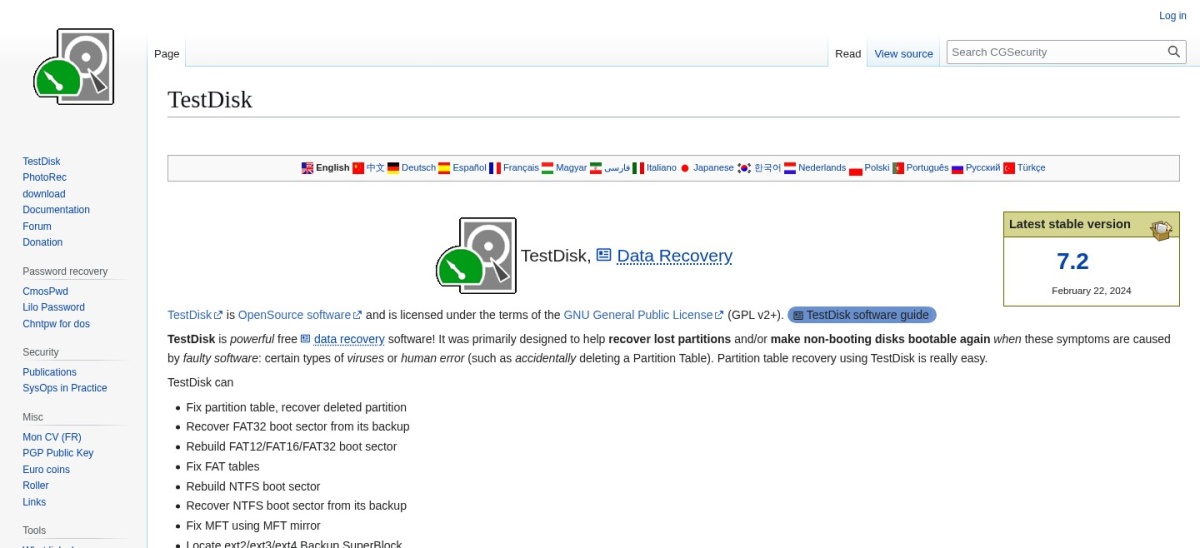
TestDisk is a free, open-source tool for recovering lost partitions and making non-booting disks bootable again. It rebuilds partition tables and boot sectors, runs on Windows, Mac and Linux, and holds a 4.3 out of 5 G2 rating from 12 reviews.
The trade off is the interface. TestDisk runs in a text menu with no graphical interface, so beginners can find it hard to follow, and the latest stable version 7.2 dates from February 2024. It suits technical users who need free partition repair.
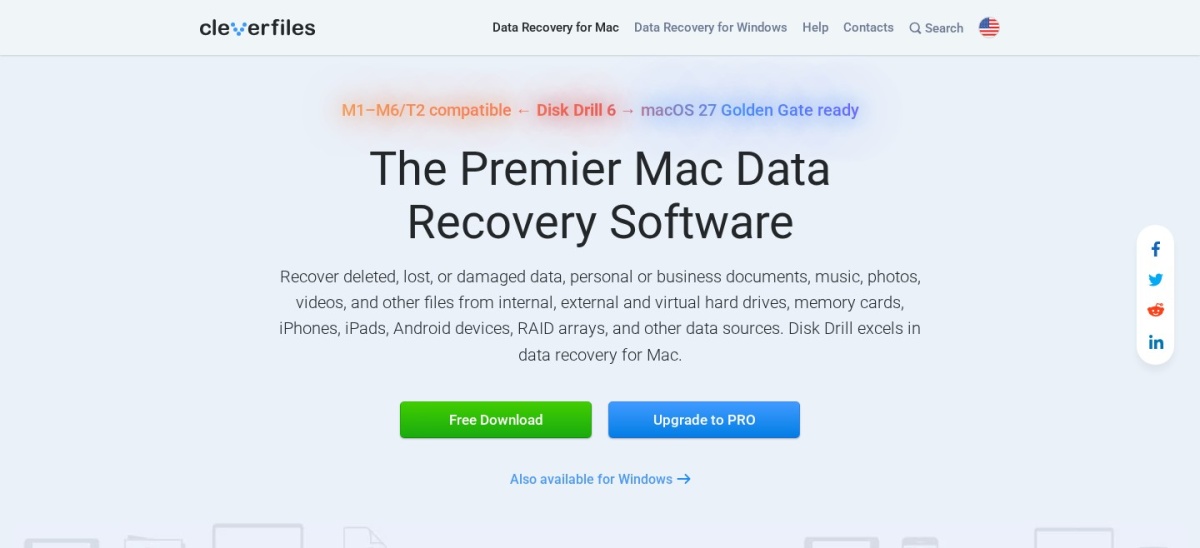
Disk Drill is a recovery tool for Mac and Windows that scans formatted or damaged drives, previews recoverable files and creates byte-to-byte disk images before recovery. The free Windows edition recovers up to 100 MB, and it holds a 4.0 out of 5 G2 rating from 62 reviews.
The trade off is that recovery is the whole job: it does not repair bad sectors or fix partition tables. PRO costs $89 a year, or $149 for a lifetime licence covering up to 3 devices. It suits users who want a guided scan-and-preview workflow.
Software cannot repair physical damage. A drive that clicks, grinds or is not detected at all needs a data recovery lab, not another scan.
Repeated surface scans can stress a failing drive. If the drive holds files you cannot replace, copy the files first, then run repair tools on a copy where possible.
Bad sectors that keep returning are a sign the drive is wearing out. Replace the drive rather than repairing the same sectors again.
How we chose
We started from the tools that appear most often in technician discussions and repair guides, then kept those with a public rating on G2, Capterra, Trustpilot or SourceForge and a current vendor page.
Prices come from each vendor's pricing page, checked on 25 November 2026. Ratings and review counts come from the review sites named in each entry on the same day. Where a vendor shows a sale, the list shows the regular price.
We left out HDD Regenerator, HD Tune Pro, Macrorit Disk Scanner and Victoria HDD because none of them has a public numeric rating with a review count. No vendor paid for a place, and we do not claim hands-on testing for this list.
How to choose hard disk repair software
Match the tool to the symptom first, then check the price and the free limits.
Check health before repairing. Run a free S.M.A.R.T. check with CrystalDiskInfo. If the drive reports many reallocated sectors, back up first and skip aggressive scans.
Pick the repair for the symptom. Use TestDisk for a lost partition, DiskGenius for bad sectors, and a recovery tool such as Stellar or Disk Drill when files are missing but the drive still works.
Try the free edition first. Most tools in this list scan for free and show what they can fix. Pay only after the scan finds the files or partitions you need.
Replace a drive that keeps failing. New bad sectors after a repair, or a drive that drops out of Windows, mean the hardware is wearing out. No software licence fixes that.
FAQ
What is the best hard disk repair software?
EaseUS Partition Master is the best pick for most users. It holds a 4.9 out of 5 G2 rating from 476 reviews, its free edition handles basic partition work and surface tests, and Pro adds OS migration at $49.95 a year.
Can software repair bad sectors?
Some bad sectors are logical errors that software can mark and work around, which DiskGenius and similar tools do with surface tests. Physical damage to the disk surface cannot be repaired by software, and a drive with growing bad sectors should be replaced.
Is there free hard disk repair software?
Yes. CrystalDiskInfo checks drive health for free, TestDisk repairs lost partitions and boot sectors for free, and EaseUS, DiskGenius, MiniTool, AOMEI and Paragon all offer free editions with basic partition and scan tools.
What is the difference between repair and recovery software?
Repair software fixes the drive's structure, such as partition tables, boot sectors and bad sectors. Recovery software reads a working drive to bring back deleted or lost files. Some tools, such as DiskGenius, do both.
Should I run repair software on a failing drive?
Back up first. Repair scans write to the drive and can stress weak hardware, so copy important files or make a disk image before running a surface test or partition fix on a drive you do not trust.
Can hard disk repair software fix an SSD?
Only in part. These tools can check SSD health, run S.M.A.R.T. reports and manage partitions, but bad-sector repair techniques built for spinning disks do not apply to flash memory, and a failing SSD should be replaced.
SaaS SEO and WordPress specialist with about 8 years of experience. Rakib compares WordPress plugins, themes, hosting and software using public pricing, documentation and user reviews. See how we rank.