OBS Studio is the best green screen software for most creators: it is free, with a built-in Chroma Key filter for live keying, rated 4.7 out of 5 on Capterra. Pick DaVinci Resolve for a free pro editor with a stronger keyer, or Camtasia if you record tutorials.
How we make this list: we compare pricing pages, product documentation and public user reviews, then re-check every price before each update. No product paid for a place. Disclosure.
OBS Studio keys green screen live for free, with no watermark and no export limit.
DaVinci Resolve has the strongest free keyer here, with a 3D keyer in Fusion and free 4K export.
Camtasia keys inside a tutorial recorder, but watermark-free exports need Essentials at $179.88 a year.
Premiere Pro's Ultra Key is the pro choice for teams, at $22.99 a month with no free plan.
VSDC is the cheapest paid upgrade at $19.99 a year, and its free version exports without a watermark.
What green screen software should cover
Green screen software removes a solid-colour background from a clip so you can place the subject over another scene, a slide or a virtual set. The keyer looks for one colour, usually green, and makes it transparent.
A clean key starts before the software. Even lighting on the screen, distance between the subject and the screen, and a camera that records enough detail matter more than which keyer you pick.
The tools here split into live keyers and editors. OBS Studio keys while you record or stream, while the rest key after the shoot on a timeline, where you can refine edges and spill.
Prices run from free to $299.99 once, or $22.99 a month for Premiere Pro. Our guide on embedding a video in WordPress shows where a finished keyed clip can go once it is exported.
4.7/5on Capterra (1,075 reviews, checked Nov 2026)
PriceFree
Best green screen software overall
Chroma keyBuilt-in filter
Live keyingYes, in real time
PlatformsWindows, Mac, Linux
Paid planNone, free
obsproject.com
OBS Studio homepage, captured Nov 2026.
OBS Studio is a free, open-source recorder and live-streaming app with a built-in Chroma Key filter for green screen work. It runs on Windows, Mac and Linux, costs nothing, and lets you key a webcam over gameplay, slides or a camera feed in real time, with no watermark and no export limit.
The trade off is setup. OBS Studio has no timeline editor, so you record or stream the keyed scene live and edit it in another app, and the filter needs even lighting to look clean. It suits streamers and creators who want a free live key and already have an editor for finishing.
DaVinci Resolve is a free professional editor from Blackmagic Design with Fusion compositing and a 3D keyer for green screen work. The free version exports up to 4K UHD with no watermark and includes colour, effects and Fairlight audio in one install, so a keyed clip can be finished without another app.
The trade off is learning time. Resolve is a full professional suite, so the Fusion page and keyer controls take longer to learn than a one-click background remover, and some AI tools need Studio. It suits editors who want a free pro editor and will use it for more than green screen.
Camtasia is a screen recorder and editor from TechSmith with a Remove a Color effect for green screen footage. The free download includes the full editor with watermarked exports, and Starter at $39 a year is the cheapest paid plan. Watermark-free exports need Essentials at $179.88 a year.
The trade off is price for a clean export. A watermark-free green screen video costs $179.88 a year, which is more than Filmora or VSDC charge for the same job. It suits trainers and teams who already record tutorials in Camtasia and want the key inside that workflow.
What we like
Records screen, webcam and green screen in one app
Adobe Premiere Pro is a professional editor with Ultra Key, a keyer built for green screen footage. It handles multicam, captions and colour in one timeline, and projects move into After Effects for motion graphics without conversion, which helps when a key needs extra cleanup.
The trade off is the subscription. Premiere Pro costs $22.99 a month billed yearly, with no free plan and no one-time purchase, so occasional green screen work keeps billing between projects. It suits agencies and teams already inside Creative Cloud who key footage every week.
Filmora is a beginner-friendly editor from Wondershare with a chroma key tool and an AI Smart Cutout for removing backgrounds without a green screen. The free version includes the full editor with watermarked exports, and Basic at $49.99 a year removes the watermark and unlocks 4K export.
The trade off is depth. Filmora keys simple, well-lit footage well, but it has less control than DaVinci Resolve or Premiere Pro when hair, shadows or uneven light need fixing. It suits YouTubers and social creators who want a quick key at a low yearly price.
Final Cut Pro is Apple's professional editor for Mac, with a built-in keyer for green screen clips on its magnetic timeline. The one-time $299.99 purchase includes free updates, and its Apple silicon optimisation keeps 4K keyed timelines playing back smoothly on recent Macs.
The trade off is platform. Final Cut Pro runs only on Mac, so a Windows editor cannot use it, and there is no free plan, only a 90-day trial. It suits Mac editors who want a one-time purchase and key green screen footage as part of regular editing.
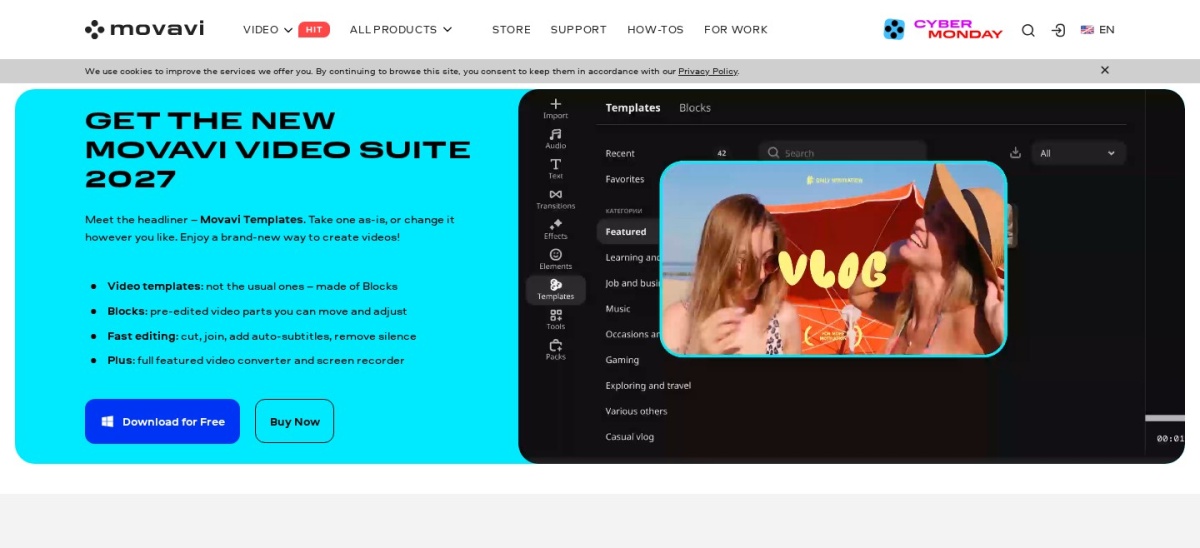
Movavi Video Editor is a simple Windows and Mac editor with a chroma key tool for green screen clips. The free version lets you try every tool, with exports capped at 60 seconds and watermarked, and the yearly plan at $79.95 removes those limits and adds 4K export.
The trade off is depth. Movavi is built for quick edits, so its keyer has fewer controls than DaVinci Resolve or Premiere Pro for tricky edges and uneven light. It suits beginners who want a guided editor and a simple key without learning a professional suite.
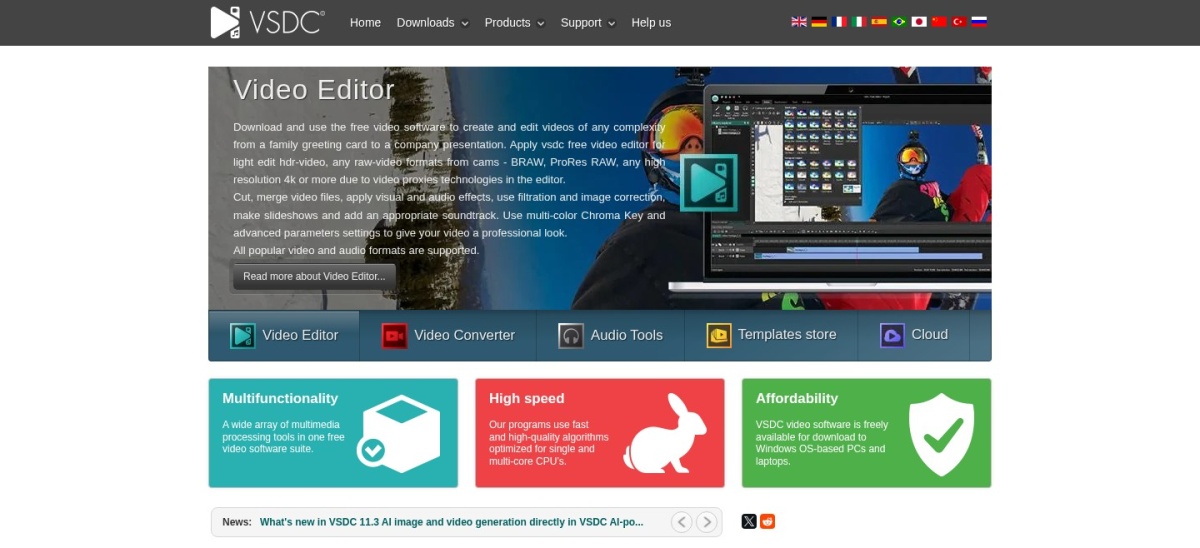
VSDC Free Video Editor homepage, captured Nov 2026.
VSDC Free Video Editor is a free Windows editor with a chroma key tool for green screen work. The free version exports without a watermark, and Pro at $19.99 a year adds hardware acceleration, motion tracking, masking and a multicolour Chroma Key tool.
The trade off is polish. VSDC runs only on Windows and its interface looks dated next to Filmora or Movavi, and the best keying tools sit in Pro. It suits Windows users on a tight budget who want a free key and the cheapest paid upgrade on this list.
Light the screen first, then the subject. Two soft lights on the screen, one on each side, remove the hot spots that cause patchy keys.
Keep the subject at least a metre from the screen. Distance cuts the green spill that colours hair and shoulders, and it keeps shadows off the screen.
Record in the highest quality your camera allows. Heavy compression blurs edges, and a blurred edge is where most keys fall apart.
Refine the key after the first pass. Most keyers add controls for spill, edge softness and colour matching, so use them before you export.
How we chose
We started from video editors and live tools with a chroma key or background removal feature, then kept those with public ratings on G2 or Capterra and a published price.
Prices come from each vendor's pricing page or a pricing page summary, checked on 25 November 2026. Ratings come from G2 or Capterra on the same day. Where a vendor shows a sale, the list shows the regular price.
We left out tools with no public rating and tools no longer sold. No vendor paid for a place, and we do not claim hands-on testing for this list.
How to choose green screen software
Match the tool to how you will use the key, not to the longest feature list.
Decide live or edited. If you stream or record live, OBS Studio is the only free live keyer here. For a finished video, pick a timeline editor.
Check the lighting you can manage. A well-lit screen keys well in Filmora or VSDC. Uneven light or fine hair needs the stronger keyers in DaVinci Resolve or Premiere Pro.
Work out the real yearly cost. Free tools cost nothing, but Camtasia needs $179.88 a year for watermark-free exports, and Premiere Pro bills $22.99 a month all year.
Try the free version first. Export a short keyed clip before you pay, and check the edges on a busy background, not a plain one.
FAQ
What is the best green screen software?
OBS Studio is the best pick for most creators. It is free, with a built-in Chroma Key filter for live keying, no watermark, and a 4.7 out of 5 rating on Capterra from 1,075 reviews. DaVinci Resolve is the best free choice for edited footage.
Do I need a green screen to remove a background?
No, but a real green screen gives cleaner edges. Filmora and Movavi include AI background removal that works without a screen, yet fine hair and moving subjects still key better against a lit green screen.
Is OBS Studio really free for green screen?
Yes. OBS Studio is free and open source, and its Chroma Key filter is included with no watermark, no export limit and no paid plan. You need a separate editor if you want to cut the keyed footage on a timeline.
What is the cheapest green screen software?
VSDC Pro is the cheapest paid upgrade here at $19.99 a year, and its free version exports without a watermark. OBS Studio and DaVinci Resolve cost nothing, while Camtasia Starter is $39 a year with watermarked exports.
Can I use green screen software on a Mac?
Yes. OBS Studio, DaVinci Resolve, Camtasia, Premiere Pro, Filmora and Movavi all run on Mac, and Final Cut Pro is Mac only. VSDC is the only tool here that runs on Windows only.
Why does my green screen look patchy?
Uneven lighting is the usual cause, along with shadows on the screen, a subject standing too close, or a low-quality recording. Light the screen evenly, keep the subject a metre away, record at high quality, then refine the spill and edge controls.
SaaS SEO and WordPress specialist with about 8 years of experience. Rakib compares WordPress plugins, themes, hosting and software using public pricing, documentation and user reviews. See how we rank.