MSI Afterburner is the best GPU overclocking software for most owners: it is free, works on NVIDIA and AMD cards from any brand, and is rated 4.7 out of 5 from 78 reviews. Pick ASUS GPU Tweak III for manual voltage tuning, or AMD Software: Adrenalin Edition if you own a Radeon card.
How we make this list: we compare pricing pages, product documentation and public user reviews, then re-check every price before each update. No product paid for a place. Disclosure.
MSI Afterburner is the top pick: free, works on NVIDIA and AMD cards from any brand, and pairs OC Scanner with fan curves and an overlay.
ASUS GPU Tweak III is the best manual tuner, with a VF Tuner for voltage-frequency curves and version 2.2.2.3 released 13 November 2026.
Radeon owners already have AMD Software: Adrenalin Edition, and GeForce owners already have the NVIDIA App with Automatic Tuning.
Vendor tools add card-specific extras: TriXX Boost on Sapphire, SPECTRA RGB on ZOTAC and RGB Fusion on GIGABYTE.
EVGA Precision X1 is no longer developed since EVGA left the graphics card business in 2022, so it only fits older EVGA cards.
What GPU overclocking software should do
Graphics cards ship with headroom. Vendors set clock speeds that work on every card, so most cards can run a little faster with the right cooling.
Overclocking software raises those clocks in small steps. The best tools also let you set fan curves, watch temperatures live and save profiles, so a change that proves unstable is easy to undo.
Start with the tool that matches your card. Vendor tools such as Adrenalin and the NVIDIA App are already installed, while universal tools such as MSI Afterburner work on cards from any brand. Our guide on fixing high CPU usage covers the same heat and monitoring habits that matter when a graphics card runs hot.
Every tool in this list is free. Vendors give their tuning tools away, so the choice is about features and card compatibility, not price. Raise clocks in small steps and watch temperatures after each change.
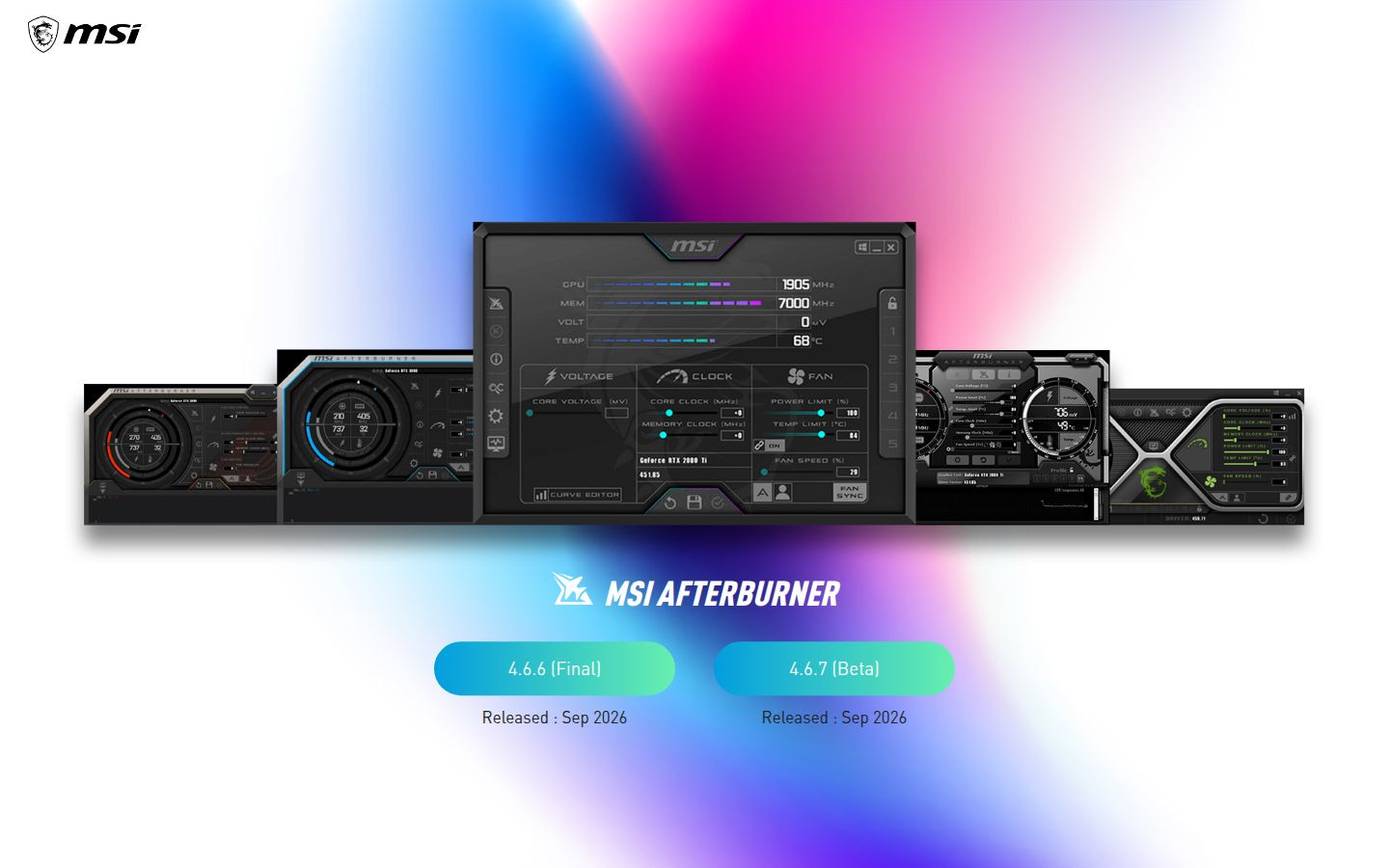
MSI Afterburner is a free utility that tunes graphics cards from any brand, not just MSI. It covers core and memory clock offsets, voltage, power limit and custom fan curves, plus a hardware monitor, an on-screen display and Predator video capture. Version 4.6.6 is the current stable release, with 4.6.7 in beta.
The trade off is the interface, which packs a lot into a small window and can feel dated next to the driver panels from AMD and NVIDIA. It suits almost any desktop owner who wants one free tool for tuning, monitoring and fan control on any graphics card.
What we like
Works with NVIDIA and AMD cards from any brand
OC Scanner finds a stable overclock for you
Fan curves, monitoring and overlay in one tool
Free, with no paid tier
Watch out for
Interface looks dated and dense
No automatic driver updates built in
Some users report the overclock does not apply unless the app is open
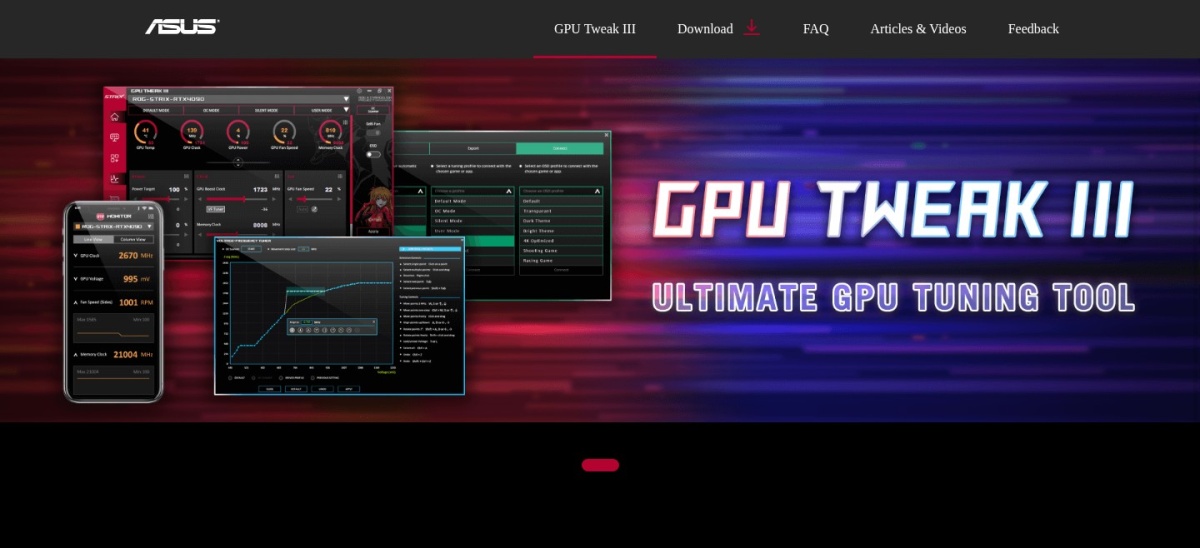
ASUS GPU Tweak III is a free tuner from ASUS that works on graphics cards from other brands too. It offers one-click overclocking with OC Scanner, a VF Tuner for voltage-frequency curves, custom fan curves with a 0dB mode, an on-screen display and a mobile monitor app. Version 2.2.2.3 arrived on 13 November 2026.
The trade off is that the deepest features, such as the thermal map and power detector, are built for ASUS cards, so owners of other brands get a simpler tool. It suits owners who want direct control of voltage and fans without paying for software.
AMD Software: Adrenalin Edition homepage, captured Nov 2026.
AMD Software: Adrenalin Edition is the driver panel that ships with Radeon graphics cards, so Radeon owners already have it. Its Performance Tuning section adjusts clock speeds and voltage, and HYPR-RX bundles one-click profiles with FSR upscaling, Anti-Lag and Frame Rate Target Control. Version 26.11.2 was released on 19 November 2026.
The trade off is scope. It only tunes Radeon cards, and its public user rating is thin: 5.0 out of 5 from just 2 ratings on Uptodown, while UpdateStar users rate it 3 out of 5. It suits Radeon owners who want tuning without installing another app.
NVIDIA App is NVIDIA's free control centre for GeForce cards, replacing GeForce Experience and the classic Control Panel. Its Automatic Tuning, under System and then Performance, scans for a stable overclock on its own. It also handles driver updates, DLSS Override, an in-game overlay and recording. Version 11.0.9.585 was released on 4 November 2026.
The trade off is depth. Automatic Tuning picks a safe overclock, but there is no manual voltage-frequency curve editor, and its TechSpot rating is 3.3 out of 5 from only 9 ratings. It suits GeForce owners who want a simple automatic boost with no extra install.
SAPPHIRE TriXX is the free tuner for Sapphire Radeon cards. It covers clock and voltage tuning, fan curves, live monitoring and performance presets, plus TriXX Boost, which lowers render resolution and upscales with Radeon Image Sharpening. Fan Health Check spins each fan and reports faults, and Glow handles ARGB lighting. Version 11.2.0 is current.
The trade off is that the best extras need a Sapphire card, and NITRO+ models only for Glow and Fan Health Check. Its TechSpot rating is 4.2 out of 5 from 37 ratings on an older 6.4.0 listing. It suits Sapphire owners who want card-specific extras beside basic tuning.
4.8/5on Guru3D (163,075 reviews, checked Nov 2026)
PriceFree
Best for ZOTAC card owners
One-click overclockOC Scanner
ProfilesUp to 5
Fan controlCustom curves
Latest version5.0.0.017E, Sep 2026
zotac.com
ZOTAC FireStorm homepage, captured Nov 2026.
ZOTAC FireStorm is the free tuning utility for ZOTAC GeForce cards. It adjusts GPU and memory clocks, voltage and fan speeds, with an OC Scanner for automatic overclocking, custom fan curves, live monitoring and SPECTRA RGB lighting. It stores up to 5 performance profiles. Version 5.0.0.017E was released on 23 September 2026.
The trade off is reach. FireStorm is built for ZOTAC cards, and its tuning is simpler than the universal tools, so most owners use it for RGB and presets. It suits ZOTAC owners who want the vendor-supported tuner with no extra cost.
GIGABYTE AORUS Engine homepage, captured Nov 2026.
GIGABYTE AORUS Engine is the free companion utility for GIGABYTE and AORUS graphics cards. Its dashboard offers sliders and presets for GPU clock, memory clock, voltage, fan speed, power target and target temperature, plus an Auto Scan for stable settings and RGB Fusion lighting. Version 2.3.1 is current.
The trade off is polish. Past versions drew complaints about bugs and high idle resource use, and recent builds are better but the trust gap lingers. Its FileHorse rating converts to 3.9 out of 5 from 68 ratings. It suits GIGABYTE owners who want the official presets and lighting control.
EVGA Precision X1 is a free tuner for GeForce cards, built around a voltage-frequency curve editor rather than single clock values. It offers OC Scanner, memory and core offsets, fan curves, RGB LED control, up to 10 profiles with hotkeys, an on-screen display and live wattage monitoring. Version 1.3.7.0 is the latest.
The trade off is the future. EVGA left the graphics card business in 2022 and Precision X1 is no longer developed, so newer cards get no support, and its FileCroco rating is 2.8 out of 5 from 12 votes. It suits owners of older EVGA cards who already run it.
4.8/5on Download Zone (1,250 reviews, checked Nov 2026)
PriceFree
Best monitoring companion
GPU tuningLight, monitoring first
MonitoringCPU, GPU, memory
Fan and RGBNZXT hardware
Account neededNo
nzxt.com
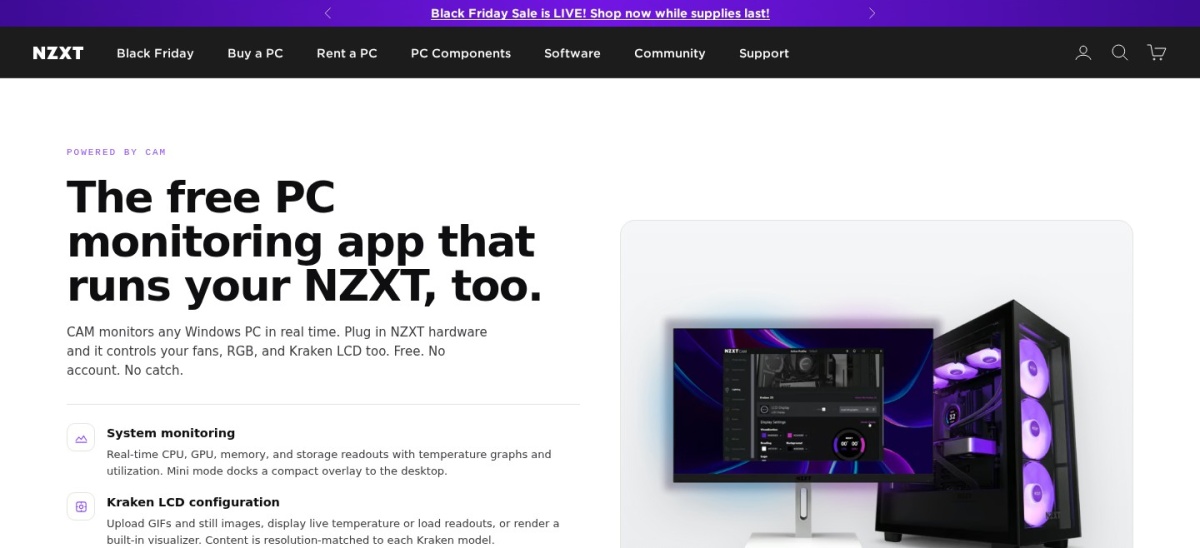
NZXT CAM homepage, captured Nov 2026.
NZXT CAM is a free monitoring app that works as the companion to a real tuner. It shows live CPU, GPU, memory and storage readouts with temperature graphs, a mini-mode overlay, and fan, RGB and Kraken LCD control when NZXT hardware is present. It needs no account and runs without NZXT hardware.
The trade off is that it is a monitor first. Its GPU tuning controls are limited, so it cannot replace Afterburner or a vendor tuner for overclocking. It suits owners who want clear live temperatures and fan control while they tune with another tool.
One-click tools scan your card and apply a stable overclock for you. MSI Afterburner has OC Scanner, the NVIDIA App has Automatic Tuning, and AORUS Engine has Auto Scan.
Manual tuning gives more control. You set the core clock, memory clock, voltage and fan curve yourself, which suits owners who want the last few percent or a quieter fan profile.
Start with one-click, then go manual only if you want more. A manual overclock that crashes a game is a sign to step the clocks back, not to add voltage.
Common mistakes when overclocking a GPU
The most common mistake is raising clocks too far at once. Move the core clock in small steps, then run a game or a benchmark and watch for crashes or visual glitches.
Heat is the second mistake. A faster clock draws more power, so set a fan curve before you raise clocks and keep an eye on temperatures under load.
Do not chase a number from another owner's card. Two cards of the same model can settle at different stable clocks, so use your own card's results.
How we chose
We started from the tuning tools shipped by the graphics card makers and the universal tools most owners name first, then kept the nine that are still available and maintained in 2026, or, in the case of Precision X1, still widely used on older cards.
Prices come from each vendor's own pages, checked on 25 November 2026. Every tool here is free, so there is no paid tier to compare. Ratings come from TechSpot, Gramfile, Uptodown, Guru3D, FileHorse, FileCroco and Download Zone on the same day.
We left out tools with no published user rating anywhere, such as Palit ThunderMaster. No vendor paid for a place, and we do not claim hands-on testing for this list.
How to choose GPU overclocking software
Match the tool to your card first, then to how much control you want.
Check which card you own. Radeon owners already have Adrenalin, and GeForce owners already have the NVIDIA App. Start with the tool that came with your card.
Pick a universal tool if you mix brands. MSI Afterburner works on NVIDIA and AMD cards from any brand, so it is the safe choice when you change cards later.
Decide how much control you want. One-click scanning suits a first overclock. If you want voltage curves and fan profiles, choose GPU Tweak III or Afterburner.
Watch temperatures after every change. Raise clocks in small steps and check temperatures under load before going further.
FAQ
What is the best GPU overclocking software?
MSI Afterburner is the best pick for most owners. It is free, works on NVIDIA and AMD cards from any brand, and covers clock offsets, voltage, power limit, fan curves, monitoring and an on-screen display in one tool.
Is GPU overclocking software free?
Yes, every tool in this list is free. Graphics card makers give their tuning tools away with the card or the driver, and universal tools such as MSI Afterburner and ASUS GPU Tweak III have no paid tier either.
Can overclocking damage my graphics card?
It can if you push voltage or temperatures too far, so raise clocks in small steps and watch temperatures under load. Modern cards also throttle or shut down before damage, but that safety net is not a reason to skip checking heat.
Do I need my card maker's own software?
No, but it helps. Vendor tools add extras only that maker offers, such as TriXX Boost on Sapphire or SPECTRA lighting on ZOTAC. A universal tool such as MSI Afterburner tunes any brand, so one tool can cover every card you own.
What is the difference between MSI Afterburner and ASUS GPU Tweak III?
Afterburner is the simpler all-rounder: it works on any brand and pairs OC Scanner with fan curves and an overlay. GPU Tweak III goes deeper on manual tuning with its VF Tuner for voltage-frequency curves, and some features need an ASUS card.
Why is EVGA Precision X1 still listed if it is no longer developed?
Because it still works on the EVGA cards it was built for, and its curve editor and profile system remain useful there. It only fits older EVGA cards, though, since EVGA left the graphics card business in 2022 and newer cards get no support.
SaaS SEO and WordPress specialist with about 8 years of experience. Rakib compares WordPress plugins, themes, hosting and software using public pricing, documentation and user reviews. See how we rank.