Grammarly is the best Google Docs add-on for most writers, rated 4.7/5 on G2 from 14,155 reviews, with Pro at $12 a month billed yearly. Pick DocuSign for signing at $10 a month, or LanguageTool for budget multilingual checks at $69.90 a year.
How we make this list: we compare pricing pages, product documentation and public user reviews, then re-check every price before each update. No product paid for a place. Disclosure.
Grammarly is the top pick: 4.7/5 on G2 from 14,155 reviews, with a free plan and Pro at $12 a month billed yearly.
DocuSign is the signing pick at $10 a month, but Personal caps you at 5 envelopes a month.
LanguageTool is the cheapest writing checker at $69.90 a year, and the only one here that covers 30+ languages.
Three signing tools score 4.7 on G2: PandaDoc, Dropbox Sign and Signeasy, from $10 to $19 a user a month.
All 9 tools have a free plan except DocuSign, which offers a trial only. Paid plans run from $42 to $228 a year.
What a Google Docs add-on should do
Google Docs covers spelling and basic formatting on its own. Add-ons fill the gaps: deeper grammar checks, signatures, diagrams, mind maps and task tracking, all without leaving the document.
Most add-ons in this list run as a sidebar or a menu item inside Docs, so there is little to learn. The paid plan usually removes a cap: more words, more envelopes, more maps or more documents.
Prices in this list are the regular yearly-billed rates in US dollars. A few vendors show a lower first-year price or a sale, so check the pricing page before you pay.
Grammarly is a writing assistant that checks spelling, grammar, punctuation, clarity and tone as you type in Google Docs. The free plan covers basic corrections and 100 generative AI prompts a month, while Pro adds full-sentence rewrites, tone adjustments, plagiarism detection and 2,000 AI prompts a month.
The trade off is price. Pro costs $12 a month billed yearly, or $30 a month billed monthly, which is a lot for light users who only need basic checks. It suits writers, students and teams who draft in Docs every day and want corrections without leaving the document.
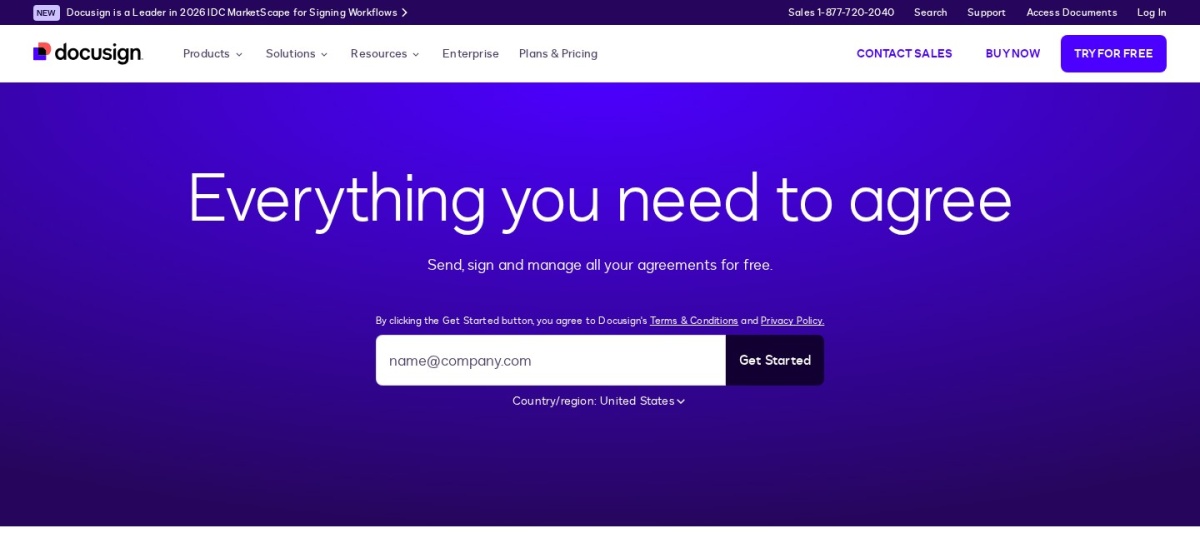
DocuSign is an electronic signature service with a Google Docs add-on that sends a document for signature without exporting it first. The Personal plan at $10 a month covers 5 envelopes a month, with an audit trail for each transaction and reminders for signers who have not replied.
The trade off is the envelope cap. Five envelopes a month suits occasional signing, but frequent senders move to Standard at $25 a month or Business Pro at $40 a month. It suits small teams and freelancers who need signed contracts back from a Doc.
What we like
Sign Docs without exporting them
Audit trail on every envelope
Widely recognised by clients and legal teams
Watch out for
No free plan, only a trial
5 envelopes a month on Personal
Paid plans climb fast for frequent senders
Paid plans add more envelopes and advanced sending optionsVisit docusign.com
03
LanguageTool
4.1/5on Capterra (50 reviews, checked Nov 2026)
Paid from$5.83/mo
Best budget writing checker
Free planYes, 2,000 characters per check
Premium price$5.83/mo billed yearly
Languages30+
Capterra rating4.1/5, 50 reviews
languagetool.org
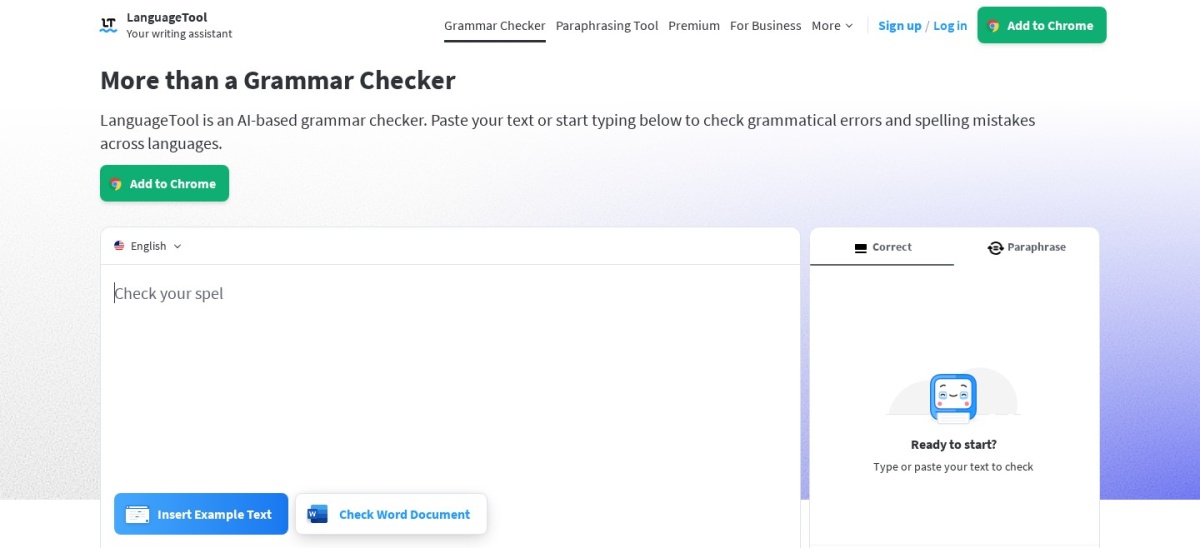
LanguageTool homepage, captured Nov 2026.
LanguageTool is an open-source grammar, style and spell checker that works in Google Docs and covers more than 30 languages. The free plan checks up to 2,000 characters per text field, with 3 AI rephrases a day, while Premium raises the limit to 150,000 characters and adds unlimited paraphrasing.
The trade off is polish. Its interface is plain beside Grammarly, and its Capterra rating of 4.1 from 50 reviews is the lowest here. It suits multilingual writers and privacy-minded users who want solid checking at less than half of Grammarly's yearly price.
What we like
Checks more than 30 languages
Cheapest paid writing plan in this list
Open-source core with EU data handling
Free plan is useful for short checks
Watch out for
Plain interface beside Grammarly
Lowest Capterra rating in this list
Monthly billing is $24.90, far above the yearly rate
4.5/5on Capterra (2,263 reviews, checked Nov 2026)
Paid from$9/mo
Best for diagrams inside Docs
Free planYes, 3 editable documents
Individual price$9/mo billed yearly
Templates100 on the free plan
Capterra rating4.5/5, 2,263 reviews
lucidchart.com
Lucidchart homepage, captured Nov 2026.
Lucidchart is a diagram tool whose Google Docs add-on builds flowcharts, org charts and other diagrams and drops them into a document. The free plan allows 3 editable documents and 100 templates, and diagrams update in the Doc without re-importing an image each time.
The trade off is the free cap. Three editable documents run out fast if you diagram often, so regular users need Individual at $9 a month billed yearly. It suits teams that explain processes, systems or org structures inside shared Docs.
What we like
Diagrams stay editable inside Docs
100 templates on the free plan
Real-time co-editing on paid plans
Watch out for
Free plan stops at 3 editable documents
Needs Individual for unlimited documents and shapes
Individual adds unlimited documents, shapes and premium templatesVisit lucidchart.com
05
PandaDoc
4.7/5on G2 (3,863 reviews, checked Nov 2026)
Paid from$19/mo
Best for proposals that need signing
Free planYes, 5 documents a month
Starter price$19/user/mo billed yearly
G2 rating4.7/5, 3,863 reviews
Paid planStarter
pandadoc.com
PandaDoc homepage, captured Nov 2026.
PandaDoc is a document platform for proposals, quotes, contracts and e-signatures, with a Google Docs add-on for sending Docs to sign. The free eSign plan allows 5 documents a month, while Starter at $19 a user a month billed yearly adds unlimited sends, templates and rich media.
The trade off is scope. Starter lacks CRM integrations, custom branding and approval workflows, which sit on Business at $49 a user a month billed yearly. It suits small sales teams that draft proposals in Docs and want signing and tracking in the same flow.
What we like
Free eSign plan with 5 documents a month
Templates and pricing tables for proposals
Tracks when a document is opened and signed
Watch out for
CRM integrations need the Business plan
Per-user pricing adds up fast for teams
Monthly billing is $35 a user, well above the yearly rate
Business adds CRM integrations, branding and approval workflowsVisit pandadoc.com
06
Dropbox Sign
4.7/5on G2 (2,283 reviews, checked Nov 2026)
Paid from$15/mo
Best simple signing for small teams
Free planYes
Essentials price$15/mo billed yearly
Signature requestsUnlimited on paid plans
G2 rating4.7/5, 2,283 reviews
sign.dropbox.com
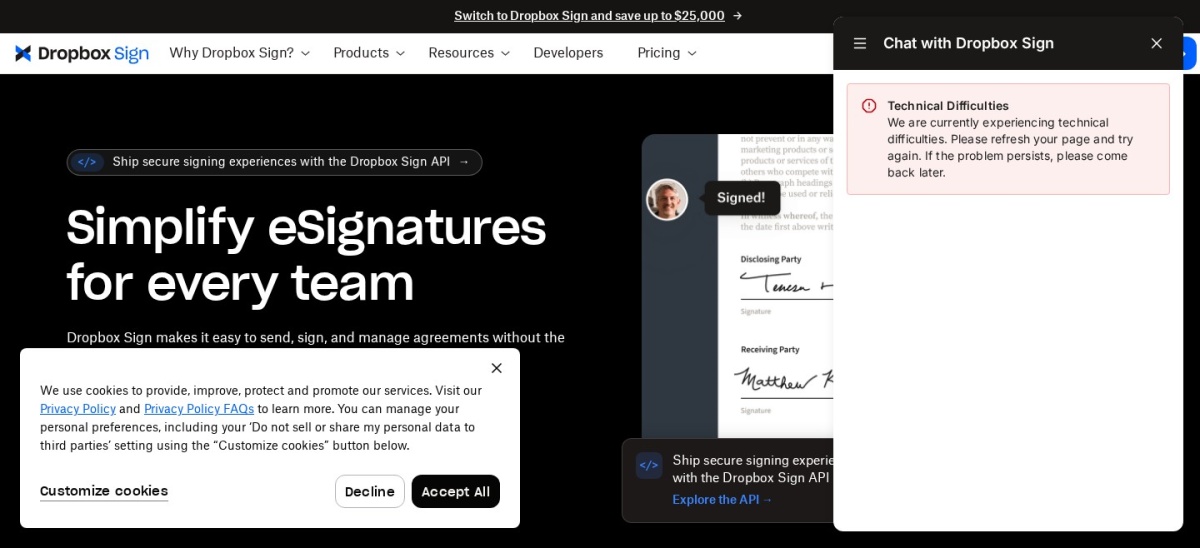
Dropbox Sign homepage, captured Nov 2026.
Dropbox Sign is an e-signature tool, formerly HelloSign, that signs Google Docs through its add-on without counting envelopes. The free plan covers occasional signing, and Essentials at $15 a month billed yearly adds unlimited signature requests for one user.
The trade off is depth. Essentials lacks payment collection and a proposal builder, and single sign-on and advanced reporting sit on the quote-only Premium plan. It suits small teams that send signatures often and want a simple price with no request counting.
What we like
Unlimited signature requests on paid plans
Simple three-plan pricing
Free plan for occasional signing
Watch out for
No payment collection or proposal builder
Advanced features need the quote-only Premium plan
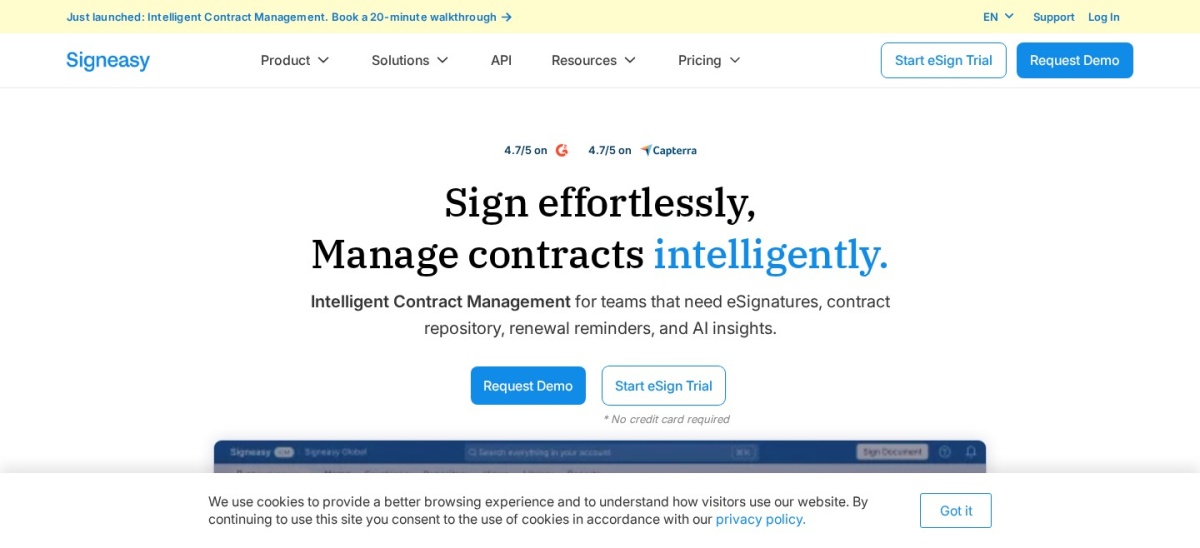
Signeasy is an e-signature tool with a Google Docs add-on that signs, sends and tracks contracts from Docs, Drive and mobile. Its free tier covers a few documents a month, and Personal at $10 a user a month adds more sends, reminders and tracking.
The trade off is polish in Docs. Reviewers note the Google Docs add-on can glitch, with signature boxes landing in the wrong spot at times. It suits small firms that want DocuSign-style signing at a lower price and sign mainly from Drive or mobile.
Asana is a work management tool whose Google Docs add-on turns text in a Doc into tasks without switching apps. The free Personal plan covers unlimited tasks, projects and messages, while Starter at $10.99 a user a month billed yearly adds timeline views, workflow builder and automation.
The trade off is that Asana is a project tool, not a Docs editor. Its value shows only if your team already plans work in Asana, and portfolios and goals need Advanced at $24.99 a user a month. It suits teams that draft plans in Docs and track the follow-up in Asana.
What we like
Turns Doc text into tracked tasks
Free plan covers unlimited tasks and projects
Timeline and automation on Starter
Watch out for
Little value without an Asana workspace
Portfolios and goals need the Advanced plan
Per-user price adds up for large teams
Starter adds timeline views, workflow builder and automationVisit asana.com
09
MindMeister
4.7/5on Capterra (565 reviews, checked Nov 2026)
Paid from$3.50/mo
Best for mind maps inside Docs
Free planYes, 3 mind maps
Personal price$3.50/user/mo
Capterra rating4.7/5, 565 reviews
Paid planPersonal
mindmeister.com
MindMeister homepage, captured Nov 2026.
MindMeister is an online mind mapping tool with a Google Docs add-on for dropping brainstorm maps into a document. The free Basic plan allows 3 mind maps with unlimited collaborators, and Personal at $3.50 a user a month adds unlimited maps, exports and a 7-day version history.
The trade off is price clarity. MindMeister's own page shows euro prices for some visitors, so the $3.50 monthly rate should be checked on the pricing page before buying. It suits teams that plan content, campaigns or lessons in Docs and map ideas first.
Free plans cover the basics well. Grammarly and LanguageTool check short text, Lucidchart allows 3 diagrams and MindMeister allows 3 maps.
Paid plans mostly remove caps. You get more words per check, more envelopes, unlimited maps and documents, and extras such as plagiarism checks or exports.
Signing is the exception. DocuSign has no free plan, so even occasional signing needs Personal at $10 a month, while Dropbox Sign and Signeasy offer a free tier.
Start free for a month and count what you hit. If you hit the same cap twice, the cheapest paid plan that removes it is usually the right one.
How we chose
We started from the add-ons that appear most often in Google Docs round-ups, then kept 9 established tools with a Docs add-on, a public rating and published pricing.
Prices come from each vendor's pricing page and G2 pricing data, checked on 25 November 2026. Ratings and review counts come from G2 or Capterra on the same day. Where a vendor shows a sale, the list shows the regular price.
We left out small add-ons with no public rating and no published price. No vendor paid for a place, and we do not claim hands-on testing for this list.
How to choose a Google Docs add-on
Match the add-on to the job you do most in Docs, then check the free plan's cap before you pay.
Name the job first. Writing, signing, diagramming and task tracking need different tools. Pick the job you do weekly, not the one you do once a year.
Check the free plan's cap. Count envelopes, words, maps or documents. A free plan that caps at 3 maps or 5 envelopes runs out fast for daily use.
Compare the yearly price, not the monthly one. Monthly billing can cost two or three times the yearly rate. LanguageTool, for example, is $24.90 a month billed monthly but $5.83 a month billed yearly.
Install one add-on at a time. Two writing checkers can fight over the same text. Add one, use it for a week, then add the next only if a gap stays.
FAQ
What is the best Google Docs add-on?
Grammarly is the best pick for most writers. It checks grammar, spelling, clarity and tone inside Docs, is rated 4.7 out of 5 on G2 from 14,155 reviews, and its free plan covers basic corrections.
Are Google Docs add-ons free?
Most are. Eight of the nine tools here have a free plan, with caps on words, envelopes, maps or documents. DocuSign is the exception: it has no free plan, only a trial, with Personal starting at $10 a month.
Which Google Docs add-on is best for signatures?
DocuSign is the best-known signing add-on, rated 4.5 out of 5 on G2. Dropbox Sign is the simpler value pick at $15 a month with unlimited requests on paid plans, while Signeasy costs $10 a month.
Can I use Grammarly and LanguageTool together?
You can, but it is rarely worth it. Both check the same text, so they can flag the same errors twice. Pick Grammarly for English writing or LanguageTool for multilingual work, and use one at a time.
What is the cheapest Google Docs add-on?
MindMeister is the cheapest paid plan here at $3.50 a user a month, or $42 a year. LanguageTool is next at $69.90 a year, and Lucidchart follows at $9 a month billed yearly.
Do I need a paid plan for diagrams in Google Docs?
Not always. Lucidchart's free plan allows 3 editable documents and 100 templates, which covers occasional diagrams. If you diagram weekly, Individual at $9 a month billed yearly removes the cap.
SaaS SEO and WordPress specialist with about 8 years of experience. Rakib compares WordPress plugins, themes, hosting and software using public pricing, documentation and user reviews. See how we rank.