Boomerang is the best Gmail add-on for most users, with send-later scheduling, reminders and meeting booking from $4.98 a month, rated 4.6 out of 5 on G2. Pick Mixmax for sales sequences and Streak if you want a CRM that lives inside Gmail.
How we make this list: we compare pricing pages, product documentation and public user reviews, then re-check every price before each update. No product paid for a place. Disclosure.
Boomerang is the cheapest way into scheduling and reminders, from $4.98 a month, rated 4.6 out of 5 on G2.
Mixmax is the strongest pick for sales teams, with tracking, templates and sequences from $29 a user a month.
Gmelius and Streak turn Gmail into a team tool: shared inboxes from $25 a month, or a CRM from $49 a month.
Yesware and HubSpot both start with a free plan, and HubSpot adds a full CRM free for up to 2 users.
Todoist and Asana are task tools, not email tools: good for turning mail into tasks, with no tracking or shared inbox.
What a Gmail add-on should add
Gmail already covers send-later and snooze, so an add-on has to add something Gmail does not do on its own. The useful ones add tracking, meeting booking, shared inboxes, templates or a CRM layer.
Start from the job, not the feature list. A freelancer who misses follow-ups needs reminders. A sales team needs tracking and sequences. A support team needs a shared inbox with assignments.
Prices in this list are per user per month on annual billing, and the cheapest paid plan is shown for each tool. Email tools are often a small part of a wider budget: our guide on how much email marketing costs shows how the numbers stack up.
Watch the free-plan limits. Several tools in this list give away tracking or scheduling for free, then charge once you need pipelines, shared inboxes or real campaign volume.
Boomerang is a Gmail add-on for scheduling mail, setting follow-up reminders and letting people book meetings without leaving the inbox. The free Basic plan covers 10 message credits a month, while Personal at $4.98 a month billed yearly adds unlimited credits and mobile apps.
The trade off is the free limit. Ten credits a month runs out fast for heavy users, and the Personal plan works only with personal Gmail addresses, so Workspace users need Pro at $14.98 a month. It suits anyone who wants send-later and reminders in Gmail without a full sales platform.
What we like
Send-later scheduling and reminders in Gmail
Meeting booking with Zoom and Google Meet links
Cheapest paid plan in this list
Rated 4.6 out of 5 on G2
Watch out for
Free plan allows only 10 message credits a month
Personal plan does not cover Google Workspace accounts
Mixmax is a sales engagement add-on that brings email tracking, templates, sequences and meeting scheduling into Gmail. The free plan covers basic tracking, and Inbox Copilot at $29 per user a month billed yearly adds unlimited tracking, reminders, templates and scheduling.
The trade off is price. Sequences and multi-channel outreach sit on higher tiers, with the full Suite at $89 per user a month billed yearly. It suits sales teams that live in Gmail and want follow-up automation without a separate outreach platform.
Gmelius is a Gmail add-on that turns the inbox into a shared team workspace, with shared inboxes, shared labels, assignments and automation rules. The entry Meli plan costs $19 per user a month billed yearly and covers AI drafting, sorting and follow-ups for up to 5 users.
The trade off is that shared inboxes start higher. The Meli plan has no shared inbox, so teams need Growth at $25 per user a month billed yearly, and every plan below Enterprise caps monthly conversations. It suits small teams handling shared mail such as support or operations.
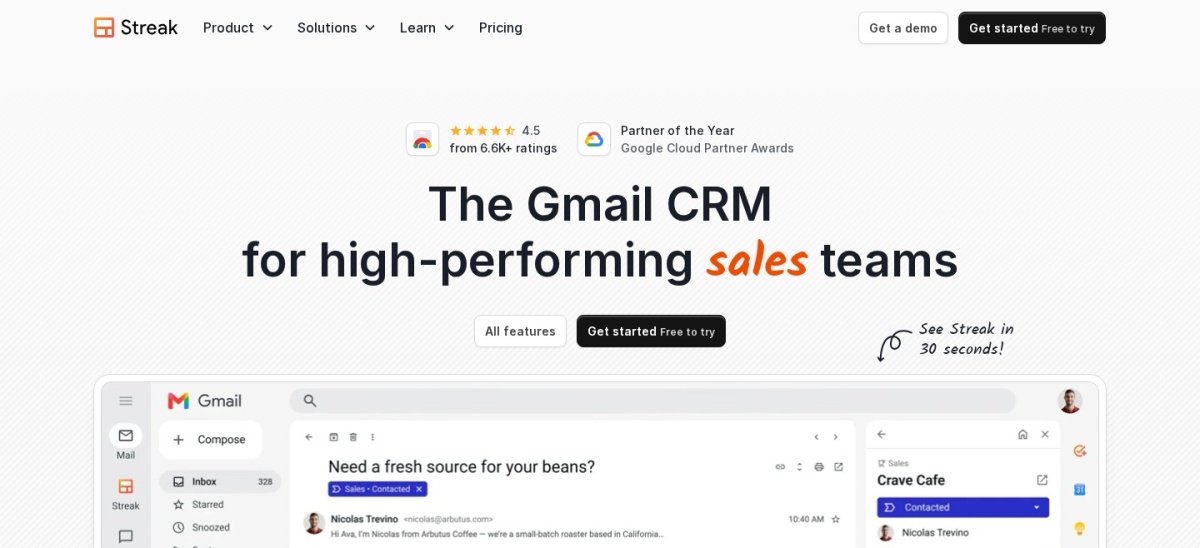
Streak is a CRM that runs inside Gmail as a browser extension, putting pipelines, contacts and deal history next to the threads they belong to. The free plan covers email tracking, snippets and 50 mail merge sends a day, while Pro at $49 per user a month billed yearly adds the full CRM.
The trade off is the jump from free to paid. The free plan has no CRM pipelines at all, and automations, integrations and advanced reports need Pro+ at $69 a month. It suits small teams that want to run a pipeline without leaving Gmail.
What we like
Pipelines sit inside Gmail, with no new app to learn
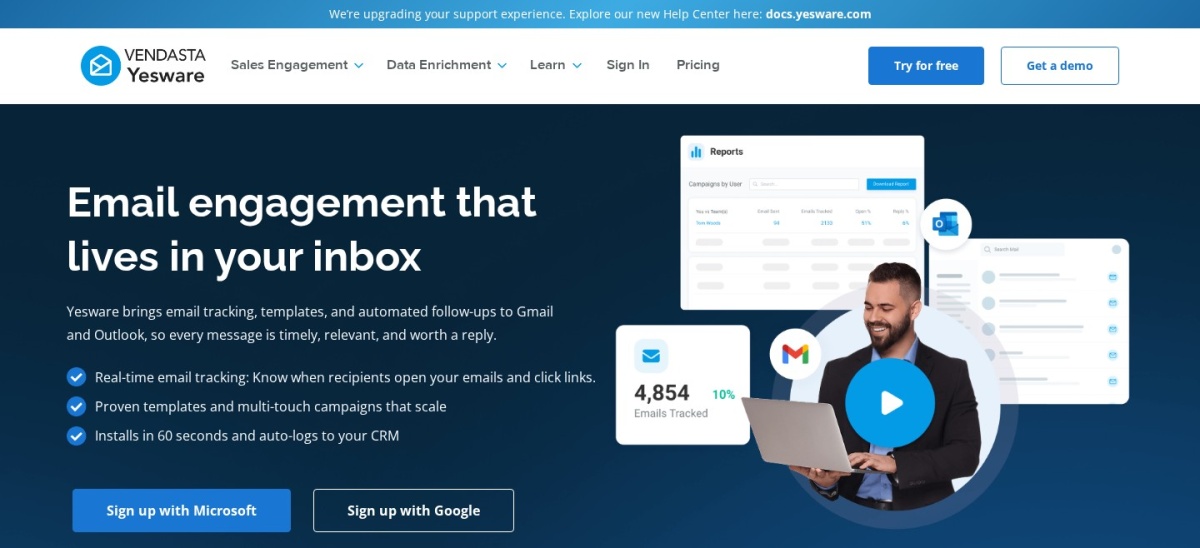
Yesware is a sales productivity add-on that adds email tracking, templates and campaigns to Gmail and Outlook. The free plan covers basic open and attachment tracking with 10 campaign recipients a month, and Pro at $15 per seat a month billed yearly adds unlimited tracking and campaigns.
The trade off is the campaign cap. Pro allows only 20 campaign recipients a month, so usable campaign volume needs Premium at $35 a seat a month billed yearly. It suits solo sellers who want simple tracking and templates inside the inbox.
What we like
Simple tracking and templates inside Gmail
Works with Gmail and Outlook
Low entry price for solo sellers
Watch out for
Pro caps campaigns at 20 recipients a month
Full Salesforce sync needs Enterprise at $65 a month
HubSpot Sales Hub is a full CRM with a Gmail extension that logs mail to contact records, tracks opens and shows a contact sidebar while you read. The free CRM covers up to 2 users with contact and deal tracking, and Starter costs $20 per seat a month at list.
The trade off is the upgrade path. New customers often see a $7 promotional rate, but the standing Starter price is $20, and Professional jumps to $90 a seat a month plus a $1,500 onboarding fee. It suits teams that want email tracking inside a CRM that can grow.
What we like
Free CRM for up to 2 users with email tracking
Rated 4.4 out of 5 from 13,909 G2 reviews
Grows from CRM into marketing and service tools
Watch out for
Starter list price is $20 despite $7 promo offers
Professional adds a $1,500 onboarding fee
Starter adds a second pipeline and the Prospecting AgentVisit hubspot.com
07
Copper
4.5/5on G2 (1,152 reviews, checked Nov 2026)
Starts at$23/mo
Best Gmail-native CRM for Google teams
Google Workspace CRMYes, Gmail-native
Contact limit2,500 on Basic
Free planNo, 14-day trial
Paid planBasic, $23/mo
copper.com
Copper homepage, captured Nov 2026.
Copper is a CRM built for Google Workspace that sits inside Gmail and Google Calendar, capturing contact details from mail automatically. There is no free plan, only a 14-day trial, and Basic costs $23 per user a month billed yearly with a 2,500-contact limit.
The trade off is lock-in and limits. Copper works only with Google Workspace, and reporting and workflow automation start on Professional at $59 a month. It suits small Google Workspace teams that want a CRM with almost no setup.
What we like
Captures contacts and mail history automatically
Rated 4.5 out of 5 from 1,152 G2 reviews
Quick setup for Google Workspace teams
Watch out for
No free plan, only a trial
Works only with Google Workspace, not Outlook
Professional adds workflow automation at $59 a monthVisit copper.com
08
Todoist
4.5/5on G2 (830 reviews, checked Nov 2026)
Paid from$5/mo
Best for turning Gmail into tasks
Gmail add-onTurn mail into tasks
Free projects5 on Beginner
Calendar layoutPro plan
Paid planPro, $5/mo
todoist.com
Todoist homepage, captured Nov 2026.
Todoist is a task manager with a Gmail add-on that turns mail into tasks without leaving the inbox. The free Beginner plan covers 5 projects with reminders, and Pro at $5 per user a month billed yearly adds 300 projects, a calendar layout and unlimited activity history.
The trade off is that it is a task tool, not an email tool. It adds no tracking, templates or shared inbox, and team workspaces need Business at $8 per user a month billed yearly. It suits people who want inbox tasks handled in one place.
Asana is a work management tool with a Gmail add-on that turns mail into tasks and attaches threads to projects. The free Personal plan covers up to 2 users, and Starter at $10.99 per user a month billed yearly adds timeline views, dashboards and unlimited automations.
The trade off is scope. Asana manages projects, not mail, so it adds no tracking, shared inboxes or CRM records, and the free plan stops at 2 users. It suits teams that already run projects in Asana and want mail to feed into them.
What we like
Turns mail into tracked project tasks
Rated 4.4 out of 5 from 13,870 G2 reviews
Timeline, dashboards and automations on Starter
Watch out for
No email tracking or shared inbox
Free plan covers only 2 users
Advanced adds portfolios and goals at $24.99 a monthVisit asana.com
Free vs paid: what you give up
Free plans in this list cover one job well: scheduling for Boomerang, tracking for Mixmax and Yesware, email tools for Streak, a small CRM for HubSpot, or tasks for Todoist and Asana.
Paid plans mostly add volume and team features. You get unlimited credits, shared inboxes, pipelines, automations and reports, usually priced per user per month.
The dearest mistake is paying for a CRM when you only need reminders. Start with the free plan of the tool that matches your main job, and upgrade when a limit you keep hitting is named on the pricing page.
If mail is where deals close, the jump to a paid plan is small next to one lost deal. Boomerang Personal at $4.98 a month and Todoist Pro at $5 a month are the cheapest paid steps in this list.
How we chose
We started from the Gmail add-ons with the largest review counts on G2, then kept 9 that cover the main jobs: scheduling, tracking, shared inboxes, CRM and tasks.
Prices come from each vendor's pricing page, checked on 25 November 2026. Ratings and review counts come from G2 on the same day. Where a vendor shows a sale or a new-customer promo, the list shows the regular price.
We left out tools with no public rating and no clear pricing. No vendor paid for a place, and we do not claim hands-on testing for this list.
How to choose a Gmail add-on
Start with the one job you do most in Gmail, then check the free plan against it.
Name the job first. Reminders, tracking, a shared inbox, a CRM or tasks each point to a different tool. Do not buy a CRM to fix missed follow-ups.
Try the free plan for a week. Boomerang, Mixmax, Streak, Yesware, HubSpot, Todoist and Asana all have a free plan. Use it on real mail before paying.
Check the limit you will hit first. Message credits, campaign recipients, conversation caps and contact limits decide the real price. Read the pricing page, not the headline.
Count seats before you commit. Most tools here charge per user per month. Multiply the monthly price by your team size and by 12 before you decide.
FAQ
What is the best Gmail add-on?
Boomerang is the best Gmail add-on for most users. It adds send-later scheduling, follow-up reminders and meeting booking inside Gmail, from $4.98 a month, and it is rated 4.6 out of 5 on G2 from 424 reviews.
Are there free Gmail add-ons?
Yes. Boomerang, Mixmax, Streak, Yesware, HubSpot, Todoist and Asana all have a free plan. The limits differ: Boomerang allows 10 message credits a month, while Streak's free plan has no CRM pipelines at all.
Which Gmail add-on is best for sales teams?
Mixmax is the strongest pick for sales teams, with email tracking, templates and sequences from $29 a user a month. Yesware is a cheaper option for solo sellers, and Streak adds a CRM inside Gmail from $49 a user a month.
Can I share a Gmail inbox with my team?
Yes, with Gmelius or a shared-inbox tool. Gmelius adds shared inboxes, assignments and automation rules inside Gmail, starting with Growth at $25 per user a month billed yearly. Its cheapest plan has no shared inbox.
Do Gmail add-ons track email opens?
Most of the sales tools here do. Mixmax, Yesware, Streak and HubSpot all track opens, and Mixmax and Yesware also track link clicks and attachments on paid plans. Tracking uses a small pixel, so plain-text mail is not tracked.
Is there a Gmail add-on that is also a CRM?
Yes. Streak puts pipelines inside Gmail from $49 a user a month, Copper is a CRM built for Google Workspace from $23 a month, and HubSpot Sales Hub adds a full CRM with a Gmail extension, free for up to 2 users.
SaaS SEO and WordPress specialist with about 8 years of experience. Rakib compares WordPress plugins, themes, hosting and software using public pricing, documentation and user reviews. See how we rank.