Beautiful.ai is the best generative presentation tool for most people, with Smart Slides that auto-format every deck and unlimited AI content generation, rated 4.6 out of 5 on G2. Prezi is the cheapest paid option at $7 a month, and Visme is the pick for data-heavy decks.
How we make this list: we compare pricing pages, product documentation and public user reviews, then re-check every price before each update. No product paid for a place. Disclosure.
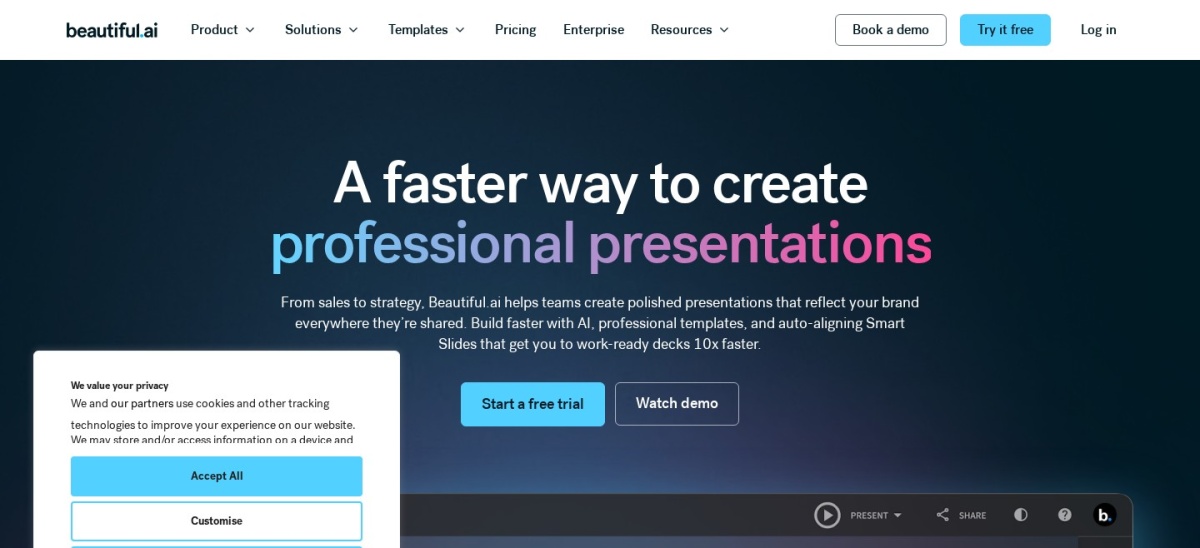
Beautiful.ai leads with 4.6 out of 5 from 196 G2 reviews and unlimited AI generation on its $14.50-a-month Pro plan.
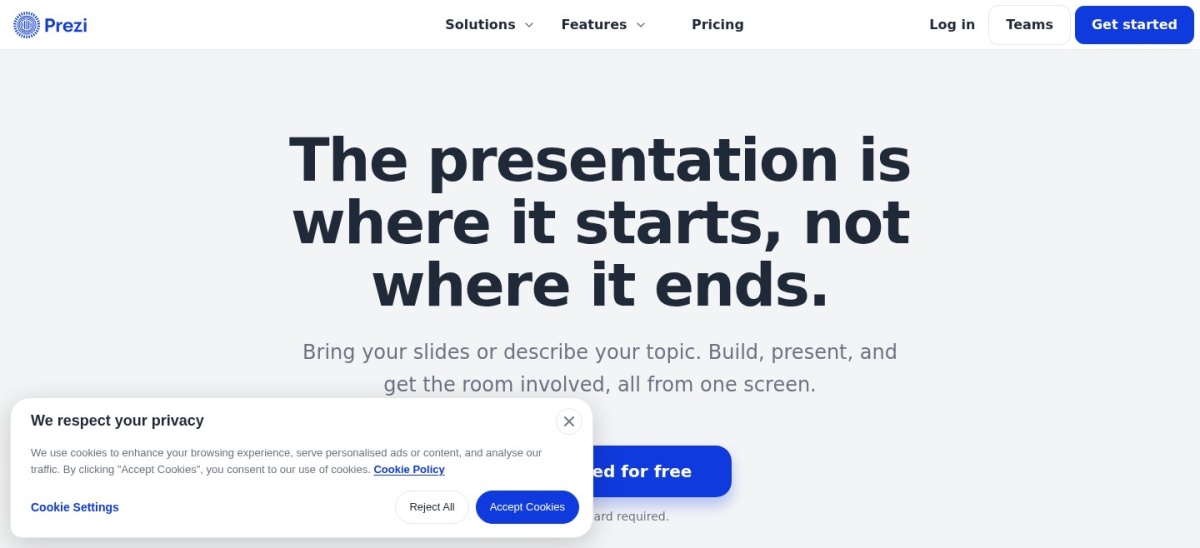
Prezi is the cheapest paid plan here at $7 a month billed annually, with unlimited Prezi AI on its $19 Plus plan.
Visme's free plan covers AI-assisted decks, and paid plans start at $12.25 a month ($147 a year).
Presentations.ai turns one prompt into a full on-brand deck, but its G2 base is thin at 14 reviews.
Plus AI is the pick for teams that must keep working inside PowerPoint or Google Slides, at $10 a month billed annually.
What a generative presentation tool should do
A generative presentation tool turns a short prompt, an outline or a document into a finished deck. The best ones handle structure, wording and layout together, so the first draft is close to presentable.
Watch the limits that matter. Free plans usually cap AI credits, slide counts or exports, and some charge extra for PowerPoint export or brand controls.
Design control is the other split. Some tools lock the layout so a deck cannot look broken, while others give you a blank canvas and more cleanup work.
AI image help matters too. Our guide on generating images with AI in WordPress shows how AI visuals differ from stock photos, and the same care applies to slide art.
Beautiful.ai is a presentation tool built around Smart Slides, layouts that realign, resize and animate your content as you type. The Create with AI workflow drafts an outline first so you can fix the story before it generates slides, and paid plans include unlimited AI content generation, 300+ layouts and editable PowerPoint export.
The trade off is the price of entry. There is no free plan, only a 14-day trial that needs a credit card, and monthly billing costs $45 against $14.50 a month on the annual plan. It suits professionals and teams who make client-facing decks every week and want them to stay on brand.
What we like
Smart Slides keep every deck aligned without manual formatting
Unlimited AI generation on paid plans, with no credit meter
Strong brand controls with locked themes and shared libraries
Editable PowerPoint export and viewer analytics
Watch out for
No free plan, only a 14-day trial that needs a card
Monthly billing costs $45, over three times the annual rate
Layouts can feel rigid for dense, information-heavy slides
Prezi is a presentation tool built around a zoomable canvas instead of flat slides, so a talk can move between topics in any order. Prezi AI builds that canvas from a prompt or an uploaded file, and the free Basic plan covers simple decks with capped AI credits.
The trade off is that the useful AI is paid. Unlimited Prezi AI, PowerPoint import and PDF export start with Plus at $19 a month billed annually, while Standard at $7 a month covers privacy and unlimited projects. It suits speakers and teachers who want a talk that feels different from a slide deck.
What we like
Zooming canvas stands out from ordinary slide decks
Largest review base in this list, 4.2 from 5,723 G2 reviews
Cheapest paid plan here at $7 a month billed annually
Live polls, quizzes and Q&A built into presenting
Watch out for
Free plan caps AI use and lacks privacy controls
Unlimited AI needs the $19 Plus plan
Steeper learning curve than slide-based tools
Plus adds unlimited AI, PowerPoint import and PDF exportVisit prezi.com
03
Visme
4.5/5on G2 (714 reviews, checked Nov 2026)
Paid from$12.25/mo
Best for data-heavy decks and charts
AI design helpOn free and paid plans
Charts and data widgetsYes, built in
PowerPoint exportPro plan, $297/yr
Free planYes, Basic
visme.co
Visme homepage, captured Nov 2026.
Visme is a visual content tool that covers presentations, infographics, reports and documents in one editor. Its Create with AI flow turns pasted content or a short description into a designed deck, and built-in charts and data widgets handle numbers better than any other tool here.
The trade off is export. The free Basic plan covers AI-assisted decks, but PowerPoint export, the Brand Kit and analytics sit on the Pro plan at $24.75 a month billed annually. It suits teams that present data often and want charts, infographics and slides in one place.
What we like
Best chart and infographic tools in this list
Free plan includes AI help with no credit card needed
Covers presentations, reports and infographics in one editor
Brand Kit and analytics on the Pro plan
Watch out for
PowerPoint export needs the $297-a-year Pro plan
AI generation is less advanced than AI-first rivals
Interface takes longer to learn than simpler tools
Pro adds PowerPoint export, Brand Kit and analyticsVisit visme.co
04
Presentations.ai
4/5on G2 (14 reviews, checked Nov 2026)
Paid from$20/mo
Best for one-prompt, on-brand decks
AI generationOne prompt to a full deck
Brand SyncYes, on paid plans
PowerPoint exportNative, editable
Free planStarter, 200 credits
presentations.ai
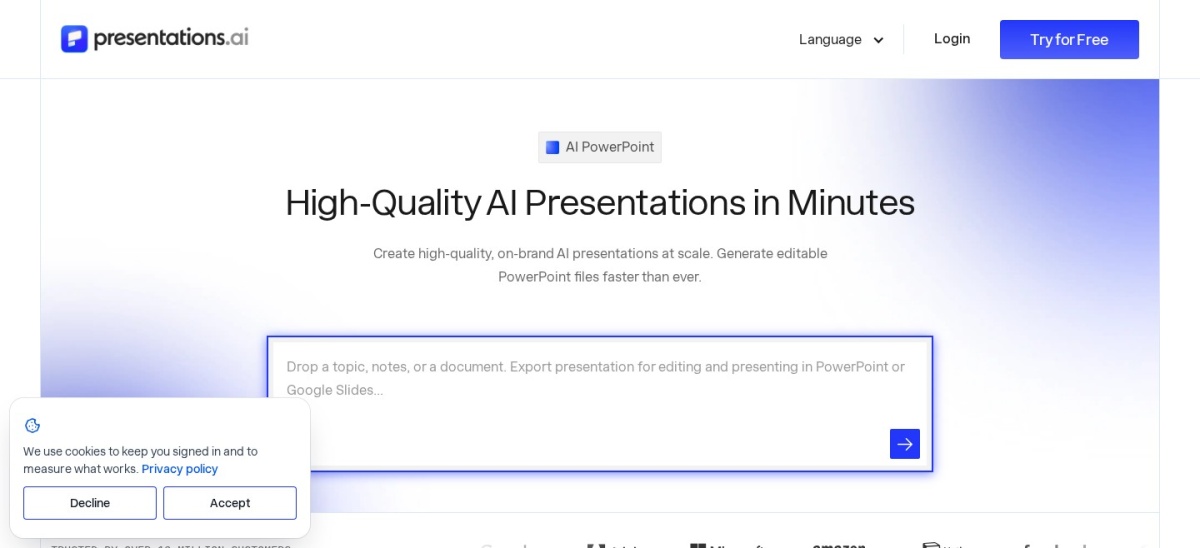
Presentations.ai homepage, captured Nov 2026.
Presentations.ai is a one-prompt deck generator that turns a topic, document, URL or notes into a structured, fully designed presentation in minutes. Brand Sync keeps fonts, colors and logos consistent across every deck, and the output is a native, editable PowerPoint file.
The trade off is evidence. Its G2 rating of 4.0 out of 5 rests on only 14 reviews, the thinnest base among the top picks here, and the useful brand and analytics features sit on paid plans. It suits teams that need many on-brand decks fast and will judge the output on a trial run.
What we like
Fastest path from one prompt to a complete deck
Brand Sync keeps every deck on brand automatically
Slidebean is a pitch deck builder made for founders raising capital. Its AI pitch deck creator follows proven investor deck frameworks, and its financial slide support helps early-stage startups present traction data clearly.
The trade off is scope. Design customization is more constrained than general-purpose tools, and sharing or downloading a deck needs a paid plan. It suits founders who want an investor-ready structure fast rather than a general design tool.
Decktopus is a guided deck builder that walks first-time users through creation step by step. Its Studio generates a deck or carousel from a topic or a file, applies your brand from your website address, and offers content suggestions along the way.
The trade off is control. Design customization is limited next to professional-grade tools, and slide analytics need the Business plan. It suits people building their first deck who want structure without starting from a blank page.
What we like
Easiest onboarding for new deck builders
Guided flow removes most blank-page decisions
Brand applied automatically from a website address
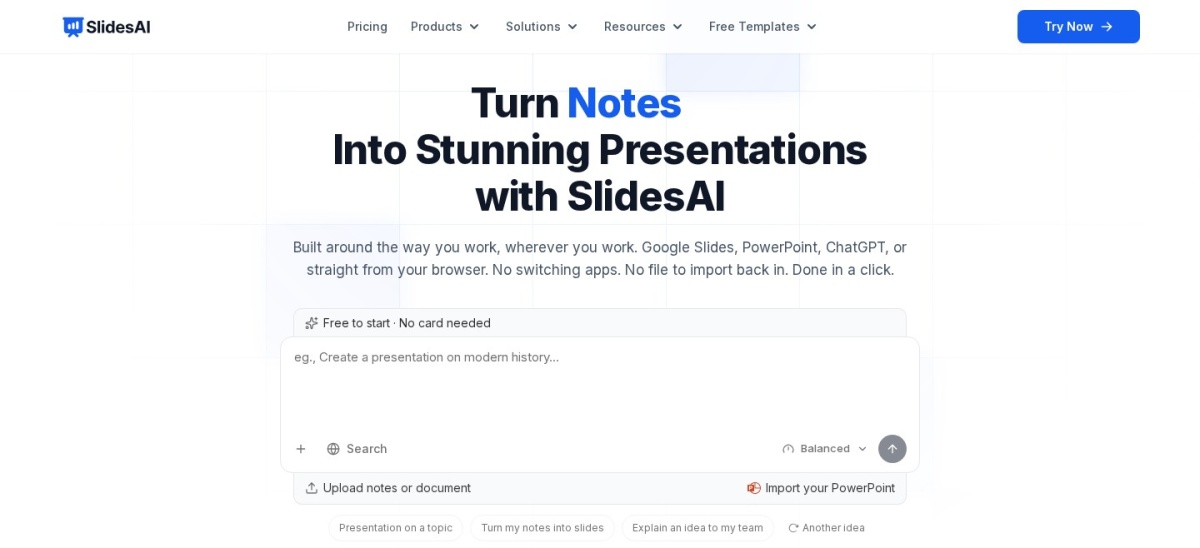
SlidesAI is a text-to-slides add-on that works directly inside Google Slides and PowerPoint. You paste notes, an article or a report into a sidebar, and it turns the text into structured slides with titles and content, with 150+ templates to choose from.
The trade off is polish. The visual output is more basic than standalone AI tools, and the free plan caps input at 2,500 characters and 10 slides. It suits teachers and teams who live in Google Workspace and need long text turned into slides quickly.
What we like
Works inside Google Slides with no new editor to learn
Strong at turning long documents into structured decks
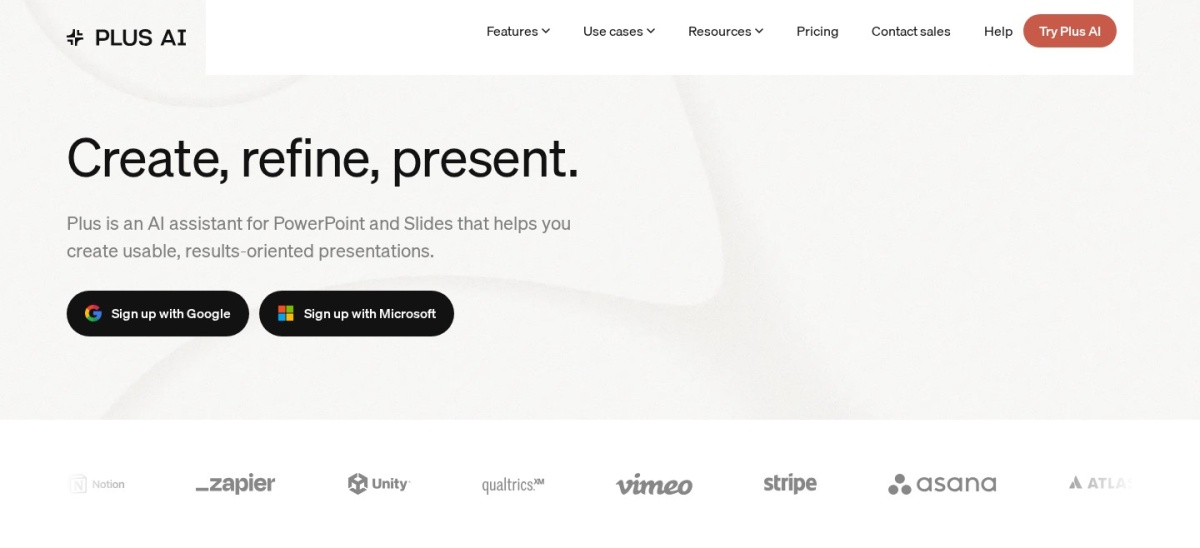
Plus AI is an AI assistant that lives inside PowerPoint and Google Slides instead of a separate editor. It generates decks from a prompt, rewrites and remixes slides, and accepts PDF, Word, PPTX and text uploads, so the finished deck stays a normal file from the start.
The trade off is trust. Its G2 rating of 3.2 out of 5 rests on only 5 reviews, the thinnest base in this list, and every plan starts with a 7-day trial that needs a card. It suits teams that must keep working in PowerPoint or Google Slides.
What we like
No new editor: works inside PowerPoint and Slides
Native PPTX output keeps comments and version history
Prompt-to-deck plus rewrite and remix tools
SOC 2 Type II certified
Watch out for
G2 rating rests on only 5 reviews
No permanent free plan, trial needs a card
Lowest G2 rating in this list
Pro adds more credits at $20 a month billed annuallyVisit plusai.com
Free vs paid: what the free plans actually cover
Free plans here cover a real first deck. Visme, Prezi, SlidesAI and Presentations.ai all let you generate slides without paying, and Slidebean lets you create decks free.
Paid plans mostly add exports and brand control. PowerPoint export, brand kits and analytics are the features most often held back, not the AI generation itself.
Credits are the hidden limit. A plan with 200 credits a month covers a few short decks, while unlimited generation only appears on higher tiers.
If a deck goes to a client or an investor, check the export before you pay. Our guide on writing alt text with AI is a useful reminder that accessible, finished decks need a final human pass.
How we chose
We started from the established generative presentation tools with public ratings on G2, then kept those with a usable free plan or trial and a clear paid price in US dollars.
Prices come from each vendor's pricing page, checked on 25 November 2026, and ratings and review counts come from G2 on the same day. Where a vendor shows a sale, the list shows the regular price.
We left out Gamma and Canva because their homepages block automated screenshots, Tome because its presentation product shut down in April 2025, and Pitch because its pricing page shows euros only. No vendor paid for a place, and we do not claim hands-on testing for this list.
How to choose a generative presentation tool
Start with where the finished deck has to live, then match the tool to that home.
Decide where the deck must live. If the deck must open in PowerPoint or Google Slides, pick Plus AI or SlidesAI. If a shared link is fine, a web-native tool such as Beautiful.ai or Prezi works.
Check the free plan's real limits. Count the AI credits, the slide cap and whether exports carry a watermark. A free plan that blocks PowerPoint export is not free for most work.
Match the tool to the deck's job. Fundraising decks fit Slidebean, data-heavy decks fit Visme, and client-facing decks that must stay on brand fit Beautiful.ai or Presentations.ai.
Run one real deck before paying. Use your own outline or document, not a sample prompt, and check the structure, the images and the export. The tool that needs the least cleanup is the right one.
FAQ
What is the best generative presentation tool?
Beautiful.ai is the best pick for most people. Its Smart Slides auto-format every deck, paid plans include unlimited AI content generation, and it is rated 4.6 out of 5 from 196 G2 reviews.
Is there a free generative presentation tool?
Yes. Visme, Prezi, SlidesAI and Presentations.ai all have free plans that generate slides, and Slidebean lets you create decks free. Beautiful.ai and Plus AI offer trials only, with no permanent free plan.
Can AI presentation tools export to PowerPoint?
Most can, but the export is often paid. Beautiful.ai, Presentations.ai and Plus AI export editable PowerPoint files, while Visme holds PowerPoint export for its $297-a-year Pro plan.
Which generative presentation tool is cheapest?
Prezi and Slidebean share the lowest paid price here at $7 a month billed annually. Decktopus follows at $9.99 a month, and SlidesAI and Plus AI cost $10 a month billed annually.
What happened to Tome?
Tome shut down its presentation product on 30 April 2025 and now focuses on sales software. Its old decks and templates are no longer a usable starting point for new presentations.
Do these tools train AI on my content?
It varies by vendor, so check the privacy page before uploading sensitive material. Decktopus states that customer data is excluded from AI training by default.
SaaS SEO and WordPress specialist with about 8 years of experience. Rakib compares WordPress plugins, themes, hosting and software using public pricing, documentation and user reviews. See how we rank.