Databricks is the best generative AI infrastructure software for most data teams, with a 4.6 G2 rating from 759 reviews and Mosaic AI running on the same lakehouse as their data. Pick Snowflake for AI inside a warehouse, Google Cloud AI Infrastructure for large-scale training, and Together AI for low-cost open-weight inference.
How we make this list: we compare pricing pages, product documentation and public user reviews, then re-check every price before each update. No product paid for a place. Disclosure.
Databricks leads at 4.6 on G2 from 759 reviews, with Mosaic AI on the same lakehouse as data, SQL and ML.
Snowflake matches Databricks at 4.6 on G2 from 783 reviews, with Cortex AI running models inside the warehouse.
Eight of the nine tools are usage-based or quote-only, so compare DBU, credit and per-token rates, not seat prices. Hugging Face is the only one with a published seat price, Pro at $9 a month.
Together AI is the cheapest route to open-weight models, from $0.15 per 1M input tokens, but it is prepaid with no free trial.
Hugging Face is the community pick for open-weight models, with a Hub Pro plan at $9 a month, but its G2 rating rests on only 12 reviews.
What generative AI infrastructure actually covers
Generative AI infrastructure is the layer between a foundation model and a working product. It covers model access, fine-tuning, retrieval, agents, deployment and the governance around all of it.
Most teams buy it in one of three shapes: a managed cloud platform such as Bedrock or Vertex AI, a data platform such as Databricks or Snowflake, or an open-model host such as Together AI. Our guide on connecting an AI model to WordPress shows the same idea at a smaller scale: an API, a model and a place to run it.
Pricing is almost always usage-based. Expect to pay per token, per DBU, per credit or per GPU hour, and expect the bill to move with the model you pick, not just the volume.
Governance matters as much as speed. Check who can see prompts and data, whether outputs are used for training, and how you audit what an agent did.
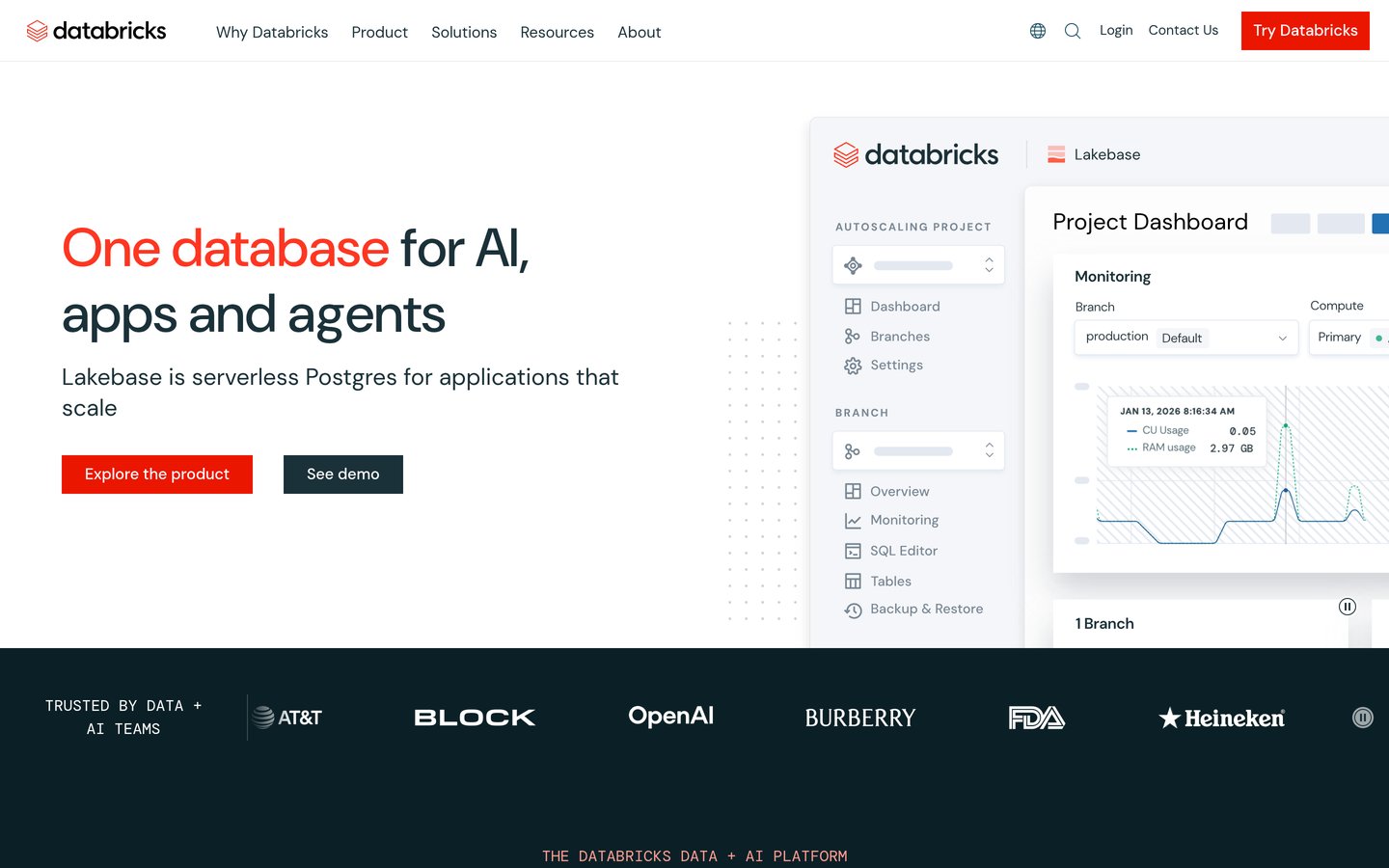
Databricks is a unified lakehouse where data engineering, SQL analytics and machine learning run on the same data, with Apache Spark underneath. Mosaic AI adds model training, Vector Search, an Agent Framework and an AI Gateway, so teams fine-tune, serve and route models without moving data to a separate tool.
The trade off is cost control and learning curve. Jobs Compute starts at $0.15 per DBU on the Premium tier, and reviewers say a cluster left running can burn through a large bill fast. It suits data teams that already live in Spark and SQL and want AI next to their governed data.
What we like
Highest G2 rating here with a large review base, 4.6 from 759 reviews
Data, SQL, ML and AI agents in one governed platform
Unity Catalog covers access, lineage and audit in one place
Strong collaborative notebooks for data teams
Watch out for
Costs can climb fast without cluster policies and auto-termination
Steep learning curve for teams new to Spark
Usage pricing makes the monthly bill hard to predict
Paid use is DBU-based; set cluster policies and budgets at setupVisit databricks.com
02
Snowflake
4.6/5on G2 (783 reviews, checked Nov 2026)
PricingCustom/yr
Best for AI inside a data warehouse
AI platformCortex AI
AI Credits$2.00 each, global
Starting priceFrom $2 per credit
Free planNo, 30-day trial
snowflake.com
Snowflake homepage, captured Nov 2026.
Snowflake is a cloud data warehouse that keeps storage and compute separate, so warehouses start and stop in seconds. Cortex AI runs language models, agents and AI SQL functions directly on warehouse data, including Claude models, so analysts can classify, summarise and query without copying data out.
The trade off is that AI is a second currency. Cortex inference bills in AI Credits at $2.00 each with global routing, on top of normal warehouse credits, and reviewers say costs can spike without monitors. It suits SQL-first teams whose data already lives in Snowflake.
What we like
Tied with Databricks at 4.6 on G2, from the most reviews here, 783
AI runs where the data already sits, with no extra copies
Cortex Agents and AI SQL functions suit analyst teams
Strong governance, roles and secure data sharing
Watch out for
AI Credits add a second bill on top of warehouse credits
G2 rating covers Snowflake overall, not Cortex AI alone
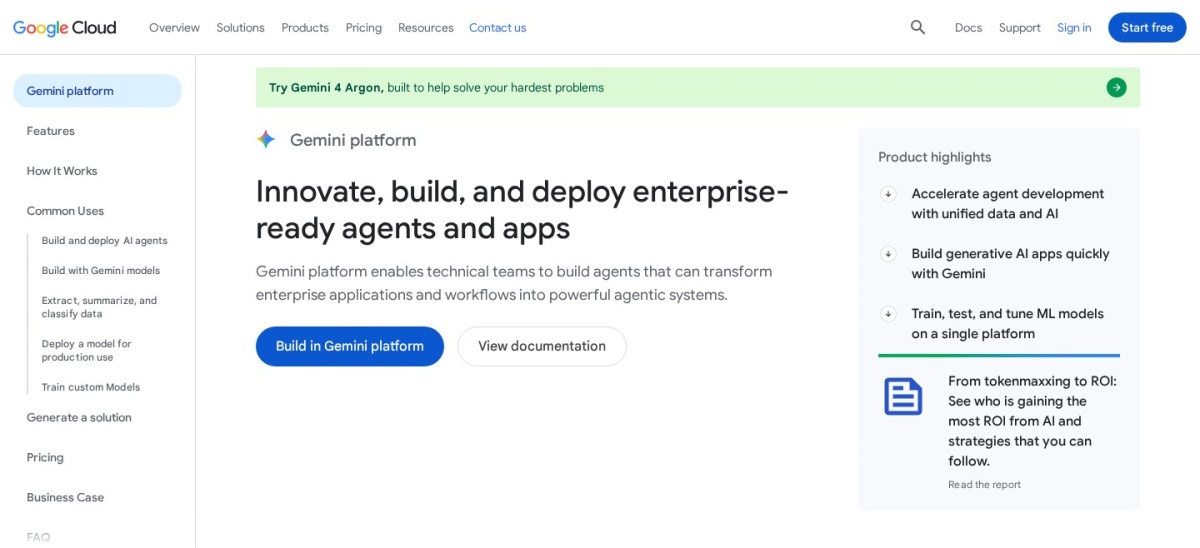
Google Cloud AI Infrastructure homepage, captured Nov 2026.
Google Cloud AI Infrastructure is the compute layer for running, training and deploying AI models on Google Cloud, with custom TPUs and GPUs available on demand. It ties into Vertex AI, BigQuery and Google Kubernetes Engine, so a team can move from data preparation to training to managed deployment in one cloud.
The trade off is complexity and cost visibility. Reviewers praise the raw compute and 94% training scalability score in G2 data, but say pricing is hard to estimate and climbs at scale. It suits teams already on Google Cloud with large training or serving workloads.
What we like
On-demand TPUs and GPUs with autoscaling
Tight Vertex AI, BigQuery and GKE integration
Highest G2 feature score here for training scalability, 94%
Per-second billing with sustained-use discounts
Watch out for
Only 40+ G2 reviews, a thin base for a top-three pick
Pricing is hard to estimate on large or complex projects
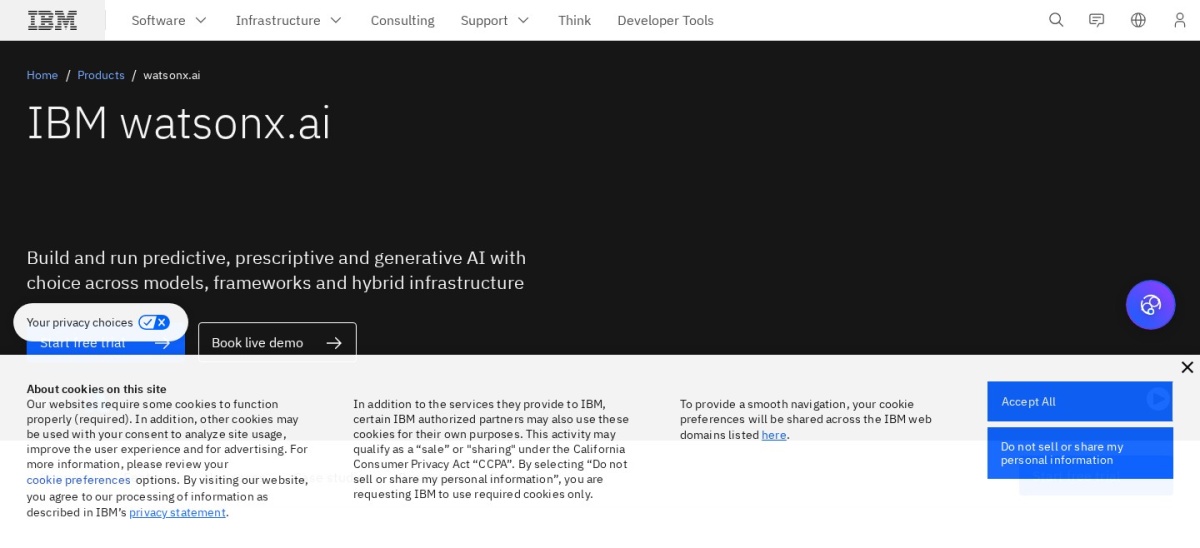
IBM watsonx.ai is an enterprise studio for building, tuning, deploying and governing AI models across hybrid and on-premises environments. Teams prototype in Prompt Lab with IBM Granite models and third-party models, then add guardrails, explainability and monitoring before a model reaches production.
The trade off is weight. Reviewers rate its documentation and multi-cloud support at 95% in G2 data, but say setup takes several steps and the interface is dense. It suits regulated organisations that must show how a model reached a decision.
What we like
Governance, explainability and guardrails built in, not added on
Runs across clouds and on-premises for data residency
Prompt Lab for fast prototyping across models
Strongest G2 documentation score in this list, 95%
Watch out for
Dense interface with a lot on screen at once
Setup and configuration take several steps
Heavy for teams that only need a simple AI app
Quote-only; plan onboarding time for the first projectVisit ibm.com
05
Gemini Enterprise Agent Platform
4.3/5on G2 (650+ reviews, checked Nov 2026)
PricingCustom/yr
Best for multi-agent systems on Google Cloud
Built onVertex AI
AgentsMulti-agent orchestration
Model GardenGemini, Claude, Llama
Token priceFrom $0.10 per 1M input
cloud.google.com
Gemini Enterprise Agent Platform homepage, captured Nov 2026.
Gemini Enterprise Agent Platform is Google's platform for building, deploying and governing AI agents on Vertex AI, from a single prompt to autonomous multi-agent workflows. It holds the highest G2 satisfaction score in this category and a 4.3 rating across 650+ reviews, with no-code and pro-code paths.
The trade off is the ramp. Reviewers cite a steep learning curve, IAM roles and agent configuration, plus costs that climb and get hard to predict at enterprise scale. It suits Google Cloud teams moving past single prompts into agents that act across systems.
What we like
Largest review base for a Google entry here, 650+ reviews
Multi-agent orchestration with identity and permissions
Model Garden gives Gemini, Claude, Llama and Mistral in one place
Strong governance layer for regulated agent work
Watch out for
Steep setup and learning curve outside Google Cloud
Agent costs are hard to predict at enterprise scale
Overlaps with Vertex AI and Google Cloud AI Infrastructure
AWS Bedrock is a managed, serverless service for building generative AI applications on a choice of foundation models, with no infrastructure to provision. One API reaches Anthropic Claude, Meta Llama, Mistral, Cohere and Amazon Titan, with Knowledge Bases for retrieval, Guardrails and an Agent Builder on top.
The trade off is quotas and cost visibility. Reviewers say default rate limits can throttle a production launch until AWS approves a quota increase, and token-heavy workloads are hard to price up front. It suits AWS teams that want several models behind one governed API.
What we like
One API to many foundation models, switch by use case
Serverless, so no infrastructure to stand up
Data stays inside the team's own AWS account
Knowledge Bases and Agent Builder included
Watch out for
Only 40+ G2 reviews, a thin base
Default rate limits are low for production launches
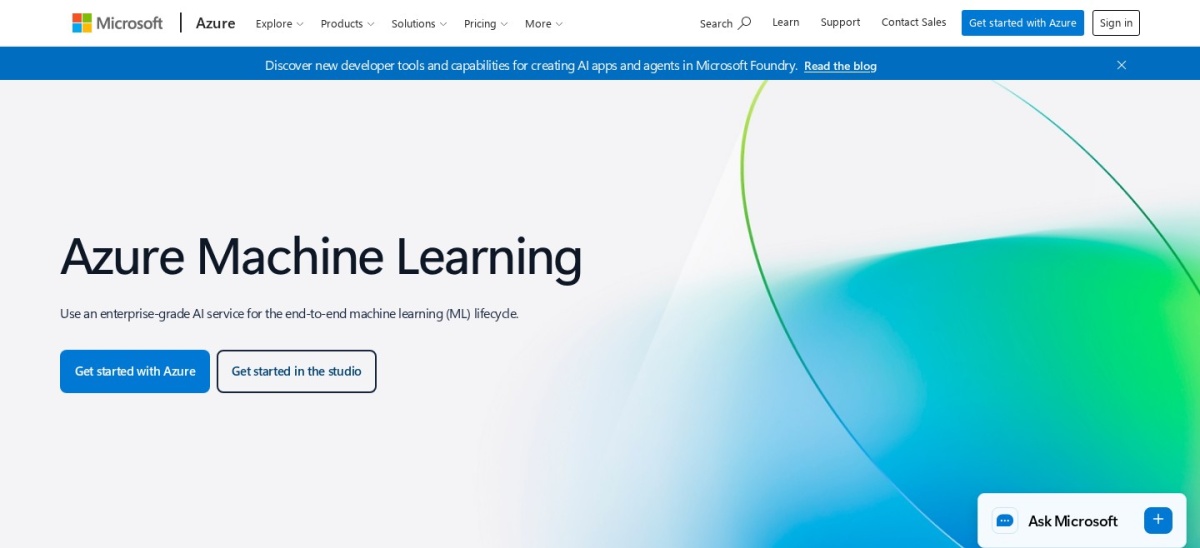
Azure Machine Learning homepage, captured Nov 2026.
Azure Machine Learning is Microsoft's managed platform for building and deploying machine learning models, with workspaces, managed compute, AutoML, a drag-and-drop Designer, pipelines and endpoints. It ties into Microsoft Entra ID and Azure security, and the service itself has no charge: teams pay for the virtual machines, storage and related services they use.
The trade off is setup time. G2 reviewers report about 3 months to implement, and workspace and network setup takes longer than teams expect. It suits companies already standardised on Microsoft 365, Azure and Power BI, where sign-in and access rules already live in Entra ID.
What we like
No service charge, pay only for compute and storage used
Strong fit for Microsoft-centred organisations
AutoML and Designer cover no-code and pro-code teams
$200 credit for 30 days for new Azure accounts
Watch out for
About 3 months to implement, per G2 reviewers
Workspace and networking setup takes longer than expected
Pricing is usage-based, so bills vary with compute choice
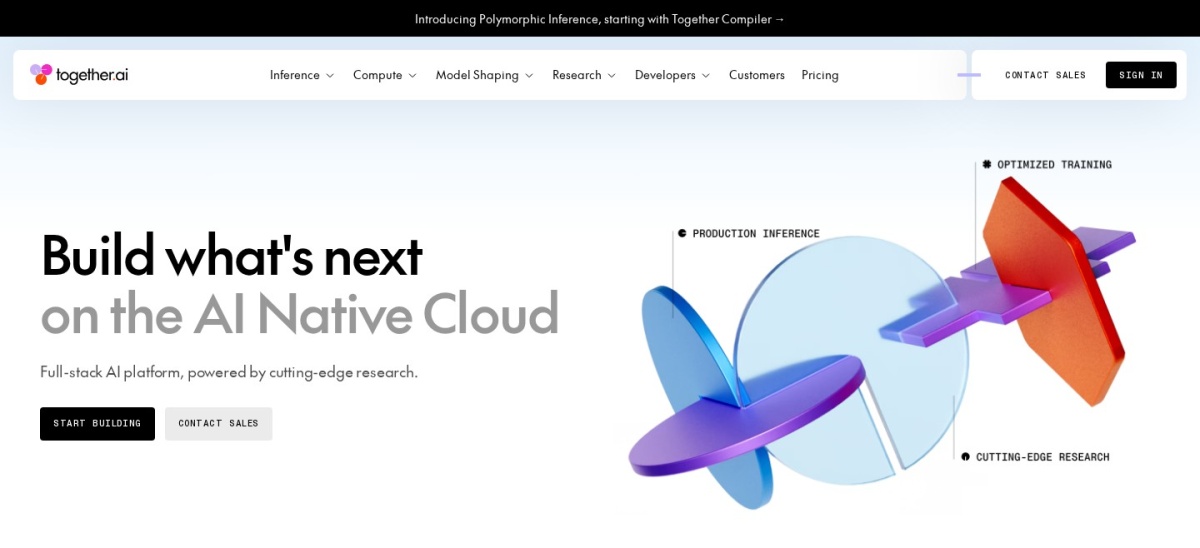
Together AI is a cloud built for open-weight models, covering serverless inference, batch inference, dedicated endpoints, fine-tuning and GPU clusters on one prepaid balance. Its catalog lists DeepSeek, Qwen, Kimi, GLM, Meta and gpt-oss models, with Llama 3.3 70B at $1.04 per 1M tokens in and out.
The trade off is the account model. There is no free trial, the first purchase must be at least $15, and API access stops when the balance hits zero. It suits teams that expect to fine-tune and then serve the same open model in production.
What we like
Low per-token prices on open-weight models
One balance covers inference, fine-tuning and GPU clusters
Dedicated H100 endpoints at $5.49 per GPU hour
OpenAI-compatible API, easy to switch models
Watch out for
No free trial and a $15 minimum first purchase
Serverless is best-effort and can throttle under load
Models can leave the serverless catalog on short notice
Prepaid only; turn on auto-recharge and zero data retention firstVisit together.ai
09
Hugging Face
4.3/5on G2 (12 reviews, checked Nov 2026)
Paid from$9/mo
Best for open-weight models and community
Hub plansFree, Pro $9/mo
InferenceFrom $0.033 per hour
T4 GPU endpointAbout $0.50 per hour
Team plan$20 per user a month
huggingface.co
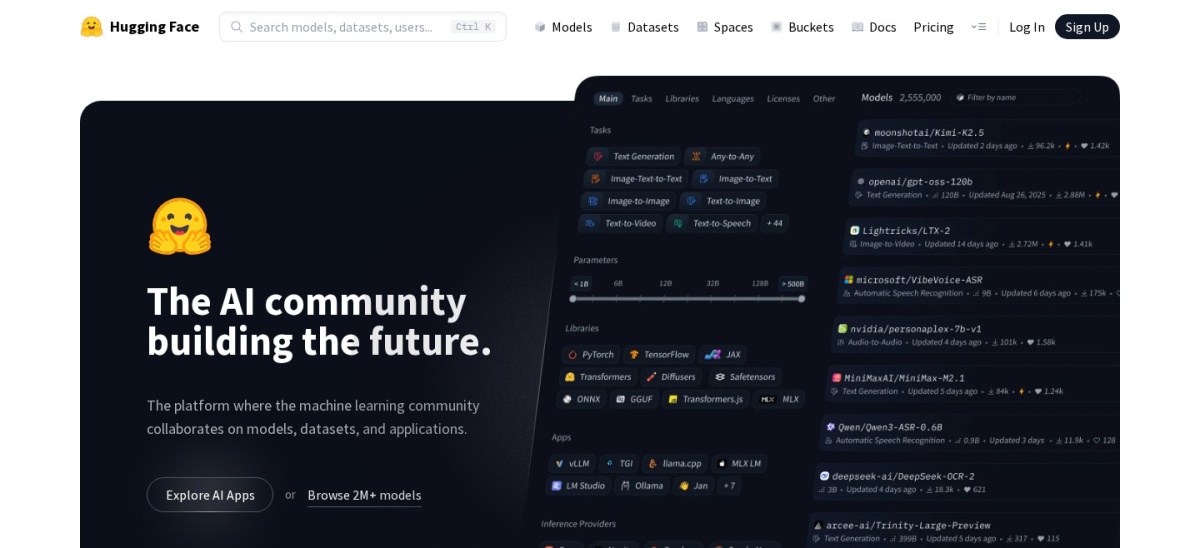
Hugging Face homepage, captured Nov 2026.
Hugging Face is the home of open-weight AI, with a model hub, datasets, Spaces for hosting demos and Inference Endpoints for serving models. Pro costs $9 a month, Team $20 per user a month, and Inference Endpoints start from $0.033 an hour, with a T4 GPU at about $0.50 an hour.
The trade off is that the rating base is thin. Its G2 rating of 4.3 rests on only 12 reviews, and another comparison lists G2 at 4.9, so the score is not settled. It suits teams that build on open models and want a large open model catalog in one place.
What we like
Open-weight model hub and dataset library
Cheapest published seat price in this list, Pro at $9 a month
Inference Endpoints from $0.033 an hour
Free Hub plan for individuals and small teams
Watch out for
G2 rating rests on only 12 reviews, and sources conflict on the score
Production cost is driven by separate hourly GPU charges
Enterprise features need the $50 per user a month plan
Eight of the nine tools in this list are usage-based or quote-only, so there is no seat price to compare for most of them. The price ladder above shows Custom for those eight, which is honest but not useful on its own. Hugging Face is the exception, with Pro at $9 a month.
Compare the meter that will dominate your bill instead. Databricks bills in DBUs, Snowflake in AI Credits at $2.00 each, Bedrock and Vertex AI per token, and Together AI per token plus GPU hours.
Model choice moves the bill more than volume does. The same 10 million tickets cost about $450 to $600 on a small model and up to $21,600 on a frontier model across Snowflake and Databricks, per a November 2026 pricing comparison.
Before you commit, run one real workload through two platforms and compare the invoices. Set budget alerts on day one, since most of these bills have no natural ceiling.
How we chose
We started from the G2 Generative AI Infrastructure category and the enterprise AI platforms teams actually buy, then kept nine established tools with a public G2 profile and a clear infrastructure role: model access, data plus AI, training compute, or open-model hosting.
Prices and ratings were checked on 25 November 2026. Ratings and review counts come from G2 on that date, and prices come from vendor pricing pages and pricing guides that cite them. Where a vendor shows no price, the list shows Custom and says so in the text.
We left out tools with no public G2 rating or review count, including Replicate, which has no clear G2 review count, and OpenAI Platform, whose G2 rating rests on only 8 reviews. Wirestock was drafted first but swapped out because its screenshot and logo kept failing on the server. No vendor paid for a place, and we do not claim hands-on testing for this list.
How to choose generative AI infrastructure software
Start with where your data already lives, then pick the platform that fits that stack.
Pick the stack first, not the model. A team on AWS, Google Cloud or Azure will move faster on that cloud's platform than on a neutral host, because identity, data and billing already live there.
Decide whether data or models lead. If the work starts from governed tables, Databricks or Snowflake fit. If it starts from a frontier model, Bedrock, Vertex AI or Azure ML fit better.
Price one real workload on two platforms. Run the same prompts, tokens and fine-tuning job through both, then compare invoices. Token, DBU and credit rates are not directly comparable on paper.
Check governance before you scale. Confirm data residency, whether prompts train vendor models, audit trails for agents, and how a model output reaches a human for review.
FAQ
What is the best generative AI infrastructure software?
Databricks is the best pick for most data teams, with a 4.6 G2 rating from 759 reviews and Mosaic AI on the same lakehouse as their data. Snowflake is the better pick for AI inside a warehouse, and Together AI is the cheapest route to open-weight models.
How much does generative AI infrastructure cost?
Eight of the nine tools here are usage-based or quote-only, so there is no fixed monthly price for most of them. Hugging Face is the exception, with Pro at $9 a month. Expect to pay per token, per DBU, per AI Credit or per GPU hour, with Snowflake AI Credits at $2.00 each and Together AI from $0.15 per 1M input tokens.
Is AWS Bedrock or Google Vertex AI better?
It depends on the cloud you already run. Bedrock suits AWS teams that want many foundation models behind one API, while Vertex AI suits Google Cloud teams building on Gemini. Both are pay per token, and both need quota and budget planning before a launch.
Do I need a data platform for generative AI?
Not always, but it helps when the AI must answer from your own data. Databricks and Snowflake keep models next to governed tables, which shortens retrieval and audit work. A model-only platform is enough for a simple chatbot with no private data.
What is the cheapest way to run open-weight models?
Together AI is the cheapest option in this list, from $0.15 per 1M input tokens on gpt-oss-120B, with dedicated H100 endpoints at $5.49 per GPU hour. It is prepaid with a $15 minimum first purchase and no free trial, so budget for that first top-up.
What is Hugging Face best for in AI infrastructure?
Hugging Face is best for teams building on open-weight models, with a model hub, Inference Endpoints and Spaces for hosting. Pro costs $9 a month, and Inference Endpoints start from $0.033 an hour. Its G2 rating of 4.3 rests on only 12 reviews, so treat it as a community signal, not a verdict.
SaaS SEO and WordPress specialist with about 8 years of experience. Rakib compares WordPress plugins, themes, hosting and software using public pricing, documentation and user reviews. See how we rank.