Best General Contractor Estimating Software in 2026: 8 Tools Compared
WLWPLegible EditorsLast verified 23 Nov 2026How we rank13 min read
★ Short answer
JobTread is the best general contractor estimating software for most builders. It charges $199 a month for one internal user with every feature included, and it is rated 4.9 out of 5 on G2 from 119 reviews. Pick Clear Estimates for low-cost remodel bids and STACK for plan-based takeoff.
How we make this list: we compare pricing pages, product documentation and public user reviews, then re-check every price before each update. No product paid for a place. Disclosure.
JobTread is the top pick: one plan at $199 a month with every feature included and a 4.9 out of 5 G2 rating from 119 reviews.
Clear Estimates is the cheapest full estimating tool here at $79 a month, with a cost database of more than 13,000 line items.
Contractor Foreman starts at $49 a month and Joist at $10 a month, the two lowest entry prices in this list.
STACK Pro costs $349 a month per user and PlanSwift Essential costs $2,000 a year per seat, so takeoff-first tools are the priciest per estimator.
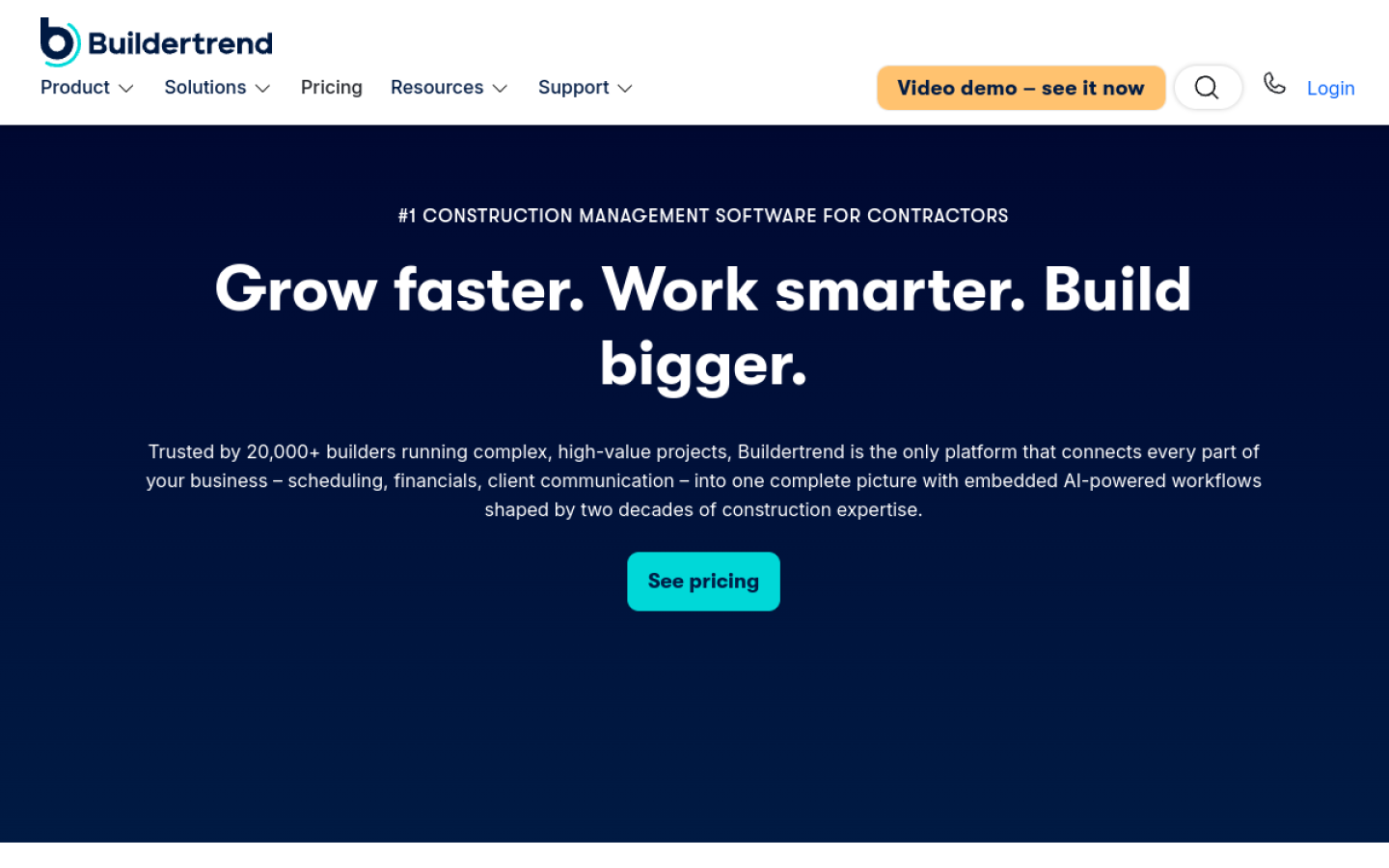
Buildertrend only adds estimating on its Advanced plan at $799 a month, so its $499 entry plan is not enough for estimating.
What to look for in estimating software
A general contractor estimate has three parts: quantities from the plans, prices for labor and materials, and a markup that leaves room for profit. Software earns its price when it speeds up the first two and keeps the third visible.
Takeoff tools measure areas, lengths and counts straight from digital plans. Cost databases supply local labor and material prices, so you do not have to build a price book from scratch.
Check what the entry plan actually includes. Some tools charge per user, some per seat, and some only unlock estimating on a higher tier. Our average website cost statistics show the same trap in other software: the headline price is rarely the price you pay.
Ratings matter, but read them with the price beside them. A tool rated 4.9 out of 5 at $199 a month is a different buy from one rated 4.5 at $799 a month.
The 8 best general contractor estimating software tools
01
JobTread
4.9/5on G2 (119 reviews, checked Nov 2026)
Starts at$199/mo
Best general contractor estimating software overall
Entry plan$199/mo, 1 internal user
Extra users$20/mo each, users 2-10
Free trialNo, 30-day money-back guarantee
TakeoffYes, with cost catalog
jobtread.com
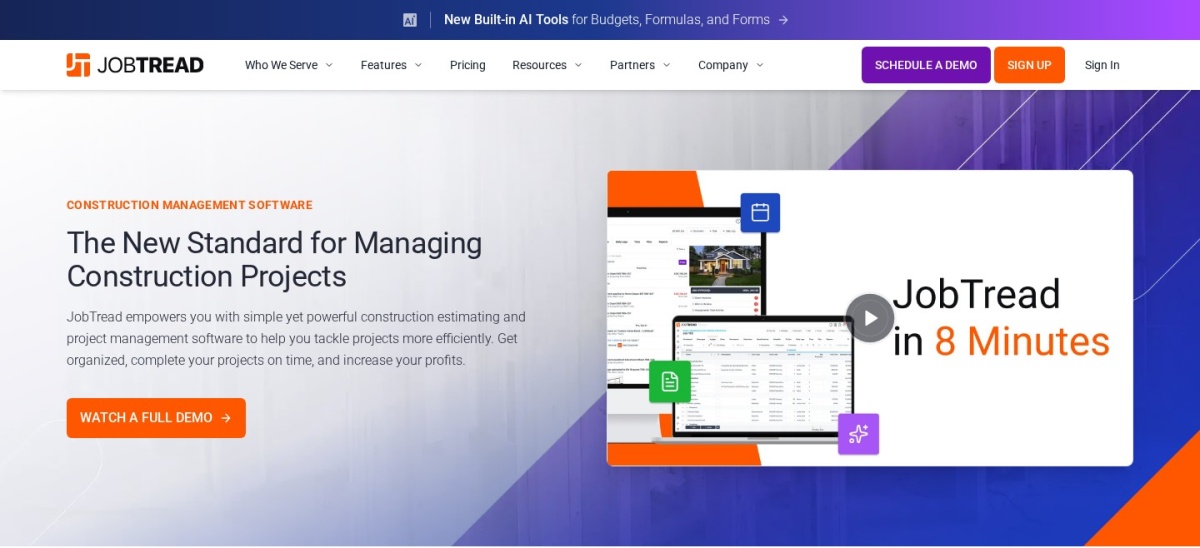
JobTread homepage, captured Nov 2026.
JobTread is a construction management platform with estimating, takeoff, budgets, change orders, scheduling and job costing in one plan. The $199 a month base fee includes one internal user, unlimited jobs and documents, and free customer and vendor portal users.
The trade off is the per-user cost. Each extra internal user from 2 to 10 costs $20 a month, so a 10-person office pays $379 a month, though annual billing cuts 20%. It suits small and mid-size builders who want one system from estimate to invoice.
What we like
Every feature in one plan, with no tier to unlock
Rated 4.9 out of 5 on G2 from 119 reviews
Customer, vendor and subcontractor portal users are free
Free implementation, training and support included
Watch out for
No free trial, only a 30-day money-back guarantee
Base fee is high for a one-person shop
Setup takes time because the cost catalog needs your prices
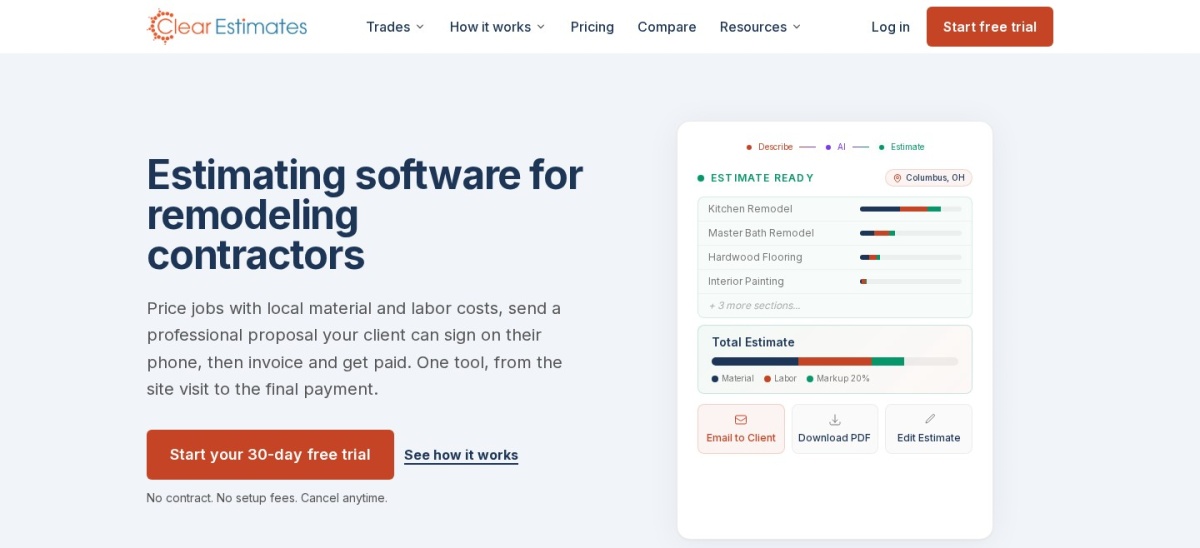
Clear Estimates is estimating software for remodeling contractors, built around a part library with local material and labor prices. The Standard plan at $79 a month includes unlimited estimates and customers, more than 400 preloaded templates, and quarterly price updates.
The trade off is scope. Standard includes only one login, and extra estimators cost $9 a month each on the $119 Pro plan. It suits solo remodelers and small crews who want a fast, local price without building a cost book first.
What we like
Lowest entry price of any full estimating tool here
Local labor and material prices, updated quarterly
30-day free trial with no contract or setup fees
AI estimates that show the source of every line
Watch out for
Built for remodeling, not large commercial work
Standard allows only one login
No mobile app, so quoting runs through the browser
Buildxact is estimating and job management software for residential builders, remodelers and trades. The Foundation plan at $199 a month includes unlimited users, digital takeoffs, lead management, dealer integration and purchase orders, with a free Go plan for occasional estimates.
The trade off is price growth. Pro costs $399 a month and adds job management and schedules, while Master at $599 adds priority support. It suits residential builders who want takeoff, quoting and job tracking in one place.
STACK is a cloud takeoff and estimating platform for general contractors and subcontractors. The Pro plan at $349 a month per user billed annually adds worksheet-style labor and material estimating, a regional cost library and proposal generation on top of takeoff, with a free version for one project a month.
The trade off is per-user pricing. Every estimator needs a paid seat, so a team of three pays about $12,564 a year, and all paid plans run on 12-month terms. It suits teams that bid from plans and share estimates across offices.
What we like
Fast cloud takeoff with AI measurement tools
Free version with no card required
Unlimited viewer seats for the wider team
Rated 4.5 out of 5 on G2 from 95 reviews
Watch out for
Highest per-user price in this list
12-month commitment on every paid plan
Estimating is a Pro feature, not in Premium
Premium at $299 a month covers takeoff without estimatingVisit stackct.com
05
Contractor Foreman
4.5/5on Capterra (842 reviews, checked Nov 2026)
Starts at$49/mo
Best budget all-in-one
Entry planBasic, $49/mo, 1 user
Free trial30 days
Modules35+, incl. estimating
Money-back100 days
contractorforeman.com
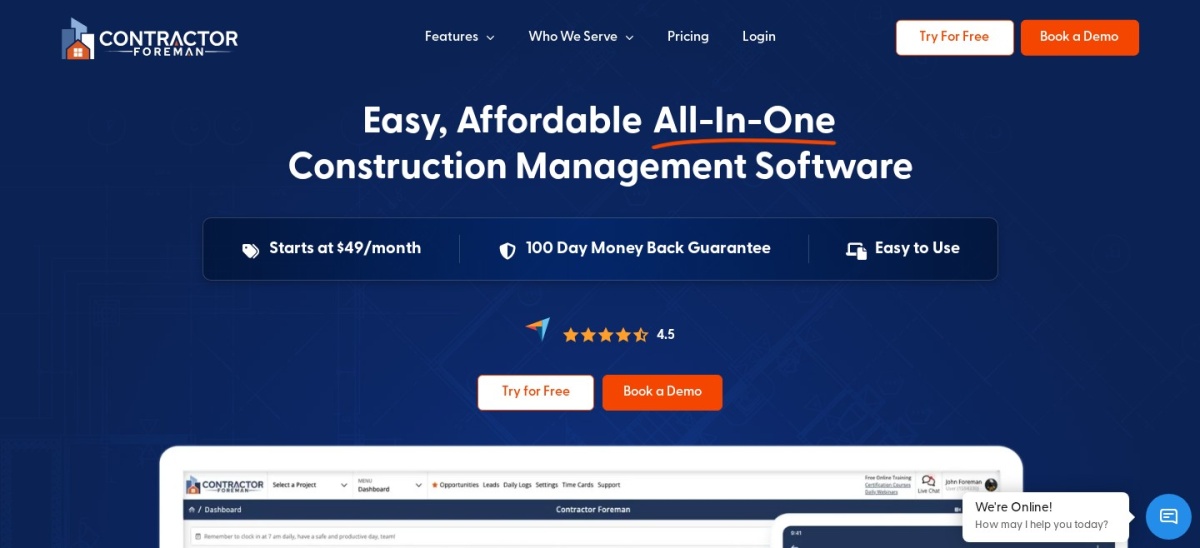
Contractor Foreman homepage, captured Nov 2026.
Contractor Foreman is an all-in-one construction platform with estimating, takeoff, job costing, scheduling, time cards and invoicing. The Basic plan starts at $49 a month billed annually for one user, and higher plans add users up to an unlimited plan at $332 a month.
The trade off is depth. Reviewers praise the price and breadth but note a busy interface and slower estimates once many line items are involved. It suits small general contractors who want one cheap system instead of several single-purpose tools.
4.5/5on Capterra (2,489 reviews, checked Nov 2026)
Starts at$799/mo
Best for home builders at scale
Estimating planAdvanced, $799/mo
Entry planEssential, $499/mo
UsersUnlimited on all plans
TakeoffYes, on Advanced
buildertrend.com
Buildertrend homepage, captured Nov 2026.
Buildertrend is construction management software for home builders and remodelers, used by more than 20,000 contractors. Estimating, change orders and takeoff tools start on the Advanced plan at $799 a month, with scheduling, client portals, financial tools and selections above that.
The trade off is cost and tiering. The $499 Essential plan has no estimating, and a one-time onboarding fee is reported on top of the monthly price. It suits established home builders who want scheduling, financials and client communication in one system.
What we like
Most reviewed tool here, 4.5 out of 5 on Capterra from 2,489 reviews
Unlimited users and projects on every plan
Strong client portal and selections tools
Used on more than half of new home builds in the US
Joist is a mobile-first estimate and invoice app for small residential contractors. The Basics plan at $10 a month covers up to 5 estimates or invoices a month with online payments and homeowner financing, and Pro at $17 a month removes the document limit.
The trade off is scale. Joist has no takeoff from plans and no cost database, so it fits simple residential quotes rather than plan-based bids. It suits a solo contractor who quotes from the jobsite and wants to get paid fast.
What we like
Cheapest paid plan in this list at $10 a month
Fast mobile estimates with digital signatures
Rated 4.7 out of 5 on Google Play from 12,600 reviews
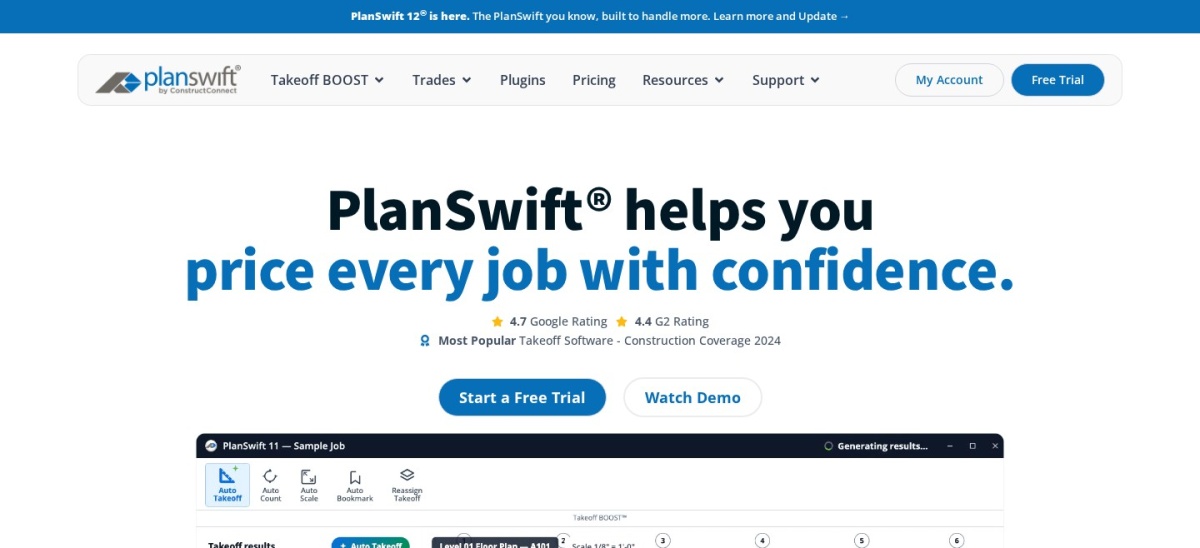
PlanSwift is desktop takeoff and estimating software from ConstructConnect. The Essential plan costs $2,000 a year for one seat and includes pre-built trade assemblies, Auto Count, Auto Scale and Auto Bookmark, plus 2 hours of live training.
The trade off is the desktop limit. PlanSwift runs only on Windows 11, and Core at $3,000 a year adds the Auto Takeoff suite. It suits estimators who want fast on-screen takeoff from plans and do not need a cloud tool.
The most common mistake is buying on the entry price alone. A $49 a month plan that lacks takeoff or job costing can cost more than a $199 plan once you add the missing pieces.
Another mistake is ignoring the per-user math. A $349 per-user tool costs one person $4,188 a year but costs a team of five more than $20,000, while a flat-fee tool stays the same.
Do not skip the trial. Run one real bid through the tool before you pay, and check that the estimate, proposal and invoice all carry the same numbers.
Finally, check the exit. Ask how you export estimates, price lists and job history before you sign, because a tool that locks your data in is expensive to leave.
How we chose
We started from the estimating tools most often named for general contractors, then kept those with published prices, a real estimating feature and public reviews on G2, Capterra or GetApp.
Prices come from each vendor's pricing page, checked on 23 November 2026, with ratings from G2, Capterra or GetApp on the same day. Where a vendor shows a sale, the list shows the regular price.
We left out tools with no published price and tools sold only as part of a larger platform. No vendor paid for a place, and we do not claim to have used these tools ourselves.
How to choose general contractor estimating software
Start with how you bid today, then match the tool to that workflow.
Count your estimators first. Per-user pricing punishes teams, while flat fees favour them. A one-person shop can live with $199 a month; a five-person team should price the whole office, not one seat.
Check whether you bid from plans. If most bids start from drawings, you need digital takeoff with Auto Count or its equal. If you quote from site visits, a mobile tool such as Joist is enough.
Ask what the entry plan leaves out. Estimating, takeoff and job costing often sit on different tiers. Confirm the plan you would actually buy includes all three before you compare prices.
Run one real bid on the trial. Use a finished job with known costs, build the estimate, and compare the result with the price you actually charged. See our average website cost statistics for how list prices can hide the real cost of a tool.
FAQ
What is the best general contractor estimating software?
JobTread is the best pick for most builders. It costs $199 a month for one internal user with every feature included, and it is rated 4.9 out of 5 on G2 from 119 reviews. Clear Estimates is the best low-cost option at $79 a month.
How much does estimating software cost?
Entry prices in this list run from $10 a month for Joist to $799 a month for Buildertrend Advanced, with PlanSwift at $2,000 a year per seat. Most small builders pay between $49 and $349 a month, depending on users and takeoff needs.
Do I need takeoff software as a general contractor?
It depends on how you bid. If your bids start from drawings, digital takeoff saves hours and cuts measurement errors. If you quote from site visits and simple scopes, a mobile estimating app is enough.
Is there free estimating software for contractors?
STACK and Buildxact both offer a free version, though both limit projects or credits. Joist no longer offers a free plan, and JobTread offers a 30-day money-back guarantee instead of a trial.
What is the cheapest estimating software for a small contractor?
Joist Basics at $10 a month is the cheapest paid plan here, but it caps you at 5 documents a month and has no takeoff. Contractor Foreman at $49 a month is the cheapest all-in-one with estimating, takeoff and job costing.
Can estimating software replace a spreadsheet?
Yes, for most builders. These tools store your prices, build proposals and track job costs in one place, so you stop retyping numbers between sheets. Keep a spreadsheet as a backup until the new tool has carried a few real jobs.