Jobber is the best garage door software for most small shops, with quoting, scheduling, invoicing and payments from $49 a month for one user, rated 4.6/5 on Capterra. Pick Housecall Pro for stronger online booking, or ServiceTitan if you run ten or more trucks.
How we make this list: we compare pricing pages, product documentation and public user reviews, then re-check every price before each update. No product paid for a place. Disclosure.
Jobber is the cheapest clear starting point: Core is $49 a month for one user, with a 14-day free trial.
Housecall Pro has the highest rating here at 4.7 out of 5 on Capterra from 2,749 reviews, and the best online booking.
ServiceTitan, FieldPulse, Workiz and FieldEdge publish no prices, so budget on a sales call, not a web page.
Kickserv covers five users for $60 a month flat, the lowest per-head cost of any published plan in this list.
Service Fusion is the only flat-rate plan with unlimited users, but its Starter price is $245 a month.
Leap (formerly JobProgress) is the pick for door replacement sales, with in-home proposals and financing tools.
What garage door software should cover
A garage door shop lives on the phone and the road. Jobs come in as emergency calls, spring replacements and new door installs, and the day changes every time a tech runs late.
Good software should cover the whole job path: request, quote, schedule, visit, invoice and payment. If any step still runs on paper or text messages, jobs slip and invoices go out late.
Quoting matters more here than in most trades. A door replacement quote with photos, options and financing closes far better than a single number on a form. Our guide on how to quote in WordPress covers the same idea for a website quote form.
Dispatch is the other half. A board that shows every truck, reshuffles the afternoon when a spring job runs long, and texts the customer an arrival window saves the office hours a day.
4.6/5on Capterra (1,489 reviews, checked Nov 2026)
Starts at$49/mo
Best for solo operators and small teams
Entry planCore, 1 user
Extra users$29/mo each
Free trial14 days
Two-way textingGrow plan
getjobber.com
Jobber homepage, captured Nov 2026.
Jobber is field service software for home service businesses, covering requests, quotes, scheduling, invoicing and online payments in one app. Core costs $49 a month for one user with no commitment, or $29 a month billed annually, and every plan includes online booking, a client hub and a mobile app.
The trade off is growth cost. Core covers one user only, so the second person moves you to Connect at $139 a month, and job costing and two-way texting start on Grow at $199 a month. It suits solo operators and small door shops that want one clear price and a fast setup.
What we like
Lowest published starting price in this list
Clean mobile app crews actually use
Online booking and client hub on every plan
14-day free trial with no credit card
Watch out for
Core is one user only, so teams pay more fast
Job costing and two-way texting need the Grow plan
4.7/5on Capterra (2,749 reviews, checked Nov 2026)
Starts at$79/mo
Best for customer booking and payments
Entry planBasic, 1 user
Essentials$189/mo, 5 users
MAX$329/mo, 8 users
Free trial14 days
housecallpro.com
Housecall Pro homepage, captured Nov 2026.
Housecall Pro is an all-in-one platform for residential home service, with scheduling, dispatch, estimates, invoicing, online booking and payments. Basic costs $79 a month for one user, or $59 a month billed annually, and includes a price book, job costing and review management.
The trade off is the jump between plans. Basic covers one user only, so a two-person shop needs Essentials at $189 a month, and recurring service plans sit on MAX at $329 a month. It suits small to mid-sized door shops that care most about the customer experience.
What we like
Highest Capterra rating in this list at 4.7 out of 5
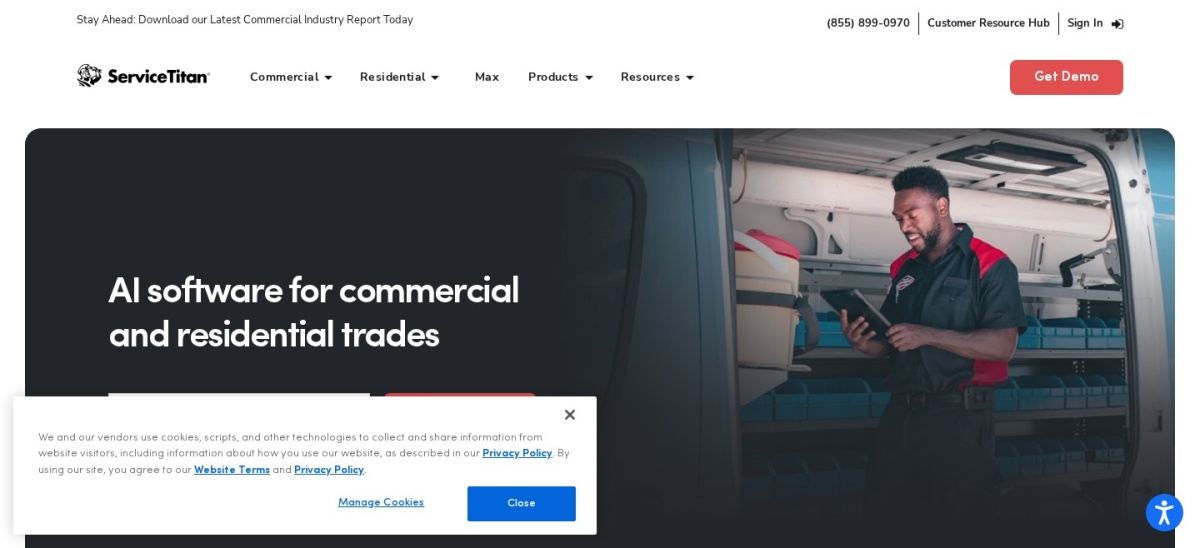
ServiceTitan is the heavyweight field service platform, and garage door is one of its core trades. It covers dispatch optimisation, call tracking, job costing, memberships and reporting that links each advert to the jobs and revenue it produced.
The trade off is price and process. ServiceTitan publishes no prices, sells per technician with reported implementation fees in the thousands, and needs a demo and a sales call to buy. It suits operations running ten or more trucks that can use the depth.
What we like
Deepest dispatch, reporting and attribution in this list
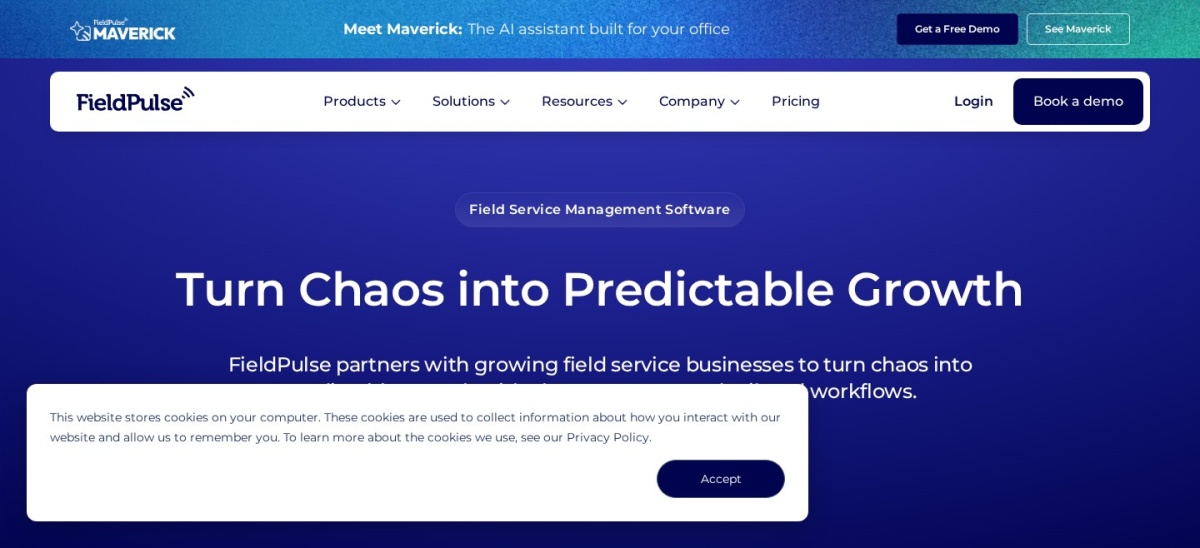
FieldPulse is field service software for multi-trade shops, built around estimates, jobs, invoices and a crew in the field. It stands out for job costing and equipment tracking, so a shop can see the service history of every door, opener and spring it has fitted.
The trade off is pricing transparency. FieldPulse lists no prices on its site, so every buyer starts with a demo and a sales call. It suits mid-sized door companies that track equipment history and want costing on every job.
What we like
Highest G2 rating in this list at 4.7 out of 5
Job costing and asset tracking included
AI office assistant on every plan
Responsive support praised in reviews
Watch out for
No published prices at all
Contract terms are hard to change mid-term, per reviewers
Reporting depth lags behind ServiceTitan
Plans are quoted after a demo; ask for per-user maths in writingVisit fieldpulse.com
05
Workiz
4.5/5on G2 (241 reviews, checked Nov 2026)
PricingCustom/yr
Best for phone-first, high-call shops
PricingQuote only
Phone systemBuilt in
AI answeringPaid add-on
Free trialYes
workiz.com
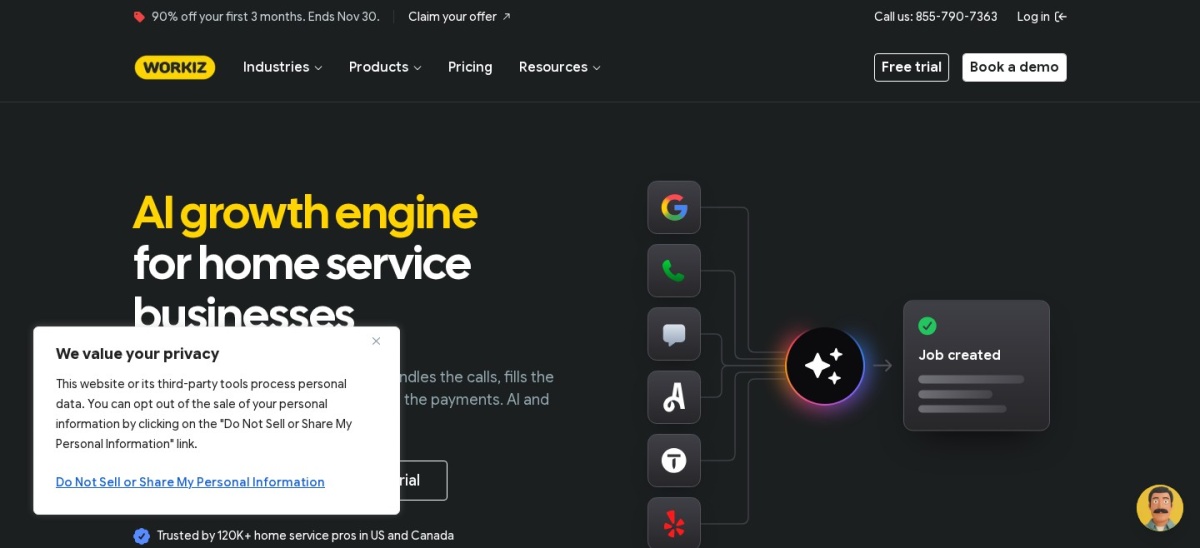
Workiz homepage, captured Nov 2026.
Workiz is field service software built around the phone, with a built-in phone system, AI lead capture and automations beside scheduling, dispatch, invoicing and payments. It is aimed at trade businesses that take a high volume of calls and last-minute jobs.
The trade off is that the price is hidden. Workiz lists Standard, Pro and Ultimate plans with a request-pricing flow, and its phone system and AI answering are sold separately. It suits growing door shops where the phone never stops ringing.
What we like
Built-in phone system with AI answering
Strong automations for bookings and follow-ups
Rated 4.5 out of 5 on G2 from 241 reviews
Free trial available
Watch out for
No published prices; every quote needs a sales call
Phone and AI features cost extra on top
Reviewers cite billing and support problems
Plans are quoted per business; confirm add-on prices in writingVisit workiz.com
06
Kickserv
4.5/5on G2 (185 reviews, checked Nov 2026)
Starts at$60/mo
Best value for small crews
Entry planStart, 5 users
Run$119/mo, 10 users
Scale$199/mo, 20 users
QuickBooks OnlineIncluded
kickserv.com
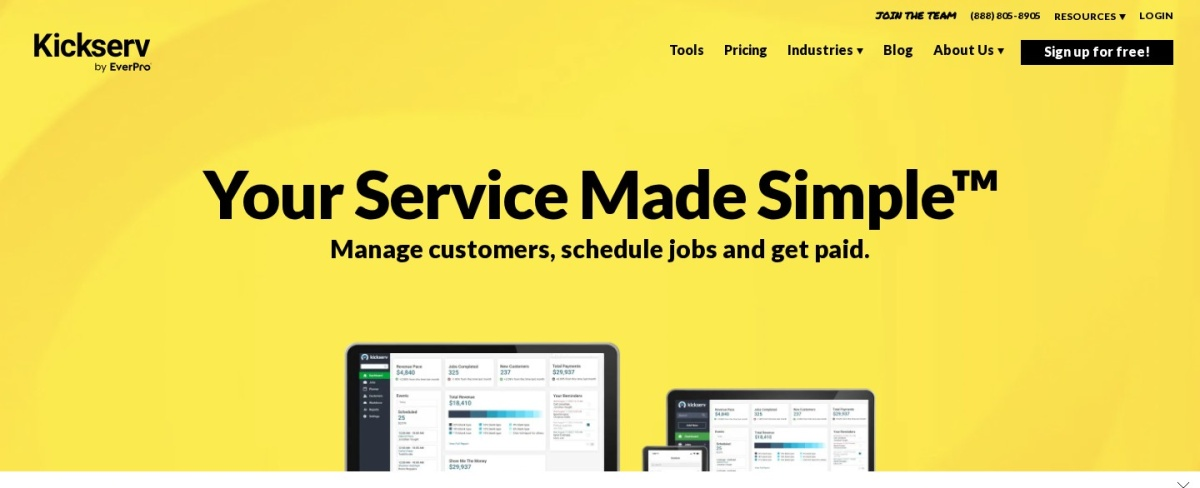
Kickserv homepage, captured Nov 2026.
Kickserv is field service software for small service businesses, covering scheduling, dispatch, invoicing and customer records. Start costs $60 a month flat and includes five users, QuickBooks Online integration, standard reports, automated customer reminders and a website lead form.
The trade off is depth. Kickserv keeps things simple, so shops that want advanced reporting, price books or AI tools will outgrow it sooner than Jobber or Housecall Pro. It suits crews of five to twenty people that want the lowest published bill.
What we like
Five users for $60 a month, the best per-head value here
Flat-rate plans with no per-user surprises
Rated 4.5 out of 5 on G2 from 185 reviews
QuickBooks Online included on the entry plan
Watch out for
Fewer advanced features than Jobber or Housecall Pro
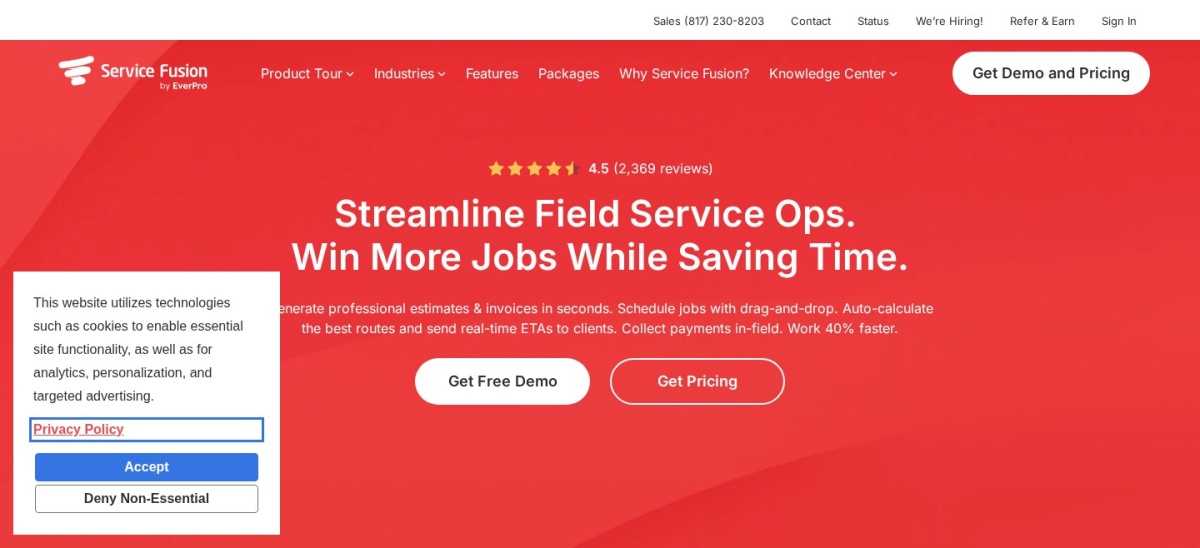
Service Fusion is field service software for contractors, covering scheduling, dispatch, estimates, invoicing, payments and inventory. Starter costs $245 a month billed monthly, or $208 a month billed annually, and every plan includes unlimited users, which is rare in this list.
The trade off is the entry price. At $245 a month it is the most expensive published starting price here, and reviewers call the interface dated. It suits mid-sized door shops with many users, where flat pricing beats paying per technician.
What we like
Unlimited users on every plan
Flat monthly price with no per-seat maths
Inventory management and job costing on Plus
No long-term contract on monthly plans
Watch out for
Highest published starting price in this list
Interface feels dated next to Jobber and Housecall Pro
Leap (formerly JobProgress) homepage, captured Nov 2026.
Leap, formerly JobProgress, is contractor software built around the sale, with lead capture, estimates, digital proposals, contracts and production scheduling. Leap CRM Essential costs $79 a month for a single user and includes the full workflow from lead to payment.
The trade off is the contract and the focus. Every plan runs on a one-year contract billed monthly, and Essential is capped at one user, so a second person forces the Team plan from $298 a month. It suits door companies that sell replacements in the home.
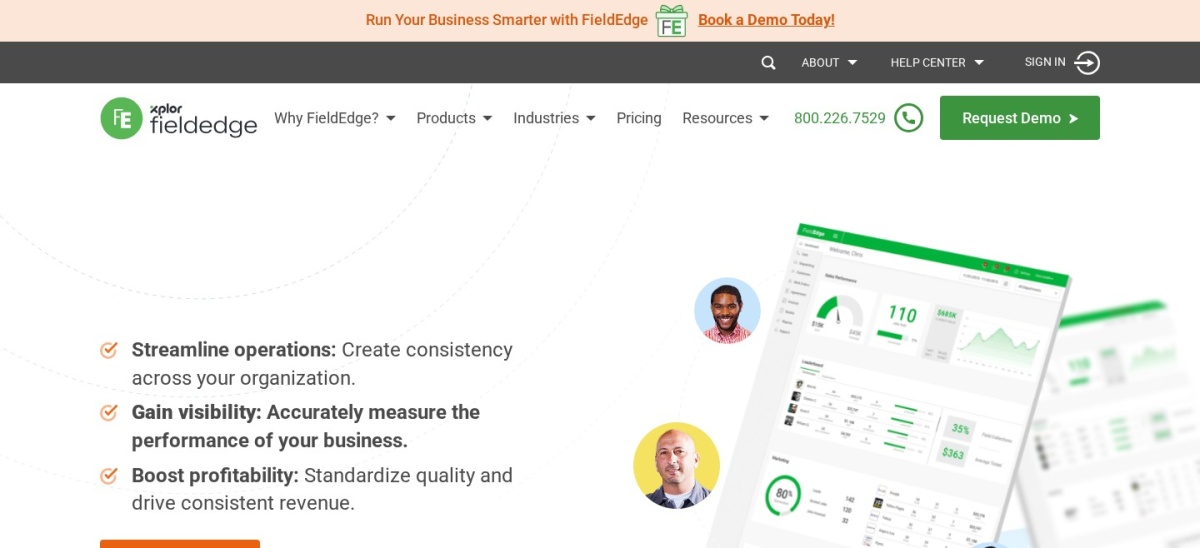
FieldEdge is field service software for HVAC, plumbing and electrical contractors, with an intelligent dispatch board, a flat-rate price book, service agreements and offline-capable mobile apps. It works for garage door shops that run the same kind of truck-based service work.
The trade off is price and age. FieldEdge publishes no prices, lists no free trial, and its interface is older than the newer tools in this list. It suits established shops already running QuickBooks Desktop that want a proven dispatch board.
What we like
Flat-rate price book for consistent quotes
Service agreement tools for repeat work
Works with QuickBooks Desktop and Online
Offline-capable mobile apps
Watch out for
No published prices and no free trial
Lowest rating here at 4.0 out of 5 on G2
Smallest review base in this list at 87 reviews
Plans are quoted after a demo; confirm licence counts in writingVisit fieldedge.com
Quote-only tools: what to ask on the sales call
Four tools in this list publish no prices: ServiceTitan, FieldPulse, Workiz and FieldEdge. That is normal for this market, but it means the real comparison happens on the call.
Ask for the per-user or per-technician price in writing, plus the implementation fee, the contract length and what happens at renewal. Get the add-on maths too, since phone systems, AI answering and extra users are often sold separately.
If a vendor will not put the full first-year cost in writing, treat that as a warning sign and move on to a tool that will.
How we chose
We started from the field service tools most often recommended for garage door companies, then kept the nine with solid public ratings and a real presence in the trade.
Prices come from each vendor's pricing page, checked on 25 November 2026. Ratings and review counts come from G2 or Capterra on the same day. Where a vendor shows a sale, the list shows the regular price.
We left out tools with no public rating and tools built only for one other trade. No vendor paid for a place, and we do not claim hands-on testing for this list.
How to choose garage door software
Count your trucks and your office staff first, then match the plan to that headcount.
Count the people who need a login. Some plans charge per user and some are flat rate. A five-person crew pays $60 a month on Kickserv but $189 on Housecall Pro Essentials, so headcount decides the cheapest option.
Check the quoting tools. Door replacements close better with photos, options and financing. If you sell replacements, Leap or a tool with a strong price book matters more than dispatch depth.
Test the dispatch board with a real day. Use the free trial to run a busy day through it: an emergency call, a job that runs long and a reshuffle. If the board cannot move jobs fast, it will slow the office down.
Get the full first-year cost in writing. Ask about implementation fees, contract length, add-ons and renewal prices before you sign, especially for the quote-only tools.
FAQ
What is the best garage door software?
Jobber is the best pick for most small garage door shops. It covers quoting, scheduling, invoicing and payments from $49 a month for one user, and it is rated 4.6 out of 5 on Capterra from about 1,489 reviews.
How much does garage door software cost?
Published plans start at $49 a month for Jobber, $60 for Kickserv and $79 for Housecall Pro and Leap, all for a single user or a small crew. ServiceTitan, FieldPulse, Workiz and FieldEdge publish no prices and quote per business.
Is there free garage door software?
None of the nine tools in this list has a free plan. Most offer a 14-day free trial, and Kickserv and Service Fusion also offer trials, so you can run a real week through the software before paying.
Which garage door software is best for a solo operator?
Jobber Core at $49 a month is the simplest fit for one person, with quoting, scheduling, invoicing and payments. Kickserv Start at $60 a month is also worth a look if you expect to add staff soon, since it covers five users.
Do these tools work with QuickBooks?
Yes, most of them do. Jobber, Housecall Pro, FieldPulse, Workiz, Kickserv, Service Fusion, Leap and FieldEdge all list QuickBooks sync, though some put it on a higher plan, so check the plan you would actually buy.
What is the difference between Jobber and Housecall Pro?
Jobber is cheaper to start at $49 a month for one user and is simpler to run, while Housecall Pro costs $79 a month and puts more weight on online booking, automated reminders and the customer experience. Both cover the full job path.
SaaS SEO and WordPress specialist with about 8 years of experience. Rakib compares WordPress plugins, themes, hosting and software using public pricing, documentation and user reviews. See how we rank.