Gather is the best funeral home software for most firms, rated 4.9 out of 5 on Capterra from 39 reviews. Pick Halcyon for crematory operations at $295 a month, or Osiris for the lowest published price at $100 a month.
How we make this list: we compare pricing pages, product documentation and public user reviews, then re-check every price before each update. No product paid for a place. Disclosure.
Gather leads the list at 4.9 out of 5 on Capterra from 39 reviews, the highest score with a real review base.
Only 4 of the 9 tools publish any starting price: Osiris from $100 a month, Halcyon from $295, Parting Pro from $469, and SRS from $2,495 one time.
PlotBox has the deepest review base at 95 Capterra reviews, but it is built for cemeteries first.
TDAW and Tribute Management both show 5.0 on Capterra, but on only 14 and 4 reviews, and Tribute's latest review is from 2021.
No tool in this list has a free plan; 4 offer a free trial.
What funeral home software should cover
A funeral home runs on the case file. First call, arrangements, contracts, payments, permits and the service itself all hang off one record, and every handoff between staff is a chance to retype something wrong.
The best tools in this list keep that record in one place and let families do part of the work themselves, from sharing details to signing forms and paying online. Booking arrangement conferences online works the same way, as our guide on adding a booking calendar to WordPress shows.
Expect quotes, not price lists. Only 4 of the 9 tools publish a starting price, and most vendors price by case volume or location count, so budget a demo call for each shortlisted tool.
Ratings are thin across this niche. The strongest review base here is 95 reviews, and several tools sit under 15, so lean on demos and references from homes like yours.
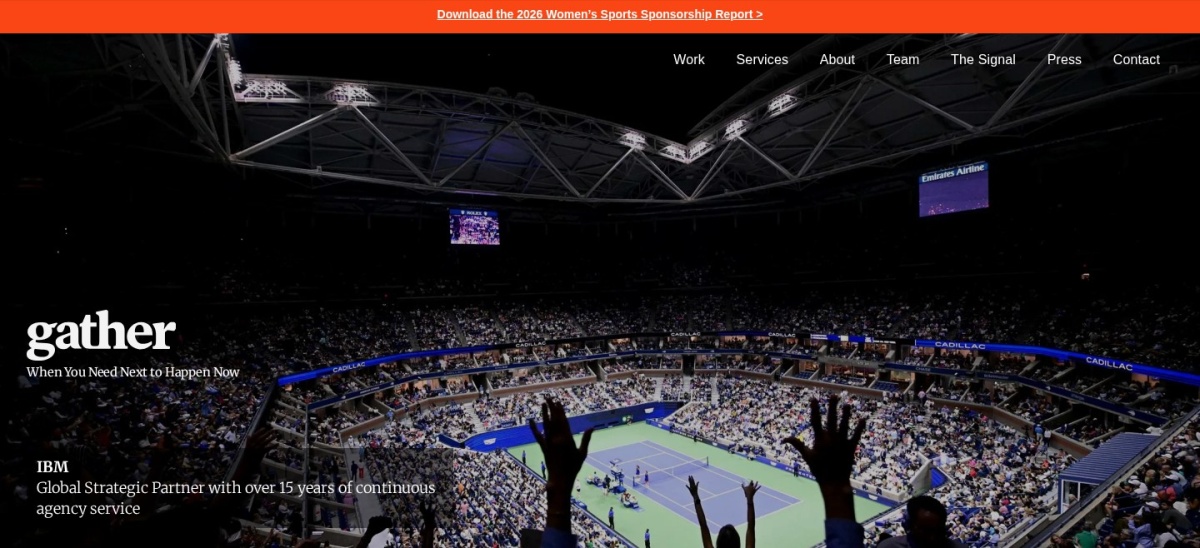
Gather is a cloud-based funeral home platform that runs cases from first call to final disposition. It covers case management, KeepTrack body tracking with QR tags, funeral home websites, live streaming, e-signatures and payments, and families get Remember Pages for photos and memories. Gather says more than 500 funeral homes use it.
The trade off is price transparency. Gather does not publish a price, so you book a demo and get a custom quote with a one-time activation fee plus a monthly subscription. It suits independent homes and multi-location groups that want a modern, family-facing system in one place.
What we like
Highest Capterra rating in the list at 4.9 from 39 reviews
KeepTrack body tracking with QR tags
Families can arrange, sign and pay online
Trusted by more than 500 funeral homes
Watch out for
No published price; quote only
Activation fee on top of the subscription
Custom quote covers activation plus a monthly subscriptionVisit gather.app
02
Halcyon
4.8/5on Capterra (38 reviews, checked Nov 2026)
Starts at$295/mo
Best for funeral homes with crematories
Case managementYes, plus crematory
Body trackingYes
Free trialYes
Starting price$295/mo
halcyondcms.com
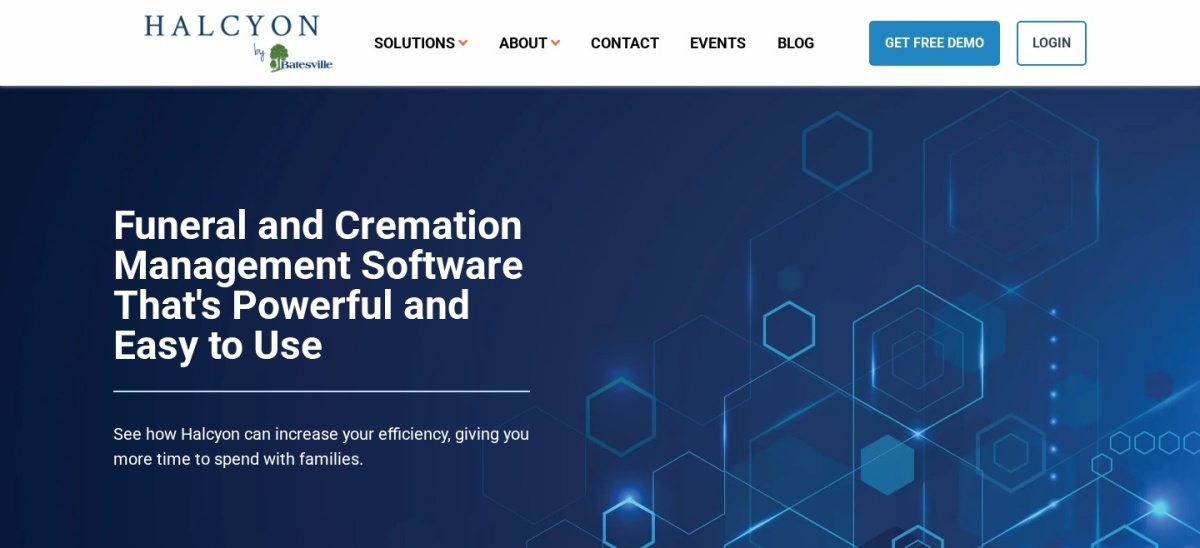
Halcyon homepage, captured Nov 2026.
Halcyon is a web-based deathcare platform from Batesville that covers funeral homes, crematories and pet crematories. It handles case management, body tracking, forms, contracts, financials and reporting, with a Basic Feature Bundle starting at $295 a month. It is rated 4.8 out of 5 on Capterra from 38 reviews.
The trade off is that the $295 bundle is the entry point, and larger setups cost more by quote. Support scores 4.9 out of 5 on Capterra, but a few reviewers report uneven service. It suits firms that run funeral and crematory work together and want one vendor for both.
What we like
Rated 4.8 from 38 reviews
Covers funeral, crematory and pet crematory work
Customer service rated 4.9 on Capterra
Published starting price of $295 a month
Watch out for
Entry bundle is the cheapest tier; larger setups cost more
Osiris is funeral home software built by funeral directors and the CPAs behind Funeral Directors Resource. It covers cases, scheduling, contracts, e-signatures, payments and QuickBooks integration, plus the Osiris Air portal where families review and add their own details. The Basic plan starts at $100 a month with a 30-day free trial.
The trade off is the quote behind the headline price. The vendor site prices by at-need call volume, so the $100 starting figure from Capterra may not match your quote, and the Enterprise plan is priced on request. It suits small firms that want low entry cost and strong QuickBooks links.
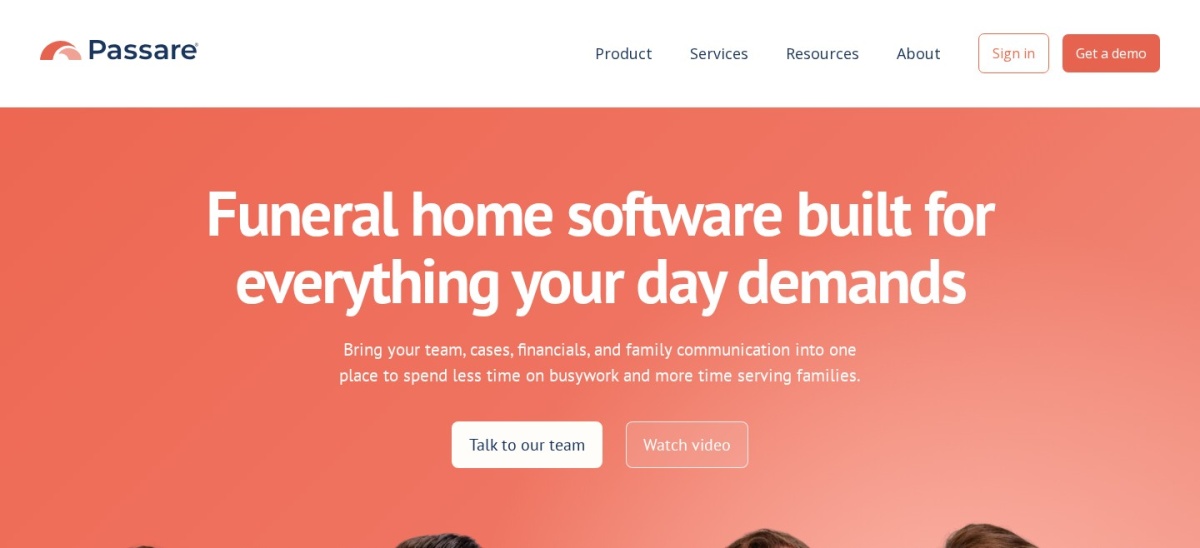
Passare is a cloud-based case management platform and the most-cited name in funeral software roundups. Cases, tasks, merchandise, payments and family messaging live in one system, and families can share details, sign documents and pay online. Passare reports more than 2,400 funeral homes on the platform.
The trade off is the sales process. There is no public pricing and no self-serve signup, so you book a demo and get a quote, and its Capterra base is only 13 reviews. It suits mid-size firms that want strong family collaboration and pre-need tools in one system.
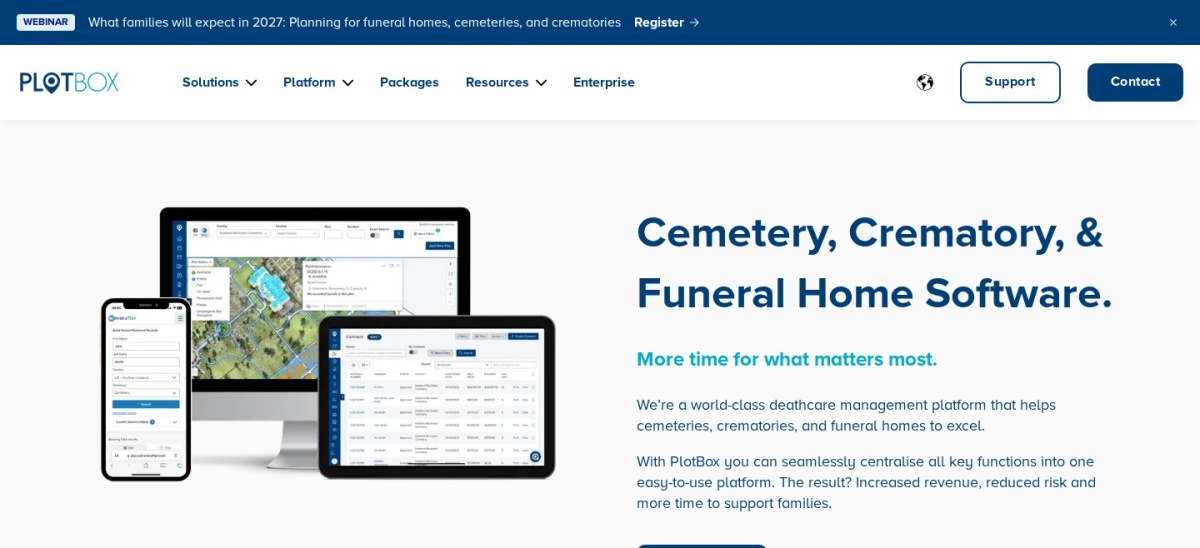
PlotBox is a cloud deathcare platform built around cemeteries, crematories and funeral homes, and it is the only tool here that pairs records with live GIS mapping. Staff can search graves, manage deeds, contracts and payments, and track work orders from one system. It is rated 4.7 out of 5 on Capterra from 95 reviews, the largest base in this list.
The trade off is focus. PlotBox is strongest on cemetery records and mapping, so a funeral home without cemetery work may pay for depth it never uses, and pricing is by quote only. It suits combo funeral home and cemetery firms, and cemeteries moving off paper maps.
What we like
Largest review base at 95 Capterra reviews
Only tool here with live GIS lot mapping
Covers records, deeds, contracts and work orders
Integrates with NetSuite and QuickBooks
Watch out for
Built for cemeteries first, not funeral-only homes
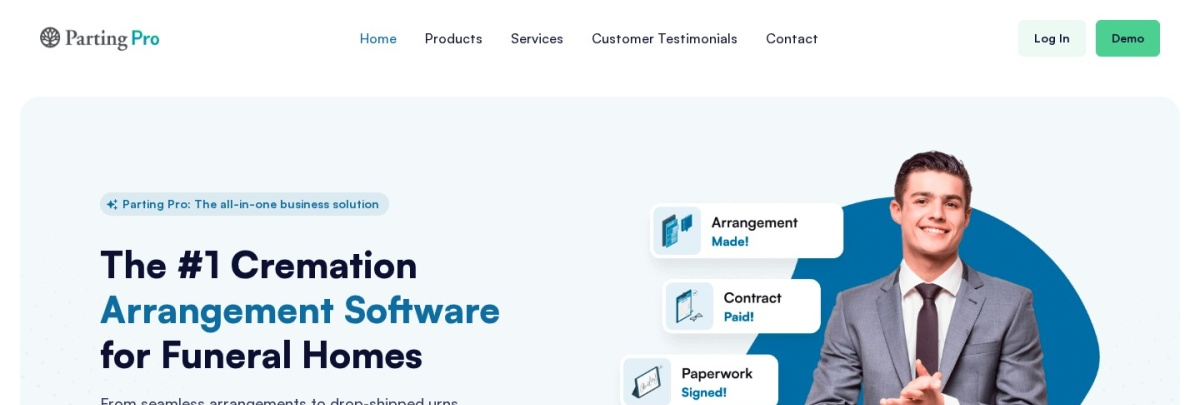
Parting Pro is a cloud platform built around online arrangements, from a family's first online steps through documents, e-signatures, scheduling and payment. It also covers websites, merchandising and marketing, and connects to QuickBooks and Passare. Its Basic plan starts at $469 a month, listed on Capterra.
The trade off is the price. At $469 a month it is the most expensive published starting price in this list, and there is no free trial. It suits cremation-led firms that want families to arrange online and pay without coming into the office.
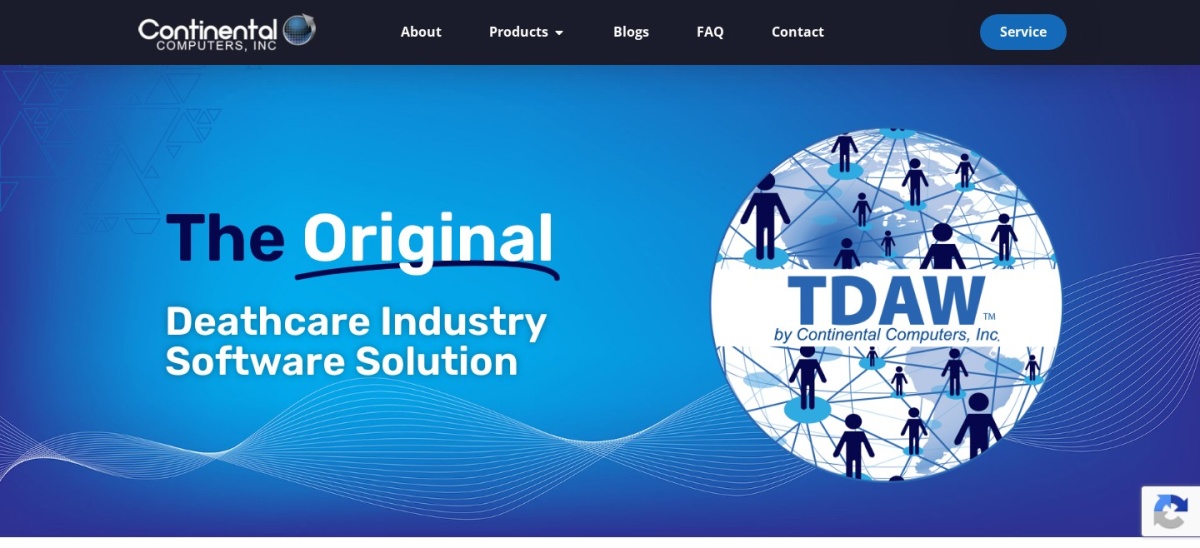
TDAW (The Director's Assistant) homepage, captured Nov 2026.
TDAW is the cloud funeral home platform from Continental Computers, which has served funeral homes since 1985. It pairs case management with native full accounting, including general ledger, payroll and trust management, plus Cai, an AI assistant that drafts obituaries from case data. It is rated 5.0 out of 5 on Capterra from 14 reviews.
The trade off is proof and price. Fourteen reviews is a thin base for a 5.0 score, and pricing is by quote with no free trial, so the demo has to carry the decision. It suits firms that want accounting built in rather than bolted on through QuickBooks.
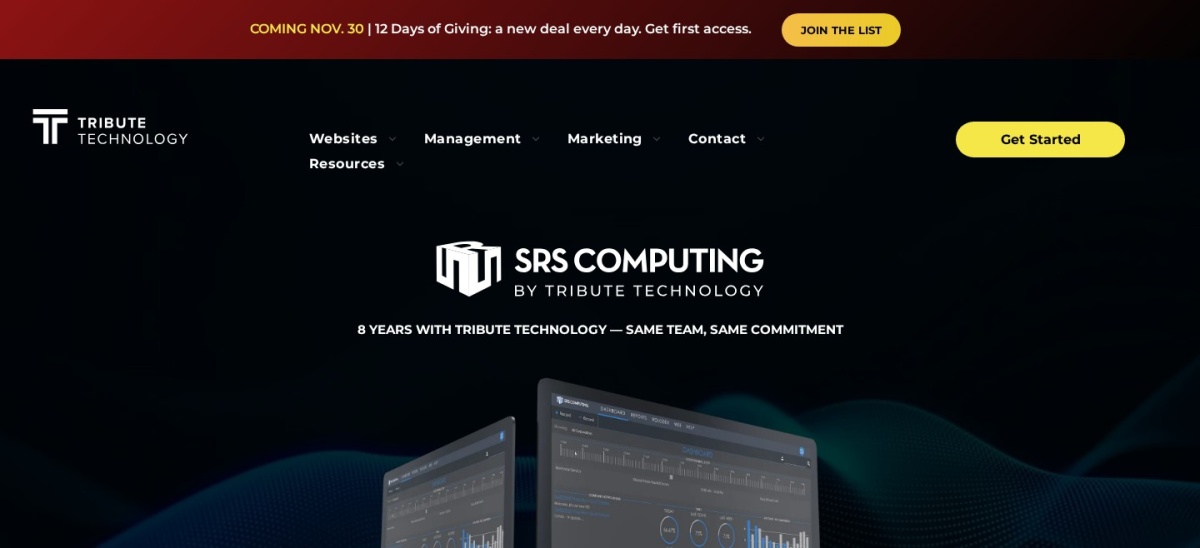
SRS Computing is a long-running funeral, cemetery and crematory management system, now sold by Tribute Technology. It covers case management, contracts, e-signatures, scheduling and payments, and the vendor reports more than 5,000 installations. Capterra lists a one-time starting price of $2,495 per user.
The trade off is age. Reviewers praise the support but call the interface clunky, and its Capterra base is only 7 reviews, the oldest from 2016. It suits firms that prefer a one-time purchase over a monthly subscription and can live with an older interface.
What we like
One-time price of $2,495, no monthly fee for the core system
Tribute Management Software homepage, captured Nov 2026.
Tribute Management Software is the renamed CRaKN platform, now part of Tribute Technology. It runs the whole firm from a digital whiteboard: cases, calendar, accounting, reports and tasks in one view, with family-facing tools beside them. Capterra lists it at 5.0 out of 5 from 4 reviews.
The trade off is thin, stale proof. Those 4 reviews date from before the October 2022 rename, with the latest from January 2021, and no price is published anywhere. It suits firms already using Tribute Technology products that want one vendor for cases and memorials.
Ask how the price is set. Most vendors price by at-need call volume, location count or modules, so get the quote in writing with the modules named.
Ask what happens to your data if you leave. Export formats, contract length and exit fees matter more here than in most software buys, because the case history is the business record.
Ask for two references from homes your size. With review bases this small, a 20-minute call with a working customer tells you more than any rating.
How we chose
We started from the funeral home software listed on Capterra and in recent roundups, then kept 9 established tools with a public rating on Capterra.
Prices and ratings come from each tool's Capterra listing and vendor homepage, checked on 25 November 2026. Where a vendor publishes no price, the list shows a custom quote; Halcyon, Osiris, Parting Pro and SRS prices come from their Capterra listings.
We left out website-only tools with no public rating, such as Tukios and FuneralTech, and FrontRunner Professional, whose public reviews are too few and unclear to rely on. No vendor paid for a place, and we do not claim hands-on testing for this list.
How to choose funeral home software
Start with your case volume and whether you run a crematory or cemetery beside the funeral home.
Count your cases and locations. Price usually follows at-need volume and location count, so a single-location home and a group need different shortlists.
Decide what families should do online. If you want online arrangements, e-signatures and payments, shortlist Gather, Parting Pro and Passare first.
Check the crematory and cemetery side. Halcyon covers crematory work and PlotBox covers cemetery mapping; a funeral-only tool leaves those jobs elsewhere.
Demo two tools with a real case. Walk one past arrangement through each system, from first call to invoice, and ask for the full quote in writing before you compare.
FAQ
What is the best funeral home software?
Gather is the best pick for most funeral homes. It is rated 4.9 out of 5 on Capterra from 39 reviews and covers cases, body tracking, websites, live streaming and payments in one cloud system.
How much does funeral home software cost?
Published starting prices run from $100 a month for Osiris to $469 a month for Parting Pro, with Halcyon at $295 a month and SRS Computing at $2,495 one time. Most vendors price by quote, based on case volume and locations.
Is there free funeral home software?
No tool in this list has a free plan. Gather, Halcyon, Osiris and SRS Computing offer a free trial, so you can run a real case through the system before you pay.
Which funeral home software is best for crematories?
Halcyon is the strongest pick for crematory work, with body tracking, partner portals and financial reporting for trade and at-need cremations. PlotBox is the better fit when cemetery mapping matters more.
Do I need separate software for my cemetery?
Not always. Osiris, Halcyon and TDAW include cemetery management, but PlotBox is the specialist, with GIS lot mapping, grave search and deed records built for cemetery teams.
Why do so few funeral tools publish prices?
Most vendors price by at-need call volume, location count and modules, so a fixed list price would mislead more than it helps. Ask each vendor for a written quote that names the modules included.
SaaS SEO and WordPress specialist with about 8 years of experience. Rakib compares WordPress plugins, themes, hosting and software using public pricing, documentation and user reviews. See how we rank.