Cerberus FTP Server is the best FTP server software for most teams, rated 4.7 out of 5 on G2 with unlimited users at $1,599 a year. Pick Titan SFTP Server for a $1,499.95 one-time license, or GoAnywhere MFT when you need full workflow automation.
How we make this list: we compare pricing pages, product documentation and public user reviews, then re-check every price before each update. No product paid for a place. Disclosure.
Cerberus leads on G2 at 4.7 out of 5 from 43 reviews, with unlimited users and FIPS 140-3 cryptography at $1,599 a year.
Titan is the only one-time license near the top: $1,499.95 once for the on-premises server, with HIPAA, PCI and SOX-aligned controls.
GoAnywhere, JSCAPE and MOVEit are full MFT platforms, not plain servers, and all three are quote-priced.
CrushFTP is the cheapest way in at $70 once, but it has the lowest G2 rating here at 3.3 out of 5 from 5 reviews.
Every commercial tool here offers a free trial of 14 to 30 days; none of the 7 has a free plan.
What to look for in an FTP server
An FTP server is the place partners, staff and systems send files to. The job sounds simple, but the differences show up in encryption, user controls and audit trails.
Protocols decide who can connect. SFTP is the modern default for encrypted transfer, FTPS covers legacy systems built around FTP, and a web interface lets partners upload from a browser with no client software.
Compliance is the next filter. If auditors ask questions, you need detailed logs, IP restrictions and controls aligned to HIPAA, PCI DSS or SOX. Our guide on limiting login attempts in WordPress shows the same lockout thinking that applies to any server login.
Licensing varies more than features. Some tools charge per year, some once, and most enterprise names quote per deployment, so confirm whether the price is per server, per user or per connection before you shortlist.
Free and open-source servers still exist, but the best-known ones have no public rating on G2, Capterra, Trustpilot or SourceForge, so they are not in this list.
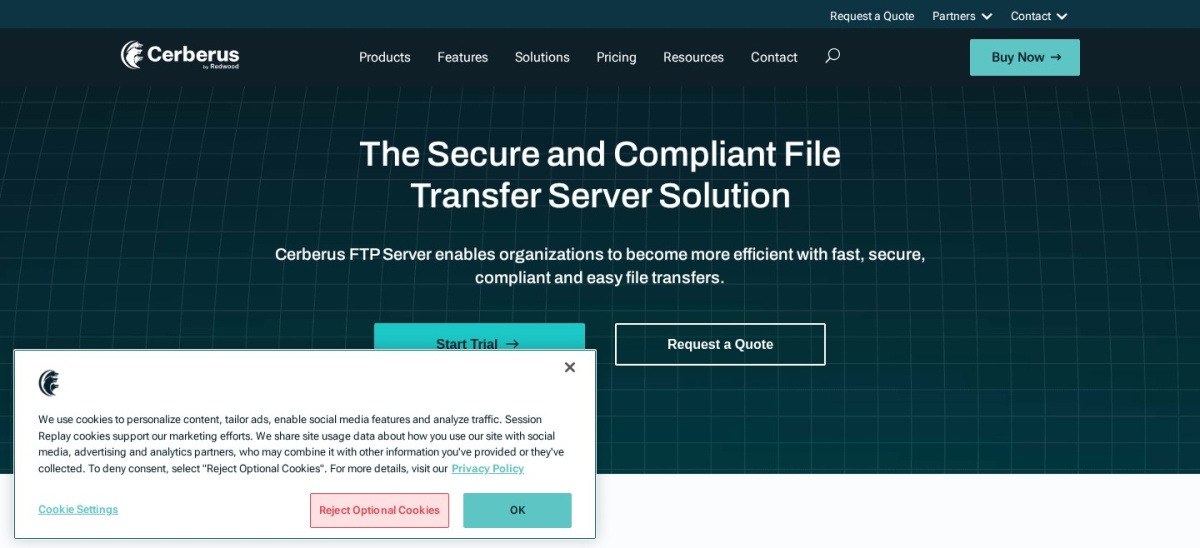
Cerberus FTP Server is a Windows file server built for teams that answer to auditors. It supports FTP, SFTP, FTPS, HTTP/S and SCP, authenticates against Active Directory, LDAP and Okta, and runs as a Windows service with unlimited users and connections. Version 2026.4 added FIPS 140-3 cryptography and automated certificate management.
The trade off is price and platform. Professional starts at $1,599 a year, the web client and single sign-on need the $3,499 Enterprise tier, and there is no Linux version. It suits Windows shops in healthcare, finance or government that need audit trails and directory logins.
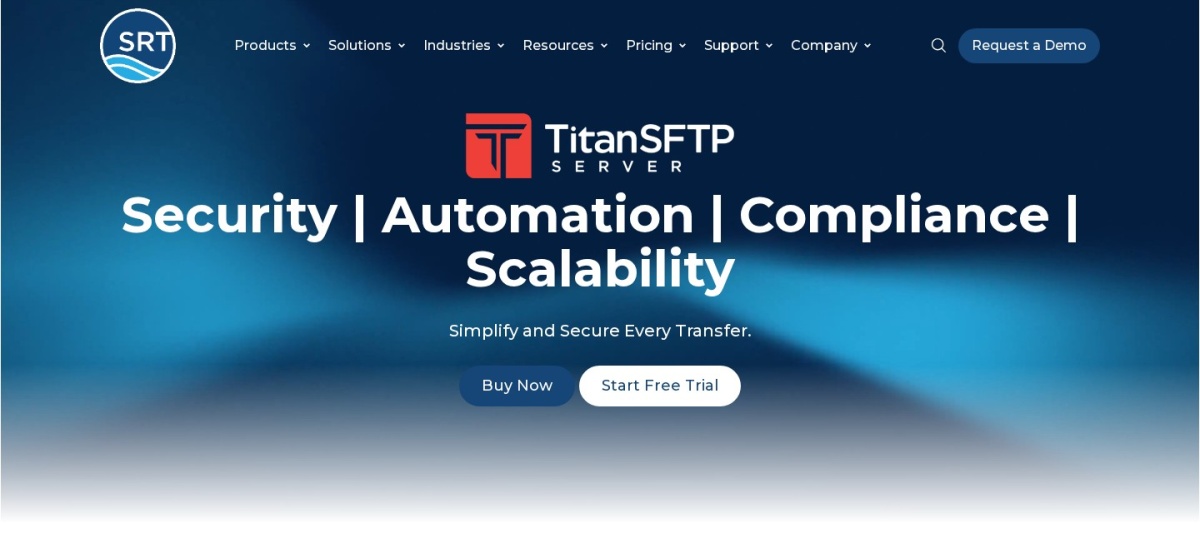
Titan SFTP Server is a secure transfer server from South River Technologies for organizations that need encrypted partner exchange without a full MFT suite. It handles SFTP, FTPS and HTTPS, offers a browser-based web UI for uploads, and provides audit-ready logging with HIPAA, PCI and SOX-aligned controls. Cisco recommends it for Unified Communications backups.
The trade off is that the price is not published on the vendor site. G2 lists the on-premises license at $1,499.95 as a one-time purchase, with a cloud subscription from $43.80 a month. It suits healthcare, finance and legal teams that want steady, compliant transfers at a fixed cost.
What we like
Rated 4.7 out of 5 on G2 from 34 reviews
One-time license, no yearly subscription
Trusted by 30,000+ organizations
Granular controls at server, group and user level
Watch out for
No plain FTP support, SFTP and FTPS only
Pricing is not published on the vendor site
Full workflow automation needs the separate Titan MFT tier
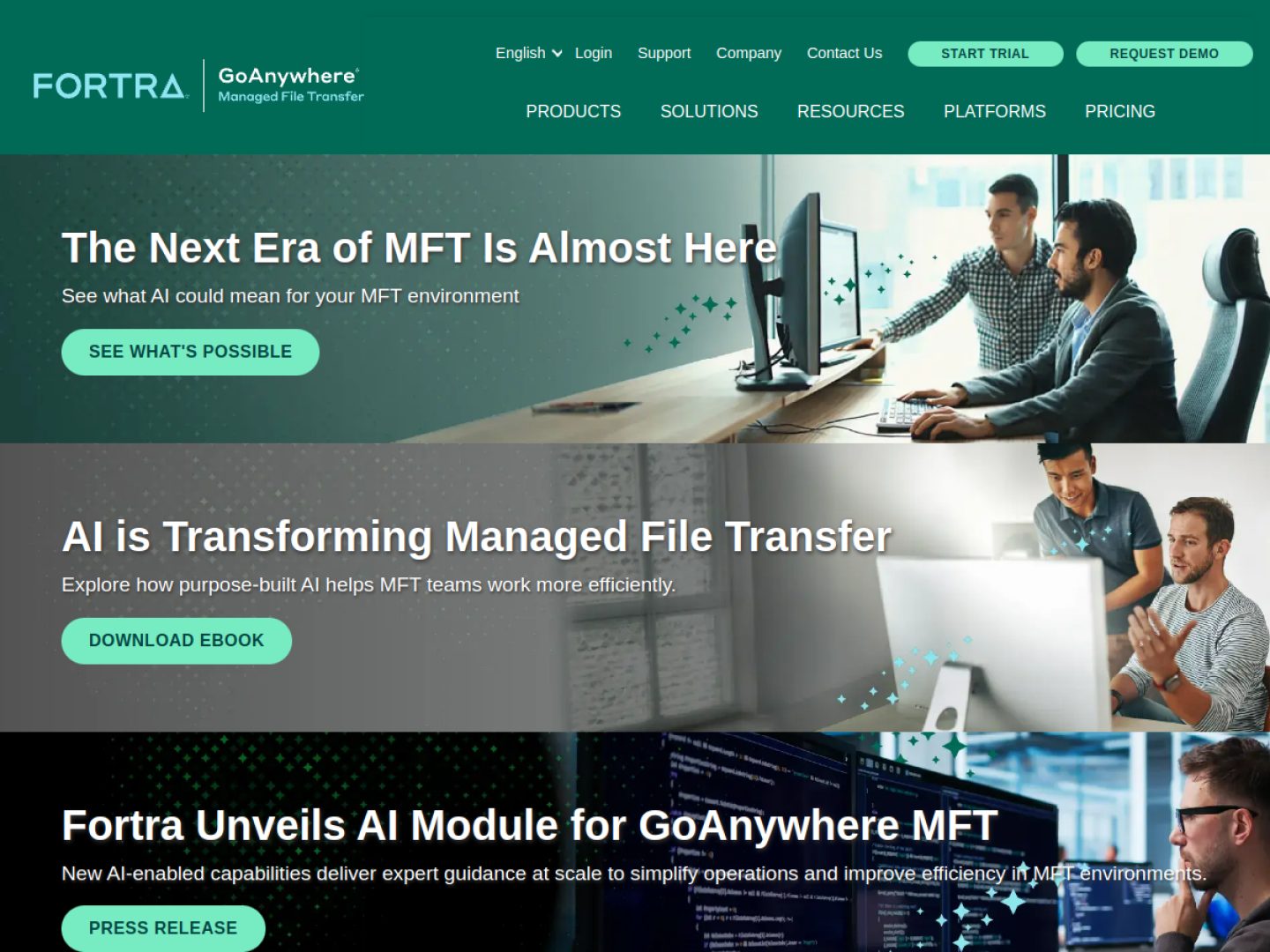
GoAnywhere MFT is a managed file transfer platform from Fortra for teams whose transfers are business processes, not one-off uploads. A visual workflow designer with triggers and scheduling moves files between systems, while encryption, alerting and audit trails cover HIPAA, PCI DSS and GDPR. The optional FileCatalyst service accelerates large transfers up to 10 times faster than standard protocols.
The trade off is enterprise pricing and weight. Pricing is quote-based, implementation typically takes about two months, and the interface feels dated in places. It suits enterprises replacing script collections with scheduled, monitored transfers across many partners.
What we like
Highest review count here: 4.6 out of 5 on G2 from 456 reviews
Drag-and-drop workflow automation with triggers
FileCatalyst acceleration for large files
Runs on-premises, in the cloud or as SaaS
Watch out for
Quote-based pricing with no published starting price
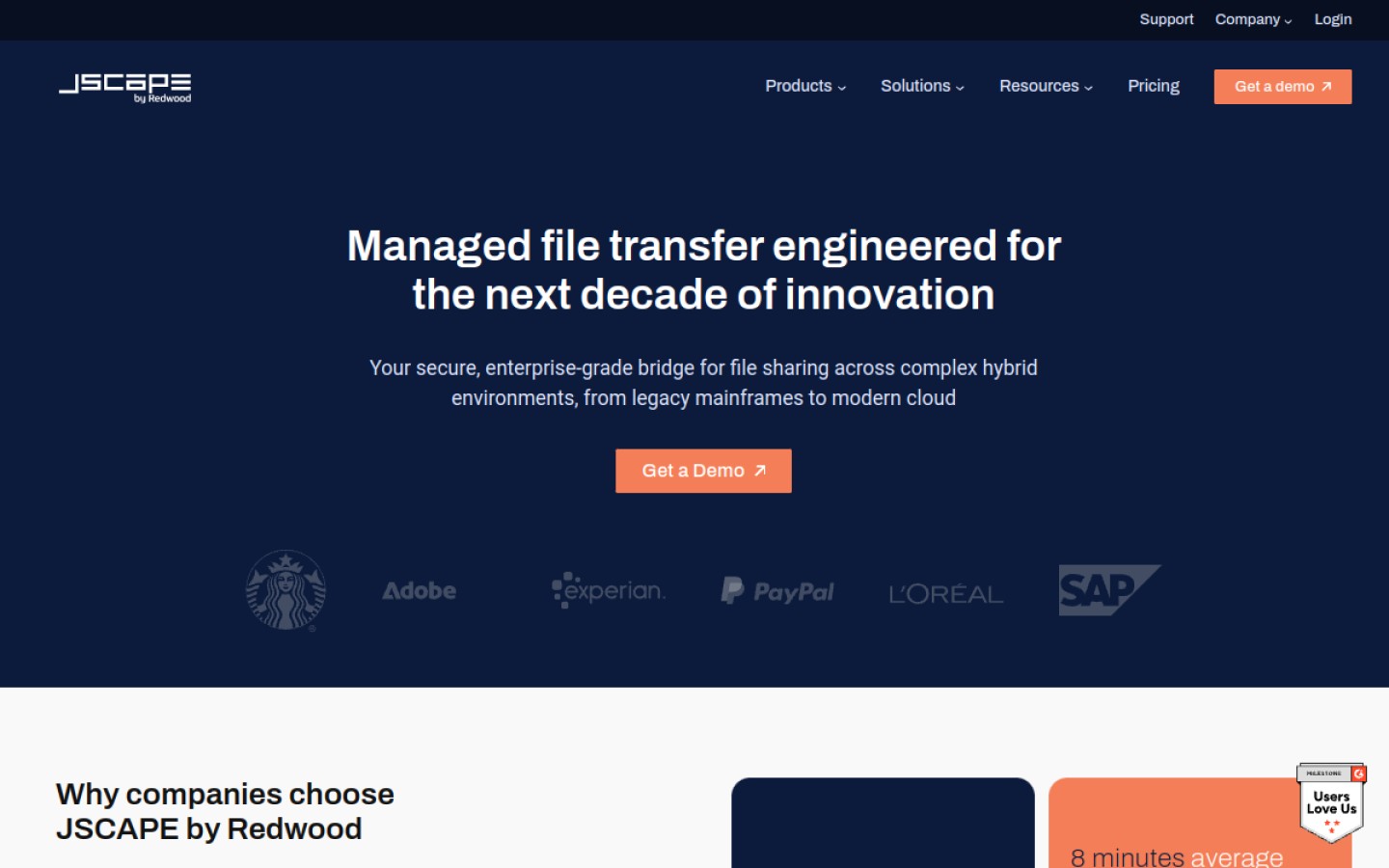
JSCAPE MFT Server is a managed file transfer platform from Redwood Software built for high-volume partner data feeds. Automated workflows trigger on file arrival, clusters cover high availability, and protocols include SFTP, FTPS, AS2 and OFTP2. Licensing covers unlimited users and trading partners, and built-in data loss prevention flags card data, health records and social security numbers.
The trade off is enterprise complexity and pricing. Pricing is quote-based, there is no self-serve trial, and reviewers note a steep learning curve and a dated admin interface. It suits organizations moving large volumes on schedules with strict audit requirements.
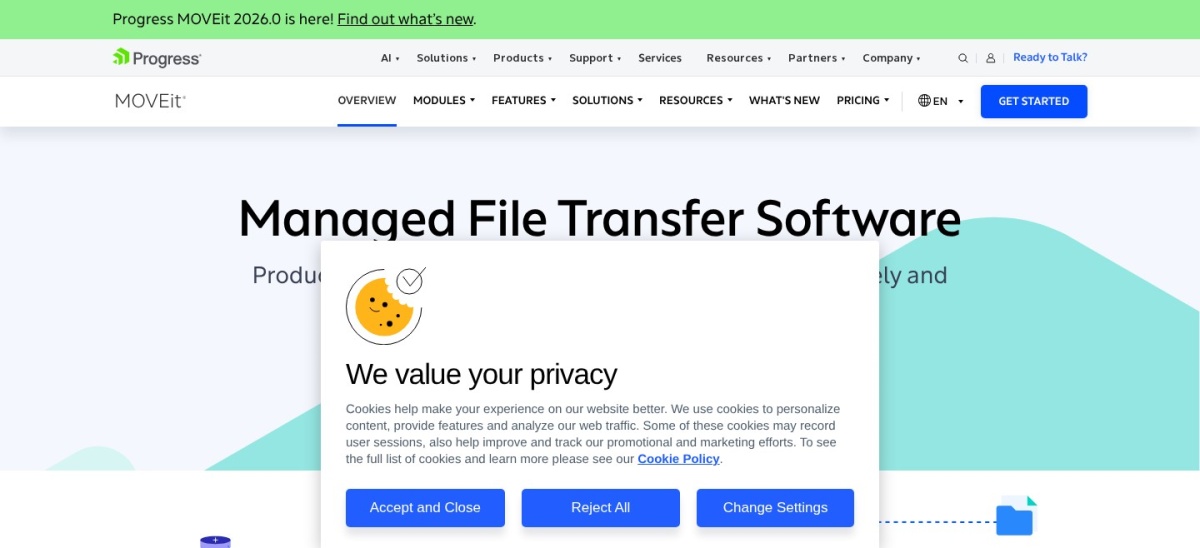
MOVEit is the enterprise managed file transfer suite from Progress, built for regulated industries that need automation and proof. MOVEit Transfer moves files between people and systems, MOVEit Automation schedules and orchestrates multi-step jobs with a no-code builder, and tamper-evident audit trails record who sent, received and changed every file. It is used by more than 3,000 enterprises.
The trade off is price and diligence. Pricing is quote-based, and the widely reported 2023 MOVEit vulnerability means security teams will want extra review of patching and architecture before buying. It suits healthcare, finance and government teams that need audited, automated transfers at scale.
Serv-U is SolarWinds' managed file transfer server for small and mid-sized teams that want secure transfers without an integration project. It supports FTP, FTPS, SFTP and HTTP/S over IPv4 and IPv6, with web and mobile clients so business users can upload and download without an FTP client. Ad hoc sharing, expiring links and event-based automation cover everyday partner exchanges.
The trade off is cost and polish. It starts at $335 per server a month billed annually, reviewers call the interface dated, and advanced automation is lighter than the enterprise MFT suites. It suits Windows-centered teams that want dependable, supported transfers with a gentle learning curve.
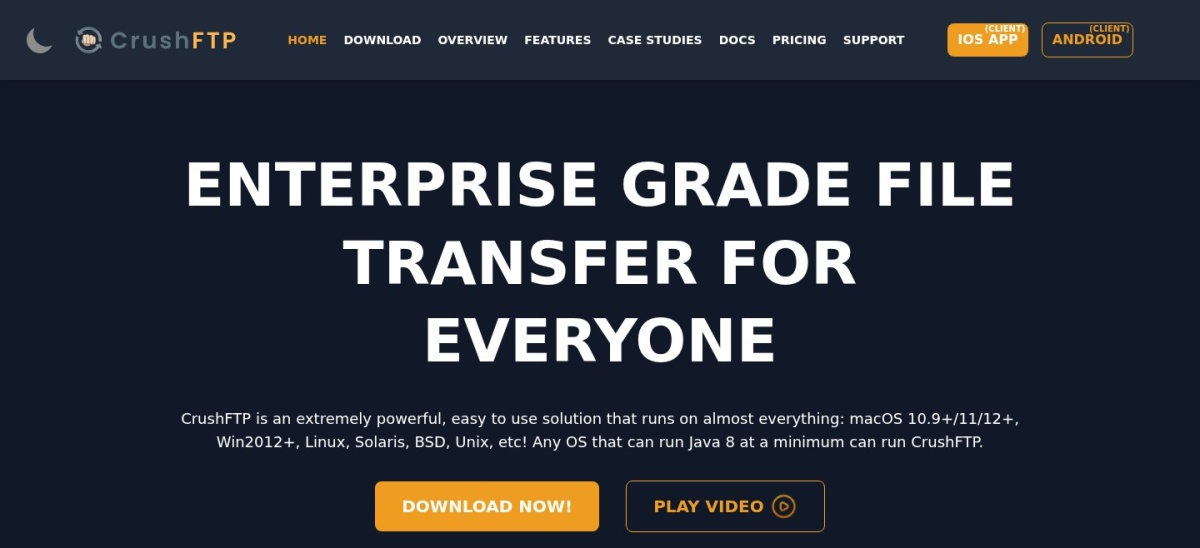
CrushFTP is a Java-based file server that runs on Windows, macOS, Linux, Solaris and BSD from one codebase. It speaks FTP, FTPS, SFTP, SCP, HTTPS and WebDAV, manages users with inheritance and virtual file systems, and adds PGP encryption, LDAP, RADIUS, SAML and OAuth logins plus multi-factor authentication. The Small Business license costs $70 once for 50 concurrent connections.
The trade off is polish and rating. It has the lowest G2 rating in this list at 3.3 out of 5 from 5 reviews, the admin interface looks its age, and high availability and sync features need the Enterprise tier. It suits technical admins who want a cheap, cross-platform server and can live without vendor hand-holding.
What we like
Cheapest entry here at $70, one-time
Runs on almost any operating system
Broad protocol support including WebDAV
Strong authentication options with MFA
Watch out for
Lowest G2 rating here: 3.3 out of 5 from 5 reviews
A plain FTP server moves files. It takes connections, checks logins and stores files, and that is enough when partners upload files or a department shares documents.
A managed file transfer platform manages the movement. It schedules transfers, runs multi-step workflows, retries failures, alerts staff and produces audit-ready reports.
Buy the server when the job is simple, and the platform when transfers are scheduled, compliance-audited or business-critical. Three tools in this list are full MFT platforms, and the other four are servers.
How we chose
We started from the FTP and SFTP servers that appear most often in admin guides and review listings, then kept only those with a public rating on G2 and a live product in 2026.
Prices come from each vendor's pricing page or its vendor-supplied G2 pricing listing, checked on 25 November 2026. Ratings and review counts come from G2 on the same day. Where a vendor shows a sale, the list shows the regular price.
We left out free and open-source servers with no public rating, such as FileZilla Server and ProFTPD. No vendor paid for a place, and we do not claim hands-on testing for this list.
How to choose FTP server software
Start with your partners' requirements, then match the server to them.
List the protocols your partners need. SFTP covers most new deployments, but legacy partners may need FTPS, and non-technical partners need a web upload page.
Check the platform and logins. Windows-only shops can pick any tool here, while Linux teams should shortlist CrushFTP. If users already live in Active Directory or LDAP, confirm the server can use it.
Decide how much automation you need. Scheduled transfers and event-triggered scripts are available in some servers, while visual workflows and partner onboarding portals are MFT territory.
Trial it with a real transfer. Use the 14 to 30 day trial to run a real partner exchange, test the audit log output and file a support ticket before you buy.
FAQ
What is the best FTP server software?
Cerberus FTP Server is the best pick for most teams. It is rated 4.7 out of 5 on G2 from 43 reviews, supports FTP, SFTP, FTPS and HTTPS on Windows, and includes unlimited users with audit trails at $1,599 a year.
What is the difference between FTP, FTPS and SFTP?
FTP sends credentials and files unencrypted, so it should not be used as-is. FTPS adds TLS encryption to classic FTP, while SFTP runs file transfer over SSH and needs only one firewall port. For new deployments, SFTP is the usual default.
Do I need MFT software or just an FTP server?
An FTP server is enough when files simply need a secure place to land with user accounts and encryption. MFT earns its keep when transfers are scheduled, multi-step, compliance-audited or business-critical enough that failures need automatic retries and alerts.
Can I run an FTP server on Linux?
Yes. CrushFTP runs on Linux, macOS and Windows from one Java codebase, and Serv-U and GoAnywhere also support Linux deployments. Cerberus and Titan are Windows-centered, so Linux-first teams should shortlist CrushFTP or a Linux-native open-source server.
Which FTP server software is free?
FileZilla Server and ProFTPD are free and open source, and they cover basic secure transfer well. They are not in this list because neither has a public rating on G2, Capterra, Trustpilot or SourceForge. Every tool listed here offers a free trial instead.
How much does FTP server software cost?
Prices in this list run from $70 once for CrushFTP to quote-based enterprise pricing for GoAnywhere, JSCAPE and MOVEit. Cerberus starts at $1,599 a year, Titan at $1,499.95 once, and Serv-U at $335 a server a month billed annually.
Is plain FTP safe to use?
No. Plain FTP sends usernames, passwords and files without encryption, so anyone on the network path can read them. Use SFTP or FTPS instead, both of which encrypt the connection, and disable plain FTP on the server wherever your partners allow it.
SaaS SEO and WordPress specialist with about 8 years of experience. Rakib compares WordPress plugins, themes, hosting and software using public pricing, documentation and user reviews. See how we rank.