Housecall Pro is the best FSM software for most small service businesses, rated 4.7 out of 5 on Capterra from 2,741 reviews, with scheduling, dispatch and invoicing from $79 a month. Pick Jobber for the tidiest all-in-one workflow, or ServiceM8 if you want a free plan and unlimited users on paid plans.
How we make this list: we compare pricing pages, product documentation and public user reviews, then re-check every price before each update. No product paid for a place. Disclosure.
Housecall Pro leads on reviews: 4.7 out of 5 on Capterra from 2,741 reviews, the largest sample in this list.
Jobber starts at $49 a month for one user, with a 14-day trial and a client hub for quotes and payments.
ServiceM8 is the only tool here with a free plan: 1 user and 30 jobs a month, with paid plans from $29.
ServiceTitan, FieldPulse and Workiz publish no prices; ServiceTitan is reported at roughly $245 to $500 per technician a month.
Kickserv is the cheapest way to cover a 5-person crew: $60 a month for 5 users, with a 30-day trial.
What field service management software should cover
Field service management, or FSM, software runs the whole job loop: booking, scheduling, dispatch, quoting, invoicing, payments and customer records. Without it, a crew juggles a calendar, a spreadsheet and a card reader, and jobs slip through the gaps.
The tools in this list split into two camps. Jobber, Housecall Pro, ServiceM8, Kickserv, RazorSync and Service Fusion publish their prices, while ServiceTitan, FieldPulse and Workiz sell by quote. Published pricing makes comparison easy; quote-only tools need a demo and a written quote before you can judge the cost.
Price models matter as much as the headline number. Some tools charge per user, some charge a flat rate for a set team size, ServiceM8 charges by jobs per month, and ServiceTitan charges per technician. A solo operator and a 10-person crew can pay very different bills on the same tool.
Payments are part of the loop too. Every tool here takes card payments in the field or online, and card processing fees sit on top of the subscription. Our guide on what a payment gateway is explains how those fees work.
4.7/5on Capterra (2,741 reviews, checked Nov 2026)
Starts at$79/mo
Best FSM software overall
Cheapest paid planBasic, $79/mo
Users on Basic1
Free trial14 days
Review managementIncluded
housecallpro.com
Housecall Pro homepage, captured Nov 2026.
Housecall Pro is field service software for home service businesses, covering scheduling, dispatch, estimates, invoicing, payments and customer messaging in one app. Basic costs $79 a month for one user and includes online booking, a price book, job costing and review management, with a 14-day free trial. It is rated 4.7 out of 5 on Capterra from 2,741 reviews.
The trade off is the step up in price as you grow. Essentials costs $189 a month for up to 5 users, and recurring service plans sit on MAX at $329 a month for up to 8 users. It suits solo operators and small crews that want booking, texting and reviews without extra tools.
What we like
Highest Capterra rating in this list at 4.7 out of 5
Online booking, texting and review requests on every plan
No long-term contract; cancel any time
Strong mobile app with offline viewing
Watch out for
Recurring service plans need the $329 a month MAX plan
Higher trade plans cost more for HVAC, plumbing and electrical
Jobber is field service software for small home service businesses, covering scheduling, dispatch, quotes, invoices and payments in one app. Core costs $49 a month for one user and includes online booking, quoting, invoicing, payments and a client hub, with a 14-day free trial. It holds 4.6 out of 5 on G2 from 533 reviews.
The trade off is how the bill grows. Each extra user costs $29 a month, and QuickBooks sync plus automated reminders need Connect at $139 a month. Annual billing cuts Core to $29 a month. It suits solo operators and small crews that want scheduling and billing in one place.
What we like
Highest G2 rating in this list at 4.6 out of 5
Scheduling, quoting, invoicing and payments in one app
Client hub lets customers approve quotes and pay online
Clear published pricing with a 14-day trial
Watch out for
Core covers one user; each extra user costs $29 a month
QuickBooks sync needs the $139 a month Connect plan
Marketing tools and AI receptionist are paid add-ons
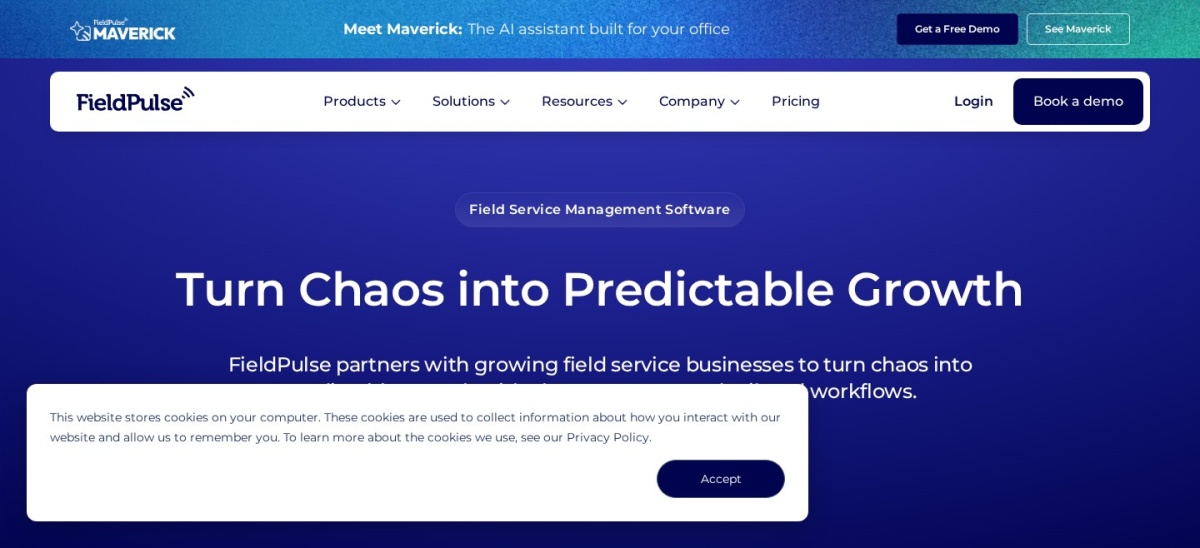
FieldPulse is field service management software for growing trade businesses in HVAC, plumbing, electrical, roofing and general contracting. It covers scheduling, dispatch, estimates, invoicing, customer records and flat-rate price books, with a mobile app reviewers praise for offline use. It is rated 4.6 out of 5 on Capterra from 492 reviews.
The trade off is price transparency. FieldPulse publishes no prices and sells by quote, so you need a demo and a written quote to learn the cost, and the price book, fleet tracking and phone system are paid add-ons. It suits growing crews that want depth and strong support.
What we like
Highest customer service score in this list on Capterra at 4.7
Strong offline mobile app for field work
Flat-rate price books and detailed job tracking
Covers many trades in one system
Watch out for
No published prices; every tier needs a quote
No free trial; only a demo is offered
Price book, fleet tracking and phone are paid add-ons
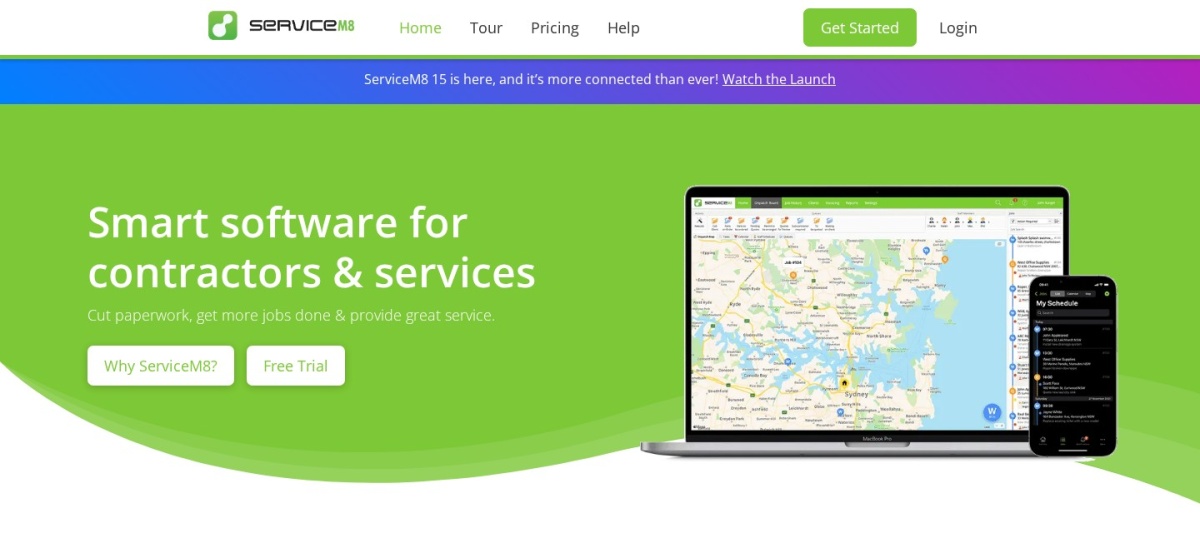
ServiceM8 is job management software for small trade businesses that charges by jobs per month instead of users. The free plan covers 1 user and 30 jobs a month, and Starter costs $29 a month for 50 jobs with unlimited users. It is rated 4.5 out of 5 on Capterra from 311 reviews.
The trade off is the job cap. Each plan limits how many new job cards you create a month, so a busy crew can outgrow a tier even with few staff, and the app began on Apple devices. It suits small crews that want a free start and a bill that does not rise per head.
What we like
Only free plan in this list: 1 user and 30 jobs a month
Unlimited users on every paid plan
Lowest paid entry price at $29 a month
Rated 4.6 out of 5 for value on Capterra
Watch out for
Monthly job caps force upgrades for busy crews
Built first for Apple; Android app is newer
No per-user pricing means light users pay the same
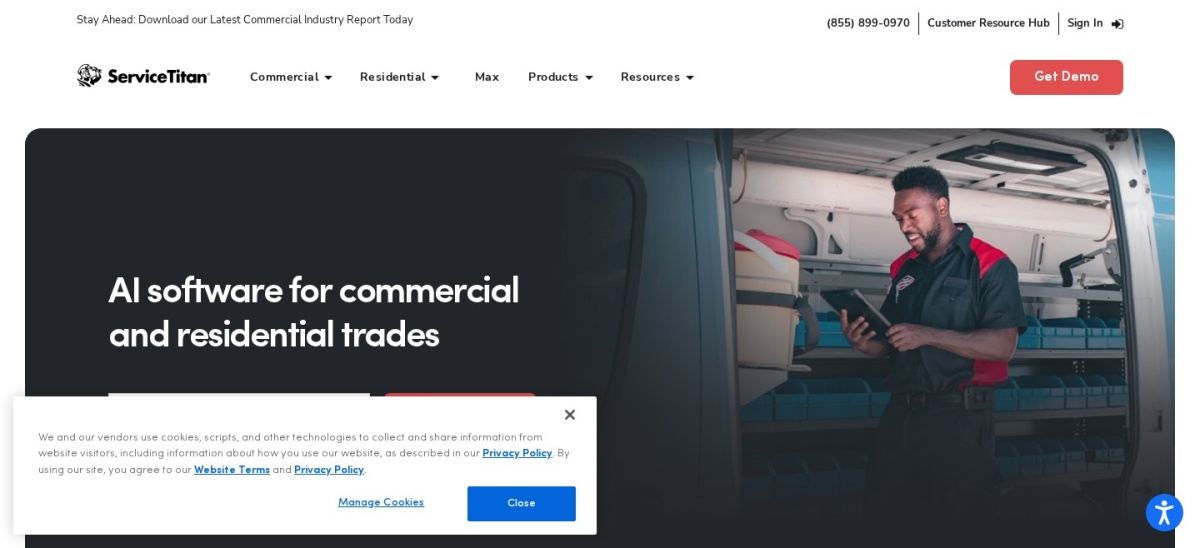
ServiceTitan is the most complete field service platform in this list, built for large HVAC, plumbing and electrical shops. It covers dispatch, call tracking, price books, memberships, marketing and reporting, with deep reporting across locations. It is rated 4.3 out of 5 on Capterra from 342 reviews.
The trade off is cost and commitment. ServiceTitan publishes no prices, and independent guides report roughly $245 to $500 per technician a month, plus an implementation fee reported at $5,000 or more. It suits established shops with 10 or more technicians and office staff.
What we like
Deepest feature set: dispatch, price books, marketing and reporting
Built for multi-location and franchise operations
Strong call tracking and membership management
Trusted by more than 100,000 service professionals
Watch out for
No published prices; quotes only
Reported costs run far above every other tool here
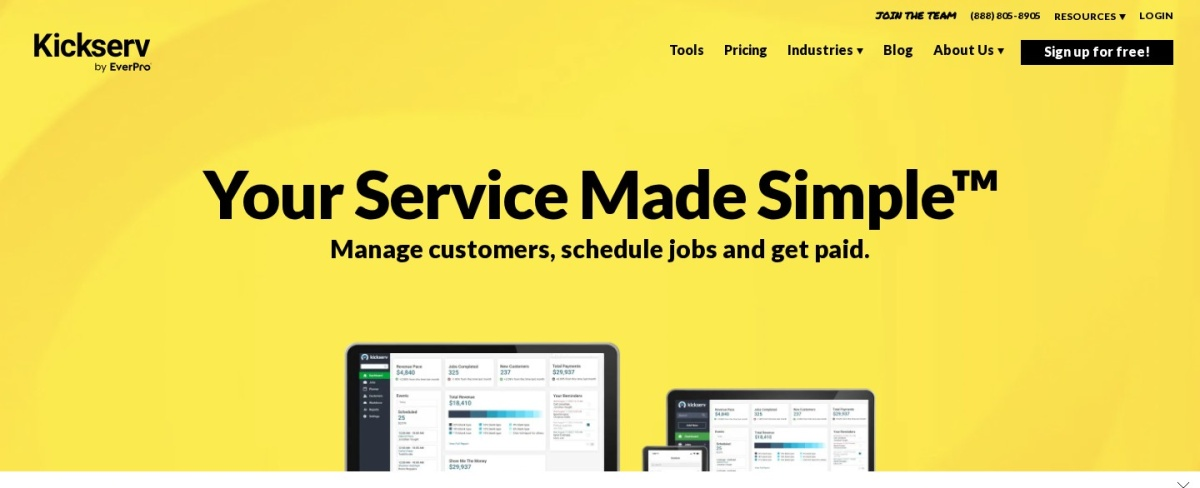
Kickserv is simple field service software for small shops, priced by team size instead of per user. Start costs $60 a month for up to 5 users and includes scheduling, estimates, invoices, a customer portal and QuickBooks Online sync, with a 30-day free trial. It is rated 4.4 out of 5 on Capterra from 387 reviews.
The trade off is scale and the mobile app. The largest plan caps at 20 users with no published path beyond that, and reviewers rate the mobile app well below the desktop experience. It suits small crews that do most of their office work on a computer.
What we like
Cheapest published price for a 5-user crew at $60 a month
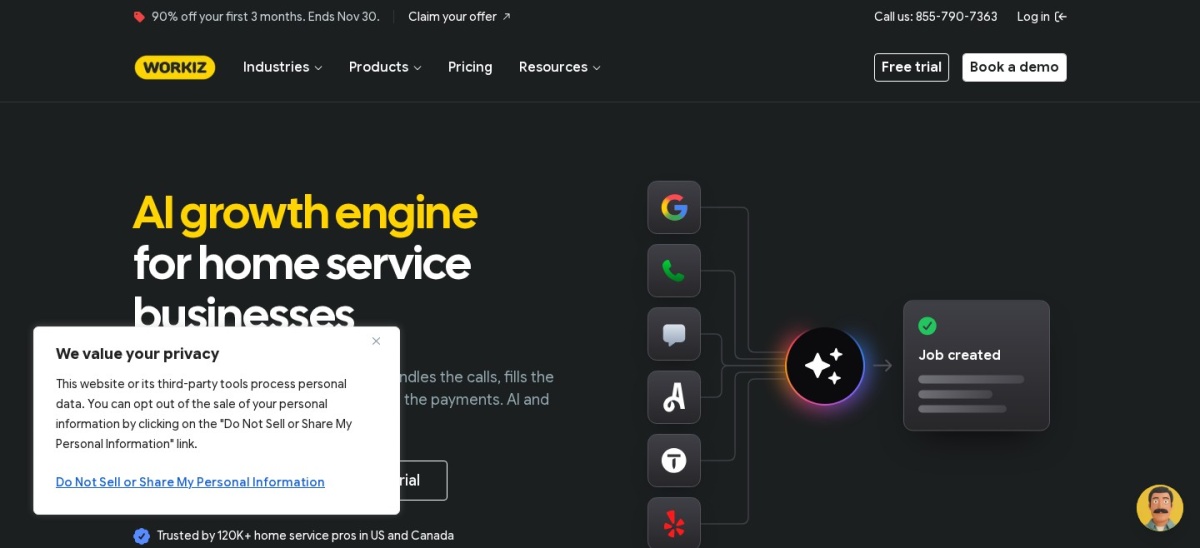
Workiz is field service software built around the phone, with its own phone system, call tracking and AI that answers calls, texts and lead messages. Its plans cover scheduling, dispatch, invoicing and payments, and each tier includes the first 5 users. It is rated 4.4 out of 5 on Capterra from 218 reviews.
The trade off is price transparency. Since August 2026 every plan shows 'Request pricing', so the base price only comes out in a demo, and extra users run about $55 to $65 a month each. It suits HVAC, appliance repair and locksmith businesses that live on inbound calls.
What we like
Built-in phone system with call tracking on every plan
AI answering add-on books jobs from missed calls
Each tier includes the first 5 users
Strong automations for follow-ups and reminders
Watch out for
No published prices since August 2026
AI answering and phone add-ons raise the bill
QuickBooks Online only, with sync errors reported
Pro adds Genius scheduling, custom reports and leadsVisit workiz.com
08
RazorSync
4.3/5on Capterra (487 reviews, checked Nov 2026)
Starts at$90/mo
Best simple option for very small crews
Cheapest paid planSOLO, $90/mo
Users on SOLO2
Free trialYes
QuickBooks sync$20/mo add-on
razorsync.com
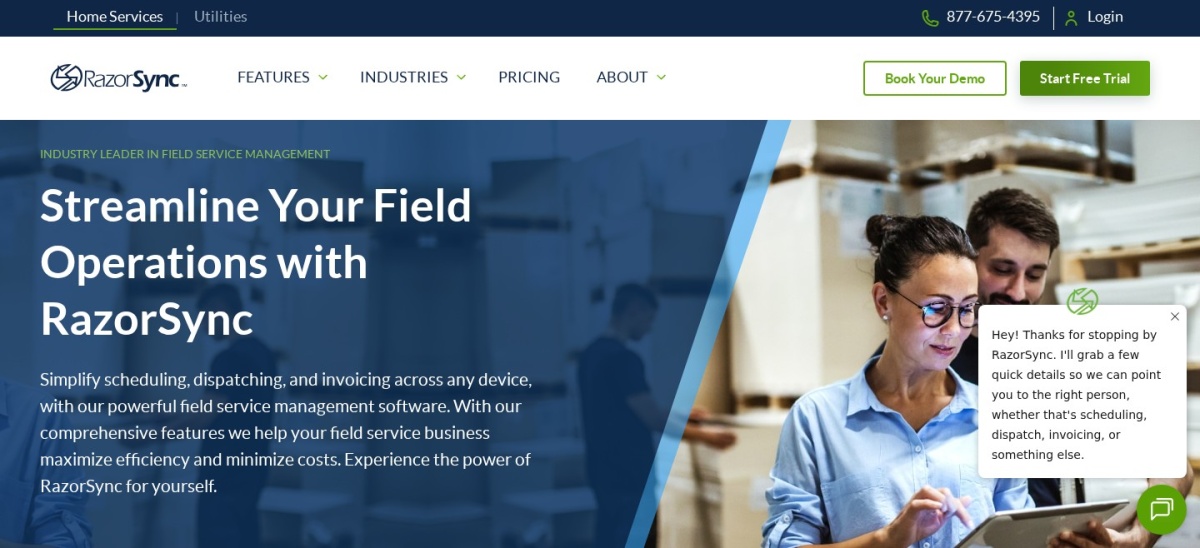
RazorSync homepage, captured Nov 2026.
RazorSync is field service software for very small operations, covering scheduling, dispatch, invoicing, payments and a customer portal. SOLO costs $90 a month for up to 2 users, with TEAM at $195 and PRO at $439, and every plan includes the mobile apps and API access. It is rated 4.3 out of 5 on Capterra from 487 ratings.
The trade off is the rating split and the add-ons. RazorSync scores 4.3 on Capterra but only 2.5 on G2, and QuickBooks sync costs $20 a month extra on SOLO. It suits two-person crews that want a simple system with a published price.
What we like
Published prices on every tier up to 15 users
Scheduling, dispatch and invoicing on all plans
API access included from the entry plan
Free trial with 1-on-1 training on SOLO
Watch out for
G2 rating of 2.5 out of 5 is far below its Capterra score
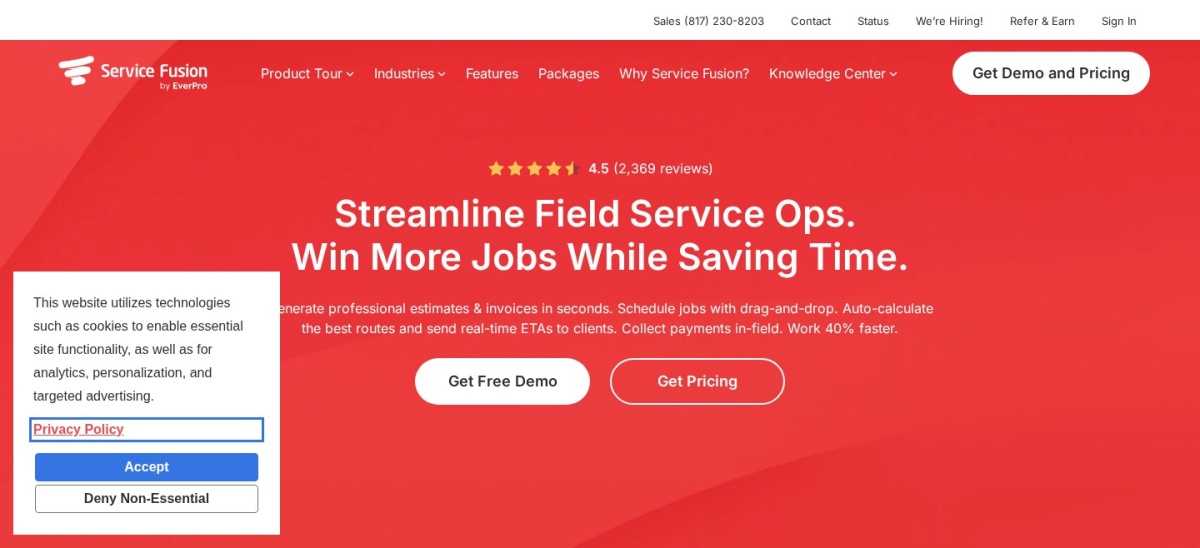
Service Fusion is field service software for growing crews that charges a flat monthly rate with unlimited users on every plan. Starter costs $259 a month and includes customer management, estimates, scheduling, dispatch, invoicing and QuickBooks integration. It is rated 4.1 out of 5 on G2 from 124 reviews.
The trade off is the entry price. At $259 a month, Starter costs more than most tools here, and job costing, photo uploads and the customer portal are add-ons or higher-tier features. It suits growing teams that want one flat bill no matter how many staff log in.
What we like
Unlimited users on every plan at one flat rate
Scheduling, dispatch and invoicing in the base plan
QuickBooks Online and Desktop sync included
No per-user cost as the team grows
Watch out for
Highest published entry price in this list
Job costing and photo uploads are add-ons on Starter
Three tools in this list publish no prices: ServiceTitan, FieldPulse and Workiz. That is normal for larger platforms, but it means the number you hear depends on team size, contract length and add-ons.
Ask for the total monthly cost at your exact headcount, the contract length and renewal terms, what happens when you add a user, and which add-ons the quote includes. Get every answer in writing before you sign.
Use the published prices in this list as a yardstick. If a quote comes back far above the $49 to $259 a month range of the published tools, ask what the extra money buys.
How we chose
We started from the most-reviewed field service tools on G2 and Capterra, then kept nine with a public rating, an established user base and a current product. We left out tools with no public rating at all.
Prices come from each vendor's pricing page, checked on 25 November 2026. Where a vendor shows a sale, the list shows the regular price. Ratings and review counts come from G2 and Capterra on the same day.
We left out tools that publish neither a price nor a rating. No vendor paid for a place, and we do not claim hands-on testing for this list.
How to choose FSM software
Start with your crew size, then check the price model against it.
Count the people who need a login. Per-user pricing punishes big crews, while flat-rate and per-job pricing do not. Add up the full monthly cost for your actual team before comparing headline prices.
Check the mobile app first. Technicians live in the app, so a weak one means missed updates and slow invoicing. Read recent app-store reviews and try the app during the trial.
Confirm QuickBooks sync on your plan. Some tools include it on the entry plan, others charge extra or need a higher tier. If your books run on QuickBooks, check this before you buy.
Trial it on real jobs. Run a week of real scheduling, quoting and invoicing on the trial before paying. If the workflow feels slow on day three, it will not feel faster in month three.
FAQ
What is the best FSM software?
Housecall Pro is the best FSM software for most small service businesses. It is rated 4.7 out of 5 on Capterra from 2,741 reviews, and its Basic plan covers scheduling, dispatch, invoicing and online booking from $79 a month, with a 14-day free trial.
What is field service management software?
FSM software runs the whole job loop for businesses that visit customers: booking, scheduling, dispatch, quoting, invoicing, payments and customer records. It replaces the mix of calendars, spreadsheets and paper job sheets that small crews often start with.
How much does FSM software cost?
Published entry prices in this list run from $29 a month for ServiceM8 Starter to $259 a month for Service Fusion Starter. ServiceTitan, FieldPulse and Workiz publish no prices; ServiceTitan is reported at roughly $245 to $500 per technician a month.
Is there free field service management software?
ServiceM8 is the only tool in this list with a free plan, covering 1 user and 30 jobs a month. The other tools offer free trials of 7 to 30 days, but no free tier. A free plan suits a solo operator with a light job load.
Which FSM software is best for a solo operator?
Jobber Core at $49 a month is the tidiest paid start for one person, with scheduling, quoting and invoicing in one app. ServiceM8 is the cheapest route, with a free plan for 30 jobs a month and Starter at $29. Both include a free trial.
Does FSM software work offline?
It depends on the tool. FieldPulse reviewers praise its offline mobile app, and ServiceM8 is known for stable performance in poor signal areas. Check offline support during the trial, since a dead zone should not stop a technician from closing a job.
SaaS SEO and WordPress specialist with about 8 years of experience. Rakib compares WordPress plugins, themes, hosting and software using public pricing, documentation and user reviews. See how we rank.