Figma is the best frontend collaboration tool in the cloud for most teams, rated 4.7 out of 5 on G2 from 1,594 reviews, with free viewers and Dev Mode for handoff. Pick Miro for workshops and Zeplin when developers need specs without a Figma seat.
How we make this list: we compare pricing pages, product documentation and public user reviews, then re-check every price before each update. No product paid for a place. Disclosure.
Figma leads at 4.7/5 on G2 from 1,594 reviews, with free viewers and Dev Mode handoff on every paid plan.
Miro has the cheapest paid plan here at $8 a member a month, and its free plan covers 3 editable boards.
Zeplin charges per project, not per seat: Basic is $13.75 a month per project with unlimited users.
Framer and Webflow publish live sites from the canvas, so review happens on the real site, not a mock.
Axure RP and UXPin are the deepest prototyping picks, but both start at $29 a user a month.
What frontend collaboration software should do
Frontend collaboration means designers, developers and stakeholders working on the same live files, not passing screenshots around. Every tool below runs in the browser, so nobody installs anything to comment or review.
The split that matters most is design tool versus handoff tool. Figma, Framer and Webflow are where the work is made; Zeplin, and the handoff modes inside the others, are where developers pick up specs, assets and code.
Free plans are generous here. All nine tools let a team start free, and most let clients and stakeholders view and comment without a paid seat. Our guide on importing Figma designs into WordPress shows how Figma files move into a live site.
Prices below are the cheapest paid plan for one user or site, billed yearly where the vendor offers it. Ratings are from G2, checked on 25 November 2026.
The 9 best frontend collaboration tools in the cloud
01
Figma
4.7/5on G2 (1,594 reviews, checked Nov 2026)
Paid from$16/mo
Best frontend collaboration tool overall
Free planStarter, free
Dev ModeAdvanced on Pro
Free viewersYes, unlimited
Paid planProfessional, $16/mo
figma.com
Figma homepage, captured Nov 2026.
Figma is a browser-based design tool where designers, developers and stakeholders edit and comment on the same live file. The free Starter plan includes unlimited drafts, templates and 500 AI credits a month, and viewers can inspect measurements and copy code without a paid seat.
The trade off is seat pricing. A Professional Full seat costs $16 a month on annual billing, and Dev seats cost $12, so a large team pays per person. It suits product teams that design, prototype and hand off in one place.
What we like
Highest G2 rating in this list at 4.7 out of 5
Free viewers can inspect and comment without a seat
Dev Mode, FigJam and Slides included in one file
Watch out for
Per-seat pricing adds up for large teams
Branching needs the Organization plan at $55 a seat
Professional adds unlimited files and team librariesVisit figma.com
02
Miro
4.6/5on G2 (13,821 reviews, checked Nov 2026)
Paid from$8/mo
Best for workshops and visual planning
Free boards3 editable
Free AI credits10 a month
GuestsFree on paid plans
Paid planStarter, $8/mo
miro.com
Miro homepage, captured Nov 2026.
Miro is an online whiteboard where frontend teams map user flows, run workshops and review designs together in real time. The free plan includes 3 editable boards, templates and 10 AI credits a month, with unlimited team members.
The trade off is that the free plan caps boards at 3, so active teams move to Starter at $8 a member a month on annual billing. It suits teams that plan and review visually, before designs are built.
What we like
Cheapest paid plan in this list at $8 a member a month
Largest review base here: 13,821 G2 reviews
Guests and visitors are free on paid plans
Watch out for
Free plan allows only 3 editable boards
Not a design tool, so screens must come from elsewhere
Starter adds unlimited boards and visitor editingVisit miro.com
03
Framer
4.5/5on G2 (145 reviews, checked Nov 2026)
Paid from$10/mo
Best for publishing sites from the canvas
Free editorsUp to 3
Custom domainPaid plans
CMS collections10 on free
Paid planBasic, $10/mo
framer.com
Framer homepage, captured Nov 2026.
Framer is a design canvas that publishes real websites, so the page reviewers see is the page users get. The free plan supports up to 3 editors, 10 CMS collections and 1,000 pages, with 500 AI credits to try.
The trade off is per-site pricing. Basic costs $10 a site a month on annual billing, and extra editors cost $20 a month each. It suits designers who ship marketing sites and want feedback on the live page.
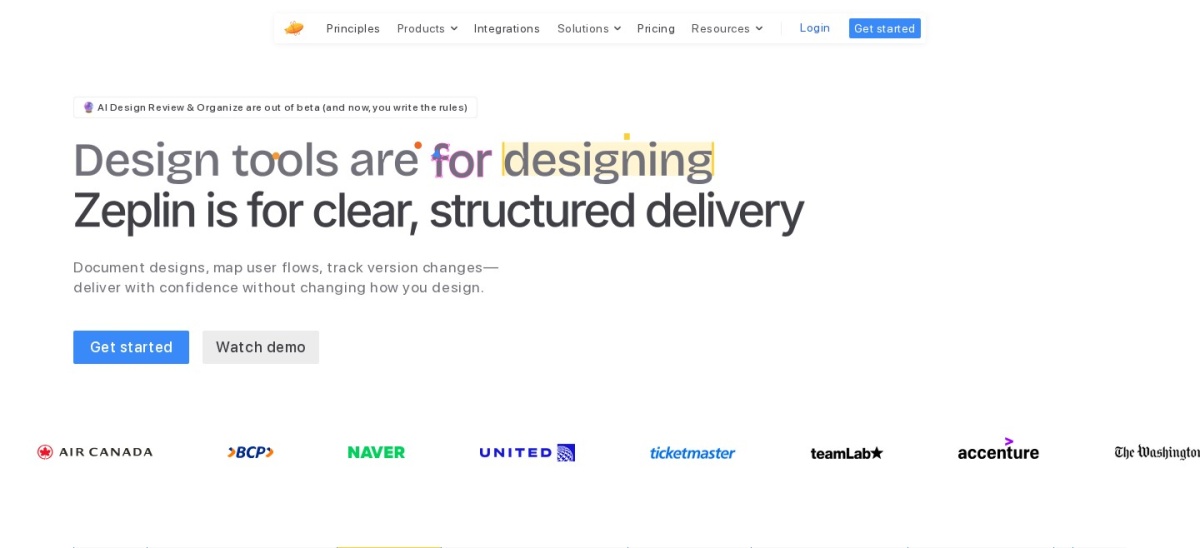
Zeplin is a handoff workspace that turns designs from Figma, Sketch and Adobe XD into specs, assets and code for developers. The free plan covers 1 project with 100 screens and unlimited users, and reviewers can comment for free.
The trade off is that it is not a design tool. You still need Figma or Sketch to make the screens, and Basic costs $13.75 a month per project on annual billing. It suits teams whose developers should never need a design seat.
What we like
Charges per project, not per seat
Gathers Figma, Sketch and XD files in one place
Unlimited reviewers are free on paid plans
Watch out for
No design editor of its own
Free plan covers only 1 project
Basic adds practically unlimited screens per projectVisit zeplin.io
05
Webflow
4.4/5on G2 (995 reviews, checked Nov 2026)
Paid from$15/mo
Best for design-to-live-site teams
Free pages2 static pages
Custom domainPaid plans
Free reviewersYes
Paid planBasic, $15/mo
webflow.com
Webflow homepage, captured Nov 2026.
Webflow is a visual builder that turns designs into hosted websites with a CMS, so collaboration happens on the live site. The free Starter plan includes 2 static pages on a webflow.io domain, and reviewers get free seats.
The trade off is the learning curve and per-site pricing. Basic costs $15 a site a month on annual billing, and the CMS needs the $25 Premium plan. It suits teams that design, build and publish without a separate developer step.
What we like
Design, CMS and hosting in one place
Reviewer seats are free
Strongest design control of the site builders here
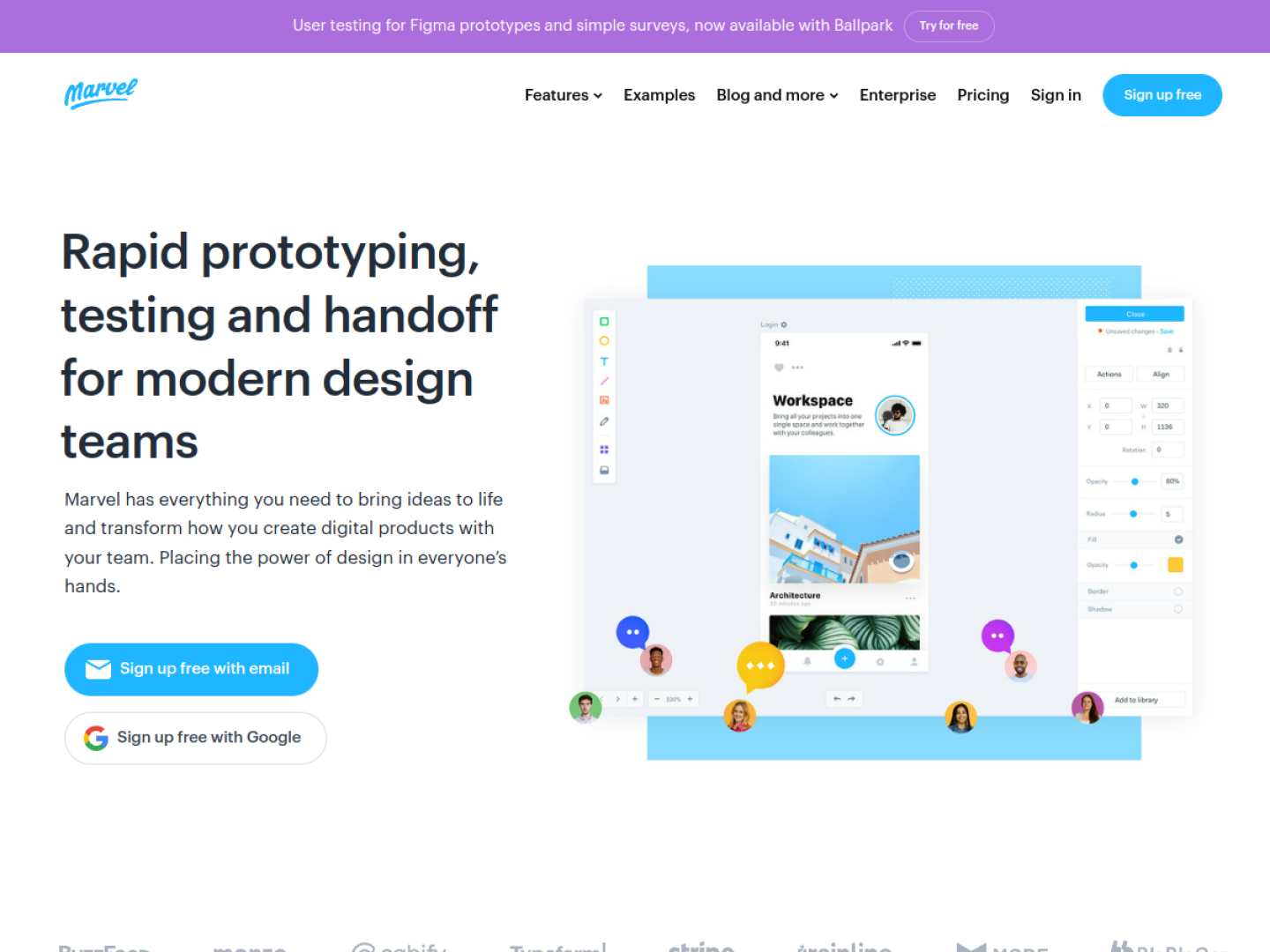
Marvel is a simple prototyping tool that turns static screens into clickable flows stakeholders can test in the browser. The free plan covers 1 project with no time limit, and contributors invited to a project are included free.
The trade off is depth. Marvel has no full design editor, so screens come from Figma or Sketch, and Basic costs $12 a user a month. It suits small teams that need fast, shareable prototypes.
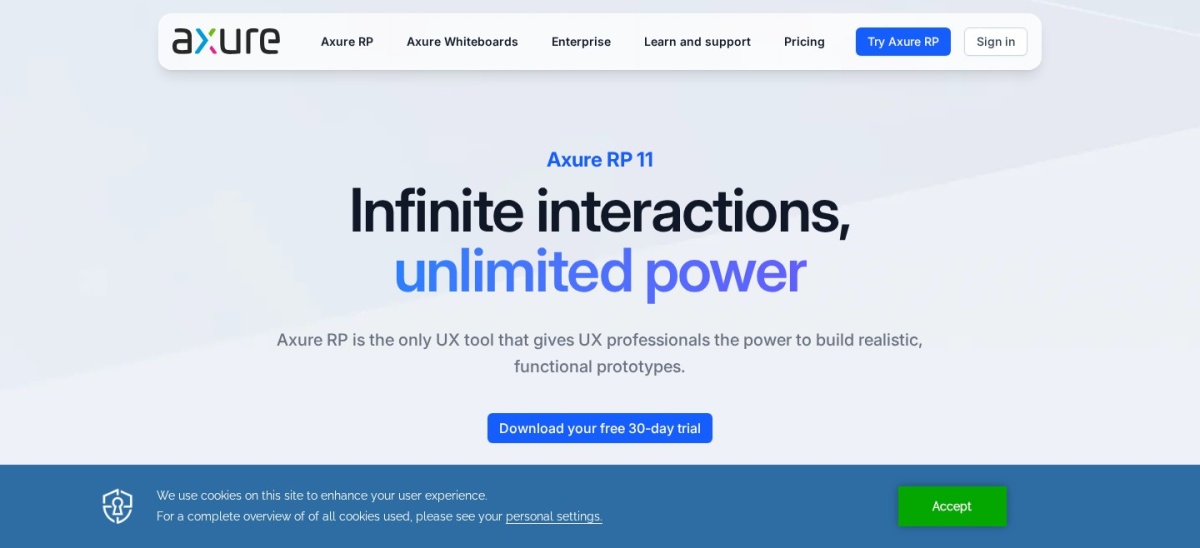
Axure RP is a prototyping tool for realistic, logic-driven prototypes with conditions, variables and data-driven screens. Every subscription includes unlimited prototypes, reviewers and projects hosted on Axure Cloud.
The trade off is price and platform. Pro costs $29 a user a month, and real-time co-authoring needs the Team plan at $49. It suits UX teams that must prove complex interactions before development starts.
What we like
Deepest logic and conditional prototyping here
Unlimited prototypes and reviewers on every paid plan
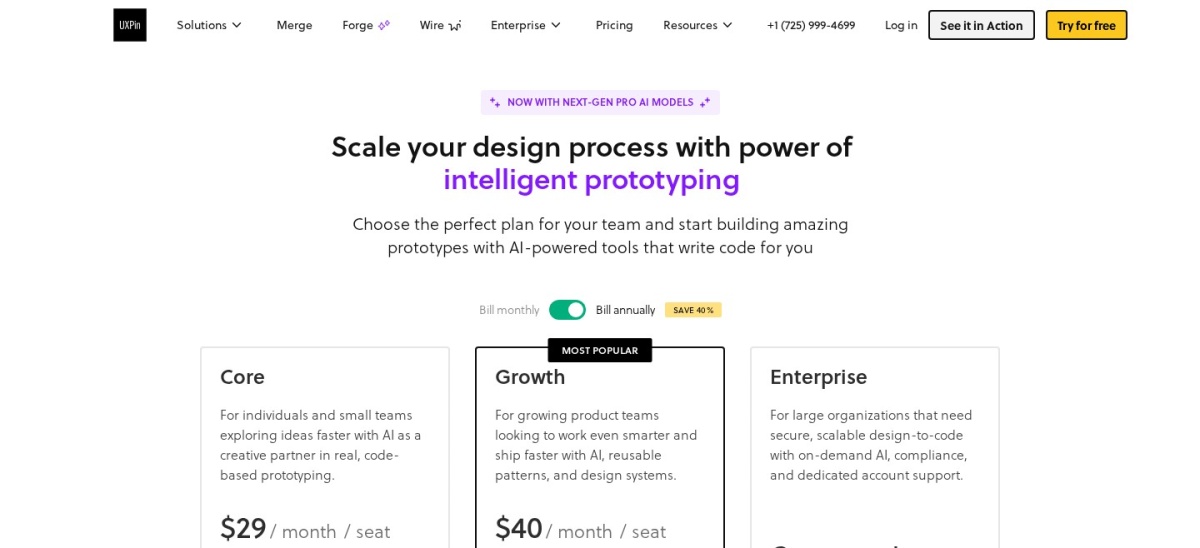
UXPin is a code-based prototyping tool that builds interfaces from real React component libraries, so prototypes behave like the finished product. The free plan includes 2 prototypes and 50 AI credits a month, with unlimited viewers.
The trade off is cost. Core costs $29 a seat a month on annual billing, or $49 month to month, which adds up for large teams. It suits product teams whose design system is already built in code.
What we like
Prototypes use real coded components, not pictures
Built-in libraries for MUI, Bootstrap and Tailwind
Specs, assets and code included for developers
Watch out for
Core costs $29 a seat a month on annual billing
Free plan allows only 2 prototypes
Growth adds design systems and Storybook integrationVisit uxpin.com
09
ClickUp
4.6/5on G2 (13,719 reviews, checked Nov 2026)
Paid from$12/mo
Best for tracking design work with the project
Free tasksUnlimited
Free storage60 MB
WhiteboardsYes
Paid planCore, $12/mo
clickup.com
ClickUp homepage, captured Nov 2026.
ClickUp is a work platform where frontend teams track design tasks, docs, whiteboards and reviews in one workspace. The Free Forever plan includes unlimited tasks and members with 60 MB of storage.
The trade off is that it is not a design tool. Screens still live in Figma or Framer, and the Core plan lists at a $12 regular price a user a month, with $9 shown as the current rate. It suits teams that want design work tracked beside the rest of the project.
If developers already work in Figma, a separate handoff tool adds little. Figma's Dev Mode, free viewers and comments cover the same ground.
A handoff tool earns its place when designs come from several sources, or when developers should never need a design seat. Zeplin takes files from Figma, Sketch and Adobe XD into one spec workspace.
The same logic applies to prototypes. Axure and UXPin suit teams that must prove complex interactions before build; for simple click-throughs, Figma or Marvel is enough.
How we chose
We started from the tools frontend teams actually name for cloud design work: Figma, Miro, Framer, Zeplin, Webflow, Marvel, Axure RP, UXPin and ClickUp. We left out InVision, which shut down its collaboration services at the end of 2024, and Avocode, which is listed as discontinued.
Prices come from each vendor's pricing page, checked on 25 November 2026. Ratings and review counts come from G2 on the same day. Where a vendor shows a sale or a discounted rate, the list shows the regular price.
We left out tools with no public rating anywhere, since every entry needs a verifiable score. No vendor paid for a place, and we do not claim hands-on testing for this list.
How to choose frontend collaboration software
Start with who needs to see the work, then match the tool to the handoff.
Count the viewers, not the designers. Stakeholders and clients usually outnumber designers. Pick a tool where viewers and commenters are free, like Figma, Miro or Webflow.
Decide where the design is made. If the team designs in Figma, a handoff-only tool may be redundant. If designs arrive from several tools, Zeplin gathers them in one place.
Check the handoff output. Developers need specs, assets and code snippets they can copy. Try the free plan with one real screen before paying.
Price the whole team, not one seat. Per-seat tools like Axure and UXPin at $29 a user a month add up fast. Per-project and per-site tools like Zeplin and Framer stay cheaper for large review groups.
FAQ
What is the best frontend collaboration software in the cloud?
Figma is the best pick for most teams. It combines design, prototyping, comments and developer handoff in one browser file, and it is rated 4.7 out of 5 on G2 from 1,594 reviews. Viewers can comment for free.
Is there a free frontend collaboration tool?
Yes. All nine tools in this list have a free plan. Figma, Miro, Framer, Zeplin, Webflow, Marvel and ClickUp all let small teams start free, though paid plans add projects, boards or seats.
What is the cheapest paid frontend collaboration tool?
Miro is the cheapest paid plan here at $8 a member a month on annual billing, for unlimited boards. Framer Basic is $10 a site a month, and Marvel Basic is $12 a user a month.
Do developers need a paid seat to see specs?
Usually not. Figma, Zeplin, Webflow and UXPin all let reviewers view and comment for free. Zeplin goes further and charges per project, so unlimited developers can read specs at no extra cost.
Is Figma or Zeplin better for developer handoff?
Figma is better when the whole team already designs there, since Dev Mode is built in. Zeplin is better when designs come from Figma, Sketch and Adobe XD, because it gathers every file into one spec workspace.
Can frontend collaboration tools publish a live site?
Framer and Webflow can. Both turn the design canvas into a hosted site, so stakeholders review the real thing instead of a mock. Framer Basic starts at $10 a site a month and Webflow Basic at $15.
SaaS SEO and WordPress specialist with about 8 years of experience. Rakib compares WordPress plugins, themes, hosting and software using public pricing, documentation and user reviews. See how we rank.