Best Free WordPress Staging Plugins in 2026: 9 Tools Compared
WLWPLegible EditorsLast verified 22 Nov 2026How we test12 min read
★ Short answer
WP Staging is the best free WordPress staging plugin for most sites, with a free version that clones your site to a subfolder and a 4.8 out of 5 rating from 2,471 users. Pick WPvivid for the cheapest push to live at $49 a year, and BlogVault for cloud staging with selective merge.
How we make this list: we compare pricing pages, product documentation and public user reviews, then re-check every price before each update. No product paid for a place. Disclosure.
WP Staging clones a site to a subfolder free, with no account; pushing changes back needs the €139 a year Business plan.
WPvivid has the cheapest push to live in this list: Pro costs $49 a year for two sites.
Duplicator is the most-installed tool here at 1M+ installs, but one-click staging needs the $399 a year Pro plan.
BlogVault stages in the cloud and lets you merge selected tables, but its staging lasts only 1 day on the $99 a year Personal plan.
Migrate Guru and InstaWP are the only fully free options for cloning: Migrate Guru has no paid plan, and InstaWP gives 3 free 48-hour sandboxes.
What a free staging plugin should do
A staging plugin copies your live site to a safe place where you can test updates, new plugins and design changes without breaking the real site.
The free version should create the copy and keep it separate from live. Pushing changes back is usually the paid feature, so check which plan includes it before you buy.
Your host may already include staging. Our guide on choosing WordPress hosting explains what to look for, and host staging is often faster because it runs at the server level.
On-server copies share your hosting resources, while cloud copies run elsewhere. Cloud staging suits small hosting plans, but the copy may expire after a day or two on cheaper plans.
List prices in each vendor's currency, checked Nov 2026
Migrate GuruFree
InstaWPFREE$24
WPvividFREE$49
Time Capsule$49
All-in-OneFREE$69
UpdraftPlusFREE$70
DuplicatorFREE$79
WP StagingFREE€89
BlogVault$99
The 9 best free WordPress staging plugins
01
WP Staging
4.8/5on WordPress.org (2,471 reviews, checked Nov 2026)
Paid from€89/yr
Best free staging plugin overall
Free stagingYes, subfolder clone
Push to liveBusiness, €139/yr
Needs an accountNo
Paid planPersonal, €89/yr
wp-staging.com
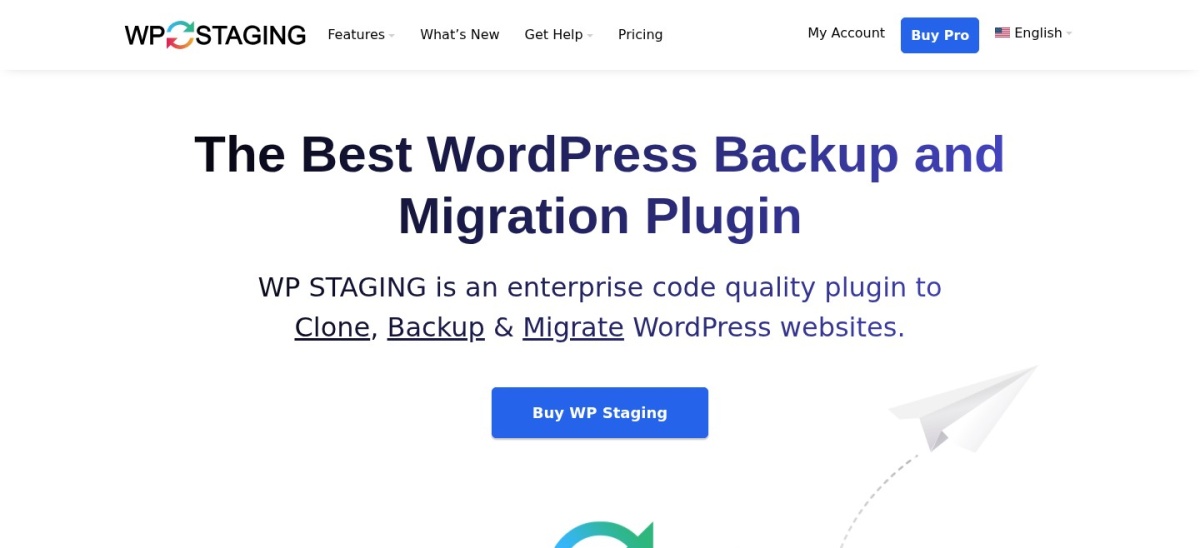
WP Staging homepage, captured Nov 2026.
WP Staging is a dedicated staging plugin with more than 100,000 active installs and a 4.8 out of 5 rating from 2,471 reviews. The free version clones a site to a subfolder, with separate database tables, login protection and a clear staging label in the dashboard.
The trade off is pushing changes back. The free version cannot push a staging copy to live, and that starts with the Business plan at €139 a year for three sites. It suits anyone on shared hosting who wants a quick test copy without an account.
4.9/5on WordPress.org (1,574 reviews, checked Nov 2026)
Paid from$49/yr
Best free staging and backup combination
Free stagingYes, one subfolder copy
Push to livePro, $49/yr
Backups includedYes, free
Paid planBlogger, $49/yr
wpvivid.com
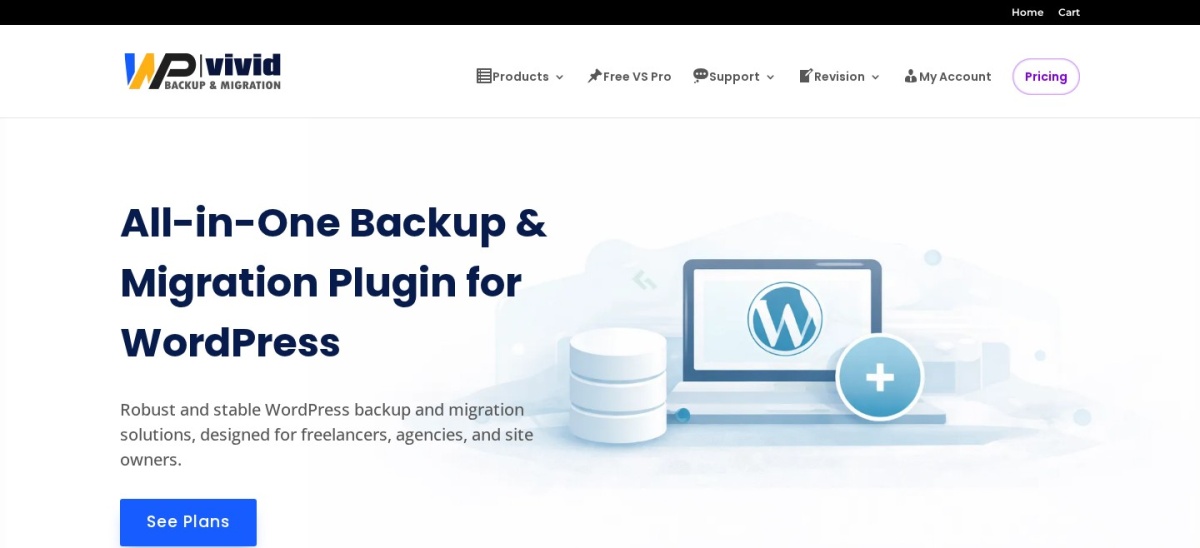
WPvivid homepage, captured Nov 2026.
WPvivid is a backup, migration and staging plugin with more than 900,000 active installs and a 4.9 out of 5 rating from 1,574 reviews. The free version creates one staging copy in a subfolder, plus full backups, migration and cloud storage to Dropbox, Google Drive and Amazon S3.
The trade off is that the free copy is basic. Multiple staging sites, push to live, subdomain installs and updating a staging copy all need Pro, which costs $49 a year for two sites. It suits sites that want backup, migration and staging in one free plugin.
4.9/5on WordPress.org (4,941 reviews, checked Nov 2026)
Paid from$79/yr
Best for manual staging clones
Free stagingManual, via a package
One-click stagingPro, $399/yr
Drag-and-drop installYes, free
Paid planBasic, $79/yr
duplicator.com
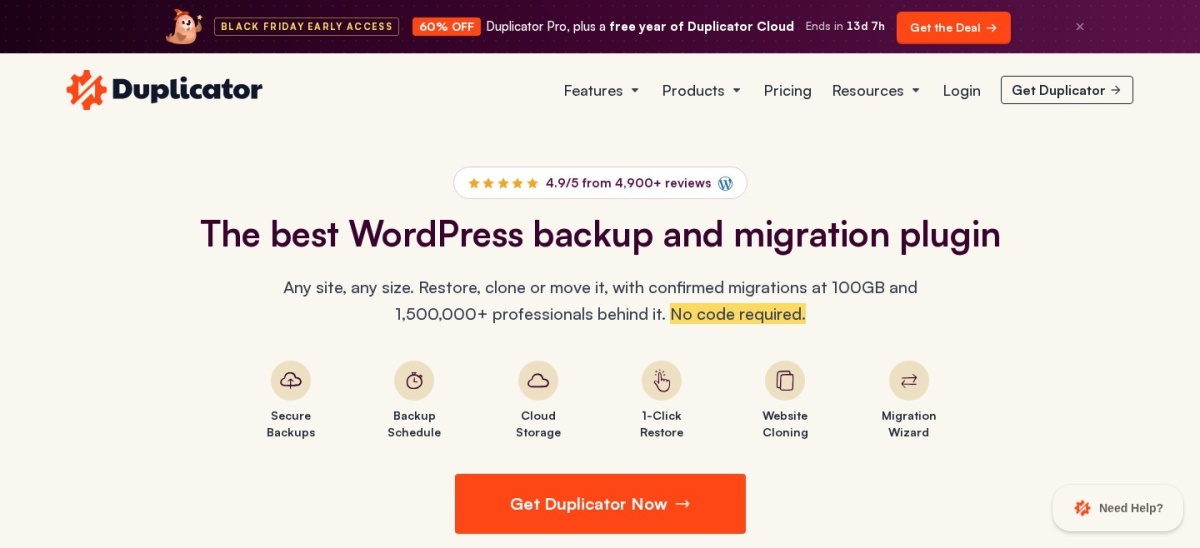
Duplicator homepage, captured Nov 2026.
Duplicator is a backup and migration plugin with more than 1 million active installs and a 4.9 out of 5 rating from 4,941 reviews. The free version packages a whole site into an archive with an installer, which you can install on a subdomain or another server as a staging copy.
The trade off is that staging is manual in the free version. One-click staging sites are a Pro feature at $399 a year for 20 sites, while Basic at $79 a year covers backups and migrations only. It suits site owners who already use Duplicator and move sites often.
4.8/5on WordPress.org (8,739 reviews, checked Nov 2026)
Paid from$70/yr
Best for occasional cloud staging
Free stagingNo, UpdraftClone only
Clone tokensFrom $12/mo, 5 tokens
Free backupsYes, scheduled
Paid planPersonal, $70/yr
teamupdraft.com
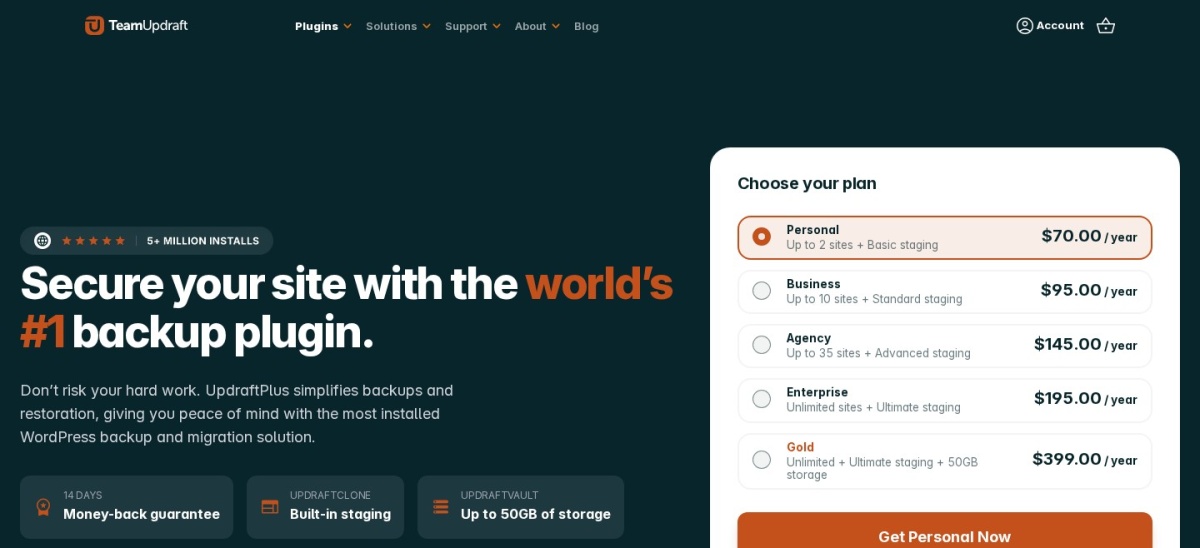
UpdraftPlus homepage, captured Nov 2026.
UpdraftPlus is the most-installed backup plugin on WordPress.org, with more than 4 million active installs and a 4.8 out of 5 rating from 8,739 reviews. The free version covers scheduled backups and migration, and its UpdraftClone service spins up a temporary test copy on TeamUpdraft servers.
The trade off is that staging is a separate paid service. UpdraftClone runs on tokens from $12 a month for 5 tokens, and one token boots a small site for a day, and each extra week costs one more token. It suits UpdraftPlus users who want an occasional cloud test copy.
4.5/5on WordPress.org (7,678 reviews, checked Nov 2026)
Paid from$69/yr
Best manual staging for beginners
Free stagingManual, via export/import
Push to liveNo
Free size limitHosting upload limit
Paid planUnlimited, $69/yr
servmask.com
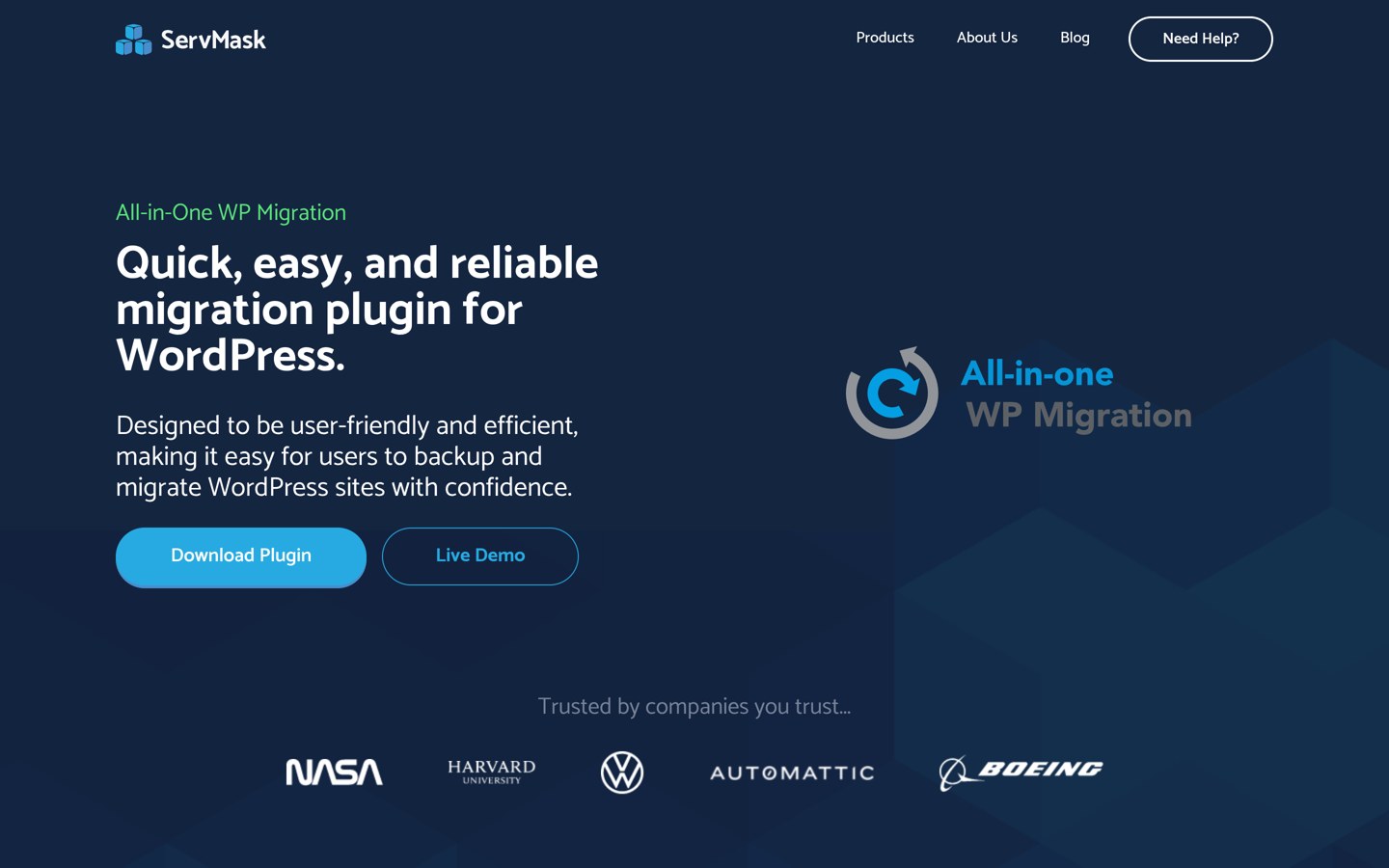
All-in-One WP Migration homepage, captured Nov 2026.
All-in-One WP Migration is a migration plugin with more than 5 million active installs and a 4.5 out of 5 rating from 7,678 reviews. The free version exports a whole site into one file, which you import into a second WordPress install on a subdomain or your computer as a staging copy.
The trade off is that staging is entirely manual. There is no staging button or push to live, and sites over the hosting upload limit need the Unlimited Extension at $69 a year. It suits beginners who want the simplest way to copy a small site.
4.9/5on WordPress.org (1,647 reviews, checked Nov 2026)
PriceFree
Best fully free cloning
Free stagingYes, via migration
Size limitNone
Push to liveNo, migrate again
Paid planNone, fully free
migrateguru.com
Migrate Guru homepage, captured Nov 2026.
Migrate Guru is a free migration plugin with more than 200,000 active installs and a 4.9 out of 5 rating from 1,647 reviews. It moves a site to a subdomain or another server from its own servers, so there is no size limit and your hosting never slows down during the copy.
The trade off is that it only migrates one way. There is no staging dashboard, no push to live and no paid plan at all, so moving changes back means migrating again. It suits anyone who wants a free, no-limit clone for a one-off test.
4.6/5on WordPress.org (333 reviews, checked Nov 2026)
Starts at$99/yr
Best cloud staging with selective merge
Free stagingNo, 7-day trial
Staging duration1 day on Personal
Selective mergeYes
Paid planPersonal, $99/yr
blogvault.net
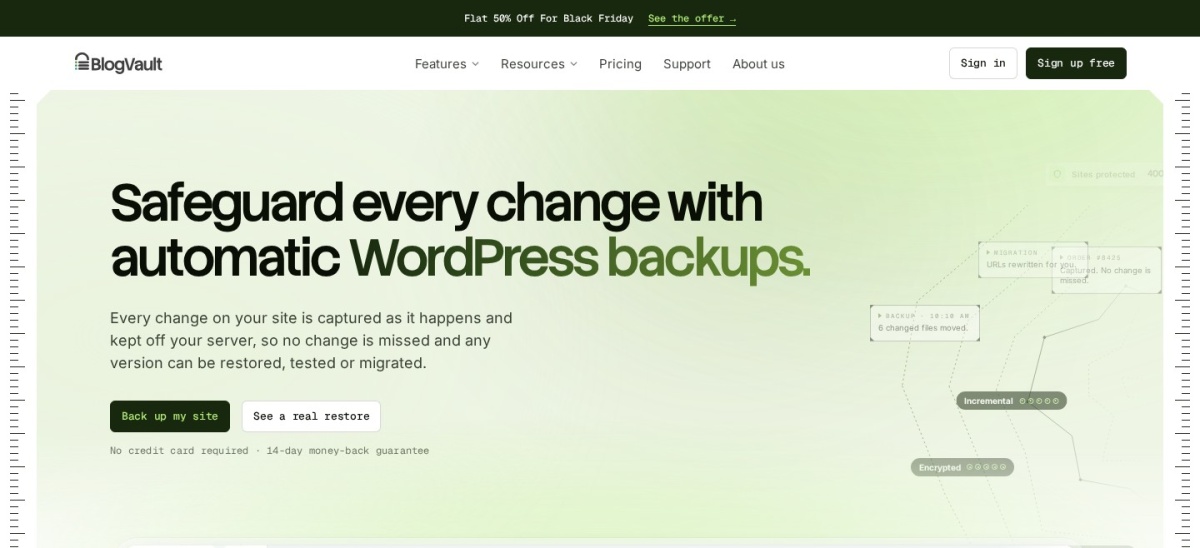
BlogVault homepage, captured Nov 2026.
BlogVault is a backup and staging service with more than 80,000 active installs and a 4.6 out of 5 rating from 333 reviews. Its staging runs on BlogVault servers, so the copy never loads your hosting, and you can merge selected files and tables back to live instead of overwriting everything.
The trade off is that staging is short-lived and paid. Personal costs $99 a year after a $49.50 first year, and its staging copy lasts only 1 day, while Business at $299 a year keeps it for 30 days. It suits busy stores that need selective merge.
4.5/5on WordPress.org (12 reviews, checked Nov 2026)
Paid from$2/mo
Best for throwaway cloud test sites
Free stagingYes, 3 sandboxes, 48h
Persistent sandbox$2/mo per site
Built-in stagingPro, $15/mo
Paid planSandbox, $2/mo
instawp.com
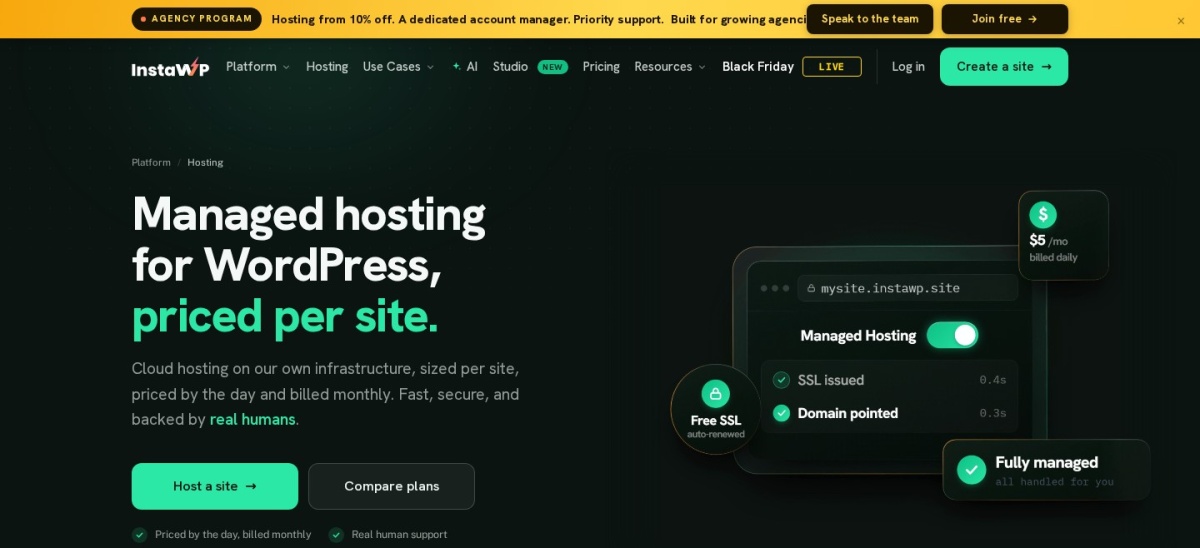
InstaWP homepage, captured Nov 2026.
InstaWP is a cloud WordPress platform with more than 40,000 active installs of its Connect plugin and a 4.5 out of 5 rating from 12 reviews. The free tier gives 3 sandbox sites that live for 48 hours each, and the Connect plugin links a live site to the cloud for staging and management.
The trade off is that free copies expire fast. A sandbox that never expires costs $2 a month per site, and built-in staging starts with Pro at $15 a month per site. It suits developers who spin up throwaway test sites all day.
4/5on WordPress.org (128 reviews, checked Nov 2026)
Starts at$49/yr
Best for real-time backups on your storage
Free stagingNo, 30-day trial
Restore window30 days on Business
StorageYour own, Dropbox/S3
Paid planBusiness, $49/yr
wptimecapsule.com
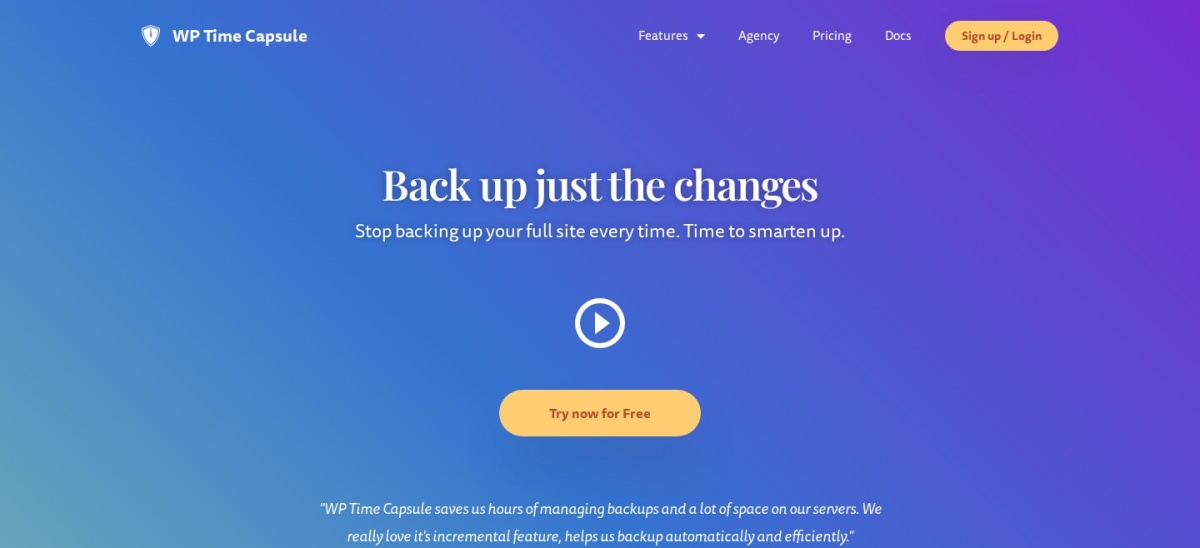
WP Time Capsule homepage, captured Nov 2026.
WP Time Capsule is a backup and staging plugin with more than 10,000 active installs and a 4.0 out of 5 rating from 128 reviews. It backs up in real time to your own storage, and its one-click staging lets you test updates and restores before they go live.
The trade off is the small user base and the restore window. Business costs $49 a year for two sites with a 30-day restore window, and longer windows need Freelancer or Agency. It suits owners who want real-time backups on their own storage.
Free staging covers the copy itself. WP Staging, WPvivid and Duplicator all clone a site without paying.
Paid plans mostly add push to live and more copies. WPvivid charges $49 a year for push, while WP Staging charges €139 and Duplicator $399.
Cloud staging is the other paid difference. BlogVault and InstaWP run the copy on their servers, so a small hosting plan never slows down.
For a site that earns money, one paid plan often costs less than rebuilding a site broken by an untested update.
Common mistakes with staging sites
Forgetting the staging copy exists is the most common mistake. Old copies eat disk space and can show up in backups, so delete them when the test is done.
Testing on a copy that is months old is the second. Refresh the copy before a big test, or you may fix problems that no longer exist.
Pushing a full database back to live is the third. On a busy store it can overwrite new orders, so use selective merge where the plugin offers it.
How we chose
We started from every staging, backup and migration plugin on WordPress.org with more than 10,000 active installs, then kept those with a free plan that can build a staging copy.
Prices come from each vendor's pricing page, checked on 22 November 2026. Ratings and install counts come from WordPress.org on the same day. Where a vendor shows a sale, the list shows the regular price.
We left out plugins not updated in the last 12 months and tools whose staging we could not confirm. No vendor paid for a place, and we do not claim hands-on testing for this list.
How to choose a free WordPress staging plugin
Start with what your host already offers, then pick the plugin that fits your server.
Check your host first. Many managed hosts include one-click staging free. If yours does, use it before installing a plugin.
Pick on-server or cloud staging. On-server copies are free and fast to make but share your hosting. Cloud copies cost more but never slow the live site.
Check what push to live costs. The free version usually cannot push changes back. WPvivid charges $49 a year, WP Staging €139 and Duplicator $399.
Delete the copy when you finish. A staging site left running uses disk space and can confuse backups. Remove it once the test is done.
FAQ
What is the best free WordPress staging plugin?
WP Staging is the best free option for most sites. Its free version clones a site to a subfolder without an account, and it is rated 4.8 out of 5 by 2,471 users. Pushing changes back to live needs the Business plan at €139 a year.
Can I create a staging site for free?
Yes. WP Staging, WPvivid, Duplicator and All-in-One WP Migration all have free versions that can build a staging copy. The copy itself is free; only pushing changes back to live usually needs a paid plan.
Does my host already include staging?
Many managed WordPress hosts include one-click staging in the plan price, including SiteGround, Kinsta and WP Engine. Check your hosting dashboard before installing a plugin, because host staging runs at the server level and is often faster.
What is the difference between staging and a backup?
A backup is a copy you restore after something breaks. A staging site is a working copy you change and test on, then push back to live. Most plugins in this list do both, but the staging workflow is what you pay for.
Can staging overwrite new orders on my store?
Yes, if you push a full database back to live. A staging copy made yesterday does not include today's orders. BlogVault lets you merge selected tables instead, which is safer for WooCommerce stores.
Is a staging site bad for SEO?
No, if it stays hidden. Staging plugins block search engines and password-protect the copy. Delete the copy when the test is done, and never link to it from your live site.