Best Free WordPress Backup Plugins in 2026: 8 Tools Compared
WLWPLegible EditorsLast verified 22 Nov 2026How we test10 min read
★ Short answer
UpdraftPlus is the best free WordPress backup plugin for most sites, with free scheduled backups to Dropbox, Google Drive or Amazon S3, rated 4.8/5 by 8,737 users. Pick WPvivid for free OneDrive storage and staging, or Duplicator for full-site backups of any size.
How we make this list: we compare pricing pages, product documentation and public user reviews, then re-check every price before each update. No product paid for a place. Disclosure.
UpdraftPlus runs on 4+ million sites and schedules free backups as often as every 2 hours to 8 remote destinations.
WPvivid is rated 4.9/5 and adds free OneDrive, SFTP, migration and a staging site.
Duplicator backs up sites of any size for free, but scheduled and cloud backups need Pro.
Backup Migration caps free backups at 4 GB, and Total Upkeep includes a restore script that works when WordPress is down.
Paid upgrades start at $30 a year for Total Upkeep Premium and reach $199 a year for BackWPup Pro.
What a free backup plugin must do
A backup is only useful if it is recent, stored somewhere other than your server, and restores cleanly. Free plugins differ most on those three points.
Look for scheduled backups, so you do not depend on remembering, and off-site storage such as Google Drive or Amazon S3. A backup kept only on the same server is lost if the server fails.
The 3-2-1 rule is a good target: three copies, on two kinds of storage, with one off-site. Our guide to the 3-2-1 backup rule explains how to set it up cheaply.
Host backups help too, but you do not control how long they are kept or how fast you can restore them.
4.8/5on WordPress.org (8,737 reviews, checked Nov 2026)
Paid from$70/yr
Best free backup plugin overall
Free schedulesEvery 2 hours to monthly
Free remote storageDropbox, Drive, S3 and 5 more
Selective restoreYes
Incremental backupsPremium
updraftplus.com
UpdraftPlus homepage, captured Nov 2026.
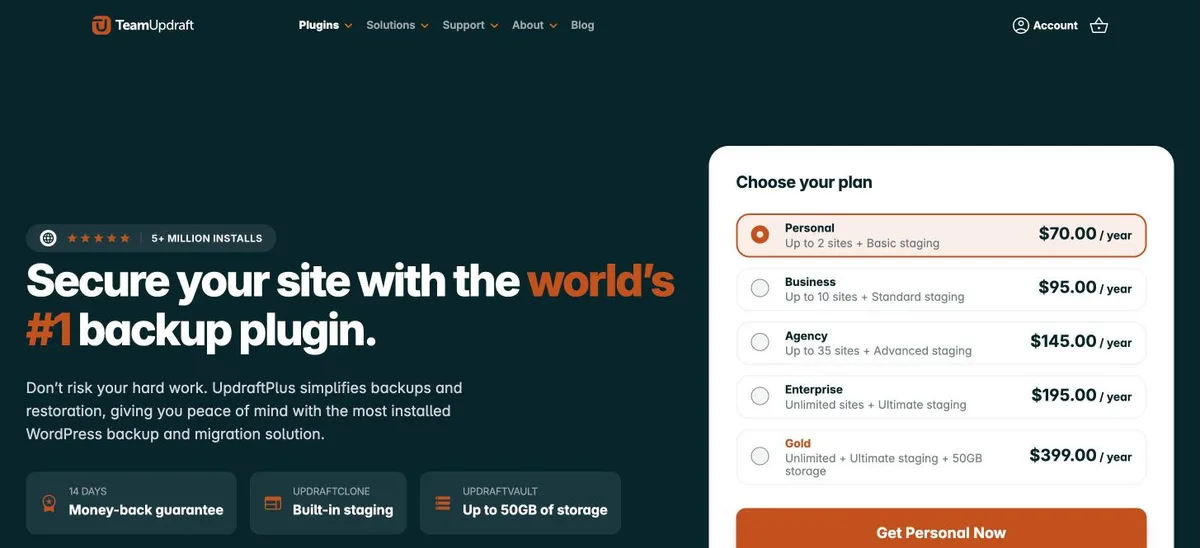
UpdraftPlus is the most installed backup plugin, with 4+ million active installs and a 4.8 rating from 8,737 reviews. The free version schedules backups every 2, 4, 8 or 12 hours, daily, weekly, fortnightly or monthly, and sends them to Dropbox, Google Drive, Amazon S3, FTP, email and three more destinations.
The trade off is that incremental backups and the direct site-to-site Migrator are Premium, which starts at $70 a year for 2 sites. It suits most blogs and business sites that want set-and-forget backups to cloud storage.
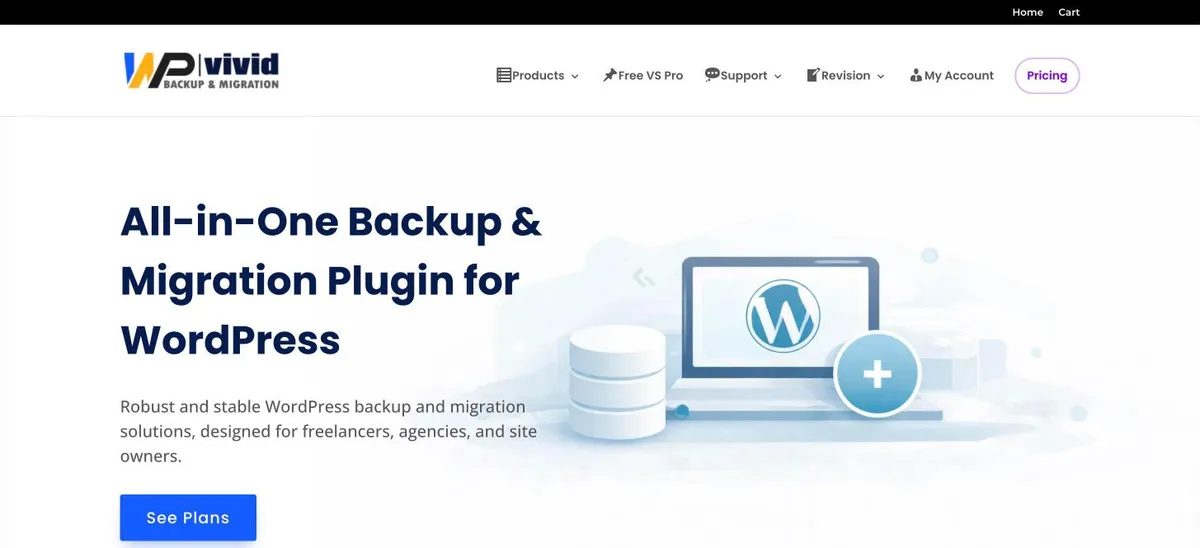
WPvivid is rated 4.9 out of 5 from 1,574 reviews, with 900,000+ active installs. The free version stores backups on Dropbox, Google Drive, Amazon S3, Microsoft OneDrive, DigitalOcean Spaces, FTP and SFTP, clones a site to a new domain, and creates a staging copy in a subdirectory.
The trade off is that incremental backups, database encryption and restoring straight from remote storage are Pro. The Blogger plan costs $49 a year for 2 domains, with a $99 lifetime option. It suits owners who want backups, migration and staging from one free plugin.
4.9/5on WordPress.org (4,941 reviews, checked Nov 2026)
Paid from$79/yr
Best for full backups of large sites
Backup sizeAny size, chunked
Encrypted archivesFree
Scheduled backupsPro
Cloud storageDuplicator Cloud free, others Pro
duplicator.com
Duplicator homepage, captured Nov 2026.
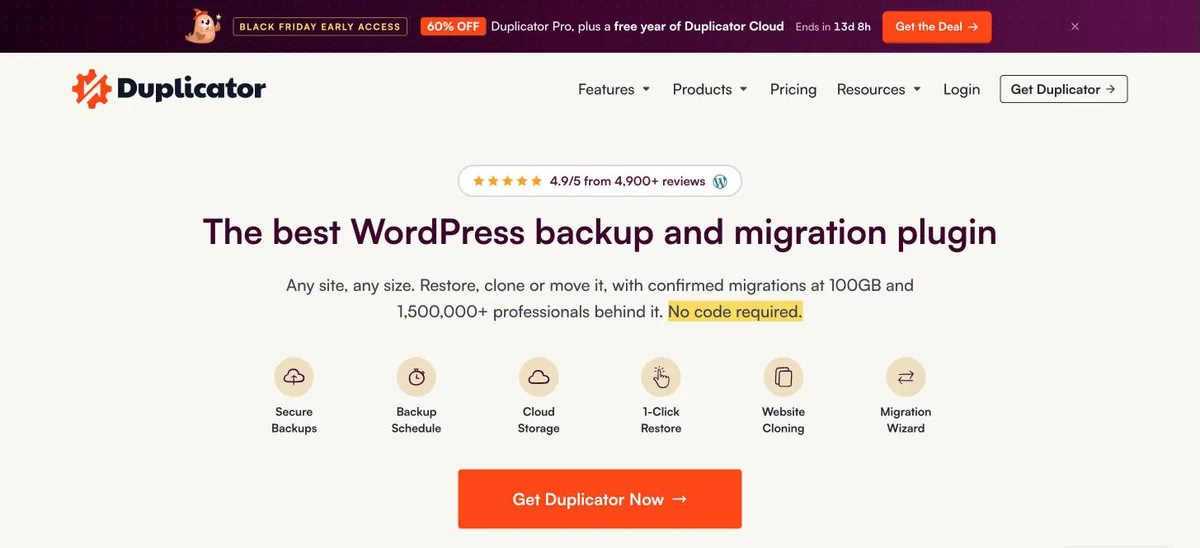
Duplicator creates full-site archives and is rated 4.9 out of 5 from 4,941 reviews. The free version handles sites of any size with a chunked engine for shared hosting, encrypts archives, restores in one click, and stores backups locally or on Duplicator Cloud.
The trade off is that scheduled backups and storage on Dropbox, Google Drive, OneDrive or S3 need Pro, and multisite is not supported. Pro starts with Basic at $79 a year for 2 sites. It suits owners who take manual backups before big changes.
4.9/5on WordPress.org (1,341 reviews, checked Nov 2026)
Paid from$45/yr
Best for simple schedules and staging
Free size limit4 GB per backup
Free schedulesDaily, weekly, monthly
Free stagingYes
Cloud uploadsPro
backupbliss.com
Backup Migration homepage, captured Nov 2026.
Backup Migration, also branded BackupBliss, is rated 4.9 out of 5 from 1,341 reviews. The free version runs manual or scheduled backups daily, weekly or monthly, backs up selected files or the database, restores locally, migrates sites and creates staging sites.
The trade off is a 4 GB cap per backup, and the FAQ says automatic cloud uploads need Pro. BackupBliss Pro starts at $45 a year for 2 domains with 5 GB of cloud storage in the first year. It suits small sites that want scheduling and staging without setting up cloud accounts.
4.8/5on WordPress.org (442 reviews, checked Nov 2026)
Paid from$30/yr
Best for auto rollback after bad updates
Free remote storageFTP and SFTP
Auto rollbackFree
Restore when WP is downYes
S3 and Google DrivePremium
boldgrid.com
Total Upkeep homepage, captured Nov 2026.
Total Upkeep, from BoldGrid, takes automated and manual backups and sends them to FTP or SFTP. It backs up before updates and rolls back if an update fails, and its restore script works even when WordPress will not load.
The trade off is that Amazon S3, Google Drive and single-file restores are Premium, at $2.50 a month billed yearly for all sites you own. The plugin was last updated in July 2026. It suits sites that update often and want a safety net.
4/5on WordPress.org (1,323 reviews, checked Nov 2026)
Paid from$199/yr
Best for S3 and Azure storage
Free remote storageS3, Azure, Dropbox, FTP, SFTP
Google DrivePro
Restore from cloudPro
EncryptionPro
backwpup.com
BackWPup homepage, captured Nov 2026.
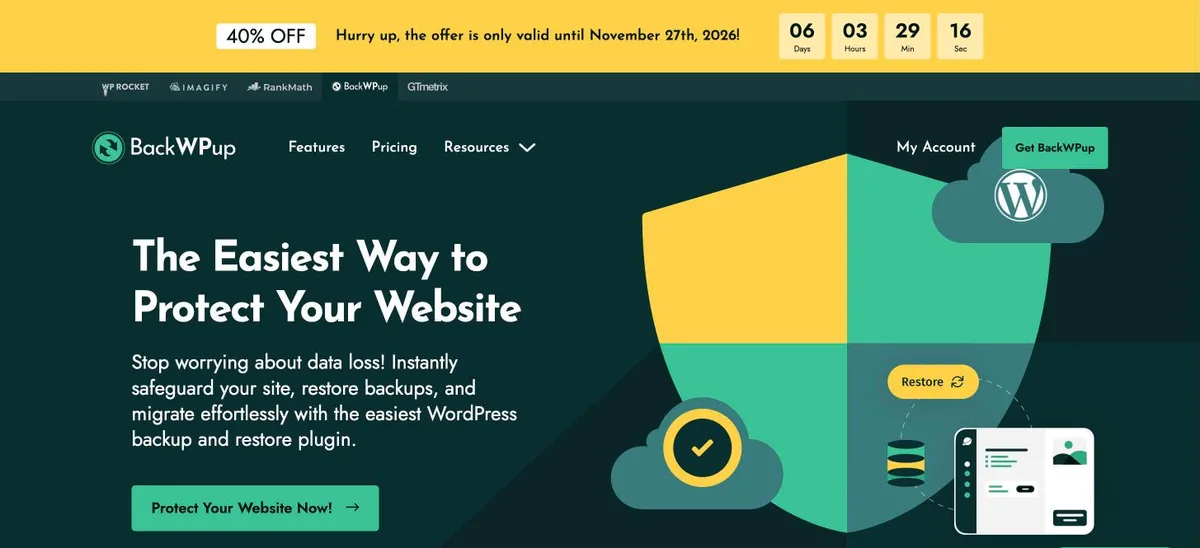
BackWPup has 400,000+ active installs and sends free backups to Amazon S3 and compatible storage, Microsoft Azure, Dropbox, FTP, SFTP, SugarSync and Rackspace.
The trade off is a 4.0 rating, with 295 one-star reviews out of 1,323. Direct restore, Google Drive, OneDrive and encryption are Pro features, at $199 a year for 20 domains (on sale for $119 until 27 November). It suits technical users with their own cloud storage.
4.5/5on WordPress.org (135 reviews, checked Nov 2026)
Paid from$39/yr
Best for quick manual backups to Google Drive
Free storageLocal, FTP, Google Drive
One-click restoreFree
Automatic backupsPro
Dropbox and S3Pro
backuply.com
Backuply homepage, captured Nov 2026.
Backuply has 600,000+ active installs and a 4.5 rating. The free version backs up to local storage, FTP or Google Drive, restores in one click, and can back up just the database.
The trade off is that automatic scheduled backups are listed as a Pro feature, along with Dropbox, OneDrive, S3 and SFTP. Pro starts at $39 a year for 1 site with 10 GB of Backuply Cloud storage. It suits owners who take a manual backup before each change.
4.5/5on WordPress.org (7,678 reviews, checked Nov 2026)
Paid from$69/yr
Best for one-file backups you can move anywhere
Backup formatSingle .wpress file
Free export sizeAny size
Free import limitSet by your host
One-click restoreUnlimited Extension
servmask.com
All-in-One WP Migration homepage, captured Nov 2026.
All-in-One WP Migration and Backup packs the database, media, themes and plugins into one .wpress file. It has 5+ million active installs, and the free version exports sites of any size and replaces URLs and paths when you import elsewhere.
The trade off is restoring: on the free version you download the file and import it, and the import size is limited by your host. One-click restore and bigger uploads come with the Unlimited Extension at $69 a year for up to 50 sites. It suits manual backups before big changes.
We started from backup plugins on WordPress.org with at least 40,000 active installs, then kept those whose free version can back up and restore a full site.
Ratings, installs and free features come from WordPress.org, checked on 22 November 2026. Paid prices come from each vendor's pricing page on the same day, at the regular rate.
We left out paid-only backup services. No vendor paid for a place, and we do not claim hands-on testing for this list.
How to choose a free WordPress backup plugin
Check your site size and where you can store files, then pick a plugin that schedules backups there.
Check your site size. Large sites need chunked backups. Duplicator handles any size, while Backup Migration caps free backups at 4 GB.
Pick off-site storage. Use Google Drive, Dropbox, S3 or SFTP. UpdraftPlus and WPvivid send backups there for free.
Set a schedule. Back up at least daily for stores and weekly for quiet blogs. Duplicator and Backuply need Pro for schedules.
UpdraftPlus is the best fit for most sites. It is free, rated 4.8 out of 5 by 8,737 users, and schedules backups to Dropbox, Google Drive, Amazon S3 and other remote storage.
Can free backup plugins schedule backups?
Some can. UpdraftPlus, Backup Migration and Total Upkeep schedule backups for free. Duplicator and Backuply keep automatic schedules for paid plans.
Where should I store WordPress backups?
Store at least one copy away from your web server, such as Google Drive, Dropbox or Amazon S3. A backup kept only on the same server is lost if that server fails.
Are my host's backups enough?
They help, but you rarely control how long they are kept or how fast they restore. Keep your own off-site copy as well.
How often should I back up WordPress?
Daily for stores and busy sites, and weekly for blogs that change rarely. Always take a fresh backup before updating WordPress, plugins or themes.
Do backup plugins slow down my site?
Backups use CPU while they run. Schedule them for quiet hours, and on large sites use a plugin that splits the work into chunks.