Best Free WooCommerce Ticket Plugins in 2026: 7 Tools Compared
WLWPLegible EditorsLast verified 22 Nov 2026How we test10 min read
★ Short answer
The Events Calendar is the best free WooCommerce ticket plugin for most stores, with more than 600,000 active installs and a 4.2 out of 5 rating. Pick Events Manager for a full event system, or Event Tickets when you only need to sell tickets beside it.
How we make this list: we compare pricing pages, product documentation and public user reviews, then re-check every price before each update. No product paid for a place. Disclosure.
The Events Calendar leads with 600,000+ installs, and its free version covers event listings, maps and recurring events.
Event Tickets is the only tool here built just for tickets, but its 3.5 rating is the lowest in the list.
Paid plans run from £50 once for Event Organiser Pro to $350 a year for The Events Calendar bundle.
MotoPress Timetable is free-only, but it schedules events rather than selling tickets.
Events Manager Pro renews at $129 a year; the $89 first-year price is a sale.
What a free ticket plugin should do
A ticket plugin adds the missing piece to WooCommerce: event pages with dates, venues and ticket types, plus a checkout that issues the ticket. The store handles payment, so the plugin only needs to manage the event and the guest list.
Free versions differ in what counts as a ticket. The Events Calendar lists events free and sells tickets through its Event Tickets companion, while Events Manager and WP Event Manager bundle more of the workflow into the free plugin. Our guide to free vs premium WordPress plugins explains when paying is worth it.
Check the install count before the feature list. The Events Calendar runs on more than 600,000 sites, while the smallest plugins here run on 20,000, which changes how quickly bugs get fixed.
Do not run two event plugins at once. Two calendars can double-list events, and two ticket systems can sell the same seat twice.
List prices in each vendor's currency, checked Nov 2026
TimetableFree
Event Org.FREE£50
My CalendarFREE$69
Event TixFREE$99
WP Event MgrFREE$99
Events MgrFREE$129
Events Cal.FREE$350
The 7 best free WooCommerce ticket plugins
01
The Events Calendar
4.2/5on WordPress.org (2,467 reviews, checked Nov 2026)
Paid from$350/yr
Best free ticket plugin overall
Free planYes, listings and maps
Recurring eventsYes, free
Ticket salesVia Event Tickets
Paid planBundle, $350/yr
theeventscalendar.com
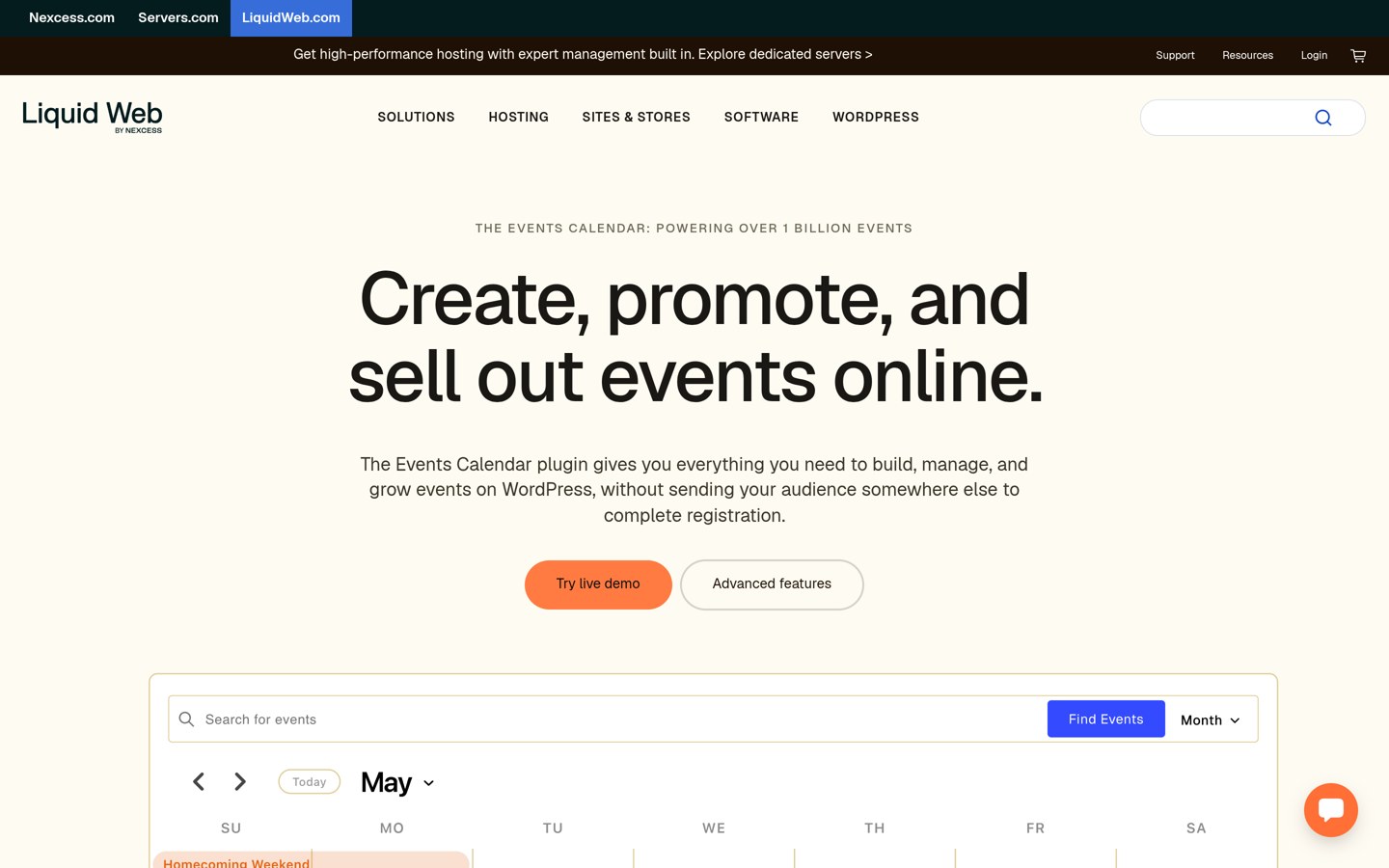
The Events Calendar homepage, captured Nov 2026.
The Events Calendar is the most-installed event plugin on WordPress.org, with more than 600,000 active installs and a 4.2 out of 5 rating from 2,467 reviews. The free version covers event listings, venues, maps and recurring events, and it sells tickets through its free Event Tickets companion.
The trade off is the bundle price. Paid features now come only in a $350-a-year bundle of four plugins, so a store that only wants ticket sales pays for LearnDash, Give and Kadence too. It suits venues that already use those plugins and want one bill.
4.2/5on WordPress.org (553 reviews, checked Nov 2026)
Paid from$129/yr
Best all-rounder
Free planYes, events and bookings
Ticket salesYes, with WooCommerce
Recurring eventsYes, free
Paid planPro, $129/yr
wp-events-plugin.com
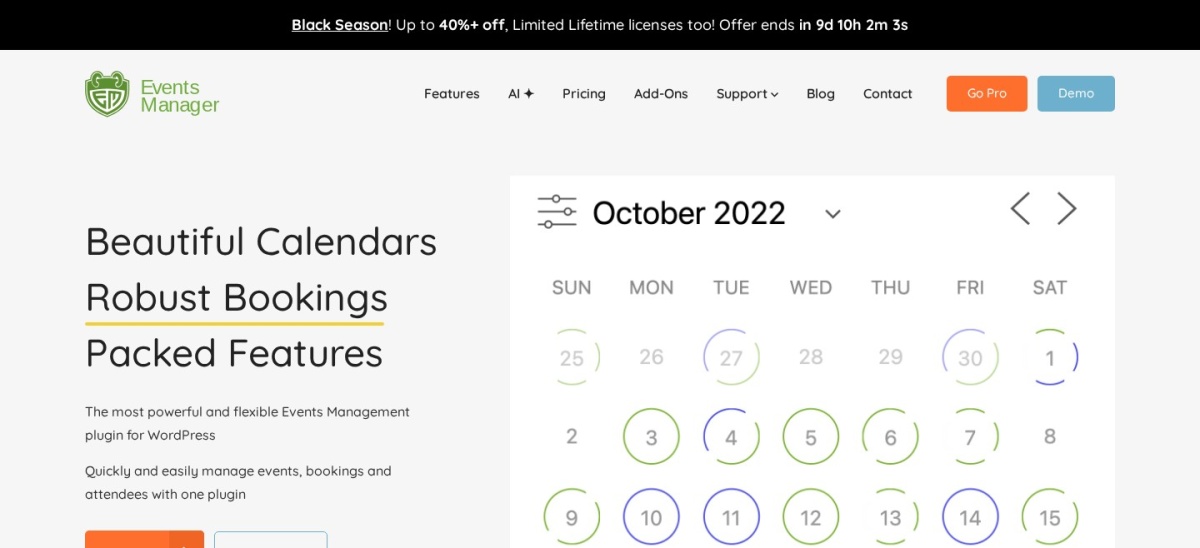
Events Manager homepage, captured Nov 2026.
Events Manager is a full event system with 60,000 active installs and a 4.2 out of 5 rating from 553 reviews. The free version covers event listings, bookings, recurring events and ticket sales through WooCommerce, with attendee lists and email reminders included.
The trade off is the renewal price. Pro costs $129 a year for one site, and the vendor's own sale page shows $89 for the first year, so the second year costs $40 more. It suits organisers who want bookings and tickets in one free plugin.
3.5/5on WordPress.org (236 reviews, checked Nov 2026)
Paid from$99/yr
Best for tickets
Free planYes, ticket sales
RSVPYes, free
Attendee check-inPlus only
Paid planPlus, $99/yr
theeventscalendar.com
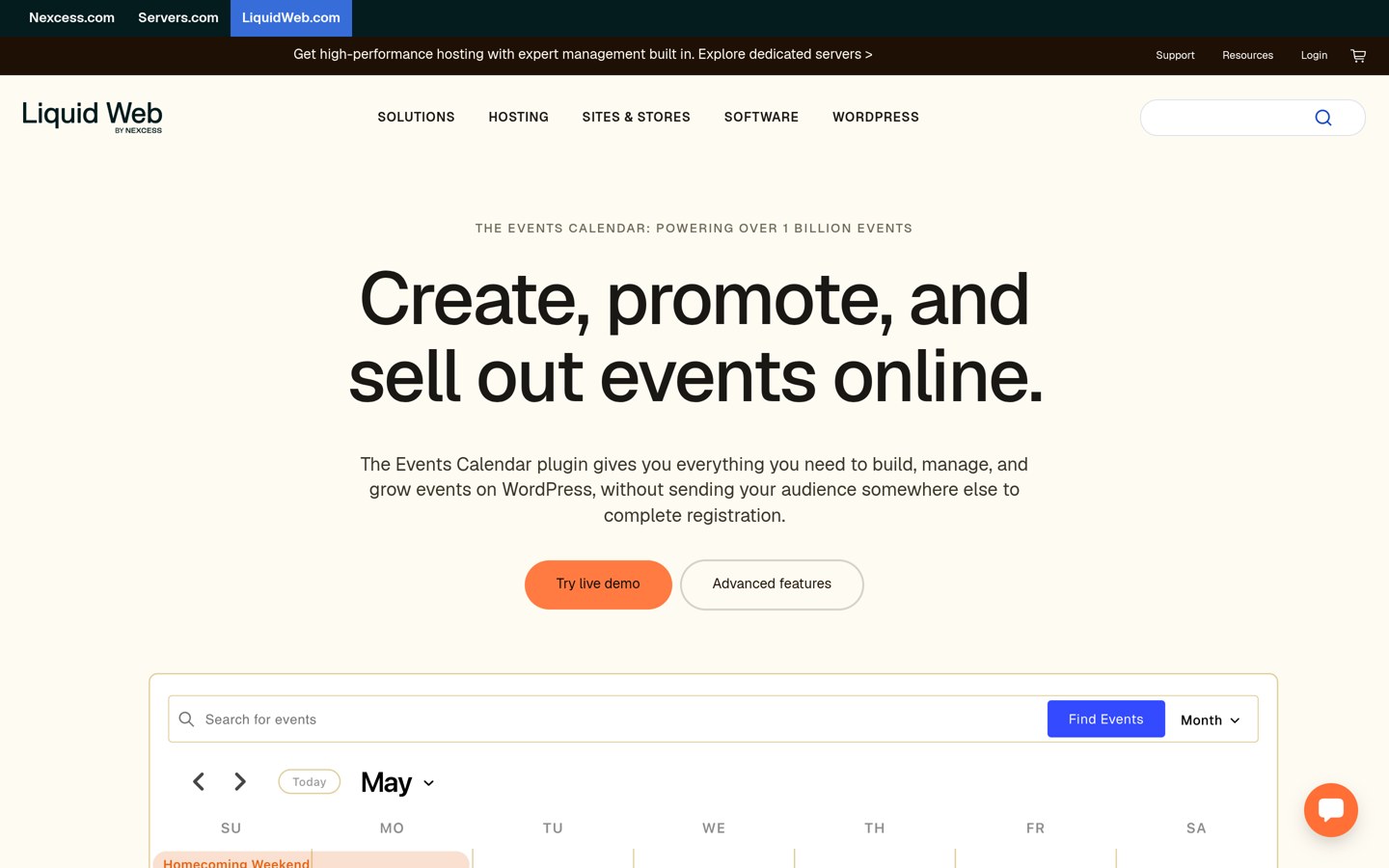
Event Tickets homepage, captured Nov 2026.
Event Tickets is the free ticket companion to The Events Calendar, with 90,000 active installs and a 3.5 out of 5 rating from 236 reviews. The free version adds ticket and RSVP forms to event pages, sells tickets through WooCommerce and lists attendees.
The trade off is the rating. At 3.5 out of 5 it is the lowest-rated plugin here, and the paid Plus plan at $99 a year may have changed with the November 2026 bundle move. It suits stores that already run The Events Calendar and only need tickets.
4/5on WordPress.org (251 reviews, checked Nov 2026)
Paid from$99/yr
Best event directory with tickets
Free planYes, listings and forms
Ticket salesYes, in Pro plans
Recurring eventsYes, free
Paid planPlus, $99/yr
wp-eventmanager.com
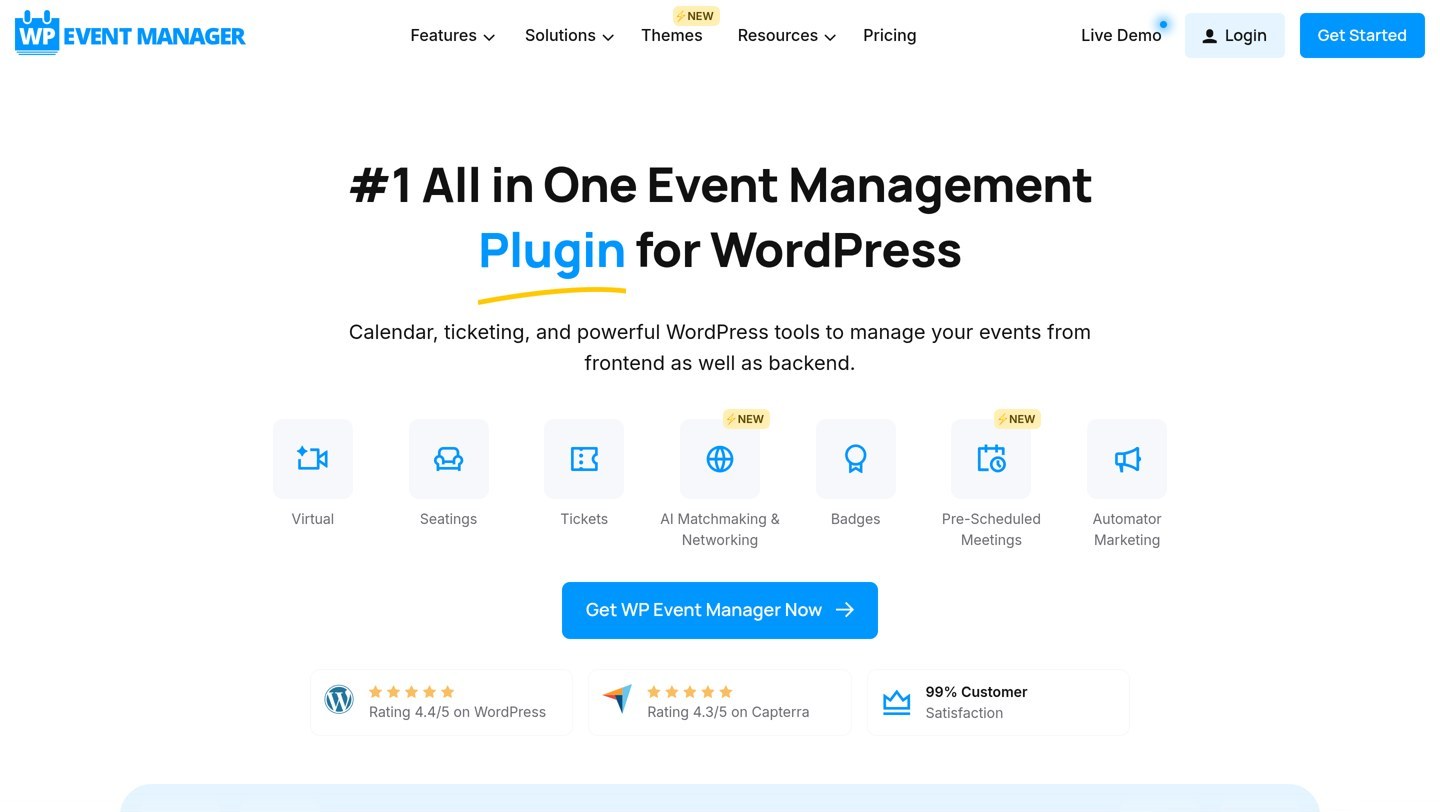
WP Event Manager homepage, captured Nov 2026.
WP Event Manager is an event listing and management plugin with 20,000 active installs and a 4.0 out of 5 rating from 251 reviews. The free version covers event listings, frontend submission forms, maps and recurring events, with ticket selling in the paid bundles.
The trade off is the bundle ladder. The cheapest paid bundle is Plus at $99 a year, but selling tickets needs the $199 Pro bundle, so the real ticket price is double the entry price. It suits directories that list events first and sell tickets second.
4.7/5on WordPress.org (159 reviews, checked Nov 2026)
Paid from$69/yr
Best accessible event calendar
Free planYes, calendar and events
Ticket salesVia Pro add-ons
AccessibilityWCAG-focused design
Paid planPro, $69/yr
joedolson.com
My Calendar homepage, captured Nov 2026.
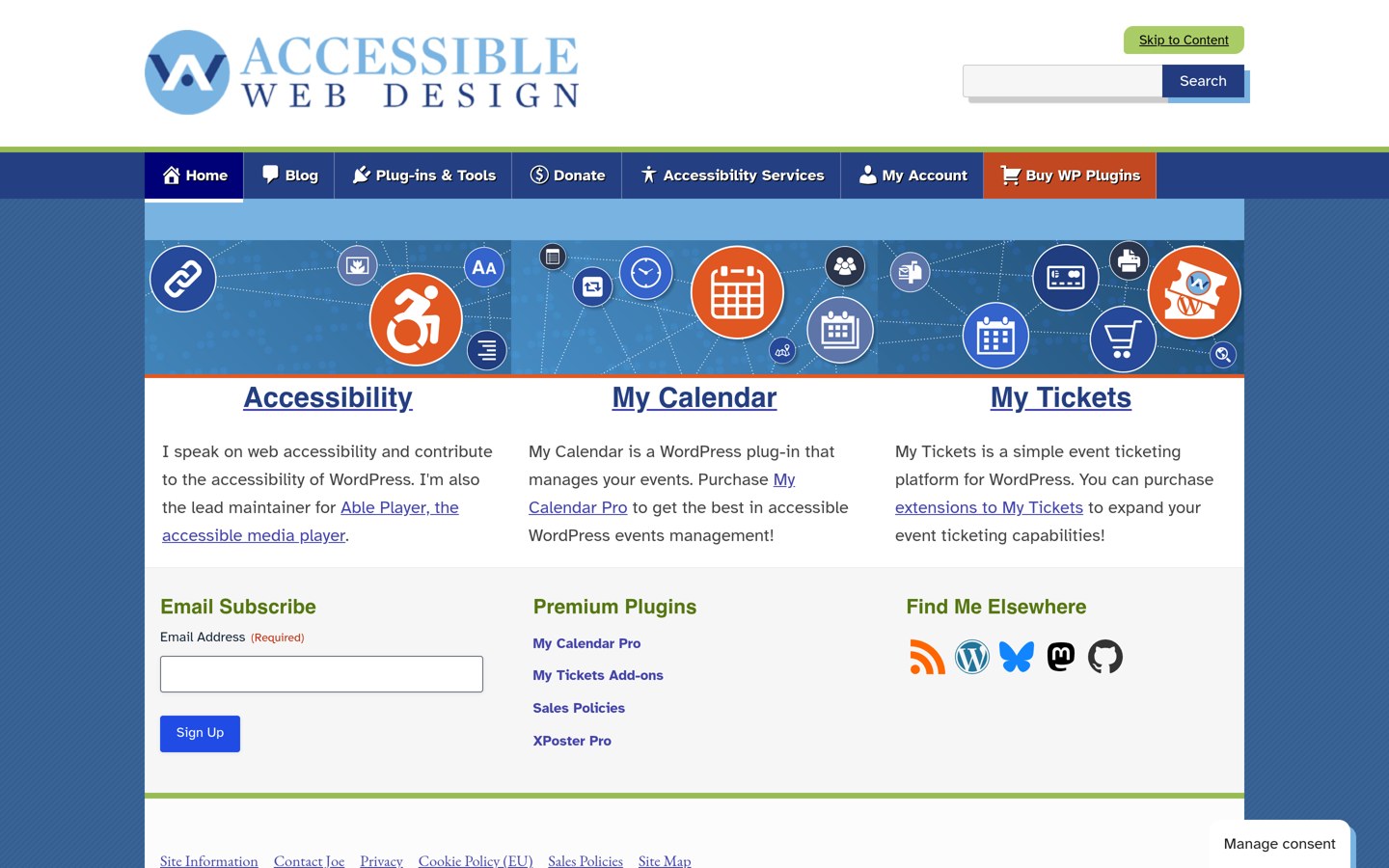
My Calendar is an accessible event calendar from Joe Dolson, with 20,000 active installs and a 4.7 out of 5 rating from 159 reviews. The free version builds calendars, event lists and venue pages, with accessibility features such as keyboard navigation and screen reader labels built in.
The trade off is the ticket gap. My Calendar is a calendar first, so ticket sales and bookings come through paid add-ons, and Pro costs $69 a year for three sites. It suits venues that need an accessible calendar more than a ticket shop.
4.6/5on WordPress.org (140 reviews, checked Nov 2026)
Paid from£50/once
Best one-time licence
Free planYes, events and venues
Ticket salesVia booking add-ons
Calendar feedsPro only
Paid planPro, £50 once
wp-event-organiser.com
Event Organiser homepage, captured Nov 2026.
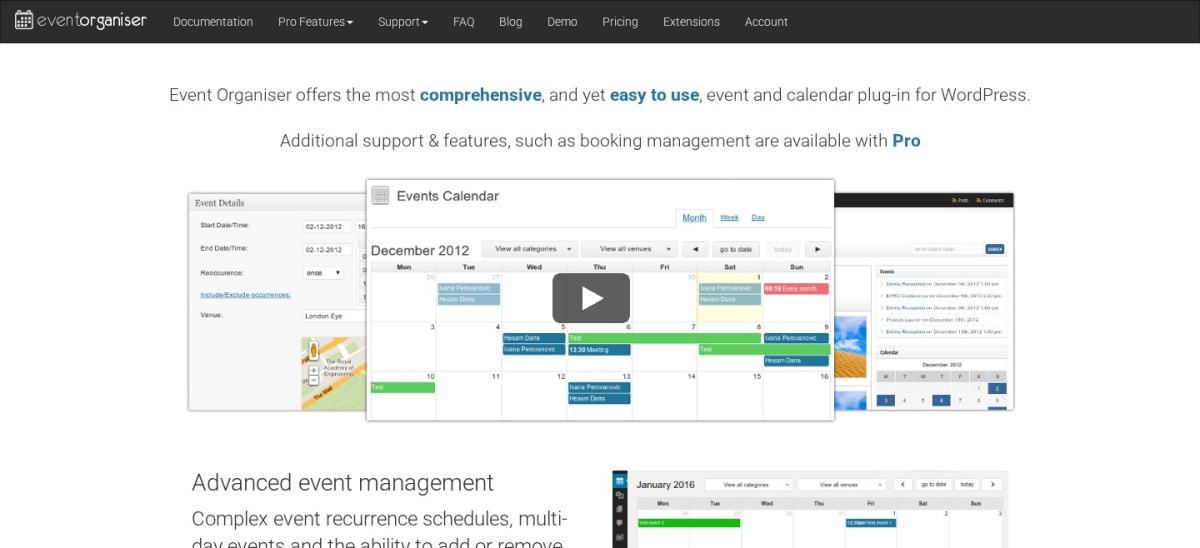
Event Organiser is a long-running event plugin with 20,000 active installs and a 4.6 out of 5 rating from 140 reviews. The free version covers event listings, venues and recurring events, with booking forms and calendar feeds in the paid Pro version.
The trade off is the small community. At 20,000 installs and 140 reviews it is the smallest plugin here, and Pro is a one-off £50 personal licence with no renewal. It suits small venues that want to pay once and keep the plugin.
4.3/5on WordPress.org (69 reviews, checked Nov 2026)
PriceFree
Best free schedule display
Free planYes, fully free
Ticket salesNone, schedules only
Timetable viewsWeekly and daily
Paid planNone, free only
motopress.com
MotoPress Timetable homepage, captured Nov 2026.
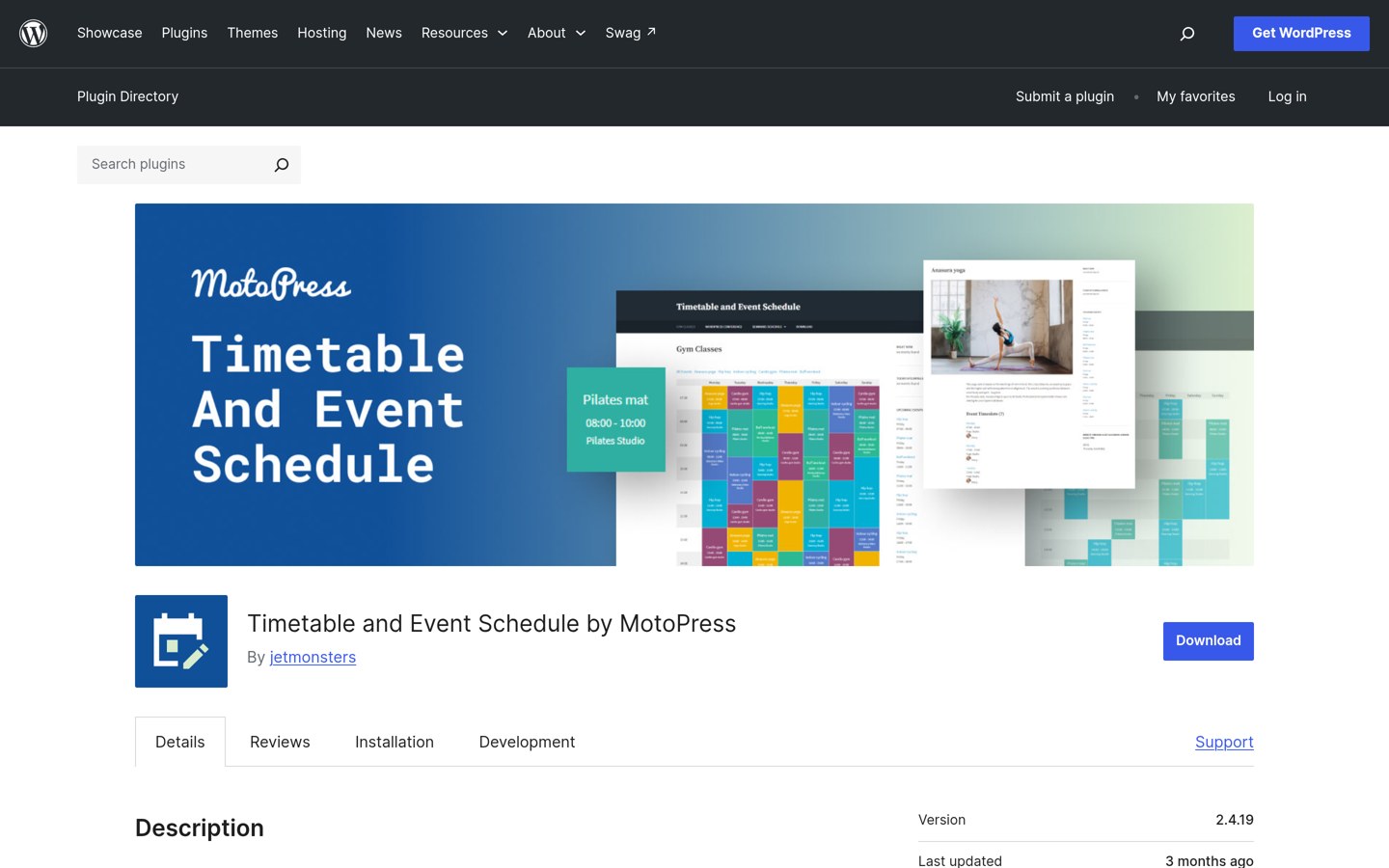
MotoPress Timetable is a schedule plugin with 30,000 active installs and a 4.3 out of 5 rating from 69 reviews. The free plugin builds weekly and daily timetables for classes, sessions and events, with times, venues and booking links on each slot.
The trade off is the missing till. Timetable shows when things happen but sells no tickets itself, so a venue still needs WooCommerce or another ticket plugin at checkout. It suits gyms, schools and venues that publish a schedule and link out to buy.
Free versions cover the core job well. The Events Calendar, Events Manager and WP Event Manager all list events and take bookings without paying.
Paid plans mostly add tickets, attendees and support. You get ticket sales, attendee check-in, recurring events and help when something breaks.
Event Organiser is the exception: Pro is a one-off £50, not a yearly bill, so it costs less than a year of any rival paid plan here.
For a venue that sells tickets every week, one paid plan often costs less than the time lost reconciling sales by hand.
Common mistakes when picking a ticket plugin
Installing two event plugins is the most common mistake. Two calendars can double-list the same event, and two ticket systems can oversell a seat.
Assuming the free version sells tickets is the second. The Events Calendar needs its Event Tickets companion for sales, so check what is actually included.
Ignoring the yearly price is the third. The Events Calendar bundle costs $350 a year, so budget for that, not just the free install.
How we chose
We started from the most-installed free event and ticket plugins on WordPress.org, then checked each one for WooCommerce ticket sales, attendee lists and recurring events.
Prices come from each vendor's pricing page, checked on 22 November 2026. Ratings and install counts come from WordPress.org on the same day. Where a vendor shows a sale, the list shows the regular price.
We left out plugins with fewer than 10,000 active installs and plugins not updated in the last 12 months. No vendor paid for a place, and we do not claim hands-on testing for this list.
How to choose a free ticket plugin
Start from the ticket, not the calendar.
Count what a ticket must do. A free ticket may only need a name and a date. A paid ticket needs a price, a quantity limit and a way to check people in at the door.
Test the checkout as a buyer. Buy a test ticket the way a customer would. If the ticket email never arrives or the QR code does not scan, the plugin fails at its one job.
Check what the paid plan adds. Ticket sales, attendee check-in and recurring events are usually paid. Make sure the free version covers your first event, not just your first listing.
Keep one event plugin. Two calendars can double-list events and oversell seats. Pick one, configure it fully, and remove the other.
FAQ
What is the best free WooCommerce ticket plugin?
The Events Calendar is the best free pick for most stores. It has more than 600,000 active installs, covers event listings, maps, venues and recurring events for free, and sells tickets through its Event Tickets companion.
Can I sell tickets with only free plugins?
Yes, for simple events. Event Tickets is free and sells tickets through WooCommerce, while Events Manager and WP Event Manager handle bookings in their free versions. You only need a paid plan for attendee check-in, advanced recurring events or priority support.
Does The Events Calendar sell tickets for free?
Not on its own. The Events Calendar lists events for free, but ticket sales need Event Tickets, its free companion plugin, or the paid Event Tickets Plus at $99 a year. Install both plugins and the ticket form appears on the event page.
Which free ticket plugin is best for recurring events?
The Events Calendar is the strongest free option for recurring events, with weekly and monthly repeats in the free version. Events Manager also handles recurring events free, while WP Event Manager puts some repeat patterns in its $99 Plus plan.
How much does The Events Calendar cost?
Paid features for The Events Calendar now come in a bundle costing $350 a year for one site, covering four plugins from the same company. Older guides quote $259 or $199 a year for a standalone Pro plan, but that plan is no longer sold on its own.
What is the cheapest paid ticket plugin here?
Event Organiser Pro is the cheapest paid option here at £50 as a one-time payment for a personal licence. It is the only pay-once option in this list, and it adds calendar feeds, booking forms and premium support to the free plugin.