Best Free Website Visitor Tracking Tools in 2026: 9 Tools Compared
WLWPLegible EditorsLast verified 23 Nov 2026How we rank13 min read
★ Short answer
Google Analytics is the best free website visitor tracking tool for most sites, with a standard property that costs nothing, covers web and app traffic, and is rated 4.5 out of 5 on G2. Pair it with Microsoft Clarity for free heatmaps and recordings, or pick Matomo if you want to own your data.
How we make this list: we compare pricing pages, product documentation and public user reviews, then re-check every price before each update. No product paid for a place. Disclosure.
Google Analytics is free and the deepest free option, rated 4.5 out of 5 from 6,878 G2 reviews.
Microsoft Clarity is free forever with unlimited session recordings and heatmaps, but recordings last 30 days.
Matomo is the only full GA-level replacement here with data ownership, free self-hosted or $29 a month on cloud.
Hotjar's free plan covers 35 sessions a day, and Observe Plus starts at $32 a month billed yearly.
All 9 tools have a free plan. Cheapest paid upgrades run from $79.99 a year for Clicky to $588 a year for Amplitude.
What a free visitor tracking tool should cover
Free visitor tracking tools answer the same basic questions: how many people came, where they came from, and what they did. The best free plans answer those questions without a trial clock or a card.
The split in this list is between counting tools and watching tools. Google Analytics, Matomo and Clicky count visits and events. Clarity, Hotjar and Mouseflow show what visitors did on the page, with heatmaps and recordings.
Free limits matter more than free prices. A plan that caps sessions or keeps data for 30 days can be useless on a busy site, while a plan with no cap can carry a small site for years. Our guide on how to measure blog traffic in WordPress shows which numbers are worth watching first.
Privacy is the other split. Cookieless tools such as Umami and Matomo in cookieless mode need no consent banner in most cases, while GA4 and Statcounter use cookies and need one where consent rules apply.
Google Analytics is the free standard for website visitor tracking, and its GA4 property costs nothing for most sites. It records page views, traffic sources, events and conversions in one place, links to Google Ads and Search Console, and exports raw events to BigQuery free for up to 1 million events a day.
The trade off is the learning curve. Simple answers sit behind custom reports, free explorations sample above 10 million events per query, and event data is kept for 2 or 14 months. It suits almost any site that wants deep free traffic data and already uses Google tools.
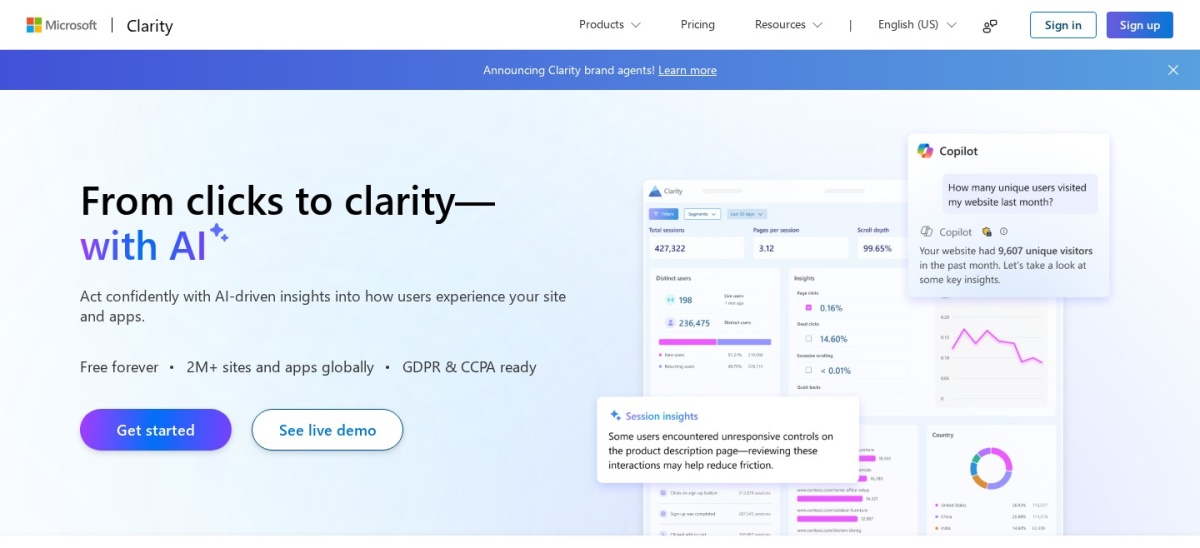
Microsoft Clarity is a free behavior analytics tool from Microsoft that records sessions and builds heatmaps at no cost. It has no traffic limits, adds AI summaries of what visitors did, and includes rage-click and dead-click detection alongside funnels and segments.
The trade off is memory. Recordings are kept for 30 days, so older sessions disappear, and the reports are thinner than a full analytics suite. It suits small sites and blogs that want to watch real visits without paying, especially beside Google Analytics.
Matomo is an open-source analytics platform you can host yourself for free, with full ownership of your visitor data. The free self-hosted edition covers real-time tracking, goals, ecommerce reports and a tag manager, and the cloud version starts at $29 a month for 50,000 hits.
The trade off is effort and cost at scale. Self-hosting needs a server you patch and back up, and heatmaps, recordings and funnels are paid add-ons. It suits privacy-minded teams that want GA-level depth without sending data to Google.
What we like
Free self-hosted edition with full data ownership
No data sampling on any plan
Covers analytics, heatmaps, funnels and A/B testing
Hotjar is a behavior analytics tool that pairs heatmaps with session recordings and on-site surveys. Its free Observe Basic plan covers 35 sessions a day with unlimited heatmaps, and the paid Observe Plus plan starts at $32 a month billed yearly for 100 sessions a day.
The trade off is the session cap and the brand change. The free plan runs out fast on busy sites, and Hotjar now sits inside Contentsquare, so its pages carry the new name. It suits small teams that want recordings and surveys in one place.
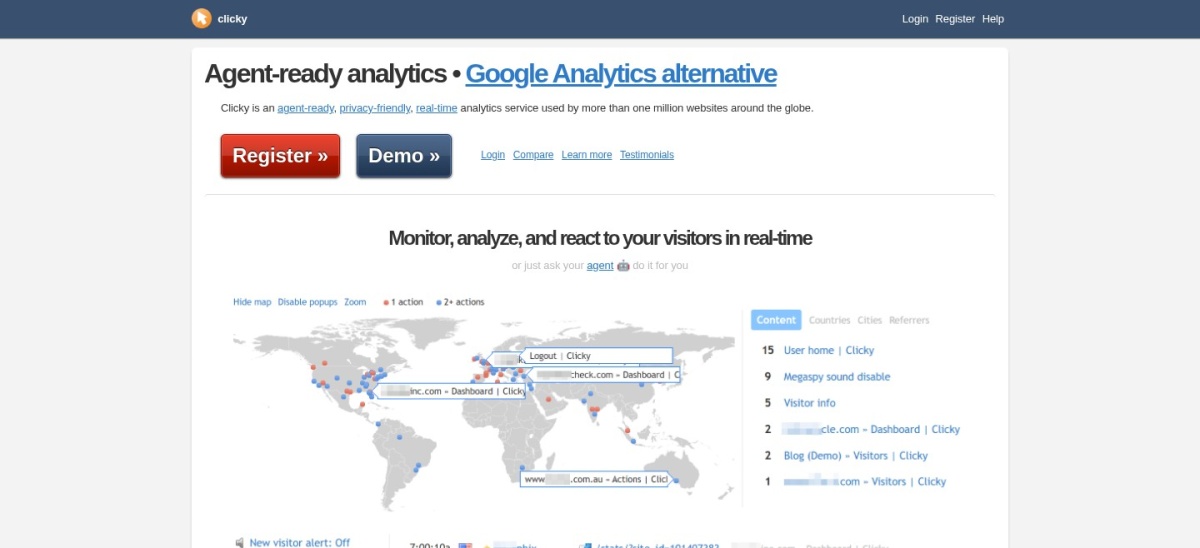
Clicky is a real-time analytics service that shows individual visitors, their actions and their location as they happen. The free plan covers 1 website, 3,000 daily page views and 30 days of history, with live maps, goals and an API included.
The trade off is age and limits. The dashboard looks dated, the free plan holds little history, and heatmaps need Pro Plus at $14.99 a month. Pro costs $9.99 a month or $79.99 a year. It suits small sites that want a live visitor feed without setup fuss.
Statcounter is a long-running analytics service, live since 1999, that logs each visit with its path, location and browser. The free basic plan shows recent visits in real time, and Premium starts at $9 a month, or $89 a year for 100,000 page views.
The trade off is depth and history. The free plan keeps only recent log entries, the interface looks dated, and there is little behavior analysis beyond the visit log. It suits small sites that want a simple, cheap record of who visited and what they did.
Amplitude is a product analytics platform that tracks events, funnels, retention and cohorts across web and app. Its free Starter plan covers 50,000 monthly tracked users with core charts, session replay and feature flags, and Plus starts at $49 a month billed yearly.
The trade off is focus and price. It is built for product teams rather than simple traffic reports, and costs climb fast once you pass the free limits. It suits apps and SaaS sites that need to know what users do after they arrive, not just where they came from.
What we like
Generous free plan with 50,000 monthly users
Deep funnels, cohorts and retention reports
Session replay included on the free plan
Watch out for
Built for product teams, not simple traffic reports
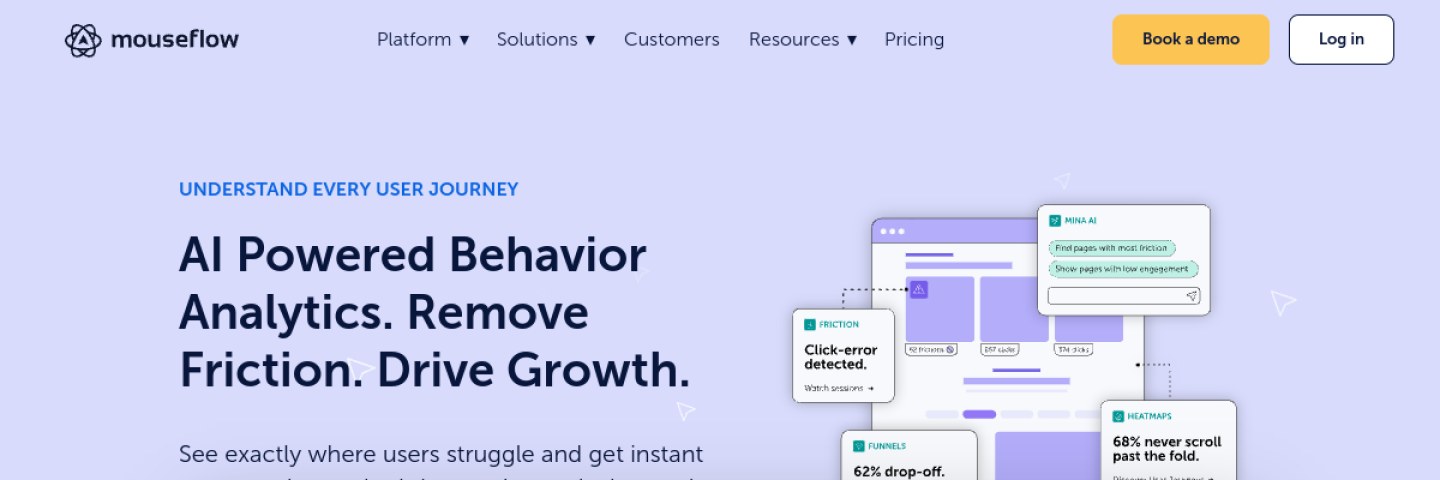
Mouseflow is a behavior analytics tool with six heatmap types, session recordings, funnels and form analytics in one dashboard. The free plan covers 500 sessions a month on 1 website, and Starter costs $31 a month billed yearly for 5,000 sessions.
The trade off is the small free allowance. Five hundred sessions is enough to check a landing page, but a busy site exhausts it in days, and the paid tiers rise with session volume. It suits small teams that care most about forms and page friction.
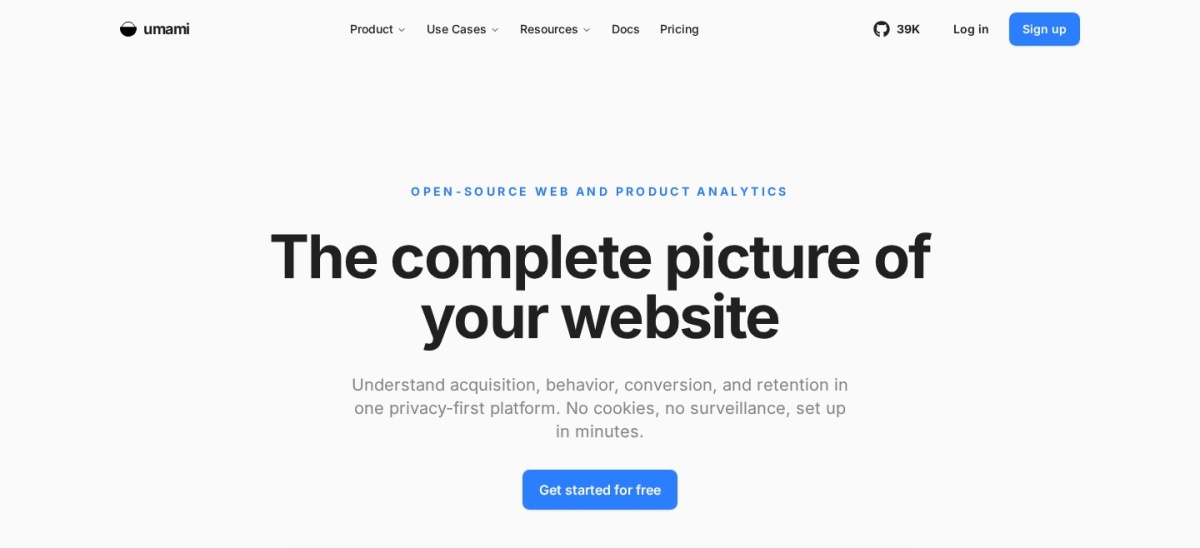
Umami is an open-source, cookieless analytics tool with a simple dashboard for page views, sources, campaigns and events. The free Hobby cloud plan covers 1 website and 100,000 events a month with 6 months of data, and self-hosting costs nothing but server time.
The trade off is a thin review base and missing extras. It is rated 4.5 out of 5 on G2 from only 5 reviews, and replays and heatmaps start on the $200 a month Business plan. It suits developers and small sites that want light, private analytics.
Free plans cover counting and watching well. Every tool here gives real data for nothing, and for a small site that is often enough.
Paid plans mostly add room and memory. You get more sessions, more events, longer retention and more sites, plus filters and exports that free plans hold back.
A paid plan is worth it when the free cap starts hiding answers. If Clarity's 30-day window or Mouseflow's 500 sessions leave gaps, pay for the tool you already use rather than starting over with a new one.
How we chose
We started from the best-known free visitor tracking tools, covering counting tools, behavior tools and privacy-first options, then kept the 9 with a real free plan and published pricing.
Prices come from each vendor's pricing page, checked on 23 November 2026. Ratings come from G2 on the same day. Where a vendor shows a sale, the list shows the regular price.
We left out tools with no free plan, such as Plausible and Fathom, tools with usage-only pricing such as Mixpanel, and Piwik PRO, whose free plan ended in August 2025. No vendor paid for a place, and we do not claim to have used these tools ourselves.
How to choose a free website visitor tracking tool
Start with the questions you need answered, then pick tools that answer them.
Check what you already have. If you run Google Analytics, you may only need a watching tool such as Clarity beside it, not a second counting tool.
Match the free limit to your traffic. A site with 400 visits a month fits Mouseflow's free plan; a site with 40,000 does not. Check sessions, events and retention before you install.
Decide how much privacy you need. Cookieless tools such as Umami and Matomo avoid consent banners in most cases, while cookie-based tools need one where consent rules apply.
Try one counting tool and one watching tool. Run them together for a month, then keep the pair that answers your questions and drop the rest. Two tools that overlap only add noise.
FAQ
What is the best free website visitor tracking tool?
Google Analytics is the best free option for most sites. Its standard property costs nothing, covers web and app traffic, and is rated 4.5 out of 5 from 6,878 G2 reviews. Add Microsoft Clarity beside it for free heatmaps and recordings.
Is Google Analytics really free?
Yes, the standard GA4 property is free with no traffic-based price. The paid version, Analytics 360, is sold on a custom quote for large sites that need unsampled data, higher limits and support.
What is the best free alternative to Google Analytics?
Matomo is the closest free alternative, with full data ownership when you self-host it. Microsoft Clarity is a good companion rather than a replacement, since it shows behavior instead of traffic totals.
Can I use Google Analytics and Clarity together?
Yes, they measure different things and work well as a pair. Google Analytics counts visits, sources and conversions, while Clarity records sessions and builds heatmaps that show what visitors did on each page.
Do free visitor tracking tools need a cookie banner?
It depends on the tool. Cookieless tools such as Umami and Matomo in cookieless mode usually need no banner, while cookie-based tools such as GA4 and Statcounter need one where consent rules apply.
Which free tool is best for heatmaps?
Microsoft Clarity is the best free heatmap tool, with unlimited heatmaps and recordings at no cost. Hotjar gives unlimited heatmaps too but caps recordings at 35 sessions a day, and Mouseflow's free plan covers 500 sessions a month.