Google Meet is the best free virtual meeting platform for most teams. Its free plan allows 100 participants, 60-minute group calls and 24-hour one-on-one calls, and it is rated 4.6 out of 5 on G2. Pick Microsoft Teams if you live in Microsoft 365, or Zoom if you want free local recording.
How we make this list: we compare pricing pages, product documentation and public user reviews, then re-check every price before each update. No product paid for a place. Disclosure.
Google Meet gives the most generous free plan: 60-minute group calls, 24-hour one-on-ones and 100 participants.
Microsoft Teams matches Meet at 60 minutes and adds unlimited chat and 5 GB of storage for free.
Zoom's free plan stops every meeting at 40 minutes, but it is the only one of the top three with free local recording.
Zoho Meeting is the cheapest way to pay: its Standard plan starts at $1 per host a month.
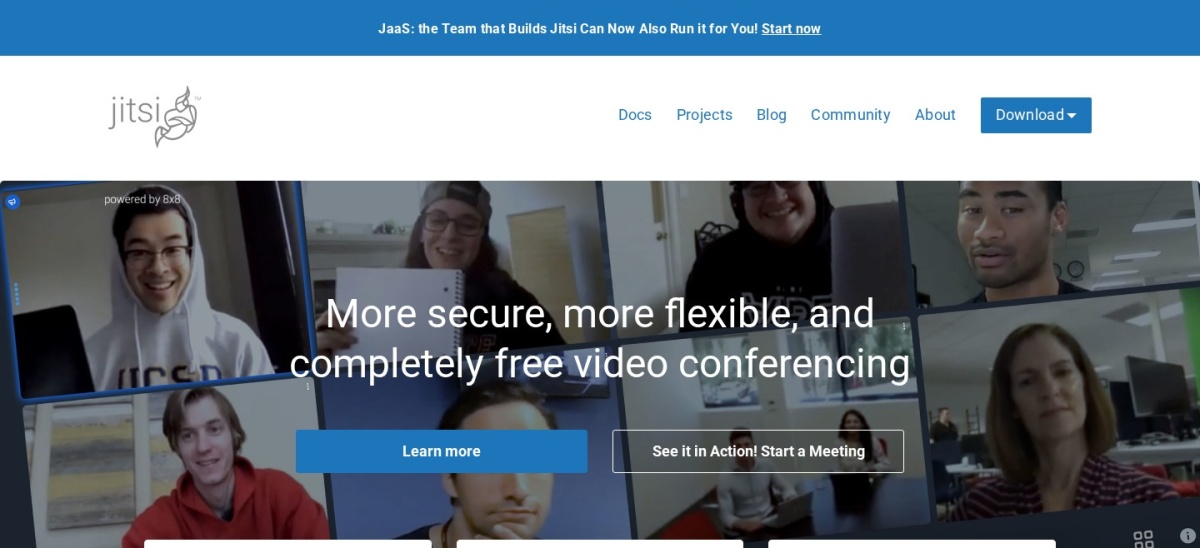
Jitsi Meet is the only option with no time limit at all, but quality strains past about 35 participants.
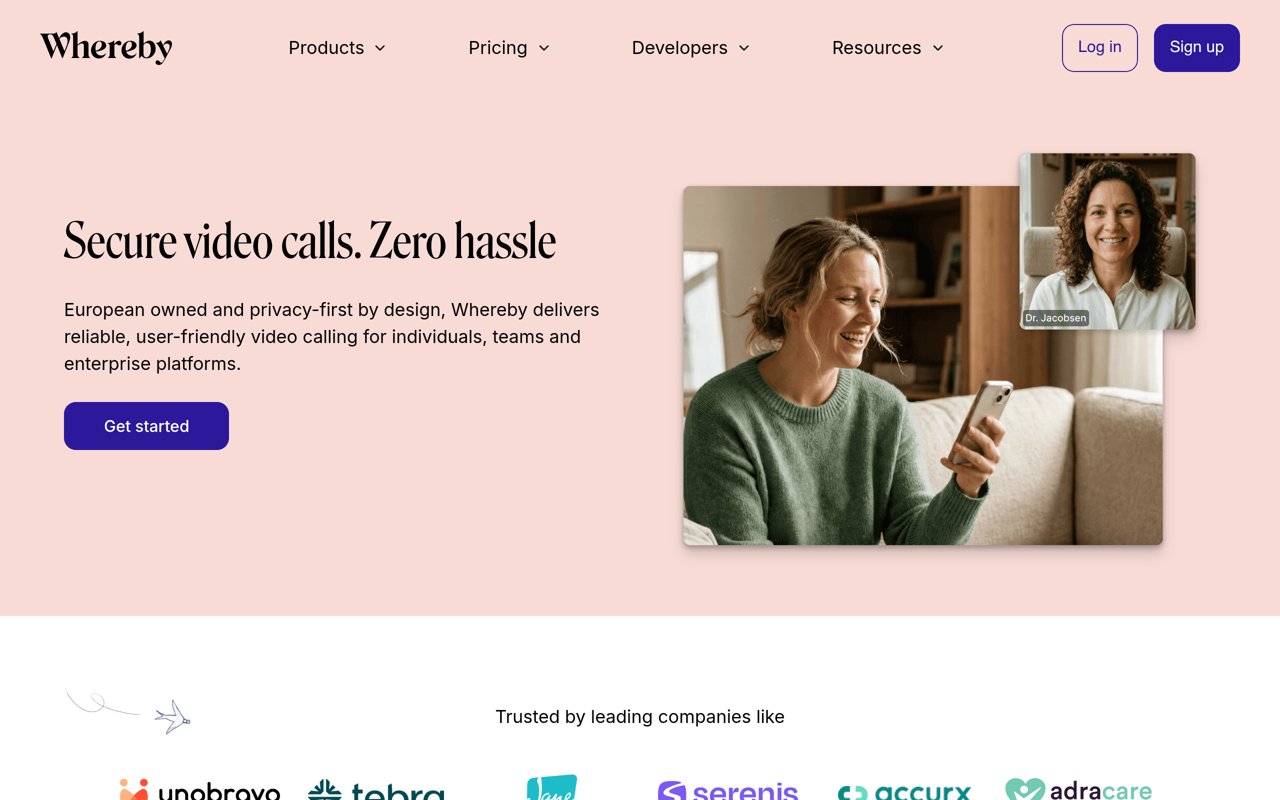
Whereby's free plan is the smallest here: 4 participants and 30-minute meetings in a single room.
What a free meeting platform should cover
Free video meetings are not all the same. The limit that matters most is the clock: most free plans end group calls after 40 to 60 minutes.
Participant caps matter too. The big names allow 100 people on a free call, while smaller tools stop at 4.
Recording is the feature free plans hide most often. Zoom and Webex let you record to your own computer for free, while Google Meet and Microsoft Teams keep recording for paid plans. Our guide on embedding a video in WordPress shows one way to share a recorded call on your site.
Start with the apps you already pay for. If your team uses Gmail or Microsoft 365, the meeting tool inside that suite costs nothing extra.
Google Meet is Google's browser-based meeting tool, and its free plan is the most generous of the big three. A personal Google account gets group calls of up to 60 minutes with 100 participants, one-on-one calls of up to 24 hours, screen sharing and live captions, with no software to install.
The trade off is recording. Free accounts cannot record meetings, and longer group calls need a Google Workspace plan, starting at $7 per user a month for Business Starter. It suits teams that live in Gmail and Google Calendar and want guests to join from a link.
What we like
100 participants and 60-minute group calls for free
Microsoft Teams is Microsoft's chat and meetings app, and its free plan covers more than calls. Group meetings run up to 60 minutes with 100 participants, one-on-one calls run up to 30 hours, and the free plan adds unlimited chat, file sharing and 5 GB of storage per user.
The trade off is recording. Meeting recording and transcripts need a paid plan, and Teams feels heavy if you only want simple video calls. Teams Essentials costs $4 per user a month. It suits organizations already on Microsoft 365, or teams that want chat and meetings in one free app.
Zoom is the best-known standalone meeting app, and its free Basic plan is the simplest to join. It hosts unlimited meetings for up to 100 participants, includes a whiteboard, chat and file sharing, and it is the only top pick here that records to your computer for free.
The trade off is the clock. Every free meeting ends after 40 minutes, including one-on-one calls, so longer calls need Pro at $14.16 per user a month billed yearly. It suits anyone who meets people outside their company and wants guests to join without an account.
What we like
Free local recording to your computer
Guests join from a link without an account
Highest G2 review count in this list
Whiteboard, chat and file sharing included
Watch out for
Every free meeting ends after 40 minutes
Paid plans cost more than the bundled suites
Pro removes the 40-minute limit and adds cloud recordingVisit zoom.com
04
Zoho Meeting
4.5/5on G2 (1,257 reviews, checked Nov 2026)
Paid from$1/mo
Best free meetings on a small budget
Free group limit60 minutes
Free participants100
Free recordingNo, paid
Paid planStandard, $1/host/mo
zoho.com
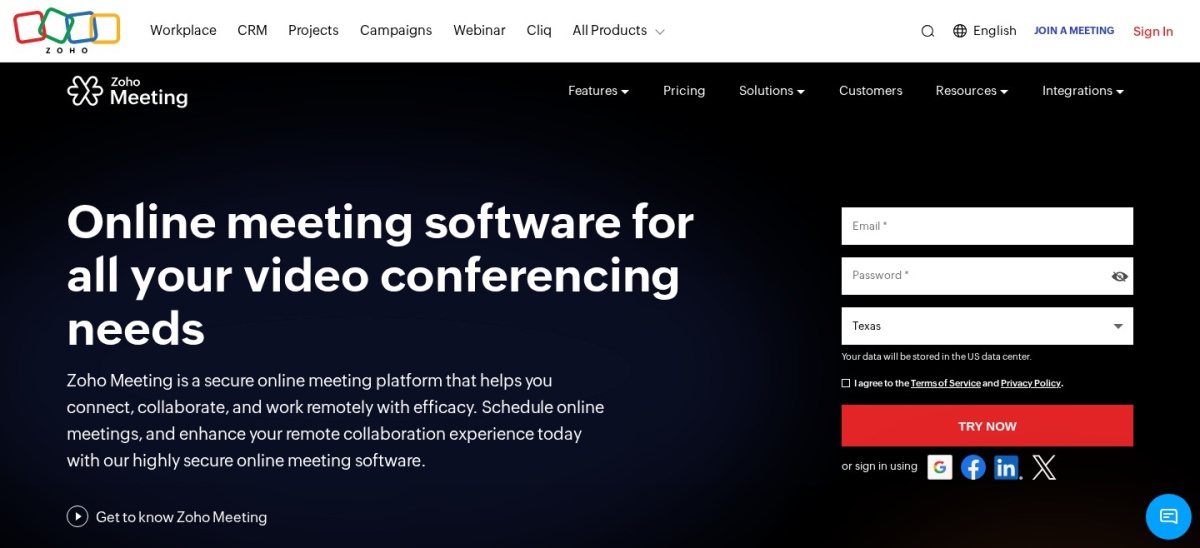
Zoho Meeting homepage, captured Nov 2026.
Zoho Meeting is Zoho's web-based meeting tool, and its free plan is generous for the price. It hosts up to 100 participants for 60 minutes, with screen sharing, a whiteboard and chat, and it fits naturally beside Zoho CRM and the rest of the Zoho suite.
The trade off is recording and scale. Free meetings cannot be recorded, and the $1-per-host Standard plan covers only 10 participants, so the price rises as your meetings grow. It suits small teams on a tight budget, especially those already using Zoho apps.
What we like
60-minute free calls with 100 participants
Cheapest paid plan in this list at $1 a host
Fits beside Zoho CRM and other Zoho apps
Watch out for
No recording on the free plan
Standard plan covers only 10 participants
Fewer integrations than Zoom or Teams
Standard adds recording and 5 GB of cloud storage per hostVisit zoho.com
05
Webex
4.2/5on G2 (18,925 reviews, checked Nov 2026)
Paid from$12/mo
Best for enterprise security
Free group limit40 minutes
Free participants100
Free recordingLocal, free
Paid planWebex Meet, $12/mo
webex.com
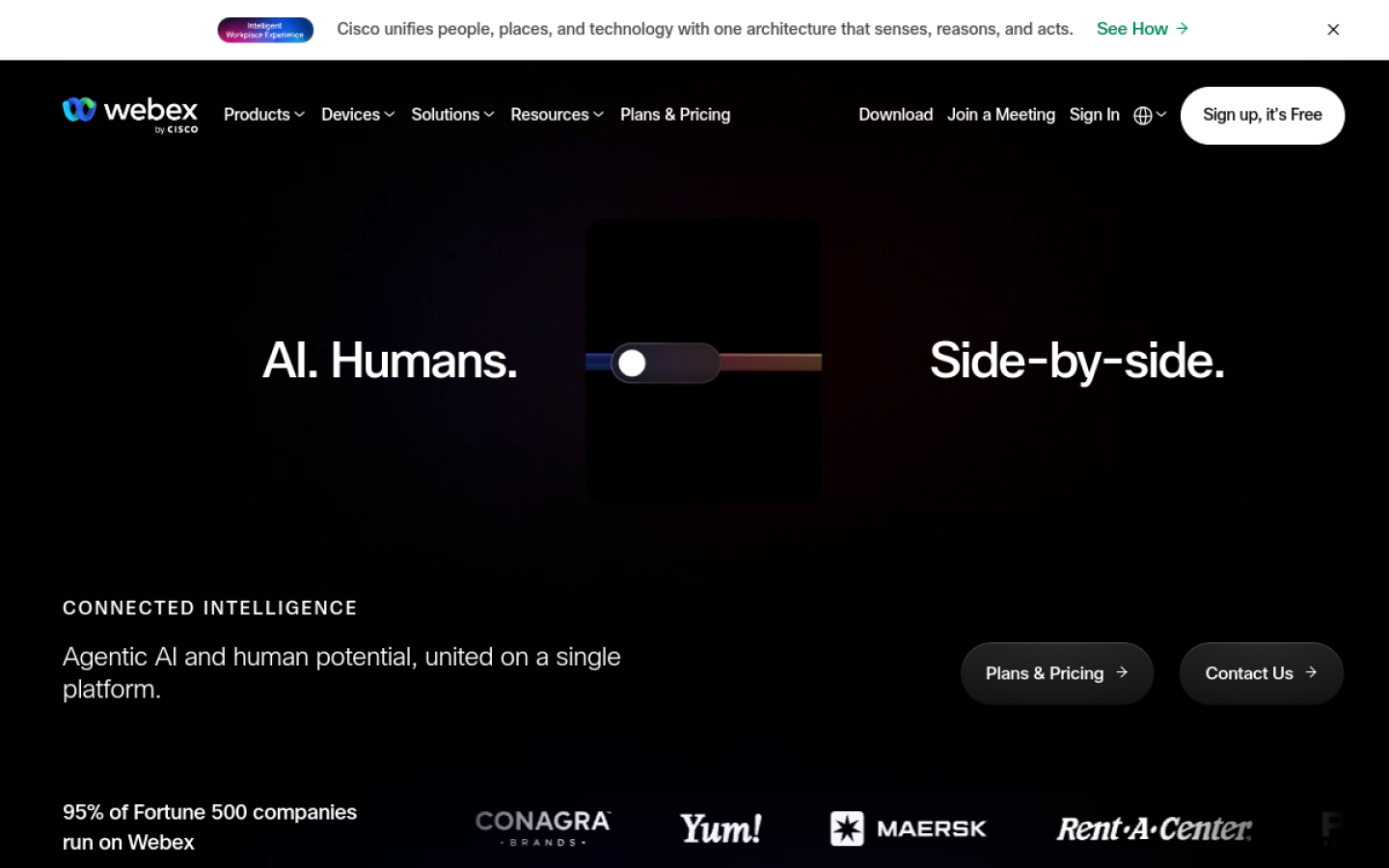
Webex homepage, captured Nov 2026.
Webex is Cisco's meeting platform, built for large organizations that need strong security. Its free plan hosts up to 100 people for 40 minutes and includes local recording, unlimited whiteboards and advanced noise cancellation.
The trade off is the 40-minute limit and a corporate feel. Longer meetings and 200 participants need the Webex Meet plan at $12 per user a month billed yearly, which also adds the Webex AI Assistant. It suits regulated industries and companies that already run Cisco gear.
What we like
Free local recording and noise cancellation
Unlimited whiteboards on the free plan
Strong security and compliance story
Watch out for
Free meetings end after 40 minutes
Interface feels corporate next to Zoom
Webex Meet adds 24-hour meetings and the AI AssistantVisit webex.com
06
RingCentral Video
4.2/5on G2 (504 reviews, checked Nov 2026)
Paid from$10/mo
Best for phone, video and chat in one app
Free group limit50 minutes
Free participants100
Free recording10 hours, cloud
Paid planVideo Pro+, $10/mo
ringcentral.com
RingCentral Video homepage, captured Nov 2026.
RingCentral Video is the meeting side of RingCentral's phone and messaging platform. Its free Video Pro plan hosts up to 100 participants for 50 minutes and includes 10 hours of cloud recording kept for 7 days, plus team messaging and file sharing.
The trade off is that video is only part of the story. The full phone system costs more, and the standalone paid video plan, Video Pro+, is $10 per user a month billed yearly. It suits teams that want video, phone and messaging in one app.
Jitsi Meet is a free, open-source video call tool with no time limit on its public service. You go to meet.jit.si, name a room and share the link, and guests join from a browser. The software is free under the Apache 2.0 license, so you can also run it on your own server.
The trade off is support and scale. The person who creates a room must sign in, free use is capped at 25 active endpoints a month, and quality strains past about 35 participants. It suits privacy-minded teams and anyone who needs a free call with no clock.
What we like
No time limit on the public service
Open source and self-hostable
Guests join with no account
Watch out for
No support contract on the free service
Quality strains past about 35 participants
Room creators must sign in
JaaS adds hosted infrastructure, recording and supportVisit jitsi.org
08
Whereby
4.6/5on G2 (1,161 reviews, checked Nov 2026)
Paid from$10.99/mo
Best simple browser rooms
Free group limit30 minutes
Free participants4
Free recordingNo, paid
Paid planPro, $10.99/host/mo
whereby.com
Whereby homepage, captured Nov 2026.
Whereby is a browser-based meeting tool built around permanent room links. Its free plan gives you one room with a link that never changes, and guests join without an account or a download. The paid plans add more rooms, custom branding and recording.
The trade off is size. The free plan allows only 4 participants and 30-minute meetings, so it works for one-on-ones and tiny groups only. Pro costs $10.99 per host a month and raises the limit to 100 participants with no time cap. It suits coaches and freelancers who want a simple branded room.
Free plans cover short calls well. Most allow 100 participants and 40 to 60 minutes, which covers a standup or a quick client call.
Paid plans mostly add time and recording. You get meetings of 24 to 30 hours, cloud recording, transcripts and AI notes.
If you record every meeting, the free plan that records matters more than the one with the longest limit. Zoom, Webex and RingCentral Video record for free; Google Meet and Microsoft Teams do not.
For a team that meets all day, the cheapest paid step is Teams Essentials at $4 per user a month, or Zoho Meeting Standard at $1 per host a month for small groups.
How we chose
We started from the meeting platforms with a published free plan and a public rating, then kept the eight that cover the most common needs: bundled suites, standalone apps, budget picks and open source.
Prices come from each vendor's pricing page, checked on 25 November 2026. Ratings and review counts come from G2 on the same day. Where a vendor shows a sale, the list shows the regular price.
We left out Skype, which Microsoft retired on 5 May 2025, and GoTo Meeting, which has no free plan. No vendor paid for a place, and we do not claim hands-on testing for this list.
How to choose a free virtual meeting platform
Start with the apps you already pay for, then check the free limits against your longest regular meeting.
Check what you already pay for. Google Workspace includes Meet and Microsoft 365 includes Teams. If either is already in your stack, its free tier costs nothing extra.
Time your longest regular meeting. If your calls run past 40 minutes, Zoom's free plan will cut them off. Meet, Teams and Zoho Meeting give you 60 minutes free.
Decide whether you need recordings. Zoom, Webex and RingCentral Video record for free. If you need a record of every call, start with one of those.
Test the guest experience. Join a call as a guest before you commit. The best platform is the one your clients can open from a link without installing anything.
FAQ
What is the best free virtual meeting platform?
Google Meet is the best free option for most teams. Its free plan allows 100 participants, 60-minute group calls and 24-hour one-on-one calls, and it runs in the browser with no install. Microsoft Teams is the best pick if you already use Microsoft 365.
Is Zoom really free?
Yes, Zoom's Basic plan is free with no time limit on the account itself. The catch is that every meeting with another person ends after 40 minutes. You can start a new meeting right away, but a paid Pro plan at $14.16 per user a month removes the limit.
Which free meeting platform has no time limit?
Jitsi Meet has no published time limit on its public service at meet.jit.si, and the software is free and open source. The person who creates a room must sign in, and free use is capped at 25 active endpoints a month. Quality also strains past about 35 participants.
Can I record a meeting on a free plan?
It depends on the tool. Zoom and Webex record to your computer for free, and RingCentral Video includes 10 hours of cloud recording on its free plan. Google Meet, Microsoft Teams, Zoho Meeting and Whereby keep recording for paid plans.
What happened to Skype?
Microsoft retired Skype on 5 May 2025. Skype users can sign in to Microsoft Teams Free with their Skype credentials and keep their contacts and chats. Teams Free allows group meetings of up to 60 minutes with 100 participants.
How many people can join a free meeting?
Most platforms in this list allow 100 participants on a free plan, including Google Meet, Microsoft Teams, Zoom, Webex, Zoho Meeting and RingCentral Video. Jitsi Meet has no published cap, while Whereby's free plan allows only 4 participants.
Do I need to install anything to join a meeting?
Not usually. Google Meet, Jitsi Meet and Whereby run entirely in the browser, and guests can join from a link without an account. Zoom and Microsoft Teams offer browser joining too, but their desktop apps give the full feature set.
SaaS SEO and WordPress specialist with about 8 years of experience. Rakib compares WordPress plugins, themes, hosting and software using public pricing, documentation and user reviews. See how we rank.