Best Free Virtual Machine Software in 2026: 7 Tools Compared
WLWPLegible EditorsLast verified 23 Nov 2026How we rank11 min read
★ Short answer
VirtualBox is the best free virtual machine software for most people. It runs Windows, Linux and older macOS guests on Windows, Mac and Linux hosts at $0, and it is rated 4.5 out of 5 on G2 from 295 reviews. Pick VMware Workstation Pro for the best desktop performance, or Proxmox VE for a dedicated VM server.
How we make this list: we compare pricing pages, product documentation and public user reviews, then re-check every price before each update. No product paid for a place. Disclosure.
VirtualBox is the best free desktop VM software: it runs on every major host OS at $0 and is rated 4.5 out of 5 on G2.
VMware Workstation Pro and Fusion Pro are now free for everyone, including commercial use, since November 2024.
Proxmox VE is the best free server hypervisor, with KVM virtual machines, containers, clustering and backups at $0.
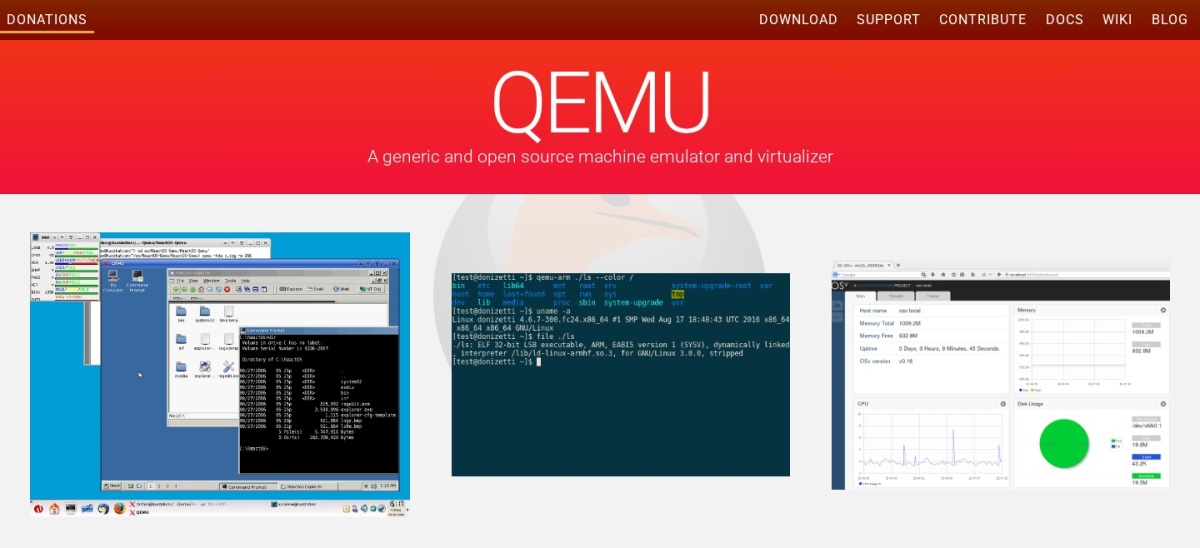
QEMU is the engine behind Proxmox and much of cloud computing, and it emulates dozens of processor architectures for free.
Vagrant does not run VMs itself, but it creates the same repeatable VM environment for every developer on a team.
Every tool here costs $0 for the software, so the choice is about platform, guests and features, not price.
What free virtual machine software should cover
Every tool here runs virtual machines for free. VirtualBox, VMware Workstation Pro and Fusion Pro are desktop apps, Proxmox VE and XenServer run on a dedicated server, and QEMU and Vagrant cover automation and unusual hardware.
Free does not always mean the same thing. VirtualBox, QEMU, Proxmox VE and Vagrant are free open-source software, while Workstation Pro and Fusion Pro became free for all users in late 2024 after years as paid products.
A desktop VM and a server hypervisor are different jobs. VirtualBox suits testing on your laptop, while Proxmox VE turns a spare server into a platform for many VMs at once.
Every tool on this list costs $0 for the software itself. The real costs are the host machine, disk space and your time, plus optional paid support for Proxmox VE and XenServer. Our guide on setting up a local WordPress dev environment shows how a local VM fits a developer workflow.
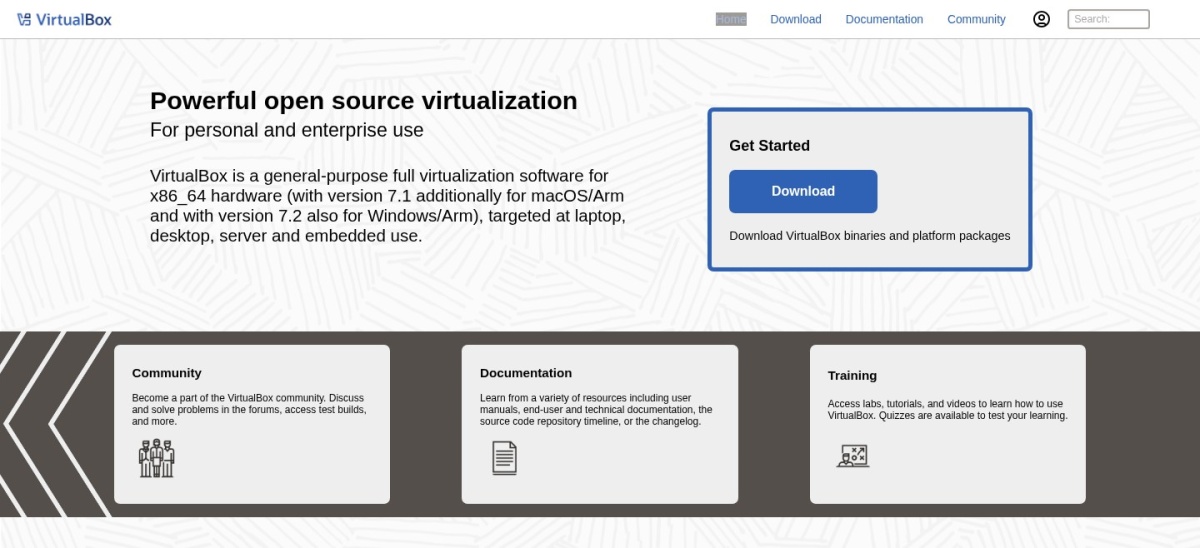
VirtualBox is the default answer when someone asks for free VM software. It runs Windows, Linux and older macOS guests on Windows, Mac and Linux hosts, supports snapshots, shared folders and USB passthrough, and costs nothing with no feature limits.
The trade off is performance and polish. VMware generally delivers better graphics performance and smoother behavior under load, and the VirtualBox interface has barely changed in a decade. It suits learning, testing and everyday virtualization.
VMware Workstation Pro homepage, captured Nov 2026.
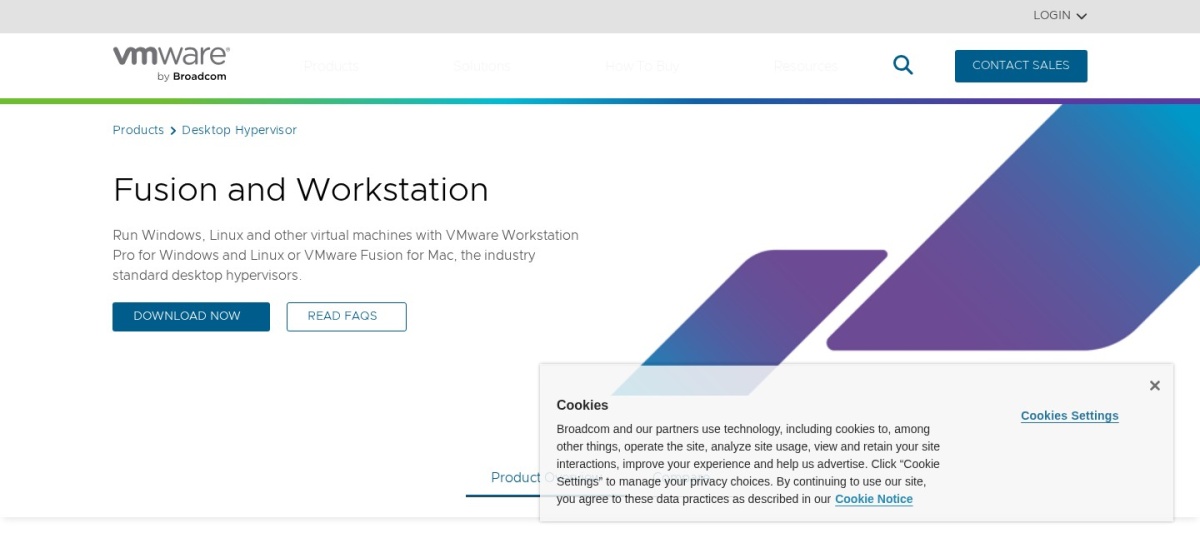
VMware Workstation Pro is the desktop virtualization standard, and it is now free for everyone. You get the full feature set at no cost: snapshots, clones, a virtual network editor and the best 3D graphics support of any desktop VM tool.
The trade off is the download. You need a Broadcom account and must navigate their support portal, which is less pleasant than it sounds. It suits Windows and Linux users who want the fastest desktop VMs.
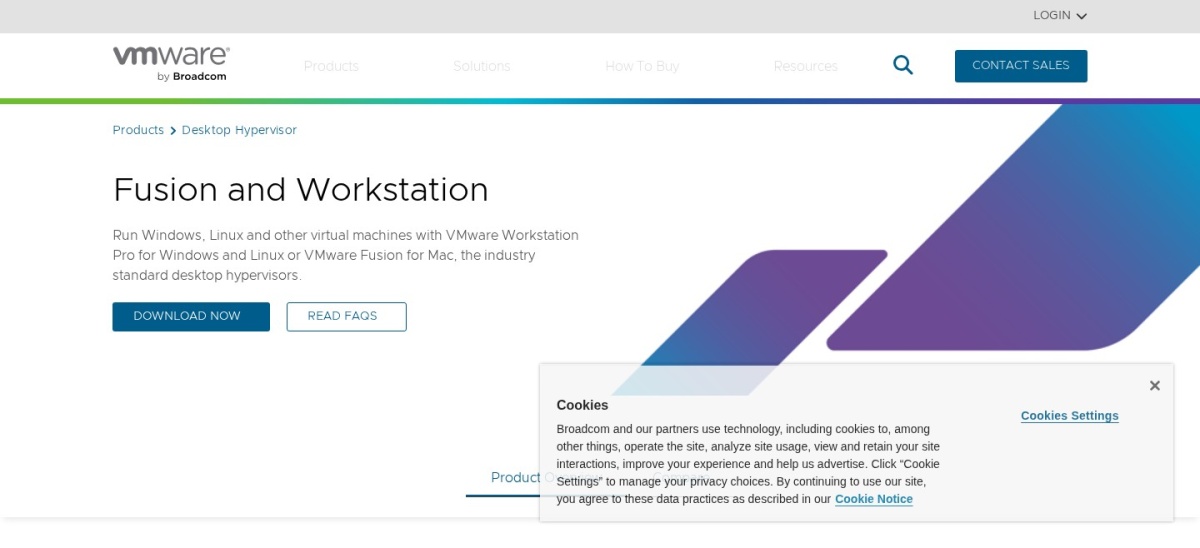
VMware Fusion Pro is the Mac sibling of Workstation Pro and shares its licensing story: previously paid, now free for everyone. On Apple Silicon it runs ARM versions of Windows and Linux well, and on older Intel Macs it runs the full x86 guest catalog.
The trade off is the ARM limit. You cannot run an x86 Windows VM on an Apple Silicon Mac with any hypervisor, so check that ARM Windows or your Linux distribution covers your needs. It suits Mac users who want the most polished free VM experience.
What we like
Free for all users since late 2024
Runs Windows and Linux on Intel and Apple Silicon
Unity mode blends guest apps into macOS
Rated 4.4 out of 5 from 126 G2 reviews
Watch out for
Apple Silicon guests limited to ARM operating systems
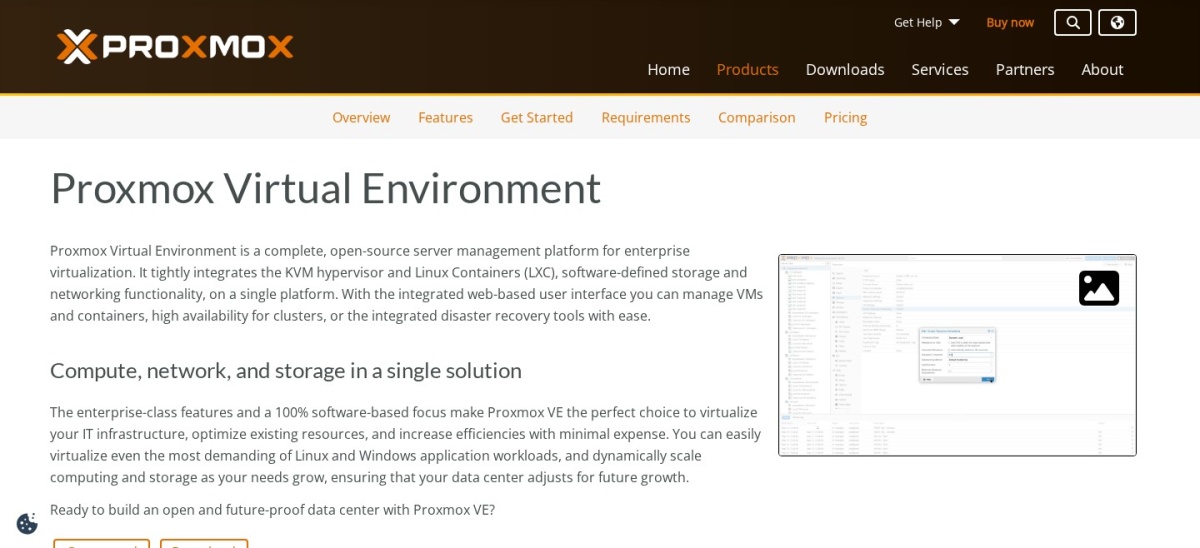
Proxmox VE turns a spare server into a virtualization platform through a web interface. It combines KVM virtual machines with LXC containers, adds clustering, live migration, scheduled backups and software-defined storage, and charges nothing for the software itself.
The trade off is that it is server software, not a desktop app. You install it on bare metal and manage it from a browser, and the tested enterprise repository and official support need a subscription. It suits homelabs and small businesses running a dedicated VM server.
QEMU is the engine room of open-source virtualization. It emulates full systems across dozens of processor architectures and, paired with KVM on Linux, virtualizes at near-native speed. Proxmox, UTM and much of cloud computing build on it, and it costs nothing.
The trade off is the interface. QEMU is driven from the command line with a steep learning curve, so most people meet it through a friendlier front end. It suits developers who need automation, custom tooling or unusual architectures.
XenServer, formerly Citrix Hypervisor, is a veteran Xen-based hypervisor for running virtual machines on physical servers. The core platform is free, with paid editions adding advanced features and support, and it suits environments already tied to Citrix.
The trade off is momentum. Mindshare has drifted to Proxmox and XCP-ng in the open-source Xen world, and the third-party ecosystem is a fraction of VMware's. It suits teams running virtual desktops and applications on Xen.
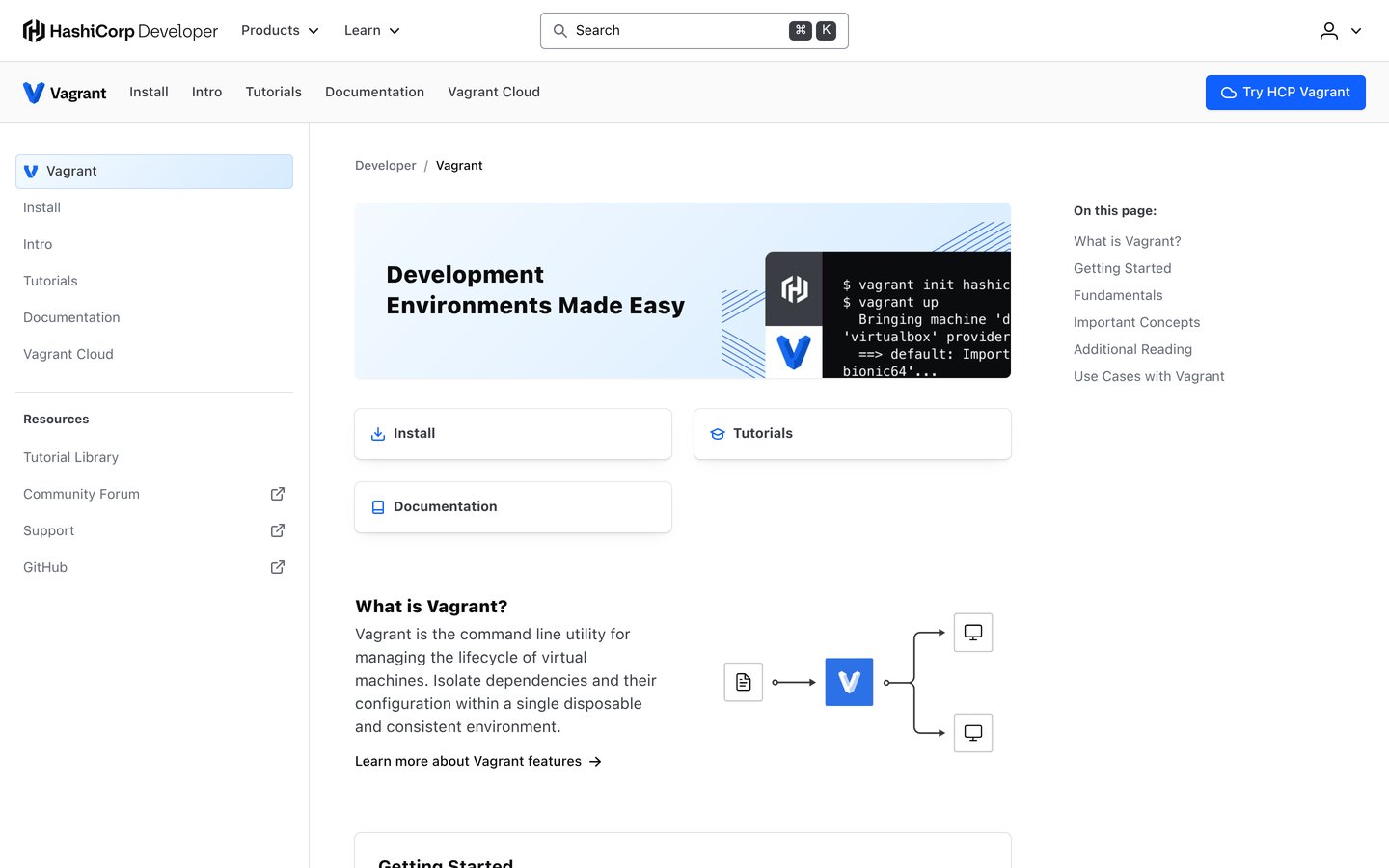
Vagrant creates and manages consistent virtual machine environments for development and testing. You describe the machine in a Vagrantfile, and every developer on the team gets the same setup on VirtualBox, VMware or Hyper-V, in minutes.
The trade off is that Vagrant does not run VMs itself. You still need a hypervisor underneath, and the first configuration takes time to get right. It suits development teams that need the same environment on every machine.
Desktop VM apps like VirtualBox, Workstation Pro and Fusion Pro run on your laptop. You open a window, start a guest operating system, and close it when you are done.
Server hypervisors like Proxmox VE and XenServer run on a dedicated machine. You install them on bare metal and manage VMs from a browser, often for many users at once.
QEMU sits underneath both kinds. It is the engine that powers Proxmox, UTM and much of cloud computing, and you can run it directly if you are comfortable with the command line.
Vagrant is different again: it does not run VMs itself. It creates and manages repeatable VM environments on top of VirtualBox, VMware or Hyper-V, so every developer on a team gets the same setup.
How we chose
We started from every virtual machine tool with a documented free plan or a free open-source licence, then kept the ones with a usable free tier and a public rating on G2.
Prices come from each vendor's pages and public licensing announcements, checked on 23 November 2026. Ratings and review counts come from G2 on the same day.
We left out tools with no free plan and tools with no public rating. No vendor paid for a place, and this list is based on pricing, docs and reviews, not on using the tools ourselves.
How to choose a free virtual machine software
Start with where the VM will run, a laptop or a server, then check the guest operating systems you need.
P i
C h
G i
T a
K e
FAQ
What is the best free virtual machine software?
VirtualBox is the best free virtual machine software for most people. It runs Windows, Linux and older macOS guests on Windows, Mac and Linux hosts at $0, and it is rated 4.5 out of 5 on G2 from 295 reviews.
Is VMware Workstation Pro really free?
Yes. Broadcom made Workstation Pro and Fusion Pro free for all users, including commercial use, in November 2024. You need a Broadcom account to download them.
Which free VM software is best for a Mac?
VMware Fusion Pro is the best free option for Mac users, with the most polished experience and good Apple Silicon support. VirtualBox also runs on Mac, and UTM is a lighter free alternative for Apple Silicon.
Can I run virtual machines for free on a server?
Yes. Proxmox VE is the best free server hypervisor, combining KVM virtual machines and LXC containers with clustering, backups and a web interface at $0. XenServer is another free option for Xen-based servers.
Is there a free virtual machine tool for Linux desktops?
Yes. VirtualBox runs on Linux, and QEMU with KVM is built into the Linux kernel for near-native speed. Vagrant adds repeatable, scripted VM environments on top of either.
What is the best free VM software for testing malware?
VirtualBox and VMware Workstation Pro both suit isolated testing, with snapshots that let you revert a VM in seconds. Run the VM on a separate network from your host for the strongest isolation.
Do any free VM tools work on Apple Silicon?
Yes. VMware Fusion Pro runs ARM versions of Windows and Linux on Apple Silicon, and UTM uses Apple's native virtualization framework for near-native ARM speed. Neither can run x86 Windows on Apple Silicon.