Otter.ai is the best free video transcription software for most people, with 300 free minutes a month and a 4.4 out of 5 G2 rating. Pick Descript to edit video by editing text, and VEED for fast subtitles on social clips.
How we make this list: we compare pricing pages, product documentation and public user reviews, then re-check every price before each update. No product paid for a place. Disclosure.
Otter.ai gives the most free meeting minutes: 300 a month, with live transcription in Zoom, Meet and Teams.
Descript turns the transcript into the editor: delete a sentence and the video cuts itself.
Fireflies.ai is the only tool here with unlimited transcription on its free plan, capped by 400 minutes of storage.
VEED and Kapwing add watermarks to free exports, so their free plans suit testing more than publishing.
Paid upgrades start at $97.99 a year for Notta Pro and climb to $288 a year for Riverside Pro.
What free video transcription should cover
Free transcription tools split into two kinds. Some join your meetings and write down what is said live. Others take a file you upload and return a transcript you can edit.
The free plan is where they differ most. Minutes per month, caps per recording, watermarks on exports and subtitle limits all decide whether a tool fits your week.
Accuracy depends on the recording more than the tool. Clear audio with one speaker at a time gives a clean draft; accents, noise and crosstalk all add errors to fix.
Captions are a separate job from transcripts. If your finished video needs burned-in captions or an SRT file, pick a tool that exports them. Our guide to embedding a video in WordPress shows where a captioned video goes once it is published.
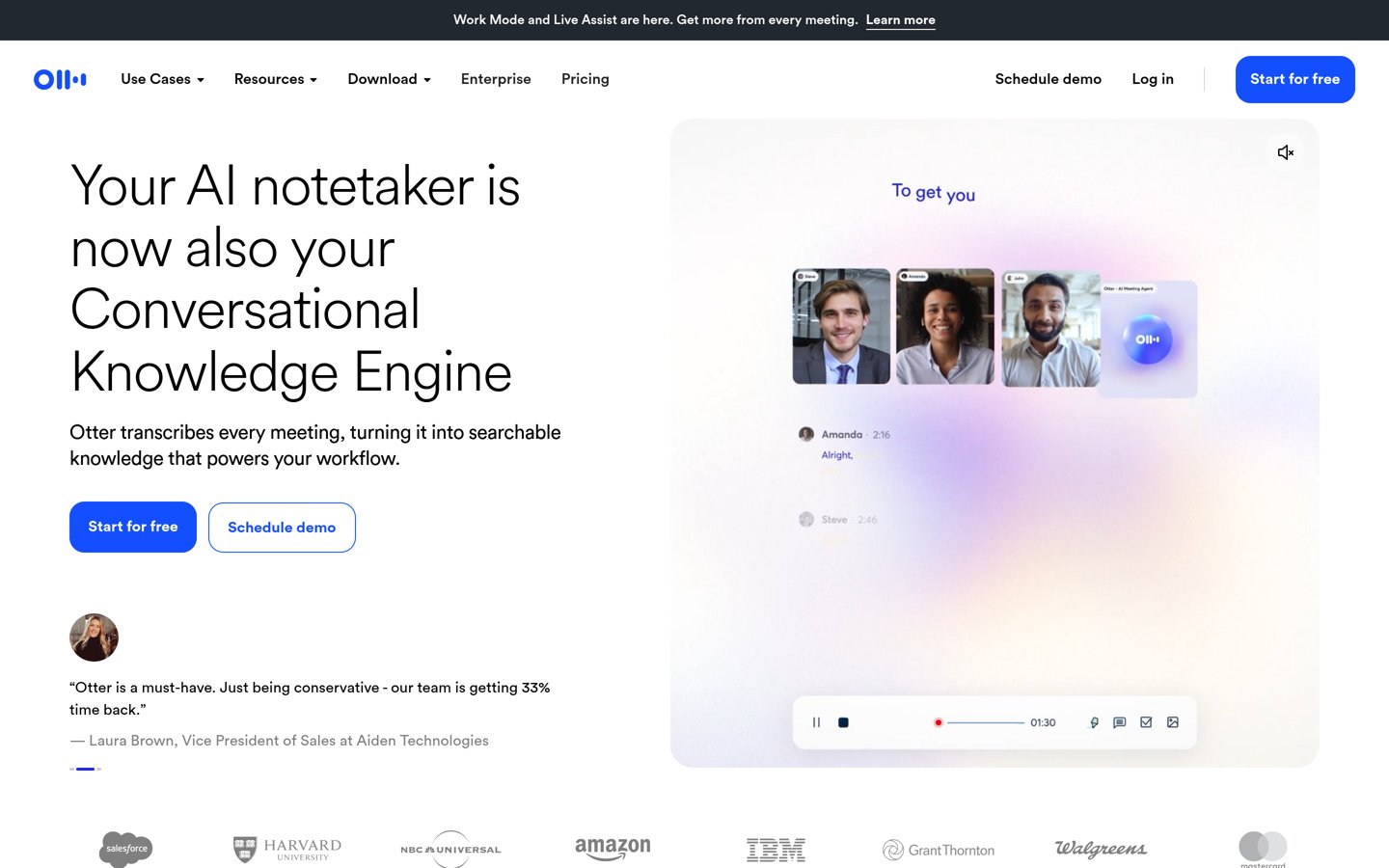
Otter.ai is a meeting transcription tool that joins Zoom, Google Meet and Microsoft Teams calls and writes out the conversation in real time. The free Basic plan includes 300 transcription minutes a month, a 30-minute cap per conversation, and 3 lifetime audio or video file imports. It also labels speakers and keeps a searchable archive of past transcripts.
The trade off is the free plan's limits. A 30-minute cap cuts longer meetings in half, and only 3 file uploads ever means the free plan is built for live calls, not a backlog of recordings. Pro costs $8.33 a month billed yearly and raises the allowance to 1,200 minutes a month. It suits people who sit in regular meetings and want notes without pressing record.
What we like
300 free minutes a month, the most here for meetings
Live transcription with speaker labels
Searchable archive of past transcripts
Joins Zoom, Meet and Teams automatically
Watch out for
30-minute cap cuts longer meetings in half
Only 3 file imports, ever, on the free plan
Free exports are plain text only
Pro adds 1,200 minutes a month and 10 file importsVisit otter.ai
02
Descript
4.6/5on G2 (938 reviews, checked Nov 2026)
Paid from$16/mo
Best for editing video by text
Free media1 hour/mo
Free export720p, watermarked
Languages25
Paid planHobbyist, $16/mo
descript.com
Descript homepage, captured Nov 2026.
Descript is an audio and video editor built around the transcript, so editing the text edits the recording. The free plan includes 1 media hour a month, 100 one-time AI credits, and exports at 720p with a watermark. Transcription covers 25 languages, with speaker labels and filler-word removal built in.
The trade off is that the free hour runs out fast. One hour a month covers a short test project, not a weekly show, and watermarked exports are not fit to publish. Hobbyist costs $16 a month billed yearly and adds 10 media hours a month plus 400 AI credits. It suits creators who publish talking-head video or podcasts every week.
VEED is a browser-based video editor whose auto-subtitle tool turns speech into timed captions in one click. The free plan includes 30 minutes of auto-subtitles a month, exports up to 10 minutes long at 720p, and a VEED watermark on every export. Subtitles cover 125+ languages and export as SRT or VTT files.
The trade off is the watermark. Free exports carry the VEED mark and stop at 720p, so the free plan works for testing captions, not for publishing finished clips. Lite costs $12 a month billed yearly and removes the watermark, raises exports to 1080p, and adds 12 hours of subtitles a month. It suits social creators who caption short clips every week.
What we like
One-click subtitles in 125+ languages
Runs fully in the browser, nothing to install
SRT and VTT export for captions
Watch out for
Free exports carry a watermark
Free plan caps at 30 subtitle minutes a month
Accuracy slips on heavy accents
Lite removes the watermark and adds 12 hours of subtitles a monthVisit veed.io
04
Fireflies.ai
4.7/5on G2 (751 reviews, checked Nov 2026)
Paid from$10/mo
Best free plan for meetings
Free transcriptionUnlimited
Free storage400 minutes
Languages100+
Paid planPro, $10/seat/mo
fireflies.ai
Fireflies.ai homepage, captured Nov 2026.
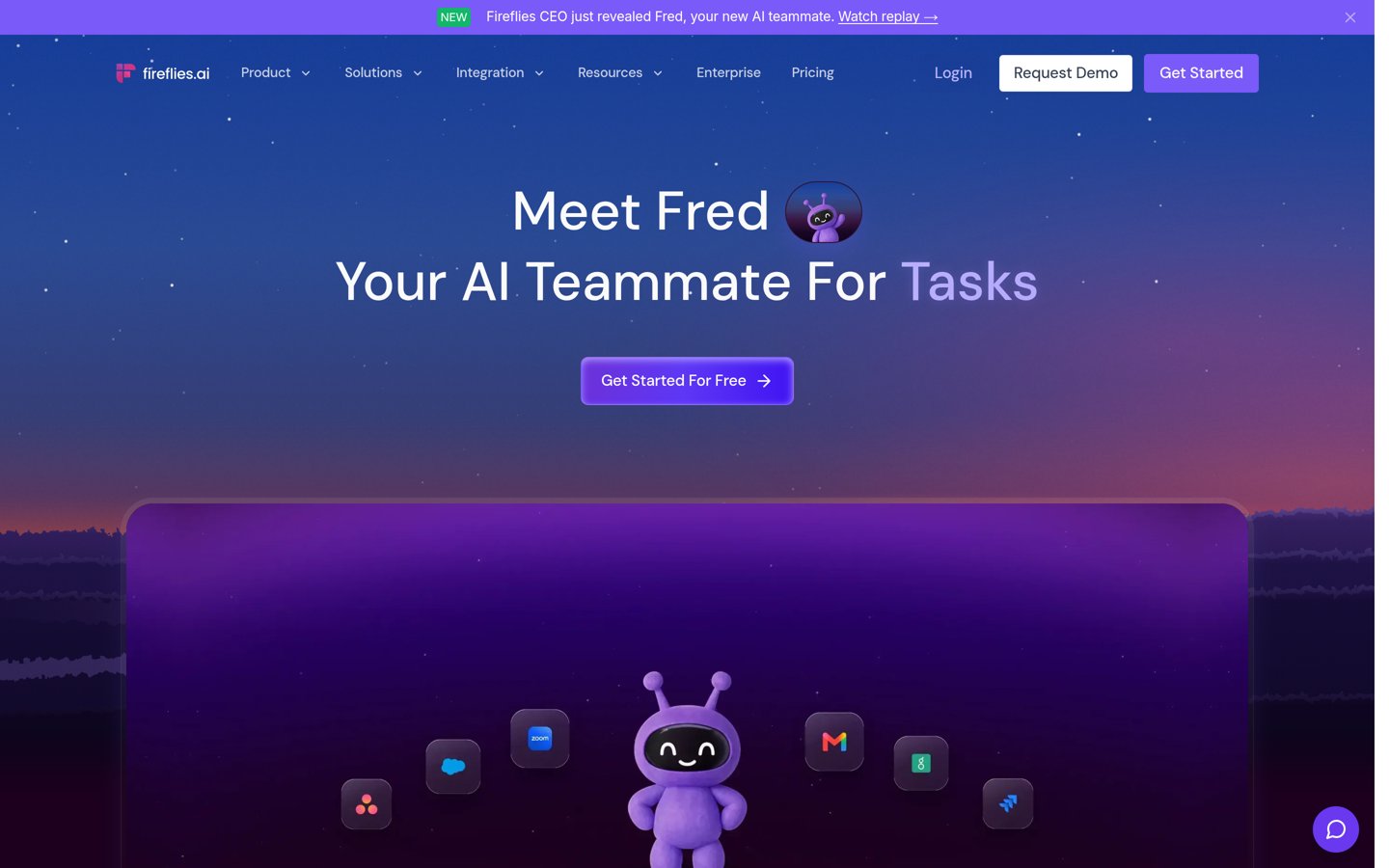
Fireflies.ai is an AI meeting assistant that joins Zoom, Google Meet and Microsoft Teams calls, records them and writes a transcript. The free plan includes unlimited transcription, with storage capped at 400 minutes and AI summaries limited by credits. It works in 100+ languages and keeps a searchable archive of every meeting.
The trade off is the bot. Fireflies joins calls as a participant, and some guests dislike being recorded by a bot they did not invite. Free storage also fills fast, since only 400 minutes of recordings are kept. Pro costs $10 a seat a month billed yearly and adds 8,000 minutes of storage per seat plus unlimited AI summaries. It suits sales and support teams who live in meetings.
What we like
Unlimited transcription on the free plan
Works in 100+ languages
Rated 4.7 out of 5 on G2
Searchable meeting archive
Watch out for
Free storage capped at 400 minutes
Joins calls as a bot, which some guests dislike
AI summaries limited by credits on free
Pro adds 8,000 minutes of storage per seat and unlimited summariesVisit fireflies.ai
05
Notta
4.2/5on G2 (442 reviews, checked Nov 2026)
Paid from$8.17/mo
Best multilingual value
Free minutes120/mo
Per-recording cap3 minutes
Languages58
Paid planPro, $8.17/mo
notta.ai
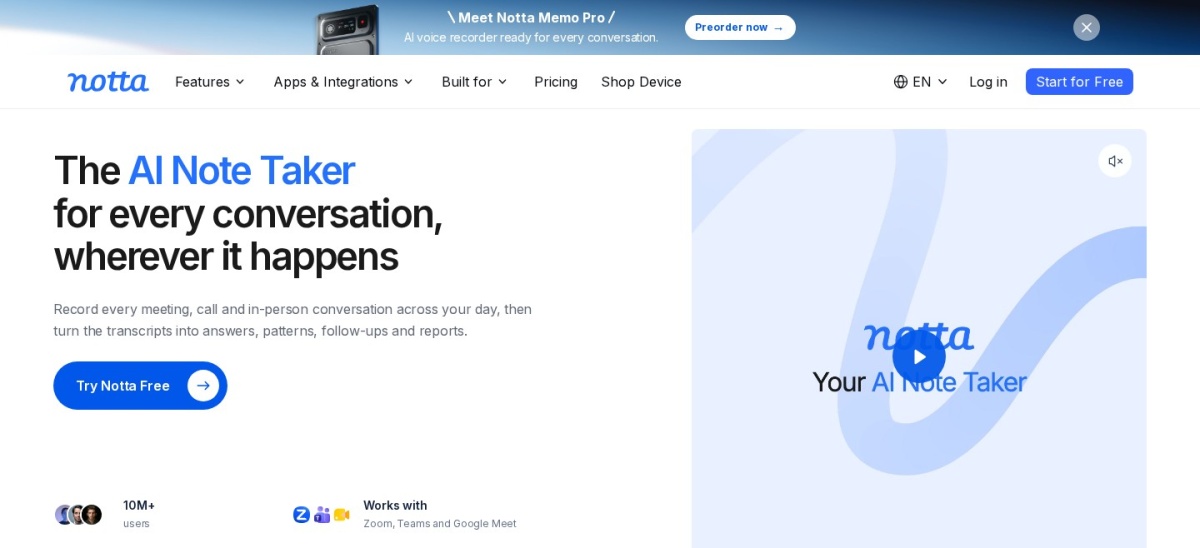
Notta homepage, captured Nov 2026.
Notta is a transcription and meeting-notes app that records live meetings and turns uploaded audio and video into text. The free plan includes 120 transcription minutes a month, capped at 3 minutes per conversation, with 50 file uploads a month. It transcribes in 58 languages and adds speaker labels to every transcript.
The trade off is the 3-minute cap. No free recording can run longer than 3 minutes, so a normal meeting cannot be transcribed end to end without paying. Pro costs $8.17 a month billed yearly and raises the allowance to 1,800 minutes a month with recordings up to 5 hours. It suits multilingual teams who want the cheapest paid plan in this list.
What we like
58 languages on the free plan
Cheapest paid plan in this list
Chrome extension captures browser audio
Watch out for
Free recordings stop at 3 minutes
AI summaries are a paid feature
120 free minutes go fast
Pro adds 1,800 minutes a month and recordings up to 5 hoursVisit notta.ai
06
Riverside
4.8/5on G2 (1,754 reviews, checked Nov 2026)
Paid from$24/mo
Best for remote interviews
Free recording2 hours, one-off
Free video720p, watermarked
Paid transcriptionUnlimited on Pro
Paid planPro, $24/mo
riverside.fm
Riverside homepage, captured Nov 2026.
Riverside is a remote recording studio that records each guest locally on their own device, then uploads the high-quality files. Because the audio is clean, the automatic transcription that follows is more accurate than on compressed meeting recordings. The free plan includes 2 hours of multi-track recording as a one-off allowance, at 720p with a watermark.
The trade off is that the free plan is a trial, not a monthly tool. Once the 2 hours are used, there is no monthly reset, and the text-based editor and unlimited transcription sit on Pro. Pro costs $24 a month billed yearly and adds 4K video, no watermark and unlimited transcription. It suits podcasters and interview shows who record remote guests every week.
What we like
Local recording gives clean audio and better transcripts
Separate tracks for each speaker
Rated 4.8 out of 5 on G2
Text-based editing on paid plans
Watch out for
Free 2 hours are a one-off allowance, not monthly
Unlimited transcription needs the $24 Pro plan
Most expensive paid plan in this list
Pro adds 4K video, no watermark and unlimited transcriptionVisit riverside.fm
07
Happy Scribe
4.6/5on G2 (121 reviews, checked Nov 2026)
Paid from$8.50/mo
Best for subtitles and translation
Free trial10 minutes, once
Meeting recordingsUnlimited, 45 min each
Languages150+
Paid planBasic, $8.50/mo
happyscribe.com
Happy Scribe homepage, captured Nov 2026.
Happy Scribe is a transcription and subtitling platform that turns uploaded audio and video into timestamped transcripts and captions. The free plan is a one-time 10-minute trial for uploaded files, plus unlimited meeting recordings of up to 45 minutes each. It covers 150+ languages and exports subtitles as SRT and VTT files.
The trade off is that 10 free minutes is barely a test. One short clip uses up the whole allowance, so you must pay before you can judge the tool on real footage. Basic costs $8.50 a month billed yearly and adds 120 upload minutes a month. It suits creators who need captions and translated subtitles for finished video.
Kapwing is a browser-based video editor with automatic captions built in for social clips. The free plan includes 10 credits for the lifetime of the account, covering up to 10 minutes of auto-subtitling, with 720p exports that carry a watermark. Projects can be shared in a team workspace, and captions can be restyled in a couple of clicks.
The trade off is how fast the free credits run out. Ten credits cover one short clip, and exports are capped at 4 minutes, so regular creators upgrade quickly. Pro costs $16 a member a month billed yearly and adds 1,000 credits a month with 1,000 minutes of subtitles and no watermark. It suits small teams captioning short clips for TikTok and Reels.
What we like
Browser editor with captions built in
Captions styled for social in a few clicks
Team workspaces for shared projects
Watch out for
Free plan is only 10 lifetime credits
Free exports are watermarked and capped at 4 minutes
TurboScribe is a simple web service that turns uploaded audio and video files into transcripts using OpenAI's Whisper model. The free plan allows 3 transcripts a day, each up to 30 minutes, with no credit card needed. It supports 98+ languages and exports to TXT, DOCX, PDF, SRT and VTT.
The trade off is that there is nothing around the transcript. There is no video editor, no caption styling and no meeting bot, and free files queue behind paid ones at lower priority. Unlimited costs $10 a month billed yearly and removes the caps entirely. It suits researchers and students who transcribe files in bursts and only need the words.
Free plans cover the basics well. Most include live transcription or file uploads, speaker labels and a searchable transcript.
Paid plans mostly add minutes and exports. You get more transcription time, watermark-free video and subtitle exports without caps.
If you publish video every week, a free plan runs out fast. Our guide to embedding a video in WordPress shows where captioned video ends up once it is published.
For a show or channel that earns money, the first year of a paid plan often costs less than the hours lost to manual transcription.
How we chose
We started from the transcription tools with a real free plan or trial, then kept the nine with public ratings on G2 and a free tier that still works in 2026.
Prices come from each vendor's pricing page, checked on 25 November 2026. Ratings and review counts come from G2 on the same day. Where a vendor shows a sale, the list shows the regular price.
We left out tools with no public rating and tools whose free plan had been removed. No vendor paid for a place, and we do not claim hands-on testing for this list.
How to choose free video transcription software
Start with where your video comes from, then match the free plan to that source.
Work out where your video comes from. Live meetings need a bot that joins calls, like Otter.ai or Fireflies.ai. Recorded files need an uploader, like TurboScribe or Notta.
Count the minutes you need each month. Add up your meetings or recordings for a normal month, then check the free cap. Otter.ai gives 300 minutes; Notta gives 120.
Decide what happens after the transcript. If the words feed a video edit, pick Descript or Riverside. If they feed captions, pick VEED, Happy Scribe or Kapwing.
Check the export limits before you commit. Free exports can carry a watermark or stop at 720p. See how to embed a video in WordPress to check what your published video needs.
FAQ
What is the best free video transcription software?
Otter.ai is the best free pick for most people, with 300 free minutes a month, live transcription and a 4.4 out of 5 G2 rating. Descript is better if you edit video by editing text, and VEED is better for fast subtitles on social clips.
Is there really free video transcription software?
Yes. Otter.ai, Descript, VEED, Fireflies.ai, Notta, Riverside, Kapwing and TurboScribe all have free plans, and Happy Scribe offers a 10-minute trial. Every free plan has limits, usually on minutes, exports or video quality, so read the caps before you rely on one.
How accurate is free AI transcription?
On clear audio with one speaker at a time, most of these tools produce a usable first draft, though vendors quote different accuracy figures from different tests. Accents, background noise and overlapping speakers all lower accuracy, so plan to skim the transcript before you quote it anywhere important.
Can I transcribe a video without installing software?
Yes. Otter.ai, VEED, Fireflies.ai, Notta, Happy Scribe, Kapwing and TurboScribe all run in the browser, so you upload a file or connect a meeting link and get the transcript back. Descript and Riverside need a desktop app for full editing, though Riverside also records in the browser.
Do free plans add a watermark to my video?
Some do. VEED, Kapwing, Descript and Riverside watermark free video exports, so their free plans suit testing more than publishing. Otter.ai, Fireflies.ai, Notta and TurboScribe return text transcripts, so there is no video to watermark, though exports may still be limited.
Which free tool is best for subtitles?
VEED is the best free pick for subtitles, with one-click captions in 125+ languages and 30 free subtitle minutes a month. Happy Scribe is better when you need translated subtitles or a proper subtitle editor, and Kapwing is better for styled captions on short social clips.
What is the cheapest paid plan in this list?
Notta Pro is the cheapest, at $8.17 a month billed yearly, or $97.99 a year, for 1,800 transcription minutes a month. Happy Scribe Basic is close at $8.50 a month billed yearly, and Otter.ai Pro costs $8.33 a month billed yearly.
SaaS SEO and WordPress specialist with about 8 years of experience. Rakib compares WordPress plugins, themes, hosting and software using public pricing, documentation and user reviews. See how we rank.