7-Zip is the best free unzip software for most people: it opens ZIP, RAR, 7z and dozens more formats, costs nothing and is rated 4.8 out of 5 on SourceForge. Pick WinRAR if you need to create RAR files, and Keka if you are on a Mac.
How we make this list: we compare pricing pages, product documentation and public user reviews, then re-check every price before each update. No product paid for a place. Disclosure.
7-Zip is the best free pick: it opens RAR, 7z, ISO and dozens more formats, costs nothing and is rated 4.8 out of 5 on SourceForge.
WinRAR is the only tool here that creates RAR archives, with a 40-day trial and a $29 one-time licence.
PeaZip opens 180+ formats on Windows, Linux and macOS, all free with no paid edition.
WinZip and PowerArchiver are trial-only: WinZip costs $39.96 a year after a 21-day trial, PowerArchiver $22.95 once after 30 days.
Mac owners should start with Keka for creating archives or The Unarchiver for opening them, both free.
What free unzip software should cover
Most files you download arrive as ZIP, RAR or 7z archives. Windows opens ZIP files on its own, but RAR, 7z and split archives need a separate tool.
A good unzip tool should open the formats you meet most, protect archives with a password, and stay out of your way. Free tools cover all of that; paid ones add cloud sharing, backup and repair.
WordPress users meet archives often. Our guide on installing a theme from a ZIP file shows where an extractor fits into a normal site task.
Watch out for trial-only tools dressed up as free. WinRAR, WinZip and PowerArchiver all let you try first, then ask for payment, while 7-Zip, PeaZip, Keka, The Unarchiver and B1 cost nothing at all.
4.8/5on SourceForge (833 reviews, checked Nov 2026)
PriceFree
Best free unzip software overall
Formats opened30+ incl. RAR, 7z, ISO
Creates archives7z, ZIP, TAR and more
EncryptionAES-256
Paid planNone, fully free
7-zip.org
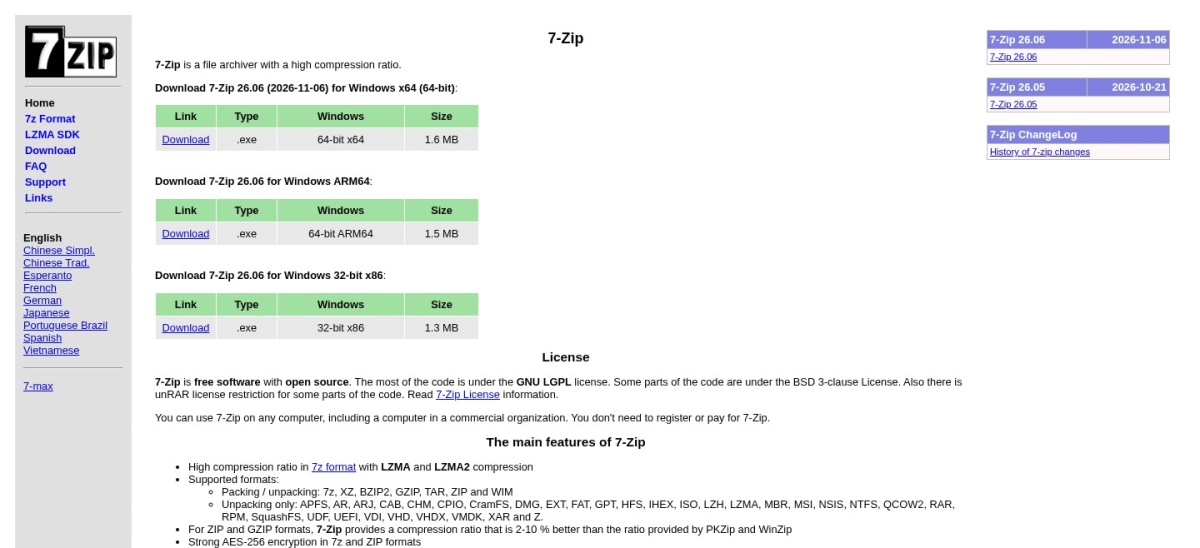
7-Zip homepage, captured Nov 2026.
7-Zip is a free, open-source archiver for Windows, with console versions for Linux and macOS. It packs files into 7z, ZIP, TAR and more, opens RAR, ISO and dozens of other formats, and protects archives with AES-256 encryption. The current release is 26.06, and the installer is only 1.6 MB.
The trade off is the look and feel. The interface is plain and dated, and there is no native Mac app, only a command-line version. It suits anyone on Windows who wants the strongest free unzip tool and does not care about polish.
What we like
Completely free with no paid edition
Opens RAR, 7z, ISO and dozens more formats
Rated 4.8 out of 5 on SourceForge from 833 ratings
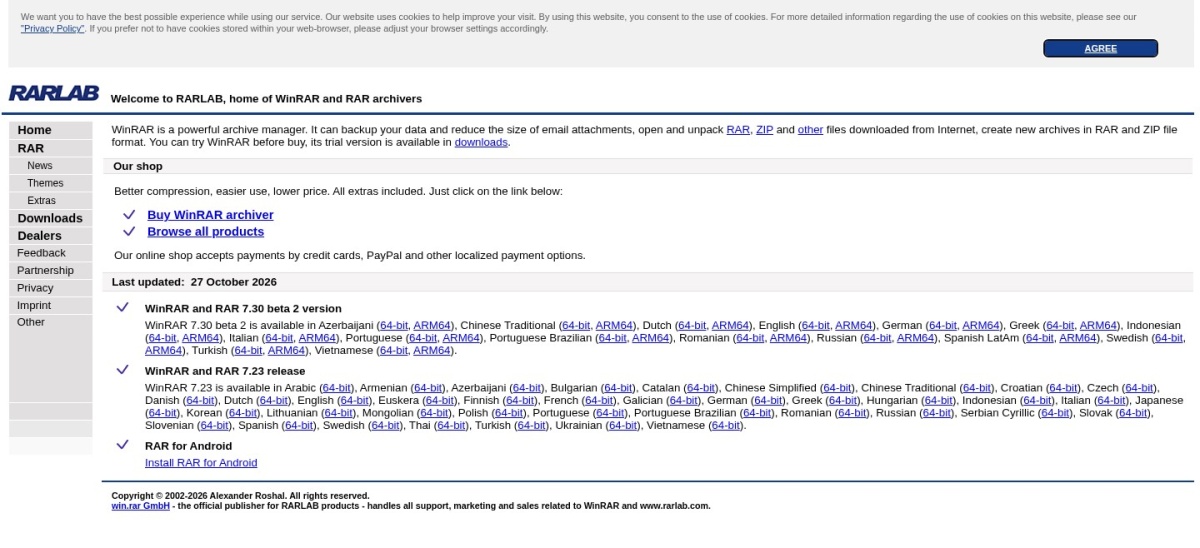
WinRAR is the reference archiver for the RAR format, and the only tool here that can create RAR archives. It opens ZIP, 7z, ISO and more, repairs damaged archives with recovery records, and locks files with AES-256 encryption. The trial lasts 40 days, and a single-user licence costs $29 as a one-time purchase.
The trade off is that it is not really free. The trial keeps working after 40 days but shows a purchase reminder, and the licence terms require buying it. It suits people who must create RAR files or repair damaged archives.
What we like
Only tool here that creates RAR archives
Repairs damaged archives with recovery records
Rated 4.8 out of 5 on Capterra from 357 reviews
Watch out for
Not free after the 40-day trial
Licence costs $29 per computer
The $29 licence is one-time and removes the reminderVisit rarlab.com
03
PeaZip
4.6/5on SourceForge (115 reviews, checked Nov 2026)
PriceFree
Best free cross-platform archiver
Formats supported180+
Creates archives7z, ZIP, TAR
EncryptionAES-256
Paid planNone, fully free
peazip.github.io
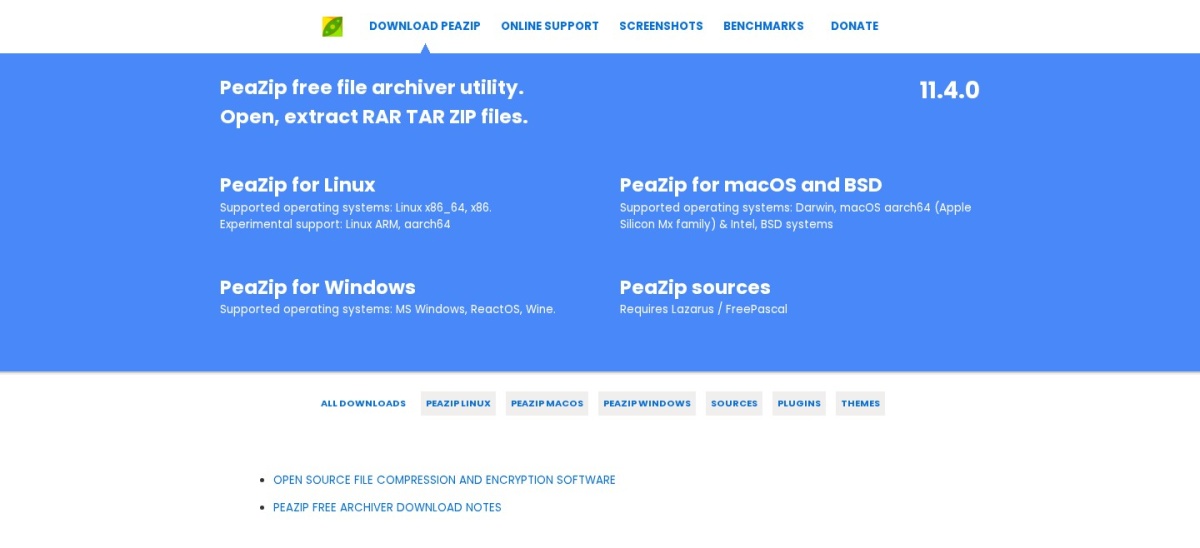
PeaZip homepage, captured Nov 2026.
PeaZip is a free, open-source archiver for Windows, Linux and macOS. It opens more than 180 archive formats, creates 7z, ZIP and TAR archives, and adds AES-256 encryption, secure deletion and file checksums. The current release is 11.4.0, and there is no paid edition at all.
The trade off is speed and polish. PeaZip packs more features than 7-Zip but runs slower on large jobs, and its menus can overwhelm new users. It suits people who open unusual formats and want one free tool on every desktop system.
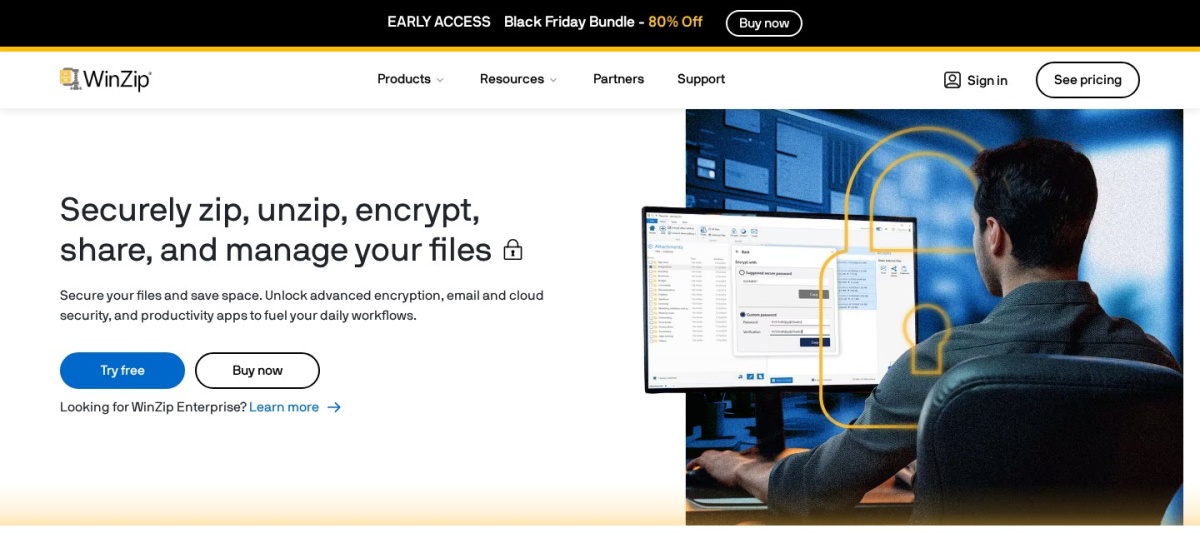
WinZip is the long-running commercial archiver for Windows and Mac. It zips and unzips files, encrypts them with AES-256, and shares them straight to Dropbox, Google Drive and OneDrive. Standard costs $3.33 a month billed yearly, and a 21-day trial lets you try the full app first.
The trade off is the price. There is no free edition after the 21-day trial, and Standard is a yearly subscription at $3.33 a month. It suits people who want cloud sharing and file tools in one paid app.
What we like
Shares straight to Dropbox, Google Drive and OneDrive
4.8/5on Mac App Store (3.9K reviews, checked Nov 2026)
Paid from$6.49/once
Best free unzip software for Mac
PlatformsmacOS and iOS
Creates archives7z, ZIP, TAR
EncryptionAES-256
Paid plan$6.49 on App Store
keka.io
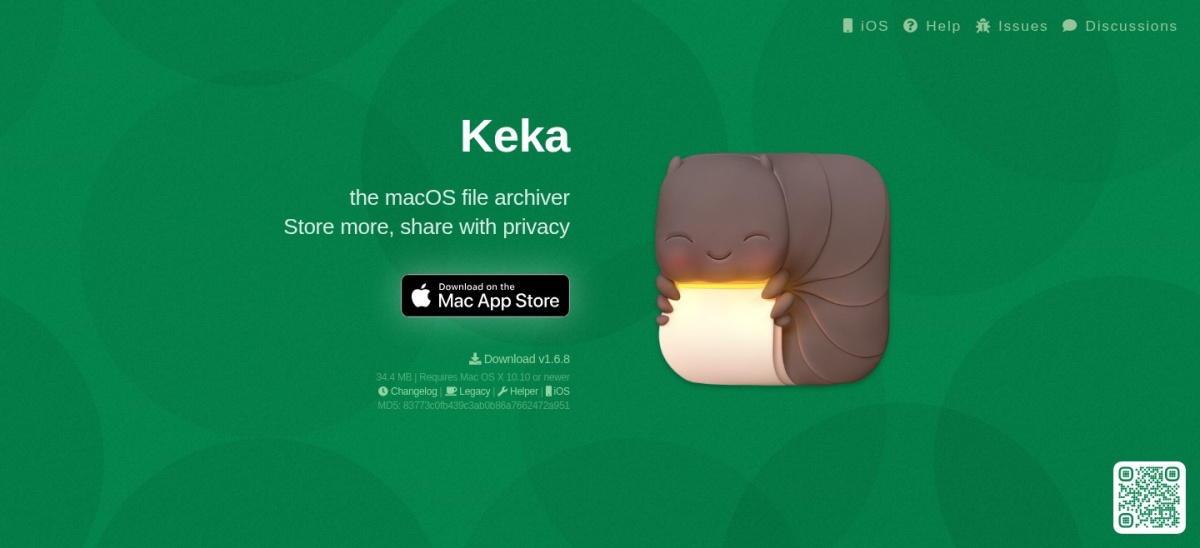
Keka homepage, captured Nov 2026.
Keka is the macOS file archiver, free to download from keka.io. It creates 7z, ZIP and TAR archives, extracts RAR and more, and adds AES-256 encryption plus splitting for large files. The current release is 1.6.8, and the same app costs $6.49 on the Mac App Store.
The trade off is that it is Mac only. Windows and Linux users need another tool, and creating RAR archives needs a separate command-line utility. It suits Mac owners who want a simple, native archiver that stays out of the way.
What we like
Free direct download, no account needed
Native Mac app with Apple silicon support
Rated 4.8 out of 5 on the Mac App Store from 3.9K ratings
Watch out for
macOS only
Cannot create RAR archives on its own
The $6.49 App Store copy is the same app, bought to support developmentVisit keka.io
06
The Unarchiver
4.5/5on Mac App Store (41 reviews, checked Nov 2026)
PriceFree
Best for simply opening archives on Mac
PlatformsmacOS only
Creates archivesNo, extract only
Formats openedRAR, 7z and old formats
Paid planNone, fully free
macpaw.com
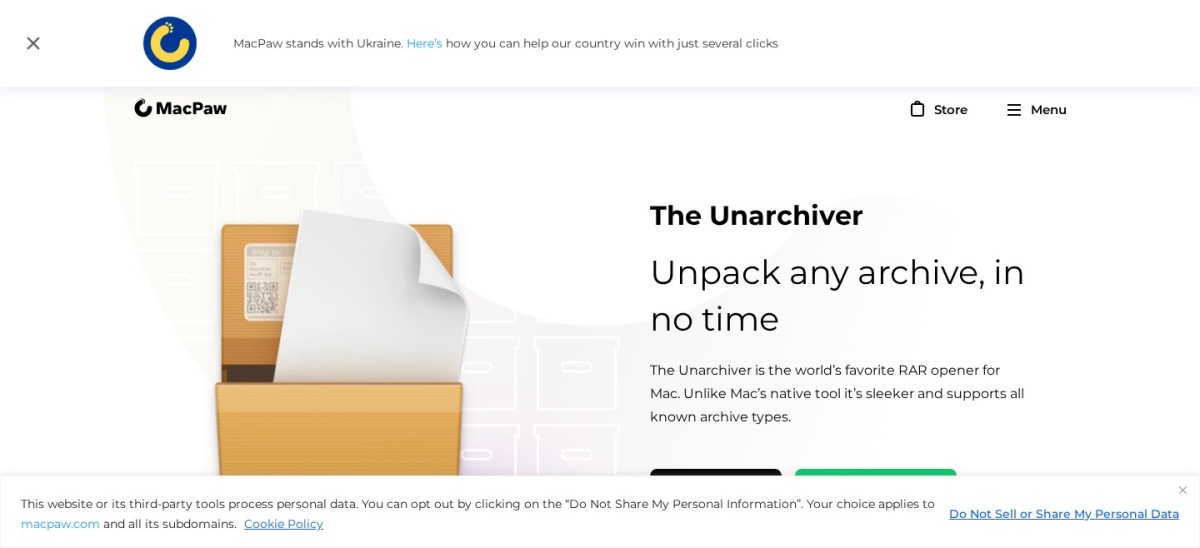
The Unarchiver homepage, captured Nov 2026.
The Unarchiver is a free extraction tool for Mac, and the simplest pick in this list. It opens RAR, 7z and many old archive formats that macOS cannot handle on its own. You install it, set it as the default opener, and archives just open when you double-click them.
The trade off is that it only extracts. It cannot create archives, and since version 4.3.9 it shows ads for other MacPaw apps while it works. It suits Mac owners who only need to open archives they download.
What we like
Free with nothing held back
Opens old and unusual archive formats
Set it once and archives just open
Watch out for
Extract only, cannot create archives
Shows ads for other MacPaw apps since 2025
Mac only
No paid version exists, and there are no in-app purchasesVisit macpaw.com
07
PowerArchiver
4/5on Capterra (1 reviews, checked Nov 2026)
Starts at$22.95/once
Best paid unzip software for small firms
Formats opened60+
EncryptionAES-256
Free trial30 days
Paid planBusiness, $22.95 once
powerarchiver.com
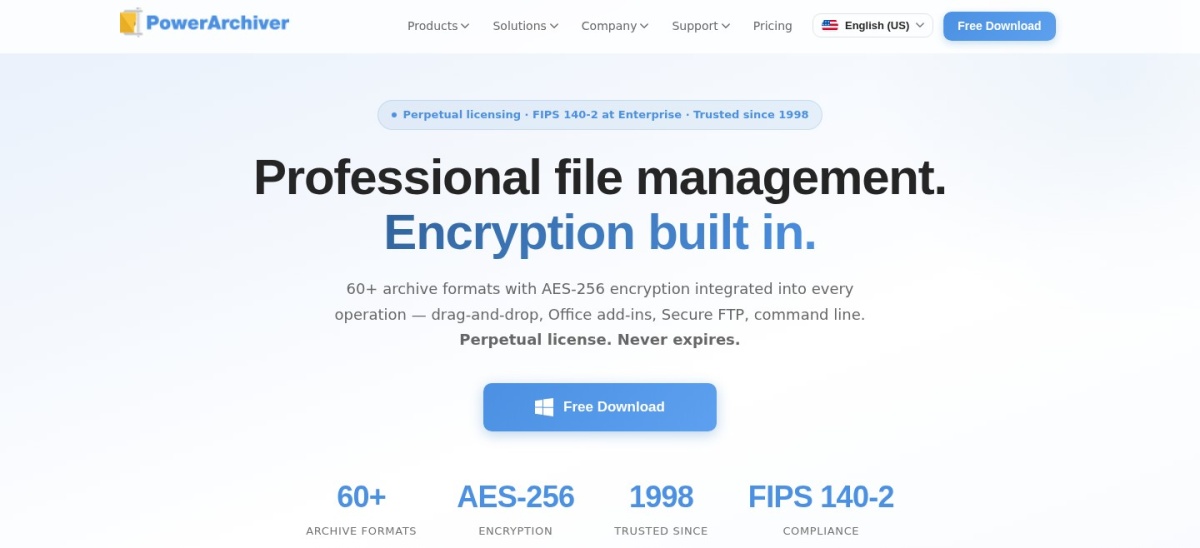
PowerArchiver homepage, captured Nov 2026.
PowerArchiver is a commercial archiver for Windows and Mac with business features. It handles 60+ archive formats with AES-256 encryption, plus backup, cloud connectors and Office add-ins on higher editions. A 30-day trial unlocks everything, and the Business edition costs $22.95 as a one-time purchase.
The trade off is price and weight. The entry edition is a one-time $22.95, but backup and encryption extras need the $34.95 Professional edition. It suits small firms that want one paid archiver with backup built in.
What we like
60+ formats with AES-256 encryption
Backup and cloud connectors on higher editions
Perpetual licence, no subscription
Watch out for
No free edition, only a 30-day trial
Best features need the $34.95 Professional edition
4.2/5on Software Informer (45 reviews, checked Nov 2026)
PriceFree
Best free unzip software for every device
PlatformsWindows, Mac, Linux, Android
Creates archivesZIP and B1
Formats opened30+
Paid planNone, fully free
b1.org
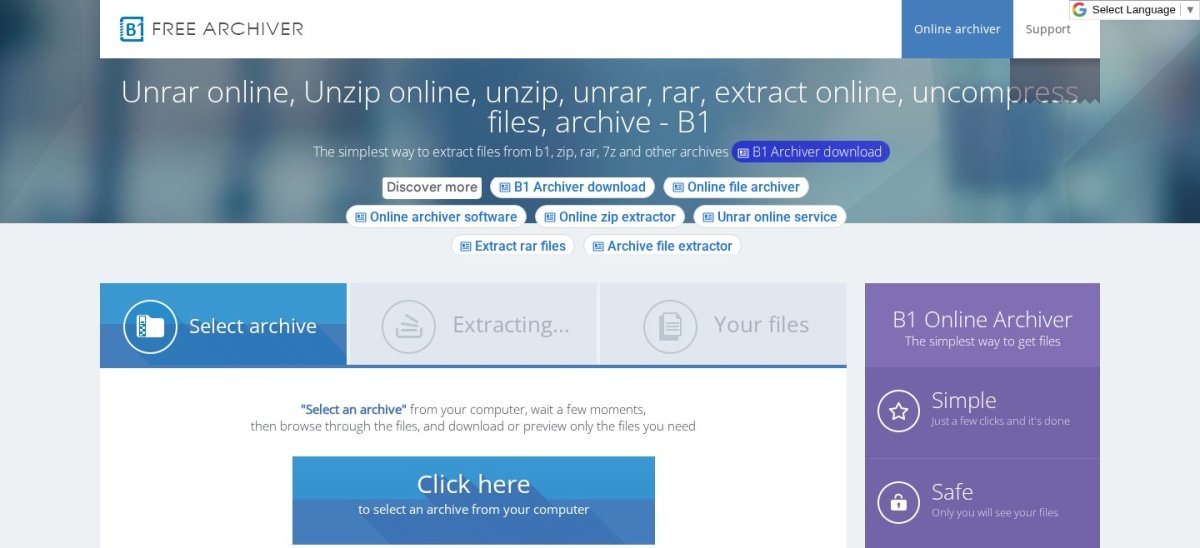
B1 Free Archiver homepage, captured Nov 2026.
B1 Free Archiver is a free archiver for Windows, Linux, macOS and Android, with an online version too. It creates ZIP and B1 archives, opens RAR, 7z and 30+ other formats, and handles password-protected and multi-part archives. There is no paid edition and no registration.
The trade off is polish and power. Its interface is simple and it lacks the advanced tools of 7-Zip or PeaZip, such as checksums and repair. It suits people who want the same free archiver on a phone, a Mac and a PC.
What we like
Free on Windows, Mac, Linux and Android
Same app on desktop, phone and web
Opens password-protected and multi-part archives
Watch out for
Fewer advanced tools than 7-Zip or PeaZip
Simple interface with no archive repair
No paid plan exists, the full archiver is freeVisit b1.org
Free vs trial-only: what to check first
Five tools in this list are free forever: 7-Zip, PeaZip, Keka, The Unarchiver and B1 Free Archiver. None of them has a paid edition or a locked feature.
WinRAR, WinZip and PowerArchiver are trials. WinRAR gives 40 days, WinZip 21 days and PowerArchiver 30 days, then each one asks for payment.
WinRAR is the odd one out: the trial keeps working after 40 days with a reminder, but the licence terms still require the $29 purchase. Treat it as paid, not free.
If you only unzip files now and then, a free tool does the job. Our guide on enabling Gzip or Brotli compression covers the server side of making files smaller.
How we chose
We started from the best-known desktop archivers for Windows and Mac, then kept the ones with a free plan or a free trial and a public rating.
Prices come from each vendor's pricing page, checked on 25 November 2026. Ratings and review counts come from SourceForge, Capterra, the Mac App Store and Software Informer on the same day. Where a vendor shows a sale, the list shows the regular price.
We left out Bandizip, Zipware and Ashampoo ZIP Free because no public rating exists for them on any review site we checked. No vendor paid for a place, and we do not claim hands-on testing for this list.
How to choose free unzip software
Start with the formats you open most, then check the platform and the price.
List the formats you open. ZIP and RAR cover most downloads. If you also meet 7z, TAR or ISO files, pick a tool that opens them all, such as 7-Zip or PeaZip.
Match the tool to your system. 7-Zip, PeaZip and WinRAR lead on Windows. Keka and The Unarchiver are the Mac picks, and B1 covers phones too.
Decide if you also create archives. The Unarchiver only extracts. If you zip files to send, choose 7-Zip, PeaZip, Keka or WinRAR instead.
Check whether it is really free. A trial ends. If you do not want to pay, stick to 7-Zip, PeaZip, Keka, The Unarchiver or B1, which cost nothing.
FAQ
What is the best free unzip software?
7-Zip is the best free unzip software for most people. It opens ZIP, RAR, 7z, ISO and dozens more formats, costs nothing, and is rated 4.8 out of 5 on SourceForge from 833 ratings. It runs on Windows, with console versions for Linux and macOS.
Is WinRAR really free?
No. WinRAR is a 40-day trial, and a single-user licence costs $29 as a one-time purchase. The trial keeps working after 40 days but shows a purchase reminder, and the licence terms require buying it. For a truly free tool, use 7-Zip or PeaZip instead.
Can I unzip RAR files for free?
Yes. 7-Zip, PeaZip, Keka, The Unarchiver and B1 Free Archiver all open RAR files without paying. Only WinRAR can create RAR archives, so you only need to pay if you make RAR files yourself.
What is the best unzip software for Mac?
Keka is the best free choice for Mac owners who also create archives, since it makes 7z, ZIP and TAR files. The Unarchiver is simpler and better if you only open archives. Both are free, and Keka is rated 4.8 out of 5 on the Mac App Store.
Is 7-Zip safe to download?
Yes, if you get it from the official site at 7-zip.org. It is free, open-source software with no ads, no bundled extras and no account. Avoid lookalike download sites, which have been used to spread malware in the past.
Do I need paid unzip software?
Most people do not. Free tools open every common format and encrypt archives with AES-256. Paid tools are worth it only if you want cloud sharing, scheduled backup or archive repair, which is where WinZip and PowerArchiver earn their price.
What archive formats should unzip software open?
At minimum it should open ZIP, RAR and 7z, plus TAR and GZ for files from Linux servers. 7-Zip and PeaZip go further, opening ISO images and dozens of older formats as well.
SaaS SEO and WordPress specialist with about 8 years of experience. Rakib compares WordPress plugins, themes, hosting and software using public pricing, documentation and user reviews. See how we rank.