Canva is the best free tool to turn a photo into video for most people, with a free plan that animates photos using transitions, music and templates, rated 4.7 out of 5 from 7,660 G2 reviews. Pick CapCut for free social editing, or Kling when you want AI motion from a single still.
How we make this list: we compare pricing pages, product documentation and public user reviews, then re-check every price before each update. No product paid for a place. Disclosure.
Canva is the top free pick: it animates photos with transitions, music and 250,000+ free templates, rated 4.7/5 from 7,660 G2 reviews.
CapCut is the strongest free editor for social clips, with no watermark on desktop exports and Pro at $9.99 a month.
Kling turns one photo into a 3–30 second AI clip on its free plan, which gives 66 credits a day.
Runway's free plan is a 125-credit one-time trial, so it suits short tests rather than regular free use.
Paid upgrades start at $9.99 a month, and every tool in this list has a free plan or free credits.
What turning a photo into video means
Turning a photo into video covers two different jobs. One is a slideshow: photos with movement, transitions, music and text. The other is AI motion, where a model animates a still image into a short clip.
Slideshow tools suit photo memories, product shots and social posts. AI image-to-video tools suit one striking clip from a single image, such as a product photo that moves or a portrait that turns its head.
Free plans differ most in export limits. Some cap resolution at 720p, some watermark every export, and some give a small monthly credit allowance that runs out after a few clips. Our guide on embedding a video in WordPress shows how the finished clip reaches a page.
Check the watermark and the commercial-use rule before you commit. Several free plans allow personal use only, and paid plans are what remove the watermark.
Canva is a browser design tool that turns photos into video with animations, transitions, music and text. The free plan includes 250,000+ templates and about 50 AI credits a month, and finished clips export as MP4 for social posts or a website.
The trade off is that the best AI video features and premium templates sit behind Pro at $15 a month, or $120 a year on annual billing. It suits anyone who wants quick photo videos without learning an editor or installing an app.
CapCut is a free video editor from ByteDance for short social clips, with an AI video maker that builds a video from a script or photos. The free desktop app exports without a watermark at up to 1080p, and auto-captions and templates cover most of the editing work.
The trade off is that Pro assets and some AI effects sit behind Pro at $9.99 a month, and free cloud storage stops at 5 GB. It suits creators who post vertical video to TikTok, Reels or Shorts and want a free editor that covers captions and effects.
What we like
Free desktop exports have no watermark
Auto-captions and templates included free
AI video maker builds clips from photos
Watch out for
Pro effects and assets need the paid plan
Free cloud storage is only 5 GB
Pro adds 4K export, 1 TB cloud storage and all AI effectsVisit capcut.com
03
Kling AI
4.7/5on G2 (3 reviews, checked Nov 2026)
Paid from$10/mo
Best AI image-to-video quality per dollar
Free planYes, 66 credits a day
Clip length3–30 seconds, Kling 4.0
KeyframesUp to 10 per clip
Paid planStandard, $10/mo
kling.ai
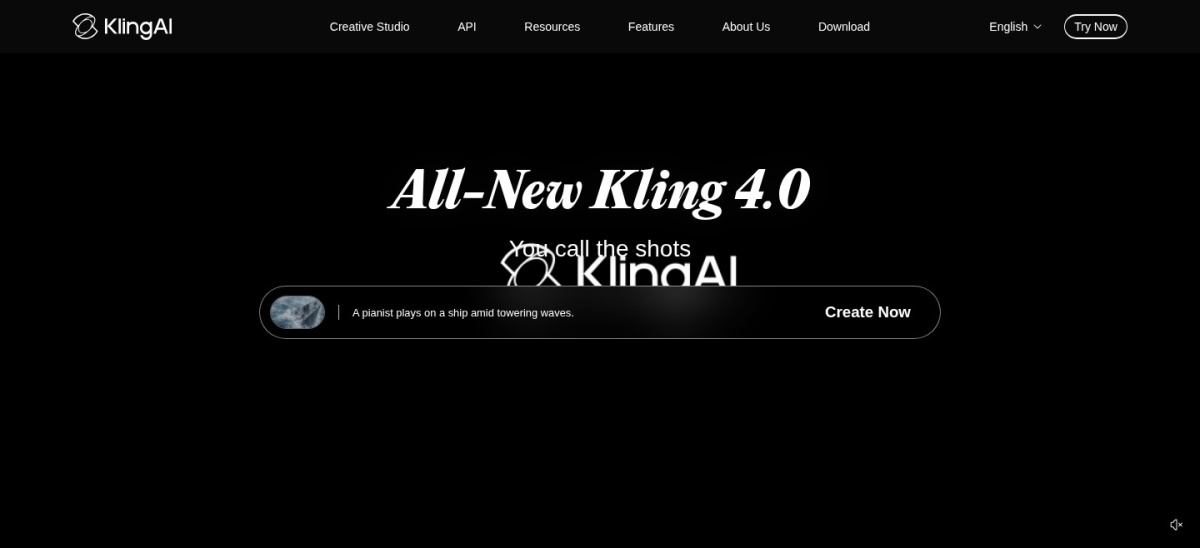
Kling AI homepage, captured Nov 2026.
Kling AI is Kuaishou's AI video studio, and its image-to-video mode animates a still photo into a moving clip. Kling 4.0 makes clips from 3 to 30 seconds with up to 10 keyframes, and the free plan gives 66 credits a day.
The trade off is credit cost. Standard lists at $10 a month for 660 credits, with $8.80 a month after the first month, and a 10-second 1080p clip can cost 150 credits. It suits creators who want realistic motion from one photo and can plan around credits.
What we like
Strong image-to-video motion for the price
Free plan refills daily with 66 credits
Clips up to 30 seconds with keyframes
Watch out for
G2 rating rests on only 3 reviews
Credit costs make heavy use expensive
Standard adds 660 credits a month, no watermark and commercial useVisit kling.ai
04
Runway
4/5on G2 (135 reviews, checked Nov 2026)
Paid from$15/mo
Best for cinematic image-to-video
Free planYes, 125 one-time credits
ModelGen-4 and Gen-4.5
Clip lengthAbout 10 seconds
Paid planStandard, $15/mo
runwayml.com
Runway homepage, captured Nov 2026.
Runway is an AI video platform whose Gen-4 model turns a still image into a short video clip with camera controls. The free plan gives 125 one-time credits for watermarked clips up to about 5 seconds, and paid plans open Gen-4.5 and longer clips.
The trade off is price per second. Standard costs $15 a month for 625 credits, or $12 a month on annual billing, and Gen-4.5 uses about 12 credits a second. It suits filmmakers and creators who want character consistency across shots.
Adobe Express is Adobe's browser design app for social posts, flyers and short videos from photos. The free plan includes 100,000+ templates, 1 million-plus stock images and 25 generative credits a month, with animation effects for photo clips.
The trade off is that the free plan watermarks exports and caps AI credits, while Premium at $9.99 a month adds 250 credits, brand kits and more storage. It suits marketers and small businesses already using Adobe tools.
What we like
Large free template and stock library
Simple animation for photo clips
Rated 4.5 out of 5 from 848 G2 reviews
Watch out for
Free exports carry a watermark
Text-to-video needs the Firefly Pro plan
Premium adds 250 AI credits a month and brand kitsVisit adobe.com
06
Animoto
4.3/5on G2 (94 reviews, checked Nov 2026)
Paid from$16/mo
Best for simple photo slideshows
Free planYes, free forever with branding
Slideshow templatesDrag-and-drop, music included
Music libraryLicensed tracks
Paid planBasic, $16/mo
animoto.com
Animoto homepage, captured Nov 2026.
Animoto is a browser video maker built around photo slideshows, with drag-and-drop templates and a licensed music library. The free plan covers the basic tools with Animoto branding on exports, and videos take minutes to assemble from a set of photos.
The trade off is price and polish. Basic costs $16 a month, and the Professional plan at $29 a month removes branding and adds stock content. It suits families, teachers and small businesses that want a tidy slideshow fast.
What we like
Easiest slideshow builder in this list
Licensed music included
Free plan has no time limit
Watch out for
Free exports carry Animoto branding
Paid plans cost more than rivals for the same job
Professional adds stock content and removes Animoto brandingVisit animoto.com
07
FlexClip
4.6/5on G2 (68 reviews, checked Nov 2026)
Paid from$19.99/mo
Best for template-led AI clips
Free planYes, 720p with watermark
AI modelsSora 2, Veo 3, Kling, Hailuo
Templates6,000+ templates
Paid planPlus, $19.99/mo
flexclip.com
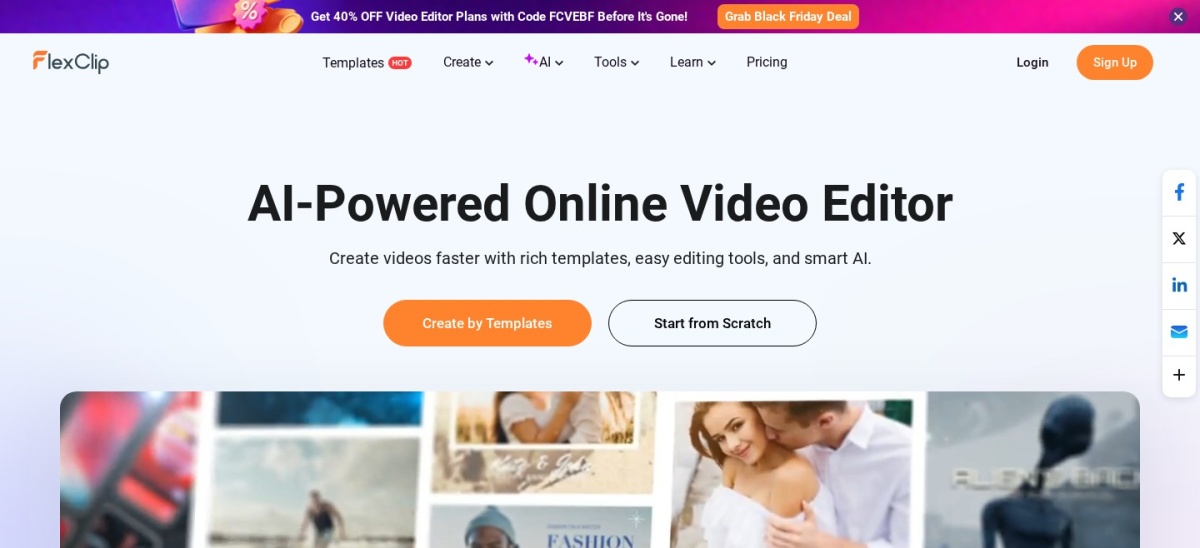
FlexClip homepage, captured Nov 2026.
FlexClip is a browser video editor with 6,000+ templates and AI tools that turn text or photos into video. Its AI video options run on models including Sora 2, Veo 3, Kling and Hailuo, and the free plan exports at 720p with a watermark.
The trade off is the Plus price. Plus costs $19.99 a month billed monthly, or $11.99 a month on annual billing, for 1080p exports, no watermark and 3,600 AI credits a year. It suits beginners who want templates and several AI models in one place.
What we like
Many templates and stock assets
Several AI video models in one editor
Rated 4.6 out of 5 from 68 G2 reviews
Watch out for
Free exports are 720p with a watermark
Plus costs more than most rivals here
Plus adds 1080p exports, no watermark and 3,600 AI credits a yearVisit flexclip.com
08
InVideo AI
4.2/5on G2 (183 reviews, checked Nov 2026)
Paid from$20/mo
Best for prompt-led video volume
Free planYes, watermarked, 10 mins a week
AI models200+ models in one workspace
Credits400 a month on Starter
Paid planStarter, $20/mo
invideo.io
InVideo AI homepage, captured Nov 2026.
InVideo AI is a prompt-to-video workspace that builds a video from a prompt, a script or a URL, using stock footage or AI generation. The free plan is watermarked with 10 minutes a week, and the workspace runs more than 200 image, video, audio and music models.
The trade off is credit burn. Starter costs $20 a month billed monthly, or $10 a month on annual billing, for 400 credits, and a minute of Pro-mode AI video costs about 80 credits. It suits creators who make many short social clips from prompts.
What we like
Prompt-to-video with stock and AI footage
More than 200 AI models in one place
Free plan for trying the workflow
Watch out for
Credits drain fast on AI-generated video
Pricing changed in October 2026, so confirm the plan before paying
Kapwing is a browser video editor for short social clips, with auto-subtitles, resizing and AI tools in one timeline. The free plan gives 10 credits in total with exports up to 4 minutes, which covers a few short clips before Pro is needed.
The trade off is price. Pro costs $24 a month billed monthly, or $16 a month on annual billing, for 1,000 credits, 4K export and no watermark. It suits social media managers who subtitle and resize clips every week.
What we like
Full editor in the browser, no install
Strong auto-subtitle and resize tools
Free plan covers a few short clips
Watch out for
Lowest G2 rating in this list at 3.9
Free plan gives only 10 credits in total
Pro adds 1,000 credits a month, 4K export and no watermarkVisit kapwing.com
Free vs paid: what you give up
Free plans cover the basics well. Most animate photos, add music and export a short clip at no cost.
Paid plans mostly add resolution and volume. You get 1080p or 4K exports, no watermark and a monthly credit allowance that lasts.
AI image-to-video is where free plans run out fastest. A few clips can use a whole month of credits, so check the per-clip cost before you pick a tool. Our image carousel guide shows a free way to show photos that move on a page.
For one-off clips, stay free and accept the watermark. For regular posts, the cheapest paid plans here start at $9.99 a month.
How we chose
We started from the photo-to-video tools with a free plan or free credits, then kept the established names with public ratings on G2.
Prices come from each vendor's pricing page or G2 pricing data, checked on 25 November 2026. Ratings and review counts come from G2 on the same day. Where a vendor shows a sale, the list shows the regular price.
We left out tools with no free plan, including Luma and Pictory, and tools with no public rating, including Pika. No vendor paid for a place, and we do not claim hands-on testing for this list.
How to choose a free tool to turn a photo into video
Start with the kind of video you want, then check the free plan's export limits before you invest time in it.
Decide slideshow or AI motion. Slideshows suit photo memories and product shots. AI motion suits one striking clip from a single image.
Check the watermark and resolution. Free plans often export at 720p with a watermark. If the clip goes on a business page, that matters more than the feature list.
Count the credits per clip. AI tools charge credits per second, so a 10-second clip can cost a large share of a monthly allowance. See how to embed a video in WordPress once the clip is ready.
Try the free plan with your own photo. One real photo shows whether the motion looks natural and whether the export limits fit how often you post.
FAQ
What is the best free tool to turn a photo into video?
Canva is the best free pick for most people. Its free plan animates photos with transitions, music and templates, and it is rated 4.7 out of 5 from 7,660 G2 reviews.
Can I turn a photo into video for free?
Yes. Every tool in this list has a free plan or free credits, including Canva, CapCut and Kling. Free exports are often watermarked or capped at 720p, so check the limits before you start.
How long can an AI photo-to-video clip be?
Most free AI clips run 5 to 10 seconds. Kling 4.0 makes clips from 3 to 30 seconds on its free plan, while Runway's free credits cover clips of about 5 seconds. Longer clips need a paid plan.
Do free photo-to-video tools add a watermark?
Most do. CapCut's desktop app is the exception, with no watermark on free exports, while Canva, Adobe Express, FlexClip and InVideo watermark free exports. Paid plans remove the watermark.
Can I use a free photo video for business?
It depends on the licence. Kling's paid plans include commercial use, while free plans often limit use to personal projects. Check the terms on the vendor's site before using a clip in an ad or on a business page.
Which tool is best for social media clips?
CapCut is the best fit for TikTok, Reels and Shorts, with free editing, auto-captions and no watermark on desktop exports. Canva is better when the clip needs templates, brand colours and text.
SaaS SEO and WordPress specialist with about 8 years of experience. Rakib compares WordPress plugins, themes, hosting and software using public pricing, documentation and user reviews. See how we rank.