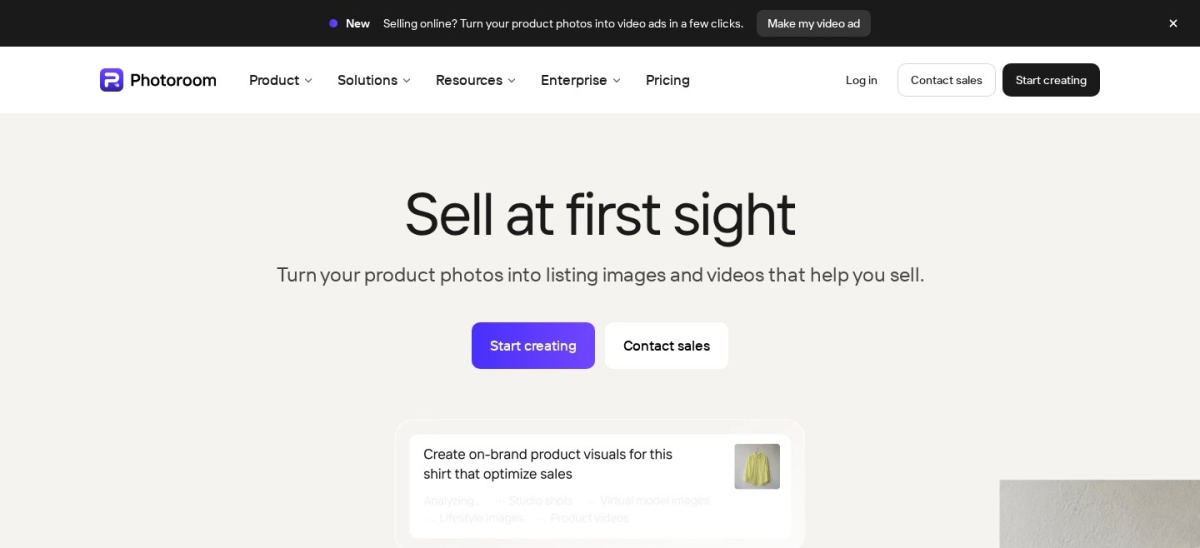
PhotoRoom is the best free tool to edit a photo background for most people, with one-click removal, AI replacement scenes and blur, rated 4.3 out of 5 on G2. Pick Canva for full design work around the edited photo, or Pixlr for the cheapest paid upgrade at $23.88 a year.
How we make this list: we compare pricing pages, product documentation and public user reviews, then re-check every price before each update. No product paid for a place. Disclosure.
PhotoRoom leads because it covers removal, replacement and blur in one free flow aimed at product photos.
Canva is the strongest choice when the edited photo goes straight into a design, post or presentation.
Pixlr has the cheapest paid upgrade here at $23.88 a year, and it is a full browser editor too.
Fotor Pro at $47.88 a year and PicWish Pro at $59.88 a year sit between the cheapest and the dearest paid plans.
Erase.bg and Removal.AI suit occasional use, with one-time credit packs from $6 and $1.89.
All 9 tools have a free plan. Paid upgrades run from $6 one-time to $144 a year.
What to look for when editing a photo background
Editing a background is more than deleting it. A good tool removes the old background cleanly, then lets you replace it with a colour, a blur or a new scene, and export the result at a usable size.
Edge quality matters most on hair, fur and transparent objects. Automatic tools handle plain product shots well, but fine detail still needs a manual brush or a second pass.
Free limits are the real difference between these tools. Some cap free exports at low resolution, add a watermark, or limit how many images you can process each day, so check the export size before you rely on one.
Paid plans mostly buy higher-resolution exports, batch processing and no watermark. If you edit photos daily for a store, a subscription is usually cheaper than buying credits one image at a time.
PhotoRoom is an AI photo editor built around product photos, with background removal, replacement and blur in one flow. The free plan removes backgrounds, adds AI-generated scenes and shadows, and includes templates for marketplaces and social media, plus batch editing on paid plans.
The trade off is export quality on the free plan. High-resolution downloads without a watermark need Pro at $7.50 a month billed yearly, or $90 a year. It suits sellers and small teams who need clean product photos with a new background every day.
What we like
Removal, replacement and blur in one free flow
AI scenes and shadows for product photos
Batch editing and marketplace templates on Pro
Works on web and mobile
Watch out for
Free exports are lower resolution and watermarked
Auto-crop can struggle with hair and sheer fabric
Only 20 G2 reviews, so the rating rests on a small sample
Pro adds high-resolution exports, batch editing and no watermarkVisit photoroom.com
02
Canva
4.7/5on G2 (7,657 reviews, checked Nov 2026)
Paid from$12/mo
Best for editing a background inside a full design
Background removalYes, Pro tool
Background replaceColour, image or blur
Background blurYes
Paid planPro, $12/mo billed yearly
canva.com
Canva homepage, captured Nov 2026.
Canva is a design platform with a Background Remover that sits inside a much larger editor. You can remove a background, replace it with a colour, a photo or a blur, then keep designing the post, flyer or presentation around it without switching tools.
The trade off is that background removal is a Pro feature, not a free one. Pro costs $12 a month billed yearly, or $144 a year, and the free plan still covers templates, 5 GB of storage and basic editing. It suits creators who want the edited photo and the finished design in one place.
What we like
Highest G2 rating in this list at 4.7 from 7,657 reviews
Replace a background with colour, blur or a new image
Huge template library for posts and presentations
100 GB of storage on Pro
Watch out for
Background removal needs the paid Pro plan
Dearest yearly plan in this list at $144
Less precise edge control than a dedicated cutout tool
Pro adds Background Remover, Magic Resize and premium assetsVisit canva.com
03
Adobe Express
4.5/5on G2 (855 reviews, checked Nov 2026)
Paid from$9.99/mo
Best Adobe option for everyday background edits
Background removalYes, free tool
Background replaceColour, image or blur
Background blurYes
Paid planPremium, $9.99/mo billed yearly
adobe.com
Adobe Express homepage, captured Nov 2026.
Adobe Express is Adobe's browser design tool, and its free background remover works without a paid plan. You can remove a background, swap in a colour or a new image, blur the backdrop, and then use Adobe Stock photos and templates to finish the design.
The trade off is price once you upgrade. Premium costs $9.99 a month billed yearly, or $119.88 a year, for premium templates, stock assets and more AI credits. It suits people who already use Adobe tools and want a free cutout with a familiar editor behind it.
What we like
Background removal is free, unlike Canva
Rated 4.5 out of 5 on G2 from 855 reviews
Adobe Stock photos and templates included
Blur and replace tools in the same editor
Watch out for
Premium is $119.88 a year for the full asset library
Fewer batch tools than PhotoRoom for sellers
Needs an Adobe account to save work
Premium adds premium templates, stock assets and more AI creditsVisit adobe.com
04
Pixlr
4.4/5on G2 (751 reviews, checked Nov 2026)
Paid from$1.99/mo
Best budget editor with background removal
Background removalYes, AI tool
Background replaceColour or image
Background blurYes
Paid planPlus, $1.99/mo billed yearly
pixlr.com
Pixlr homepage, captured Nov 2026.
Pixlr is a browser photo editor with an AI background remover built in, so a cutout can be fixed with layers, brushes and filters in the same window. The free plan covers background removal and basic editing, and Plus adds 80 AI credits a month.
The trade off is the credit system. Heavy AI use can run through the monthly credits, and the top plan costs $7.99 a month billed yearly. Plus costs $1.99 a month billed yearly, or $23.88 a year. It suits anyone who wants a cheap editor that also edits backgrounds.
What we like
Cheapest paid upgrade in this list at $23.88 a year
Fotor is an online photo editor that pairs its background remover with retouching, collage and design tools. The free Basic plan gives limited credits and normal-quality exports, while Pro unlocks HD downloads and transparent PNGs.
The trade off is the free export limit. Full-resolution results and transparent PNGs need Pro at $3.99 a month billed yearly, or $47.88 a year, against $10.99 billed monthly. It suits casual users who want simple edits and a new background without learning a full editor.
What we like
Simple editor with retouching and collage tools
Blur, colour and scene replacement in one place
Pro is $47.88 a year on yearly billing
Unused AI credits roll over for up to five months
Watch out for
Free exports are normal quality, not HD
Transparent PNGs need the paid plan
Lowest G2 rating in this list at 4.2, tied with Removal.AI
Pro adds HD downloads, transparent PNGs and more creditsVisit fotor.com
06
Picsart
4.5/5on G2 (788 reviews, checked Nov 2026)
Paid from$10.50/mo
Best mobile-first editor for background edits
Background removalYes, Pro tool
Background replaceColour, image or blur
Background blurYes
Paid planPro, $10.50/mo billed yearly
picsart.com
Picsart homepage, captured Nov 2026.
Picsart is a mobile-first photo and video editor with background removal, object removal, stickers, filters and AI effects. The free plan covers basic editing and collage layouts, while Pro adds background removal, premium templates and high-resolution exports.
The trade off is price and plan names. Pro costs $10.50 a month billed yearly, or $126 a year, against $15 billed monthly, and app stores still show older plan names. It suits creators who edit photos mainly on a phone and want stickers and effects with the cutout.
What we like
Rated 4.5 out of 5 on G2 from 788 reviews
Strong mobile app with stickers and AI effects
Background removal plus object removal on Pro
Collage and short video tools included
Watch out for
Background removal needs Pro
Pro is $126 a year, second dearest here
Plan names differ between web and app stores
Pro adds background removal, premium templates and 500 AI credits a monthVisit picsart.com
07
PicWish
4.2/5on Trustpilot (358 reviews, checked Nov 2026)
Paid from$4.99/mo
Best low-cost option for high-resolution downloads
Background removalYes, one click
Background replaceColour or image
Background blurYes
Paid planPro, $4.99/mo billed yearly
picwish.com
PicWish homepage, captured Nov 2026.
PicWish is a narrow AI photo tool that focuses on background removal, enhancement and upscaling, with web, desktop and mobile apps. The free plan gives limited non-HD downloads, and Pro adds 100 HD downloads a day and 450 monthly credits for AI features.
The trade off is scope. There is little design work here beyond the cutout, so finished graphics need a second tool. Pro costs $4.99 a month billed yearly, or $59.88 a year. It suits sellers who need cheap high-resolution cutouts and nothing else.
What we like
Pro is $59.88 a year with 100 HD downloads a day
Simple one-click flow with little to learn
Upscaling and enhancement in the same tool
Web, desktop and mobile apps
Watch out for
No design templates or full editor
Free downloads are non-HD and watermarked
G2 sample is only 6 reviews, so Trustpilot is used here
Pro adds HD downloads, batch editing and monthly AI creditsVisit picwish.com
08
Removal.AI
4.2/5on G2 (47 reviews, checked Nov 2026)
Paid from$5.99/mo
Best credit-based option for occasional edits
Background removalYes, one click
Background replaceColour or custom image
Background blurYes, in editor
Paid planMonthly, $5.99/mo for 100 credits
removal.ai
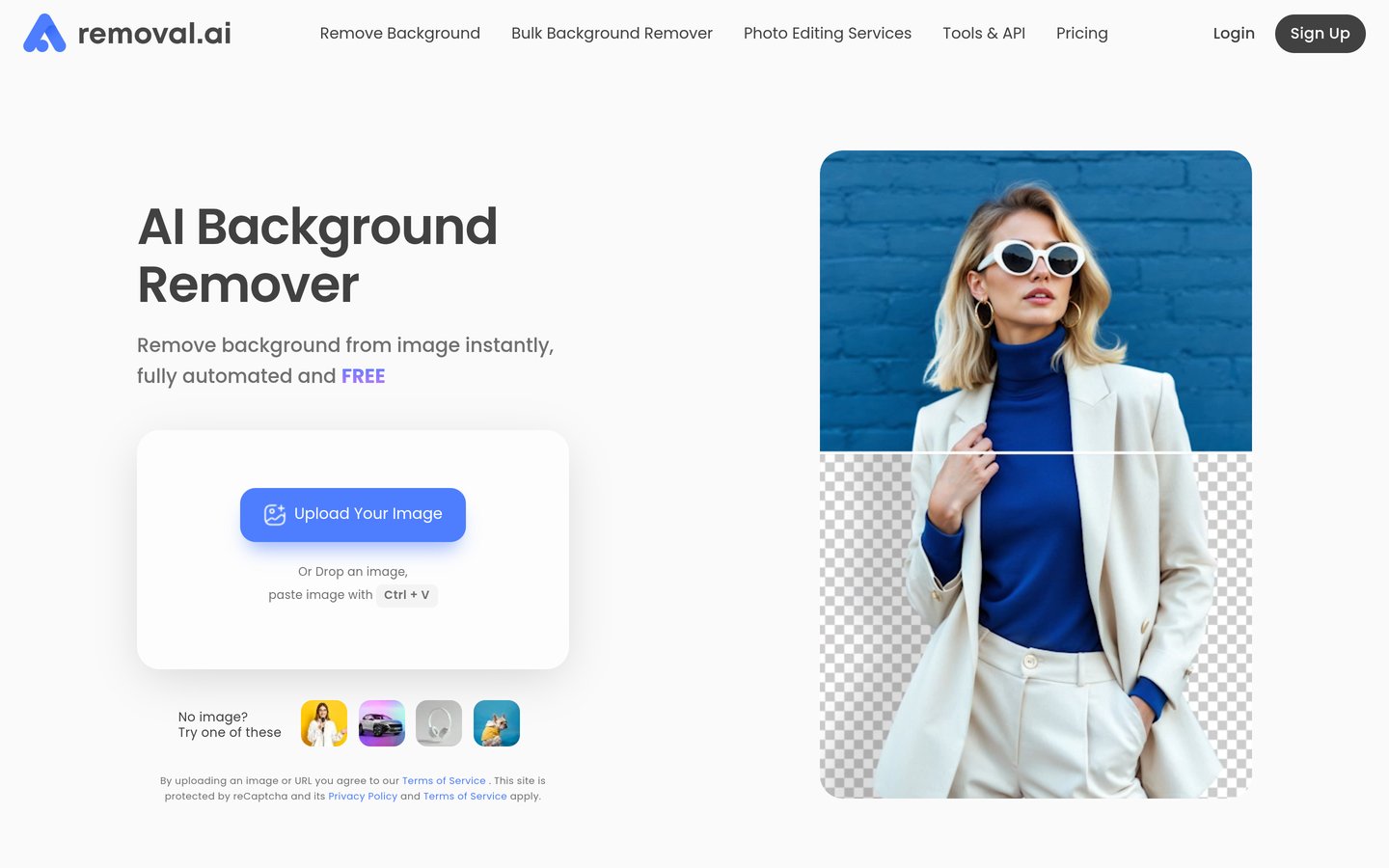
Removal.AI homepage, captured Nov 2026.
Removal.AI is a credit-based background remover with an online editor for replacements, text, effects and templates. Free use covers low-resolution images for personal use, with unlimited previews and one free high-resolution credit on sign-up.
The trade off is that every high-resolution download costs a credit. The monthly plan starts at $5.99 for 100 credits, or $71.88 a year, and one-time packs start at $1.89 for 3 credits. It suits occasional users who dislike a monthly subscription.
What we like
One-time credit packs from $1.89 for 3 credits
Free previews at any time, pay only to download
Monthly credits roll over up to five times the budget
API and desktop app included
Watch out for
Free use is low resolution and for personal use only
Per-image pricing adds up with daily use
Only 47 G2 reviews, so the rating is a small sample
Paid credits buy high-resolution downloads, monthly or one-timeVisit removal.ai
09
Erase.bg
4.7/5on G2 (10 reviews, checked Nov 2026)
Paid from$6/one-time
Best one-click remover for a single quick edit
Background removalYes, one click
Background replaceColour or image
Background blurLimited
Paid plan10 credits, $6 one-time
erase.bg
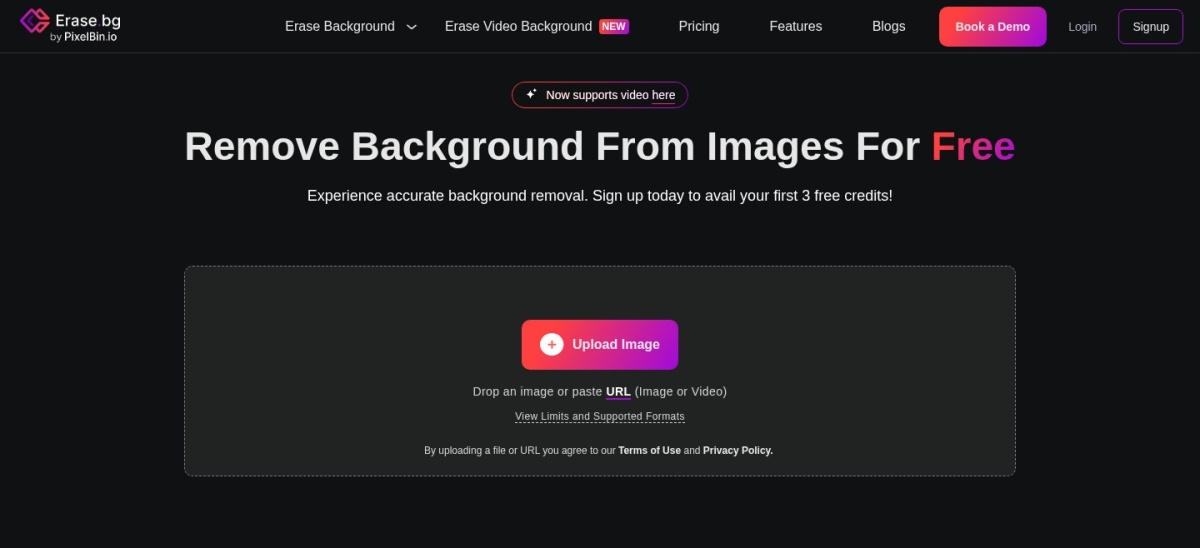
Erase.bg homepage, captured Nov 2026.
Erase.bg is a one-click background remover from PixelBin that strips a background in seconds with no account needed for a preview. It supports high-resolution downloads, batch processing and an API, plus integrations with Shopify, WooCommerce and Photoshop.
The trade off is that it is a remover first, not an editor. Background blur and replacement are limited, and paid use is credit-based, starting at $6 one-time for 10 credits. It suits anyone who needs one clean cutout fast and wants to pay only for that image.
What we like
Rated 4.7 out of 5 on G2, joint highest here
No account needed to preview a result
Cheapest paid entry in this list at $6 one-time
Batch processing and API available
Watch out for
Only 10 G2 reviews, so the rating is a very small sample
Limited blur and replacement tools
No full editor for finishing the image
Paid credits buy high-resolution downloads, 10 credits for $6Visit erase.bg
Free vs paid: what you give up
Free plans cover the basic job well. Most remove a background in one click and let you preview the result before you pay anything.
Paid plans mostly add resolution and volume. You get high-resolution exports without a watermark, batch processing and more AI credits each month.
Credit packs suit occasional work. Erase.bg sells 10 credits for $6 one-time, and Removal.AI sells 3 credits for $1.89, so a few images a month cost less than any subscription.
If you edit photos every day for a store, a subscription is usually cheaper. Pixlr Plus at $23.88 a year is the lowest yearly plan here, while Canva Pro at $144 a year is the dearest.
How we chose
We started from the best-known free background editors and removers, then kept those with a real free plan and a public rating on G2 or Trustpilot.
Prices come from each vendor's pricing page as read in November 2026, checked on 25 November 2026. Ratings come from G2 or Trustpilot on the same day. Where a vendor shows a sale, the list shows the regular price.
We left out remove.bg because its standalone site closes on 1 December 2026 and moves into Canva, and we left out Slazzer and Clipdrop because neither has a public G2, Capterra or Trustpilot rating. No vendor paid for a place, and we do not claim to have used these tools ourselves for this list.
How to choose a free tool to edit a photo background
Start with how often you edit photos, then match the tool to the finished image you need.
Count how many photos you edit each month. A few images a month suit credit packs from Erase.bg or Removal.AI, while daily work suits a subscription such as Pixlr Plus.
Check the free export size first. Some free plans cap exports at low resolution or add a watermark. If the photo goes on a product page, you need a high-resolution export.
Decide if you need replacement or just removal. PhotoRoom, Canva and Adobe Express replace a background with a colour, blur or new scene. Erase.bg and Removal.AI focus on the cutout itself.
Pick one main editor and test it on a hard photo. Try a photo with hair or a busy background before you pay. See how to crop an image in WordPress to tidy the result after the edit.
FAQ
What is the best free tool to edit a photo background?
PhotoRoom is the best free pick for most people. It removes, replaces and blurs backgrounds in one flow, is rated 4.3 out of 5 on G2, and its Pro plan costs $7.50 a month billed yearly.
Can I edit a photo background for free without a watermark?
It depends on the tool. Adobe Express offers free background removal, but most tools in this list add a watermark or cap resolution on free exports, so check the export before you rely on it.
What is the difference between removing and replacing a background?
Removing a background leaves a transparent cutout, while replacing it puts a new colour, blur or scene behind the subject. PhotoRoom, Canva and Adobe Express do both in the same editor.
Which tool is cheapest for editing photo backgrounds?
Pixlr Plus is the cheapest yearly plan at $23.88 a year. For one-off images, Erase.bg sells 10 credits for $6 one-time, and Removal.AI sells 3 credits for $1.89.
Is remove.bg still available?
Remove.bg is moving into Canva, and its standalone site closes on 1 December 2026. Canva Pro includes a background remover, so Canva is the closest replacement in this list.
Do I need a paid plan to blur a background?
Not always. PhotoRoom, Pixlr, Fotor and Adobe Express include blur tools, though high-resolution exports without a watermark usually need a paid plan or credits for most casual edits.
SaaS SEO and WordPress specialist with about 8 years of experience. Rakib compares WordPress plugins, themes, hosting and software using public pricing, documentation and user reviews. See how we rank.