Adobe Express is the best free tool to remove a photo background for most people, with the Remove background action on its free plan, full-size downloads and no watermark, rated 4.4 out of 5 on G2. Pick PhotoRoom for product photos in bulk, and Canva Pro if you already design in Canva.
How we make this list: we compare pricing pages, product documentation and public user reviews, then re-check every price before each update. No product paid for a place. Disclosure.
Adobe Express is the best free pick: background removal is on the free plan, with full-size downloads and no watermark.
PhotoRoom is the best free option for sellers, with a free plan for 250 exports a month and batch editing on Pro at $7.50 a month billed yearly.
remove.bg is still the best-known one-click remover, but its standalone site closes on 1 December 2026, so do not buy credits for it.
Canva has the highest G2 rating in this list at 4.7 out of 5, but its Background Remover needs Pro at $144 a year.
Pixlr and Fotor are the cheapest paid routes here, at $4.90 a month and $39.99 a year, but free exports are limited or watermarked.
What to look for in a free background remover
A free background remover should do one job well: cut out the subject cleanly, including hair and fine edges, and return a transparent PNG you can use elsewhere.
Free limits matter more than the headline price. Some tools give full-size downloads for free, some cap free downloads at preview size, and some add a watermark until you pay.
Check the paid price before you build a workflow around a tool. Credit plans suit occasional use, while a flat monthly plan suits sellers who process photos every week.
Once you have a clean cutout, file size still matters on a website. Our guide on optimising images for WordPress shows how to keep transparent PNGs fast without losing quality.
The 8 best free tools to remove a photo background
01
Adobe Express
4.4/5on G2 (1,108 reviews, checked Nov 2026)
Paid from$9.99/mo
Best free background remover overall
Free background removalYes, on the free plan
Free AI credits25 per month
Free storage5 GB
Paid planPremium, $9.99/mo
adobe.com
Adobe Express homepage, captured Nov 2026.
Adobe Express is a browser-based design tool from Adobe, and its Remove background action is available on the free plan. You need a free Adobe account, and the free plan includes 25 AI credits a month, 5 GB of storage, and full-size downloads with no watermark.
The trade off is volume. Background removal draws on the same monthly AI credit pool as other AI features, and there is no real batch mode, so it processes one photo at a time. It suits most people who need a clean cutout now and then and want to keep editing in the same tool.
What we like
Background removal on the free plan
Full-size downloads with no watermark
Large template and stock library in the same editor
Rated 4.4 out of 5 from 1,108 G2 reviews
Watch out for
Free use is limited by the monthly AI credit pool
No batch processing for large photo sets
Needs a free Adobe account to use
Premium adds 250 AI credits a month and 100 GB of storageVisit adobe.com
02
PhotoRoom
4.3/5on G2 (20 reviews, checked Nov 2026)
Paid from$7.50/mo
Best for product photos
Free background removalYes, 250 exports/mo
Batch editingYes, on Pro
Pro exports1,000 per month
Paid planPro, $7.50/mo yearly
photoroom.com
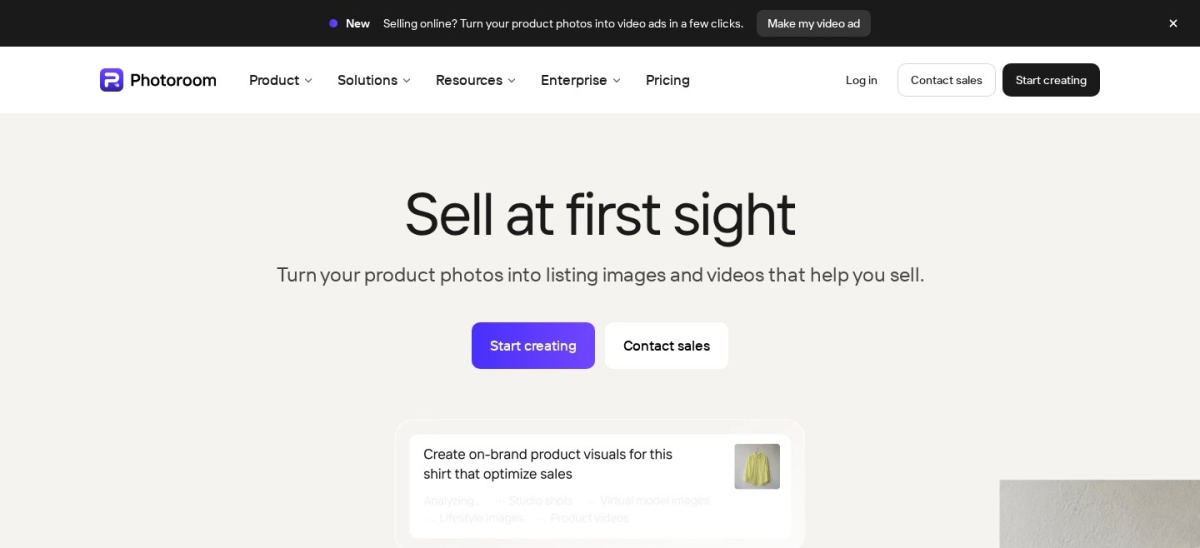
PhotoRoom homepage, captured Nov 2026.
PhotoRoom is a photo editor built for sellers, with background removal, AI backgrounds, shadows and retouching in one place. The free plan allows 250 exports a month, and Pro at $7.50 a month billed yearly adds 1,000 exports a month, 8,000 AI credits and batch editing.
The trade off is price on monthly billing. Pro costs $12.99 a month if you pay month to month, and advanced tools such as Product Staging and AI Fashion Models sit behind paid plans. It suits online sellers who photograph products on a phone and need clean listing images fast.
What we like
Built for product photos and listings
Batch editing on the Pro plan
Free plan allows 250 exports a month
Web, iOS and Android apps
Watch out for
Monthly billing is much higher than the yearly rate
Advanced AI tools need a paid plan
Only 20 G2 reviews, so the rating rests on a small base
Pro adds batch editing, AI backgrounds and 1,000 exports a monthVisit photoroom.com
03
Canva
4.7/5on G2 (7,660 reviews, checked Nov 2026)
Paid from$144/yr
Best all-in-one design tool
Free background removalNo, Pro only
Pro price$18/mo, $144/yr
Pro storage100 GB
Paid planPro, $144/yr
canva.com
Canva homepage, captured Nov 2026.
Canva is a design platform with templates for social posts, presentations and print, and its Background Remover sits inside the editor. The remover is a Pro feature, so the free plan does not include it, and Pro costs $18 a month or $144 a year with 100 GB of storage and 140 million premium assets.
The trade off is cost for a single job. If you only need one cutout, paying for Pro makes little sense, but the price is fair if you already design in Canva every week. It suits creators who want to remove a background and finish the design without leaving the editor.
What we like
Highest G2 rating in this list, 4.7 out of 5
Remover works inside a full design editor
Transparent PNG export on Pro
Huge template and asset library
Watch out for
Background removal needs a paid Pro plan
Pro costs $18 a month on monthly billing
Free plan has no background remover at all
Pro adds the Background Remover, Magic Resize and 100 GB of storageVisit canva.com
04
remove.bg
4.4/5on G2 (33 reviews, checked Nov 2026)
Paid from$9/mo
Best one-click specialist, closing soon
Free background removalYes, preview size
Free preview size0.25 megapixels
Full-size outputUp to 50 megapixels
Paid planBasic, $9/mo, 40 credits
remove.bg
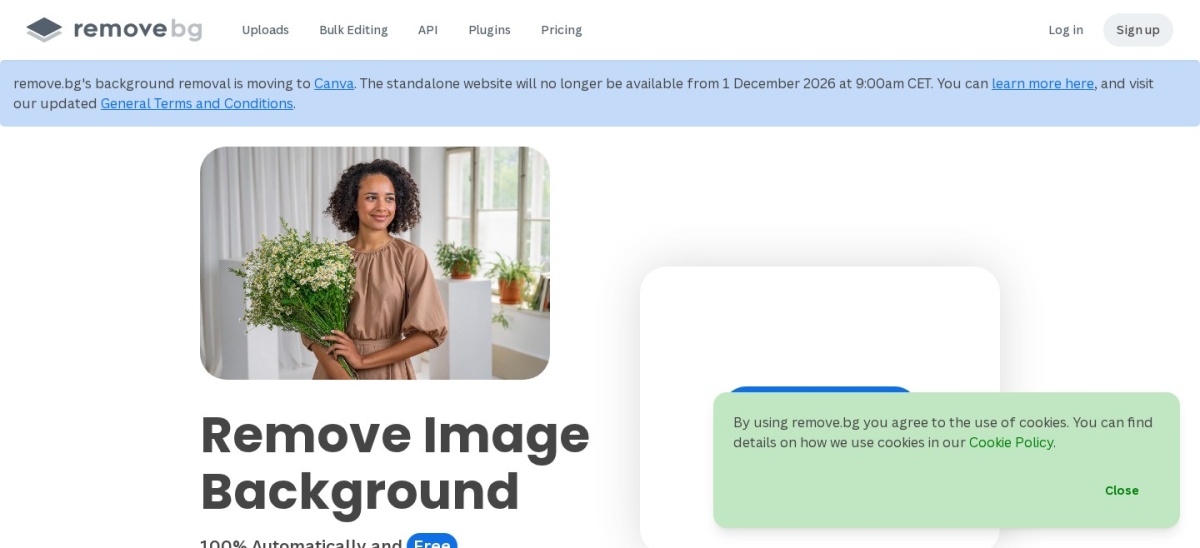
remove.bg homepage, captured Nov 2026.
remove.bg is a one-click background remover owned by Canva, and it defined this category. Upload a photo and the background is gone in seconds, with free preview downloads up to 0.25 megapixels and full-size cutouts up to 50 megapixels for 1 credit each.
The trade off is that the standalone site closes on 1 December 2026, so do not buy credits you cannot use before then. A new account gets 1 free full-resolution credit, and Basic costs $9 a month for 40 credits. It suits anyone who needs a quick cutout today, not a long-term workflow.
What we like
Fastest one-click workflow in this list
Clean edges on hair, fur and product shots
Free preview downloads with no account needed
Full-size output up to 50 megapixels
Watch out for
Standalone site closes on 1 December 2026
Free downloads are capped at preview size
Unused credits expire when the site closes
Background removal moves into Canva after the site closesVisit remove.bg
05
Pixlr
4.4/5on G2 (750 reviews, checked Nov 2026)
Paid from$4.90/mo
Best free editor with a remover
Free background removalYes, AI CutOut
EditorPixlr X and Pixlr E
Free planYes, with ads
Paid planPremium, $4.90/mo
pixlr.com
Pixlr homepage, captured Nov 2026.
Pixlr is a browser-based photo editor with two editors, Pixlr X and Pixlr E, plus an AI CutOut tool for background removal. The free tier covers basic editing and cutouts, and Premium at $4.90 a month removes ads and unlocks AI CutOut extras, overlays and stickers.
The trade off is friction on the free plan. It shows ads, caps daily downloads, and locks some AI features behind paid plans, so heavy users will hit limits fast. It suits casual creators who want a free editor and a remover in the same browser tab.
What we like
Full browser editor plus background removal
Lowest monthly paid price in this list
No software to install
Rated 4.4 out of 5 from 750 G2 reviews
Watch out for
Free plan shows ads and caps daily downloads
Some AI features need a paid plan
Advanced work still suits a desktop editor better
Premium removes ads and unlocks the full AI CutOut toolVisit pixlr.com
06
Picsart
4.5/5on G2 (788 reviews, checked Nov 2026)
Paid from$126/yr
Best for social photo edits
Free background removalYes, on the free page
Batch editingYes, on Pro
Pro credits500 per month
Paid planPro, $15/mo, $126/yr
picsart.com
Picsart homepage, captured Nov 2026.
Picsart is a photo and video editor with a free background removal page that allows a full-size export without a login. Pro at $15 a month, or $126 a year, adds 500 credits a month, 100 GB of storage and batch editing for up to 50 images.
The trade off is that the free page is a single-photo tool. Bulk work, premium AI tools and the full editor need Pro, and the credit system adds a limit to keep track of. It suits social creators who edit photos and short videos in one app.
What we like
Free cutout page with full-size export
Batch editing for up to 50 images on Pro
Photo and video editing in one app
Rated 4.5 out of 5 from 788 G2 reviews
Watch out for
Free use is one photo at a time
Paid plan is credit-based
Pro costs $15 a month on monthly billing
Pro adds batch editing, 500 credits a month and 100 GB of storageVisit picsart.com
07
Fotor
4.1/5on G2 (342 reviews, checked Nov 2026)
Paid from$39.99/yr
Best budget all-in-one editor
Free background removalPreview only
Free exportsWatermarked
Pro price$8.99/mo, $39.99/yr
Paid planPro, $39.99/yr
fotor.com
Fotor homepage, captured Nov 2026.
Fotor is a photo editor and design tool with an AI Background Remover, retouching, filters and collage tools. The free plan covers basic editing, but background removal is preview only and free exports carry a watermark, while Pro costs $8.99 a month or $39.99 a year.
The trade off is the credit model. AI features draw on a monthly credit pool, so heavy users can run out before the month ends, and review sentiment flags billing friction around renewals. It suits casual creators who want one cheap app for many editing jobs.
What we like
Cheapest annual paid plan in this list
Full editor plus background remover
Batch edits on the Pro plan
Low Pro price at $39.99 a year
Watch out for
Free background removal is preview only
Free exports carry a watermark
AI features use a monthly credit pool
Pro removes watermarks and adds HD exports and batch editsVisit fotor.com
08
Removal.ai
4.2/5on G2 (46 reviews, checked Nov 2026)
Paid from$5.99/mo
Best cheap credit-based remover
Free background removalYes, low resolution
Free preview size600 by 600 pixels
Monthly credits100 for $5.99/mo
Paid planMonthly, $5.99/mo
removal.ai
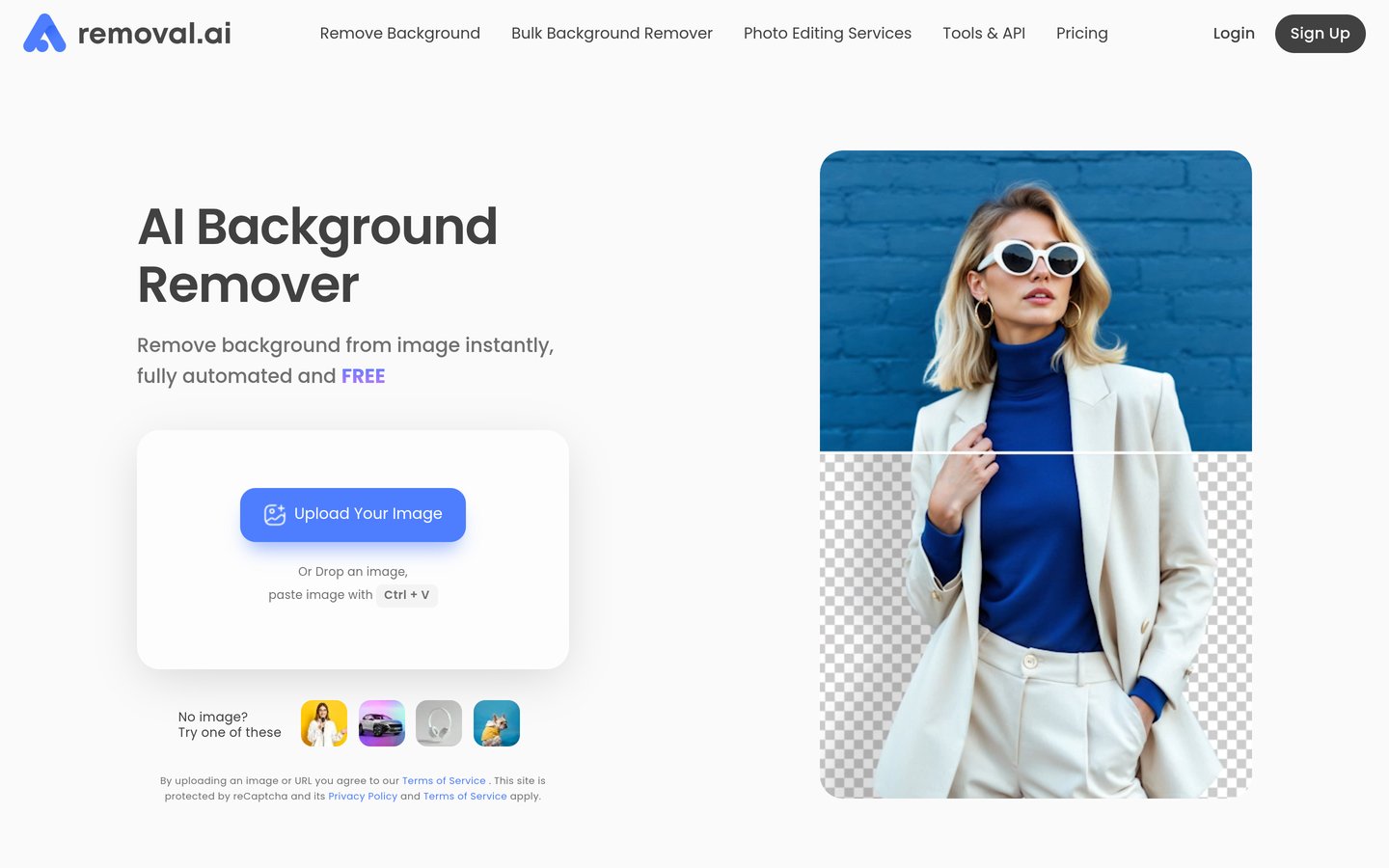
Removal.ai homepage, captured Nov 2026.
Removal.ai is a dedicated background remover with a web editor for refining edges, adding backgrounds and resizing. Low-resolution previews are free at 600 by 600 pixels, and a monthly plan at $5.99 gives 100 credits, with 1 credit per image.
The trade off is that full-size downloads need credits, and one-time packs start at $1.89 for 3 credits, so occasional use costs more per image than a subscription. It suits sellers and small teams who need cutouts in bulk and an API for their workflow.
What we like
Dedicated remover with an edge editor
Cheap monthly plan at $5.99 for 100 credits
Bulk processing and an API
No login needed for a low-resolution preview
Watch out for
Full-size downloads need paid credits
One-time packs cost more per image
Only 46 G2 reviews, so the rating rests on a small base
Monthly plan adds 100 credits a month for full-size downloadsVisit removal.ai
Free vs paid: what you give up
Free plans cover one-off cutouts well. Adobe Express, PhotoRoom, Pixlr and Picsart all let you remove a background without paying, though limits on size, credits or exports apply.
Paid plans mostly add volume and resolution. You get full-size downloads, batch processing, more credits and no watermark.
If you process photos every day, a flat monthly plan usually costs less per image than buying credits one pack at a time.
Do not buy credits for remove.bg now. Its standalone site closes on 1 December 2026, and unused credits expire that day.
How we chose
We started from the best-known free background removers, then kept those with a public G2 rating, a free plan or free preview, and a published paid price.
Prices come from each vendor's pricing page and G2 pricing listings, checked on 25 November 2026. Ratings and review counts come from G2 on the same day. Where a vendor shows a sale, the list shows the regular price.
We left out tools with no public G2, Capterra or Trustpilot rating, including Slazzer, Clipdrop and erase.bg. No vendor paid for a place, and we do not claim to have used these tools ourselves.
How to choose a free tool to remove a photo background
Start with how many photos you need to process, then check what the free plan actually lets you download.
Count your photos per month. One cutout a week fits any free plan here. Daily product photos need batch editing or a paid plan.
Check the free download size. A preview-size download is fine for a social post, but not for print or a large product image.
Pick a dedicated remover or an editor. Choose a dedicated remover for speed, or an editor such as Adobe Express, Canva or Pixlr if you will finish the design in the same tool.
Check the paid price before you commit. Compare the monthly plan with the credit price per image, and note whether unused credits roll over.
FAQ
What is the best free tool to remove a photo background?
Adobe Express is the best free option for most people. Its free plan includes the Remove background action with full-size downloads and no watermark, and it is rated 4.4 out of 5 on G2 from 1,108 reviews.
Is remove.bg still free?
Yes, for preview downloads up to 0.25 megapixels, plus 1 free full-resolution credit on a new account. Its standalone site closes on 1 December 2026, so use Adobe Express or another tool on this list for ongoing work.
Can I remove a background for free without a watermark?
Yes. Adobe Express gives full-size downloads with no watermark on its free plan, and Picsart's free cutout page also allows a full-size export. Fotor's free exports carry a watermark.
Does Canva remove backgrounds for free?
No. Canva's Background Remover is a Pro feature, so you need Pro at $18 a month or $144 a year. The free plan covers basic design, but not background removal.
Which free background remover is best for product photos?
PhotoRoom is the best fit for sellers. Its free plan allows 250 exports a month, and Pro adds batch editing, AI backgrounds and 1,000 exports a month for $7.50 a month billed yearly.
Do free background removers work on hair and fur?
Most do a good job on clear subjects, but fine hair, fur, glass and busy backgrounds still need manual touch-ups. Adobe Express, remove.bg and PhotoRoom are the strongest here for everyday photos.
What file format should I download after removing a background?
Download a transparent PNG if you need to place the cutout on another background. JPG does not support transparency, so it fills the removed area with a solid colour.
SaaS SEO and WordPress specialist with about 8 years of experience. Rakib compares WordPress plugins, themes, hosting and software using public pricing, documentation and user reviews. See how we rank.