Img.Upscaler is the best free tool to enlarge photos for most people, with 50 watermark-free credits a month and no sign-up for single images. Pick Let's Enhance for print-size files, or Topaz Gigapixel AI for the best quality if you are happy to pay.
How we make this list: we compare pricing pages, product documentation and public user reviews, then re-check every price before each update. No product paid for a place. Disclosure.
Img.Upscaler gives the most generous free plan: 50 credits a month, no watermark and no sign-up for single images.
Let's Enhance is the pick for print, upscaling to 256 megapixels on its $9-a-month Starter plan.
VanceAI, PicWish and Nero AI all start with 10 free credits, but only PicWish costs under $60 a year when you pay.
Topaz Gigapixel AI has the highest rating in this list at 4.8 out of 5, but it has no free plan, only a trial.
Canva's upscaler is free inside its editor, but it shares one monthly AI allowance with every other AI tool.
What to check before you enlarge a photo
Enlarging a photo is not the same as resizing it. A basic resize stretches the pixels you have, while an AI upscaler creates new detail to fill the larger frame, which is why the result can look sharper than a simple stretch.
Free plans differ most in three places: how many images you can process, whether downloads carry a watermark, and how large the output can be. Our guide on optimizing images for WordPress explains why the right size matters once the file goes on a page.
Credits are the usual limit. Most browser tools in this list give 10 free credits, one per image, while Img.Upscaler gives 50 a month and Upscale.media gives 3. Check what one credit buys before you start a batch.
Max upscale matters less than it sounds. A 2x or 4x enlargement covers most web and social use, while 6x and 8x matter mainly for print. Faces, text and logos deserve a close look at full size, since AI detail is a guess, not a recovery.
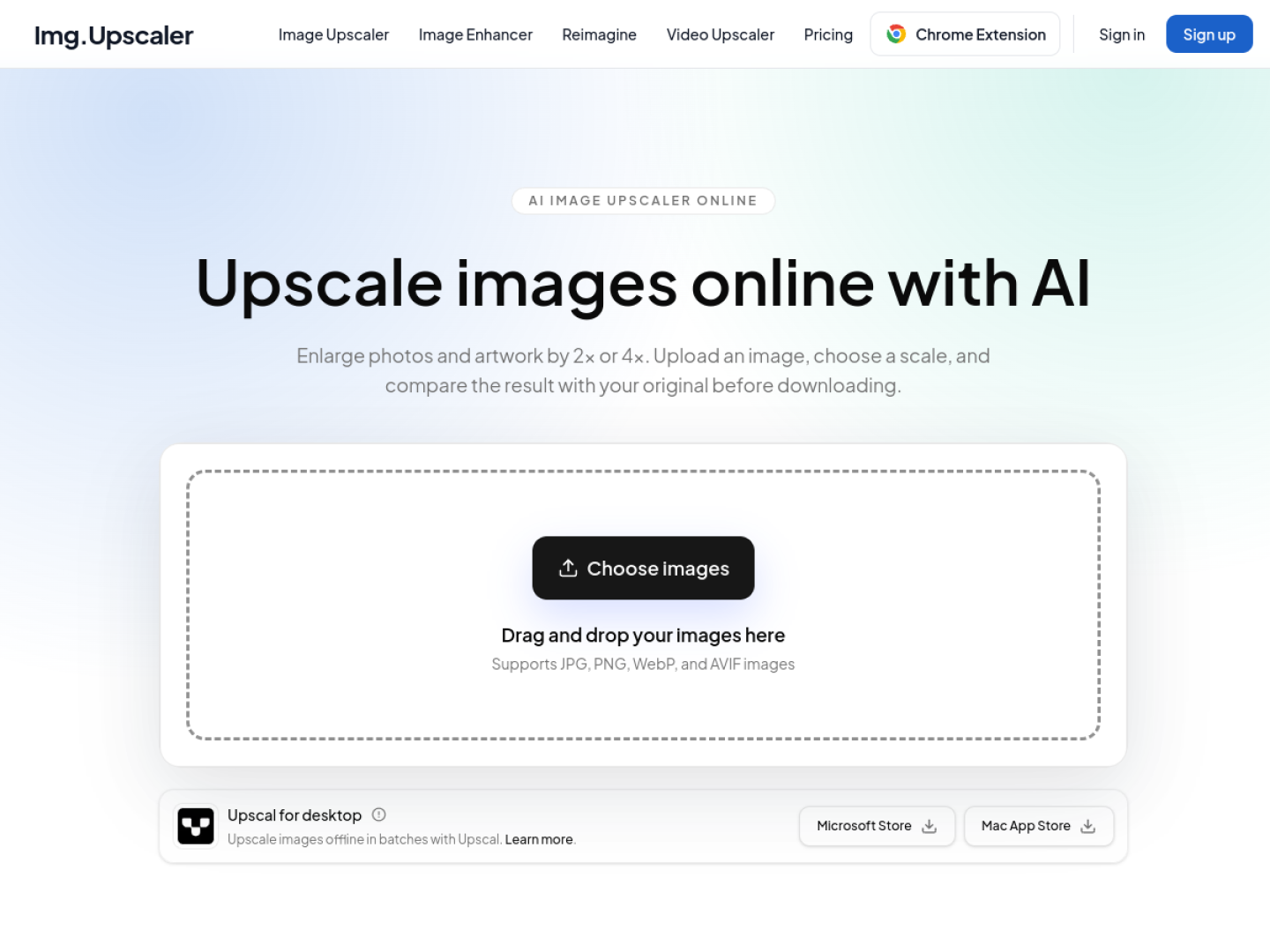
Img.Upscaler is a browser tool that enlarges photos and artwork by 2x or 4x with AI. Guests can process one image at a time for free with no sign-up and no watermark, while a free account adds 50 credits a month. Uploads are deleted within 24 hours, and results can be used for personal or commercial projects.
The trade off is the ceiling. Free use is single-image only with ads, and large uploads are resized to a longest side of 2,048 pixels before processing, so very large originals lose detail before upscaling starts. It suits anyone who enlarges a few photos a week and wants no account, no watermark and no install.
What we like
No sign-up or watermark on free single-image upscales
50 free credits a month with an account
Files deleted within 24 hours
Batch processing up to 8 images on paid plans
Watch out for
Free plan shows ads and allows one image at a time
Large uploads are resized before processing
Trustpilot rating was 2.5 out of 5 in June 2026, far below its G2 score
4.1/5on Trustpilot (186 reviews, checked Nov 2026)
Paid from$9/mo
Best for print-quality enlargements
Free plan10 credits, watermarked
Max upscaleUp to 256 MP (Starter)
Credit rolloverYes, up to 600 credits
Paid planStarter, $9/mo billed yearly
letsenhance.io
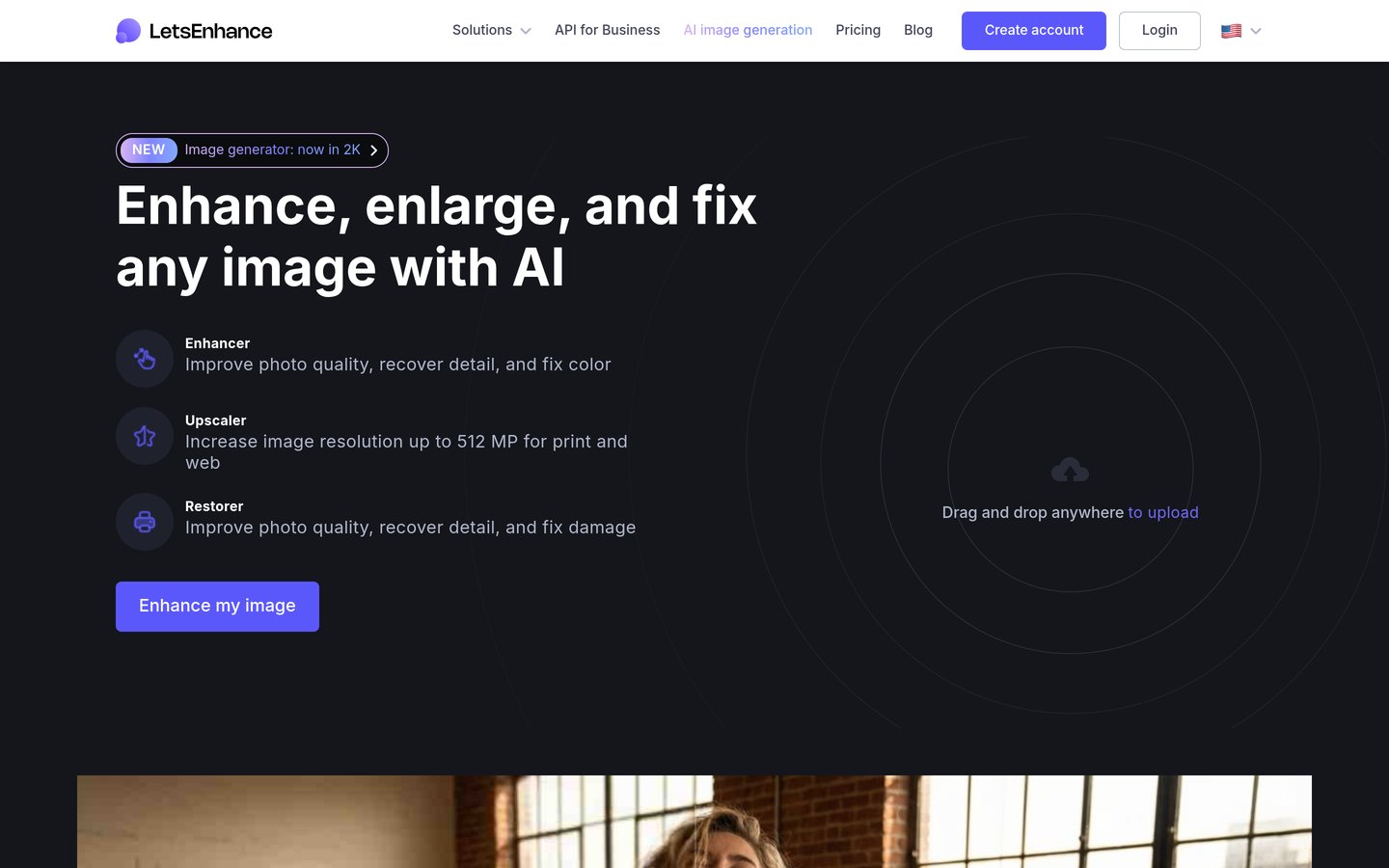
Let's Enhance homepage, captured Nov 2026.
Let's Enhance is a browser upscaler that enlarges, sharpens and restores photos with AI. The free start gives 10 credits, one credit per image, with outputs up to 8 megapixels and a watermark. Starter costs $9 a month billed yearly and raises the ceiling to 256 megapixels, with unused credits rolling over.
The trade off is the watermark. Free downloads carry one, and the pricing page lists no refund rule, so the free credits are best for judging quality before paying. It suits photographers and sellers who need large, clean files for print and already work in a browser.
What we like
Upscales to 256 megapixels on Starter
Unused credits roll over while subscribed
Also sharpens, restores and colorizes old photos
No software to install
Watch out for
Free downloads carry a watermark
No refund rule on the pricing page
Terms do not say whether enhanced images can be used commercially
4.2/5on Trustpilot (1,339 reviews, checked Nov 2026)
Paid from$15/mo
Best for picking a model per image
Free plan10 credits
Max upscale8x
ModelsStandard, Anime, Art, Text
Paid planStarter, $15/mo
vanceai.com
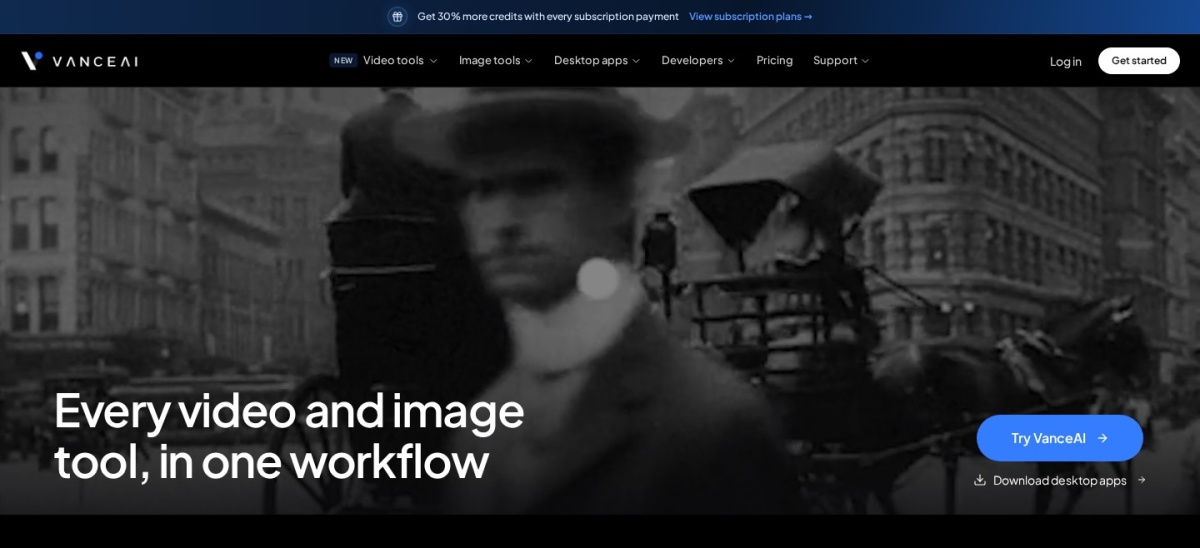
VanceAI homepage, captured Nov 2026.
VanceAI is a browser toolkit that upscales photos by 2x, 4x or 8x and also sharpens, denoises and restores them. New users get 10 free credits, and the workspace lets you pick a model for photos, anime, art or text before processing. Uploads are capped at 34 megapixels and 10 MB on the web plans.
The trade off is the watermark. Clean, watermark-free downloads are a paid feature, and free jobs sit in a slower queue behind paid ones. It suits people who want model choice and a broad editing toolkit in one browser tab rather than a single-purpose upscaler.
Paid plans add watermark-free downloads and priority processingVisit vanceai.com
04
PicWish
4.2/5on Trustpilot (358 reviews, checked Nov 2026)
Paid from$4.99/mo
Best for sellers on a small budget
Free planLimited non-HD downloads
Max upscale4x
PlatformsWeb, Windows, Mac, iOS, Android
Paid planPro, $4.99/mo billed yearly
picwish.com
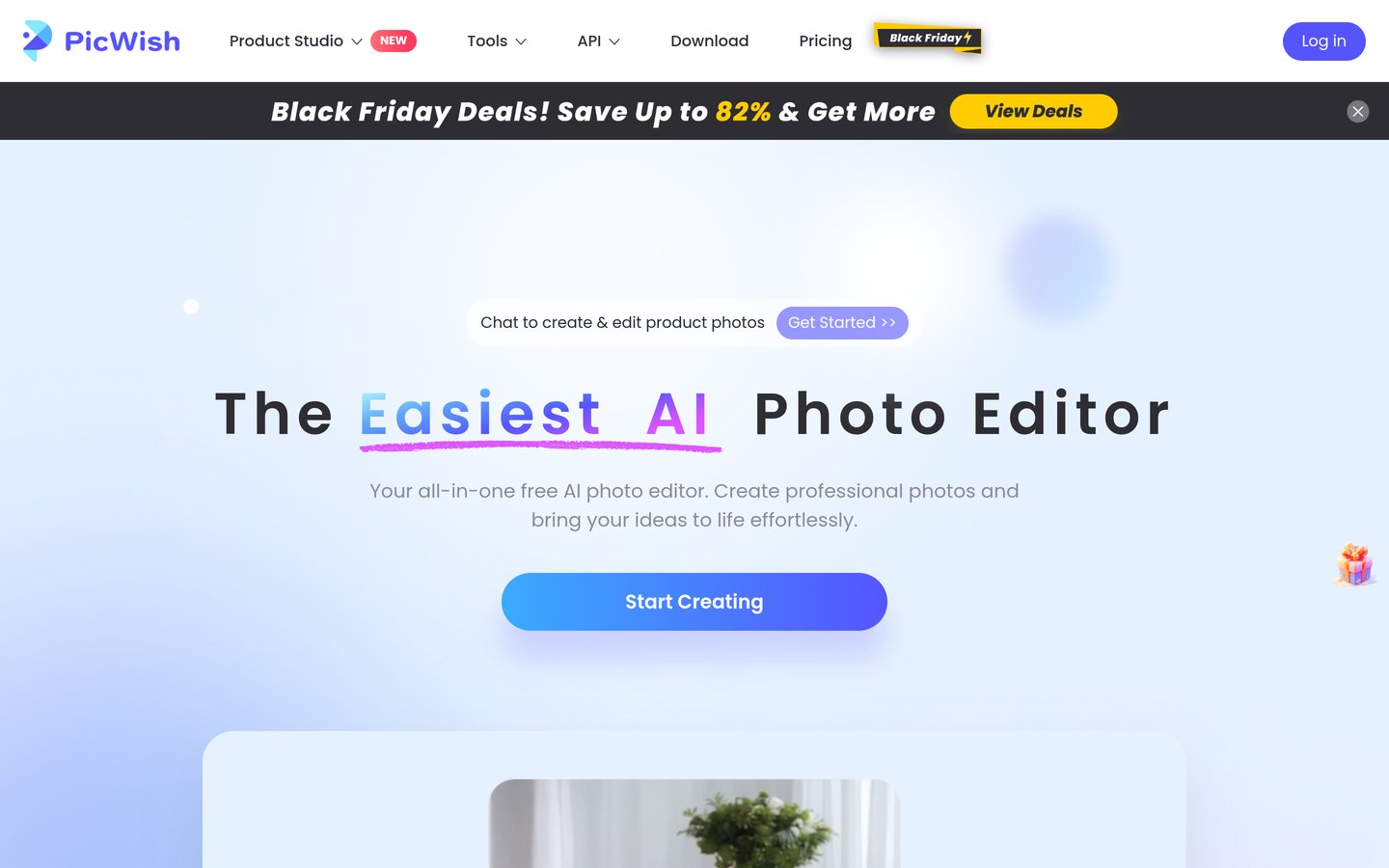
PicWish homepage, captured Nov 2026.
PicWish is an AI photo editor on the web, desktop and mobile that upscales images by 2x or 4x alongside background removal and restoration. The free plan covers limited non-HD downloads, and Pro costs $4.99 a month billed yearly with 100 HD downloads a day and 450 credits a month.
The trade off is resolution. Free downloads are standard resolution, so full-quality files need Pro, and the free plan's per-feature caps are not spelled out on the pricing page. It suits online sellers who want one cheap tool for upscaling, cut-outs and product photos.
What we like
Cheapest paid plan in this list
Works on web, desktop and mobile
Background removal and restoration in the same tool
One-time credit packs never expire
Watch out for
Free downloads are limited to non-HD
Free trial on paid plans converts automatically after 72 hours
Per-feature free caps are not clearly stated
Pro adds HD downloads, batch editing and monthly creditsVisit picwish.com
05
Nero AI
4/5on Trustpilot (185 reviews, checked Nov 2026)
Paid from$120/yr
Best for very large output files
Free plan10 credits on sign-up
Max upscale8x (paid plans)
ModelsPhoto, Anime, Standard, Iris
Paid planYearly, $120/yr regular
ai.nero.com
Nero AI homepage, captured Nov 2026.
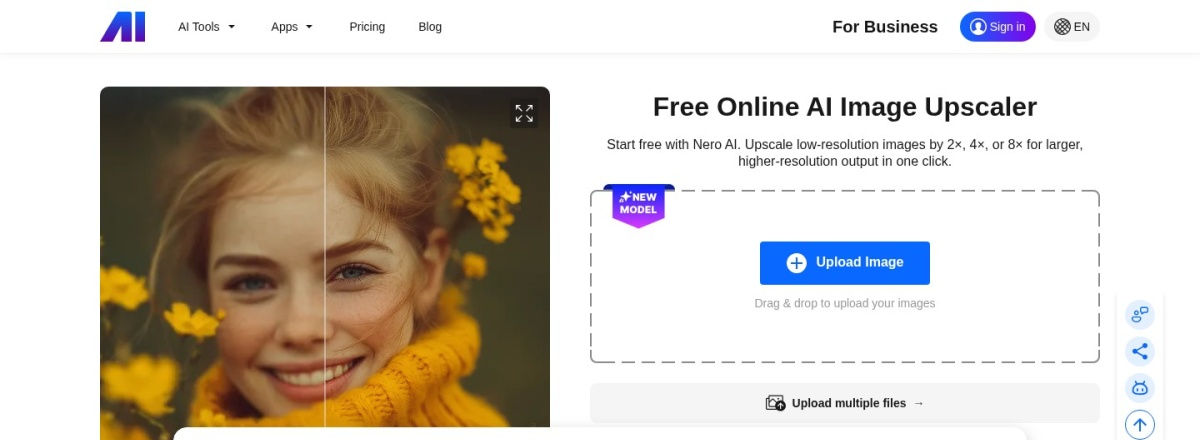
Nero AI Image Upscaler is a browser tool from Nero AG that enlarges photos by 2x, 4x or 8x. New accounts get 10 free credits, and the tool offers separate models for photos, anime, standard images and fine detail such as hair or fur. Guests get 5 free runs without an account.
The trade off is price. The monthly plan lists at $24.99 a month, so the yearly plan at $120 a year is the sensible route, and 8x upscaling is paid-only. It suits people who need big output files and a model matched to the image type.
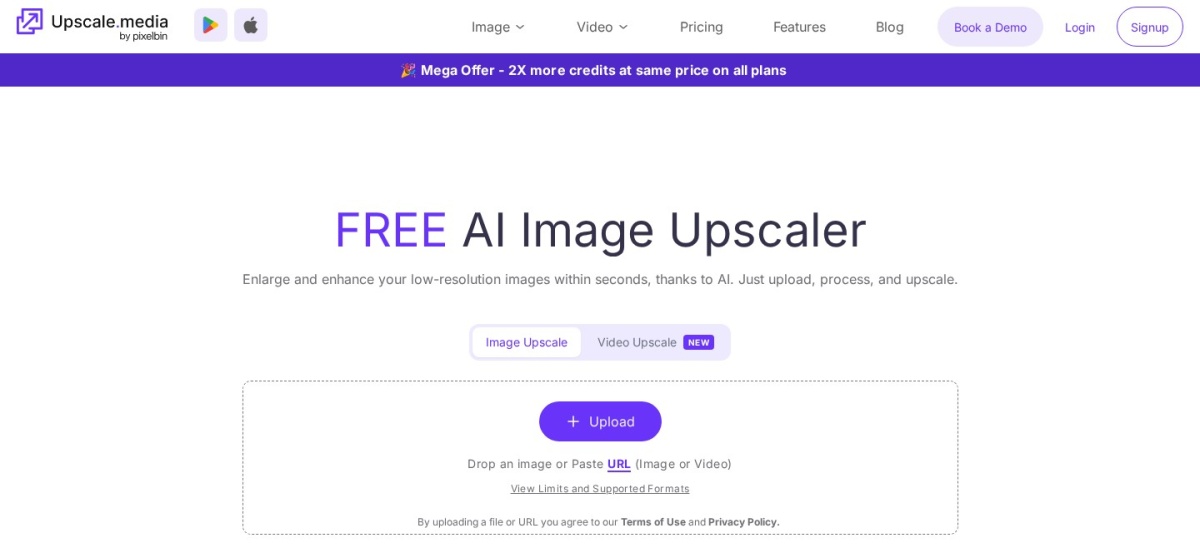
Upscale.media, from the team behind Pixelbin, enlarges images at 1x, 2x, 4x or 8x in a browser and also upscales short video. The free plan gives 3 credits and 3 downloads a month, and one image a day can be upscaled without signing up. Free 2x downloads carry no watermark.
The trade off is the allowance. Three free credits a month covers a test, not a workflow, and 4x and 8x need a paid plan. It suits anyone who wants a quick, no-account 2x upscale now and then.
4.8/5on G2 and Capterra (21 reviews, checked Nov 2026)
Starts at$149/yr
Best quality for prints and pro work
Free planFree trial only
Max upscale6x in one pass
Models9, incl. Recover and Redefine
Paid planPersonal, $149/yr
topazlabs.com
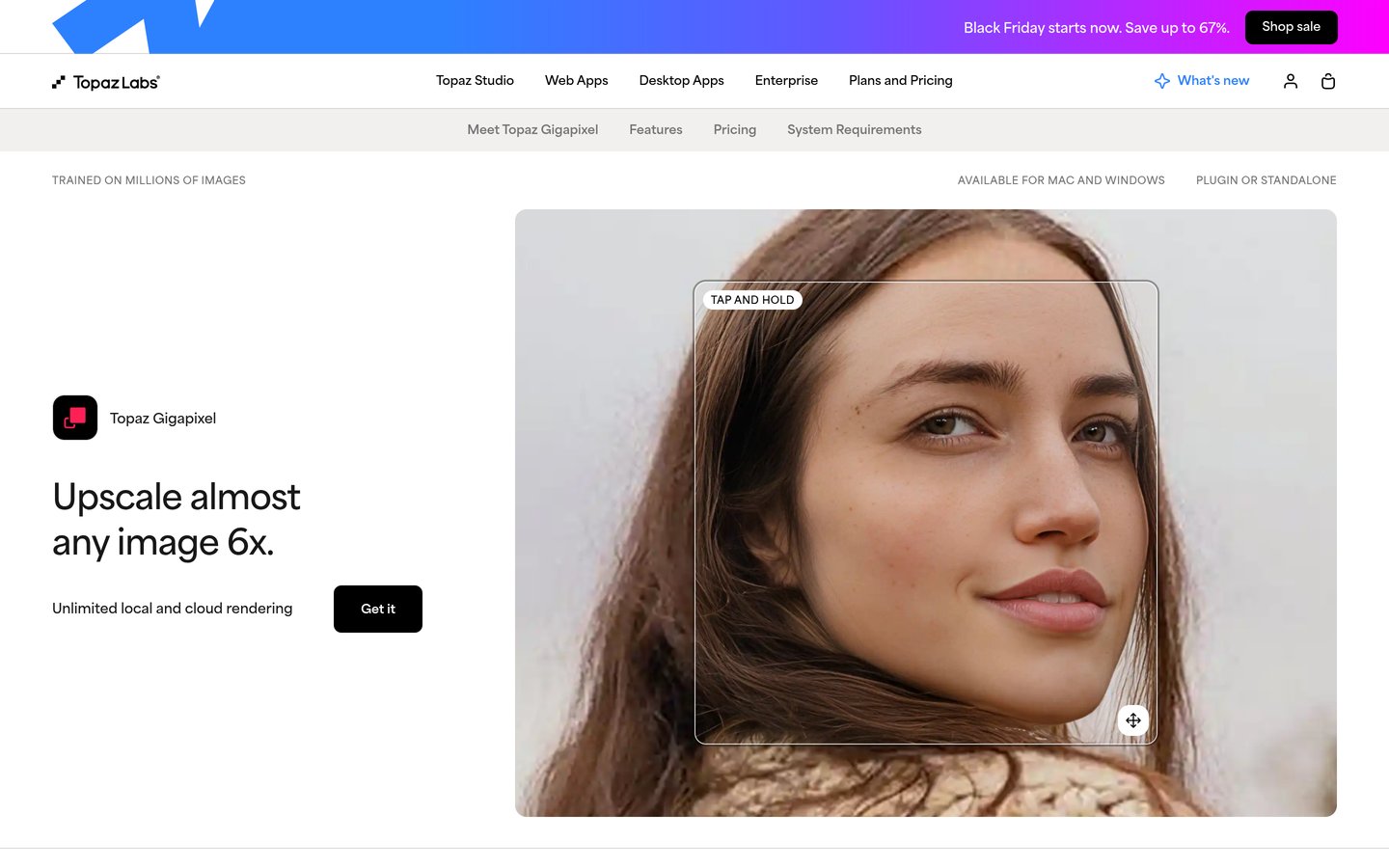
Topaz Gigapixel AI homepage, captured Nov 2026.
Topaz Gigapixel AI is a desktop app for Windows and Mac that enlarges images up to 6x in one pass with nine AI models. It runs locally on your own graphics card, offers models for photos, low-resolution sources, text and art, and is the quality benchmark other upscalers are judged against.
The trade off is cost and setup. There is no free plan, only a trial, and Personal costs $149 a year after Topaz moved to subscriptions in 2025. It suits photographers and print designers who enlarge images often and want the best detail recovery.
What we like
Nine models for different source types
Runs locally, so files stay on your machine
Highest aggregate rating in this list
Face recovery and generative detail modes
Watch out for
No free plan, only a trial
Needs a capable graphics card for reasonable speed
Subscription pricing replaced the old one-time licence
Canva is a design platform whose photo editor includes an AI image upscaler, so you can enlarge a photo and drop it straight into a post, flyer or presentation. The free plan shares one monthly AI allowance across all AI tools, enough for about 20 upscales a month, and Pro keeps the upscaler working after the allowance runs out.
The trade off is control. The upscaler is one feature inside a design suite, not a dedicated tool, and heavy upscaling shares the same allowance as every other AI tool on the free plan. It suits creators who already design in Canva and enlarge images as part of that work.
What we like
Upscale and design in one place
Free plan includes real AI uses
Huge template and stock library
Highest review count in this list
Watch out for
Upscaling shares the free AI allowance with other tools
Not a dedicated upscaler, so controls are basic
Pro costs $144 a year, mostly for design features
Pro adds a far larger AI allowance and premium assetsVisit canva.com
Free vs paid: what the free plan really gives you
Free plans in this list fall into three groups. Img.Upscaler and Upscale.media give a monthly allowance, Let's Enhance, VanceAI and Nero AI give a one-off starter pack of 10 credits, and Topaz gives only a trial.
Watermarks are the other split. Img.Upscaler, Upscale.media and Nero AI export free results without one, while Let's Enhance and VanceAI keep clean downloads behind a paid plan.
If you enlarge photos every week, a paid plan under $60 a year from Img.Upscaler, Upscale.media or PicWish removes the limits. Occasional users can stay free by matching the tool to the job: no sign-up for one image, credits for a small batch.
How we chose
We started from the free photo enlargers that appear most often in 2026 roundups and app stores, then kept the ones with a working free plan or trial and a public rating.
Prices come from each vendor's pricing page or a pricing page read in November 2026, checked on 25 November 2026. Ratings and review counts come from G2 or Trustpilot on the same day. Where a vendor shows a sale, the list shows the regular price.
We left out tools with no public rating, including Upscayl, Waifu2x and BigJPG, and tools whose free version cannot export. No vendor paid for a place, and we do not claim to have used these tools ourselves.
How to choose a free tool to enlarge photos
Start with how many photos you enlarge and how large the output must be, then pick the free plan that fits.
Count your monthly images. Ten credits covers a one-off job, but a weekly batch needs a monthly allowance such as Img.Upscaler's 50 credits.
Check the watermark rule. Let's Enhance and VanceAI watermark free downloads, so test with a photo you do not need to publish yet.
Match the upscale to the output. 2x or 4x covers web and social use, while print work needs the larger ceilings on Let's Enhance or Nero AI. See how to size images properly before you print.
Inspect faces and text at full size. AI detail is generated, not recovered, so zoom in on the parts that matter before you use the result.
FAQ
What is the best free tool to enlarge photos?
Img.Upscaler is the best free pick for most people. Its free plan gives 50 credits a month, single-image upscales need no sign-up, and free downloads carry no watermark. It enlarges photos by 2x or 4x in the browser.
Can I enlarge a photo for free without a watermark?
Yes. Img.Upscaler, Upscale.media and Nero AI all export free results without a watermark, within their credit limits. Let's Enhance and VanceAI add a watermark to free downloads and remove it only on paid plans.
How much can I enlarge a photo with a free tool?
Most free tools in this list enlarge by 2x or 4x, which doubles or quadruples each side. Topaz Gigapixel AI reaches 6x and VanceAI, Nero AI and Upscale.media reach 8x, but the largest factors need a paid plan.
Do free photo enlargers work without installing software?
Yes, most of them run in a browser. Img.Upscaler, Let's Enhance, VanceAI, PicWish, Nero AI and Upscale.media need no install. Topaz Gigapixel AI is the exception: it is a desktop app for Windows and Mac.
Is upscaling the same as resizing a photo?
No. Resizing stretches the pixels you already have, which turns small photos blurry at larger sizes. An AI upscaler creates new detail as it enlarges, so edges and textures can look sharper, though the added detail is generated rather than recovered.
Which free enlarger is best for printing?
Let's Enhance is the best pick for print. Its Starter plan upscales to 256 megapixels and accepts input images up to 64 megapixels or 50 MB, far above the limits of most free plans. The free start of 10 credits lets you judge quality first.
Why is Upscayl not in this list?
Upscayl is a well-known free desktop upscaler, but it has no reliable public rating on G2, Capterra or Trustpilot, and this list only includes tools with a published rating. Its Trustpilot profile is unclaimed and holds only a handful of reviews.
SaaS SEO and WordPress specialist with about 8 years of experience. Rakib compares WordPress plugins, themes, hosting and software using public pricing, documentation and user reviews. See how we rank.