OBS Studio is the best free streaming software for most beginners. It is fully free and open source, with unlimited scenes and no watermark, and it is rated 4.7 out of 5 on Capterra. Pick Streamlabs Desktop if you want alerts and overlays built in, or StreamYard if you want guests in a browser.
How we make this list: we compare pricing pages, product documentation and public user reviews, then re-check every price before each update. No product paid for a place. Disclosure.
OBS Studio is the best free pick: fully free, open source, no watermark, and rated 4.7 out of 5 on Capterra from 1,075 reviews.
Streamlabs Desktop is the easiest desktop start, with alerts, overlays and tipping built in; multistreaming needs Ultra at $189 a year.
StreamYard is the best browser pick for guest shows, rated 4.8 out of 5 on G2, but its free plan allows only one destination.
Restream and Lightstream both multistream free: Restream to 2 channels, Lightstream to 5, both at 720p with branding.
vMix and Wirecast have no free plan, only trials; vMix Basic HD is $60 once, Wirecast Studio is $408 a year.
What to look for in free streaming software
A beginner streaming setup needs three things: a way to capture camera and screen, a way to lay them out in scenes, and a way to send the result to a platform. Every tool here covers all three, but they split into desktop apps and browser studios.
Desktop apps such as OBS Studio and Streamlabs Desktop run on your computer and give the most control over sources, audio and plugins. Browser studios such as StreamYard and Restream run in a tab, so a weak laptop or a console can stream without extra hardware.
Free plans differ most on branding, resolution and destinations. Most cap free streams at 720p, add a logo, or limit you to one or two platforms at once, so check those three limits before you commit to a tool.
If you publish the stream on your own site afterwards, our guide on how to embed a video in WordPress shows how to add the recording to a page without slowing it down.
The 9 best free streaming software tools for beginners
01
OBS Studio
4.7/5on Capterra (1,075 reviews, checked Nov 2026)
PriceFree
Best free streaming software overall
Free planYes, fully free
PlatformsWindows, macOS, Linux
WatermarkNone
MultistreamVia free plugins
obsproject.com
OBS Studio homepage, captured Nov 2026.
OBS Studio is free, open source software for recording and live streaming on Windows, macOS and Linux. It builds scenes from cameras, screens, windows, images, text and browser pages, with an audio mixer, filters, Studio Mode previews and a virtual camera, and it streams to Twitch, YouTube or any RTMP service with no watermark and no scene limit.
The trade off is the learning curve. There is no setup wizard and no built-in alerts, overlays or tipping, so a first stream takes an evening of setup and reading. It suits creators who want full control, no monthly bill and a tool that grows with them.
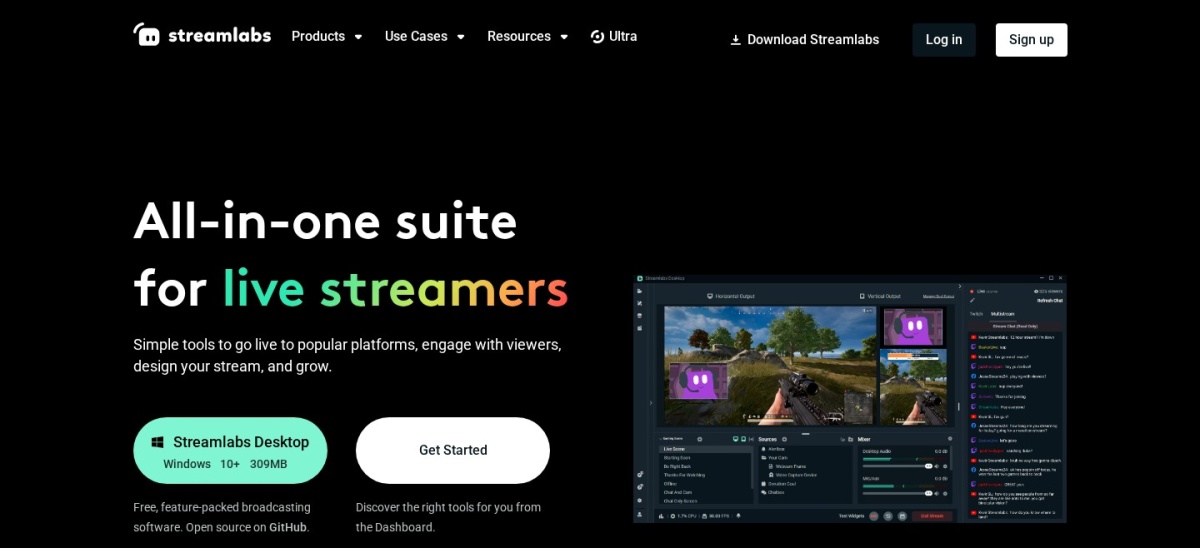
Streamlabs Desktop is a free broadcasting app built on the OBS engine, with alerts, chat widgets, overlay themes, a tip page and Cloudbot moderation already wired in. The free version covers single-platform streaming and local recording on Windows and macOS, and Streamlabs takes no cut from tips.
The trade off is weight and paywalls. Desktop uses more CPU than plain OBS, and multistreaming, premium themes and the full overlay library need Ultra at $27 a month or $189 a year. It suits beginners who want a polished stream fast and plan to monetise it.
StreamYard is a live streaming studio that runs in a browser, with no software to install. The free plan covers screen sharing, banners, on-screen comments and up to 6 guests, with a 20-hour monthly limit and StreamYard branding on the stream.
The trade off is price. The free plan streams to one destination only, and Basic costs $25 a month, or $240 a year, to remove branding and reach 3 destinations. It suits talk shows, interviews and podcasters who want guests on screen with no setup.
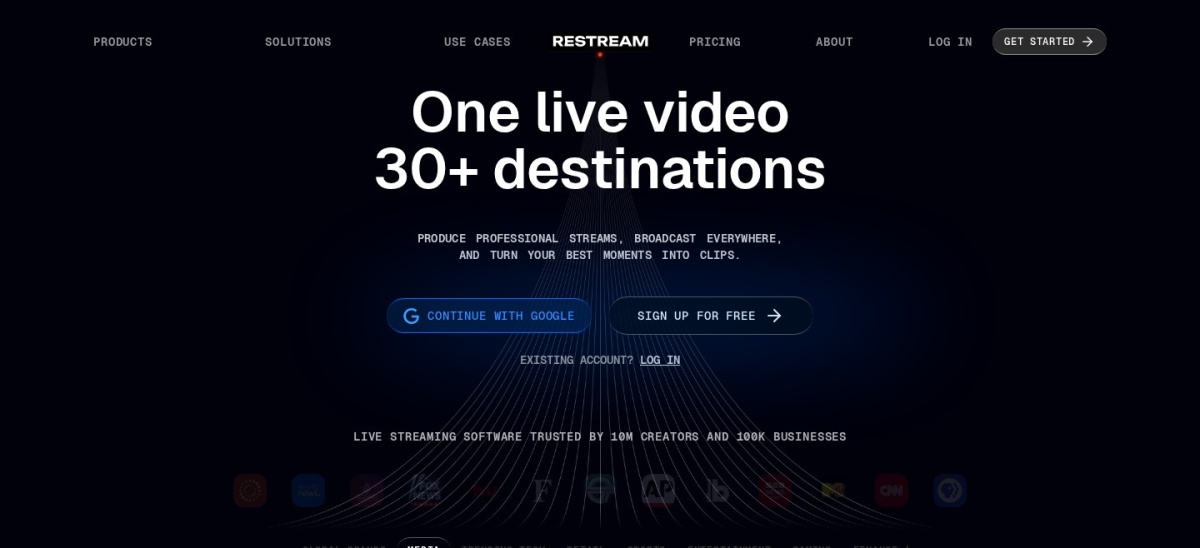
Restream is a browser-based service that sends one live feed to several platforms at once. The free plan streams to 2 channels at up to 720p with Restream branding, and it includes chat from every platform in one place.
The trade off is resolution and recording. Free streams stay at 720p with a watermark, and Standard costs $19 a month for 3 channels, no watermark and 10 hours of recording per stream. It suits creators who want to reach YouTube, Twitch and Facebook from one feed.
What we like
Free plan reaches 2 channels at once
Chat from all platforms in one window
No software to install
Watch out for
Free streams are 720p with a watermark
Webinar hosting and clip tools cost extra
Standard adds a third channel and removes the watermarkVisit restream.io
05
StreamElements
4.6/5on G2 (12 reviews, checked Nov 2026)
PriceFree
Best free overlay and alert toolkit
Free planYes, all core tools
Overlays and alertsFree, cloud-based
ChatbotIncluded free
Tipping pageFree, fees on payouts
streamelements.com
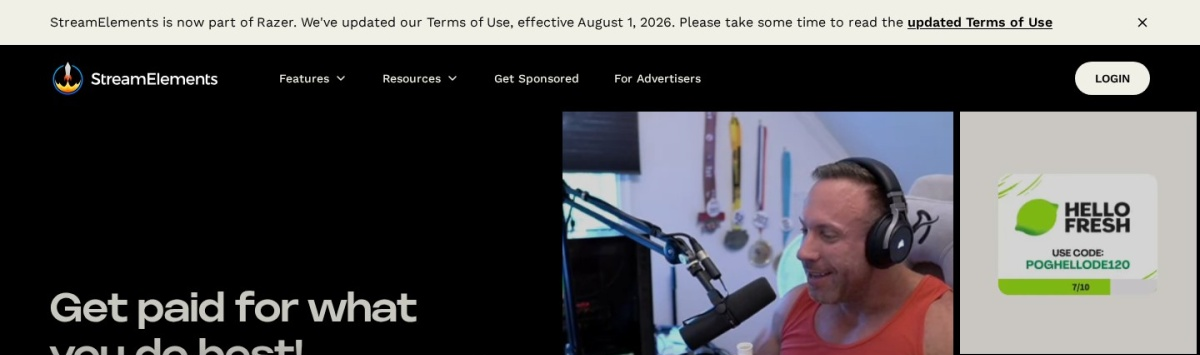
StreamElements homepage, captured Nov 2026.
StreamElements is a free cloud platform for streamers that bundles overlays, alerts, a chatbot, a tipping page and a merch store in one dashboard. The core tools cost nothing, and a browser studio lets you go live without installing desktop software.
The trade off is depth. The overlay editor covers the basics but offers less customisation than Streamlabs, and the mobile app is weaker than the desktop dashboard. It suits new Twitch and YouTube streamers who want professional overlays and alerts without a monthly bill.
What we like
Core tools are free with no subscription
Overlays, alerts and chatbot in one place
Tipping page and merch store included
Watch out for
Fewer overlay customisation options than Streamlabs
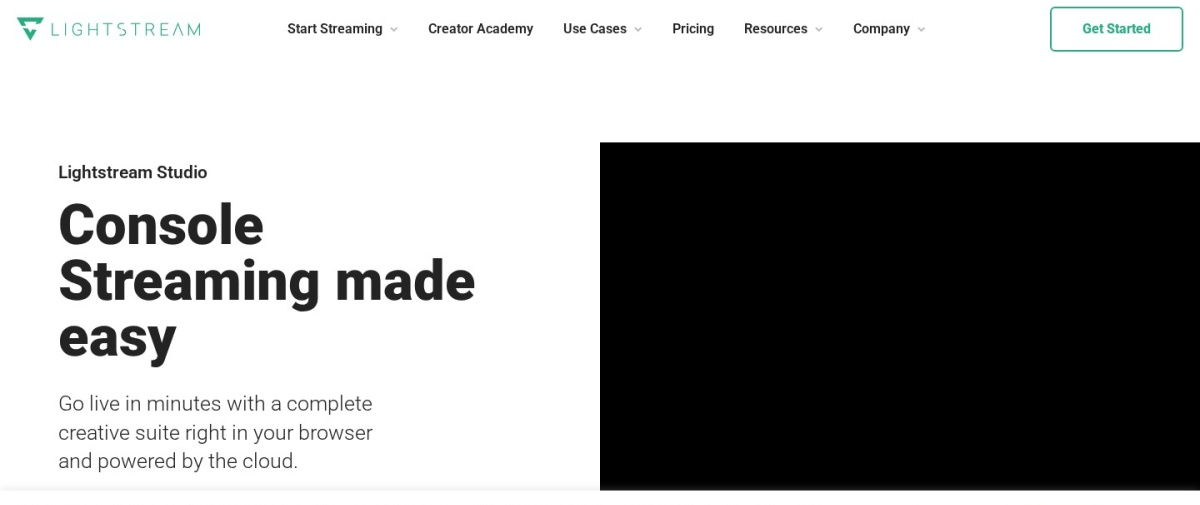
Lightstream is a browser studio built for console streamers. It captures Xbox and PlayStation gameplay in the cloud, adds scenes, overlays and alerts, and sends the stream to up to 5 destinations at once, with no capture card and no gaming PC.
The trade off is the free watermark. The free plan runs at 720p with a Lightstream logo, 3 scenes and 10-hour streams, while Premium costs $12 a month, or $9 a month billed yearly, for 1080p, guests and 20 scenes. It suits console players who want to go live from a browser.
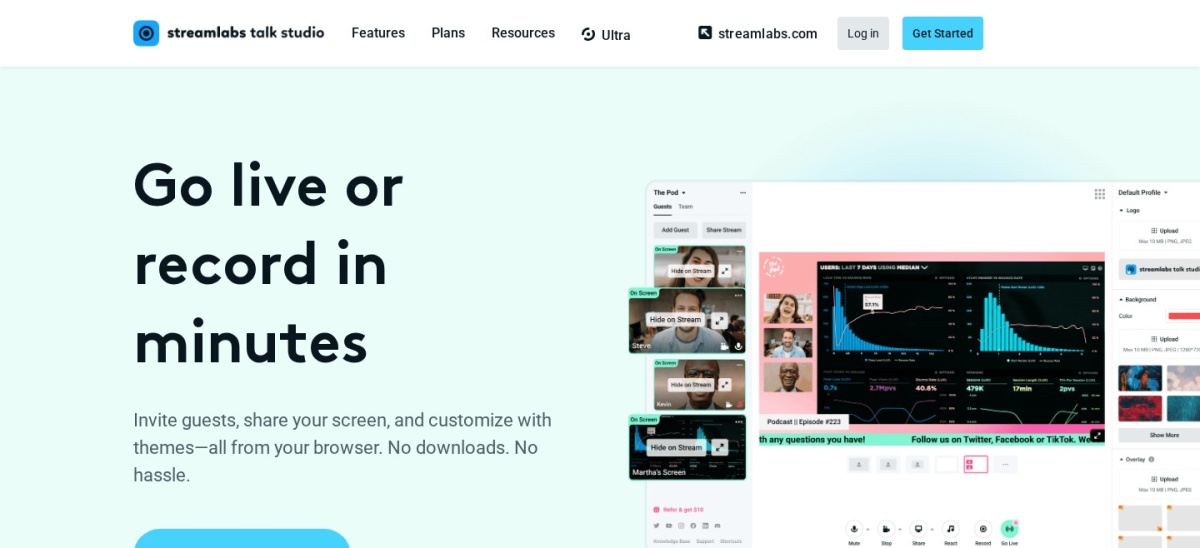
Streamlabs Talk Studio homepage, captured Nov 2026.
Streamlabs Talk Studio, formerly Melon, is a browser studio for talk shows and podcasts. The free plan covers one guest, a watermark and 4-hour streams, and guests join from a browser link with no download.
The trade off is polish. Layout options are basic and stream quality does not match StreamYard at higher resolutions, while Standard costs $4 a month and Pro $12 a month for more guests and longer streams. It suits creators who want the cheapest way to put guests on screen.
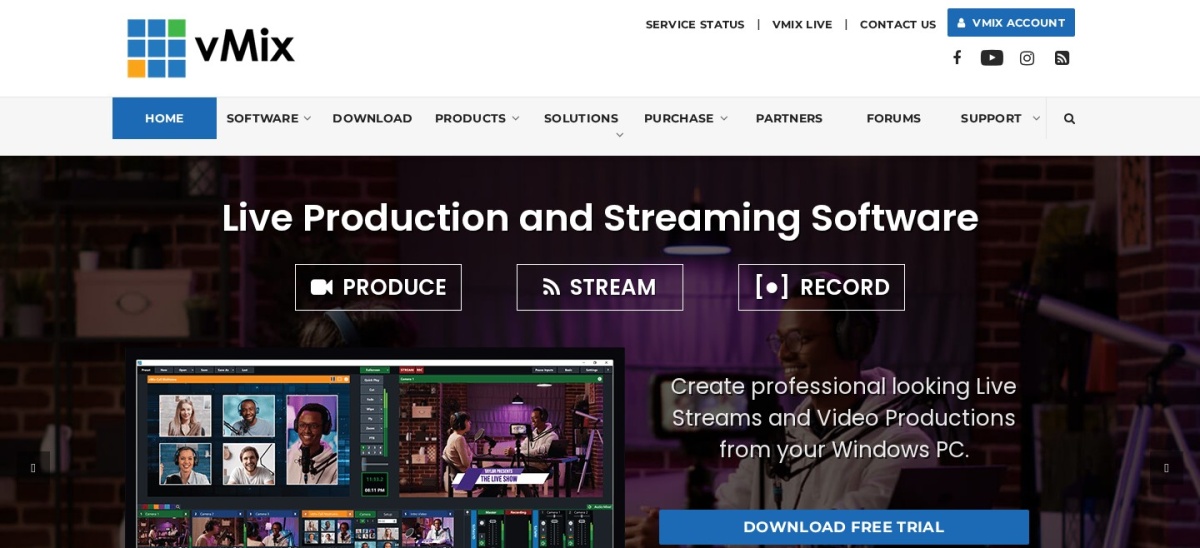
vMix is Windows software that turns a PC into a live production switcher. It mixes cameras, NDI sources, video files, titles and instant replay, then streams or records the show, and every edition can be tried free for 60 days.
The trade off is cost and complexity. There is no free plan, Basic HD costs $60 once and covers only 4 inputs, and the interface assumes you know production basics. It suits churches, schools and event teams running multi-camera shows on Windows.
What we like
One-time licences from $60, no subscription
Multi-camera mixing, NDI and instant replay
60-day free trial of every edition
Watch out for
No free plan after the trial
Windows only, with no Mac version
Basic HD is $60 once; higher editions add inputs and callersVisit vmix.com
09
Wirecast
4.2/5on G2 (37 reviews, checked Nov 2026)
Starts at$408/yr
Best cross-platform production with guests
Free planNo, free trial
Guests2 on Studio
PlatformsMac and Windows
Paid planStudio, $34/mo yearly
wirecast.io
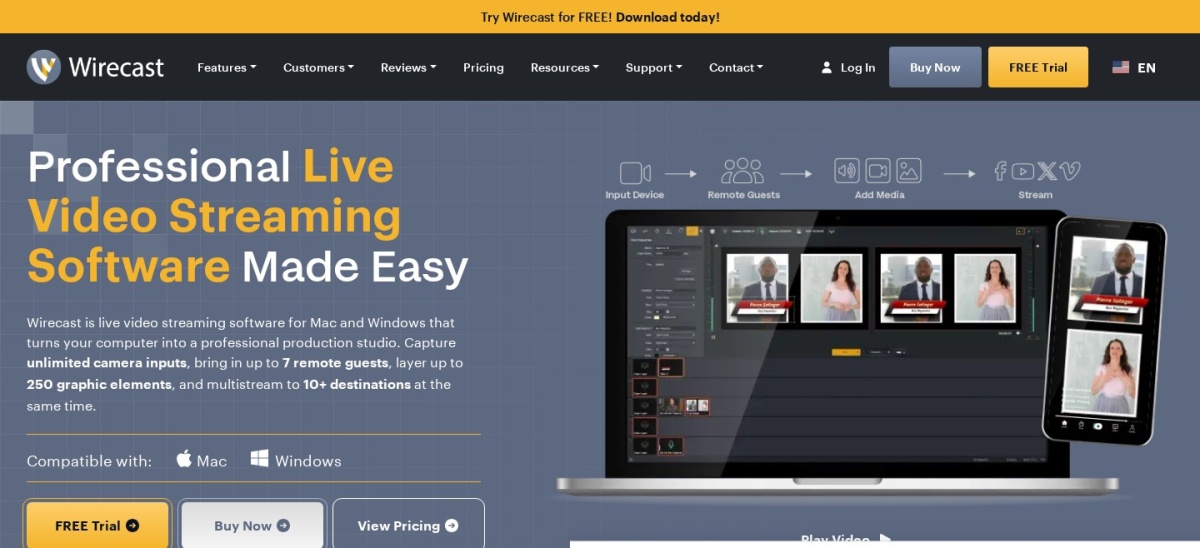
Wirecast homepage, captured Nov 2026.
Wirecast is desktop live production software from Telestream for Mac and Windows. Studio mixes unlimited camera inputs, screen capture and web sources, brings in 2 remote guests through a browser link, and streams to more than 10 destinations.
The trade off is price. There is no free plan, only a trial, and Studio costs $34 a month billed yearly, or $59 month to month, which makes it the dearest desktop option here. It suits production teams that need remote guests and a support line on Mac or Windows.
What we like
Runs on Mac and Windows
Remote guests join from a browser link
Unlimited camera inputs on Studio
Watch out for
No free plan, trial only
Dearest desktop option in this list
Studio is $408 a year; Pro adds ISO recording and 7 guestsVisit wirecast.io
Free vs paid: what you give up
Free plans cover a first stream well. Most include scenes, overlays, chat and at least one destination at 720p.
Paid plans mostly remove branding and limits. You get 1080p, more destinations, guests and longer recordings.
Multistreaming is the most common paywall. Restream and Lightstream include it free with limits, while Streamlabs and StreamYard charge for it.
If you stream once a week to one platform, a free plan may be all you ever need. Pay only when the free limits block something your audience sees.
How we chose
We started from the free streaming tools beginners actually search for, then kept the ones with a working free plan or free trial and a public user rating.
Prices come from each vendor's pricing page or FAQ, checked on 25 November 2026, with the regular price shown where a sale was running. Ratings come from G2 or Capterra on the same day. Twitch Studio was left out because Twitch ended support for it in May 2024.
We left out tools with no public rating and no free access. No vendor paid for a place, and we do not claim to have used these tools ourselves.
How to choose free streaming software as a beginner
Match the tool to how you will stream, not to the longest feature list.
Decide desktop or browser. Pick a desktop app if you want plugins and full control, or a browser studio if your computer is weak or you stream from a console.
Count your destinations. If you stream to one platform, any free plan works. If you want YouTube and Twitch at once, check the free destination limit first.
Check the free limits that show. Resolution caps, watermarks and guest limits are visible to viewers, so read them on the pricing page before your first stream.
Try the free plan before paying. Run two or three real streams first. Pay only when a free limit blocks something your audience would notice.
FAQ
What is the best free streaming software for beginners?
OBS Studio is the best free pick for most beginners. It costs nothing, has no watermark or scene limit, and is rated 4.7 out of 5 on Capterra from more than 1,000 reviews. Streamlabs Desktop is easier if you want alerts and overlays built in.
Is OBS Studio really free?
Yes. OBS Studio is open source and free to download and use, with no paid plan, watermark or time limit. The project runs on donations and sponsorships, and every feature is included in the free download.
Can I stream to YouTube and Twitch at the same time for free?
Yes, with limits. Restream streams free to 2 channels at 720p with a watermark, and Lightstream reaches 5 destinations at 720p with its logo. Streamlabs and StreamYard keep multistreaming behind paid plans.
Do I need a capture card to stream console games?
No. Lightstream captures Xbox and PlayStation gameplay in the cloud, so you can stream from a browser with no capture card or gaming PC. Desktop tools such as OBS Studio need a capture card for console gameplay.
What is the easiest streaming software for a complete beginner?
StreamYard is the easiest browser option, with guests and layouts in a tab and no install. Streamlabs Desktop is the easiest desktop option, with a setup wizard, alerts and overlays ready to go.
Is Twitch Studio still a good choice?
No. Twitch ended support for Twitch Studio on 30 May 2024, and no updates or security fixes have shipped since. New streamers should pick OBS Studio, Streamlabs Desktop or StreamYard instead.
SaaS SEO and WordPress specialist with about 8 years of experience. Rakib compares WordPress plugins, themes, hosting and software using public pricing, documentation and user reviews. See how we rank.