WriterDuet is the best free screenplay writing software for most writers, with 3 complete projects, industry-standard formatting and no watermarks on its free plan. Pick Arc Studio Pro for outlining and cloud collaboration, or Final Draft if you need the industry-standard tool.
How we make this list: we compare pricing pages, product documentation and public user reviews, then re-check every price before each update. No product paid for a place. Disclosure.
WriterDuet's free plan gives you 3 complete projects with no watermarks, the most generous free tier here.
Arc Studio Pro has the highest rating in this list at 4.7 out of 5, with a free plan for 2 scripts.
Trelby is the only tool here that is completely free, with no paid plan at all.
Final Draft costs $249.99 once and has no free plan, only a free trial, so try it before you buy.
Celtx and StudioBinder both cap their free plans at 1 project, so they suit a single script, not a slate.
What to check before you pick a free screenwriting tool
Most free screenwriting tools are not really free. Some cap your projects at one or three, some watermark every PDF, and some are only a trial with a countdown. The tools in this list all let you write and export a real screenplay without paying, and each entry says exactly where its free plan stops.
The first thing to check is the free plan's limit. A project cap matters more than the feature list: WriterDuet gives you 3 projects, Celtx and StudioBinder give you 1, and Trelby gives you as many as you want. A watermark matters too, because a watermarked PDF is not something you can send to a reader or a competition.
Exports decide whether a free tool is useful. Every tool here exports PDF, and most read and write Final Draft files, which is the format producers and competitions expect. Planning matters as well: our guide on creating a content calendar for a WordPress blog covers planning a publishing schedule, a habit that helps any long writing project.
Collaboration is the other split. WriterDuet, Arc Studio Pro and Celtx let writers work in the same script at the same time, while Trelby, Fade In and Highland are built for solo writers. Pick the solo tools if you write alone, and pay for collaboration only when a co-writer actually joins.
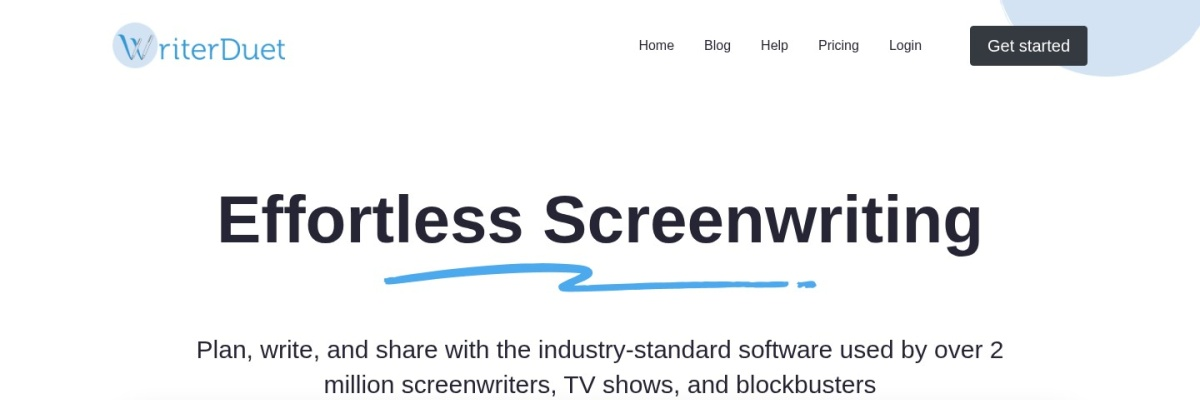
WriterDuet is a cloud screenwriting app built around real-time co-writing, and its free plan is the most generous in this list. You get 3 complete projects with industry-standard formatting, no watermarks and no page limits, plus outlining with cards and a mind map, revision tracking and export to PDF, Final Draft, Word and Fountain. It runs in the browser and on mobile, with cloud saving and backups to Google Drive or Dropbox.
The trade off is the project cap. Three scripts is plenty to start, but a working writer with features, pilots and rewrites on the go will hit the limit fast. Unlimited projects start with Plus at $9.99 a month, which also adds the desktop app and offline writing. It suits solo writers and writing partners who want a free start and a cheap upgrade path.
What we like
Most generous free plan: 3 full projects, no watermarks
Best real-time co-writing in this list
Strong outlining, revision history and export options
Watch out for
Free plan caps at 3 projects
Desktop app and offline writing need a paid plan
Plus adds unlimited projects, the desktop app and offline writingVisit writerduet.com
02
Arc Studio Pro
4.7/5on G2 (6 reviews, checked Nov 2026)
Paid from$69/yr
Best for outlining and modern design
Free scripts2, watermarked
Outlining toolsPro plan
Real-time co-writingYes
Paid planEssentials, $69/yr
arcstudiopro.com
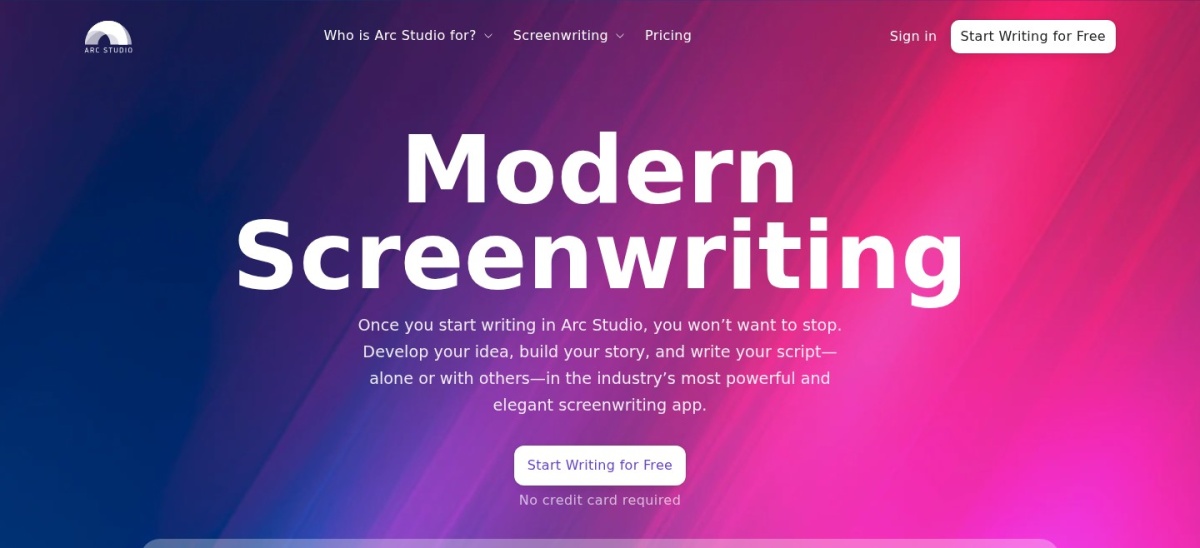
Arc Studio Pro homepage, captured Nov 2026.
Arc Studio Pro is a modern cloud screenwriting app with a clean editor, a drag-and-drop outline board and real-time collaboration. The free plan covers 2 scripts with industry-standard formatting, automatic backups and cloud sync across devices. Paid plans add unlimited scripts, desktop and mobile apps, outlining tools, season outlines and version history, and the app exports Final Draft files for delivery.
The trade off is the free plan's watermark. PDF exports from the free plan carry a watermark, so you cannot send a clean script to a reader, a competition or an agent without paying. Essentials costs $69 a year and removes the watermark with unlimited scripts. It suits writers who outline first and want a modern editor, and who write often enough to justify a yearly plan.
What we like
Highest rating in this list at 4.7 out of 5
Excellent outlining with beat boards and story tags
Clean editor with cloud sync and automatic backups
Watch out for
Free PDF exports carry a watermark
Outlining tools and collaborators need the Pro plan
Final Draft is the industry-standard screenwriting software, used by 95% of film and TV professionals according to the vendor. Final Draft 13 formats scripts automatically, and includes the Beat Board and Outline Editor for planning, tracked revisions with colored pages, real-time collaboration and production reports. It reads and writes the Final Draft file format that productions expect, and runs on Mac and Windows.
The trade off is price and the lack of a free plan. There is only a free trial, and the full app costs $249.99 as a one-time purchase, with paid upgrades when new versions arrive. The current sale price on the vendor site is $199.99, below the $249.99 regular price used here. It suits writers who need the format productions ask for by name.
What we like
The format productions and competitions expect
Full production tools: revisions, reports, Beat Board
Celtx is a browser-based studio for screenwriting and pre-production, with script formatting, story development, breakdowns, schedules, budgets and call sheets in one place. The free plan covers 1 project with the screenplay, stage play and A/V editors, script goals and a read-through mode. Paid plans add unlimited projects, story tools and production planning, and there is an app for Android and the Microsoft Store.
The trade off is the thin free plan. One project, read-only script history and no commenting or collaboration mean most writers will need the Writer plan at $14.99 a month. Exports on the free tier can also carry a watermark, which looks unprofessional to readers. It suits writer-directors who want their script inside a full production workflow.
What we like
Script, story and production planning in one place
Easiest to use in this list, according to G2 reviewers
Covers screenplays, stage plays and A/V scripts
Watch out for
Free plan covers only 1 project
Free exports can carry a watermark
Sync issues reported by some reviewers
Writer Pro adds unlimited projects and story tools for $24.99 a monthVisit celtx.com
05
Trelby
4.2/5on G2 (10 reviews, checked Nov 2026)
PriceFree
Best completely free drafting tool
Free projectsUnlimited
Price$0, open source
PlatformsWin, Mac, Linux
Cloud syncNo
trelby.org
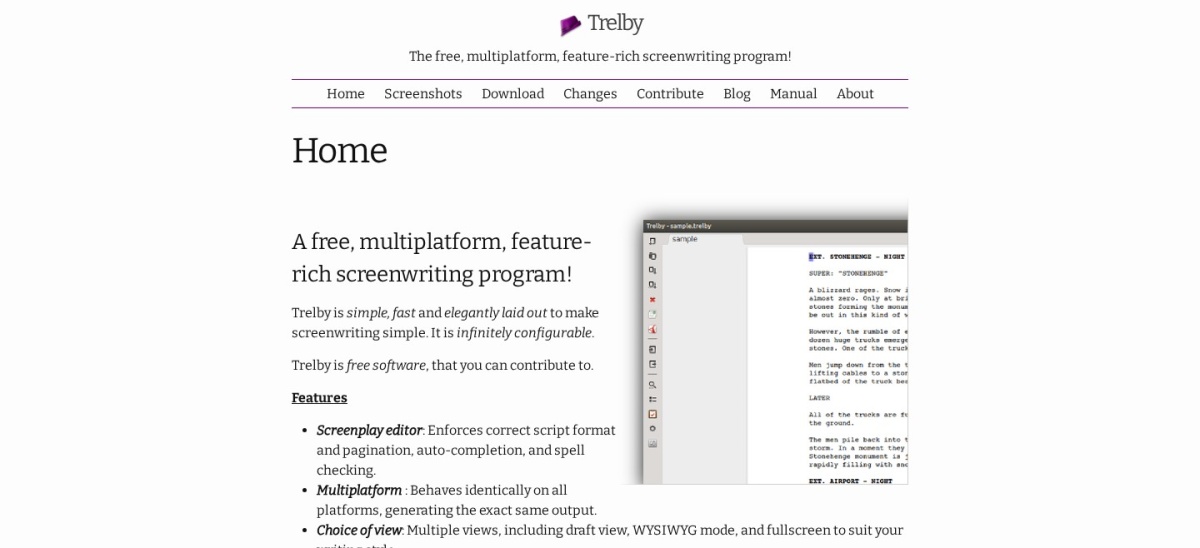
Trelby homepage, captured Nov 2026.
Trelby is a small, fast desktop screenwriting program released under the GPL, and it is completely free with no paid plan at all. It enforces correct script format and pagination, with character name auto-completion, scene navigation, revision tracking and reports on dialogue, locations and characters. It runs on Windows, Mac and Linux, and imports Final Draft, Fountain and Celtx files.
The trade off is age. The interface looks dated, development moves slowly, and there is no cloud sync or collaboration, so a script lives on one machine unless you manage backups yourself. There is also no mobile companion app. It suits writers who want a free, distraction-free drafting tool and own their files outright.
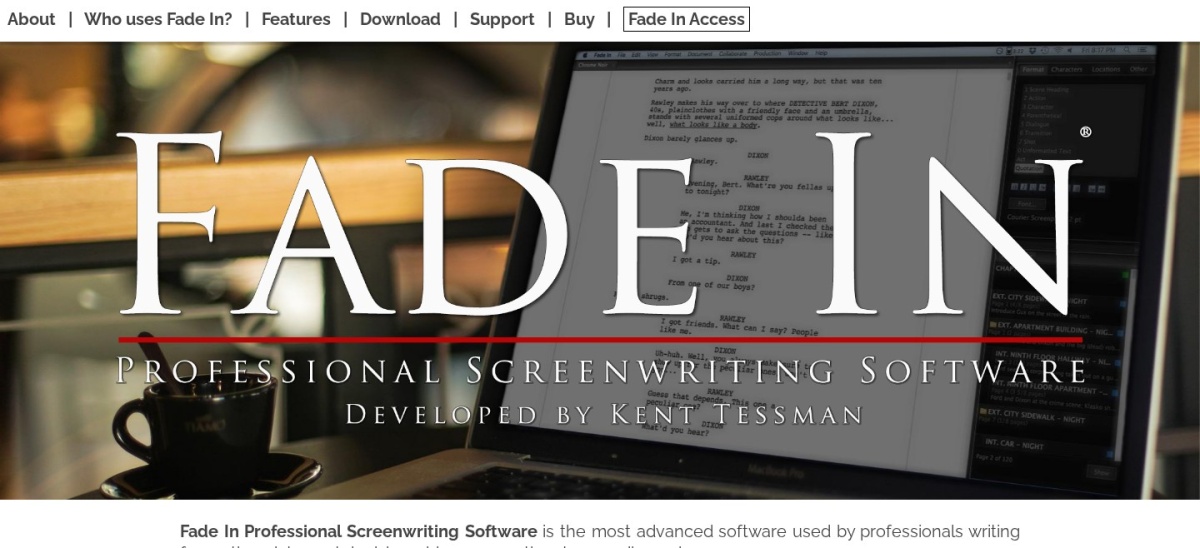
Fade In is a professional desktop screenwriting app for Windows, Mac and Linux, with a free demo that runs the full editor. It covers automatic formatting, outlining, organizing and navigation, plus revision tracking, locked pages, colored revision pages and production rewrites. It reads and writes Final Draft files in both directions, and updates are free with the one-time purchase.
The trade off is the demo's watermark. Printed and PDF output from the free demo is watermarked, so finished scripts need the $79.95 one-time licence. The interface is also plainer than newer cloud apps, and there is no real-time co-writing. It suits solo writers who want professional features for one payment, including writers on Linux.
What we like
Professional features at a third of Final Draft's price
One-time purchase with free updates
Runs on Windows, Mac and Linux
Watch out for
Free demo watermarks printed and PDF output
Plainer interface than newer cloud apps
No real-time co-writing
The $79.95 licence removes the watermark and includes free updatesVisit fadeinpro.com
07
Highland
3.3/5on G2 (4 reviews, checked Nov 2026)
Paid from$59.99/yr
Best for Mac writers
Free planBasic, watermarked
PlatformsMac, iOS
Fountain formatYes
Paid planPro, $59.99/yr
highland2.app
Highland homepage, captured Nov 2026.
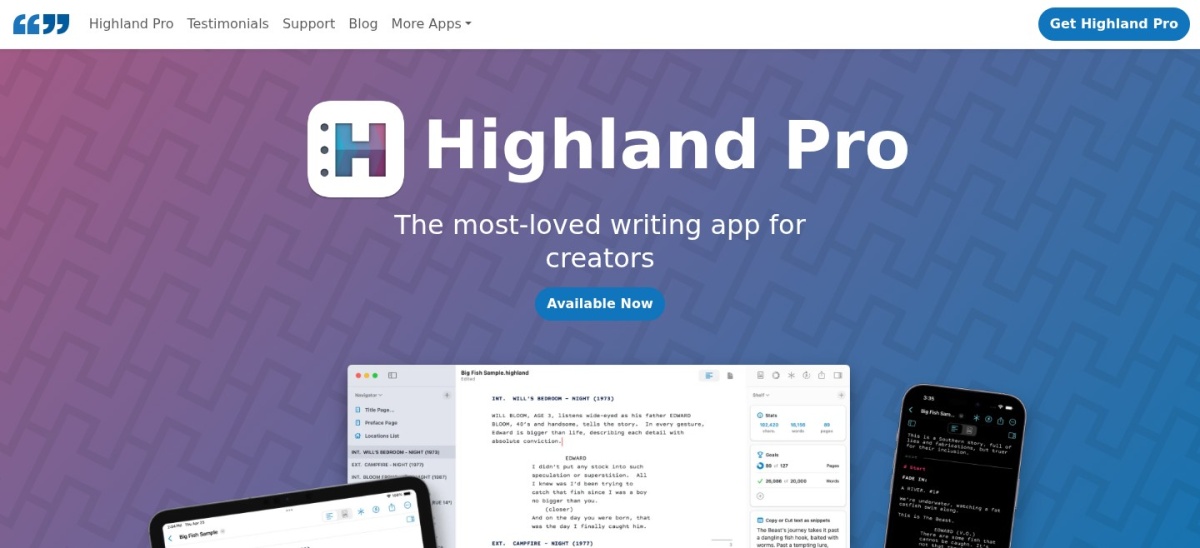
Highland is a Mac and iOS screenwriting app from screenwriter John August, built on Fountain plain text so scripts stay portable. The app formats as you type, with a Navigator, title page builder, cast and location lists, goals, sprints, comments and revision mode with colored pages. It imports Final Draft files and exports clean, industry-standard PDFs, with iCloud sync across Apple devices.
The trade off is platform and price. Highland is Mac and iOS only, so Windows and Linux writers are out, and Pro costs $59.99 a year after a 30-day trial. The free Basic edition covers core writing but watermarks exports. It suits Mac writers who want the calmest writing environment and a plain-text script they will always own.
What we like
Calmest writing environment in this list
Fountain plain text keeps scripts portable
Useful extras: sprints, goals and gender analysis
Watch out for
Mac and iOS only, no Windows or Linux version
Free edition watermarks exports
Lowest G2 rating in this list at 3.3 out of 5
Pro adds revisions, production tools and clean exports for $59.99 a yearVisit highland2.app
08
StudioBinder
3.8/5on G2 (18 reviews, checked Nov 2026)
Paid from$25/mo
Best for writers who also produce
Free projects1 project
Production toolsPaid
Script breakdownsPaid
Paid planStarter, $25/mo
studiobinder.com
StudioBinder homepage, captured Nov 2026.
StudioBinder is a cloud production platform whose screenwriting module is free on its free plan. You get an industry-format script editor with outlining, version control and color-coded revisions at no cost. Script tags feed directly into breakdowns, stripboards, shot lists and call sheets in the same platform, so a script can move straight into shooting planning.
The trade off is scope and price. The free plan covers 1 project, and the full production suite is priced for teams, starting at $25 a month billed annually. The platform is web-based, so offline writing is limited. It suits writer-directors and small production teams whose scripts turn into shoots.
What we like
Free screenwriting inside a full production suite
Script connects directly to breakdowns and call sheets
Professional revision management with color coding
Watch out for
Free plan covers only 1 project
Full suite is priced for teams, not solo writers
Web-based with limited offline writing
Starter adds more projects and production tools for $25 a month billed annuallyVisit studiobinder.com
Free vs paid: what you give up
Free plans cover drafting well. Most include automatic formatting, outlining and PDF export, which is enough to finish a script.
Paid plans mostly add room and polish. You get more projects, clean exports without watermarks, collaboration and production tools such as revision colors and breakdowns.
If you only write one script a year, a free plan may be all you ever need. If you write every week, the cheapest paid plan here is Highland Pro at $59.99 a year, or Arc Studio Essentials at $69 a year.
How we chose
We started from the screenwriting tools writers actually recommend for free use, then kept only those with a public rating on G2 or Capterra and a free plan or free trial that lets you write and export a real script.
Prices come from each vendor's pricing page, checked on 25 November 2026. Ratings and review counts come from G2 and Capterra on the same day. Where a vendor shows a sale, the list shows the regular price.
We left out tools with no public rating, including WriterSolo, Story Architect and Beat, and tools whose prices are not published in US dollars. No vendor paid for a place, and we do not claim to have used these tools ourselves.
How to choose a free screenplay writing tool
Start with how many scripts you plan to write, then check the export rules before you commit to a tool.
Count the scripts you will write. One script fits Celtx or StudioBinder. Three fits WriterDuet. More than that points to Trelby or a paid plan.
Check the export rules. A watermark on your PDF rules a tool out for submissions. WriterDuet and Trelby export clean PDFs for free; Arc Studio, Fade In and Highland watermark theirs until you pay.
Match the tool to your device. Highland is Mac and iOS only. Trelby and Fade In run on Windows, Mac and Linux. WriterDuet, Arc Studio, Celtx and StudioBinder run in the browser.
Try the free plan before paying. Write a full scene, export the PDF and open it on another device. If the formatting holds and the export is clean, the tool fits your workflow.
FAQ
What is the best free screenplay writing software?
WriterDuet is the best free option for most writers. Its free plan covers 3 complete projects with industry-standard formatting, no watermarks and no page limits, and it is rated 4.6 out of 5 on G2.
Is there a screenplay writing tool that is completely free?
Yes, Trelby is completely free with no paid plan at all. It is open-source software for Windows, Mac and Linux, with correct script formatting, revision tracking and PDF export, and it is rated 4.2 out of 5 on G2.
Can I write a full screenplay without paying?
Yes. WriterDuet lets you finish 3 full scripts for free, Trelby has no limits at all, and Arc Studio's free plan covers 2 scripts. The catch is usually the export: Arc Studio, Fade In and Highland watermark free PDFs, so check that before you submit anywhere.
Do free screenwriting tools export Final Draft files?
Most of the tools in this list do. WriterDuet, Arc Studio Pro, Trelby, Fade In and Highland all read or write Final Draft files, so you can hand a script to a producer who uses Final Draft. Celtx and StudioBinder export PDFs, and Celtx also handles its own project format.
Is Final Draft free?
No. Final Draft has no free plan, only a free trial, and the full app costs $249.99 as a one-time purchase. If you want the industry-standard tool without the price, Fade In offers similar professional features for $79.95 once, with a free demo.
Which free screenwriting tool is best for Mac?
Highland is the best fit for Mac writers, with a clean native app, Fountain plain-text files and iCloud sync. Its free Basic edition watermarks exports, so writers who want a clean free PDF should pick WriterDuet or Trelby instead.
SaaS SEO and WordPress specialist with about 8 years of experience. Rakib compares WordPress plugins, themes, hosting and software using public pricing, documentation and user reviews. See how we rank.