WriterDuet is the best free screenplay software for most writers, with 3 free scripts, real-time co-writing and a 4.6 out of 5 G2 rating. Pick Arc Studio for a cleaner interface, or Trelby if you want a fully free offline app.
How we make this list: we compare pricing pages, product documentation and public user reviews, then re-check every price before each update. No product paid for a place. Disclosure.
WriterDuet gives the most in its free plan: 3 full scripts, real-time co-writing and no watermarks.
Arc Studio has the highest G2 rating here at 4.7 out of 5, with a free tier covering 2 scripts.
Trelby is the only fully free desktop app in this list, with no account, no cap and no subscription.
Celtx and StudioBinder charge for production tools, so writers who only draft should pick a writing-first app.
Final Draft, Highland Pro and Scrivener have no free plan, only a 30-day trial, so they sit at the bottom of a free list.
What free screenplay software should cover
Every tool here formats a screenplay to industry standard, with correct margins, pagination and element types. The differences are in the limits: script caps, watermarks and locked exports.
A free plan should let you finish a script, not just start one. WriterDuet allows 3 scripts, Arc Studio allows 2, and Trelby has no cap at all.
File ownership matters too. Desktop apps keep your scripts as files on your machine, while cloud tools store them on someone else's server. If you plan to share scripts as a portfolio, our guide on creating a portfolio site with WordPress shows how to present finished work.
Paid upgrades in this category mostly buy collaboration, cloud sync and production tools, not better formatting. Start free, and pay only when a limit blocks real work.
WriterDuet is a cloud screenwriting app built for writing together in real time. The free plan covers 3 full scripts with professional formatting, outlining cards, revision tracking and import and export for Final Draft, PDF, Word and Fountain files, with no watermark and no credit card required.
The trade off is the script cap. A fourth script needs Plus at $7.99 a month, or $59.99 a year on annual billing, and offline desktop apps sit on the Pro plan. It suits writing partners and solo writers who want cloud sync and a free plan that covers a full feature or pilot.
Arc Studio is a modern screenwriting app that keeps your outline beside your draft. The free plan covers 2 scripts with industry-standard formatting, drag-and-drop beat cards and cloud backup, and every account starts with a 7-day Pro trial.
The trade off is the free tier itself. Two scripts and a watermark on PDF exports cover learning the app, not a working year, and paid plans are annual only. It suits writers who outline before drafting and want the cleanest writing screen here.
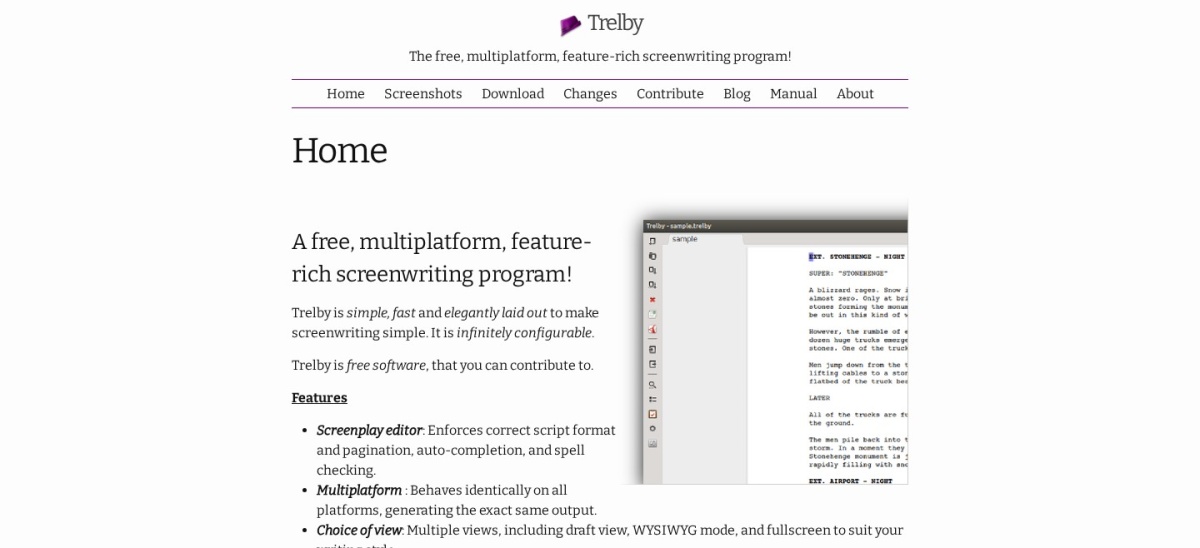
Trelby is a free, open-source screenwriting app for Windows and Linux. It formats scripts correctly as you type, with draft and WYSIWYG views, spell check, scene and character reports, and a 200,000-name character database, and it imports and exports Final Draft XML and PDF.
The trade off is age and reach. Development has slowed, there is no Mac version and no collaboration, and the interface looks dated next to cloud apps. It suits Windows and Linux writers who want a fast local tool that costs nothing and never asks for an account.
Celtx is a cloud platform that connects a screenplay to shot lists, schedules and call sheets. The free plan covers 1 project with multi-format script editors, storyboards and a beat sheet, and the site reports more than 7 million registered storytellers.
The trade off is price for writers only. One project is enough for a single short, but a second script needs Writer at $14.99 a month, or $11.24 a month billed yearly. It suits writer-producers and film students whose scripts move toward an actual shoot.
StudioBinder is a production management platform with a screenwriting module inside it. Scripts link to shot lists, storyboards, schedules, call sheets and contacts, and it handles two-column AV scripts for commercials as well as narrative screenplays.
The trade off is scope and price. The free plan covers 1 project, and Starter costs $42 a month on annual billing, which is steep if you only write. It suits indie productions that want the script, schedule and call sheets in one account.
Final Draft is the screenwriting app most professional writers' rooms expect. It defines the .fdx file format, with locked pages, colored revision tracking, beat boards, story maps and script reports, and it opens and saves files every production tool reads.
The trade off is cost and the lack of a free plan. The regular price is $249.99 one-time, though it is often discounted to $199.99, and major upgrades are paid. It suits writers who staff on TV or sell to studios that ask for Final Draft files by name.
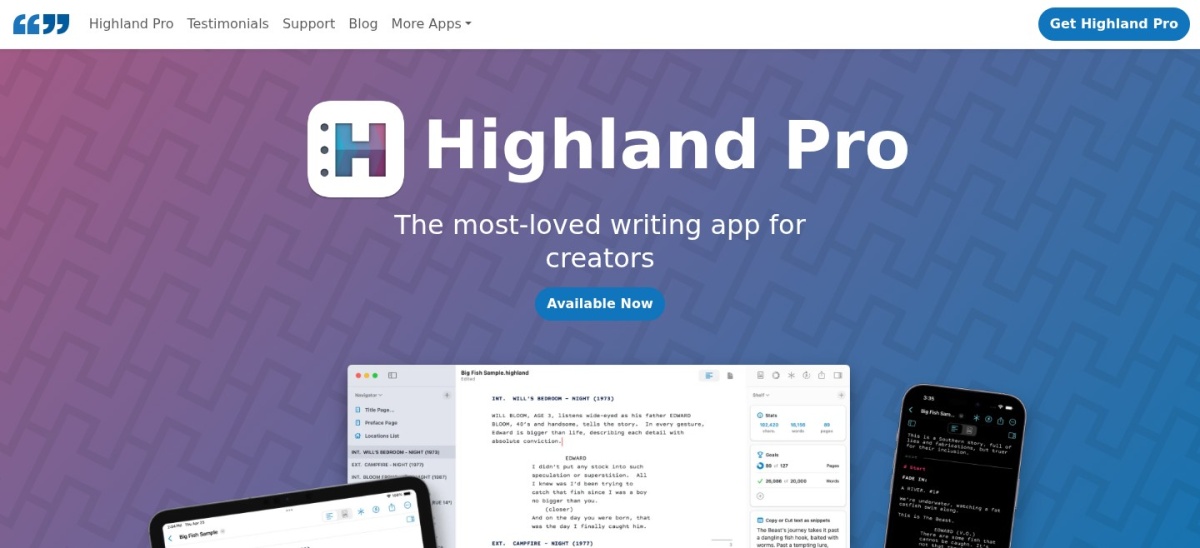
Highland Pro is a plain-text screenwriting app for Mac, iPad and iPhone, built on the Fountain format. You write readable text, Highland renders the screenplay, and your files stay portable in any text editor, with sprints and revision tracking included.
The trade off is platform and price. Highland 2 was replaced by Highland Pro in March 2025, there is no Windows or web version, and Pro costs $59.99 a year after a 30-day trial. It suits Mac writers who want the calmest drafting screen and files they own outright.
Scrivener is a long-form writing app with a screenplay template and formatting, built for big manuscripts. Its binder breaks a project into scenes, the corkboard shows them as index cards, and research, notes and drafts live beside the script until you compile to PDF or Word.
The trade off is that screenwriting is a side job here. There is no real-time co-writing, and the licence costs $59.99 one-time per desktop platform, after a 30-day trial counted in days of use. It suits writers drafting a feature alongside research, outlines and rewrites.
Free plans cover drafting well. Every free tier here formats a script correctly and exports a readable PDF.
Paid plans mostly add collaboration and production. Real-time co-writing, cloud sync, revision colours and call sheets sit behind the paywall.
The caps are the real cost. WriterDuet stops at 3 scripts, Arc Studio at 2 with a watermark, and Celtx at 1 project, so count how many scripts you finish in a year before paying.
If your script will shoot, the production tools earn their price. Our guide on embedding a video in WordPress covers sharing finished work online once the draft is done.
How we chose
We started from the screenwriting apps writers actually name in 2026, then kept those with a free plan or a free trial and a public rating on G2.
Prices come from each vendor's pricing page and G2 pricing data, checked on 25 November 2026. Ratings and review counts come from G2 on the same day. Where a vendor shows a sale, the list shows the regular price.
We left out apps with no public rating on G2, Capterra or Trustpilot, including WriterSolo, Story Architect and Beat, even though they are free. No vendor paid for a place, and we do not claim hands-on testing for this list.
How to choose free screenplay software
Count the scripts you finish in a year, then match the free limit to that number.
Count your scripts first. If you finish one feature a year, a 2-script free tier is enough. If you write monthly, pick a tool with no cap, like Trelby.
Decide if you co-write. Real-time collaboration is WriterDuet's strength. Solo writers lose nothing by picking a free offline app instead.
Check the export before you commit. Confirm the app writes clean PDF and Final Draft (.fdx) files, because readers and contests expect those formats.
Match the tool to the shoot. If your script will be filmed, Celtx or StudioBinder connect the draft to schedules and call sheets. If it stays on the page, a writing-first app is cheaper.
FAQ
What is the best free screenplay software?
WriterDuet is the best free pick for most writers. Its free plan covers 3 full scripts with real-time co-writing and professional formatting, it is rated 4.6 out of 5 on G2, and free exports carry no watermark.
Is there completely free screenplay software with no limits?
Yes. Trelby is free and open source with no script cap, no account and no watermark, and it runs offline on Windows and Linux. WriterSolo and Story Architect are also free, but neither has a public G2, Capterra or Trustpilot rating, so they are not in this list.
Can I write a screenplay in free software and sell it?
Yes. Readers and producers see the PDF, not the app that made it. Every tool here exports industry-standard formatting with correct pagination, which is all that matters for a spec script or a contest entry.
What is the catch with free screenplay software?
Free tiers ration something: script counts, projects or watermark-free exports. WriterDuet caps at 3 scripts, Arc Studio at 2 with a watermark, and Celtx at 1 project. Paid plans remove the cap and add collaboration.
Do I need Final Draft to be taken seriously?
No, not for the writing itself. Final Draft matters when a production, agent or writers' room asks for native .fdx files, which every tool here can also export. Until then, a free app produces the same formatted PDF.
Which free screenplay app works offline?
Trelby and Scrivener work fully offline, and WriterSolo is another free offline option. Cloud apps like WriterDuet, Arc Studio and Celtx need an internet connection for sync and collaboration, though WriterDuet's paid Pro plan adds offline apps.
SaaS SEO and WordPress specialist with about 8 years of experience. Rakib compares WordPress plugins, themes, hosting and software using public pricing, documentation and user reviews. See how we rank.