Audacity is the best free podcast editing software for most shows, with fully free multitrack recording, noise reduction and effects and a 4.5 out of 5 G2 rating. Pick Descript for transcript-based editing, or Podcastle if you want recording, editing and hosting in one place.
How we make this list: we compare pricing pages, product documentation and public user reviews, then re-check every price before each update. No product paid for a place. Disclosure.
Audacity is the only tool here that is fully free with no paid tier: multitrack editing, noise reduction and effects at $0.
Descript's free plan covers 1 media hour a month; Hobbyist costs $16 a month billed annually and adds 10 hours.
Adobe Podcast cleans up a rough recording free for 1 hour a day, but it is a cleanup tool, not a full editor.
Podcastle records, edits and hosts in one browser tab, with a free plan and Essentials at $11.99 a month billed annually.
Zencastr's free Vibecastr plan records up to 6 guests in 4K, but it has no self-serve paid plan to grow into.
What a free podcast editor should cover
A free podcast editor should cover three jobs: recording clean audio, cutting mistakes and filler, and exporting a loud, even file. Most free tools cover two of the three well.
Multitrack editing matters once you have a guest or music. Audacity, GarageBand and DaVinci Resolve give you separate tracks free, while browser tools such as Descript and Podcastle trade some control for speed.
AI cleanup is the other split. Adobe Podcast and Auphonic fix noisy recordings with little manual work, but both cap free use by the hour or the day. Our guide on adding a podcast to WordPress covers what happens after the edit, when the file needs hosting and a feed.
Watch the free limits, not just the price. Hour caps, watermarks and download limits decide whether a free plan lasts past the first episode.
Audacity is a free, open-source audio editor for Windows, Mac and Linux, with no paid tier at all. It records and edits on multiple tracks, with noise reduction, compression, EQ and dozens of built-in effects, and it exports to WAV, MP3, OGG and FLAC.
The trade off is the learning curve and the plain interface. There is no AI cleanup, no transcript editing and no built-in hosting, so noisy recordings need manual work. It suits podcasters who want full control at zero cost and do not mind learning the menus.
Descript is a browser and desktop editor that lets you edit audio by editing the transcript: delete a sentence and it leaves the recording. The free plan covers 1 media hour a month, 100 one-time AI credits and 720p exports with a watermark.
The trade off is the meter. Hobbyist costs $16 a month billed annually and raises the allowance to 10 media hours, so a weekly show outgrows the free plan fast. It suits podcasters who think in words and want filler-word removal and Studio Sound without learning a timeline.
What we like
Transcript editing is the fastest way to cut speech
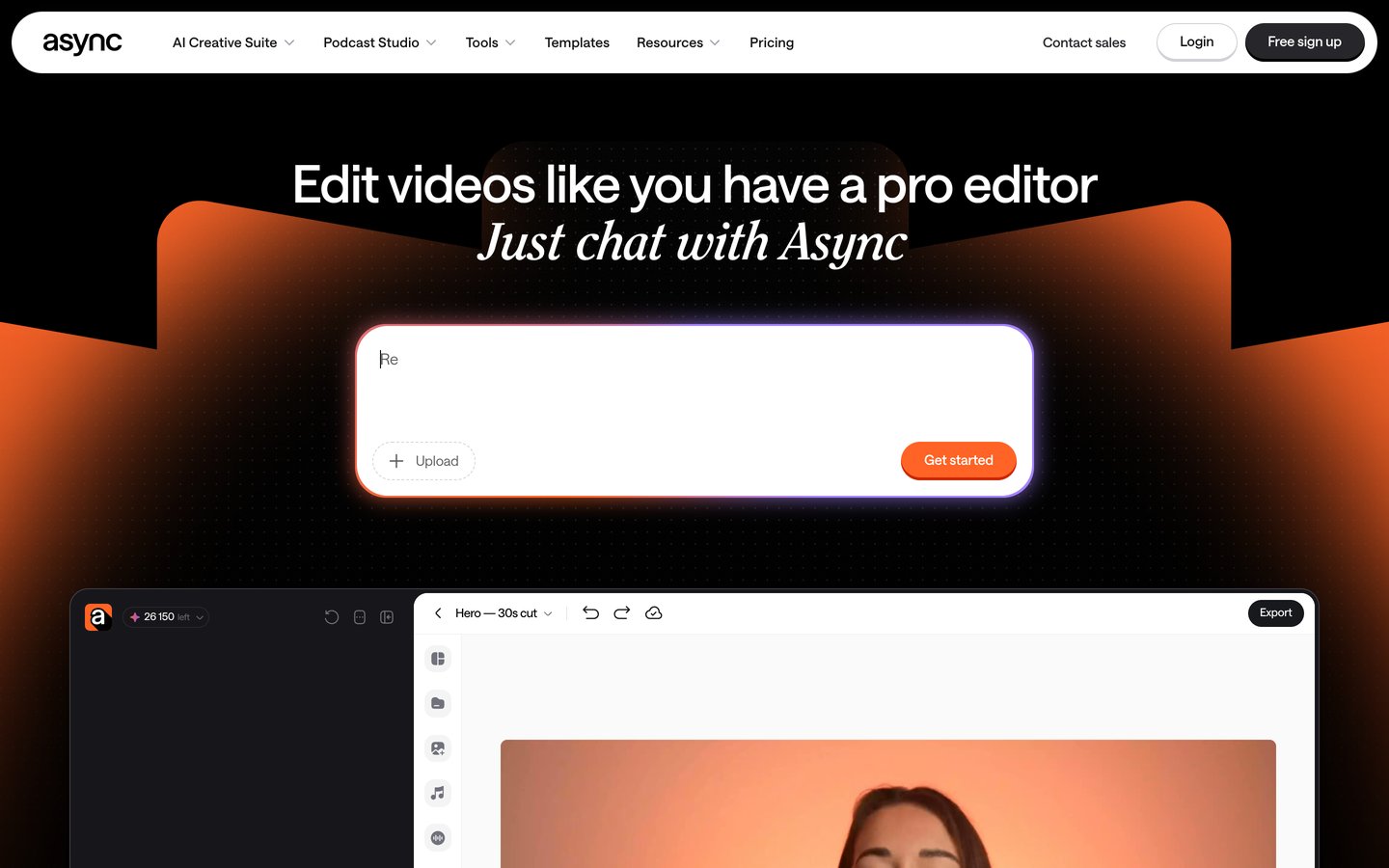
Podcastle is a browser studio for recording, editing and hosting a podcast in one place, now also branded Async. The free plan includes audio recording and editing, 2 GB of storage and 720p exports, and its Magic Dust tool cleans up background noise in one click.
The trade off is the meter on the free plan and the rebrand. Essentials costs $11.99 a month billed annually and adds more recording hours, transcription and AI credits. It suits solo podcasters who want one tab from recording to published episode.
What we like
Recording, editing and hosting in one account
Magic Dust removes background noise fast
Text-based editing with transcription included
Watch out for
Free plan limits recording hours and storage
Rebrand to Async confuses older guides and tutorials
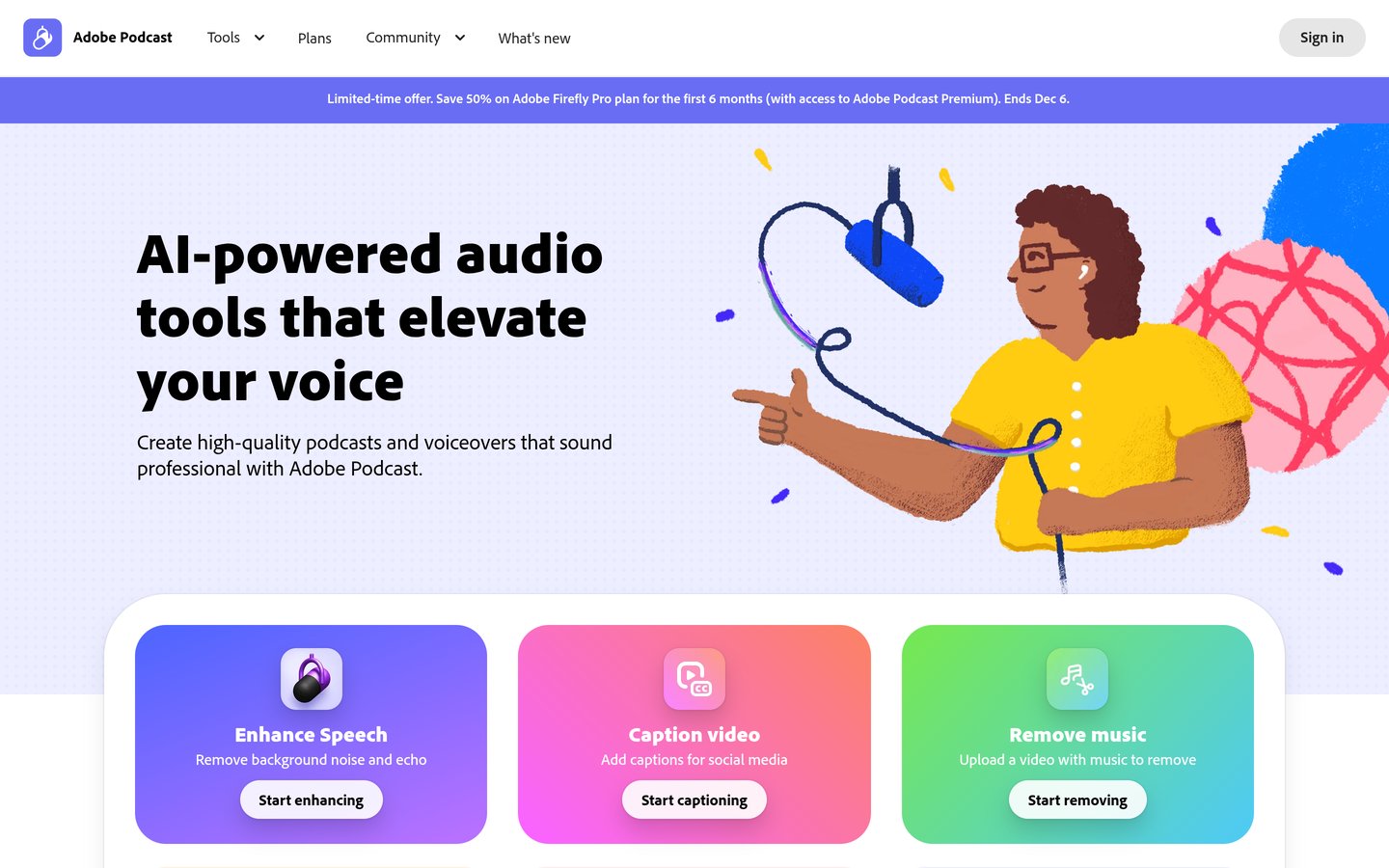
Adobe Podcast is a browser suite built around Enhance Speech, an AI filter that strips noise and echo from spoken audio. The free plan gives 1 hour of Enhance Speech a day on files up to 30 minutes, plus Mic Check and Studio recording with transcript editing.
The trade off is depth. There is no real multitrack mixing, and Premium costs $9.99 a month for 4 hours a day, video files and batch uploads. It suits podcasters whose recordings need rescuing more than they need a full edit.
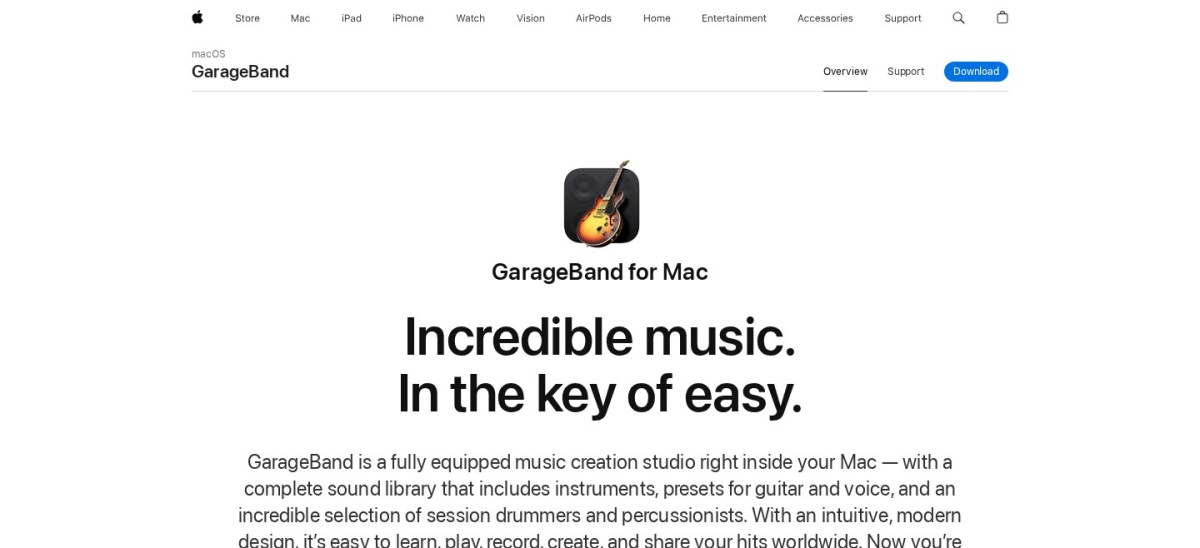
GarageBand is Apple's free music and podcast studio, included with every Mac, iPhone and iPad. It records on multiple tracks, with software instruments, loops, the virtual Drummer and guitar amp models, and it syncs projects through iCloud.
The trade off is the platform. There is no Windows or Linux version, and podcast-specific tools such as loudness targets are missing. It suits Mac owners who want a friendly multitrack editor and a clear upgrade path to Logic Pro.
DaVinci Resolve is a professional video suite whose free version includes Fairlight, a full audio post-production page. It gives podcasters multitrack mixing, EQ, dynamics and loudness metering at no cost, with exports up to 4K UHD.
The trade off is weight. Studio costs $295 as a one-time licence and adds AI tools and noise reduction, but the free version alone is a heavy download with a steep learning curve. It suits podcasters who also edit video and want pro audio tools free.
What we like
Fairlight gives full mixing, EQ and loudness tools
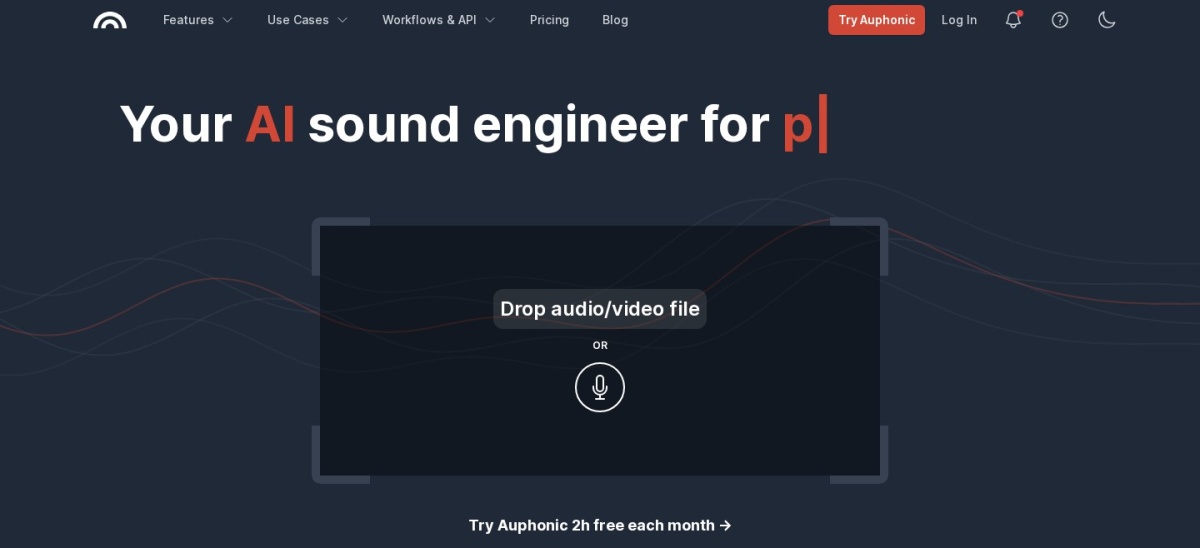
Auphonic is a web service that automates podcast post-production: it levels speakers, reduces noise and reverb, and sets loudness to broadcast standards. The free plan processes 2 hours of audio a month, with an Auphonic jingle on the output.
The trade off is control. Plan S costs $11 a month billed annually for 9 hours a month with no jingle, but there is no manual editor for cutting words. It suits weekly shows that want finished, even audio without opening a timeline.
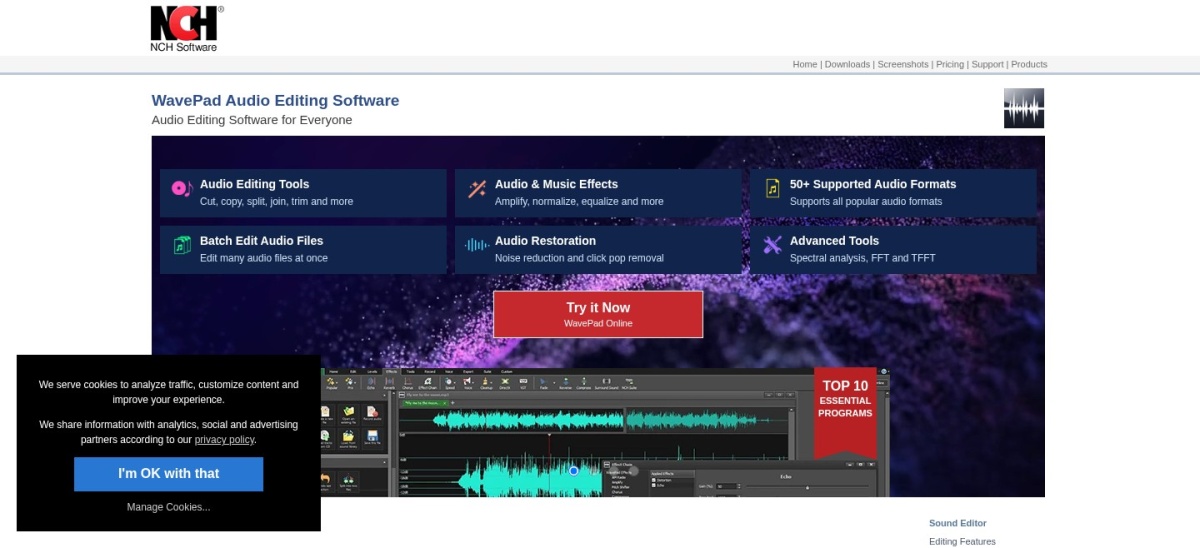
WavePad is a lightweight desktop editor from NCH Software for Windows and Mac. The free version covers non-commercial use, with recording, cut and trim tools, noise reduction, normalisation and support for more than 50 audio formats.
The trade off is the licence and the look. The Standard Edition costs $60 a year for commercial use, and the interface feels dated next to newer editors. It suits beginners who want a simple menu-driven editor for quick trims and cleanup.
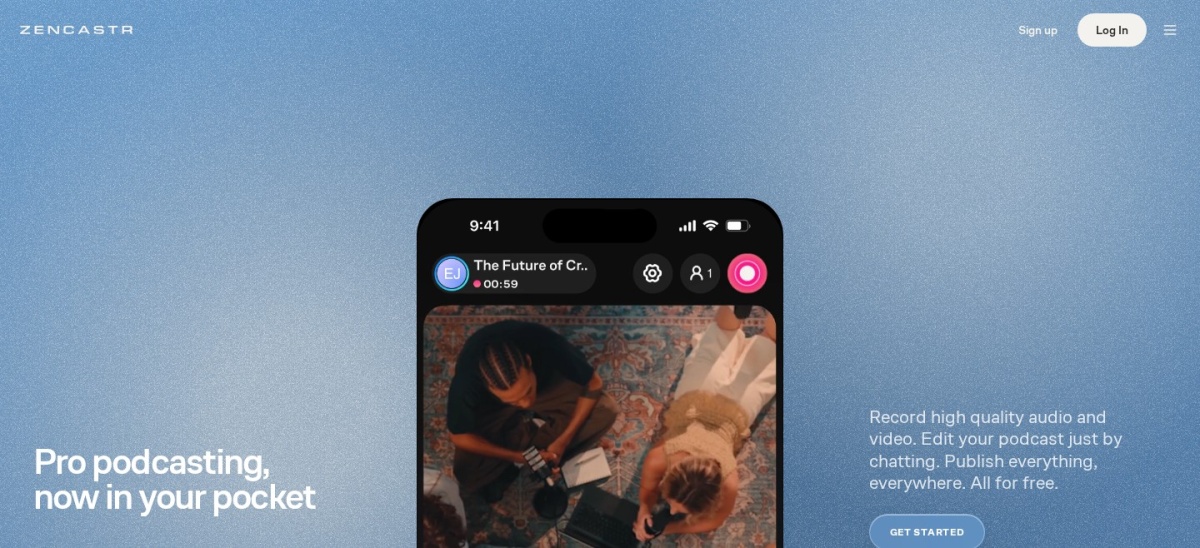
Zencastr is a browser studio that records remote podcast guests on separate tracks, then edits with an AI producer. The free Vibecastr plan records up to 6 participants in 4K video with 48 kHz WAV audio, plus unlimited transcription, storage and hosting for up to 5 shows.
The trade off is the missing middle. Zencastr retired its paid tiers in October 2026, so outgrowing the free caps means a custom Enterprise quote with no published price. It suits interview shows that fit inside the free plan and want hosting included.
What we like
Free plan includes 4K video and hosting
Separate tracks keep guest audio clean
Transcription and AI editing included
Watch out for
No self-serve paid plan to grow into
Small review base and mixed support reports
Enterprise is custom-priced; the free plan is the whole offerVisit zencastr.com
Free vs paid: what you give up
Free plans in this list fall into two groups: fully free editors such as Audacity and GarageBand, and capped plans such as Descript and Auphonic that meter hours.
Paid plans mostly buy hours and clean exports. You get more media hours, no watermarks or jingles, and higher limits on files and downloads.
A weekly show of one hour needs about 4 to 5 hours of processing a month once editing and re-runs count. That fits Auphonic's free 2 hours only for short episodes, so check the meter before committing.
Start free and pay only when the cap bites. A free editor plus a free cleanup pass covers most first seasons.
How we chose
We started from the podcast editors and studios that come up most in podcaster guides and review sites, then kept those with a free plan that covers real editing.
Prices come from each vendor's pricing page, checked on 25 November 2026. Ratings and review counts come from G2 on the same day. Where a vendor shows a sale, the list shows the regular price.
We left out tools with no public rating and editors that are video-only with no audio workflow. No vendor paid for a place, and we do not claim hands-on testing for this list.
How to choose a free podcast editing software
Match the tool to the way you record, then check the free limit against your episode length.
Count your hours first. A weekly hour-long show needs 4 to 5 hours of editing and processing a month. Pick a free plan whose cap covers that, or a fully free editor.
Decide how you like to cut. Transcript editing in Descript or Podcastle is fastest for speech. A timeline in Audacity or GarageBand gives more control over music and pauses.
Fix bad audio before you edit. Run a noisy recording through Adobe Podcast or Auphonic first. Clean audio makes every later cut easier and faster.
Check the export before you commit. Confirm the free plan exports without a watermark or jingle and at the quality your host needs, then record a short test episode end to end.
FAQ
What is the best free podcast editing software?
Audacity is the best free podcast editing software for most shows. It is fully free with multitrack recording, noise reduction and effects, and it is rated 4.5 out of 5 on G2 from 459 reviews.
Is Audacity really free?
Yes. Audacity is open-source software with no paid tier, no time limit and no watermark on exports. It runs on Windows, Mac and Linux, and donations are the only money it asks for.
Can I edit a podcast in Descript for free?
Yes, for short episodes. Descript's free plan covers 1 media hour a month with transcript editing, 100 one-time AI credits and 720p exports with a watermark. A weekly show usually needs the $16-a-month Hobbyist plan.
What is the best free tool for cleaning up noisy audio?
Adobe Podcast is the best free cleanup tool. Its Enhance Speech filter removes noise and echo from spoken audio, free for 1 hour a day on files up to 30 minutes. Auphonic is the better pick for levelling several speakers at once.
Do I need a paid plan to publish a podcast?
No. Audacity, GarageBand and DaVinci Resolve export finished audio free with no watermark, and Podcastle and Zencastr include hosting on their free plans. Paid plans mainly add hours, higher limits and faster workflows.
Which free podcast editor works on a Mac?
GarageBand is the easiest free pick on a Mac, since it is included with every Mac, iPhone and iPad. Audacity and DaVinci Resolve also run on Mac, and Descript, Podcastle and Adobe Podcast work in the browser.
SaaS SEO and WordPress specialist with about 8 years of experience. Rakib compares WordPress plugins, themes, hosting and software using public pricing, documentation and user reviews. See how we rank.