MyHeritage is the best free photo restoration software for most people, with a free account that enhances 10 photos, repairs scratches and colorizes black-and-white prints, rated 4.4 out of 5 on Trustpilot. Pick Remini for quick phone fixes and VanceAI for one-click browser restoration.
How we make this list: we compare pricing pages, product documentation and public user reviews, then re-check every price before each update. No product paid for a place. Disclosure.
MyHeritage is the only free pick that repairs scratches, sharpens faces and colorizes in one account, with 10 free photos.
Remini is the fastest phone option, with 100 million monthly users, but its $6.99 weekly plan costs about $363 a year if left running.
VanceAI and PicWish run on credits, so count your photos first: VanceAI gives 10 free credits and PicWish gates scratch repair behind Pro.
GIMP and Photopea cost nothing and keep your files on your own computer, but both need manual work and have no one-click repair.
Topaz Photo AI costs $299 a year and has no free plan, so it only makes sense for badly damaged originals.
What free photo restoration should do
Old photos usually suffer from several problems at once: scratches and tears on the print, faded color, blur, and faces too soft to recognise. A good restoration tool should handle at least two of those in one pass.
Most free tools in this list use AI to rebuild missing detail. That works well on faces and small damage, but the result is the model's best guess, so always keep the original scan untouched.
Free limits matter more than features here. Some tools cap you at a few photos, some add a watermark, and some charge credits per image. Our guide on optimizing images for WordPress explains how to keep restored files at a sensible size once they are done.
If you have a whole box of prints, scan them first and count them. A credit tool suits 20 photos, while a free desktop editor suits 200.
4.4/5on Trustpilot (111,847 reviews, checked Nov 2026)
Paid from$189/yr
Best free photo restoration overall
Free photos10, watermarked
Photo repairYes, scratches and tears
ColorizeYes, black-and-white
Paid planComplete, $189/yr
myheritage.com
MyHeritage homepage, captured Nov 2026.
MyHeritage is a family history site with four photo tools in one account: Photo Enhancer, Photo Repair, In Color and Deep Nostalgia. Photo Repair fixes scratches and tears, the enhancer sharpens blurry faces, In Color adds color to black-and-white prints, and the original is always kept as a separate copy.
The trade off is price. The photo tools sit in the Complete plan at $189 a year, after a cheaper first year at $119, and that plan is a full genealogy subscription. It suits people restoring family photos who also want the family tree and records, not someone with only a few prints to fix.
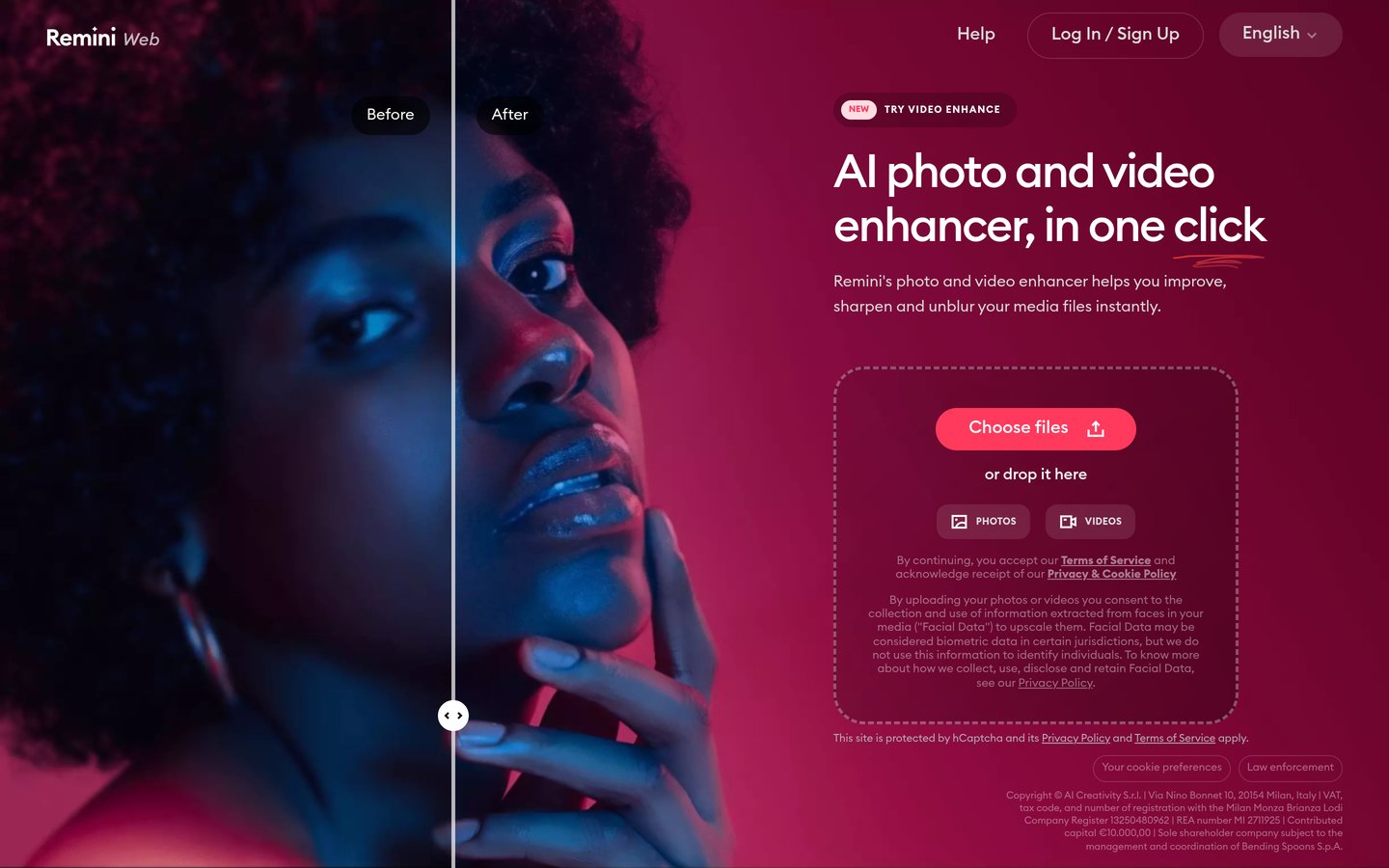
Remini is a mobile-first enhancer built around faces and old photos. Its Old Photos Restorer, Face Enhancer, Color Fixer and Denoiser run with one tap, and the Image Enlarger upscales photos up to 2x. The homepage reports 100 million monthly active users and 5 billion photos and videos enhanced.
The trade off is billing. The Personal plan is $6.99 a week, which works out to about $363 a year if left running, and it caps you at 20 photo enhancements a week with JPG output only. It suits phone users with a few portraits to fix, not a large archive.
VanceAI Photo Restorer homepage, captured Nov 2026.
VanceAI Photo Restorer is built around the specific job of rescuing old prints. You upload a scan and one pass works on scratches, stains, faded color and soft faces, with upscaling and colorizing in the same credit pool. New accounts get 10 free credits, and one credit covers roughly one processed image.
The trade off is the credit model. The free credits cover only a few photos, and the Starter plan at $15 a month billed annually gives 260 credits a month, so a box of 200 scans becomes a budgeting exercise. It suits small batches of damaged prints handled in a browser.
Fotor is a browser photo editor with one-click restoration alongside cropping, filters, collage and design tools. Its old-photo tool repairs fading, scratches and blur, with a separate colorize pass for black-and-white originals, and you can crop or adjust exposure after the AI pass without switching apps.
The trade off is friction. The free Basic plan shows ads and upgrade prompts, some AI features are paywalled, and exports can carry a watermark. Pro costs $8.99 a month and removes those limits. It suits casual users with a few faded photos and a need for general editing.
What we like
Quick one-click fixes in a browser
Full photo editor beyond restoration
Batch editing for up to 50 images
Lowest monthly Pro price in this list
Watch out for
Free plan has ads and upgrade prompts
Restoration depth trails dedicated tools
Some exports are watermarked on free
Pro adds watermark-free HD exports and more AI toolsVisit fotor.com
05
PicWish
4.8/5on G2 (6 reviews, checked Nov 2026)
Paid from$59.99/yr
Best cheap Pro plan for restoration
Free planYes, limited downloads
Restoration modePro credits
UpscaleUp to 4x
Paid planPro, $59.99/yr
picwish.com
PicWish homepage, captured Nov 2026.
PicWish is a browser AI photo editor with an enhancer, upscaler and a dedicated Restoration mode for old photos. The free Standard mode sharpens a portrait to 2048 pixels, and the tool also covers background removal, object removal and colorizing, so one account handles most small fixes.
The trade off is the paywall on the tool that matters most. The dedicated Restoration mode that heals creases needs Pro credits, and free exports are standard resolution. Pro costs $9.99 a month or $59.99 a year. It suits users who also want background removal and upscaling.
GIMP is a free, open-source image editor for Windows, Mac and Linux, with version 3.2.8 current on its homepage. It has no AI one-click repair, but its Clone, Heal and Patch tools let you paint out scratches, dust, stains and date stamps by hand, with layers and masks for full control.
The trade off is time and learning. The interface is dense, and repairing a torn print by hand takes far longer than an AI pass. It suits users with a small number of photos who want full control and no subscription, watermark or upload at all.
What we like
Completely free with no watermark
Your photos never leave your computer
Full manual control over every repair
Runs on Windows, Mac and Linux
Watch out for
No AI one-click restoration
Steep learning curve for beginners
Slow for large archives
There is no paid plan; donations support the projectVisit gimp.org
07
Picsart
4.5/5on G2 (800 reviews, checked Nov 2026)
Paid from$10.50/mo
Best for creative edits after restoration
Free planYes, core tools
AI enhancerYes, one tap
Batch editingUp to 50 images, Pro
Paid planPro, $10.50/mo
picsart.com
Picsart homepage, captured Nov 2026.
Picsart is an AI creative platform for images, video and audio, with a one-tap image enhancer alongside background and object removal, retouching and bulk editing. The free tier covers core editing, while Pro at $10.50 a month billed yearly adds 500 credits a month, 100 GB of storage and bulk editing of up to 50 images.
The trade off is focus. Restoration is one feature among more than 180 AI models, video tools and team workflows, so it can feel like overkill for a few old photos. It suits users who restore photos and then turn them into posts, collages or social content.
Photopea is a free photo editor that runs entirely in the browser and mirrors Photoshop's layers, masks, blend modes and file support. It opens PSD, RAW and more than 40 other formats, and its Spot Healing Brush, Healing Brush and Patch tools remove scratches and blemishes by hand. Files open locally, so nothing is uploaded.
The trade off is ads and AI limits. The free tier shows ads beside the canvas and gives about one AI action a day, while Premium at $5 a month removes ads and adds 3,000 AI credits a month. It suits users who know layer editing and want a free Photoshop-style tool.
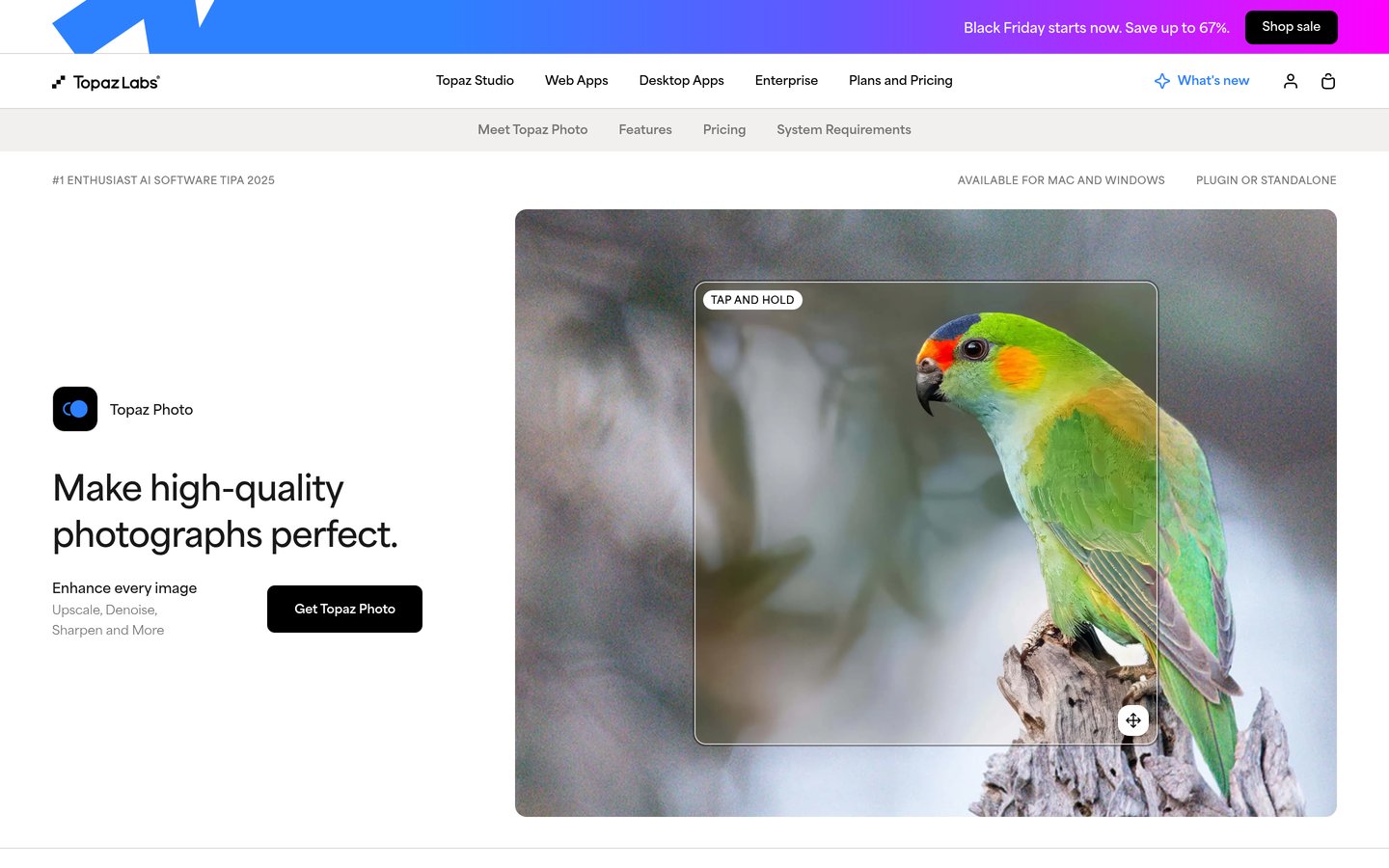
Topaz Photo AI is a desktop tool for the worst-case photo: the tiny, blurry, badly scanned portrait where other tools give up. Its sharpen, Super Focus, denoise, face recovery and upscale models rebuild detail in low-resolution originals, and it runs standalone or as a plugin for Lightroom, Photoshop and Capture One.
The trade off is price. Personal costs $299 a year, the steepest price in this list, and there is no free plan, only a trial demo. It suits photographers and archivists with a few impossible photos, not anyone restoring a whole album on a budget.
Free plans cover the basics well. Most include one-click repair, a few free photos or credits, and colorizing for black-and-white prints.
Paid plans mostly add volume and clean exports. You get more photos, no watermark, higher resolution and faster queues.
If you have five photos, a free plan is enough. If you have five hundred, a credit pack or a desktop editor will cost less than a weekly subscription left running.
How we chose
We started from the tools most often named in 2026 restoration guides, then kept those with a real free tier or trial and a public rating on G2 or Trustpilot.
Prices come from each vendor's pricing page or pricing summaries that read it, checked on 25 November 2026. Ratings and review counts come from G2 and Trustpilot on the same day. Where a vendor shows a sale, the list shows the regular price.
We left out tools with no public rating anywhere, including several niche restorers whose only scores were on their own sites. No vendor paid for a place, and we do not claim hands-on testing for this list.
How to choose a free photo restoration tool
Start with your worst photo, then match the tool to the damage.
Scan at the highest resolution you can. A 600 dpi scan gives the AI more detail to rebuild, and a phone photo of a print is a poor substitute.
Try the free tier on your hardest photo first. If it handles scratches and faces well, it will handle the easy ones. Do not pay before that test.
Check the export limits before you start. Watermarks, credit caps and weekly limits decide whether a free plan fits your whole box of prints.
Keep the original scan untouched. Save every restored copy as a new file, so a bad AI guess never replaces the only copy of a family photo.
FAQ
What is the best free photo restoration software?
MyHeritage is the best free option for most people. Its free account enhances 10 photos, repairs scratches and tears, sharpens faces and colorizes black-and-white prints, and it is rated 4.4 out of 5 on Trustpilot from more than 111,000 reviews.
Can AI really repair a torn or scratched photo?
It can repair small scratches, dust, stains and fading well, and it rebuilds soft faces convincingly. Large tears and missing corners are harder, and a manual editor such as GIMP or Photopea gives more control over those areas than any one-click tool.
Is MyHeritage really free?
Partly. A free account lets you enhance 10 photos, and those downloads carry a MyHeritage watermark. Unlimited, watermark-free photo tools need the Complete plan at $189 a year, which also includes the family tree and historical records.
Why does Remini cost so much over a year?
Remini bills weekly by default, so its $6.99 Personal plan works out to about $363 a year if left running. Its annual plan at $179.99 a year is far cheaper, so switch to yearly billing if you plan to use it for more than a few months.
Do I need Photoshop to restore old photos?
No. MyHeritage, Remini, VanceAI, Fotor and PicWish all restore photos in a browser or on a phone with no desktop software. GIMP and Photopea cover the manual route for free, and Topaz Photo AI is the paid desktop option for badly damaged originals.
Will a restored photo look like the original?
Not exactly. AI tools rebuild detail that is missing, so faces and small features are the model's best guess and can differ from the real person. Compare the result against the original scan, and keep the original file so nothing is lost.
SaaS SEO and WordPress specialist with about 8 years of experience. Rakib compares WordPress plugins, themes, hosting and software using public pricing, documentation and user reviews. See how we rank.