iLovePDF is the best free PDF merger for most people, with a free plan that merges up to 25 files at 100 MB each and a 4.9 out of 5 Trustpilot rating from more than 14,000 reviews. Pick PDF24 if you want no limits at all, and Sejda if you want a desktop app too.
How we make this list: we compare pricing pages, product documentation and public user reviews, then re-check every price before each update. No product paid for a place. Disclosure.
iLovePDF merges up to 25 files free at 100 MB each, and its Premium plan costs $60 a year.
PDF24 and PDFsam Basic have no paid plan, so merging stays free with no account or upgrade.
Smallpdf has the tightest free plan here: one task a month with a 15 MB file cap.
Sejda sells a $5 week pass, the cheapest short-term way to lift all limits.
Foxit is the only tool here where merging needs a paid plan, from $129.99 a year.
What to look for in a free PDF merger
Merging PDFs is a small job, but most tools put a limit on it: a file count, a file size cap, or a daily task allowance. The best free merger is the one whose free limits fit how often you merge.
Check three numbers before you pick: how many files you can merge at once, the largest file size allowed, and how many merges you get per day or month. A tool that is free for one merge a week can still be useless for daily work.
Privacy matters too. Browser tools upload your files to a server, while desktop tools such as PDF24 Creator, Sejda Desktop and PDFsam Basic keep them on your computer. Our guide on adding a PDF to WordPress covers the other end of the job, once the merged file is ready to publish.
Every tool in this list has a public rating on Trustpilot or G2, and every price below comes from the vendor's own pricing page, checked on 25 November 2026.
4.9/5on Trustpilot (14,252 reviews, checked Nov 2026)
Paid from$60/yr
Best free PDF merger overall
Free merge limit25 files, 100 MB each
Free file size cap100 MB
PlatformsWeb, desktop, mobile
Paid planPremium, $60/yr
ilovepdf.com
iLovePDF homepage, captured Nov 2026.
iLovePDF is a browser-based PDF suite with more than 30 tools, and its Merge PDF tool is the most generous free option here. The free plan merges up to 25 files per task at up to 100 MB each, with no account needed, and it is rated 4.9 out of 5 from more than 14,000 Trustpilot reviews.
The trade off is the free plan's processing limits. Batch jobs, files over 100 MB and the desktop and mobile apps need Premium at $60 a year, which also removes ads. It suits people who merge PDFs often and want one tool for conversions and compression too.
What we like
Merges 25 files free, the highest free count here
100 MB free file cap
Rated 4.9/5 from 14,000+ reviews
Desktop and mobile apps on Premium
Watch out for
Free plan limits batch jobs and shows ads
Merging happens on iLovePDF servers, not on your computer
4.8/5on Trustpilot (5,611 reviews, checked Nov 2026)
Paid from$120/yr
Best for occasional merges with extras
Free merge limit1 task a month
Free file size cap15 MB
PlatformsWeb, iOS, Android
Paid planPro, $120/yr
smallpdf.com
Smallpdf homepage, captured Nov 2026.
Smallpdf is a browser-based PDF suite from Zurich with more than 30 tools, and its Merge tool is one of the cleanest here. The free plan covers one task a month with a 15 MB file cap, and it is rated 4.8 out of 5 from more than 5,600 Trustpilot reviews.
The trade off is the free allowance. One task a month suits a rare merge, but anything regular needs Pro at $120 a year, which also adds OCR, strong compression and a Sign.com Premium subscription. It suits people who merge once in a while and also want signing and conversion tools.
What we like
Very clean interface
Rated 4.8/5 from 5,600+ reviews
Pro bundles e-signing with Sign.com
Watch out for
Free plan allows only one task a month
Some Trustpilot reviewers report unexpected charges after the trial
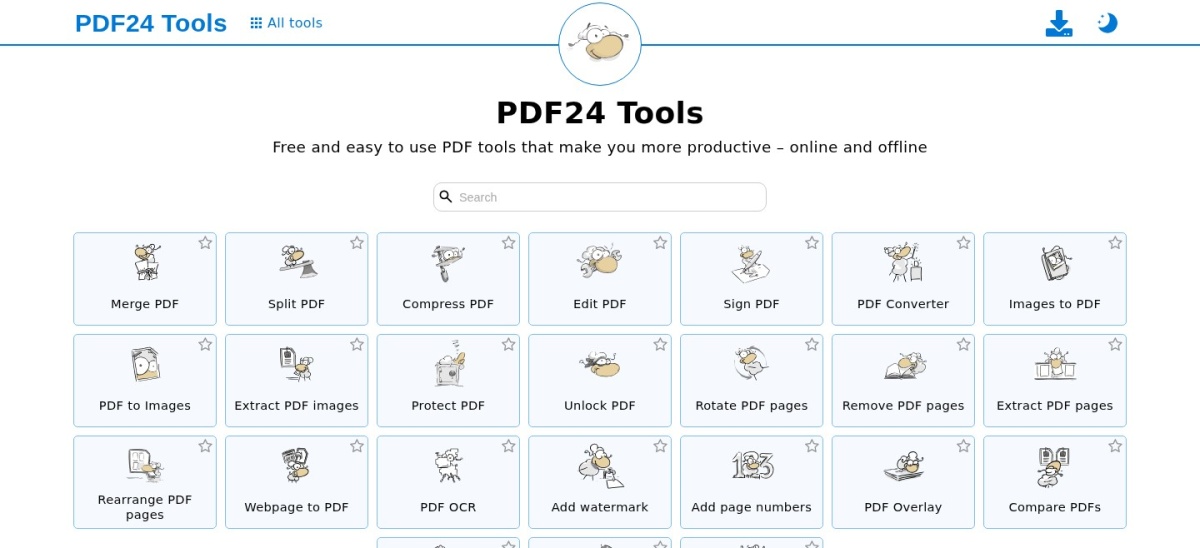
PDF24 Tools is a free set of online PDF tools with no paid plan at all, so merging never hits an upgrade screen. You can merge, split, compress and convert files in the browser with no account, and a free Windows app, PDF24 Creator, works offline. It is rated 4.0 out of 5 from 121 Trustpilot reviews.
The trade off is polish. The interface looks dated next to iLovePDF and Smallpdf, and the online tools are ad-supported. It suits anyone who merges PDFs often and wants a free tool with no caps, accounts or subscriptions.
Sejda is an online PDF toolkit from Amsterdam with a desktop app for Windows, Mac and Linux. The free plan allows 3 tasks an hour with files up to 50 MB, and merging works in the browser with no account. It is rated 4.5 out of 5 from 41 G2 reviews.
The trade off is the hourly cap. Three tasks an hour is fine for occasional merges, but heavy days need a paid plan, starting with a $5 week pass or $63 a year for web and desktop. It suits people who want a desktop app that keeps files off Sejda servers.
What we like
Desktop app processes files locally
$5 week pass for one-off projects
No account needed for free use
Watch out for
Free plan allows only 3 tasks an hour
Small review base at 41 G2 reviews
Paid plans remove hourly limits and add the desktop appVisit sejda.com
05
PDF2Go
4.6/5on Trustpilot (326 reviews, checked Nov 2026)
Paid from$77/yr
Best for large free files
Free merge limit50 MB per file
Account neededNo
PlatformsWeb
Paid planPremium, $77/yr
pdf2go.com
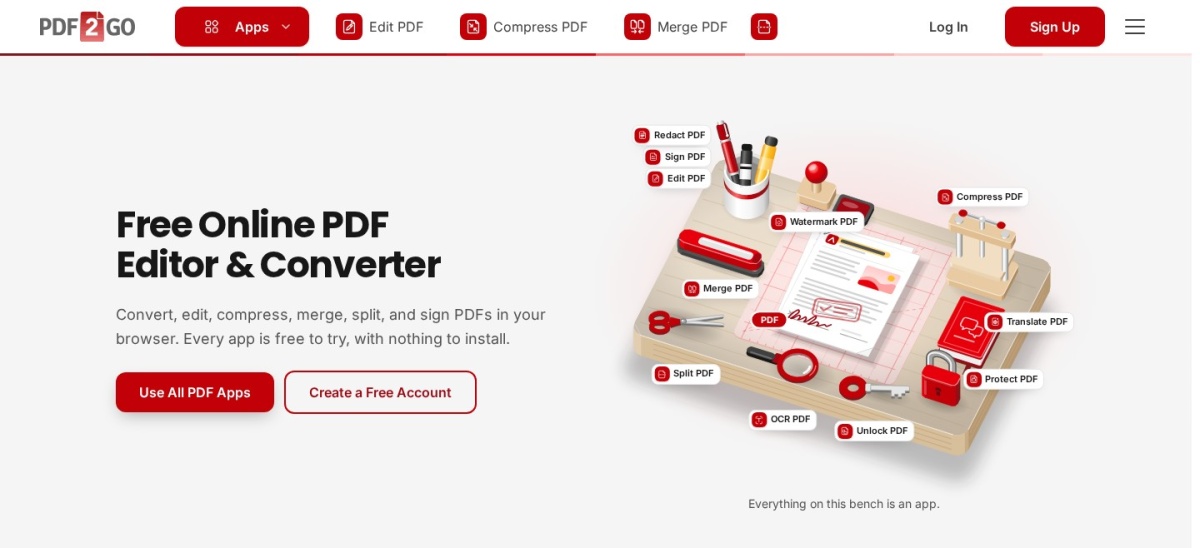
PDF2Go homepage, captured Nov 2026.
PDF2Go is a browser-based PDF toolkit that lets guests merge files up to 50 MB with no registration. Merging, splitting, compressing and converting all work in the browser, and it is rated 4.6 out of 5 from 326 Trustpilot reviews.
The trade off is batch work. Free use has no batch processing, so large jobs go one at a time, and Premium at $77 a year adds batching, priority processing and files up to 64 GB. It suits people who merge a few large files now and then.
4.2/5on Trustpilot (1,864 reviews, checked Nov 2026)
Paid from$129/yr
Best budget desktop PDF suite
Free useLimited daily use
PlatformsWeb, Windows
Desktop appYes, Windows
Paid planPro, $129/yr
sodapdf.com
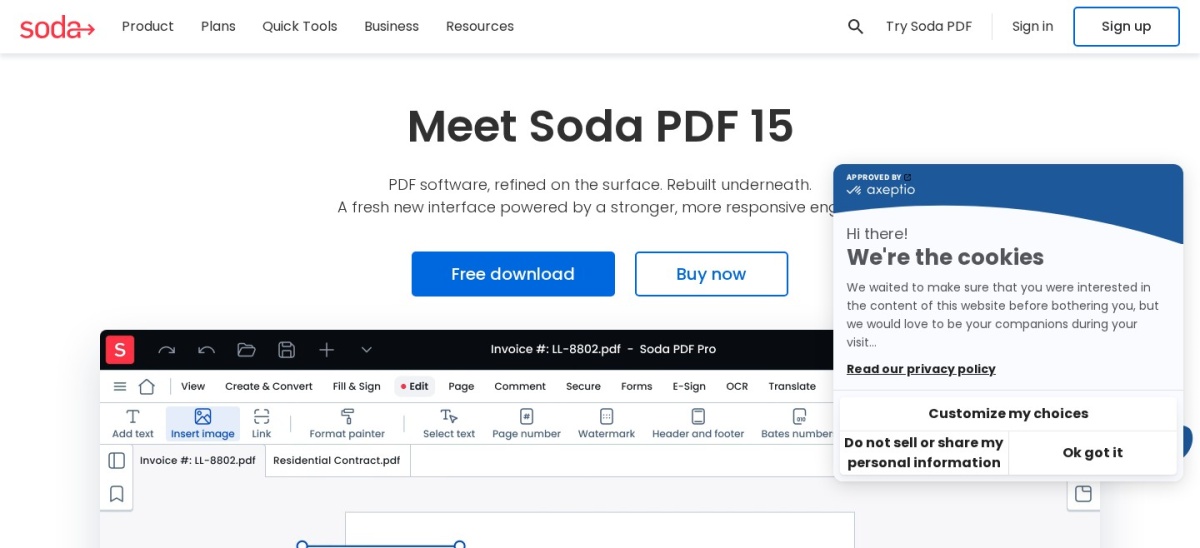
Soda PDF homepage, captured Nov 2026.
Soda PDF is an all-in-one PDF editor and converter that runs online and on Windows desktops. The free plan covers basic online tools with daily limits, and merging is one of the free tools. It is rated 4.2 out of 5 from more than 1,800 Trustpilot reviews.
The trade off is the free allowance. Daily limits are tight, and full editing, batch work and OCR need Pro, which lists at $129 a year after a cheaper $89 first year. It suits Windows users who want one desktop app for merging, editing and converting.
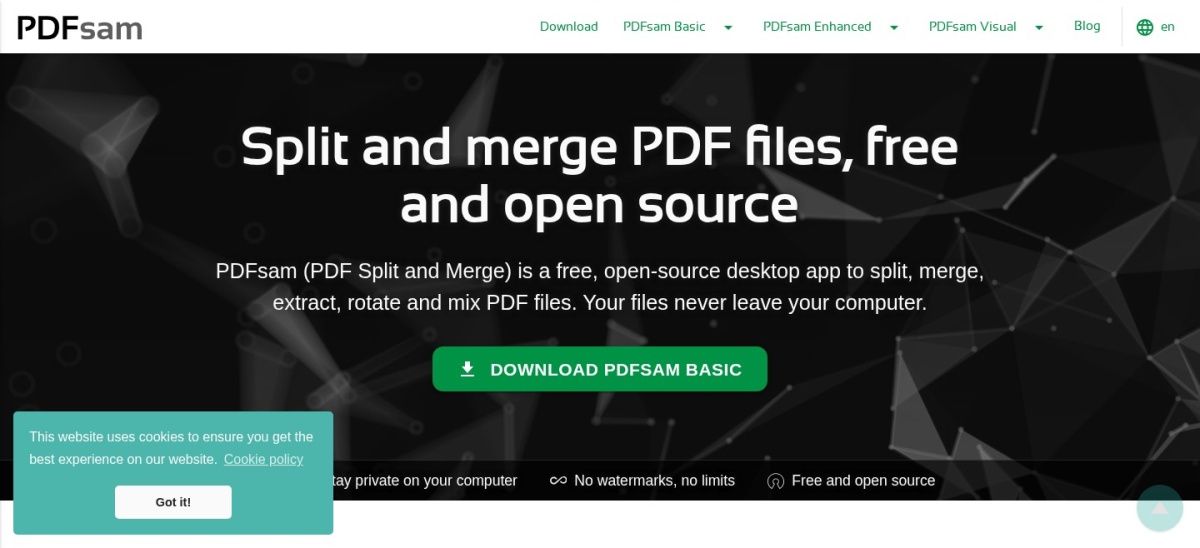
PDFsam Basic is a free, open-source desktop app for splitting, merging, mixing and rotating PDF pages. Files never leave your computer, and there are no accounts, ads or usage caps. It is rated 4.2 out of 5 from 48 G2 reviews.
The trade off is scope. PDFsam Basic only rearranges pages: it cannot edit text, convert files or add images, and those features live in the paid Enhanced edition. It suits anyone who merges PDFs often and wants a private, offline tool that stays free.
What we like
Free and open source, no limits
Works fully offline on three platforms
Files stay on your computer
Watch out for
No text editing or conversion
Plain, utilitarian interface
Installer promotes the paid editions
Basic stays free; editing needs the paid Enhanced editionVisit pdfsam.org
08
Xodo
4.4/5on G2 (38 reviews, checked Nov 2026)
Paid from$95.88/yr
Best for private browser merging
Free merge limit1 action a day
Account neededNo
PlatformsWeb, desktop, mobile
Paid planWeb Pro, $95.88/yr
xodo.com
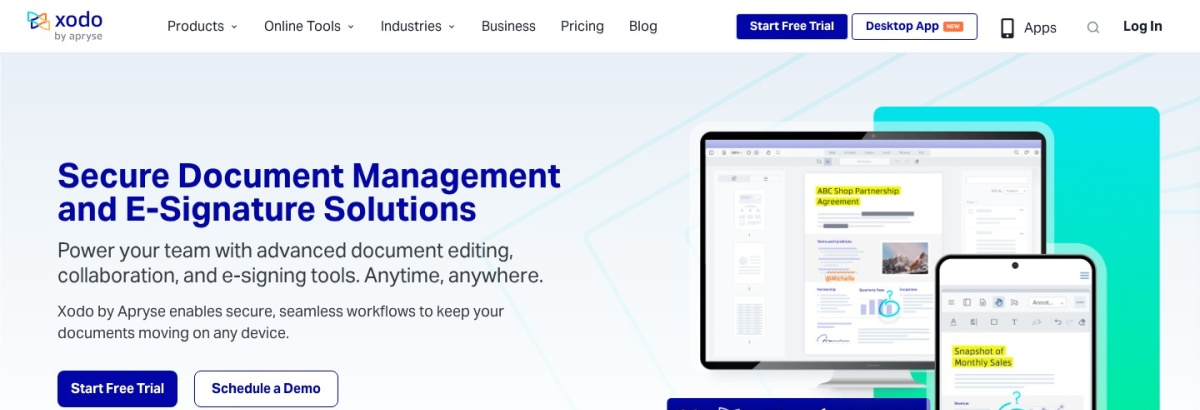
Xodo homepage, captured Nov 2026.
Xodo is a PDF suite from Apryse that merges PDFs inside your browser without uploading them to a server. The free plan allows one action a day, and merging works without an account. It is rated 4.4 out of 5 from 38 G2 reviews.
The trade off is the daily cap and page selection. One free action a day is tight, and choosing specific pages needs Web Pro at $95.88 a year. It suits people who merge one file a day and want the merge to happen on their own device.
What we like
Merges locally in the browser, no upload
Works on web, desktop and mobile
Clean, modern interface
Watch out for
Free plan allows only one action a day
Page selection needs the paid plan
Smallest review base here at 38 G2 reviews
Web Pro adds unlimited actions and page selectionVisit xodo.com
09
Foxit PDF Editor
4.6/5on G2 (3,704 reviews, checked Nov 2026)
Starts at$129.99/yr
Best paid editor for heavy PDF work
Free mergeNo, paid plan
PlatformsWindows, Mac, Linux
Paid planEditor, $129.99/yr
Free optionFoxit Reader, view only
foxit.com
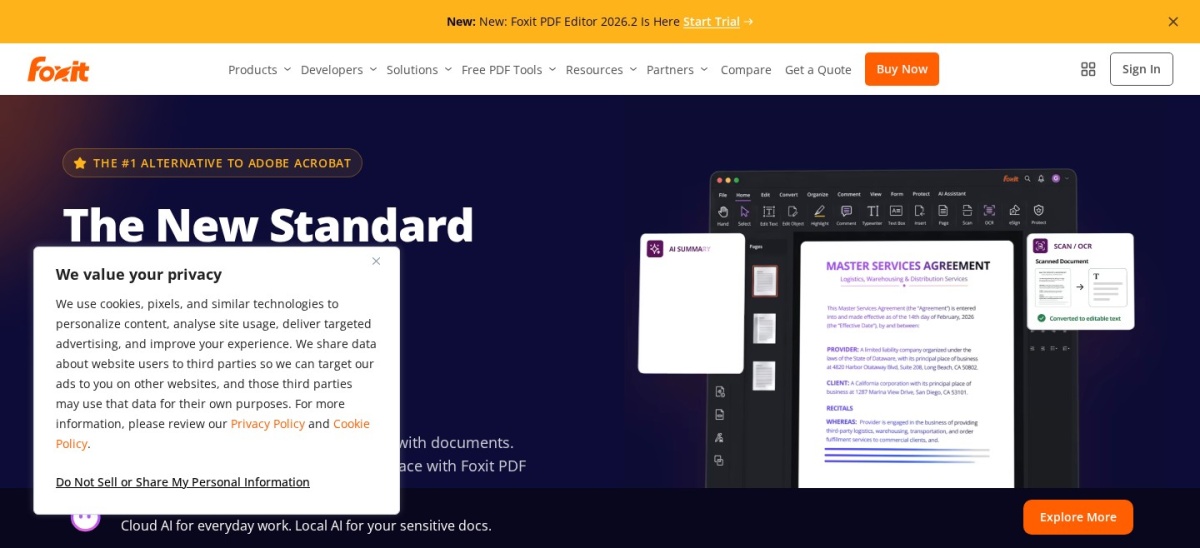
Foxit PDF Editor homepage, captured Nov 2026.
Foxit PDF Editor is a full desktop PDF editor and the most reviewed tool in this list, at 4.6 out of 5 from more than 3,700 G2 reviews. It merges, edits, converts and signs PDFs with an Office-style interface, but merging needs the paid Editor plan. The free Foxit Reader only views and annotates.
The trade off is price and weight. At $129.99 a year it is the dearest paid plan here, and it is a desktop install rather than a quick browser tool. It suits people who merge PDFs daily as part of wider editing, OCR and form work.
Free plans cover merging well. Most tools in this list merge for free, and two of them, PDF24 and PDFsam Basic, have no paid plan at all.
Paid plans mostly add volume and extras. You get more tasks per day, larger files, batch processing, OCR and editing tools that free plans leave out.
The cheapest paid step is Sejda's $5 week pass, which suits a one-off project. For regular use, iLovePDF Premium at $60 a year is the lowest annual plan here.
If you only merge a few files a month, the free plan of any tool above should be enough. Pay only when the free limits start to slow you down.
How we chose
We started from the best-known free PDF mergers on the web and kept the nine with a working free merge, plus Foxit, whose free Reader sits beside a paid editor. Every tool here has a public rating on Trustpilot or G2.
Prices come from each vendor's pricing page, checked on 25 November 2026. Ratings and review counts come from Trustpilot or G2 on the same day. Where a vendor shows a first-year discount, the list shows the regular renewal price.
We left out tools with no public rating and tools that hide merging behind a trial with no free use. No vendor paid for a place, and we do not claim hands-on testing for this list.
How to choose a free PDF merger tool
Start with how often you merge, then check the free limits before you sign up.
Count your merges per week. One merge a month fits Smallpdf or Xodo. Daily merges need PDF24, PDFsam Basic or a paid plan.
Check the file size cap. iLovePDF allows 100 MB free and PDF2Go allows 50 MB. If your files are bigger, check the cap before you start.
Decide where your files should go. Browser tools upload your files to a server. For private files, use a desktop tool such as PDFsam Basic, Sejda Desktop or PDF24 Creator.
Try the free plan first. Merge a real file before paying. If the free limits hold, you may never need the paid plan.
FAQ
What is the best free PDF merger?
iLovePDF is the best free PDF merger for most people. Its free plan merges up to 25 files at 100 MB each, and it is rated 4.9 out of 5 from more than 14,000 Trustpilot reviews.
Can I merge PDFs for free without signing up?
Yes. iLovePDF, PDF24, Sejda and PDF2Go all merge PDFs with no account, and PDF24 and PDFsam Basic never ask you to sign up at all. Smallpdf needs an account for some free features.
Is it safe to merge PDFs online?
Browser tools upload your files to their servers, then delete them after processing, usually within a few hours. For sensitive files, use a desktop tool such as PDFsam Basic or Sejda Desktop, which keeps files on your computer.
What is the largest PDF I can merge for free?
iLovePDF allows files up to 100 MB free, the largest free cap in this list. PDF2Go and Sejda both allow 50 MB, while Smallpdf allows 15 MB on its free plan.
Can I merge PDFs offline for free?
PDF24 Creator (Windows) and PDFsam Basic (Windows, Mac, Linux) merge PDFs offline for free. Sejda also offers a desktop app, and its free use is limited.
Why does a free merger ask me to pay?
Free plans cap tasks, file sizes or batch work, and paid plans remove those caps. Sejda's $5 week pass is the cheapest way past the limits for a one-off project, while iLovePDF Premium costs $60 a year.
Which free PDF merger has no limits?
PDF24 and PDFsam Basic have no paid plan and no stated limits on merging. PDF24 works in the browser or on Windows, while PDFsam Basic is a desktop app for Windows, Mac and Linux.
SaaS SEO and WordPress specialist with about 8 years of experience. Rakib compares WordPress plugins, themes, hosting and software using public pricing, documentation and user reviews. See how we rank.