iLovePDF is the best free PDF extract tool for most people. Its free plan covers PDF-to-Word, Excel and text conversion plus page extraction, and it is rated 4.6 out of 5 on G2 from 584 reviews. Pick Smallpdf for the widest tool set and Sejda for a cheap annual upgrade at $63 a year.
How we make this list: we compare pricing pages, product documentation and public user reviews, then re-check every price before each update. No product paid for a place. Disclosure.
iLovePDF leads on free value: its free plan covers conversion to Word, Excel and text, with a 15 MB cap per file on PDF to Word.
Smallpdf caps free use at 2 tasks a day, but its 21 tools cover nearly every PDF job in one place.
Sejda's free plan allows 3 tasks an hour on files up to 50 pages or 50 MB, and its annual plan costs $63 a year.
PDFgear is fully free and has the highest rating here, 4.8 out of 5 on G2, but from only 151 reviews.
Adobe Acrobat is the most complete editor here, but its cheapest paid plan costs $14.99 a month, the highest in this list, while UPDF is the cheapest paid upgrade at $49.99 a year.
What a free PDF extract tool should do
Extracting from a PDF means pulling text, pages, images or tables out of the file so you can reuse them. Some tools convert the whole PDF to Word, Excel or plain text, while others pull out single pages or images.
Free plans differ most in their limits. Most cap the number of tasks per day or hour, the size of each file, or the number of pages you can process before asking you to pay.
Check what happens to your file after upload, too. Sejda says it deletes files after 2 hours, and most browser tools process files on their own servers rather than on your device. Our guide on adding a PDF to WordPress covers the other direction, putting a PDF on your site.
If you only extract text now and then, a free plan is enough. If you extract tables or scanned pages every day, look at the paid plan and whether it includes OCR.
iLovePDF is a free online PDF suite with tools to convert PDFs to Word, Excel and plain text, extract pages, and split or merge files. The free plan covers the core tools, and Premium lists unlimited document processing with a 4 GB limit per file for PDF to Word.
The trade off is the free cap. PDF to Word on the free plan is capped at 15 MB per file, so large files need Premium at $5 a month billed yearly. It suits people who extract text or pages a few times a week and want no software to install.
Smallpdf is an online PDF suite with 21 tools for converting, compressing, merging, splitting and signing PDFs. The free plan gives access to all 21 tools, and its extract tools convert PDFs to Word, Excel, PowerPoint and plain text.
The trade off is the daily cap. Free users are limited to two tasks a day, which reviewers cite as the main reason to upgrade, and Pro costs $108 a year. It suits people who want one site for every PDF job and can live with the cap or pay.
Sejda is an online and desktop PDF editor with tools to extract text, convert PDFs, split and merge pages, compress files and add OCR. The free plan allows 3 tasks per hour on documents up to 50 pages or 50 MB, and files are deleted after 2 hours.
The trade off is the hourly cap and the split between plans. A 7-day Web pass costs $5, monthly Web access is $7.50 a month, and the desktop app only comes with the $63-a-year plan. It suits occasional users who want a desktop app without paying Adobe prices.
What we like
Generous 50-page, 50 MB free limit
Rated 4.7 out of 5 on Capterra
Files deleted after 2 hours
Desktop app works offline
Watch out for
Free plan allows only 3 tasks an hour
Desktop app needs the annual plan
Only 47 Capterra reviews, a small sample
Annual plan adds the desktop app and unlimited tasksVisit sejda.com
04
PDFgear
4.8/5on G2 (151 reviews, checked Nov 2026)
PriceFree
Best fully free PDF editor
Free planYes, fully free
Extract formatsWord, Excel, text
Paid planNone listed
Desktop + mobileYes
pdfgear.com
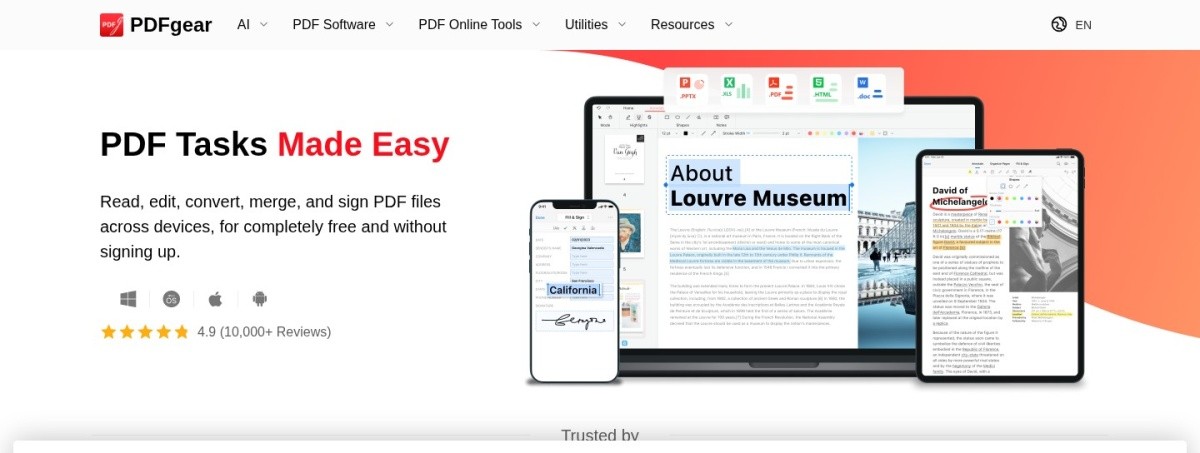
PDFgear homepage, captured Nov 2026.
PDFgear is a free PDF editor for Windows, Mac, mobile and web that converts PDFs to Word, Excel and text, extracts pages, and edits and signs documents. It is rated 4.8 out of 5 on G2 from 151 reviews, and reviewers praise it for being free and easy to use.
The trade off is depth. PDFgear covers everyday extraction and editing well, but it has fewer advanced tools than Acrobat or Foxit, such as redaction and document compare. It suits people who want a free editor with no subscription at all.
Adobe Acrobat is the long-standing PDF editor from Adobe, with tools to edit text and images, convert PDFs, extract pages, run OCR on scans and redact sensitive text. The free Reader opens and annotates PDFs, while paid plans add extraction, editing and e-signatures.
The trade off is price. The cheapest paid plan, Acrobat Standard, costs $14.99 a month, the highest in this list, and reviewers often call the subscription costly. It suits people who already work in Adobe tools or need OCR, redaction and form tools every day.
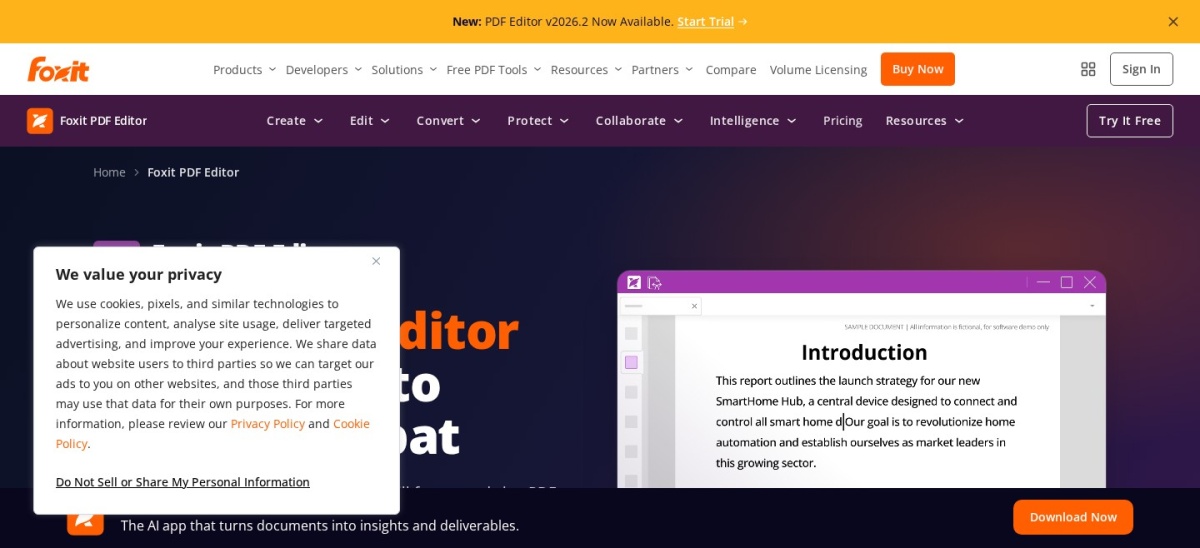
Foxit PDF Editor is a desktop and mobile PDF editor that converts, edits, signs and extracts text from PDFs, with OCR for scanned pages. It is rated 4.6 out of 5 on G2 from 3,706 reviews, and reviewers praise its editing tools and business workflows.
The trade off is that there is no free plan, only a free trial, and the editor costs $10.99 per user a month. It suits people who want a full desktop editor for less than Acrobat and do not need a free tier.
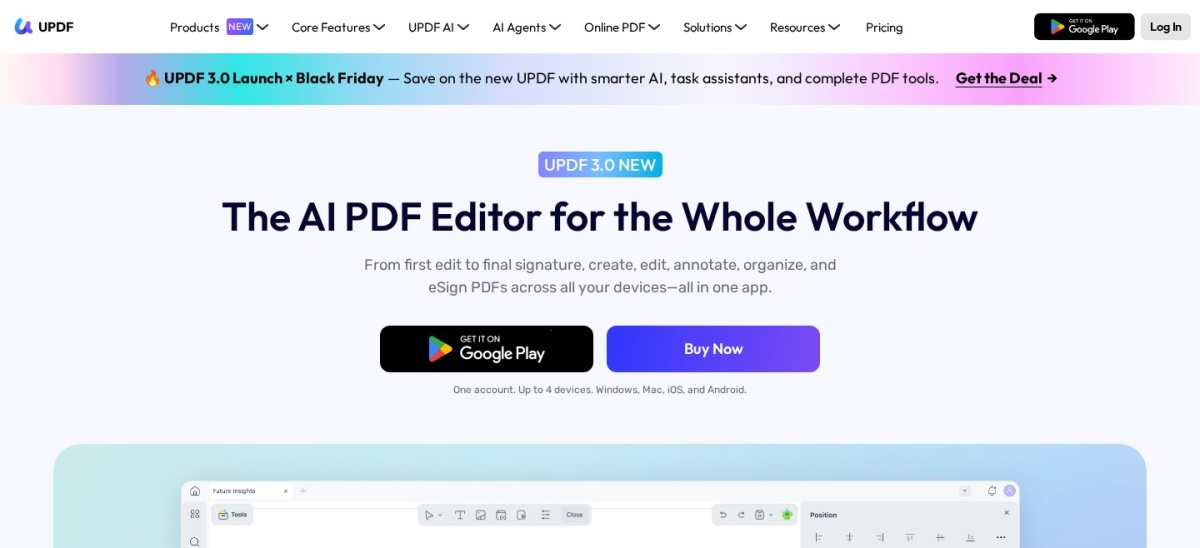
UPDF is a PDF editor for Windows, Mac, mobile and web that edits, converts, annotates and extracts text from PDFs, with AI tools for summaries and questions. The yearly Pro plan costs $49.99, with a $79.99 lifetime licence as an alternative to a subscription.
The trade off is the free limit. G2 lists a free trial rather than a free plan, so regular extraction needs Pro, and the free trial restricts some features. It suits people who want a low-cost editor and like the option of a lifetime licence.
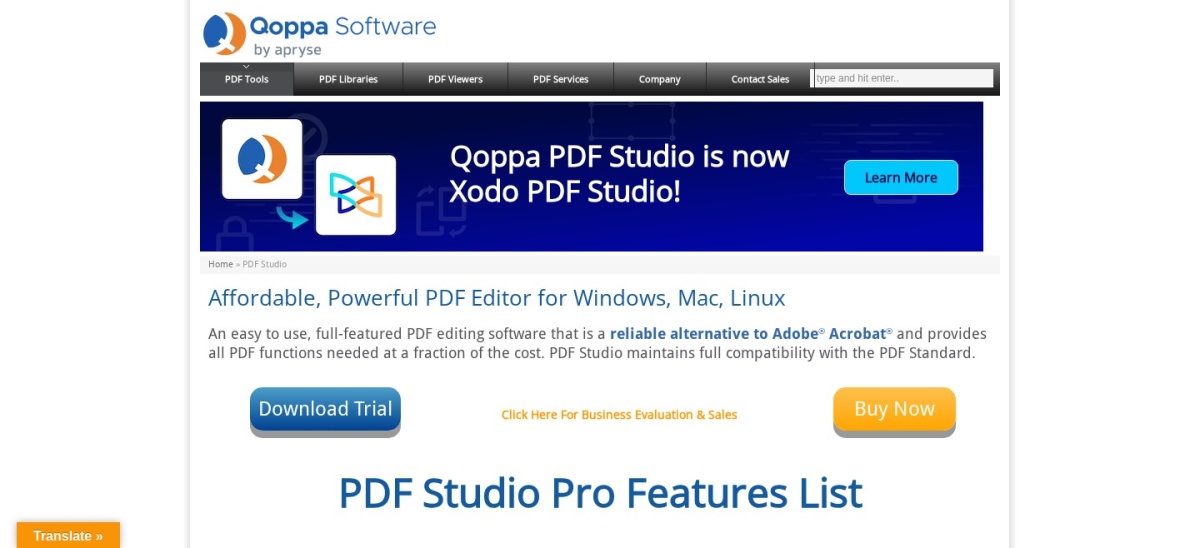
PDF Studio is a desktop PDF editor from Qoppa that runs on Windows, Mac and Linux, with tools to edit, convert, annotate and extract text from PDFs. The Standard edition costs $99 as a one-time purchase, and Pro costs $139, so there is no subscription to keep paying.
The trade off is that there is no free plan, only a free trial, and it is a desktop program with no web editor. It suits people who want to pay once for a PDF editor and work offline on any major desktop system.
What we like
One-time purchase, no subscription
Rated 4.5 out of 5 on G2
Works on Windows, Mac and Linux
Reviewers value its cross-platform editing
Watch out for
No free plan, only a free trial
No web editor for quick jobs
Only 30+ G2 reviews, a small sample
Standard is a $99 one-time purchase, not a subscriptionVisit qoppa.com
Free vs paid: what you give up
Free plans cover everyday extraction well. Most convert PDFs to Word or text, pull out pages, and handle a few files a day at no cost.
Paid plans mostly add volume and extras. You get more tasks, larger files, batch processing, OCR for scans and desktop apps.
If you extract text once a week, stay free. If you pull tables from scanned reports every day, a $49.99-a-year plan like UPDF costs less than a month of Acrobat Standard.
Watch the file-size cap before you choose. A 15 MB limit is fine for a memo, but a scanned report can pass it in a few pages.
How we chose
We started from the PDF tools with the most G2 and Capterra reviews, then kept those with a free plan or free trial and a real extraction feature.
Prices and ratings come from G2, Capterra and the vendors' pricing pages, checked on 25 November 2026. Ratings and review counts come from G2 and Capterra on the same day. Where a vendor shows a sale, the list shows the regular price.
We left out tools with no public rating and tools that only read PDFs without extracting text or pages. No vendor paid for a place, and we do not claim hands-on testing for this list.
How to choose a free PDF extract tool
Start with how often you extract and how big your files are, then match the free limits to that habit.
Count your weekly extractions. If it is one or two files a week, any free plan here works. Daily work needs a higher cap or a paid plan.
Check the file-size cap. iLovePDF caps free PDF to Word at 15 MB a file, while Sejda allows 50 MB. Large scans need the bigger cap.
Decide if you need OCR. Plain text extracts easily, but scanned pages need OCR, which is a paid feature in most of these tools.
Try the free plan before paying. Run a real file through the free plan first. If it hits a cap, the paid step that fixes it is the one to buy.
FAQ
What is the best free PDF extract tool?
iLovePDF is the best free pick for most people. Its free plan converts PDFs to Word, Excel and plain text and extracts pages, and it is rated 4.6 out of 5 on G2 from 584 reviews.
Can I extract text from a PDF for free?
Yes. iLovePDF, Smallpdf, Sejda and PDFgear all extract text or convert PDFs to Word and text on their free plans. Free plans cap file size or tasks per day, so large or frequent jobs may need a paid plan.
What is the difference between extracting pages and converting a PDF?
Extracting pages pulls single pages out as a new PDF, while converting turns the whole file into Word, Excel or text you can edit. Most tools here do both, so pick the one whose free limits fit your files.
Do free PDF tools keep my files?
Most browser tools process files on their servers and delete them after a set time. Sejda says it deletes files after 2 hours. Avoid uploading sensitive files to any free online tool, and use a desktop app for private documents.
Can I extract text from a scanned PDF for free?
Usually not. Scanned pages are images, so they need OCR, which is a paid feature in most of these tools. Adobe Acrobat and Foxit include OCR in paid plans, and Sejda offers OCR as a paid extra.
Which free PDF extract tool has the highest rating?
PDFgear has the highest rating in this list at 4.8 out of 5 on G2, but from only 151 reviews. iLovePDF is rated 4.6 from 584 reviews, a larger sample, and Sejda is rated 4.7 from 47 Capterra reviews.
SaaS SEO and WordPress specialist with about 8 years of experience. Rakib compares WordPress plugins, themes, hosting and software using public pricing, documentation and user reviews. See how we rank.