PicWish is the best free online watermark remover for most photos, with 5 free watermark removals and a 4.8 out of 5 G2 rating from 6 reviews. Pick WatermarkRemover for a fully free single-photo fix, and Apowersoft if you need batch photo and video removal.
How we make this list: we compare pricing pages, product documentation and public user reviews, then re-check every price before each update. No product paid for a place. Disclosure.
PicWish is the best all-round pick: 5 free watermark removals, plus background removal and enhancement in the same editor.
WatermarkRemover.io is the only fully free tool here, with automatic detection and no paid plan on its own site.
Apowersoft and HitPaw are the strongest picks for video watermarks, while most others work on photos only.
Cleanup.pictures has the cheapest paid plan at $36 a year, but its free exports are capped at 720p.
Media.io and Cleanup.pictures both carry low Trustpilot scores, driven mainly by billing complaints rather than removal quality.
What a free online watermark remover should do
A watermark remover fills in the area where a logo, text or date stamp sat, using the pixels around it. Simple marks on plain backgrounds come out clean; busy textures and moving video marks often leave a faint trace.
Free plans differ most in how much you can export. Some give a few full-resolution images, some cap exports at 720p, and some only show a preview until you pay.
Photo tools and video tools are not the same job. Most tools in this list work on photos, while only Apowersoft, HitPaw, Kapwing and Media.io also handle video watermarks.
Only remove a watermark from an image or video you own or have permission to edit. Our guide on how to optimize images for WordPress covers what to do with the cleaned file once it is ready for your site.
PicWish is an online photo editor with a dedicated watermark remover, background remover, enhancer and upscaler in one place. The free plan allows 5 watermark removals, and Pro adds 450 credits a month with 100 HD downloads a day for core tools.
The trade off is the credit system. Pro costs $4.99 a month billed annually at $59.99 a year, and credits do not roll over to the next month. It suits anyone cleaning up product or blog photos who also wants background removal and enhancement.
What we like
Highest G2 rating in this list at 4.8 out of 5
5 free watermark removals with no install
Background removal and enhancement in the same editor
WatermarkRemover.io is a free online tool that detects and removes watermarks from photos in seconds, with no paid plan on its own site. It supports JPG, JPEG, PNG, WebP and HEIC files, and its homepage states that processing images on the website is free for individual use.
The trade off is scale. Batch removal is only available through Pixelbin.io commercial plans, so this is a one-photo-at-a-time tool for most people. It suits anyone with a single photo to clean up who does not want to sign up or pay.
What we like
Free for individual use, with no paid plan to buy
Automatic detection, so no manual brushing is needed
Supports JPG, PNG, WebP and HEIC files
Rated 4.4 out of 5 on G2 from 11 reviews
Watch out for
Photo only, with no video support
No batch processing on the free site
No paid upgrade for higher limits on the site itself
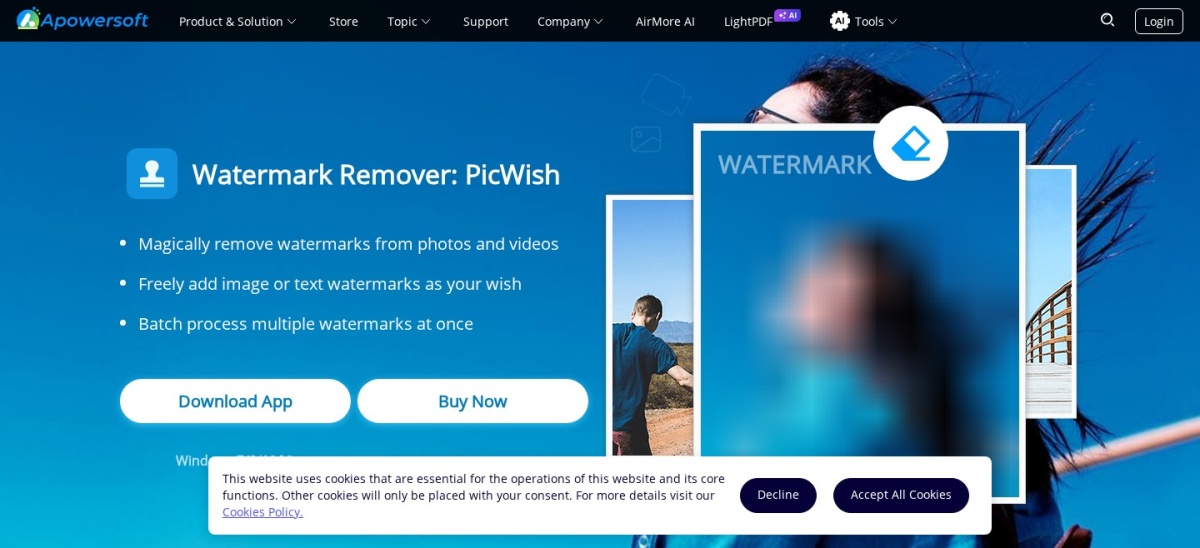
Apowersoft Watermark Remover homepage, captured Nov 2026.
Apowersoft Watermark Remover is a desktop and online tool that removes watermarks from photos and videos, and can also add them. It has three selection tools for marking the area to remove, supports batch processing, and works with most common photo and video file types.
The trade off is price. The monthly plan costs $19.95 a month, which is the highest monthly rate in this list, and free online use has limits on quality and editing options. It suits users with a folder of files to clean rather than a single image.
What we like
Handles both photos and video
Batch processing for many files at once
Three selection tools for marking the watermark
Can also add text or image watermarks
Watch out for
Monthly price of $19.95 is the highest here
Free online use is limited in quality
Complex backgrounds can leave visible marks, per G2 reviewers
Fotor is an online photo editor and design platform with a watermark remover that uses brush and lasso selection. The free plan covers basic editing, while Pro at $8.99 a month, or $39.99 a year billed annually, removes watermarks on exports and unlocks HD downloads and batch editing.
The trade off is that Fotor is a large editor, not a single-purpose remover. Free exports can carry a watermark, and AI features use credits that add a second limit to watch. It suits creators who edit, design and clean up photos in one place.
What we like
Full photo editor and design tools in one place
Pro annual price of $39.99 a year is low for this list
Largest review base here, with 342 G2 reviews
Batch editing on paid plans
Watch out for
Free exports can be watermarked
AI features run on credits as well as the subscription
Photo only, with no video watermark removal
Pro adds watermark-free HD exports and batch editingVisit fotor.com
05
HitPaw Watermark Remover
4.8/5on G2 (22 reviews, checked Nov 2026)
Paid from$25.99/yr
Best for video watermarks on desktop
Free planPreview only online
Photo or videoBoth
Removal modes5 modes, incl. AI
Paid planYearly, $25.99/yr
hitpaw.com
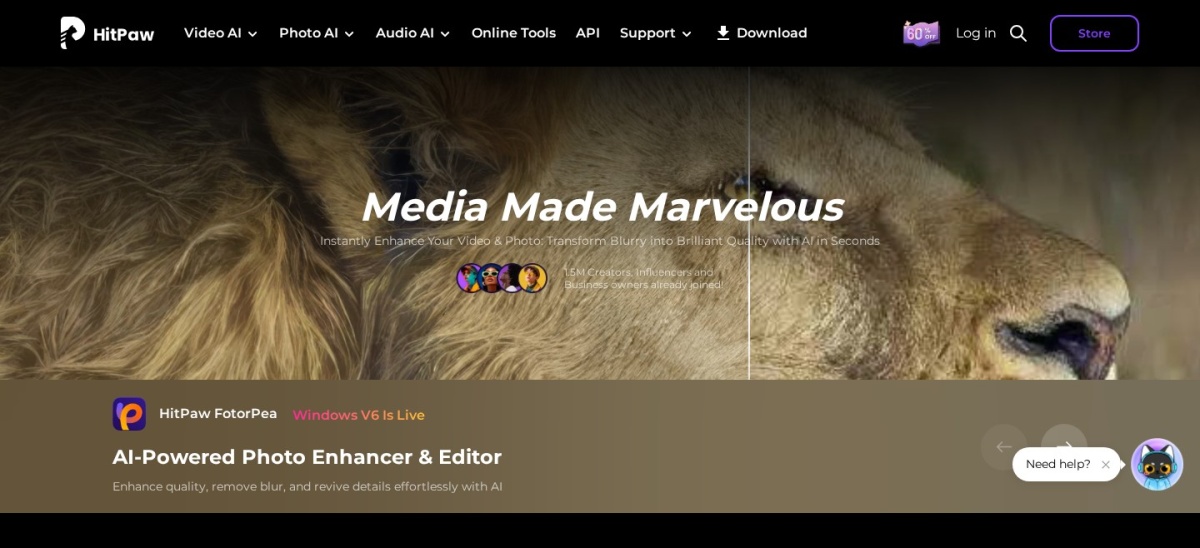
HitPaw Watermark Remover homepage, captured Nov 2026.
HitPaw Watermark Remover is a Windows and Mac app, with a separate online version, that removes watermarks from photos and videos. It offers five removal modes, including an AI mode, Gaussian blur, matte filling, color filling and smooth filling, and the desktop yearly license costs $25.99.
The trade off is the free tier. The online free plan is preview only, so a clean export needs a paid plan, and the $25.99 yearly price was shown as a discount in November 2026. It suits people cleaning short video clips as well as photos.
What we like
Handles photos and video in one app
Five removal modes, including an AI mode
A $39.99 perpetual license is also listed for one PC
G2 lists HitPaw Ltd. at 4.8 out of 5 from 22 reviews
Watch out for
Free online version only previews the result
Yearly price was shown as a discount, so it may rise
Trustpilot carries refund and renewal complaints about HitPaw
Paid plans unlock clean exports; a $39.99 perpetual license is listedVisit hitpaw.com
06
SoftOrbits Photo Stamp Remover
4.7/5on Trustpilot (335 reviews, checked Nov 2026)
Starts at$49.99/yr
Best offline remover for Windows photos
Free planFree trial only
Photo or videoPhotos
RunsOffline on Windows
Batch processingYes
softorbits.net
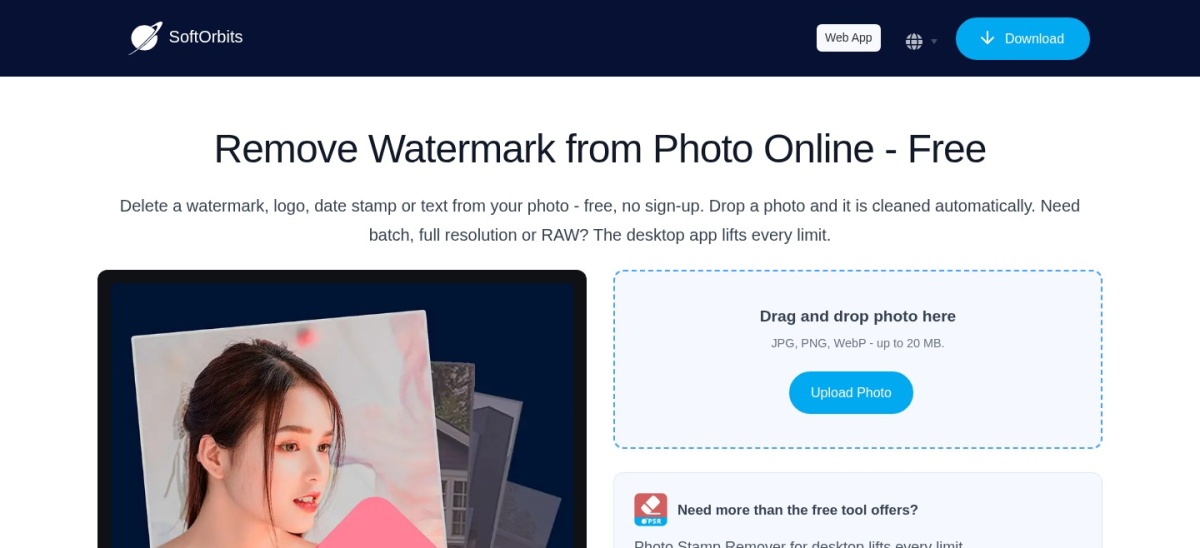
SoftOrbits Photo Stamp Remover homepage, captured Nov 2026.
SoftOrbits Photo Stamp Remover is a Windows desktop tool that removes watermarks, date stamps, logos and other marks from photos without uploading them. It offers automatic AI detection plus manual tools, four removal modes and batch processing for cleaning many photos at once.
The trade off is that it is not really an online tool. There is a free trial, but saving needs a license, listed at $49.99 as a one-time purchase, and it runs on Windows only. It suits Windows users who clean photos often and prefer to keep files on their own PC.
What we like
Works offline, so photos are never uploaded
Batch processing for many photos at once
Automatic AI detection plus manual tools
Rated 4.7 out of 5 on Trustpilot from 335 reviews
Watch out for
Windows only, with no Mac or online version for saving
No free plan, only a trial
Listed prices vary between $49.99 and $59.99 for a license
A one-time license unlocks saving; check the store page for the current priceVisit softorbits.net
07
Kapwing
3.9/5on G2 (41 reviews, checked Nov 2026)
Paid from$192/yr
Best for video watermarks inside a browser editor
Free planYes, watermarked
Photo or videoVideo
Pro credits1,000 a month
Paid planPro, $192/yr
kapwing.com
Kapwing homepage, captured Nov 2026.
Kapwing is a browser-based video editor with subtitles, dubbing, resizing and clip tools in one workspace. The free plan exports at 720p with a watermark and a 4-minute limit, while Pro at $16 per member a month billed annually, or $192 a year, removes the watermark and adds 1,000 credits a month.
The trade off is that Kapwing is a full editor, not a dedicated remover. Pro is the second most expensive paid plan here, and G2 reviewers report slow rendering and occasional export problems. It suits teams already editing social video in a browser.
What we like
Full browser video editor, not just a remover
Subtitles, dubbing and resizing in one workspace
Pro adds 4K export and exports up to 120 minutes
Free plan needs no install
Watch out for
Pro at $192 a year is costly for watermark removal alone
Free exports carry a Kapwing watermark
Lowest G2 rating here at 3.9 out of 5 from 41 reviews
Pro removes the Kapwing watermark and adds 1,000 credits a monthVisit kapwing.com
08
Media.io AniEraser
2/5on Trustpilot (259 reviews, checked Nov 2026)
Paid from$95.88/yr
Best for photo and video cleanup in one studio
Free plan3 daily credits
Photo or videoBoth
Standard credits200 a month
Paid planStandard, $95.88/yr
media.io
Media.io AniEraser homepage, captured Nov 2026.
Media.io AniEraser is now the AI Object Remover inside Media.io, Wondershare's online studio for images, video and audio. It erases watermarks, text and logos from photos and videos, with a free tier of 3 daily check-in credits and 720p exports that carry a watermark.
The trade off is cost and trust. Standard costs $7.99 a month billed yearly at $95.88 a year, or $15.99 month to month, and Media.io scores 2.0 out of 5 on Trustpilot from 259 reviews. It suits users who already work in Media.io for other editing.
What we like
Handles photos and video in one online studio
Free daily credits for occasional use
Standard adds 1080p exports without a watermark
Also covers audio, video and image tools
Watch out for
Tied for the lowest Trustpilot score here at 2.0 out of 5
Free exports are 720p and watermarked
Credit limits apply on top of the subscription
Standard adds 200 credits a month and watermark-free 1080p exportsVisit media.io
09
Cleanup.pictures
2/5on Trustpilot (11 reviews, checked Nov 2026)
Paid from$36/yr
Best cheapest paid plan for quick photo fixes
Free planYes, 720p exports
Photo or videoPhotos
How it worksBrush over the mark
Paid planPro, $36/yr
cleanup.pictures
Cleanup.pictures homepage, captured Nov 2026.
Cleanup.pictures is a browser-based tool that removes objects, people, text and watermarks from photos with a simple brush. The free plan allows unlimited images but caps exports at 720p, while Pro costs $5 a month or $36 a year and removes the resolution limit.
The trade off is trust and depth. It scores 2.0 out of 5 on Trustpilot from 11 reviews, with billing and cancellation complaints, and its Pro button opens Clipdrop checkout, where the only plan shown is $15 a month. It suits quick one-off fixes at low resolution.
What we like
Cheapest paid plan here at $36 a year
Free plan allows unlimited images
Simple brush workflow with no install
Pro removes the 720p export cap
Watch out for
Free exports are capped at 720p
Trustpilot score is 2.0 out of 5 from 11 reviews
Pro checkout opens Clipdrop at $15 a month, not $5
Free plans cover single photos well. Most give a few full exports, a 720p cap, or a preview only.
Paid plans mostly add resolution and volume. You get HD exports, more credits, batch work and video support.
If you clean photos every week, a $36 to $60 annual plan costs less than paying per image. If you clean one photo a month, the free tier is enough.
Only remove watermarks from images you own
Watermarks protect the owner's rights. Removing one from a photo you do not own, then using it, can break the licence or the law.
Use these tools on your own photos, product shots, screenshots and licensed stock. If the image is not yours, buy a licence or ask the owner first.
WatermarkRemover.io states the same point on its homepage: watermark-free images should not be used for commercial purposes without the owner's consent.
How we chose
We started from the best-known free online watermark removers, then kept tools with a public rating on G2 or Trustpilot and a clear free tier or trial.
Prices come from each vendor's pricing page or a page quoting it, checked on 25 November 2026. Ratings and review counts come from G2 or Trustpilot on the same day. Where a vendor shows a sale, the list shows the regular price.
We left out tools with no public rating and no clear pricing, and we ordered the list by free online usefulness rather than rating alone. No vendor paid for a place, and we do not claim hands-on testing for this list.
How to choose a free online watermark remover
Start with the file you need to fix, then match the tool to it.
Check whether it is a photo or a video. Most tools here work on photos only. For video, pick Apowersoft, HitPaw, Kapwing or Media.io.
Count how many images you need to clean. One photo fits any free tier. For a folder of photos, pick a tool with batch work, such as Apowersoft or SoftOrbits.
Check the free export limit before you start. Some free plans cap exports at 720p and some only show a preview. Make sure the free output is good enough for your use.
Confirm you have the right to edit the image. Only clean images you own or have permission to edit. A licence or the owner's consent comes before any removal.
FAQ
What is the best free online watermark remover?
PicWish is the best free pick for most photos, with 5 free watermark removals and a 4.8 out of 5 G2 rating from 6 reviews. WatermarkRemover.io is the best fully free option for a single photo, with no paid plan on its own site.
Can I remove a watermark from a video for free?
Some tools offer a free video tier, but clean exports usually need a paid plan. HitPaw's online free plan is preview only, and Kapwing's free exports carry a watermark, so expect to pay for a finished video.
Is it legal to remove a watermark from a photo?
It depends on who owns the image. Removing a watermark from your own photo is fine, but removing one from someone else's photo and using it can break the licence. Only edit images you own or have permission to use.
Do free watermark removers lower image quality?
They can. Free plans often cap exports at 720p or standard resolution, while HD exports need a paid plan. Complex marks on busy backgrounds can also leave a faint trace after removal.
Which watermark remover is best for batch work?
Apowersoft is the best pick for batch photo and video work, with batch processing and three selection tools. SoftOrbits Photo Stamp Remover also offers batch processing, but it runs on Windows only.
What is the cheapest paid watermark remover?
Cleanup.pictures Pro is the cheapest paid plan here at $36 a year, or $5 a month. Note that its Pro button opens Clipdrop checkout, where the only plan shown is $15 a month, so confirm the price before you pay.
SaaS SEO and WordPress specialist with about 8 years of experience. Rakib compares WordPress plugins, themes, hosting and software using public pricing, documentation and user reviews. See how we rank.