Best Free Issue Tracking Software in 2026: 9 Tools Compared
WLWPLegible EditorsLast verified 23 Nov 2026How we rank12 min read
★ Short answer
Jira is the best free issue tracker for most software teams. Its free plan covers up to 10 users with sprints, boards and backlogs, and it is rated 4.3 out of 5 on G2. Pick Linear for a faster tracker with unlimited members, or GitHub Issues if your code already lives on GitHub.
How we make this list: we compare pricing pages, product documentation and public user reviews, then re-check every price before each update. No product paid for a place. Disclosure.
Jira is the standard free tracker: up to 10 users with sprints, boards and backlogs at $0.
Linear is the fastest option, with a free plan that has no member limit but caps at 250 issues.
ClickUp gives the most in its free plan: unlimited members, tasks, docs and chat, with 60 MB of storage.
GitHub Issues costs nothing extra if your code already lives on GitHub, and Team is $4 a user a month.
Redmine is the only fully free self-hosted tracker here, with no user limits and no licence fee.
Paid upgrades start at $4 a user a month and climb to $29 a user a month for GitLab Premium.
What a free issue tracker should cover
Every tool here has a genuinely free tier. Jira, ClickUp, Linear and Trello offer free cloud plans, while Redmine is free open-source software you host yourself.
Free plans limit seats, issues or features. Jira's free plan suits teams of up to 10, Linear's caps at 250 issues and 2 teams, and Trello's free tier is the most basic of the group.
The tracker you pick should sit where the work already happens. GitHub Issues costs nothing extra if your code already lives on GitHub, and GitLab bundles issues with merge requests and CI in one platform.
Per-user pricing adds up fast as a team grows. A tool that costs $4 a user a month is $48 a year per person, so count seats before you commit to a paid plan. Our guide on deploying WordPress with GitHub Actions shows how GitHub fits into a real dev workflow.
Jira is the issue tracker most software teams end up on. It handles everything from a three-person bug list to a large program with custom workflows, permissions, sprints and reporting, and its free plan covers up to 10 users with 2 GB of storage.
The trade off is the seat cap and the learning curve. Once you pass 10 users, Standard costs $8.15 per user a month billed annually, or $9.70 on monthly billing. It suits software teams that want deep agile tooling in the Atlassian ecosystem.
What we like
Industry-standard tracker with sprints and backlogs
Linear is the tracker for teams that find Jira slow. It is built around speed, with cycles for sprint-style planning, projects and initiatives for roadmaps, and a triage inbox for incoming bugs. The free plan has no member limit and includes those core features plus integrations.
The trade off is the issue cap. The free plan allows 250 issues, 2 teams and 10 MB file uploads, which an active team fills in months. Basic costs $10 per user a month billed yearly and removes the caps. It suits product and engineering teams that value speed and clean issue workflows.
What we like
Fastest tracker in this list
Free plan has no member limit
Cycles, triage and initiatives included free
Rated 4.6 out of 5 on G2
Watch out for
Free plan caps at 250 issues and 2 teams
10 MB file upload limit on the free plan
Fewer third-party apps than Jira
Basic adds unlimited issues and teams for $10 a monthVisit linear.app
03
ClickUp
4.6/5on G2 (13,736 reviews, checked Nov 2026)
Paid from$12/mo
Best free all-in-one workspace
Free membersUnlimited
Free storage60 MB
SprintsYes
Paid planCore, $12/user/mo
clickup.com
ClickUp homepage, captured Nov 2026.
ClickUp puts issues, docs, chat and goals in one workspace. The Free Forever plan needs no credit card and covers unlimited members with unlimited tasks, Kanban boards, sprint management and time tracking, with 60 MB of storage.
The trade off is that the cheapest paid plan is on sale right now. Core lists at $9 per user a month billed yearly, but the regular price is $12, so budget for $144 a year per user. It suits mixed teams that want bugs, tasks and docs in one free workspace.
GitHub Issues is the free issue tracker most developers already have. The Free plan covers unlimited public and private repositories, and every repository comes with issues that link straight to commits and pull requests, so a bug report, the fix and the review sit in one place.
The trade off is depth. GitHub Issues is lighter than Jira or Linear, with no built-in sprints or roadmaps. Team costs $4 per user a month and adds more controls. It suits developers whose code already lives on GitHub.
GitLab puts issues, merge requests and CI in one platform, including a self-hosted option. The free plan covers 5 users per group with issues, boards and 400 CI minutes a month, and the platform is rated 4.5 out of 5 on G2 from 901 reviews.
The trade off is price. Premium costs $29 per user a month, which is the highest paid plan in this list, and the free tier is the smallest of the cloud tools here. It suits teams that want issues, code and pipelines in one place.
Trello is the simplest free tracker here. Boards, lists and cards make a bug list anyone can read, and the free plan covers 10 collaborators per board with 10 boards per workspace.
The trade off is depth. Trello has no built-in sprints, backlogs or issue types, so a growing dev team outgrows it. Standard costs $5 per user a month billed annually and adds unlimited boards and advanced checklists. It suits small teams and non-developers who want a visual board.
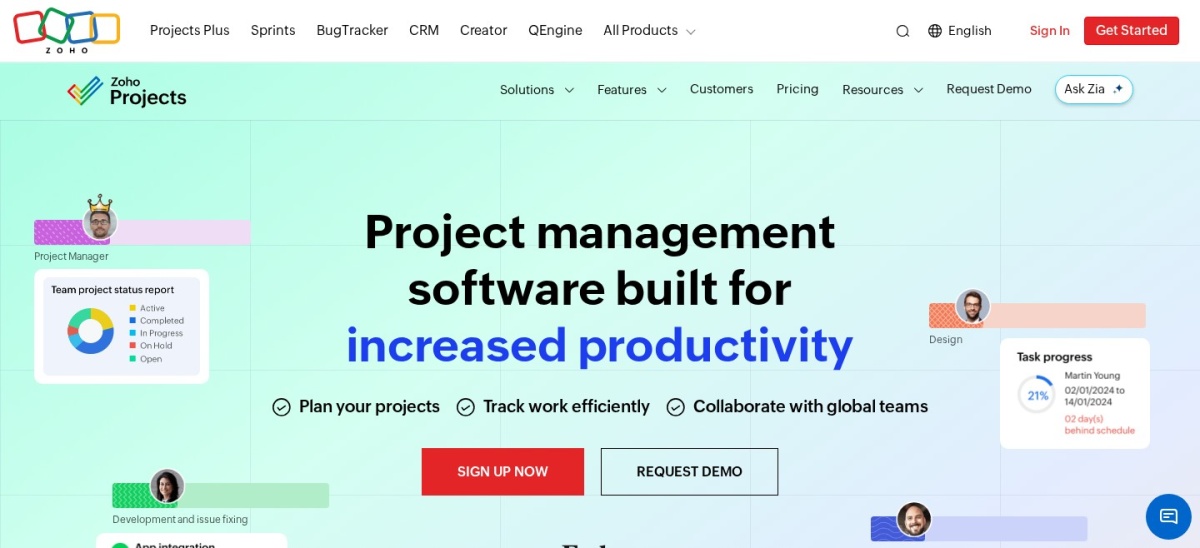
Zoho Projects is a low-cost tracker with Gantt charts, time tracking and issue management. The free plan covers the basics, and Premium costs $4 per user a month, which ties GitHub Team as the cheapest paid plan in this list. It is rated 4.4 out of 5 on G2 from 594 reviews.
The trade off is the ecosystem. Zoho Projects works best inside Zoho apps, and its agile features are lighter than Jira or Linear. It suits small teams that want low-cost tracking with Gantt charts.
What we like
Cheapest paid plan in this list at $4 a user a month
Gantt charts and time tracking included
Rated 4.4 out of 5 on G2
Free plan covers the basics
Watch out for
Best inside the Zoho ecosystem
Lighter agile features than Jira
Smaller integration list
Premium adds Gantt and time tracking for $4 a monthVisit zoho.com
08
Asana
4.4/5on G2 (12,800 reviews, checked Nov 2026)
Paid from$10.99/mo
Best for cross-team issue tracking
Free usersUp to 2
Free tasksUnlimited
TimelinePaid only
Paid planStarter, $10.99/user/mo
asana.com
Asana homepage, captured Nov 2026.
Asana tracks issues the whole company can read, not just developers. The free Personal plan covers up to 2 users with unlimited tasks and projects in list, board and calendar views, and it is rated 4.4 out of 5 on G2 from about 12,800 reviews.
The trade off is the small free plan and the price jump. Starter costs $10.99 per user a month billed annually, or $13.49 on monthly billing, and timeline, dependencies and reporting need a paid plan. It suits teams that want issues visible across the company.
What we like
Issues readable across the whole company
Rated 4.4 out of 5 from about 12,800 G2 reviews
Clean task views with low onboarding friction
Unlimited free guests on Starter
Watch out for
Free plan covers only 2 users now
Timeline and dependencies need Starter
Advanced plan jumps to $24.99 a user a month
Starter adds timeline and dependencies for $10.99 a monthVisit asana.com
09
Redmine
4/5on G2 (250 reviews, checked Nov 2026)
PriceFree
Best free self-hosted tracker
LicenceFree, open source
User limitNone
Gantt chartsYes
Paid planNone, hosting is extra
redmine.org
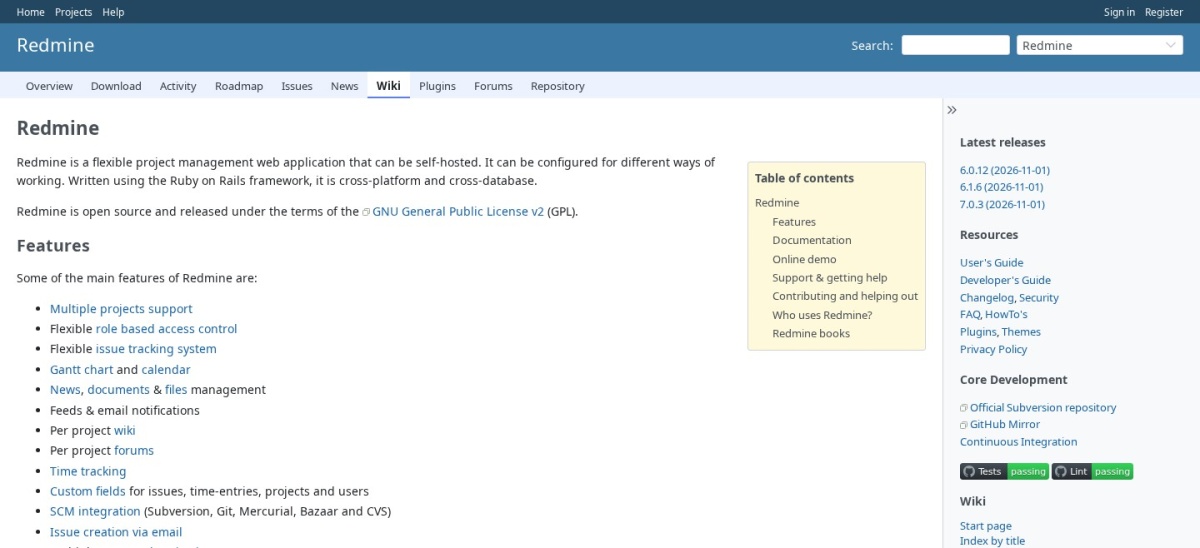
Redmine homepage, captured Nov 2026.
Redmine is a free, open-source tracker you host yourself. It has no user limits and covers issues, Gantt charts, calendars, time tracking and role-based access, with a plugin system for more features. It is rated 4.0 out of 5 on G2 from about 250 reviews.
The trade off is that you run it yourself. Setup, updates and backups are your job, and the interface looks dated next to cloud tools. It suits teams with a server and an admin who want a free tracker with no user limits.
Free plans cover the core well. Most include boards, backlogs, issue types and basic reporting at $0.
Paid plans mostly add room and control. You get more users, more storage, custom roles, audit logs and advanced roadmaps.
For a self-hosted tracker, the paid cost is not a licence. It is a server, backups and someone to keep it patched.
If your team ships every week, the first year of a paid plan often costs less than one day lost to a tracker that cannot keep up.
How we chose
We started from every issue tracker with a documented free plan or a free open-source licence, then kept the ones with a usable free tier and a public rating on G2.
Prices come from each vendor's pricing page, checked on 23 November 2026. Ratings and review counts come from G2 on the same day. Where a vendor shows a sale, the list shows the regular price.
We left out tools with no free plan and tools with no public rating. No vendor paid for a place, and this list is based on pricing, docs and reviews, not on using the tools ourselves.
How to choose a free issue tracking software
Start with where your code lives, then check the free cap against your team size.
Check where your code already lives. If it is on GitHub or GitLab, the built-in tracker costs nothing extra and keeps bugs next to pull requests.
Count your team against the free cap. Jira stops at 10 users and Linear at 250 issues. A cap you hit in a month is not a free plan.
Pick one main tracker. Two trackers split the work and lose bugs. Choose one and move every issue into it.
Price the upgrade before you start. Look at the per-user monthly price and multiply by your team, so the paid plan does not surprise you later.
FAQ
What is the best free issue tracking software?
Jira is the best free issue tracker for most software teams. Its free plan covers up to 10 users with sprints, boards, backlogs and roadmaps, and it is rated 4.3 out of 5 on G2 from about 7,900 reviews.
Is Jira really free?
Yes, for up to 10 users with 2 GB of storage. The Standard plan costs $8.15 per user a month billed annually, or $9.70 on monthly billing.
Which free issue tracker is fastest?
Linear is the fastest tracker here. It is built around speed, with keyboard shortcuts, cycles and a triage inbox, and its free plan has no member limit.
Can I track issues for free on GitHub?
Yes. GitHub Issues is free with the GitHub Free plan, which covers unlimited public and private repositories. The Team plan costs $4 per user a month and adds more controls.
Is there a free self-hosted issue tracker?
Yes. Redmine is free open-source software with no user limits. You install it on your own server, so you need someone to run and update it.
What is the cheapest paid issue tracker here?
GitHub Team and Zoho Projects Premium both cost $4 per user a month, or $48 a year per user. Trello Standard is next at $5 per user a month billed annually.
Do free plans include sprints?
Jira, Linear and ClickUp all include sprints on their free plans. Trello needs a paid plan or a power-up for full sprint planning.