FreeFileSync is the best free folder sync software for most people, with a free version that compares folders, copies only the differences and works on Windows, Mac and Linux, rated 4.0 out of 5 on Capterra. Pick Syncthing for private device-to-device sync and Resilio Sync for fast transfers of large files.
How we make this list: we compare pricing pages, product documentation and public user reviews, then re-check every price before each update. No product paid for a place. Disclosure.
FreeFileSync gives the most in its free version: folder comparison, two-way sync, version history and Google Drive support.
Syncthing is the only tool here with no paid plan at all, and it syncs directly between devices with no cloud in the middle.
Resilio Sync now includes its former Pro features free, including selective sync and folder permissions.
GoodSync and SyncBackFree have the tightest free plans: GoodSync caps free use at 3 jobs and 100 files.
Paid upgrades in this list cost $25.95 to $59.95 as one-time licences, except GoodSync at $49.95 a year.
What free folder sync software should do
Folder sync software keeps two folders identical: it compares a source and a target, then copies only the files that changed. That is different from cloud storage, which keeps your files on someone else's server.
A good free tool should offer two-way sync, show you what will change before it runs, and handle moved or renamed files without copying them again. Our 3-2-1 backup rule guide explains why a synced copy is only one part of a safe backup plan.
The free plans in this list fall into two groups. Desktop tools such as FreeFileSync and SyncBackFree sync folders on your own drives, while peer-to-peer tools such as Syncthing and Resilio Sync sync folders between your devices over a network.
Watch the limits. Some free plans cap jobs, files or devices, and some reserve cloud sync, scheduling or versioning for paid editions.
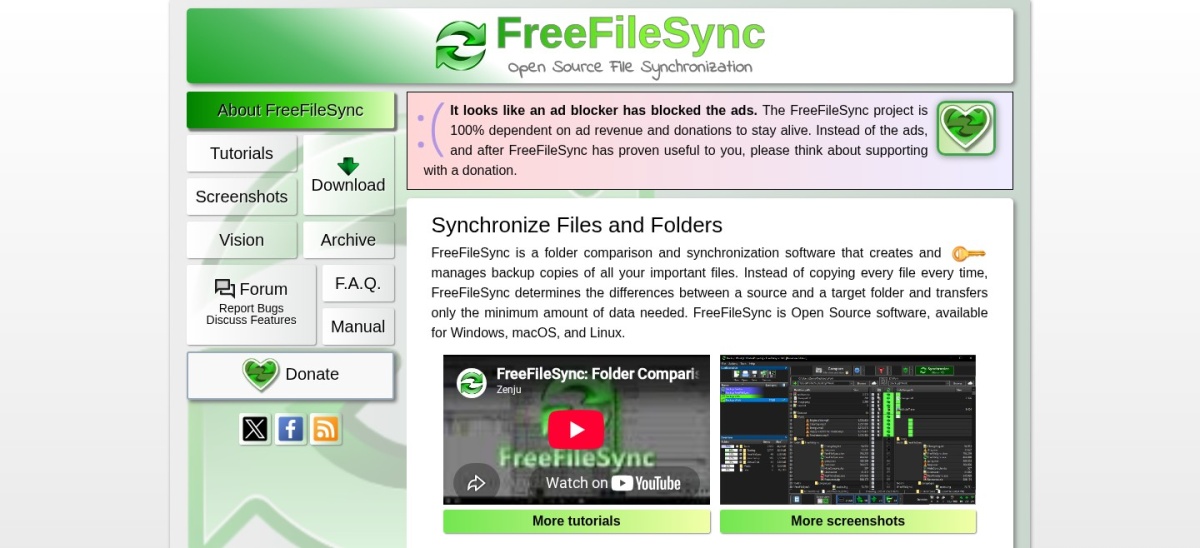
FreeFileSync is an open-source folder comparison and sync tool for Windows, macOS and Linux. The free Standard edition compares two folders, copies only the differences, detects moved and renamed files, keeps a version history and syncs to local drives, network shares, FTP, SFTP and Google Drive.
The trade off is the licence. The free and donation editions are for private personal use only, and businesses need the Business Edition at €20 per device, which covers one year of updates. It suits anyone who wants a free desktop tool that shows every change before it syncs.
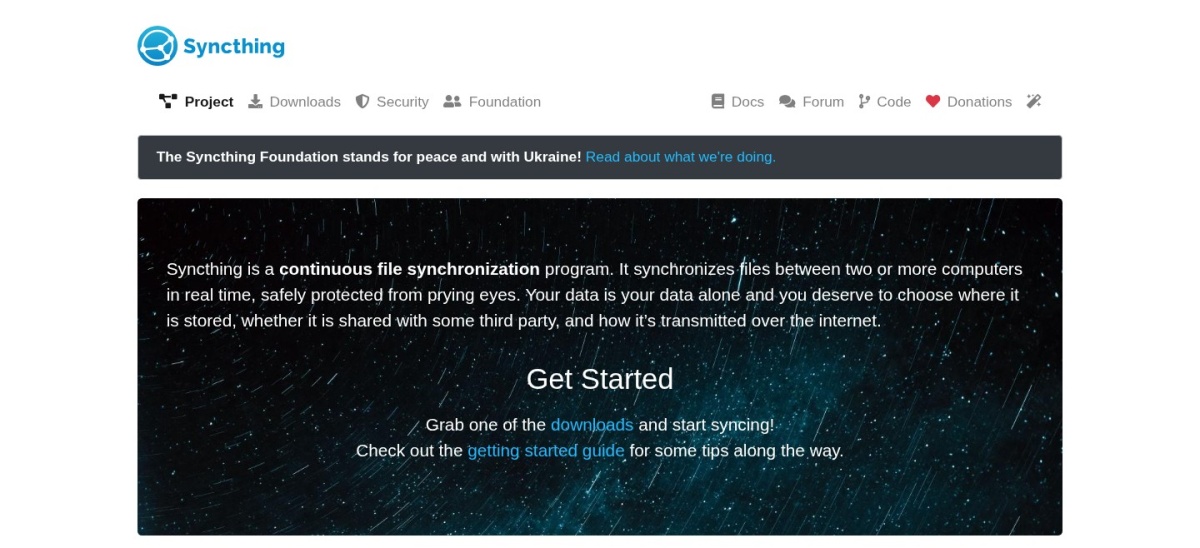
Syncthing is a free, open-source tool that syncs folders directly between your own devices over encrypted peer-to-peer connections. There is no account, no subscription and no storage cap beyond your own disks, and it keeps file versions and skips files you list in ignore patterns.
The trade off is setup. You install it on every device and pair them by ID through a web page in your browser, which takes more effort than a guided installer, and there is no iOS app. It suits people who want their files off other companies' servers.
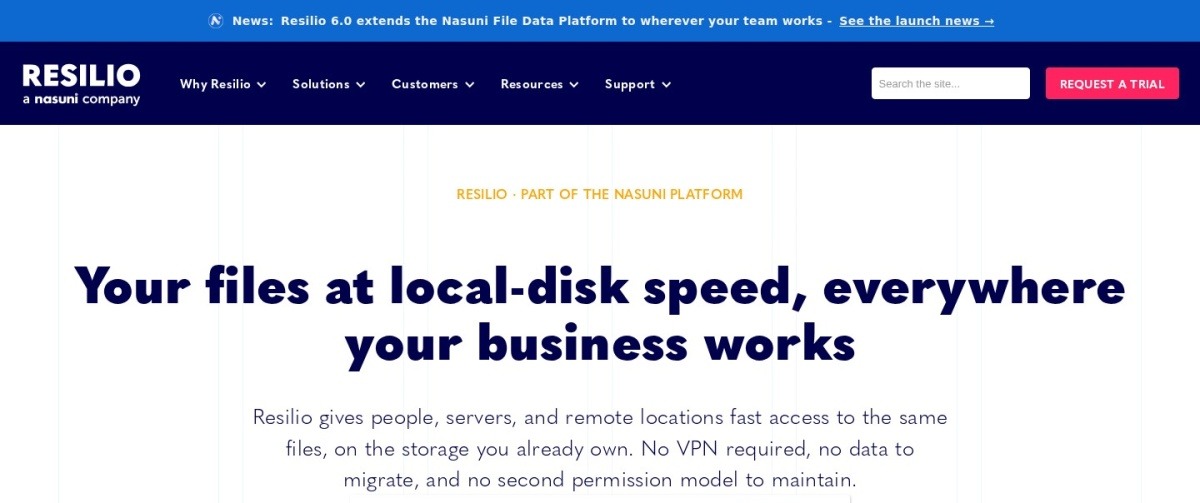
Resilio Sync is a peer-to-peer sync tool that moves files directly between your devices using BitTorrent protocol, with no cloud copy and no file-size limits. The free Sync Home plan covers one user and personal devices, and now includes the former Pro features: selective sync, advanced folder permissions and bandwidth controls.
The trade off is scope. Sync Home is for personal, non-commercial use only, and business use moved to Resilio Active Everywhere with custom pricing. It suits homes and small setups moving large files between computers, phones and a NAS.
What we like
No file-size or storage limits
Former Pro features now free
Fast for large files across many devices
Works over a local network without the internet
Watch out for
Free plan is personal use only
Closed source, so you trust the vendor's code
A peer must be online to receive new files
Business use needs Resilio Active Everywhere, priced on quoteVisit resilio.com
04
GoodSync
4.4/5on Capterra (99 reviews, checked Nov 2026)
Paid from$49.95/yr
Best for scheduled sync with version history
Free planYes, 3 jobs, 100 files
Two-way syncYes
Version historyYes
Paid planWorkstation, $49.95/yr
goodsync.com
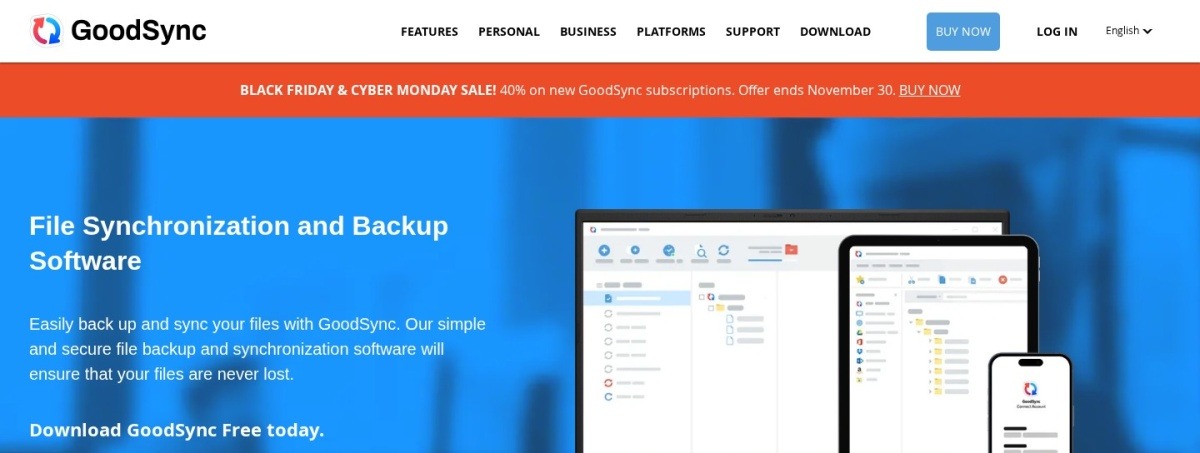
GoodSync homepage, captured Nov 2026.
GoodSync is a file backup and sync tool for Windows, macOS, Linux, NAS and mobile. The free plan covers home, non-commercial use with 3 jobs and 100 files, while paid plans add unlimited jobs and files, block-level copying, version history, ransomware detection and unattended service mode.
The trade off is the free limit. Three jobs and 100 files cover a small backup routine but not a photo archive or a busy folder, so most regular users need Workstation at $49.95 a year per machine. It suits people who want scheduled, set-and-forget sync across many destinations.
What we like
Block-level copying saves time on large files
Runs on desktops, NAS and phones
Version history and ransomware detection
15-day trial of the full paid features
Watch out for
Free plan allows only 3 jobs and 100 files
Paid licence covers one workstation only
Server licence costs $499.95 a year
Workstation adds unlimited jobs and files for $49.95 a yearVisit goodsync.com
05
SyncBackFree
4.8/5on Capterra (118 reviews, checked Nov 2026)
Paid from$59.95/once
Best free Windows backup and sync
Free planYes, any use
Sync modesBackup, mirror, sync
Cloud backupNo, Pro only
Paid planSyncBackPro, $59.95 once
2brightsparks.com
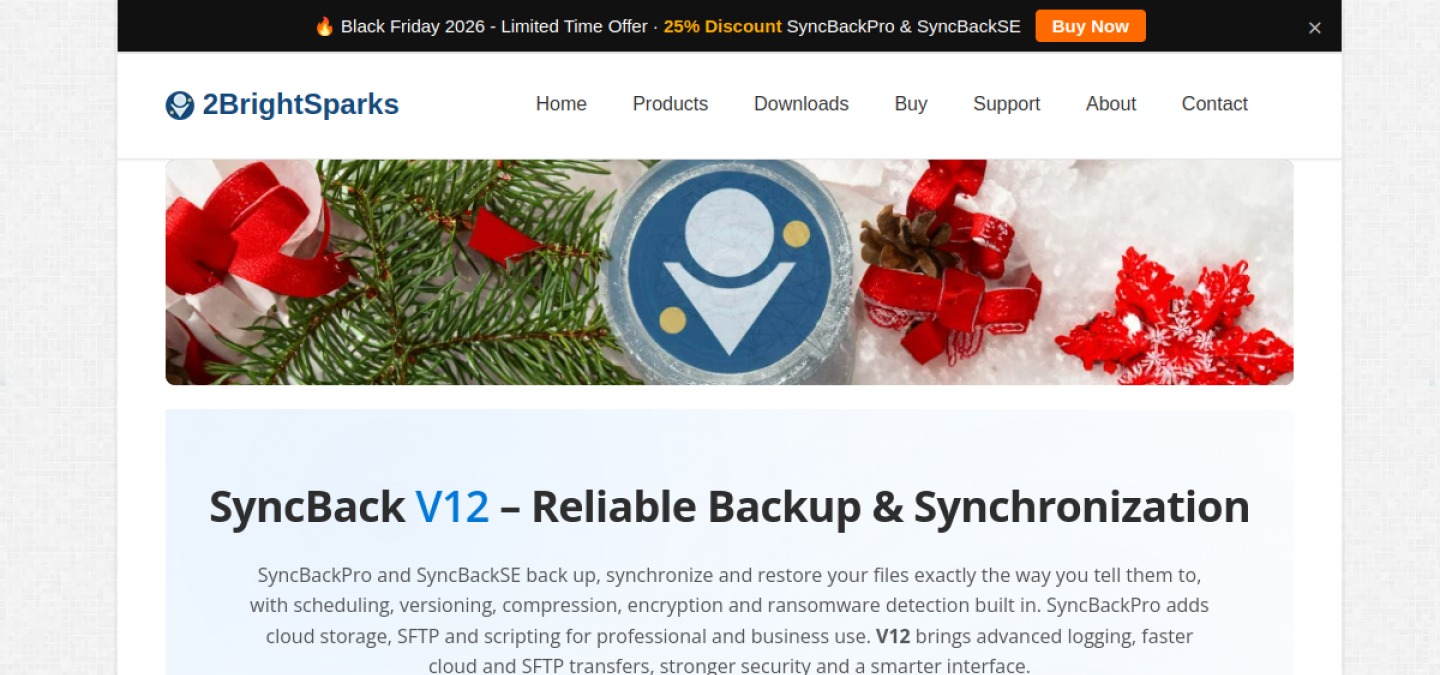
SyncBackFree homepage, captured Nov 2026.
SyncBackFree is a free Windows tool for backup, mirroring and folder sync, from 2BrightSparks. It is free for personal, educational, charity, government and commercial use with no registration, and it covers basic backup and sync to local drives, network shares and USB drives.
The trade off is depth. The free version has no versioning, no cloud storage, no SFTP and no scripting, and it runs on Windows only. SyncBackPro adds cloud backup, SFTP, scripting and email backup for $59.95 as a one-time licence. It suits Windows users who want a free, no-strings sync tool.
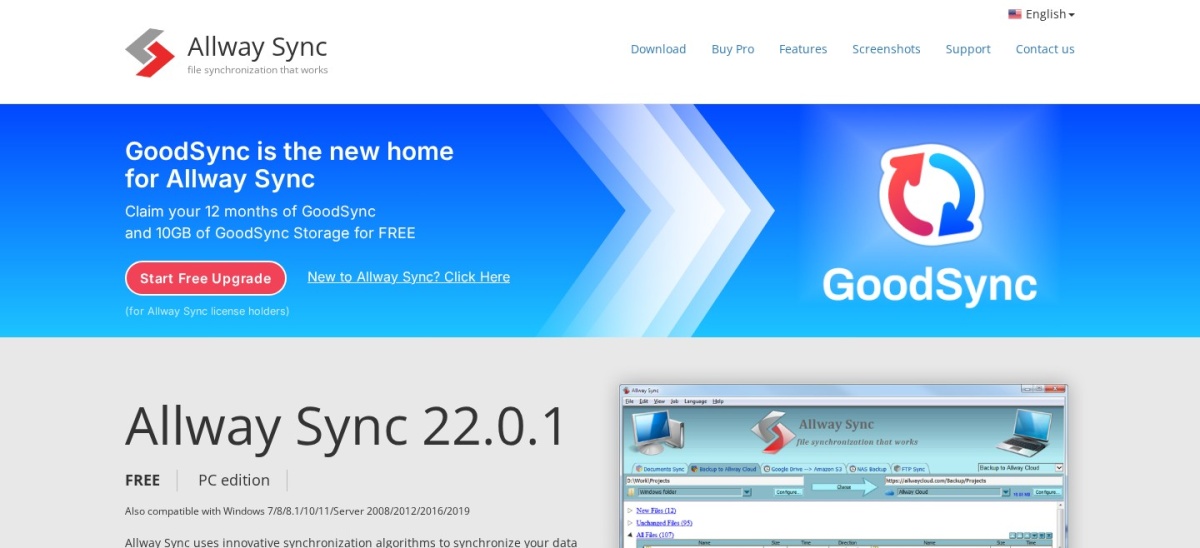
Allway Sync is a Windows file and folder sync tool that works between desktop PCs, laptops, USB drives, FTP and SFTP servers, WebDAV servers and online storage. The free version covers personal use up to 40,000 files in any 30-day period, and a Pro licence removes that limit.
The trade off is reach. Allway Sync runs on Windows only, and commercial use needs the Pro licence at $25.95 as a one-time fee. It suits Windows users syncing folders to a USB drive or a remote server who want the cheapest paid upgrade in this list.
4.2/5on Google Play (32,988 reviews, checked Nov 2026)
Paid from$29.95/once
Best for syncing phones with cloud drives
Free planYes, 2 folder pairs
Cloud services20+, incl. Drive, Dropbox
PlatformsAndroid, Windows, Mac, Linux
Paid planSingle user, $29.95 once
foldersync.io
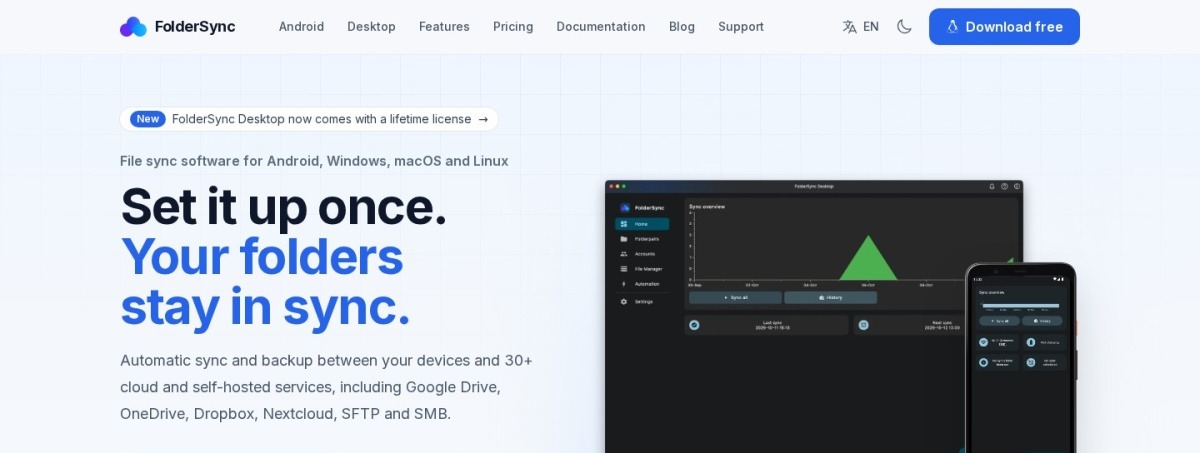
FolderSync homepage, captured Nov 2026.
FolderSync is a sync tool that pairs folders with more than 20 cloud and server services, including Google Drive, OneDrive, Dropbox, Nextcloud, SFTP and SMB. The free desktop version allows 2 accounts and 2 folder pairs with manual sync, and the Android app is free with ads, rated 4.2 out of 5 on Google Play from about 33,000 ratings.
The trade off is the free limit. Scheduled sync, unlimited folder pairs and automation need a paid licence, starting at $29.95 as a one-time payment for one device, and Android and desktop licences are sold separately. It suits people syncing a phone with cloud drives or a NAS.
What we like
Works with 20+ cloud and server services
Android app plus desktop apps
One-time licences, no subscription
Free desktop version never expires
Watch out for
Free version allows only manual sync
Android and desktop licences are separate
Free desktop version allows only 2 folder pairs
Single user licence adds scheduling and unlimited pairs for $29.95 onceVisit foldersync.io
08
AOMEI Backupper
4.3/5on Capterra (46 reviews, checked Nov 2026)
Paid from$49.95/once
Best free sync inside a backup tool
Free planYes, Standard edition
Sync typesBasic and scheduled sync
Sync targetsLocal, USB, NAS, cloud
Paid planProfessional, $49.95 once
aomeitech.com
AOMEI Backupper homepage, captured Nov 2026.
AOMEI Backupper is a Windows backup tool whose free Standard edition also syncs files and folders. Basic sync copies files to local disks, external drives, network shares, NAS or cloud drives, and scheduled sync can run daily, weekly or monthly without further input.
The trade off is focus. Backupper is a backup tool first, so its sync options are simpler than the dedicated sync tools above, and it runs on Windows only. Professional adds differential backup, faster task speed and more triggers for $49.95 as a one-time licence. It suits Windows users who want backup and sync in one free install.
What we like
Free Standard edition with no time limit
Backup, clone and sync in one tool
Scheduled sync runs on its own
One-time paid licence, no subscription
Watch out for
Windows only
Sync options are simpler than dedicated tools
Paid editions add the faster task speed
Professional adds differential backup and more triggers for $49.95 onceVisit aomeitech.com
09
Syncovery
5/5on Capterra (2 reviews, checked Nov 2026)
Starts at$39.90/once
Best paid-only sync for servers and NAS
Free planNo, trial only
Cloud supportProfessional and up
Real-time syncProfessional and up
Paid planStandard, $39.90 once
syncovery.com
Syncovery homepage, captured Nov 2026.
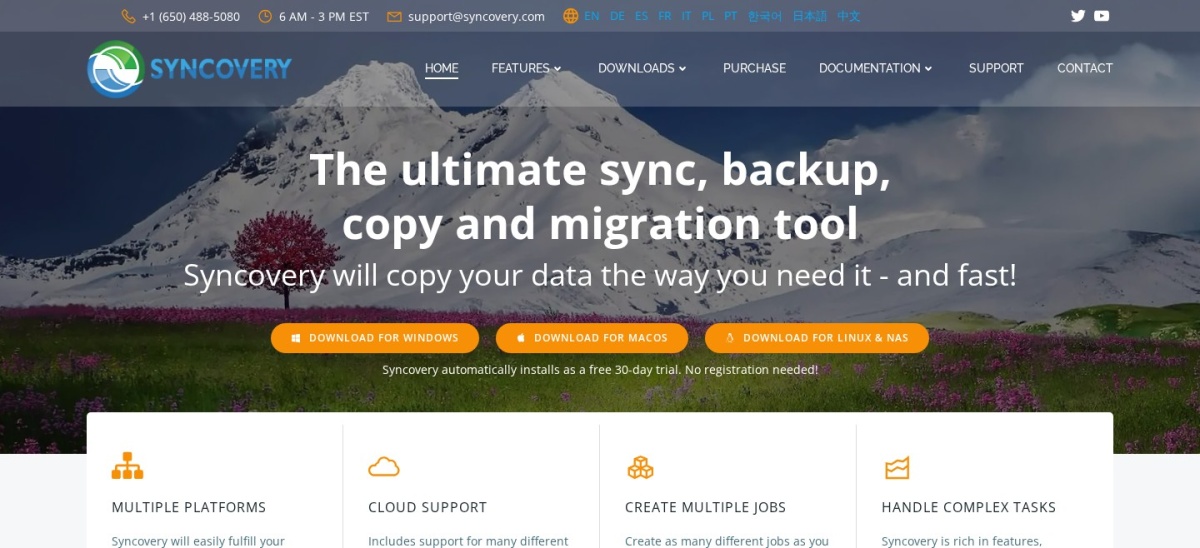
Syncovery is a file sync and backup tool sold as a one-time licence, with desktop and NAS downloads. Standard costs $39.90 for private use and covers local and network sync with scheduling, while Professional at $69.90 adds FTP, S3, WebDAV and cloud services, encryption and real-time sync.
The trade off is that there is no free plan, only a trial, so it sits last in a free list. Business use costs more, from $99.90 for Standard. It suits people who want a paid, one-time sync tool for a server or NAS and do not mind paying up front.
What we like
One-time licence, no subscription
Desktop and NAS downloads
Unlimited jobs from Professional
Rated 5.0 out of 5 on Capterra
Watch out for
No free plan, trial only
Standard has no cloud, FTP or encryption
Business licences cost far more
Professional adds cloud, encryption and real-time sync for $69.90 onceVisit syncovery.com
Free vs paid: what you give up
Free plans cover the basics well. Most include two-way sync, folder comparison and some form of scheduling or automation.
Paid plans mostly add reach and automation. You get cloud targets, real-time sync, versioning and more jobs or files.
If you only sync a few folders between two drives, a free plan is often enough. Our 3-2-1 backup rule guide shows why sync alone is not a backup.
For a NAS or a server that must stay in sync all day, the first year of a paid plan often costs less than the time spent fixing a missed sync.
How we chose
We started from the best-known free folder sync tools: desktop sync apps, peer-to-peer sync tools and backup tools with a free sync mode, then kept those with a working free plan or trial.
Prices come from each vendor's pricing page or a review listing that quotes it, checked on 25 November 2026. Ratings come from G2, Capterra or Google Play on the same day. Where a vendor shows a sale, the list shows the regular price.
We left out tools with no public rating and tools not updated in years. No vendor paid for a place, and we do not claim hands-on testing for this list.
How to choose free folder sync software
Start with where your folders live, then match the tool to the job.
Decide what syncs with what. Two drives on one PC need a desktop tool such as FreeFileSync. Two devices need a peer-to-peer tool such as Syncthing or Resilio Sync.
Check the free plan limits first. GoodSync allows only 3 jobs and 100 files free, and FolderSync allows only manual sync, so count your folders before you install.
Pick one sync tool per folder pair. Two sync tools watching the same folders can fight over changes. Choose one tool and let it own that pair.
Keep a separate backup. Sync copies mistakes and deletions too. See our 3-2-1 backup rule guide and keep an offline copy.
FAQ
What is the best free folder sync software?
FreeFileSync is the best free pick for most people. Its free version compares folders, copies only the differences and works on Windows, Mac and Linux, and it is rated 4.0 out of 5 on Capterra.
Is Syncthing really free?
Yes. Syncthing is free, open-source software with no paid plan at all, and the project runs on donations. It syncs folders directly between your devices with no account and no cloud copy.
What is the difference between folder sync and cloud storage?
Folder sync keeps two folders identical, usually on your own drives or devices. Cloud storage keeps a copy on a provider's servers. Peer-to-peer sync tools such as Syncthing and Resilio Sync use no cloud at all.
Can free folder sync software sync to Google Drive?
Some can. FreeFileSync syncs to Google Drive, and FolderSync works with Google Drive and more than 20 other services. Syncthing and Resilio Sync sync only between your own devices.
Does folder sync back up my files?
Not on its own. Sync copies changes, including deletions and mistakes, to the other folder. Keep a separate backup that sync cannot overwrite, such as an offline drive.
Which free folder sync tool works on a phone?
FolderSync has an Android app, and Resilio Sync runs on Android and iOS. Syncthing has an Android app but no iOS app, and FreeFileSync, SyncBackFree and Allway Sync are desktop only.
SaaS SEO and WordPress specialist with about 8 years of experience. Rakib compares WordPress plugins, themes, hosting and software using public pricing, documentation and user reviews. See how we rank.