Everything is the best free file organizer for most people, because it finds any file on Windows the moment you start typing, costs nothing, and has no paid tier. Pick TagSpaces if you organize by tags across Windows, Mac and Linux, and Adobe Bridge if you manage large photo and design libraries.
How we make this list: we compare pricing pages, product documentation and public user reviews, then re-check every price before each update. No product paid for a place. Disclosure.
Everything finds any file on Windows as you type, costs nothing, and has no paid tier at all.
TagSpaces Lite is free and open source, with tags that travel with files; its Pro edition is priced on request.
Adobe Bridge is free with a free Adobe account and is rated 4.3 out of 5 on G2 from 349 reviews.
Double Commander is rated 4.7 out of 5 on SourceForge from 161 ratings and runs on Windows, Mac and Linux.
Duplicate Cleaner Pro costs $54.95 once, while its free edition is for personal use only.
What a free file organizer should cover
File organizer software covers several jobs at once: finding files, sorting them, removing duplicates and seeing what fills a disk. No single free tool does all four well, so most people end up with two or three.
Start from the pain, not the feature list. If files go missing, a search tool matters most. If the drive is full of copies, a duplicate finder comes first. If new files arrive faster than they get filed, rules or tags help more than another folder tree.
Free does not always mean free for work. Tools in this list carry different licenses, so read the license line before installing one on a company machine. Our guide on creating folders in the WordPress media library shows the same folder habit inside WordPress.
Back up before any bulk action. Duplicate deletion and mass sorting are safe when the tool previews first, but a backup is cheap insurance. Keep one copy of anything you cannot replace.
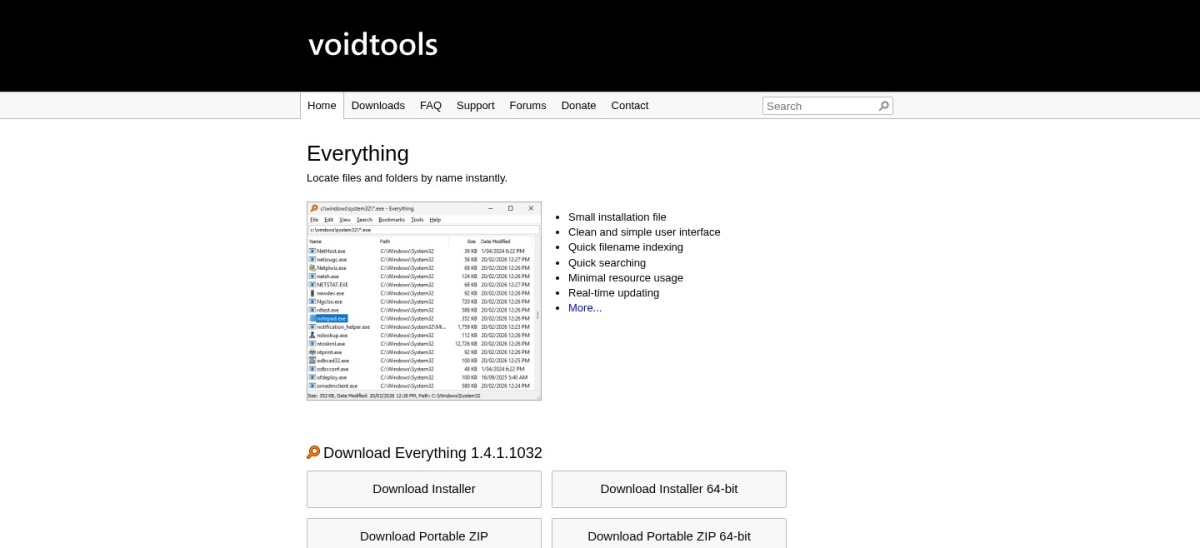
Everything is a free filename search tool for Windows from voidtools. It reads the NTFS file table once, then shows matching files and folders as you type, with no paid tier and no account. The current stable release is 1.4.1, with a portable build that runs without installing anything.
The trade off is scope. Everything finds files by name, not by what is inside them, and it runs on Windows only, so Mac and Linux users need another tool. It suits anyone whose main problem is locating a file they know they saved.
TagSpaces is a free, open-source file organizer that sorts files with color-coded tags instead of folders. Tags travel with the files, so they survive moves, renames and syncing, and the free Lite edition covers tagging, notes, previews of 50+ formats and saved searches on Windows, Mac and Linux.
The trade off is effort. A tagging system only pays off if files are tagged as they arrive, and the extra views, such as Kanban and map views, sit in Pro, which is priced on request. It suits research libraries and shared archives where folders alone are not enough.
What we like
Tags travel with files, no database or account needed
Runs on Windows, Mac and Linux
Previews 50+ file formats in the app
Watch out for
Tagging takes discipline to maintain
Pro has no published price; it is quote on request
Adobe Bridge is a free creative asset manager from Adobe that previews, organizes and renames photos, video and design files. It adds keywords, labels, ratings and metadata, supports batch renaming, and opens files directly in Photoshop and other Creative Cloud apps. A free Adobe account is needed to download it.
The trade off is weight. Bridge is built for creative files, so it is more than a general file manager needs, and it needs an Adobe account and internet access to activate. It suits photographers and designers who already work with Adobe apps and large image libraries.
What we like
Free with a free Adobe account, no subscription needed
Batch rename and metadata editing built in
Opens files directly in Creative Cloud apps
Watch out for
Needs an Adobe account and internet access to activate
Heavier than a general file manager
No paid tier in Bridge; Creative Cloud apps cost extraVisit adobe.com
04
Double Commander
4.7/5on SourceForge (161 reviews, checked Nov 2026)
PriceFree
Best cross-platform dual-pane manager
PlatformWindows, Mac, Linux
LayoutDual pane, tabbed
SearchFull-text search in files
Paid tierNone
doublecmd.sourceforge.io
Double Commander homepage, captured Nov 2026.
Double Commander is a free, open-source file manager with two folder panes side by side on Windows, Mac and Linux. It includes a multi-rename tool, tabbed browsing, full-text search, archive handling for ZIP and 7Z files, and support for Total Commander plugins, FTP and SFTP.
The trade off is looks and learning. The interface follows the old Commander style, and its keyboard shortcuts take an afternoon to learn. It suits mixed-platform teams that want one free file manager with the same workflow on every desktop.
4.9/5on SourceForge (164 reviews, checked Nov 2026)
PriceFree
Best for seeing what fills a disk
PlatformWindows only
ViewTreemap by file size
Duplicate checkBy content hash
Paid tierNone
windirstat.net
WinDirStat homepage, captured Nov 2026.
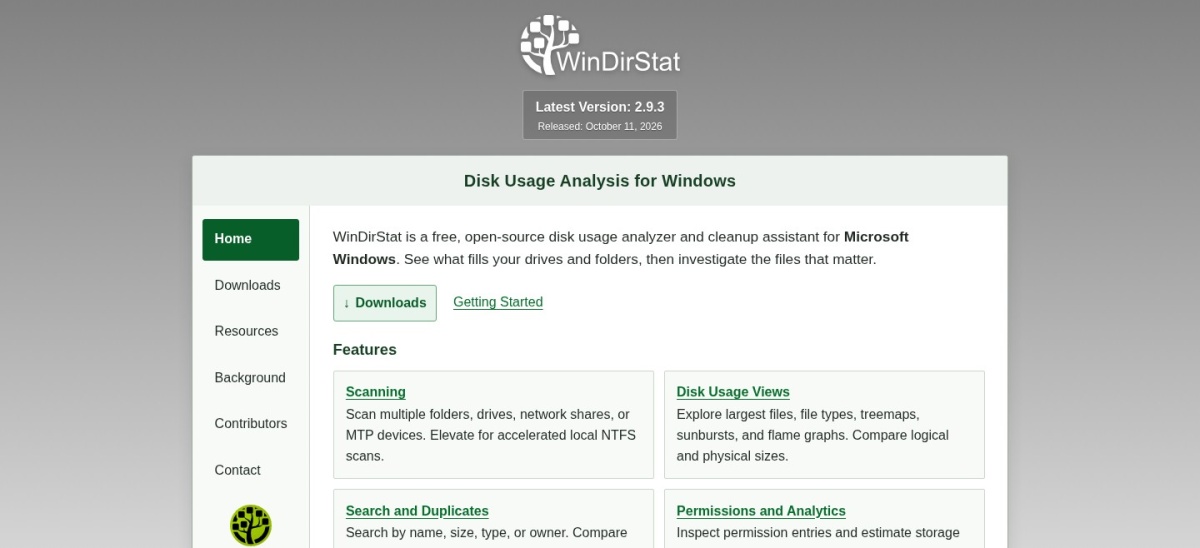
WinDirStat is a free, open-source disk usage viewer for Windows that shows where drive space has gone. It lists folders by size, breaks files down by extension, and draws a treemap where each rectangle is a file, sized by its footprint. The 2.x releases also add duplicate detection by content hash.
The trade off is speed and scope. Full-drive scans take a while on large disks, and it is Windows-only, so it organizes nothing by itself. It suits the first step of any cleanup: finding the forgotten video render or log folder before deleting anything.
4.5/5on Microsoft Store (2,280 reviews, checked Nov 2026)
Paid from$12.99/one-time
Best modern Explorer replacement
PlatformWindows only
LayoutTabs, dual pane, columns
OrganizingColor tags
Store price$12.99, one-time
files.community
Files homepage, captured Nov 2026.
Files is a free, open-source file manager for Windows with tabs, a dual-pane view, color tags and a columns layout. It shows folder sizes in the file list, includes built-in Git status, file hashes and a command palette, and the classic installer from files.community is free. The Microsoft Store copy costs $12.99 as a supporter purchase.
The trade off is performance. Users report slow folder and tab opening and memory use that grows over long sessions, and setting it as the default file manager is experimental. It suits Windows 11 users who want a modern Explorer with tags and dual panes.
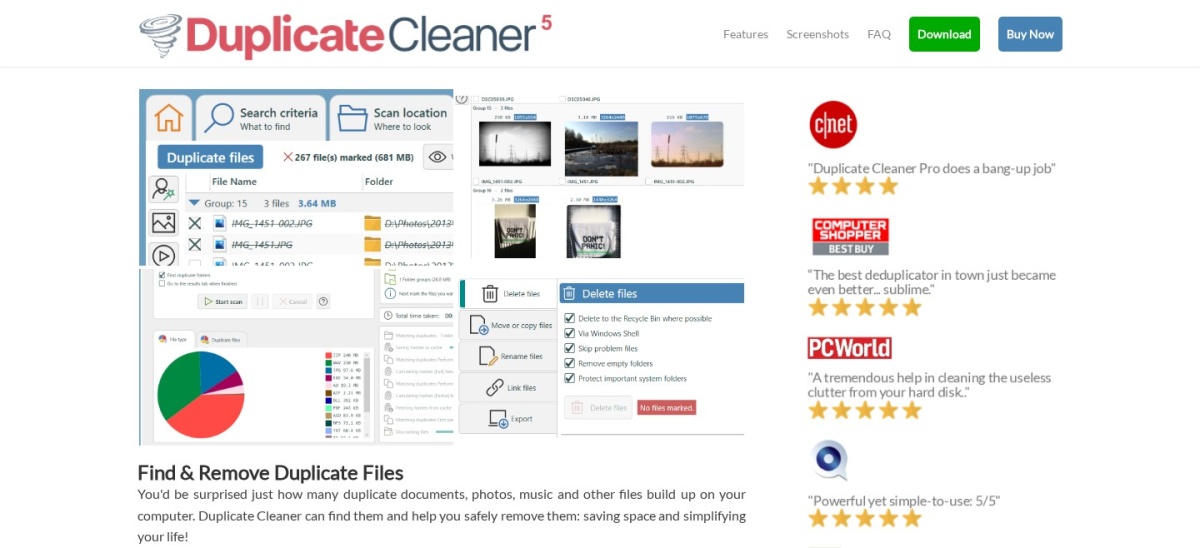
Duplicate Cleaner is a Windows tool that finds duplicate files, folders, photos and music, then helps remove them safely. A setup wizard walks through folder and criteria choices, and the Selection Assistant marks duplicates by group, date or location. The free edition covers core duplicate finding for personal use.
The trade off is the free limit. Similar-image detection, zip searching and duplicate folder finding sit in Pro, which costs $54.95 once, and the free edition is for personal use only. It suits non-technical users who want a guided duplicate cleanup.
What we like
Wizard-led setup makes first scans easy
Selection Assistant helps mark files safely
Free version covers core duplicate finding
Watch out for
Free version is for personal use only
Similar-image detection and zip searching need Pro
Lowest Trustpilot rating in this list, 2.7 out of 5
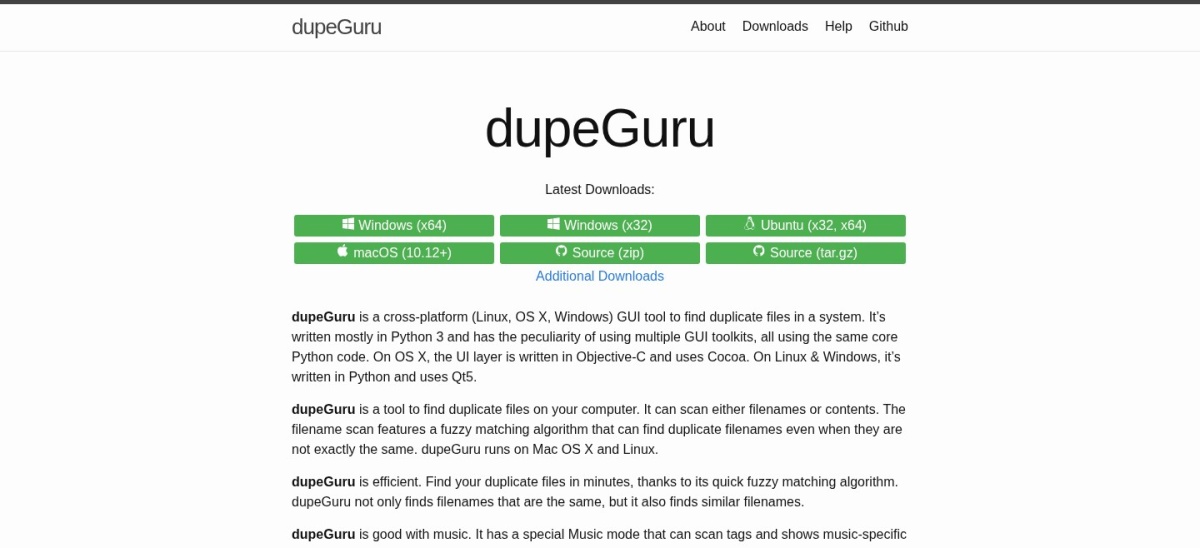
dupeGuru is a free, open-source duplicate finder for Windows, Mac and Linux that scans by filename or by file contents. Its fuzzy matching catches near-duplicate names, and separate Music and Picture modes understand ID3 tags and find visually similar images. A reference-directory system guards against deleting the wrong copy.
The trade off is maintenance. The newest release dates from July 2022, the interface looks dated, and large scans can be slow. It suits careful users who want a fully free duplicate sweep with no paid tier at all.
What we like
Fuzzy matching finds near-duplicate filenames
Dedicated modes for music and pictures
Runs on Windows, Mac and Linux
Watch out for
Dated interface
Not actively developed; newest release is from 2022
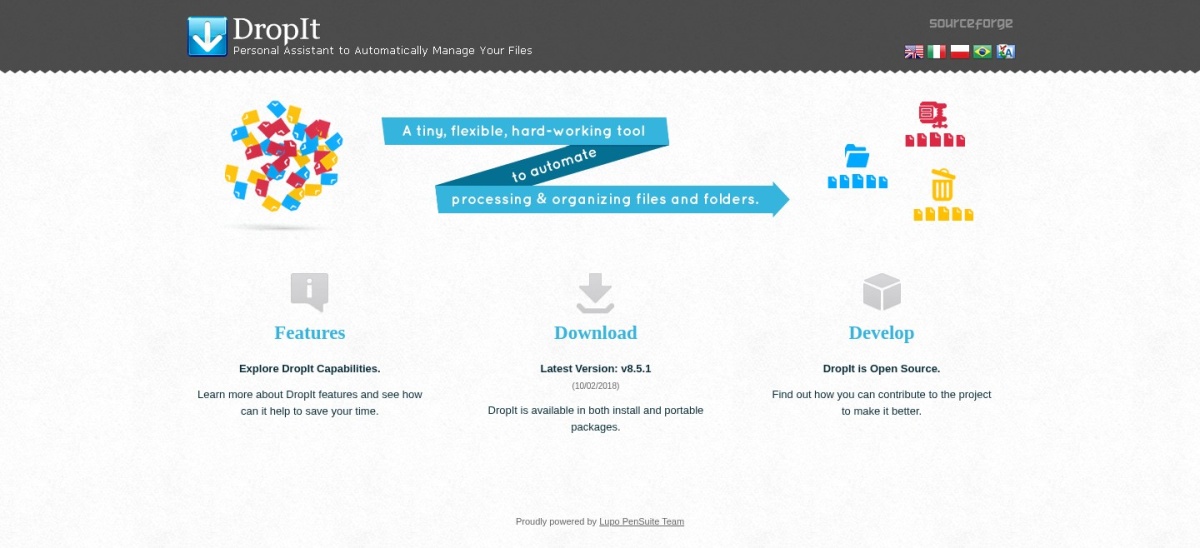
DropIt is a free, open-source Windows tool that sorts files automatically using rules you define once. Drop files on its floating target, or let it watch a folder, and it can move, rename, compress, encrypt or upload them, with 21 actions in total. Rules filter by name, size, date or regular expression.
The trade off is age. The last release was version 8.5.1 in 2018, so it is in maintenance mode, and it is Windows-only. It suits taming a chaotic Downloads folder or routing new files to project folders with almost no daily effort.
What we like
21 actions from move and rename to encrypt and upload
Free plans cover the basics well. Every tool in this list is free for personal use, and six of the nine have no paid tier at all.
Paid upgrades mostly add convenience and commercial use. Duplicate Cleaner Pro adds similar-image detection and zip searching for $54.95 once, and the Files Store copy is a $12.99 supporter purchase for the same free app.
TagSpaces Pro is the exception: the vendor lists no published price and asks buyers to contact it for a custom quote. If a tool will not state its price, treat that as part of the cost.
How we chose
We started from the file tools people actually recommend for organizing files: search tools, tag organizers, dual-pane managers, duplicate finders and disk viewers, then kept only those with a genuinely free version.
Prices come from each vendor's pricing or purchase page, checked on 25 November 2026. Ratings come from G2, Trustpilot, SourceForge or the Microsoft Store on the same day, and the review counts are shown with each tool.
We left out tools that are trials only and tools with no public rating we could verify. No vendor paid for a place, and we do not claim hands-on testing for this list.
How to choose a free file organizer
Match the tool to the job, then install only what you need.
Work out what hurts most. Finding, sorting, duplicates or disk space each point to a different tool. Start with the one problem that costs you the most time each week.
Check the platform first. Five tools here are Windows-only. If your household or team mixes Mac and Linux, start with TagSpaces, Double Commander or dupeGuru.
Read the license before work use. Some free editions are for personal use only. Confirm the current terms on the vendor site before installing on a company machine.
Back up, then try one tool at a time. Run a duplicate scan or a sorting rule on a copy of a folder first. See our clean-up guide for a safe order of work.
FAQ
What is the best free file organizer software?
Everything is the best free pick for most people, because it finds any file on Windows as you type, costs nothing and has no paid tier. TagSpaces is the best cross-platform pick for organizing by tags, and Adobe Bridge leads for photo and design libraries.
Which free file organizer is best for Mac?
TagSpaces, Double Commander and dupeGuru all run on Mac, with TagSpaces the easiest starting point. Everything, WinDirStat, DropIt, Files and Duplicate Cleaner are Windows-only, so Mac users should start with the cross-platform three.
Are these file organizers really free?
Yes, for personal use. Everything, TagSpaces Lite, Double Commander, WinDirStat, dupeGuru, DropIt and Adobe Bridge cost nothing with no time limit. Duplicate Cleaner free is for personal use only, and Files is free through its classic installer.
Can these tools delete my files automatically?
Only if you tell them to. Duplicate Cleaner and dupeGuru delete only the copies you mark, and DropIt deletes only by a rule you wrote. All of them preview first, and deletions can usually go to the Recycle Bin. Back up before any bulk delete.
Do I need more than one of these tools?
Most people need two or three. A common setup is Everything for search, Duplicate Cleaner or dupeGuru for duplicates, and DropIt or TagSpaces for incoming files. The tools solve different problems, so stacking a finder, a cleaner and a sorter covers nearly everything.
What is the difference between dupeGuru and Duplicate Cleaner?
Both find duplicate files, but dupeGuru is fully open source and free forever with a technical interface, while Duplicate Cleaner offers a guided wizard and a friendlier free version with an optional paid Pro edition. Choose dupeGuru for cost certainty and Duplicate Cleaner for ease of use.
SaaS SEO and WordPress specialist with about 8 years of experience. Rakib compares WordPress plugins, themes, hosting and software using public pricing, documentation and user reviews. See how we rank.